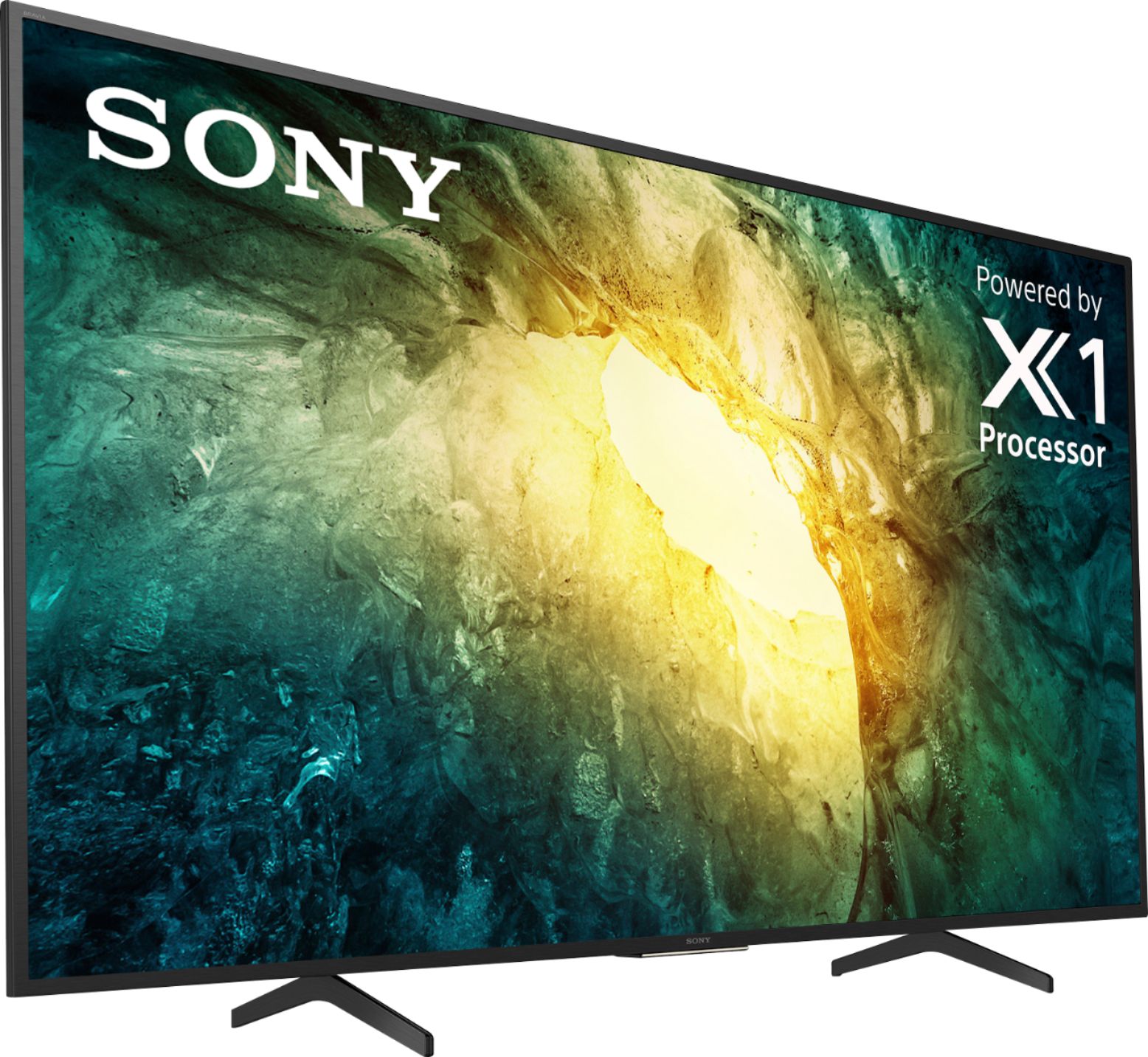
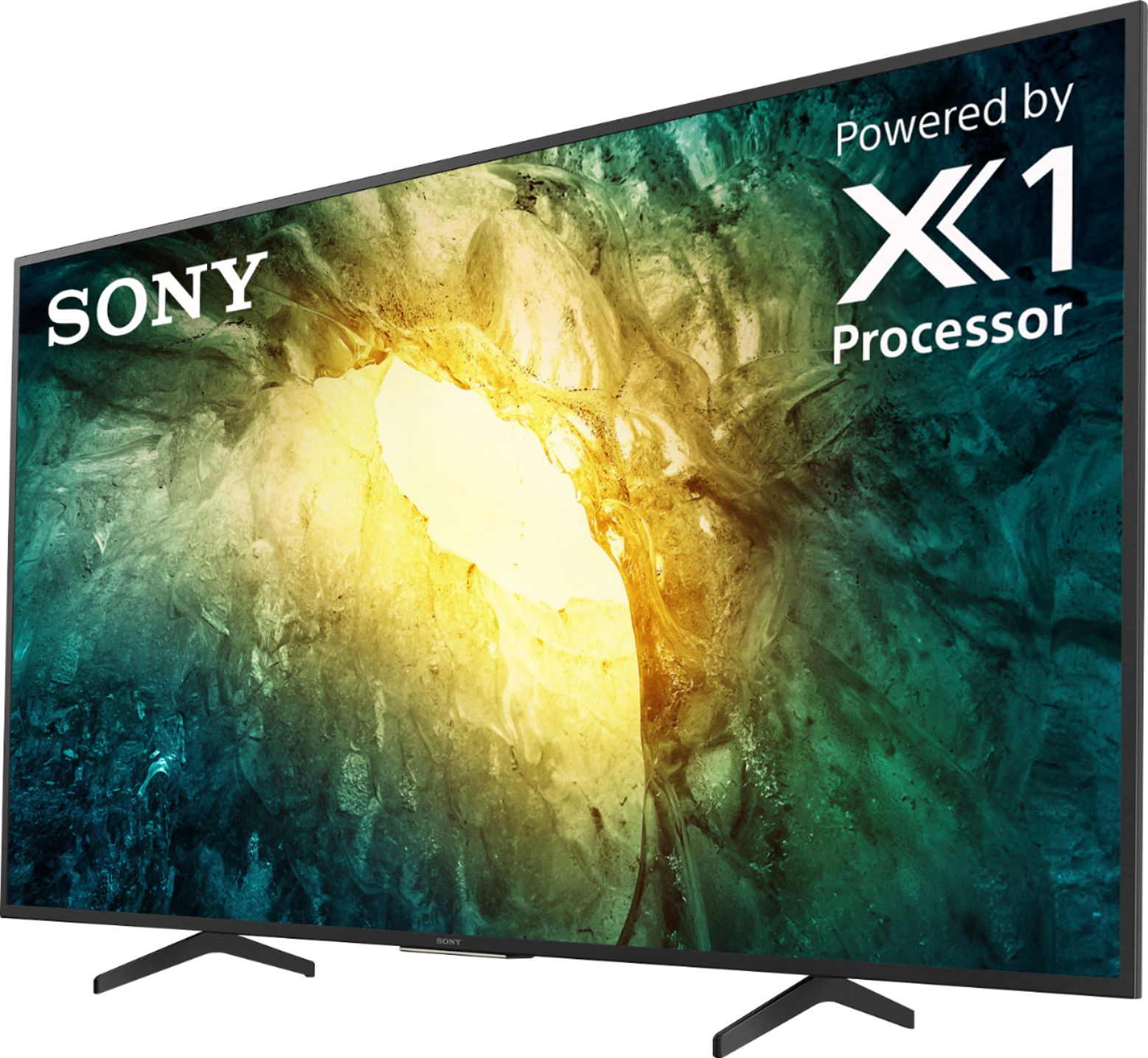
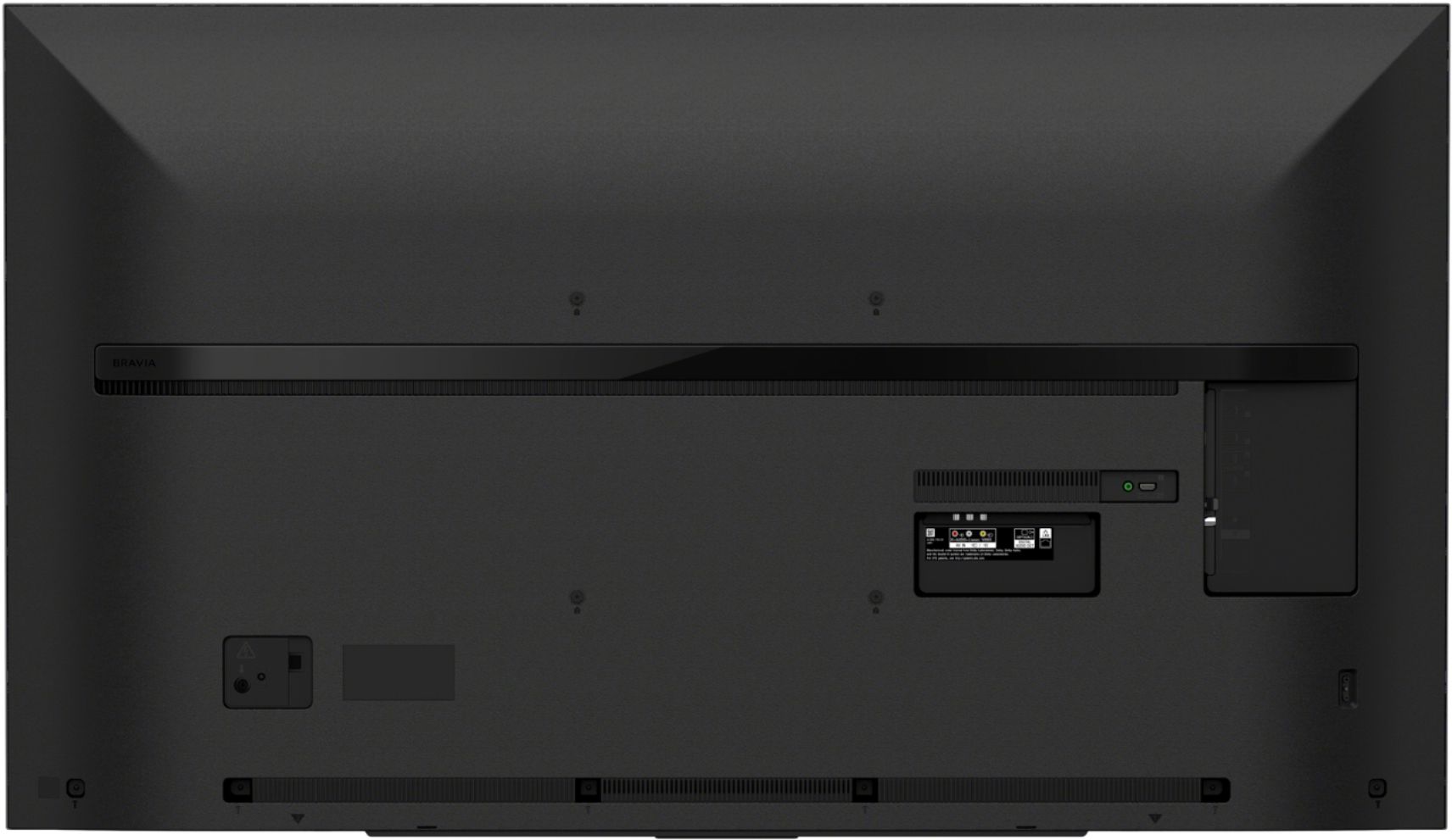
A:AnswerThis is where you need to go to download everything you might need for your Sony TV:
https://www.sony.com/electronics/support/product/kdl-55hx750/manuals
A:AnswerHello, Thank you for the inquiry! Yes, this TV has headphone output and is capable to play sound at the same time with the TV speakers. However, the source device must have multiple audio outputs. For your reference, please check the instructions from the link below:
https://www.sony.com/electronics/support/televisions-projectors-lcd-tvs-android-/kd-55x750h/articles/00049501
I hope this helps! Jay
A:AnswerWarranty is one year. You should always get an extended warranty. TVs nowadays are built in a rush. Quantity not quality. I purchased a 2 year extended warranty from Best Buy.
A:AnswerHi Earl47, we appreciate your interest in our product. The operating temperature of this unit is 0 ºC – 40 ºC / 32 ºF – 104 ºF. Hope this helps. Thank you. ~Earl
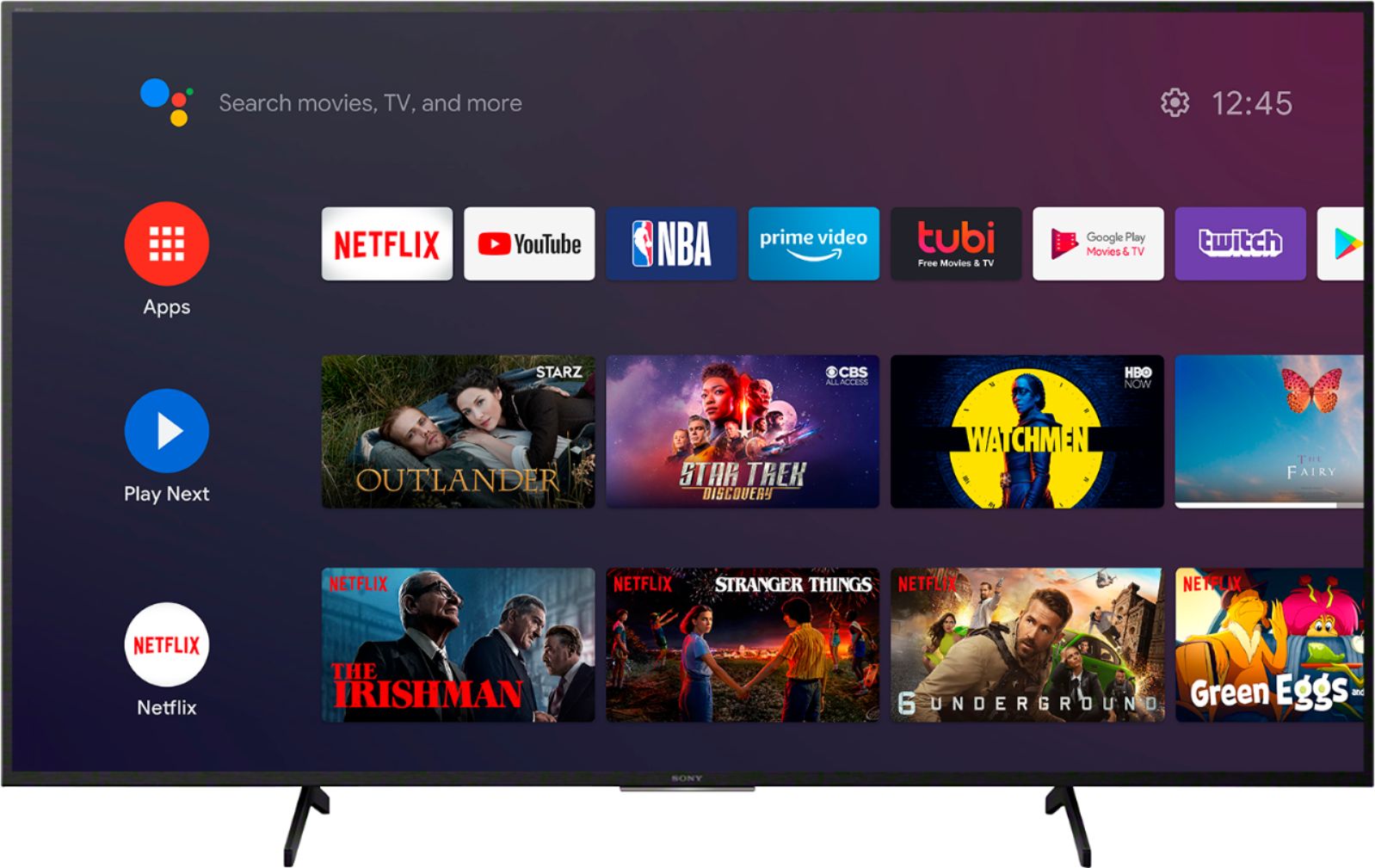
A:AnswerHi ME, Thank you for the inquiry. The Android TV is a smart TV powered by Android and has features that support Android or iOS. This TV works with the Chromecast Built-in. Chromecast lets you cast your favorite videos, games, and apps from your mobile device, in full quality, to your Chromecast built-in TV. Just one tap of the Cast button on your Android or iOS screen is all you need to supersize the things you love. Cast your content then continue browsing on your phone or tablet. For more details, please check our Sony eSupport website. I hope this helps! Jay
A:AnswerHi James, Thank you for the inquiry. Unfortunately, the Spectrum App is not available on the Google Play Store. Also, it is not pre-installed on this X750H 4K HDR LED Smart Android TV. However, you can use the built-in Chromecast feature to cast the content from the Spectrum TV app to their Sony TV. Chromecast. Chromecast lets you cast your favorite videos, games, and apps from your mobile device in full quality to your Chromecast built-in TV. Just one tap of the Cast button on your Android or iOS screen is all you need to supersize the things you love. Cast your content, then continue browsing on your phone or tablet. I hope this helps! Jay
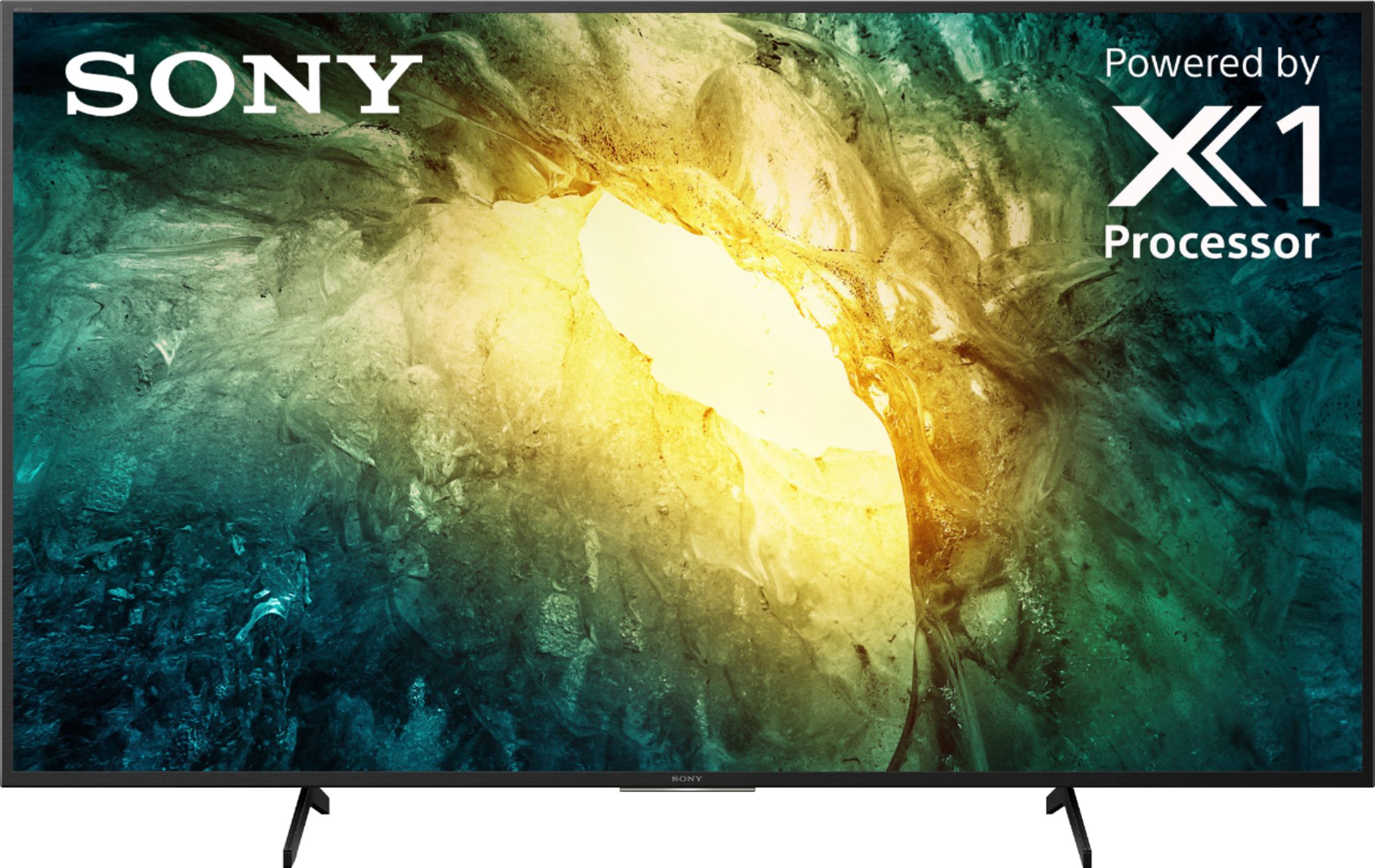
A:AnswerHi Caster, Thank you for the inquiry. The X750H supports Chromecast built-in. Chromecast lets you cast your favorite videos, games, and apps from your mobile device, in full quality, to your Chromecast built-in TV. Just one tap of the Cast button on your Android or iOS screen is all you need to supersize the things you love. Cast your content then continue browsing on your phone or tablet. I hope this helps! Jay