Black Friday is hereAlso, shop the 24-Hour Flash Sale.Shop now

Main Content

Questions & Answers

Your price for this item is $119.99
Clearance
The comparable value price is $599.99
Page Showing 61-80 of 234 questions
  • Questionpicture in picture feature?

    Asked by peter.

    • Answer Hi peter, Thank you for inquiring about the availability of the Picture in Picture feature on this TV. Unfortunately, the X750H doesn't support the PIP feature. However, you can enjoy a lot of features with this TV. For more specific features, please check your TV model at our Sony eSupport website. I hope this helps! Jay

      Answered by SonyListens

  • QuestionDoes it have a built in camera

    Asked by charlie.

    • Answer No, it doesn’t have a camera.

      Answered by Jason777

  • QuestionWill the X750H ever support apple tv plus or airplay?

    Asked by AJ.

    • Answer Hi AJ, Thank you for the inquiry. Unfortunately, the X750H does not support Apple Airplay, Apple HomeKit, and Apple TV. However, this TV has Chromecast Built-In. You can check the X900H and the 2021 Sony TV model series for the features supporting the Apple applications. I hope this helps. Jay

      Answered by SonyListens

  • QuestionAre all apps on Google Play downloadable to this device? ex: Roku, Discovery+ etc.

    Asked by Apps.

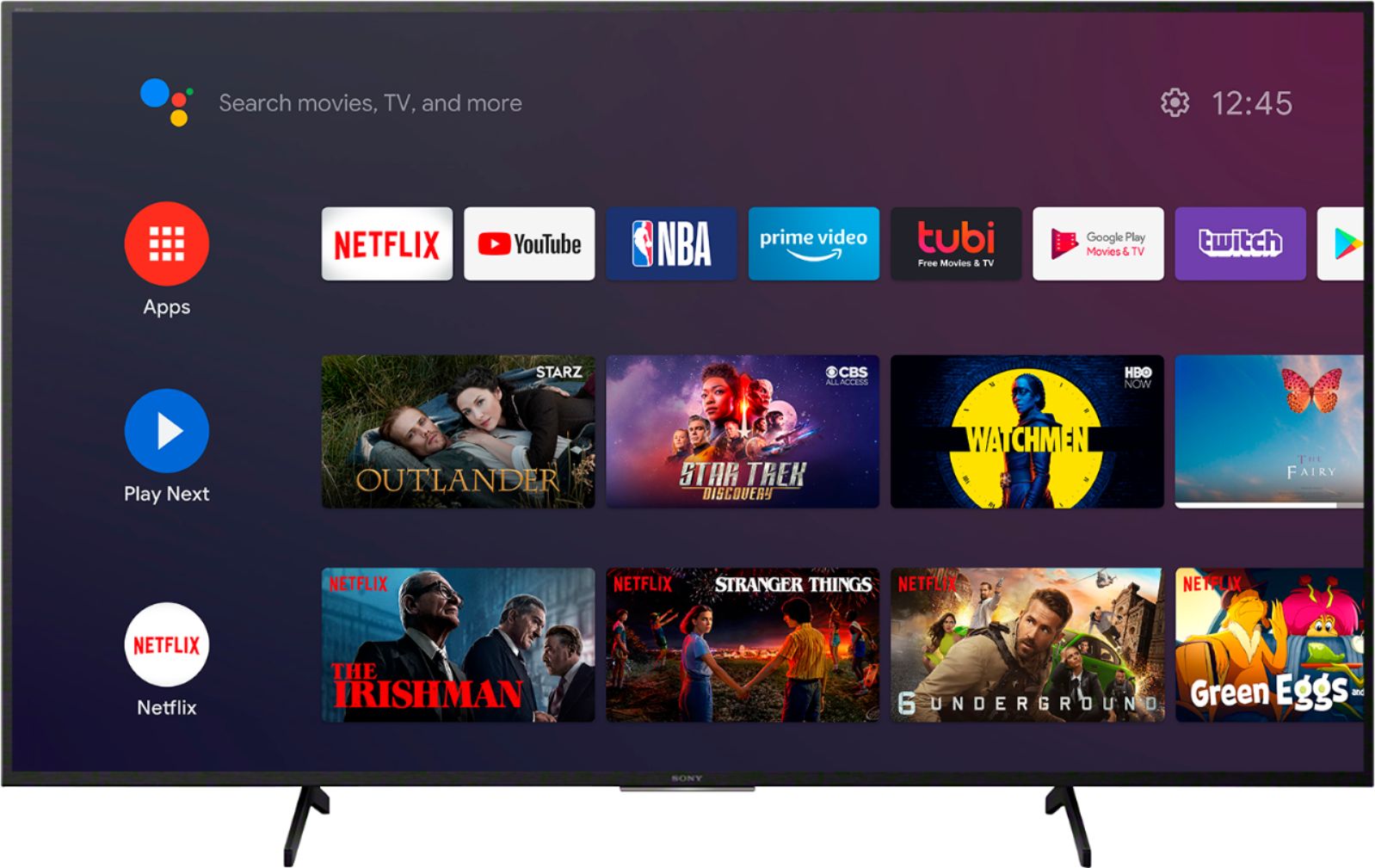
    • Answer Hi Apps, Thank you for the inquiry. You can install apps from the Google Play Store to the X750H, just like you do with smartphones and tablets. However, you can only install apps that are compatible with TVs. They may differ from apps for smartphones/tablets. For more details, please check the link below: https://www.sony.com/electronics/support/televisions-projectors-lcd-tvs-android-/kd-55x750h/articles/00120598 I hope this helps! Jay

      Answered by SonyListens

  • QuestionIs this tv compatible with and will mirror from iPhone 12 Pro Max ?

    Asked by Gia.

    • Answer Hi Gia, Thank you for the inquiry. Unfortunately, the X750H doesn't have Screen Mirroring. However, the X750H has a built-in Chromecast. Chromecast lets you cast your favorite videos, games, and apps from your mobile device in full quality to your Chromecast built-in TV. Just one tap of the Cast button on your Android or iOS screen is all you need to supersize the things you love. Cast your content, then continue browsing on your phone or tablet. I hope this helps! Jay

      Answered by SonyListens

  • Questionwill this tv support wireless sound bars

    Asked by Larry.

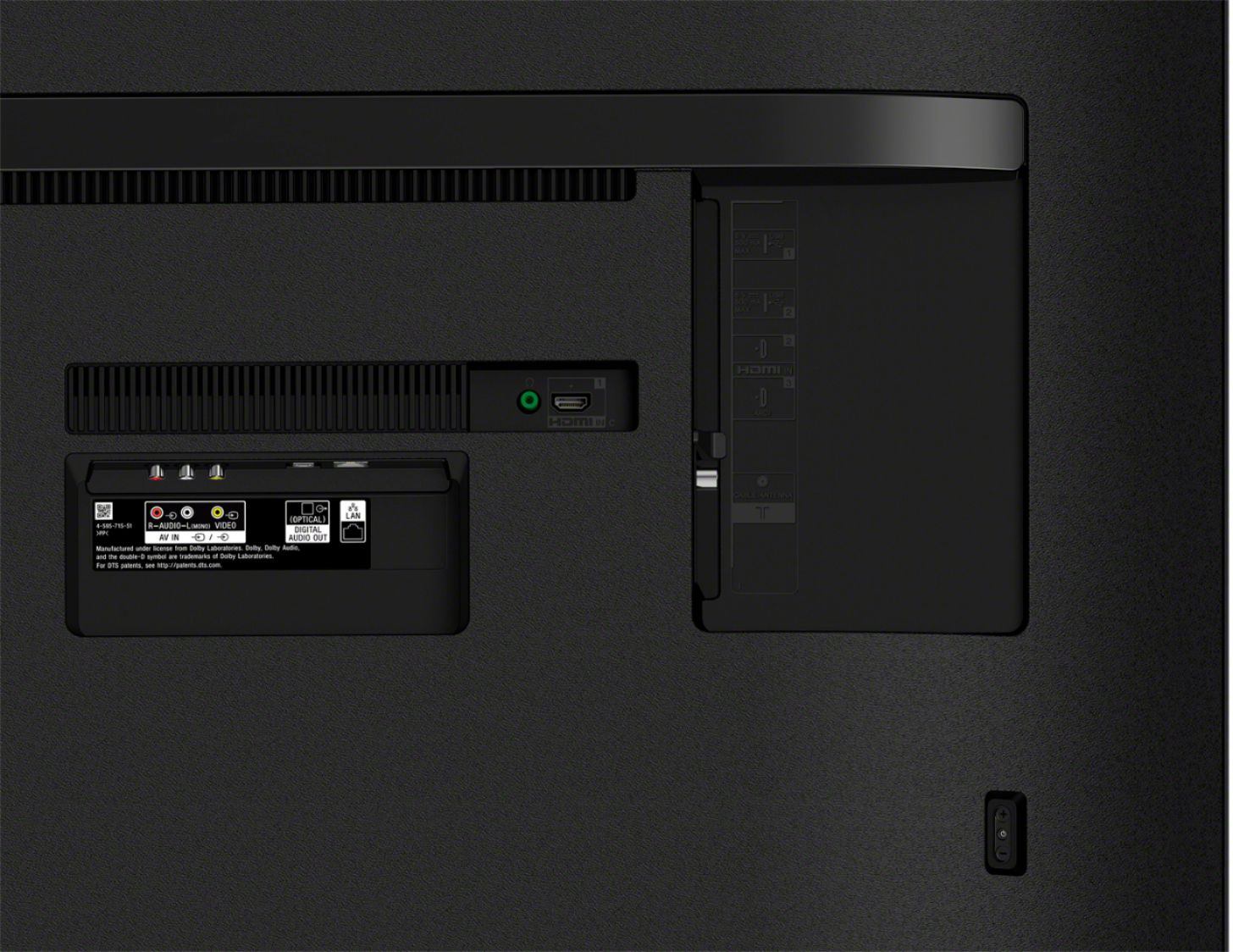
    • Answer Hi Larry, thank you so much for your inquiry. Unfortunately, the X750H does not natively support A2DP Bluetooth audio out for wireless headphones, speakers, and soundbars. This tv has support for Bluetooth Version 4.2; HID (mouse/keyboard connectivity)/HOGP (Low Energy device connectivity)/SPP (Serial Port Profile). TVs that support the A2DP (Advanced Audio Distribution Profile) Bluetooth profile can connect with Bluetooth audio devices. Our X900H/X90CH and higher as well as Sony 2021 TV models X80J and up have this feature. I hope this helps! - Romeo

      Answered by SonyListens

  • QuestionWhat is the frame rate/hertz?

    Asked by Anonymous.

    • Answer Hello, Thank you for the inquiry. The motion enhancer of the X750H is Motionflow™ XR 240 (Native 60 Hz). I hope this helps! Jay

      Answered by SonyListens

  • QuestionDoes the "Sony - 55" Class X750H Series LED 4K UHD Smart Android TV" come with an ATSC 3.0 tuner or a standard ATSC 1.0 tuner (which will be obsolete within the next five years)?

    Asked by Bobby.

    • Answer Hi Bobby, Thank you for the inquiry. Unfortunately, the X750H does not support ATSC 3.0 tuner. The TV has ATSC 1.0 tuner. The ATSC/NEXTGEN TV (ATSC 3.0) is built-in on all Sony 2021 TV models. I hope this helps! Jay

      Answered by SonyListens

  • QuestionIs ROCU built in?

    Asked by BSBOWMAN.

    • Answer Hi BSBOWMAN, Thank you for the inquiry. Unfortunately, the X750H doesn't have a built-in Roku. However, you can connect the streaming player in HDMI input. The X750H has pre-installed applications such as YouTube, Netflix, Prime Video, Etc, and you can download compatible applications from over 5000+ to choose from in the Google Play Store. I hope this helps! Jay

      Answered by SonyListens

  • QuestionHow was this TV for playing video games? Could anyone notice input lag?

    Asked by Braiden.

    • Answer Hi Braiden, Great News! The X750H has game mode on the picture settings. This mode is a suitable picture for playing video games. Please check the link below for more details: https://helpguide.sony.net/tv/gusltnr1/v1/en-us/07-02_02-01.html Thank you for the inquiry. Jay

      Answered by SonyListens

  • QuestionDoes anyone know if you it has the espn app?

    Asked by Savage123.

    • Answer I do not see it. You could probably stream it from your phone.

      Answered by Sonytv

  • QuestionDo you need to connect an antenna to get Local channels?

    Asked by Puma.

    • Answer Hi Puma, thank you for your inquiry. Yes, you will need to connect an antenna to this TV to receive local/Over-the-air(OTA) channels. Please make sure to check that [Signal type] is set to [Antenna] and perform [Auto program] to add receivable channels. Hope this helps! Regards, Sam

      Answered by SonyListens

  • QuestionIs the remote Bluetooth like the X900H model or do you have to point the remote towards the tv's receiver?

    Asked by kuma.

    • Answer Hi Kuma, Thank you for your inquiry. Yes, the supplied remote can control your X750H TV in any orientation because it uses Bluetooth Communication for all operation except for the power button. However, if Bluetooth communication is disconnected for whatever reason, the remote control automatically switches to IR mode. Hope this helps. - Kris

      Answered by SonyListens

  • Questionwill it be operating on 50-60 HZ ?

    Asked by Rubio.

    • Answer Hi Rubio, Yes, the power requirement of this TV is 60 Hz for UL cUL 50/60 Hz for others(AC 120 V for UL cUL AC 110-240 V for others). Thank you for the inquiry. Jay

      Answered by SonyListens

  • QuestionI hear a crackle noice coming from the remote. What could this mean?

    Asked by Anonymous.

    • Answer Hello, Thank you for the inquiry. A crackling or popping sound from your remote control or TV is normal and is not a malfunction. These sounds occur when parts expand or contract slightly due to temperature changes in the room or your TV. We apologize for the inconvenience. We recommend that you remove the batteries from the remote control for approximately one minute. Then reinsert the batteries again according to the polarity (+ and -). Also, you may restart your TV. Refer to the link below for your reference: https://www.sony.com/electronics/support/televisions-projectors-lcd-tvs-android-/kd-55x750h/articles/00159487?nick-error=data-articledetails If you are unable to resolve your concern, may we contact you to help? If so, please email the below information to [email protected] or chat with us from Sony’s e-support webpage. Apologies if you disclosed some of this information in your review and to customer service, we just want to ensure that we have your accurate details at the time of communication. Full Name: Best Buy Username: Telephone Number: Sony Model Number: Additional Information regarding your experience with the X750H: We are sorry for the inconvenience and hope to speak to you to resolve this matter. We appreciate you and thanks again for shopping Sony! Sincerely, Jay

      Answered by SonyListens

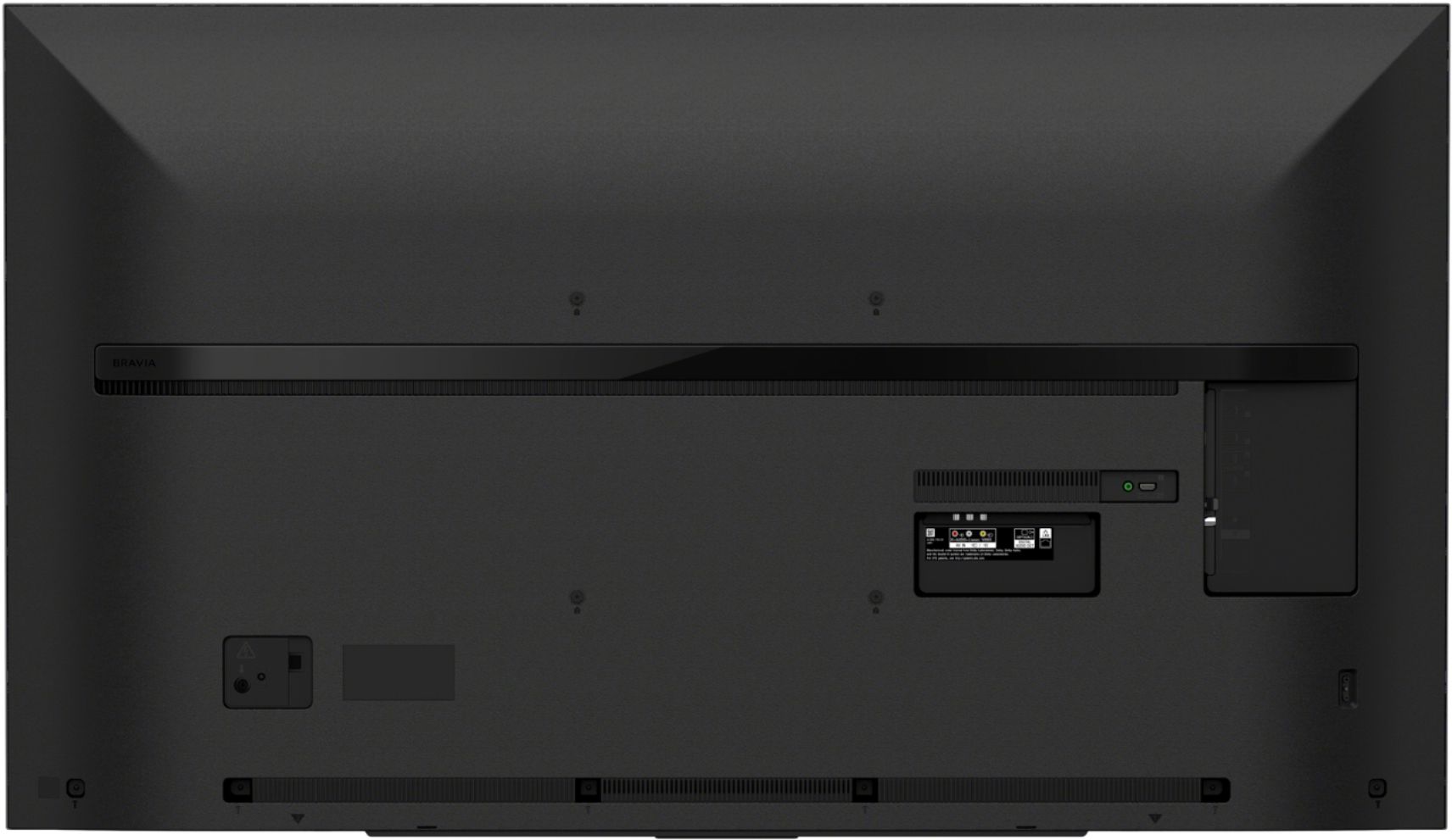
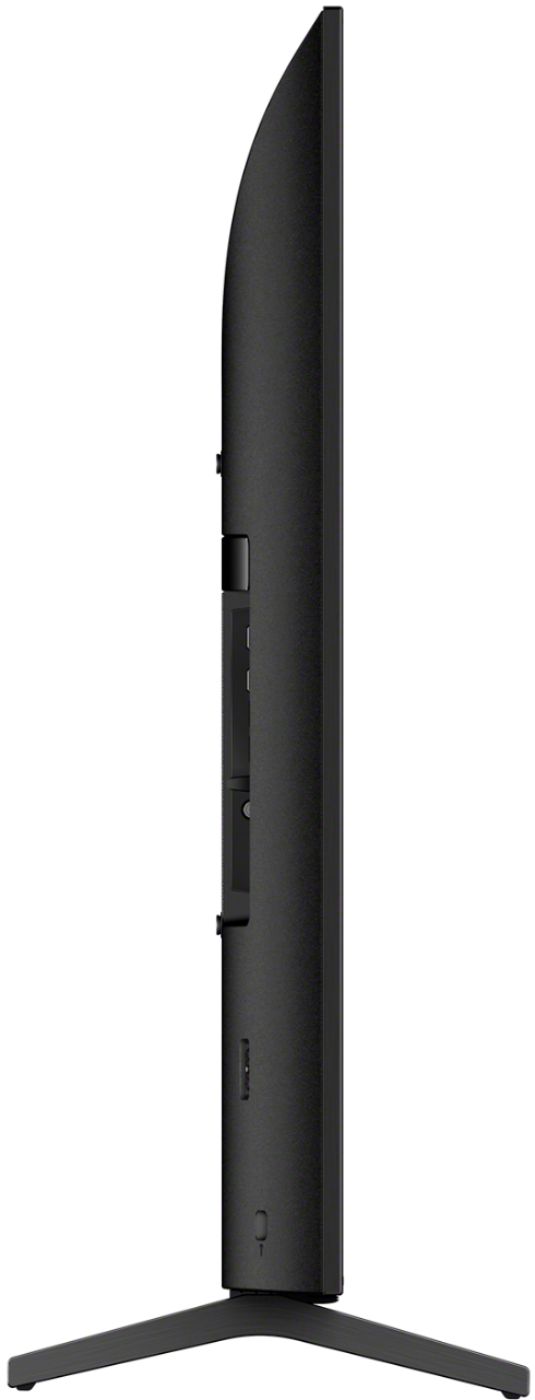
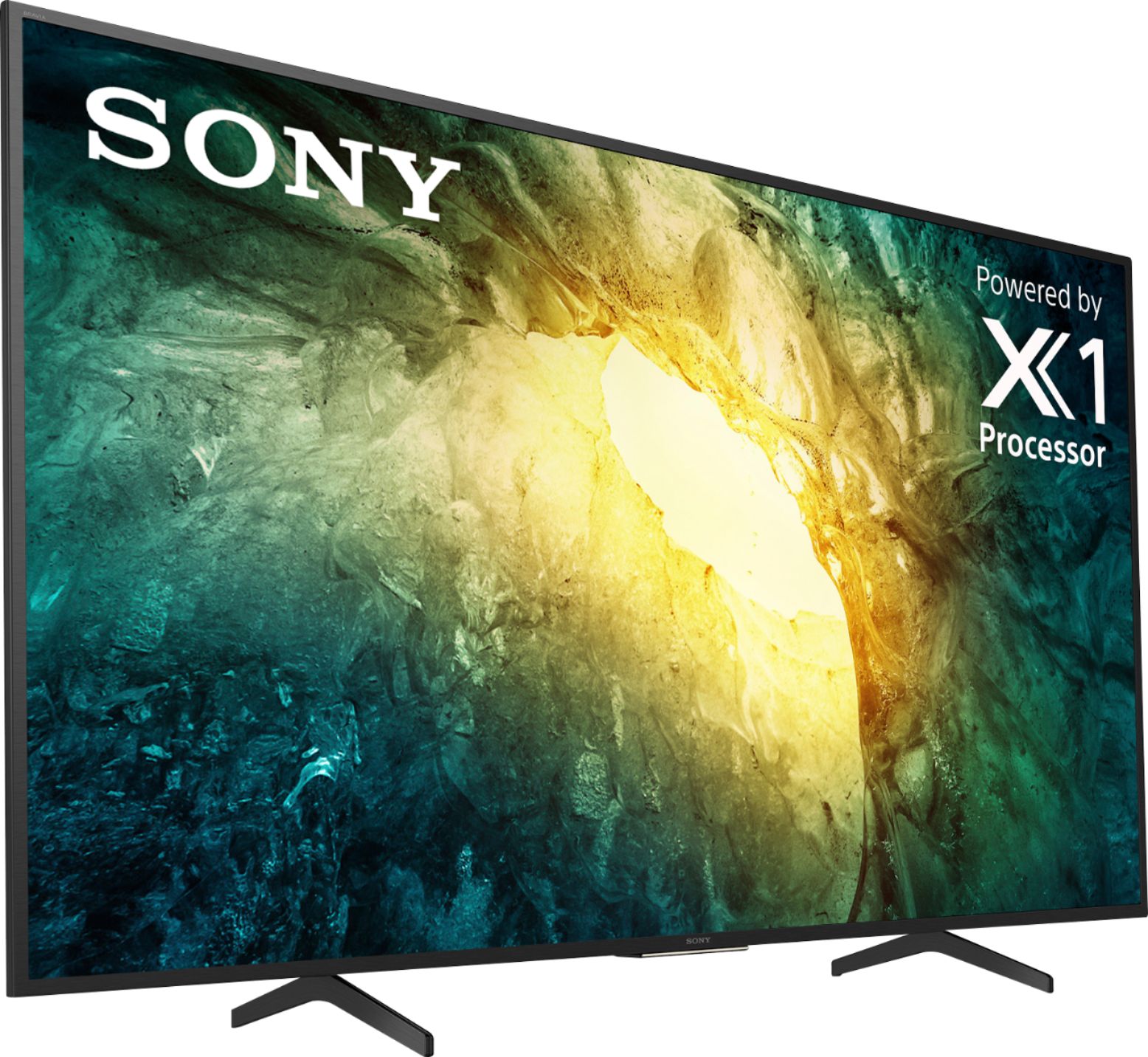
  • QuestionCAN I BUY A STAND FOR MY SONY KD55X750H, X750H 4K HDR LED TV?

    Asked by ELAINE.

    • Answer Hello Elaine... I'm not sure you can buy a stand for this TV. only thing that comes to mind are the TV furniture that has back stand / arm built into the TV furniture. But a stand for TV alone I don't think there is...

      Answered by Ivan

  • QuestionI am looking for a tv to hang outdoors. Does this tv qualify for what I am wanting?

    Asked by T.

    • Answer Hi T, Unfortunately, do not install this TV outdoors and do not install this TV in a vehicle, ship, or other vessels. The TV should not be exposed to rain or direct sunlight in order to avoid damage and possible fire or electric shock. You can check the safety guidelines before installation/operating your TV from the link below: https://support.am.sony.com/release/Safety_5012450121.pdf Thank you for the inquiry! Jay

      Answered by SonyListens

  • QuestionCan I buy a Sony TV that isn’t supported by google?

    Asked by Jimm.

    • Answer No, Android is google, google is google, but you can use any add on system , fire stick, Roku, Apple TV box, xfinity stream box, I had a Roku and actually this google system seems easier to control, just a crap app for controller on phone , I have an Apple TV box , but never use it , Apple kinda bombed in the tv market, I’ve never had a fire, just heard they try to rule the school, so anyway you go it’s still a Sony and wow is the picture outstanding, after playing with mine for awhile I actually had to roll the vidid setting off , it’s just to much,
      Answered by Dardy63

  • QuestionIs this good for 3D movies? I have a region free blu ray player 3D capable.

    Asked by Oogs.

    • Answer Hi Oogs, Unfortunately, Unfortunately, the X750H does not support the 3D feature. For more details, please check the chart of the 3D Function Supported TVs: https://www.sony.com/electronics/support/articles/00172382 Thank you for the inquiry. Jay

      Answered by SonyListens

  • QuestionIs this TV suitable door outside use?

    Asked by Abbadabbado.

    • Answer Hi Abbadabbado, Thank you for the inquiry. For product safety, do not install this TV outdoors and do not install this TV in a vehicle, ship, or other vessels. The TV should not be exposed to rain or direct sunlight in order to avoid damage and possible fire or electric shock. You can check the safety guidelines before installation/operating your TV from the link below: https://support.am.sony.com/release/Safety_5012450121.pdf Thank you for the inquiry! Jay

      Answered by SonyListens