A:AnswerHi JGCO,
Thank you for your inquiry. This model does not support Wireless CarPlay natively, even with a firmware update. While you may find that it works when using an aftermarket adapter, the success and troubleshooting of that feature would be between you and the manufacturer of that third-party product, as this setup is not officially supported.
We hope you find this information helpful, and thanks for considering Sony!
Regards,
Dominick
A:AnswerHi Danny,
For a proper installation of your Sony XAV-AX1000, please note that while the unit includes the basic mounting hardware and remote, you will typically need a vehicle-specific dash kit, a wiring harness, and an antenna adapter (all sold separately) to ensure a perfect fit and seamless integration with your car's electrical system. Because every vehicle is different, we recommend checking with an authorized installer or using a fitment guide to confirm the exact parts required for your specific make and model.
Thanks for choosing Sony.
Best regards,
Eliab
A:AnswerHi Connie!
Thanks for sending your question.
Yes, the XAV-AX1000 will fit your 2016 Jeep Wrangler when used with third-party parts like a dash installation kit and wiring harness. And don’t worry, it works great with an iPhone 16 Pro.
For more details, you can find the full manual at the link below. It's a great resource to keep handy if you have any other questions!
https://www.sony.com/electronics/support/res/manuals/4740/de0cea3deac418e2d4780819876b2f2a/47408851M.pdf
Thanks for considering Sony products!
Best regards,
Estefany
A:AnswerThank you for contacting Sony.
The unit will work in your vehicle with specific third-party accessories like an installation kit and wiring harness.
We appreciate your interest in Sony products. Should you require any further assistance, please don't hesitate to reach out for support here:
https://us.esupport.sony.com/support/s/support-contact?language=en_US&category=car
Best regards,
Gus, Sony North America Customer Support
A:AnswerHi J,
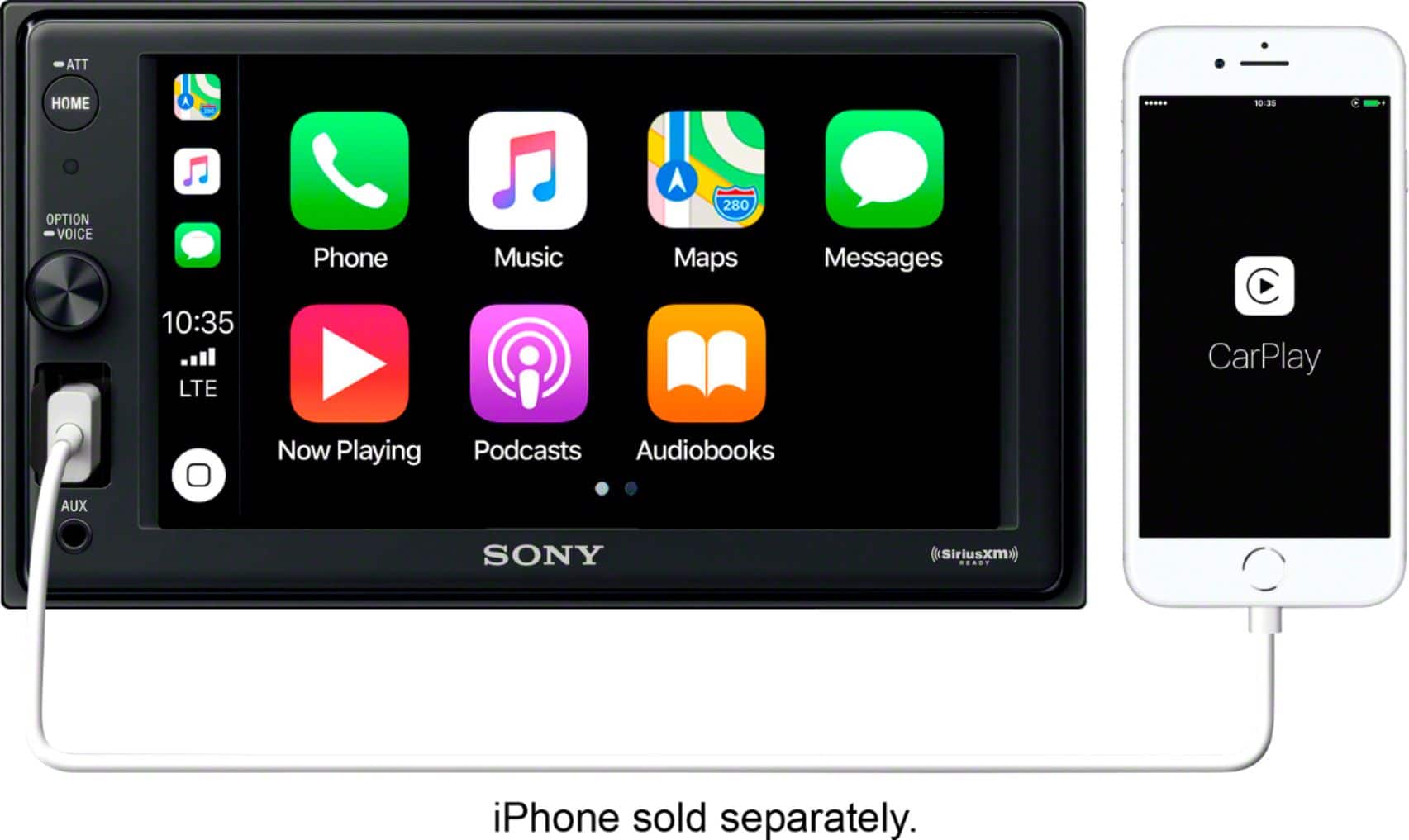
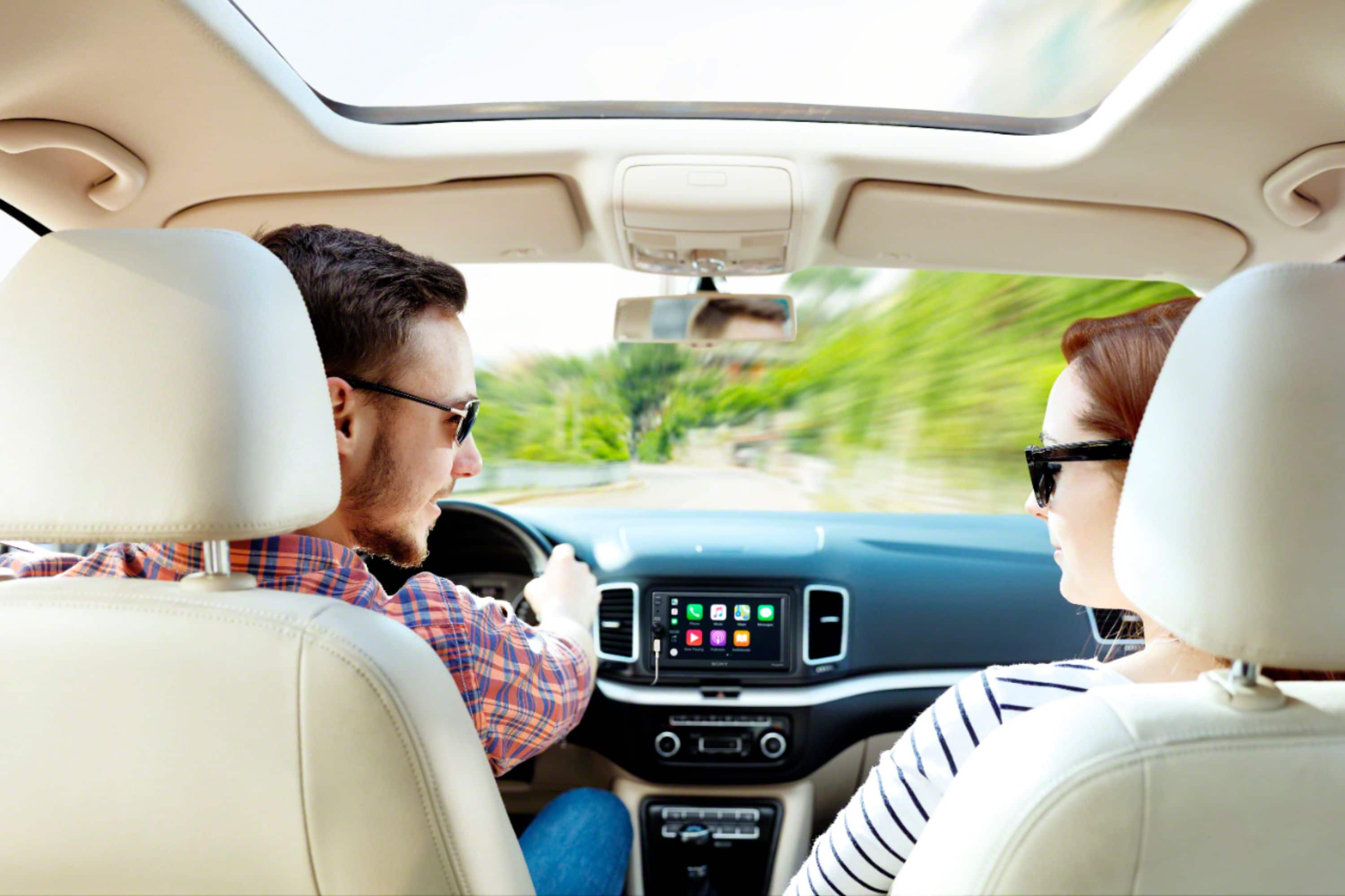
That’s a great question. The XAV-AX1000 supports Apple CarPlay via a wired connection using the front-facing USB port.
However, if wireless connectivity is a priority for you, the Sony XAV-AX4000 is an excellent step up. It offers full Wireless CarPlay support along with a larger, vibrant touchscreen.
We hope you find this information helpful, and thanks for considering Sony!
Regards,
Dominick
A:AnswerHi Mike,
A dashboard installation kit and wiring harness will likely be needed for the installation of the radio in this vehicle.
These components ensure that the Sony XAV-AX1000 fits securely into your dash and connects properly to your vehicle's factory wiring.
Thank you for considering Sony!
Regards,
Dominick
A:AnswerHi Guy,
Yes, the USB port on this receiver (model XAV-AX1000) provides a maximum supply current of 1.5A to charge your device while connected. This is designed to power your phone and maintain the battery specifically while you are using Apple CarPlay or streaming music.
Thanks for choosing Sony.
Best regards,
Eliab
A:AnswerHi Kathlene,
Thank you for your question! Customizing your display is a great way to make your vehicle's interface feel like your own.
To change the wallpaper on your unit, please follow these steps:
Settings > Visual Settings (Visual) > Wallpaper
From there, you can select your preferred image to refresh the look of your screen. If you have any other questions about navigating your system's features, we are always here to help.
Thank you for choosing Sony to enhance your driving experience.
Best regards,
Dominick
A:AnswerHello there,
Thank you for considering Sony products!
We appreciate your inquiry about the compatibility of the XAV-AX1000 with a 2013 Toyota Prius and are happy to assist you. Yes, the XAV-AX1000 is compatible with your vehicle; however, installation will require additional parts such as an installation kit and wiring harness specific to the 2013 Prius to ensure proper fit and functionality. These parts help integrate the radio seamlessly with your car’s existing systems.
Best regards,
-Fred
A:AnswerHi TMilch,
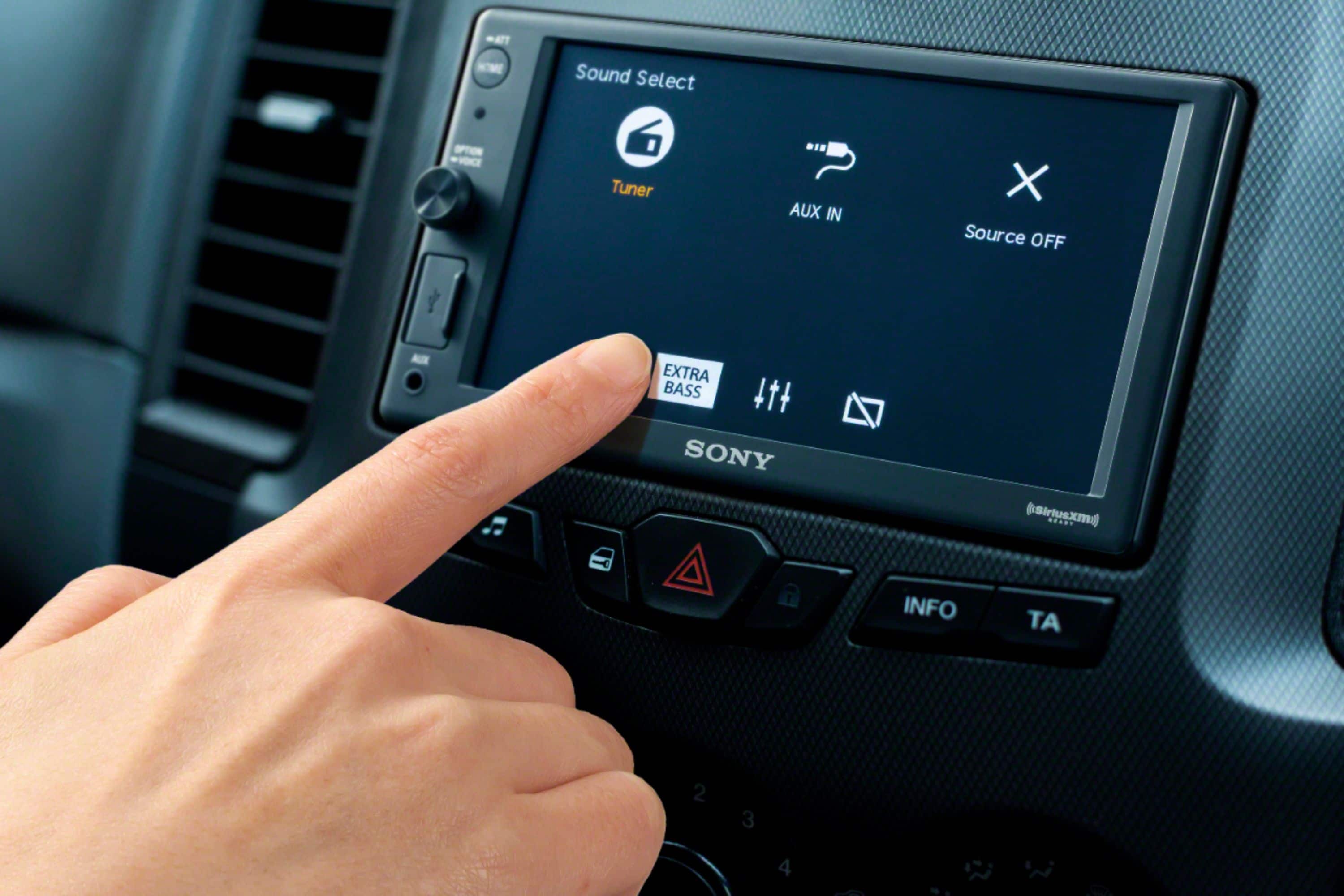
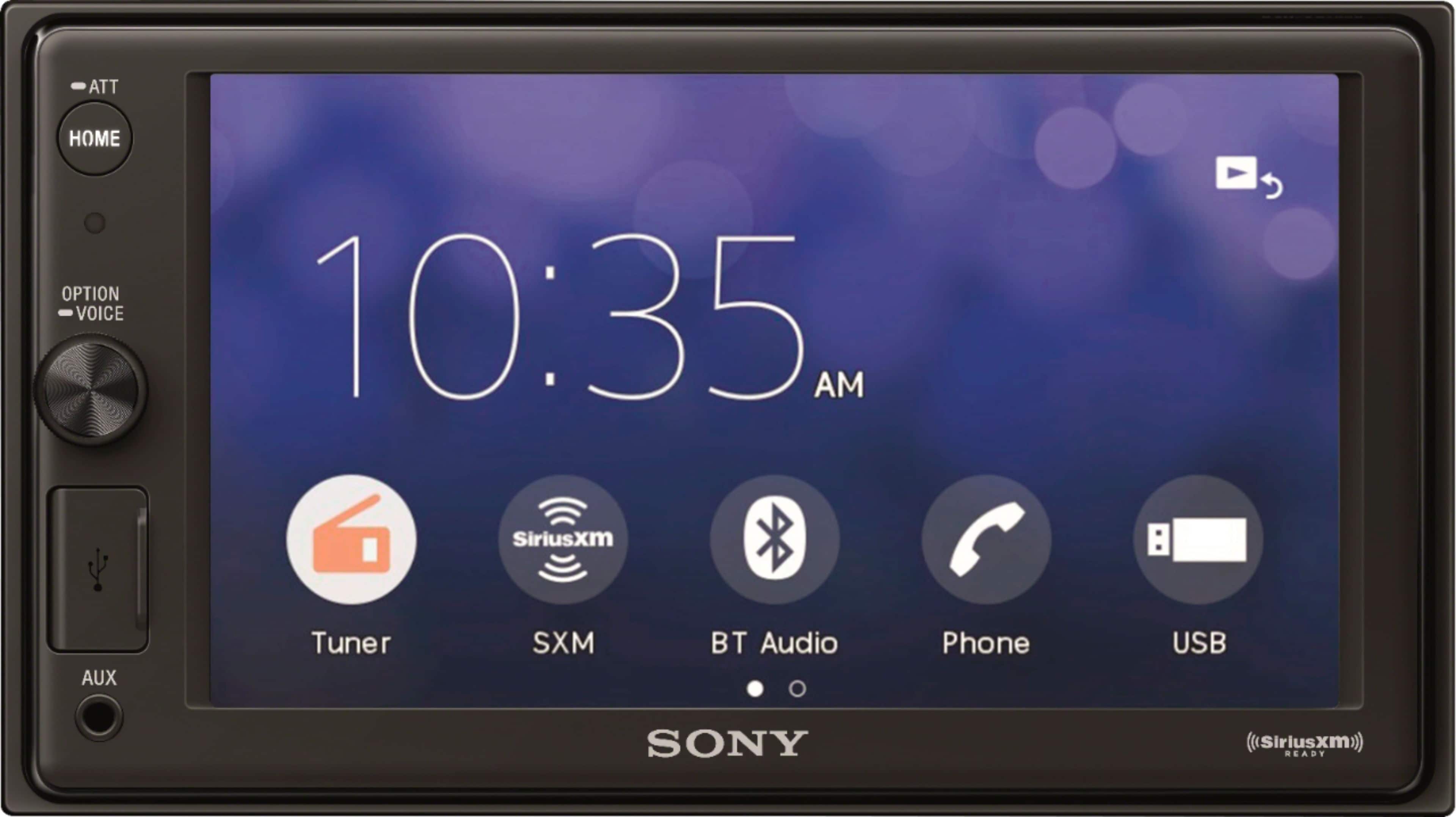
Thank you for your question! Yes, the screen on the Sony XAV-AX1000 is dimmable. To adjust this setting, please press the HOME button on the unit, then scroll to Settings > Visual Settings > Dimmer.
Within this menu, you can choose from the following options: Off, Auto, On.
Auto: Automatically dims the screen when you turn on your vehicle's headlights. Please note that this specific function requires the illumination control lead to be properly connected during installation.
Additionally, when the dimmer is activated, you can further refine the brightness level on a scale from -5 to +5 to ensure the display is comfortable for your specific environment.
We hope you find this information helpful, and thanks for considering Sony!
Regards,
Dominick
A:AnswerHi Fibes,
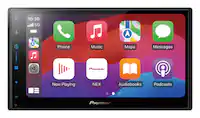
The Sony XAV-AX1000 requires a wired connection for Apple CarPlay. To use this feature, simply connect your iPhone to the USB port.
If you are looking for a model that supports Wireless Apple CarPlay, we recommend exploring the XAV-AX4000. This unit allows you to connect your iPhone via Wi-Fi, keeping your device in your pocket while still providing full access to navigation, music, and messaging.
We hope you find this information helpful! Thanks for considering Sony.
Regards,
Dominick
A:AnswerHello Andrew34,
Thank you for considering Sony products!
We appreciate your question and are here to assist you. For the XAV-AX1000 radio, your iPhone needs to be plugged in to use Apple CarPlay, as this model does not support wireless connectivity. If you prefer a cable-free setup, we highly recommend the XAV-AX4000. This model is designed with built-in Wi-Fi and Bluetooth specifically to support Wireless Apple CarPlay, providing a more seamless and convenient driving experience.
For more technical specifications or installation guidance on the wireless model, you can view the manuals here: https://www.sony.com/electronics/support/mobile-cd-players-digital-media-players-xav-series/xav-ax4000/manuals
Best regards,
-Fred
A:AnswerHi there,
We appreciate your question. We're happy to clarify that information for you!
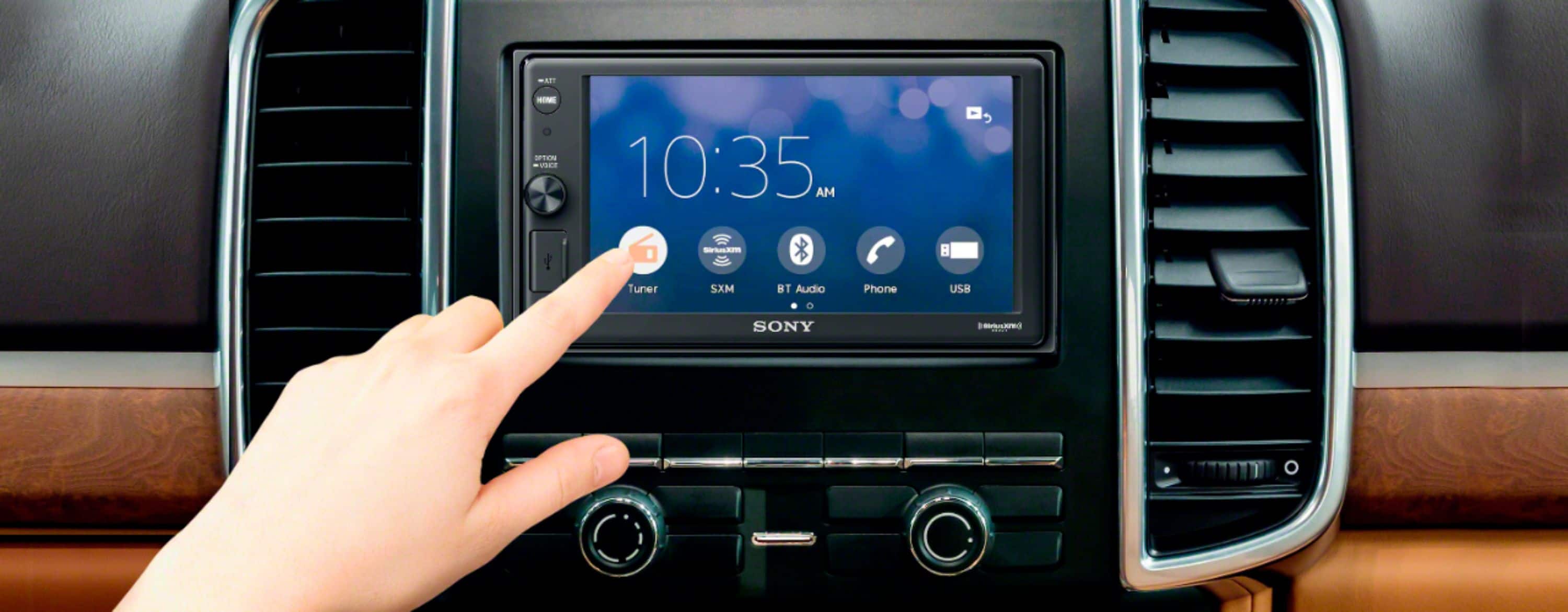
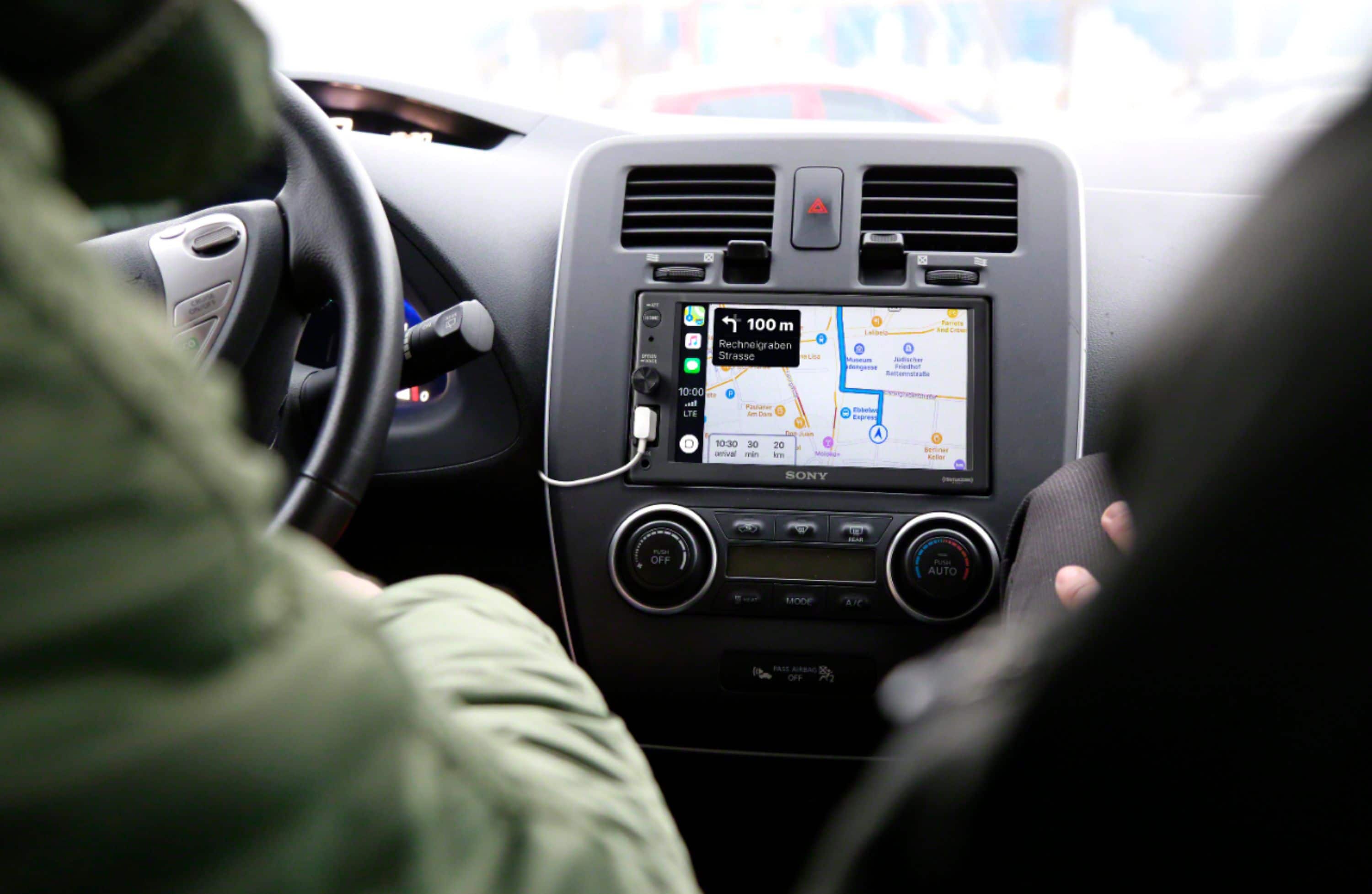
Yes, you can use the tuner/radio while plugged in to CarPlay for maps on the XAV-AX1000, it is not limited to just one or the other.
When CarPlay is active (for example, using navigation), the radio can continue to play in the background. If you receive navigation prompts from CarPlay, the audio will typically "duck" (lower in volume) so you can hear the directions, but the radio remains the primary audio source unless you specifically select music or audio from CarPlay.
Hopefully, that clears things up!
For your convenience, you can find the unit's manual at the following link: https://www.sony.com/electronics/support/res/manuals/4740/de0cea3deac418e2d4780819876b2f2a/47408851M.pdf
Thank you for making Sony part of your purchasing consideration!
Best regards,
Estefany
A:AnswerHello Donna,
Thank you for considering Sony products!
We appreciate your inquiry regarding the Sony XAV-AX1000 media receiver. While the unit includes Bluetooth® functionality for hands-free calling and audio streaming, it primarily employs a wired USB connection for Apple CarPlay. This wired connection is designed to ensure optimal stability and performance for these advanced features. However, Bluetooth® remains fully functional for general audio streaming and hands-free communication without the need for a physical connection.
For detailed specifications and further information about the XAV-AX1000, please visit:
https://www.sony.com/electronics/support/mobile-cd-players-digital-media-players-xav-series/xav-ax1000/manuals
Best regards,
-Fred
A:AnswerHi Bubba,
Yes, the Sony XAV-AX1000 can be installed in your 2015 F-250 Super Duty.
However, please note that the successful installation of this receiver will require the use of the appropriate third-party installation parts that are specific to your vehicle model.
Thank you for considering Sony!
Regards,
Dominick