A:AnswerHi Tj,
We appreciate your inquiry regarding our Digital Media Receiver!
The XAV-AX1000 includes a microphone that must be installed in the vehicle to accommodate voice control and Bluetooth calling capabilities.
Therefore, you don't need to purchase an external microphone, it is included in the box.
We hope this helps!
Thank you for choosing Sony.
Best regards,
- Stephanie
A:AnswerHi len,
We're sorry to hear about the issue with your SonyXAVAX1000 Receiver. If you suspect the fuse is blown, you can visually inspect it—if the filament is broken or the plastic appears burnt, it likely needs to be replaced.
However, a blown fuse could also indicate a larger issue that may require professional diagnosis and repair. To ensure the best resolution, we recommend reaching out to our Product Support Team for further guidance.
You can find contact information and support here:https://us.esupport.sony.com/support/s/support-contact?language=en_US.
We appreciate your understanding and are here to assist you!
Best,
Maria
A:AnswerHi Chelster,
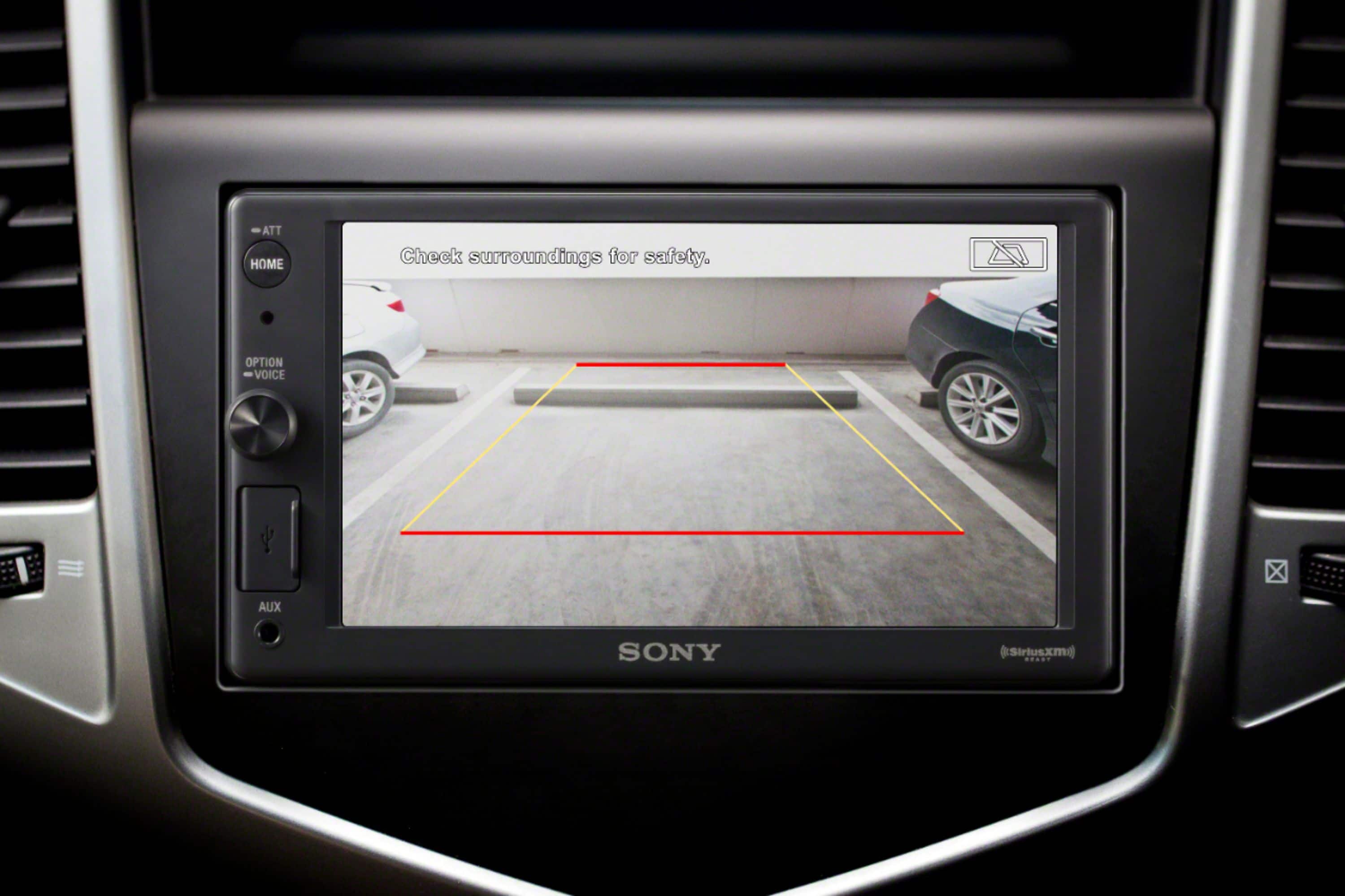
Thank you for your question. The picture from a rear view camera connected to the CAMERA IN terminal is displayed when:
-The reverse lamps signal of your vehicle is connected to the input lead on the radio correctly, and the vehicle shift selector is set to the reverse function.
-Or, if the camera is powered, you can press HOME, then touch Rear Camera during normal vehicle operation (non-reverse mode).
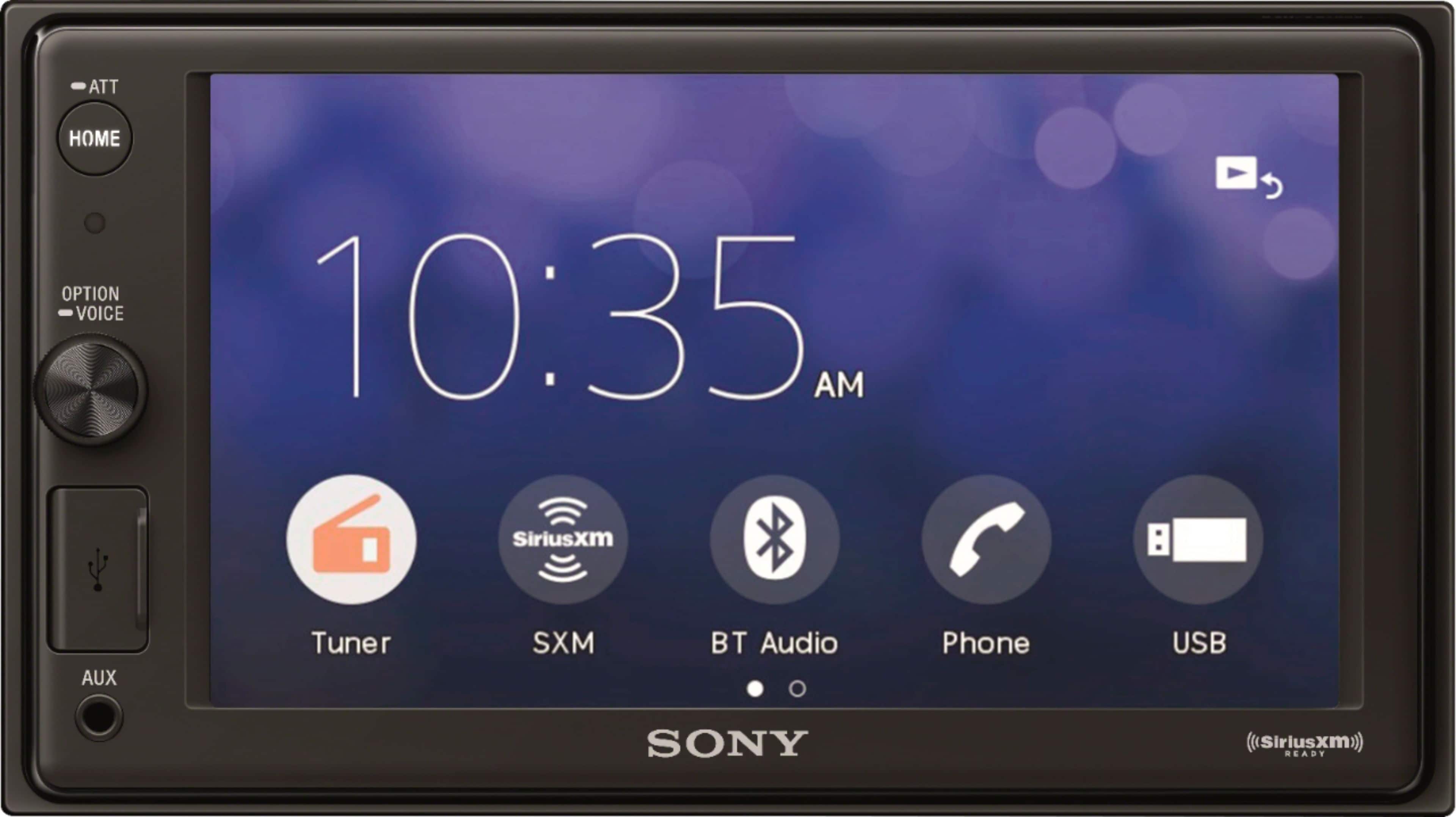
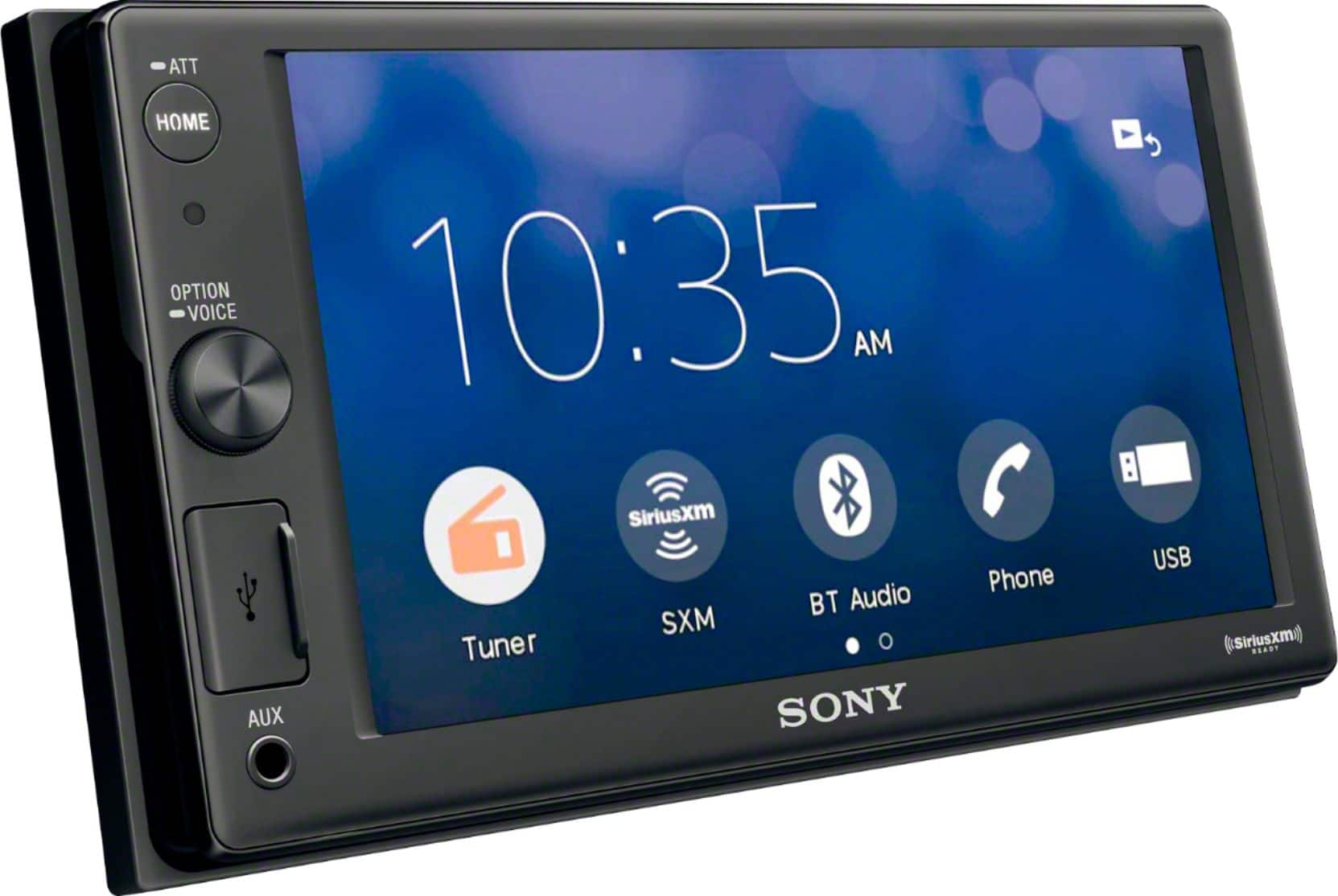
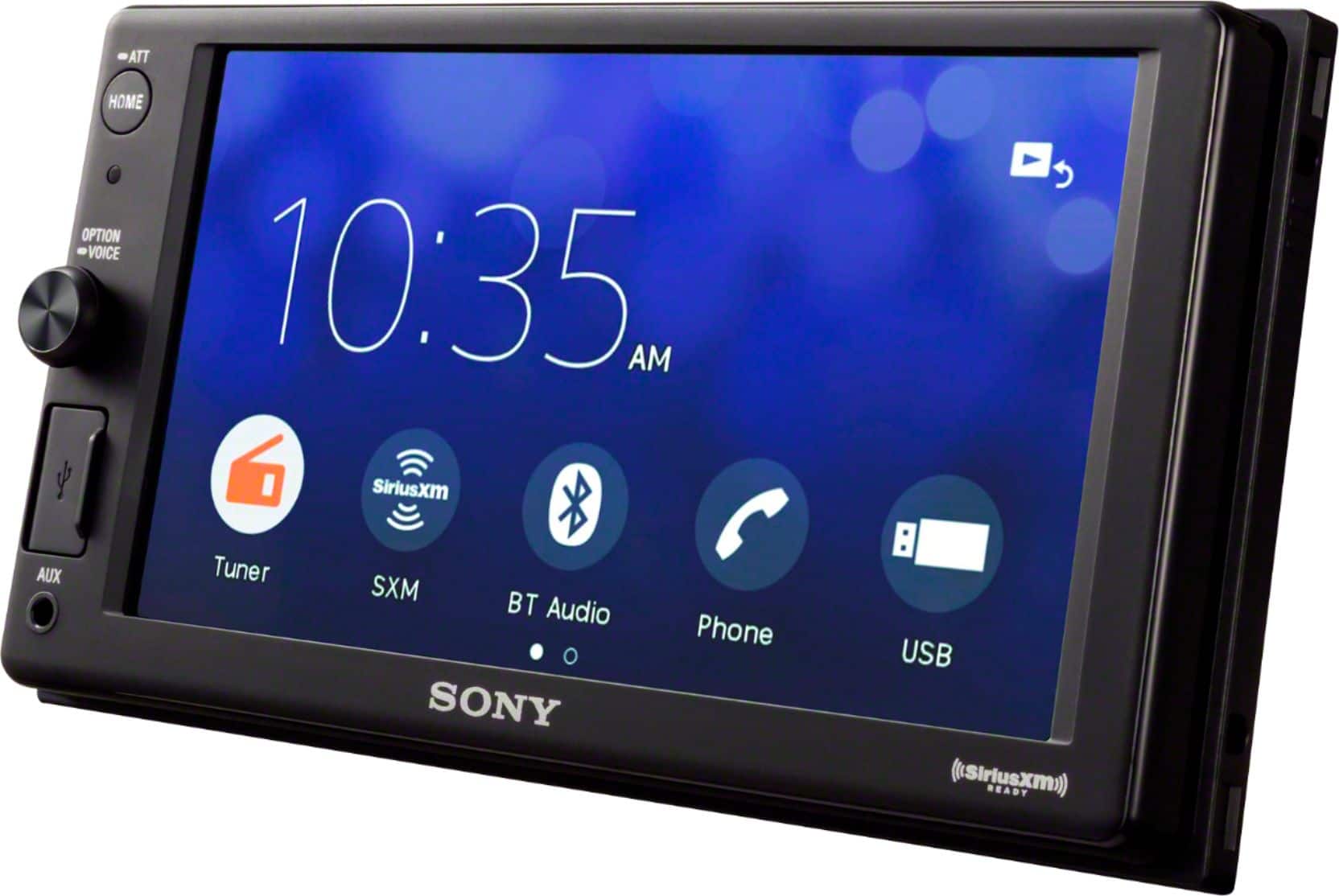
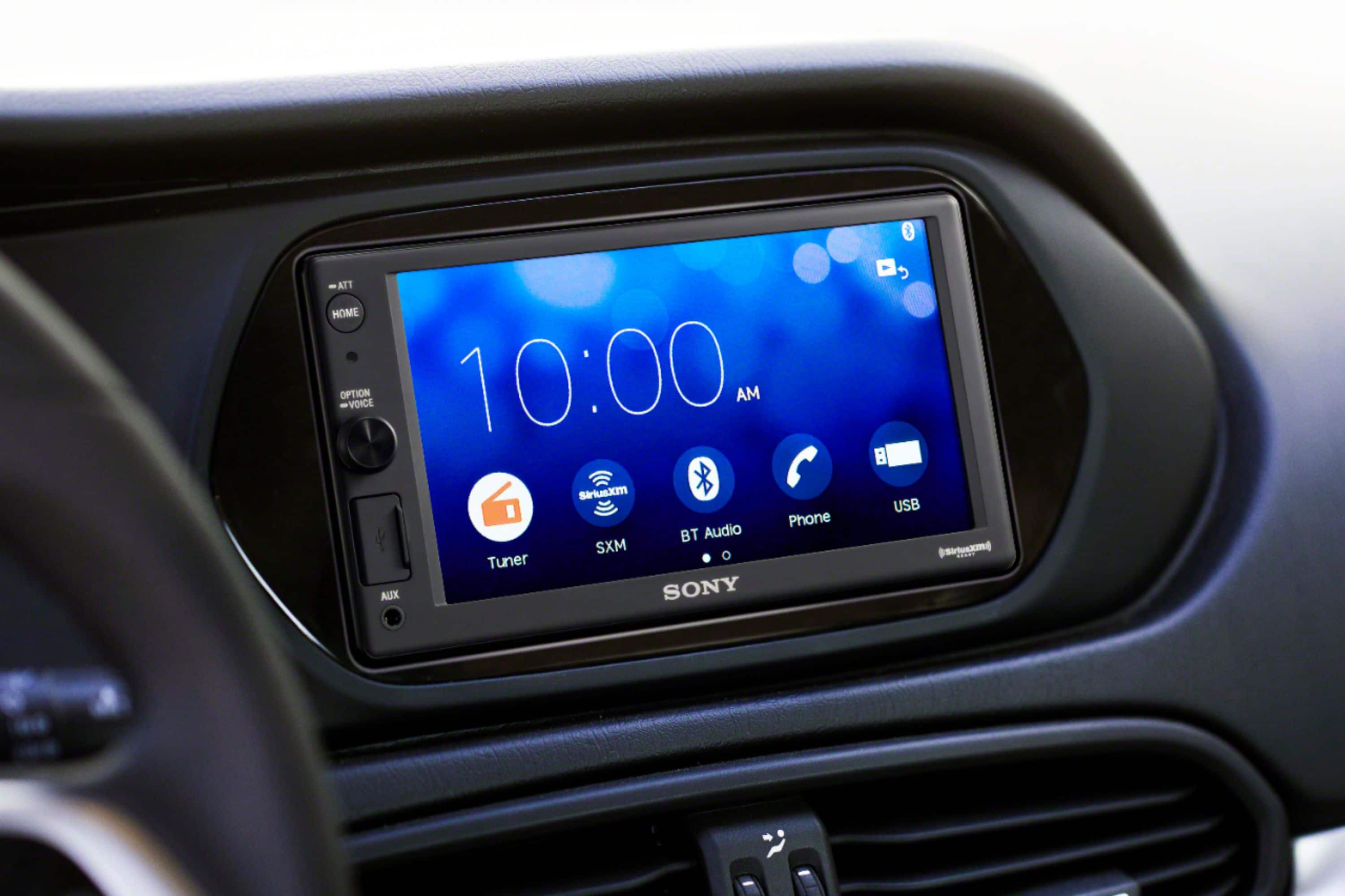
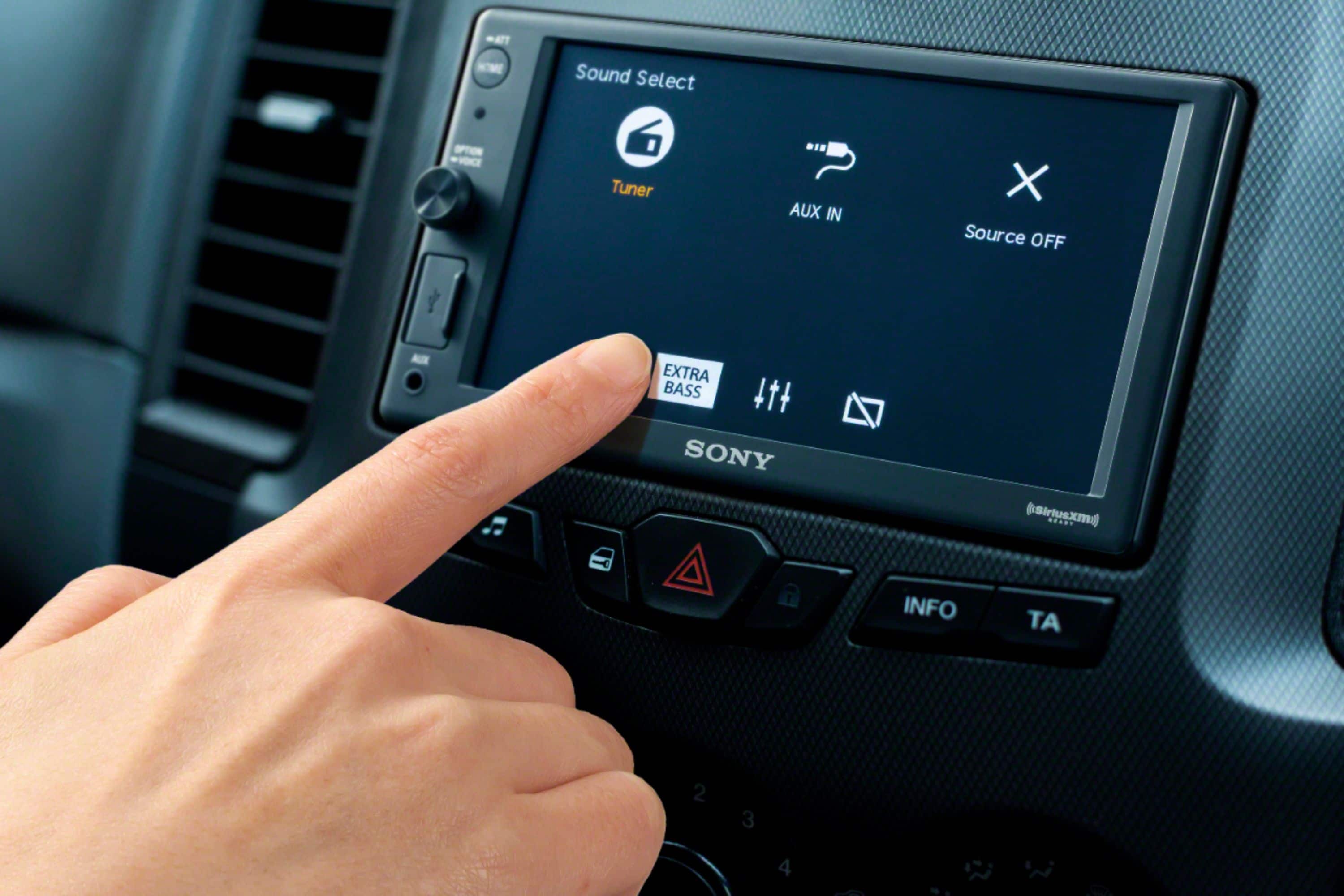
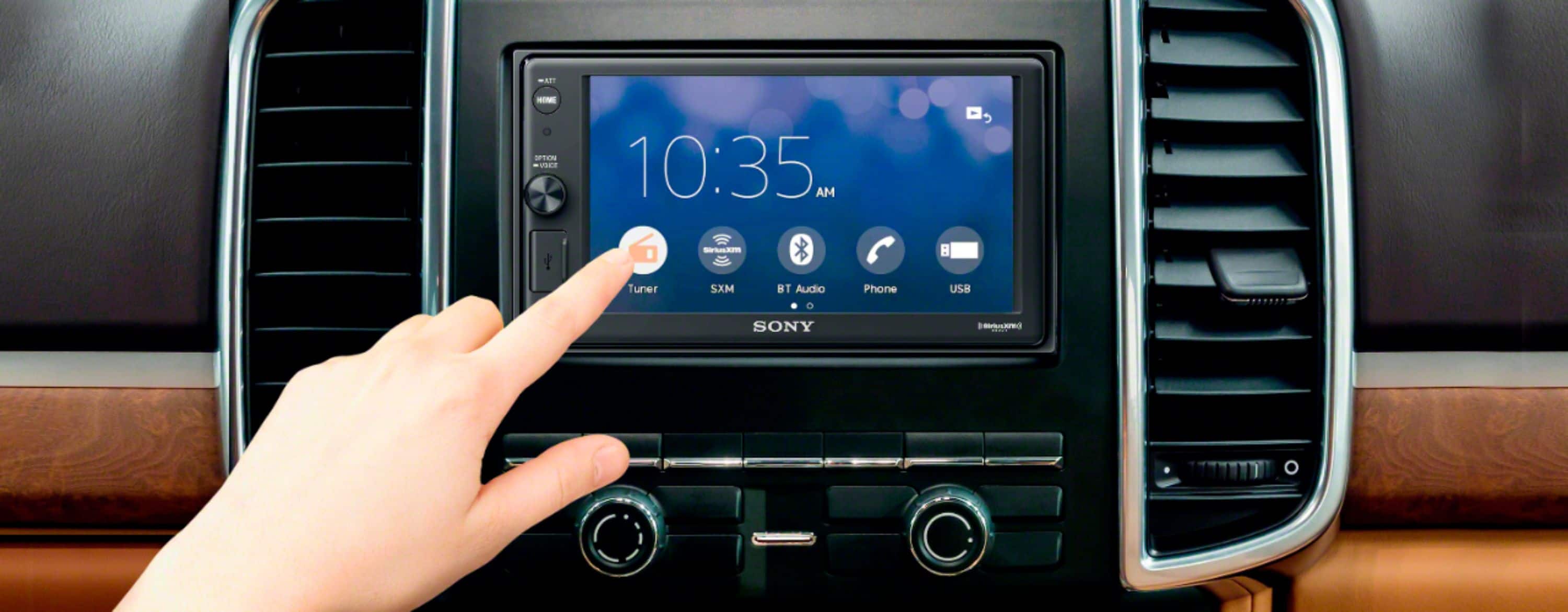
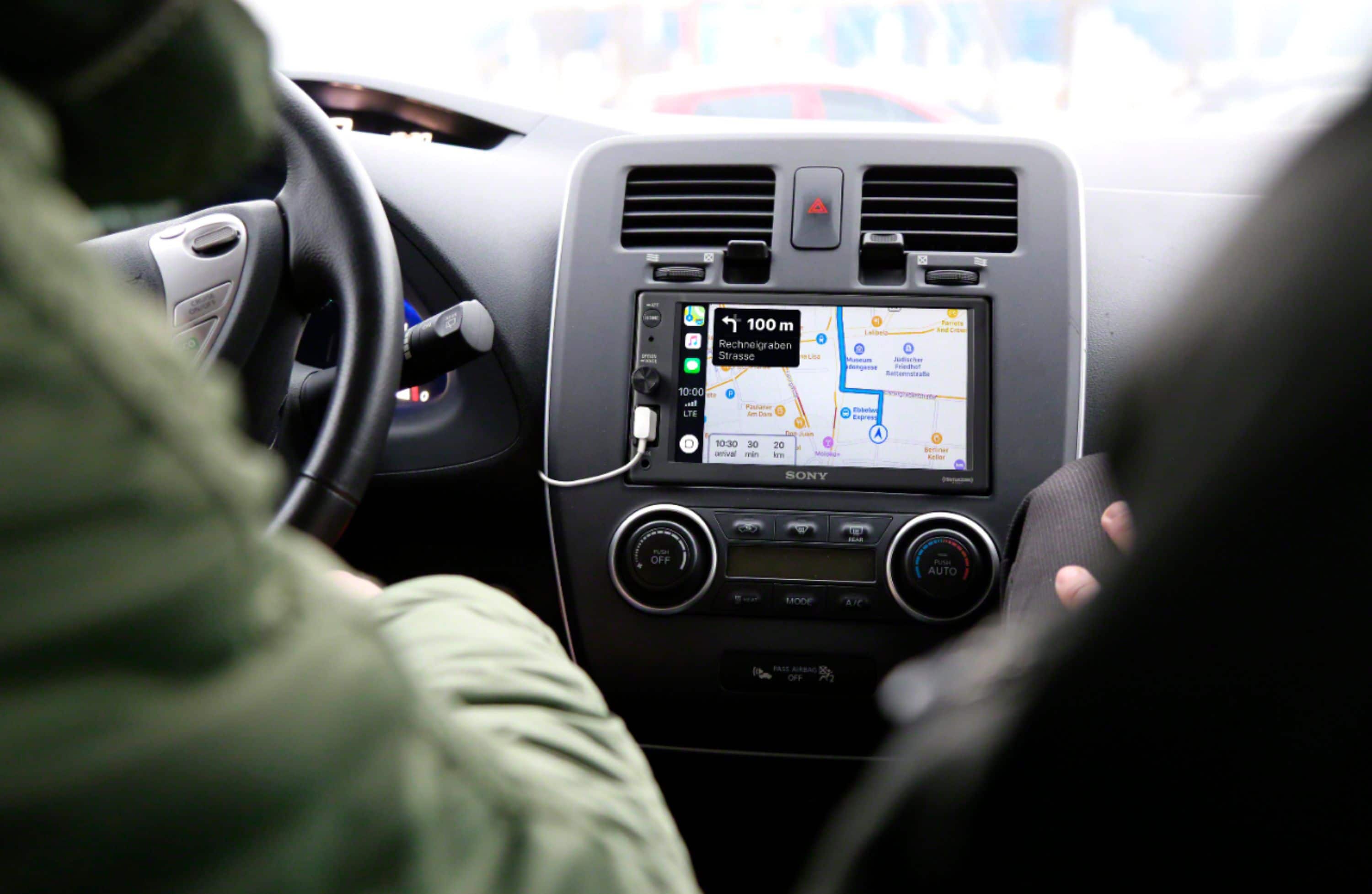
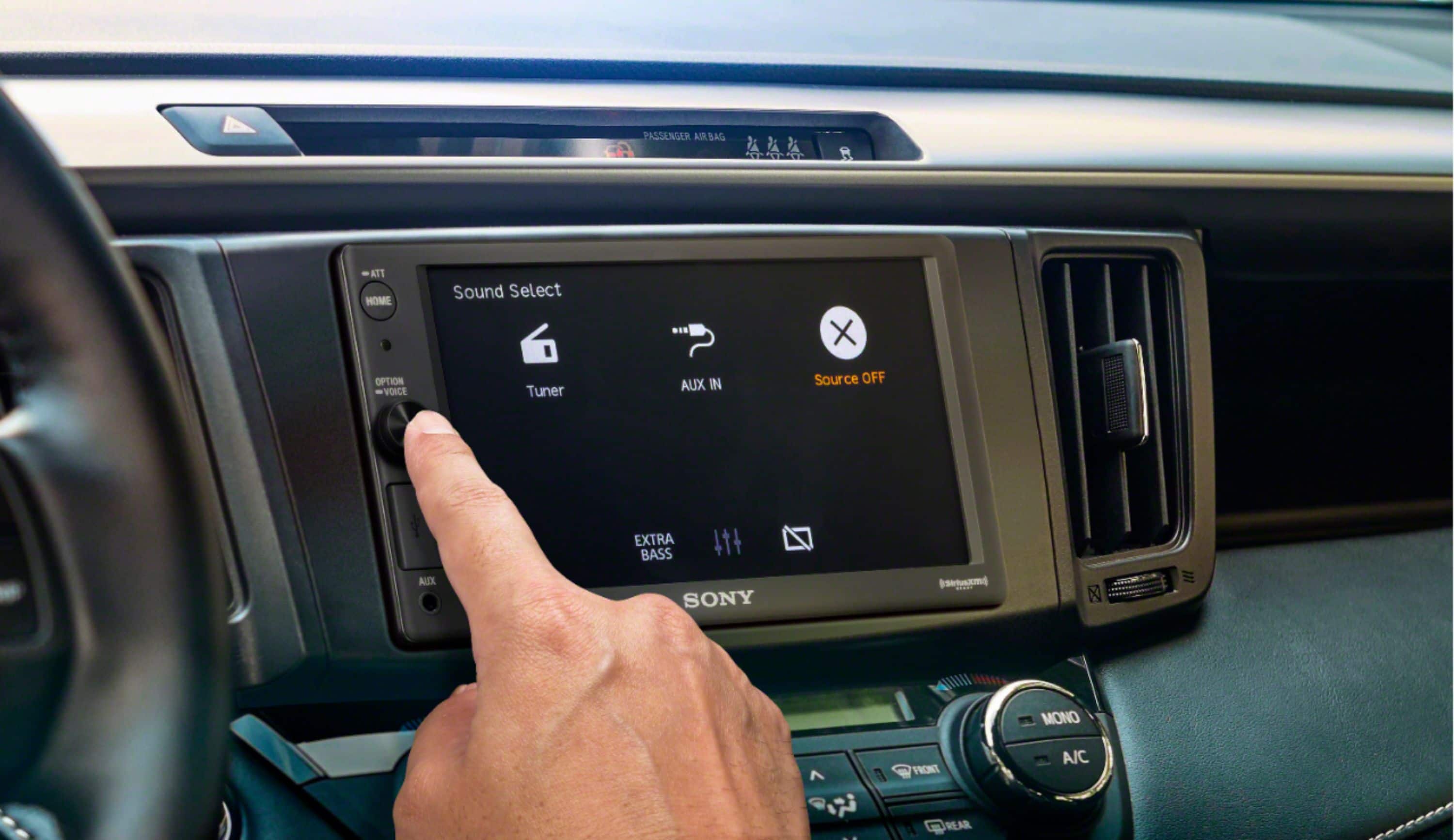
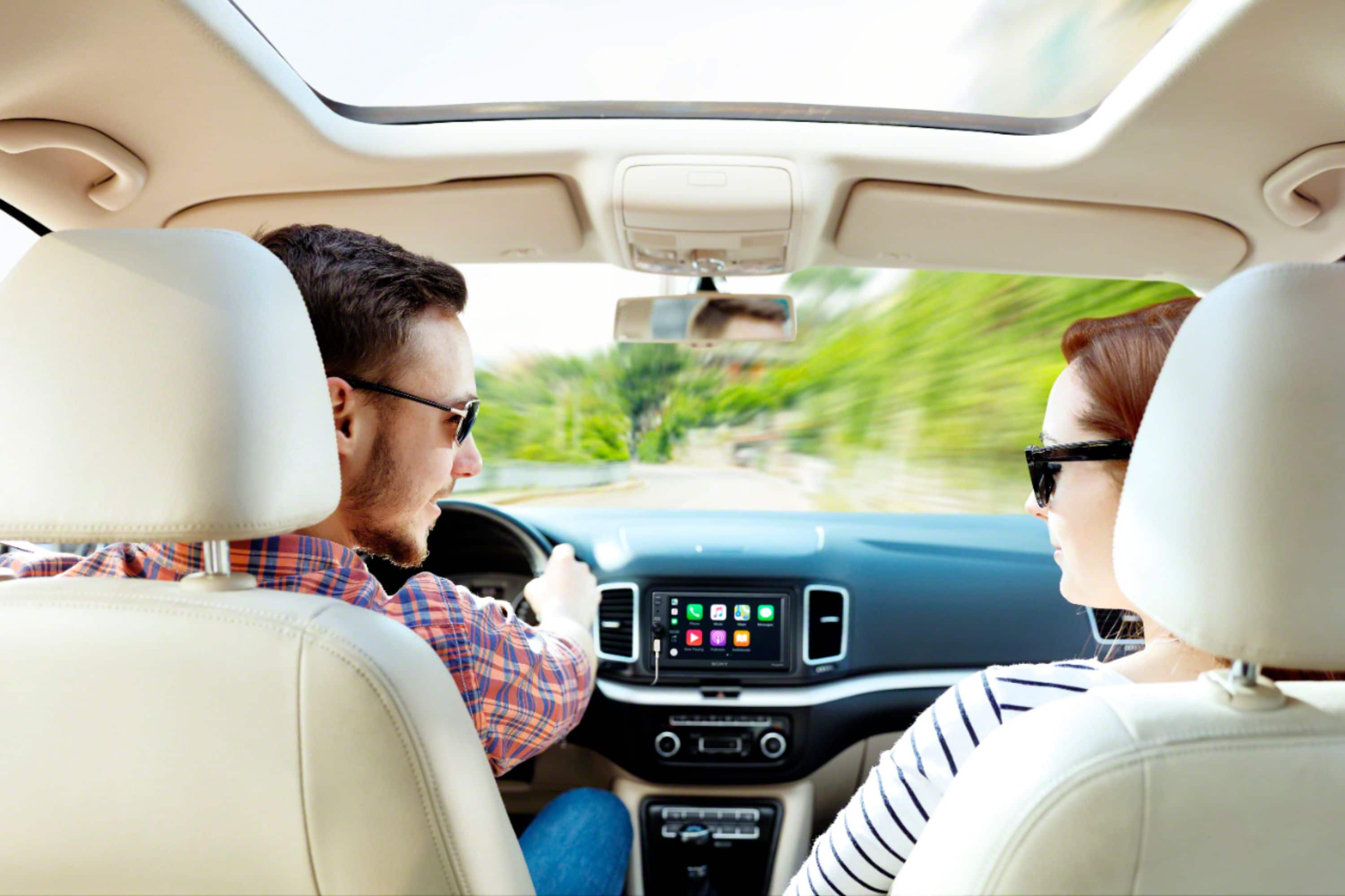
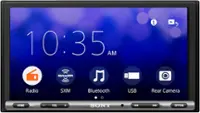
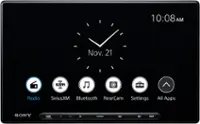
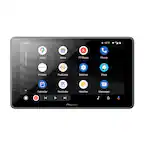
Navigate your smartphone without taking your hands off the wheel with the Sony XAVAX1000 6.2-inch media receiver. Compatible with Apple CarPlay, this head unit allows for smartphone integration with voice control. Drive up to four 55W outputs with the Dynamic Reality Amp 2 and simulate a dashboard speaker source by calibrating output frequencies with the Dynamic Sound Organizer.
-Ralph
A:AnswerHi Cdole,
Thank you for your question. We recommend professional installation for the correct setup, as installation is certainly possible in that vehicle without draining the battery.
Navigate your smartphone without taking your hands off the wheel with the Sony XAVAX1000 6.2-inch media receiver. Compatible with Apple CarPlay, this head unit allows for smartphone integration with voice control. Drive up to four 55W outputs with the Dynamic Reality Amp 2 and simulate a dashboard speaker source by calibrating output frequencies with the Dynamic Sound Organizer.
-Ralph
A:AnswerHi there,
Thank you for your question. This unit does NOT have a dedicated power antenna output, nor will it fully turn off to lower a power antenna. A technician could wire a switch to accomplish this but would require extra work and parts.
Navigate your smartphone without taking your hands off the wheel with the Sony XAVAX1000 6.2-inch media receiver. Compatible with Apple CarPlay, this head unit allows for smartphone integration with voice control. Drive up to four 55W outputs with the Dynamic Reality Amp 2 and simulate a dashboard speaker source by calibrating output frequencies with the Dynamic Sound Organizer.
-Ralph
A:AnswerHi Jon,
Thank you for your question. To use this function, you'll need a SiriusXM Vehicle Tuner (SXV300) and antenna. Please note that we recommend the installation be performed by a qualified, professional installation technician.
Because of the number of variables encountered with different makes and models of automobiles, Sony is unable to assist with the installation of car stereo and mobile audio systems. Your professional installation technician can provide information about any labor or materials costs that might be incurred during the installation of the SiriusXM tuner accessory.
Navigate your smartphone without taking your hands off the wheel with the Sony XAVAX1000 6.2-inch media receiver. Compatible with Apple CarPlay, this head unit allows for smartphone integration with voice control. Drive up to four 55W outputs with the Dynamic Reality Amp 2 and simulate a dashboard speaker source by calibrating output frequencies with the Dynamic Sound Organizer.
-Ralph
A:AnswerHi Kendra,
Thank you for your question. The radio will fit the vehicle but you will certainly need a wiring harness and/or integration module, and a steering wheel control module if the integration module does not include one. Because of the number of variables encountered with different makes and models of automobiles, Sony is unable to assist with the installation of car stereo and mobile audio systems.
For best assistance and to confirm the compatibility, please contact a qualified, professional installer or refer to your dealer/Best Buy.
Navigate your smartphone without taking your hands off the wheel with the Sony XAVAX1000 6.2-inch media receiver. Compatible with Apple CarPlay, this head unit allows for smartphone integration with voice control. Drive up to four 55W outputs with the Dynamic Reality Amp 2, and simulate a dashboard speaker source by calibrating output frequencies with the Dynamic Sound Organizer.
-Ralph
A:AnswerHi Connor,
Thank you for your interest in the Sony XAV-AX1000!
In response to your question, yes, the radio will fit the vehicle, but it will require an installation kit and harness (not supplied) to fit in the vehicle correctly.
Due to the varying specifications of different vehicle makes and models, Sony is unable to offer direct assistance with the installation of car stereo and mobile audio systems. If you are using a wiring harness, you can find detailed information regarding the wire colors and functions of each pin in the operating instructions for the XAV-AX1000. To access this information, please visit the Sony support website, search for XAV-AX1000, select "Manuals & Warranty," and then choose "Operating Instructions." You can find the connection details on page 28.
For the best support and to confirm compatibility, we recommend reaching out to a qualified professional installer or consulting your dealer/Best Buy.
Navigate your smartphone without taking your hands off the wheel with the Sony XAVAX1000 6.2-inch media receiver. Compatible with Apple CarPlay, this head unit allows for smartphone integration with voice control. Drive up to four 55W outputs with the Dynamic Reality Amp 2, and simulate a dashboard speaker source by calibrating output frequencies with the Dynamic Sound Organizer.
I hope this helps!
Best regards,
Romeo
A:AnswerHi Jon,
Thank you for your question. Yes, the Sony XAV-AX1000 can be installed on a 2002 Nissan Pathfinder LE, but it will require an installation kit and harness (not supplied) to fit in the vehicle correctly. Because of the number of variables encountered with different makes and models of automobiles, Sony is unable to assist with the installation of car stereo and mobile audio systems. However, if you are using a wiring harness, further information about the wire color and function of each pin on the wiring harness is available. Please refer to the operating instructions of the XAV-AX1000:
Connection (Pg. 28) - https://www.sony.com/electronics/support/res/manuals/4740/de0cea3deac418e2d4780819876b2f2a/47408851M.pdf
For best assistance and to confirm the compatibility, please contact a qualified, professional installer or refer to your dealer/Best Buy.
Navigate your smartphone without taking your hands off the wheel with the Sony XAVAX1000 6.2-inch media receiver. Compatible with Apple CarPlay, this head unit allows for smartphone integration with voice control. Drive up to four 55W outputs with the Dynamic Reality Amp 2, and simulate a dashboard speaker source by calibrating output frequencies with the Dynamic Sound Organizer.
-Ralph
A:AnswerHi Wenwen,
Thank you for reaching out! Yes, you can easily turn off the display of the XAV-AX1000 by pressing the MONITOR OFF button on the included remote control or by selecting the "Monitor Off" option from the unit's screen menu. To reactivate the display, just tap anywhere on the screen.
Additional Information:
The XAV-AX1000 is equipped with an Auto Dim Display feature, which activates only when the illumination control lead is connected and the headlights are turned on. This 6.2-inch media receiver allows you to navigate your smartphone without taking your hands off the wheel, thanks to its compatibility with Apple CarPlay and voice control functionality. It also features the Dynamic Reality Amp 2, which can drive up to four 55W outputs, and the Dynamic Sound Organizer, which allows you to simulate a dashboard speaker source by calibrating output frequencies.
I hope you find this information helpful!
Best regards,
Romeo
A:AnswerHi Tam,
Thank you very much for your interest in Sony's XAVAX1000!
Yes, the Sony XAV-AX1000 can be installed in a 2016 Chevy Traverse to provide Bluetooth capability. This model supports Bluetooth functionality, which will allow your daughter to connect her phone wirelessly for hands-free calling and audio streaming. However, please keep in mind that although the radio will fit in the vehicle, an installation kit and harness (not included) will be necessary for proper installation.
Because of the number of variables encountered with different makes and models of automobiles, Sony is unable to assist with the installation of car stereo and mobile audio systems. However, if you are using a wiring harness, further information about the wire color and function of each pin on the wiring harness is available. Please refer to the operating instructions of the XAV-AX1000:
Connection (Pg. 28) - https://www.sony.com/electronics/support/res/manuals/4740/de0cea3deac418e2d4780819876b2f2a/47408851M.pdf
For best assistance and to confirm the compatibility, please contact a qualified, professional installer or refer to your dealer/Best Buy.
Navigate your smartphone without taking your hands off the wheel with the Sony XAVAX1000 6.2-inch media receiver. Compatible with Apple CarPlay, this head unit allows for smartphone integration with voice control. Drive up to four 55W outputs with the Dynamic Reality Amp 2, and simulate a dashboard speaker source by calibrating output frequencies with the Dynamic Sound Organizer.
Best regards,
Romeo
A:AnswerHi there,
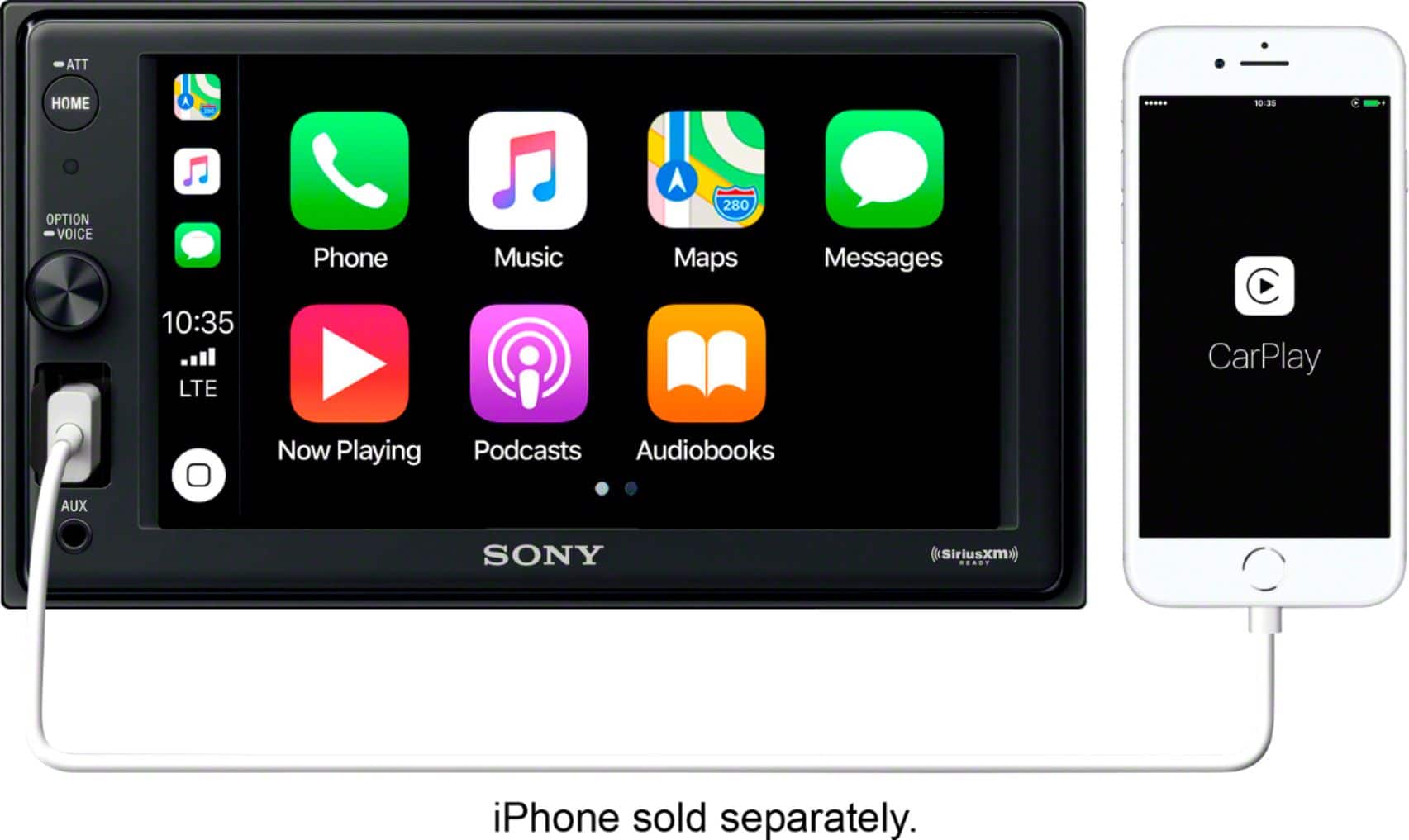
Thank you for your inquiry! We appreciate you reaching out. Unfortunately, the Sony XAV-AX1000 does not offer wireless Apple CarPlay support. To utilize Apple CarPlay with this model, you will need to connect your iPhone via a USB cable (please note that this cable is not included). We hope this information is helpful!
Navigate your smartphone without taking your hands off the wheel with the Sony XAVAX1000 6.2-inch media receiver. Compatible with Apple CarPlay, this head unit allows for smartphone integration with voice control. Drive up to four 55W outputs with the Dynamic Reality Amp 2, and simulate a dashboard speaker source by calibrating output frequencies with the Dynamic Sound Organizer.
Best regards,
Romeo
A:AnswerHi Frostie,
Thank you for reaching out with your question! The Sony XAV-AX1000 is an advanced in-car media receiver designed to enhance your driving experience with entertainment and connectivity features, including Apple CarPlay. However, it’s important to note that it does not have the functionality to control your vehicle's air conditioning system. You will still need to use the existing controls and interface in your car to manage the air conditioning independently of the XAV-AX1000. If your vehicle is Maestro compatible, we recommend the XAV-AX4000 as a solution.
If you’d like to explore more about the features and capabilities of our product, please visit Sony support website. I hope you find this information helpful!
Additionally, enjoy the convenience of navigating your smartphone without taking your hands off the wheel with the Sony XAV-AX1000’s 6.2-inch media display. This unit offers seamless smartphone integration with voice control and features Dynamic Reality Amp 2, delivering up to four 55W outputs. You can also enhance your audio experience by calibrating output frequencies with the Dynamic Sound Organizer, simulating a dashboard speaker source.
Best regards,
Romeo
A:AnswerHi there,
Thank you for your interest in the Sony XAV-AX1000!
In response to your question, the radio will fit the vehicle, but it will require an installation kit and harness (not supplied) to fit in the vehicle correctly.
Due to the various factors associated with different makes and models of vehicles, Sony is unable to provide assistance with the installation of car stereo and mobile audio systems. Nonetheless, if you are using a wiring harness, detailed information regarding the wire colors and functions of each pin can be found in the operating instructions for the XAV-AX1000. You can access that information here:
Connection (Pg. 28) - [Sony XAV-AX1000 Instructions](https://www.sony.com/electronics/support/res/manuals/4740/de0cea3deac418e2d4780819876b2f2a/47408851M.pdf)
For best assistance and to confirm the compatibility, please contact a qualified, professional installer or refer to your dealer/Best Buy.
Navigate your smartphone without taking your hands off the wheel with the Sony XAVAX1000 6.2-inch media receiver. Compatible with Apple CarPlay, this head unit allows for smartphone integration with voice control. Drive up to four 55W outputs with the Dynamic Reality Amp 2, and simulate a dashboard speaker source by calibrating output frequencies with the Dynamic Sound Organizer.
I hope this helps!
Best regards,
Romeo
A:AnswerHi there,
Thank you for reaching out to us with your concern. Let's try to isolate the issue by following the steps below:
• Disable Unwanted Features:
Ensure that features like Demo Mode or Screen Saver are turned off. These features can cause the screen to cycle through different displays.
Go to Settings > General > Demo Mode and set it to OFF.
And to set the clock on your XAV-AX1000, follow these steps:
1. Press the Home button, and tap Settings
2. Tap General
3. Select Date/Time
4. Select Date Format
DD/MM/YY
MM/DD/YY
YY/MM/DD
5. Select Time Format
12 hours
24 hours
6. Select Set Date/Time
Tap Hour, Minute, AM/PM
Should you need more information or technical assistance with our product, please feel free to contact us and we'll be more than happy to assist you. Unfortunately, due to the current Best Buy phishing protocol for your protection, we cannot provide a direct email or phone number for customer support as of now. Please find Sony Electronics' Support information: Go to our support website > click on “Support” > scroll down click on “Contact Support” > click on "(select your product type)" and from there you'll see different ways to contact us.
Apologies if you disclosed some of this information in your review and to customer service, we just want to ensure that we have your accurate details at the time of communication.
Name:
BestBuy Username:
Model Number:
Question/concern:
Telephone Number:
Navigate your smartphone without taking your hands off the wheel with the Sony XAVAX1000 6.2-inch media receiver. Compatible with Apple CarPlay, this head unit allows for smartphone integration with voice control. Drive up to four 55W outputs with the Dynamic Reality Amp 2, and simulate a dashboard speaker source by calibrating output frequencies with the Dynamic Sound Organizer.
I hope this helps!
Best regards,
Romeo
A:AnswerHi JTizzle,
Thank you very much for your interest in Sony's XAVAX1000!
Yes, the Sony XAV-AX1000 will work with your 2020 Jeep® Wrangler, but it will require an installation kit and harness (not supplied) to fit in the vehicle correctly.
Because of the number of variables encountered with different makes and models of automobiles, Sony is unable to assist with the installation of car stereo and mobile audio systems. However, if you are using a wiring harness, further information about the wire color and function of each pin on the wiring harness is available. Please refer to the operating instructions of the XAV-AX1000:
Connection (Pg. 28) - https://www.sony.com/electronics/support/res/manuals/4740/de0cea3deac418e2d4780819876b2f2a/47408851M.pdf
For best assistance and to confirm the compatibility, please contact a qualified, professional installer or refer to your dealer/Best Buy.
Navigate your smartphone without taking your hands off the wheel with the Sony XAVAX1000 6.2-inch media receiver. Compatible with Apple CarPlay, this head unit allows for smartphone integration with voice control. Drive up to four 55W outputs with the Dynamic Reality Amp 2, and simulate a dashboard speaker source by calibrating output frequencies with the Dynamic Sound Organizer.
I hope this helps!
Best regards,
Romeo