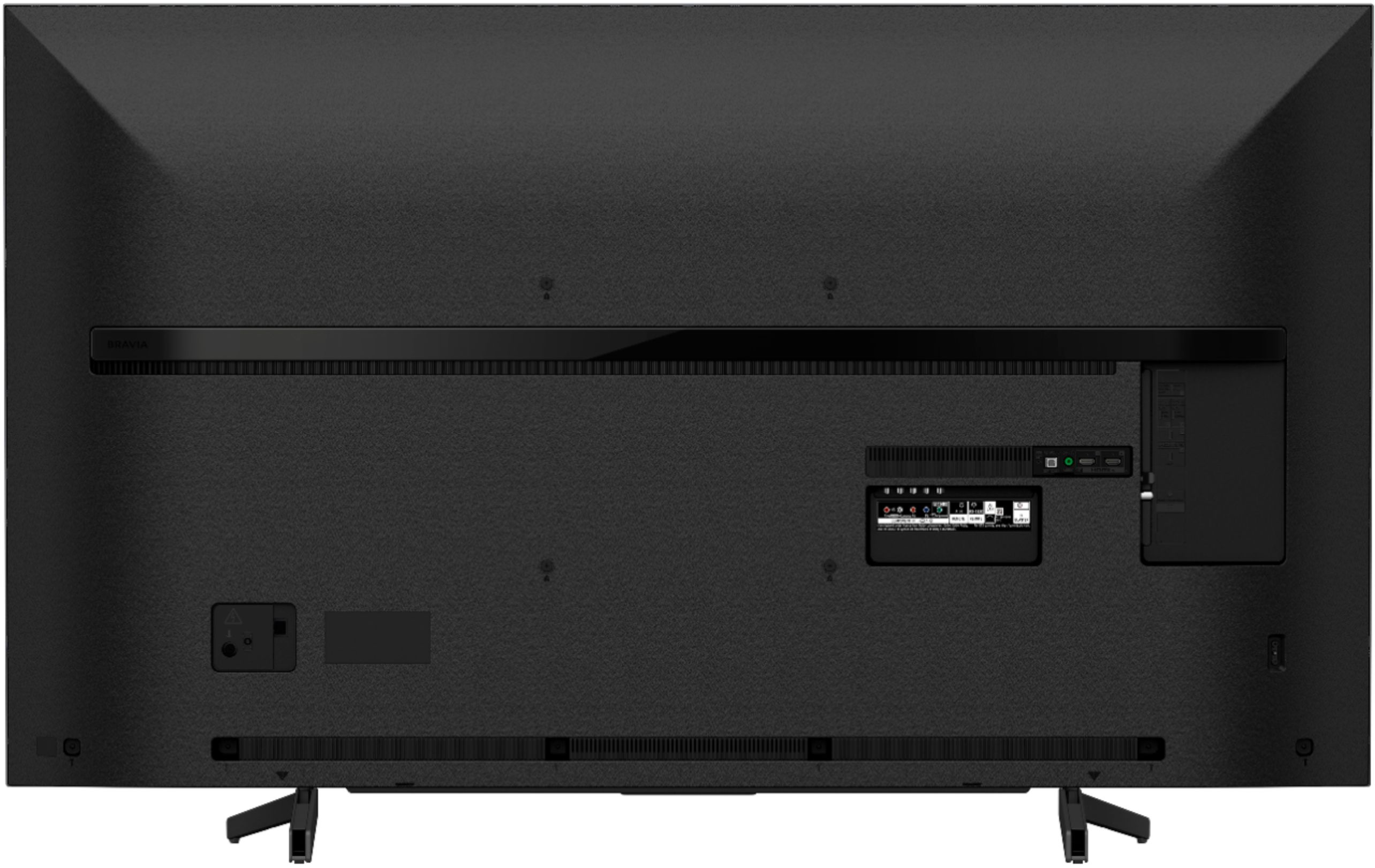
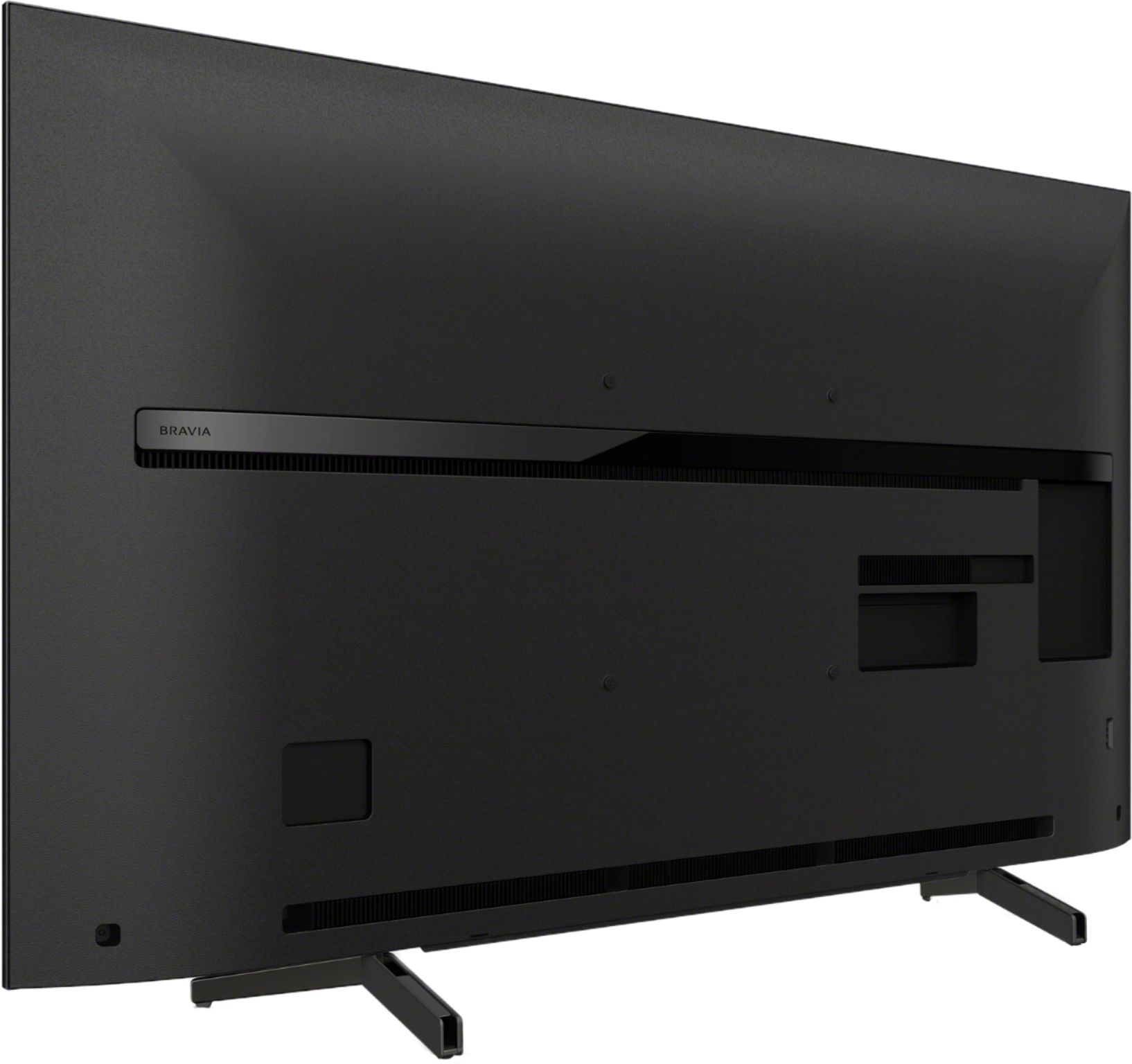
A:AnswerHi, Yogs! It is recommended to use a VESA compatible wall mount. You may find this link helpful:
https://www.sony.com/electronics/support/televisions-projectors-lcd-tvs-android-/xbr-65x800g/articles/00124300
~Ralph
A:AnswerHi, Tovar007!
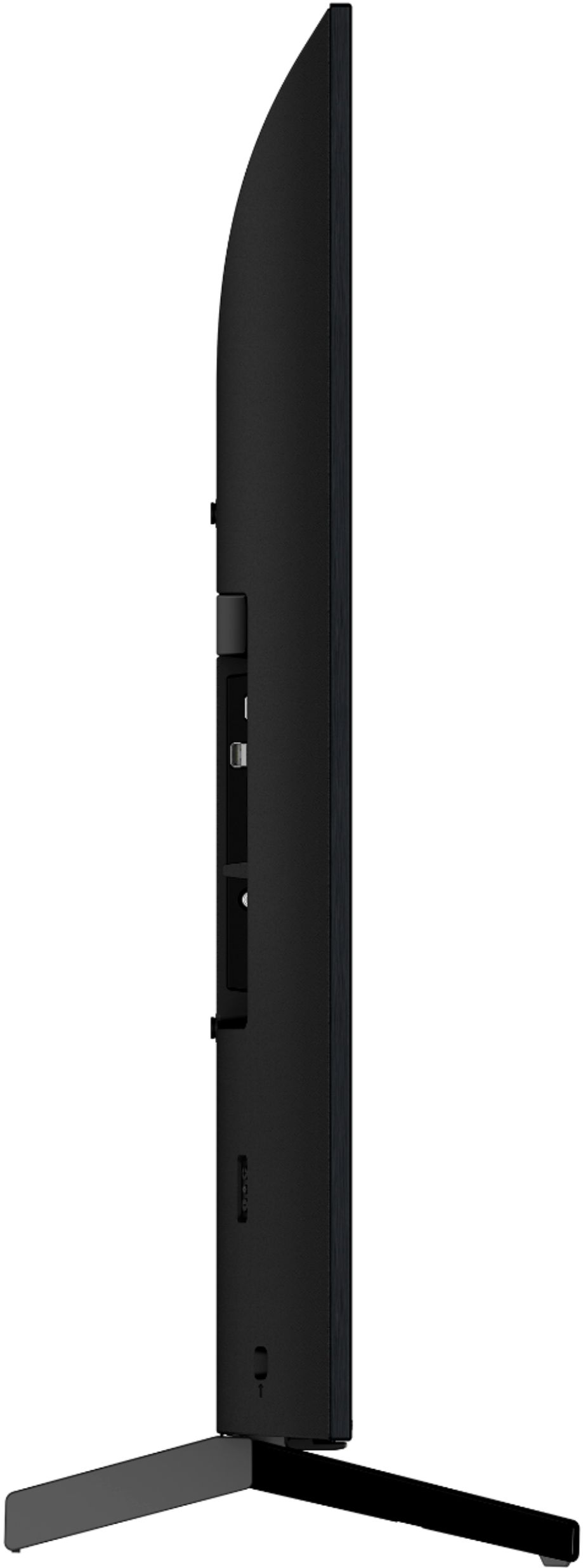
The Android TV™ device is designed to lean back slightly on the stand in anticipation of setting it on a low TV rack.
Your line of sight when sitting is 15 degrees lower than when you're in a usual relaxed state. It's considered ergonomical to set your TV at a lower position and tilted back by a couple of degrees. This way, you'll be able to enjoy watching TV programs comfortably. -Sam
A:AnswerI bought the 5 year from Best Buy. It’s insurance you hope you won’t need but if you do you’ll be glad you got it. Need is a matter of perspective.
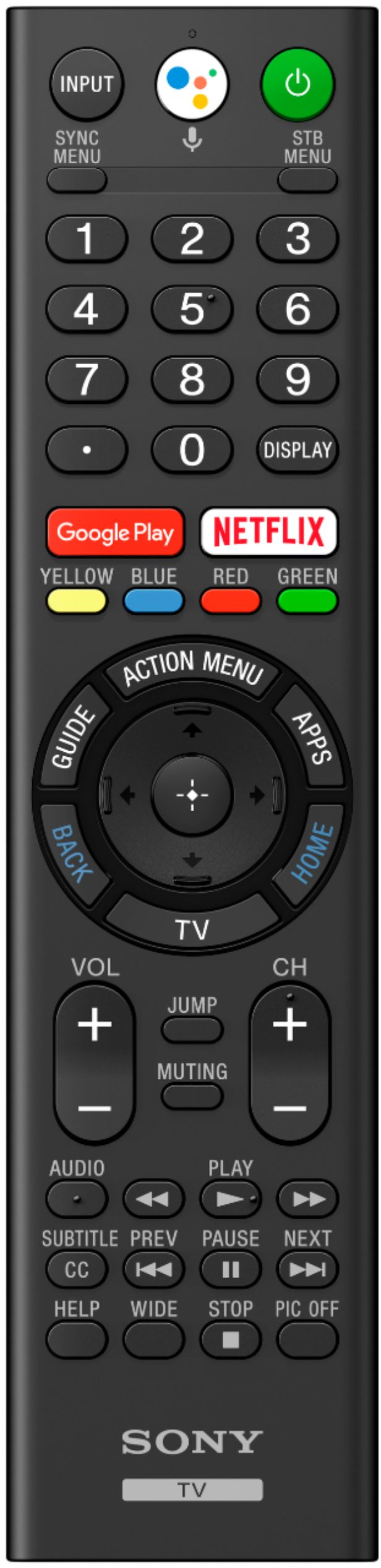
A:AnswerIt has Google Assistant built-in, Built-in Wi-Fi, Ethernet, and built-in speakers. Thousands of apps, including your favorite Android games, Sony's Android TV brings you everything in an instant.
A:AnswerHi! Unfortunately, the TV doesn't support Bluetooth headphones. The TV must support A2DP (Advanced Audio Distribution Profile) Bluetooth profile to be able to connect Bluetooth headphones. You may refer to this link for more information:
https://www.sony.com/electronics/support/televisions-projectors-lcd-tvs-android-/xbr-65x800g/articles/00159290
~Ralph