A:AnswerHi Trung, Thank you for your inquiry! We are sorry you are having an issue receiving or scanning channels with your brand-new Sony Bravia TV. You can run [Auto program] to add receivable channels that are not present in the TV memory. Please follow the guide here: https://www.sony.com/electronics/support/articles/00158454. Make sure the [Signal type] is set correctly. I hope this helps! Vincent
A:AnswerHi K, Thank you for choosing Sony! You can use the TV as a computer monitor by connecting the TV using an HDMI cable and selecting the correct input on the TV where the computer is connected to. For more information, please use this link on how to connect the TV to your computer as a monitor. https://www.sony.com/electronics/support/televisions-projectors-lcd-tvs-android-/xbr-75x950h/articles/00231984
To display or cast your smartphone/tablet on the TV please use this help guide link:
https://helpguide.sony.net/tv/husltn1/v1/en-003/05_04.html
Should you need further assistance, please contact us for help.
Please email the below information to [email protected]
Apologies if you disclosed some of this information in your review and to customer service, we just want to ensure that we have your accurate details at the time of communication.
Full Name:
Best Buy Username:
Telephone Number:
Model Number:
Issue:
Regards,
Carl
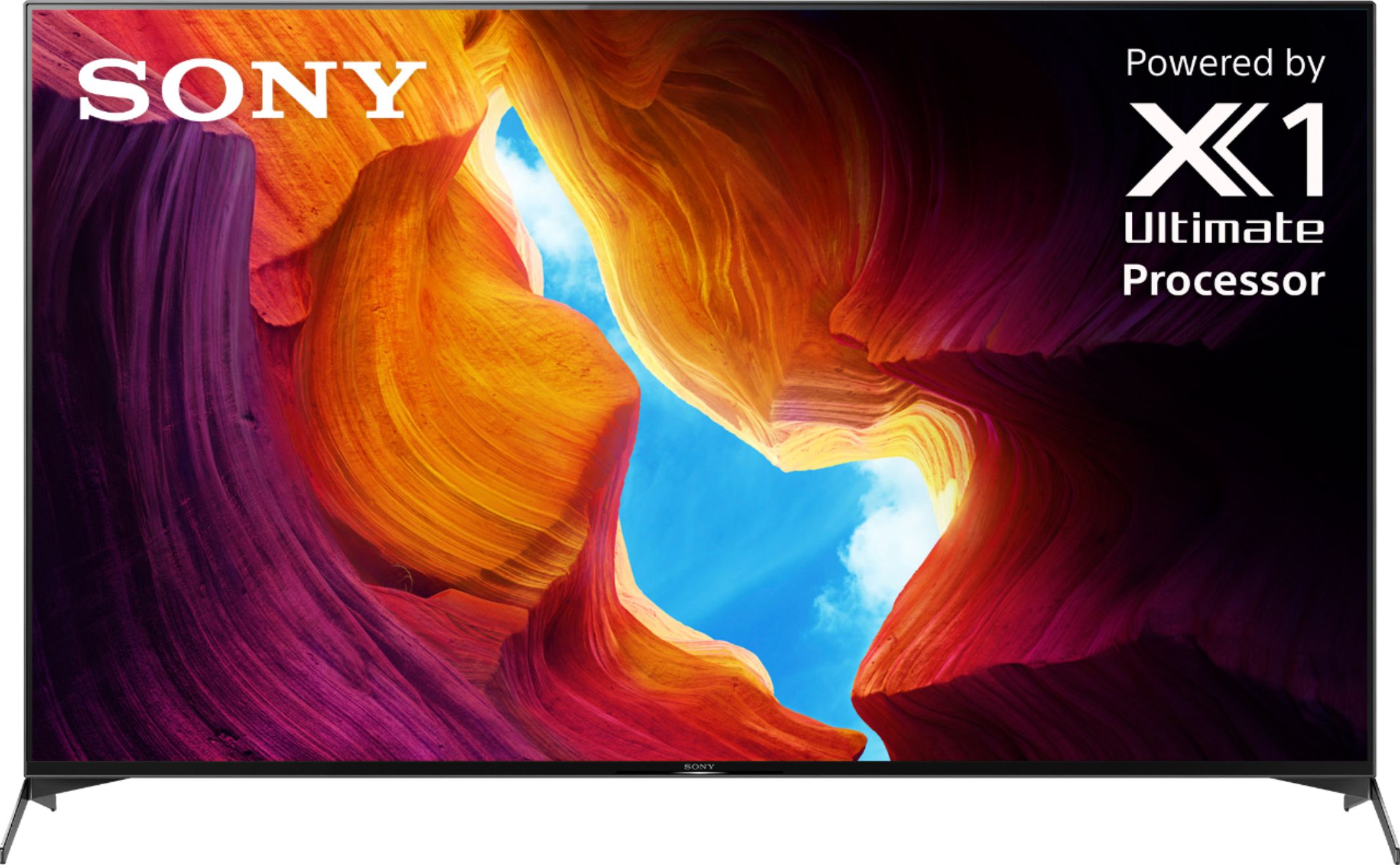
A:AnswerHi Bella, Thank you for your inquiry! You may be referring to our XR75X95J TV model. We don't have the information when is the release date of the XR75X95J yet. However, once there is a new update for this TV, it will be posted on our Sony website that you can check online. https://www.sony.com/all-electronics
Regards,
Carl
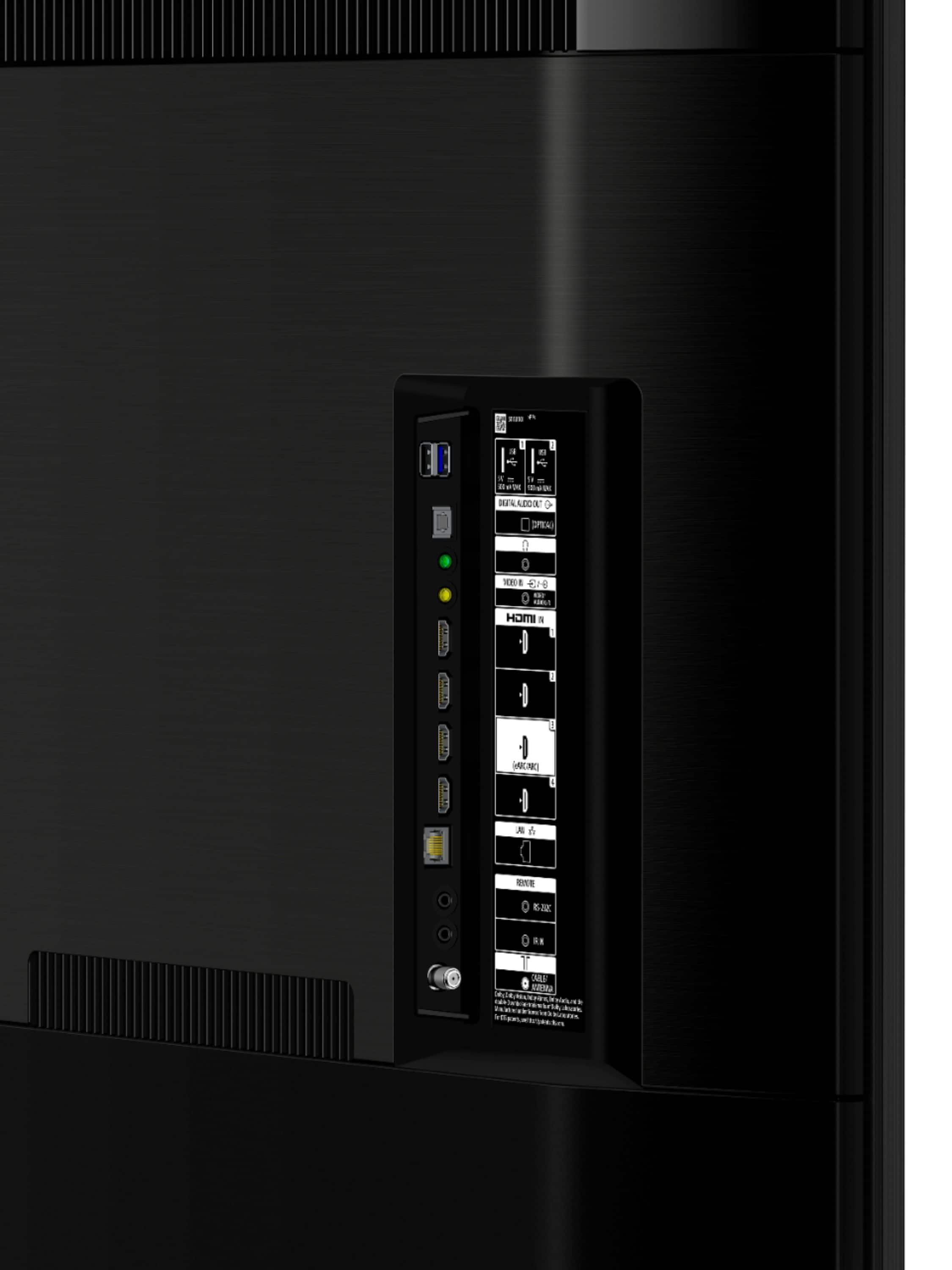
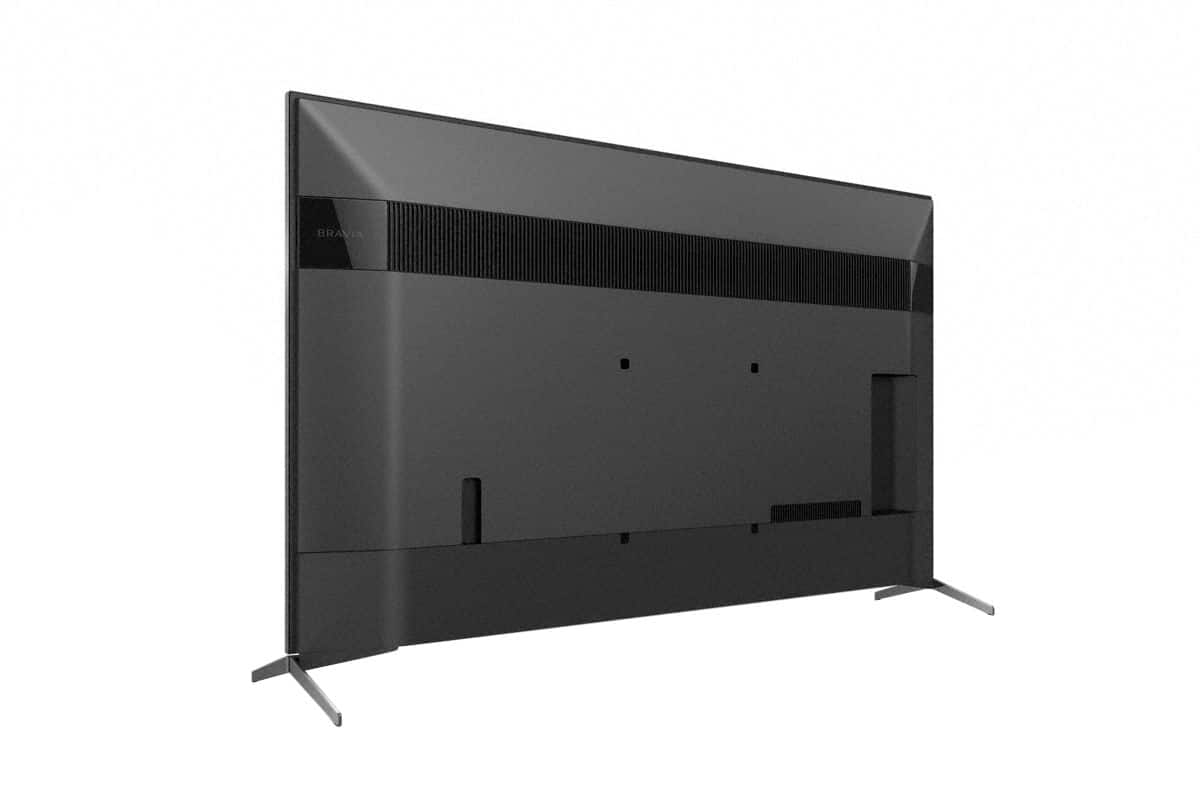
A:AnswerYes it does, It is the third HDMI port from the top down, it is actually a E ARK so the TV remotr will send a signal through the hdmi cable to run the surround or other devices if they are current enough, If they are not it acts as a ARK.
A:AnswerThere is a difference , the e ark allows you to control the device that is connected to the hdmi cable plugged into the third down from the top HDMI port, it is marked E ARC but after hung on the wall the print is facing the wall is why I am mentioning its location. If your add on device is not current enough for E ARC it will act as a ARC.
A:AnswerHi Lefty, We are sorry to hear that you are experiencing issues with your TV not showing the display of your Directv. We'd love to troubleshoot the issue that you are experiencing so you can enjoy the 75" X950H TV. Please try connecting the Direct TV box to a different HDMI port of the TV also, please try to use a different HDMI cable to connect the TV with your cable box.
You may also follow our related article link:https://www.sony.com/electronics/support/articles/00023611
May we contact you directly to help? If so, please email the below information to [email protected]
Apologies if you disclosed some of this information in your review and to customer service, we just want to ensure that we have your accurate details at the time of communication.
Full Name:
Best Buy Username:
Telephone Number:
Model Number:
Issue:
Regards,
Carl
A:AnswerHi Anri, thank you for choosing Sony! If you are referring to an IR Blaster Cable, unfortunately, no. The XBR75X950H TV does not have an IR Blaster cable supplied. To control your Cable box with the Sony Remote, please follow these steps.
Press the HOME button, then select [Settings] — [Watching TV] — [External inputs] — [Cable/Satellite box setup] — [Cable/Satellite box control setup].
Please follow the instructions on the screen to control your cable box with the Sony Remote.
You may also refer to this link for further troubleshooting if you are unable to control your cable box with the Sony Remote: https://www.sony.com/electronics/support/televisions-projectors-lcd-tvs-android-/xbr-55x950h/articles/00231346
Should you need further assistance, please contact us for help.
Please email the below information to [email protected]
Apologies if you disclosed some of this information in your review and to customer service, we just want to ensure that we have your accurate details at the time of communication.
Full Name:
Best Buy Username:
Telephone Number:
Model Number:
Issue:
Regards,
Carl