Year-End SaleEnds 1/1/26. Limited quantities. No rainchecks.

Main Content

Questions & Answers

Your price for this item is $974.99
Clearance
The comparable value price is $1,299.99
Page Showing 41-60 of 128 questions
  • QuestionDoes this Sony 75' X800H 4k TV have and support Dolby Atmos? Can I plug in my Dolby Atmos speaker system into this tv fine?

    Asked by OlympicAssEater.

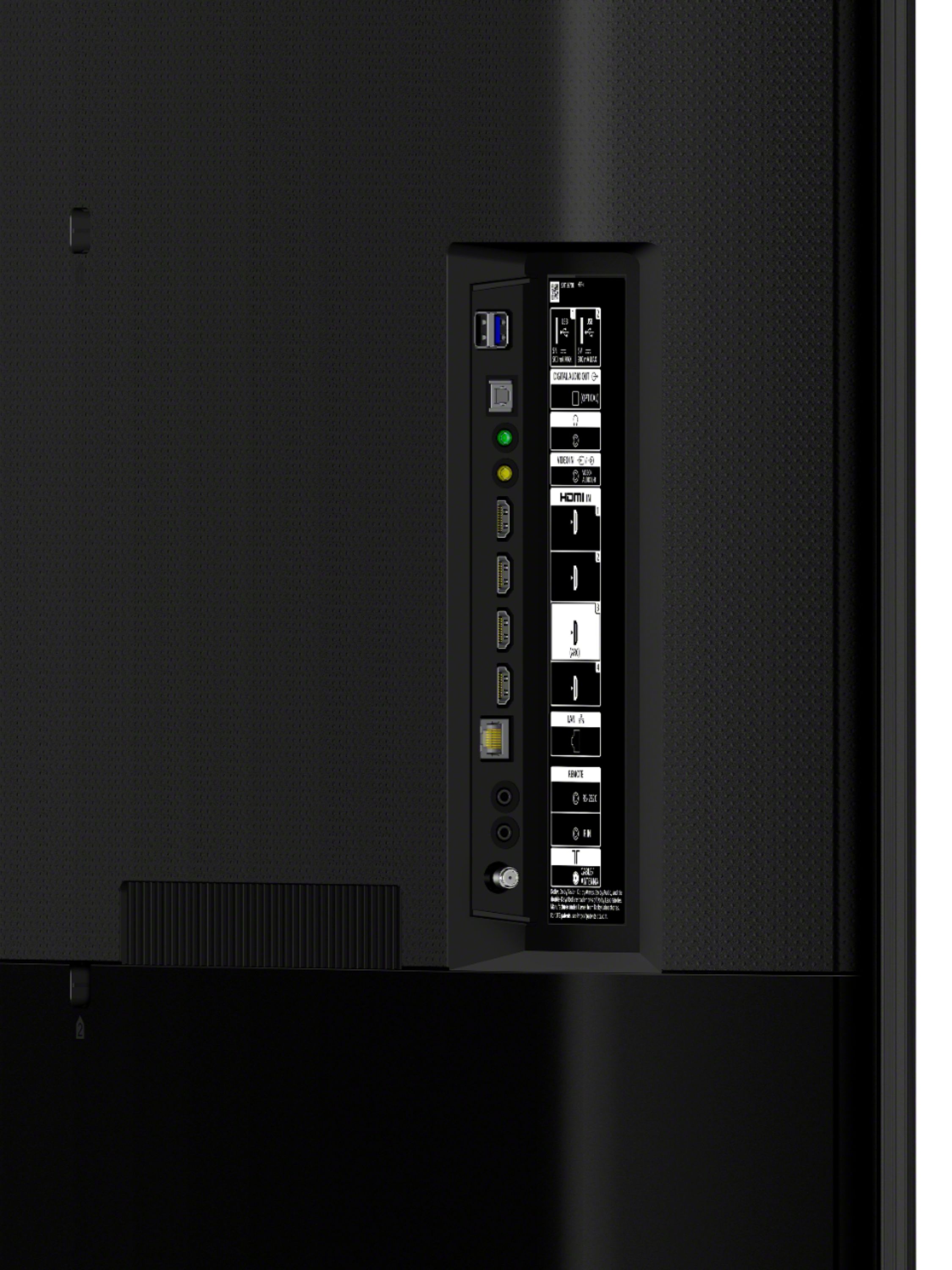
    • Answer Hi OlympicAssEater, Yes, the HDMI input audio format of the XBR-75X800H supports Dolby Audio, Dolby Atmos, and DTS. To enjoy Dolby Atmos, you'll need to connect an audio device or an audio system that supports Dolby Atmos to the HDMI ARC port of the TV. It is recommended to use high-speed HDMI cables. Thanks for your inquiry! -Jess

      Answered by SonyListens

  • QuestionDoes this Sony 75' X800H 4k TV have and support Dolby Atmos? Can I plug in my Dolby Atmos speaker system and equipment into this tv fine?

    Asked by OlympicAssEater.

    • Answer Hi OlympicAssEater, Yes, the HDMI input audio format of the XBR-75X800H supports Dolby Audio, Dolby Atmos, and DTS. To enjoy Dolby Atmos, you'll need to connect an audio device or an audio system that supports Dolby Atmos to the HDMI ARC port of the TV. It is recommended to use high-speed HDMI cables. Thanks for your inquiry! -Jess

      Answered by SonyListens

  • QuestionWhat does it mean when it says android tv?

    Asked by Anonymous.

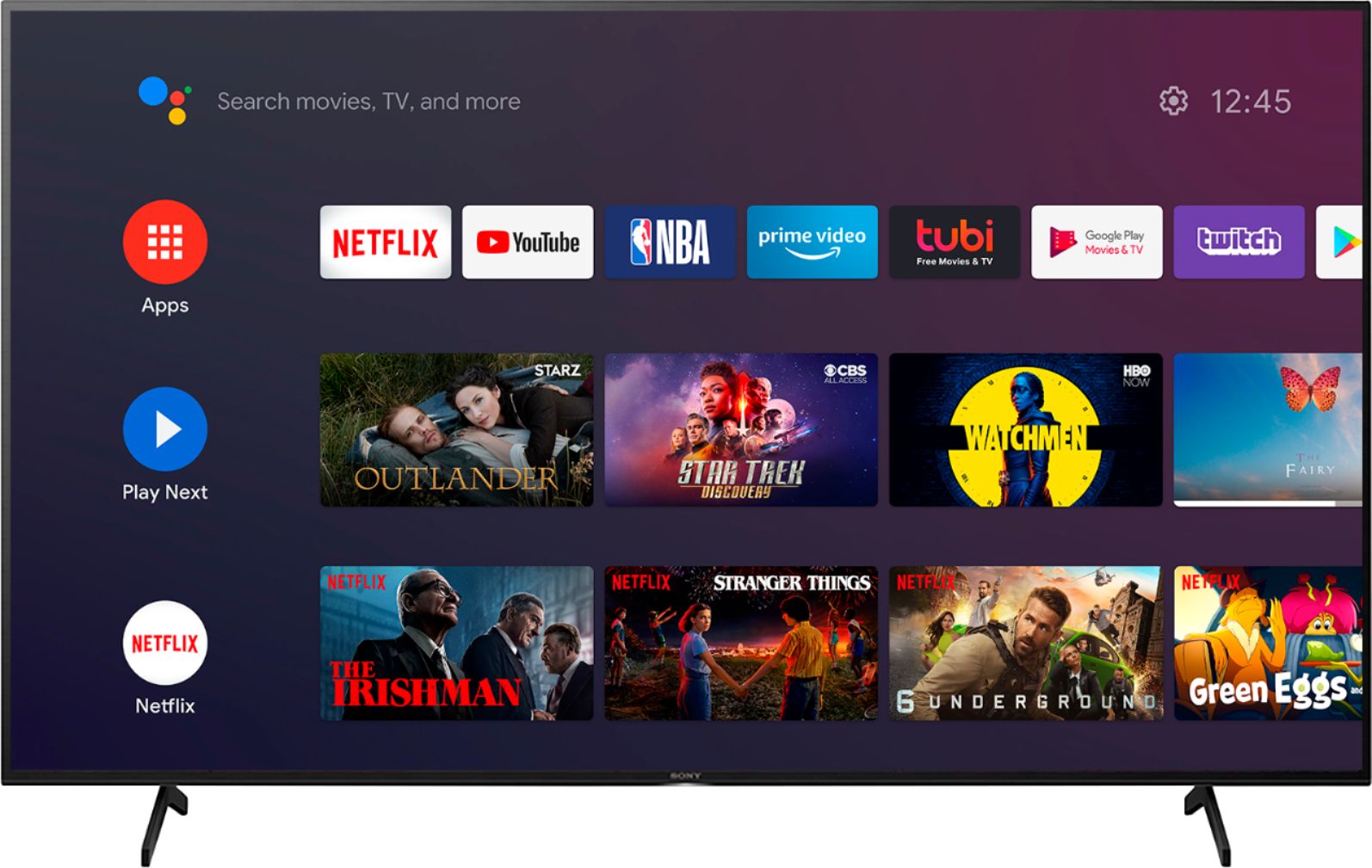
    • Answer Hi there, Thanks for inquiring about the X800H. An Android TV is a TV that uses the Android OS (Operating System) from Google Inc. Users can stream your content to your TV via apps, both free and paid, using your internet connection. It has Google assistant, which gives you voice control for your TV content, as well as of your smart home products. Lastly, it is easy to operate, and you can cast your favorite entertainment and apps from your mobile device to your Android TV via Chromecast built-in or AirPlay. Hope this helps. Thanks for considering Sony! -Jess

      Answered by SonyListens

  • Questionwill this TV support Discovery+?

    Asked by Denny.

    • Answer Hi Denny, Thanks for inquiring about the X800H. Yes, Discovery+ is supported on the TV. Hope this helps. Regards, Jess

      Answered by SonyListens

  • QuestionDoes this tv support split screen so I can use my laptop and watch a program simultaneously?

    Asked by Ala.

    • Answer Hi Ala, Thanks for inquiring about the XBR-75X800H. Unfortunately, split screen or Twin Picture isn't supported by the TV. You cannot watch two video sources side by side or at the same time if that's what you're referring. However, this TV supports Picture-in-Picture function but you cannot play 2 sources at once. You can minimize your main source while you use the menus or search options. Hope this helps. Thanks for considering Sony! Regards, Jess

      Answered by SonyListens

  • QuestionHello, If this model support Bluetooth earphones? Because I have 3 pairs and can't connect any of them. Thanks

    Asked by Anonymous.

    • Answer Hi there, Thank you for inquiring about the Bluetooth function on the X800H. The TV does not natively support Bluetooth audio out. TVs that support the A2DP Bluetooth profile can connect with Bluetooth audio devices such as headphones or speakers. This feature may work with a compatible external USB Bluetooth Adapter or 3rd party Bluetooth applications that can be downloaded from the Google Play Store. Hope this helps. -Jess

      Answered by SonyListens

  • QuestionI recently bought the X800H and was wondering if I could connect it to my Bose 700 Series Soundbar without using HDMI cables

    Asked by John.

    • Answer Hi John, Thank you for purchasing the X800H. Yes, you can connect this TV to your soundbar via optical cable. But, with regards to wireless Bluetooth connectivity of the TV, the x800H does not natively support Bluetooth audio out. This feature may work with a compatible external USB Bluetooth Adapter or 3rd party Bluetooth applications that can be downloaded from the Google Play™ Store. Hope this helps! -Sam

      Answered by SonyListens

  • QuestionDoes this have HDMI ARC ?

    Asked by mhamrick56.

    • Answer Hi mhamrick56, Thank you for your inquiry. Yes, the X800H supports the HDMI ARC feature. Hope this helps! -Sam

      Answered by SonyListens

  • QuestionWhat are the dimensions of the box it comes in?

    Asked by hawksbill95.

    • Answer Hi hawksbill95, Thanks for your inquiry. The dimension of the box that it came with is approximately (W x H X D) 71 3/8" x 43 5/8" x 7 3/8" (1810 x 1107 x 187 mm). Hope this helps! -Sam

      Answered by SonyListens

  • QuestionCan you download the YouTube TV App

    Asked by Beeballman.

    • Answer Yes.

      Answered by David

  • Question75 inches...is that diagonal?

    Asked by Buzz.

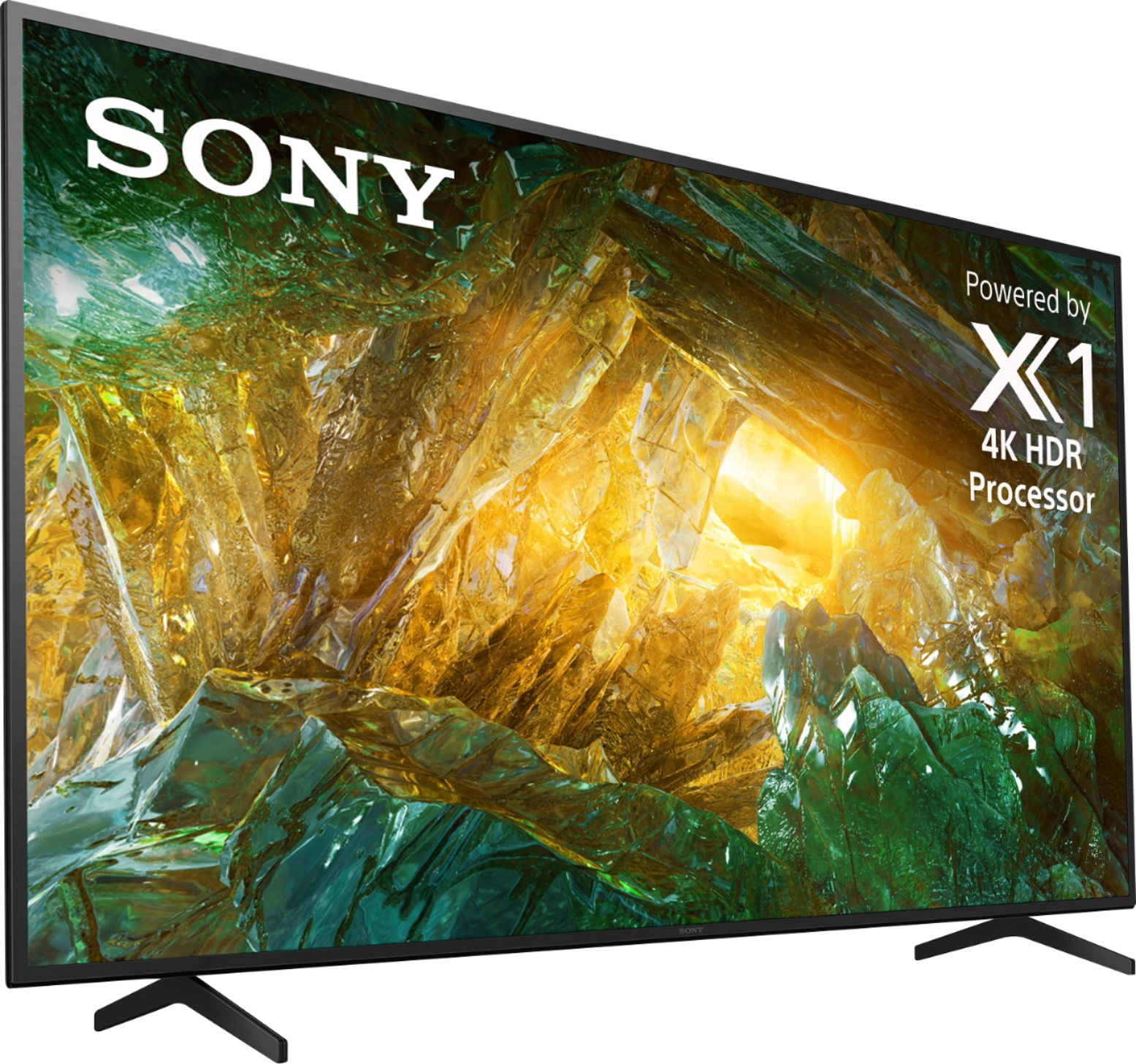
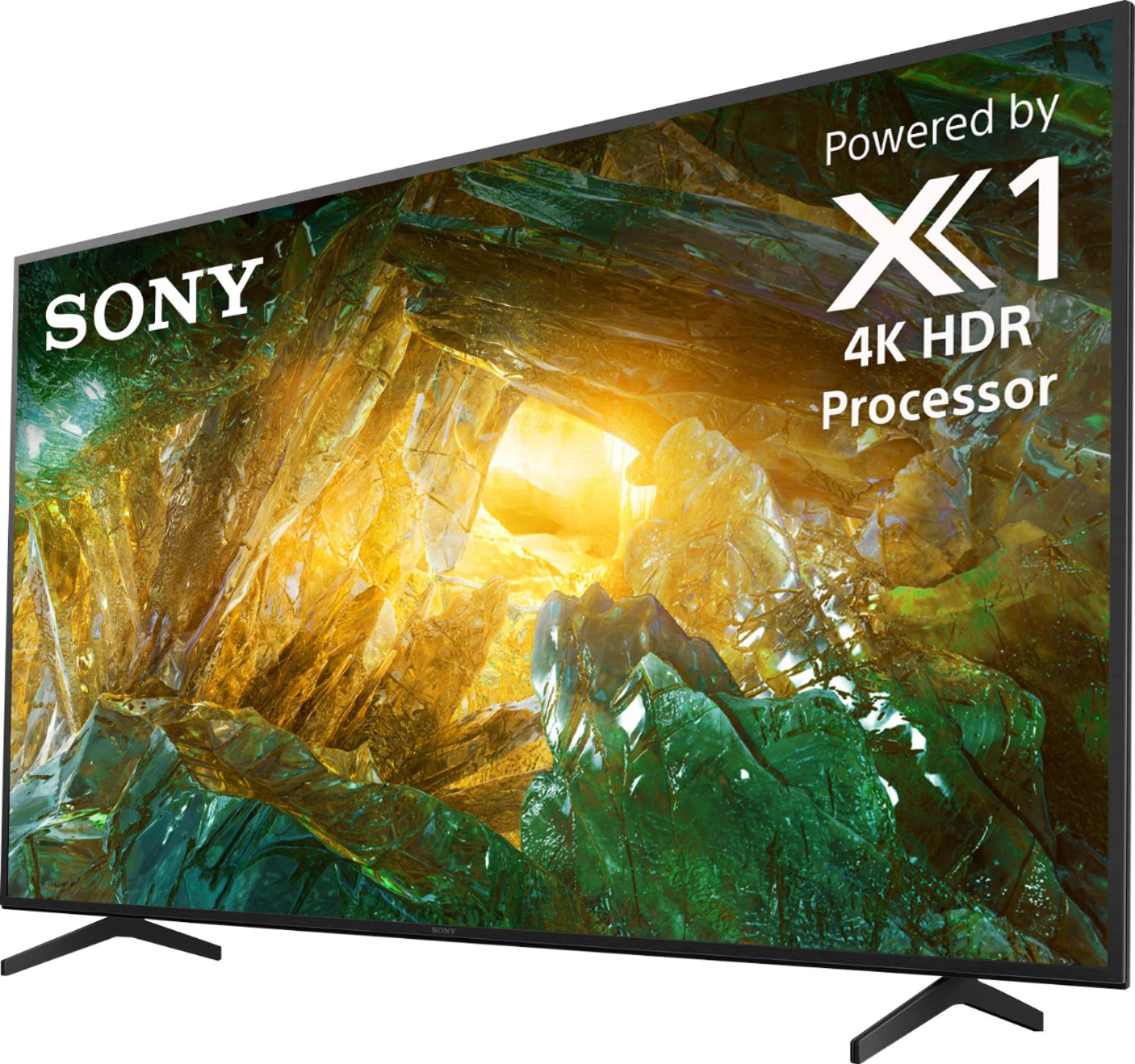
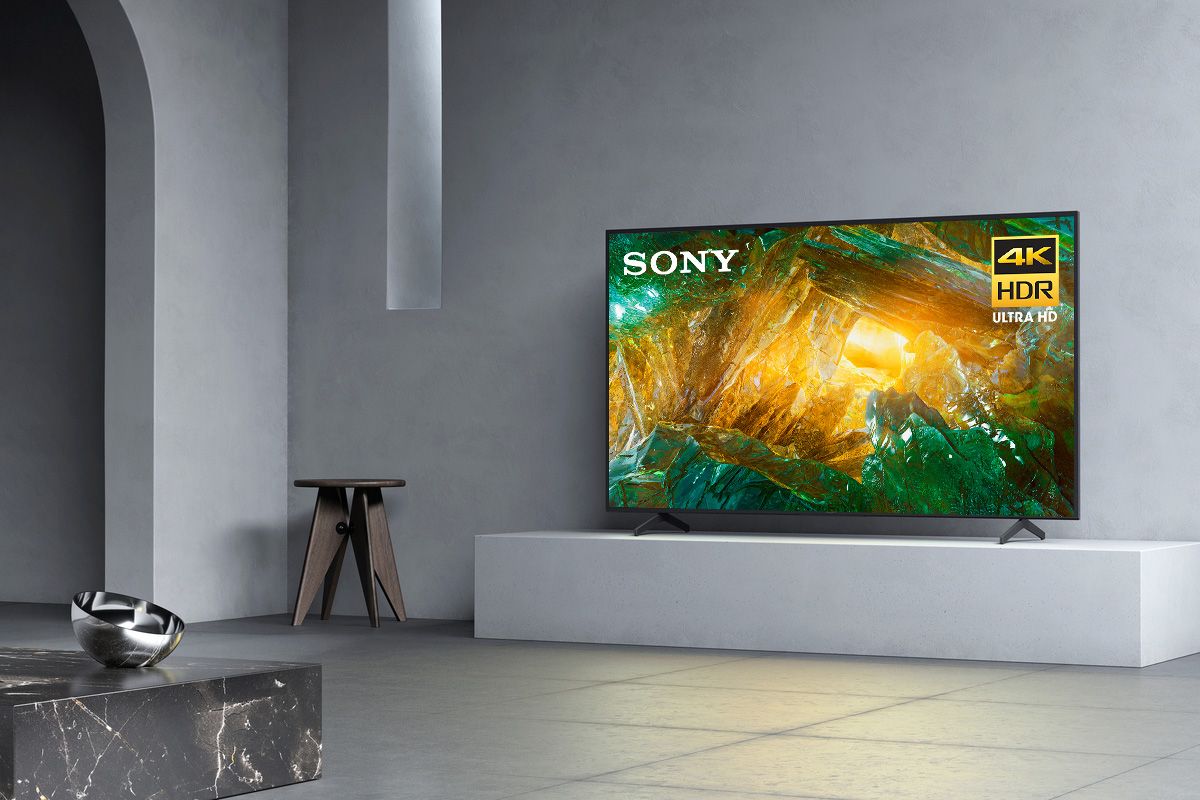
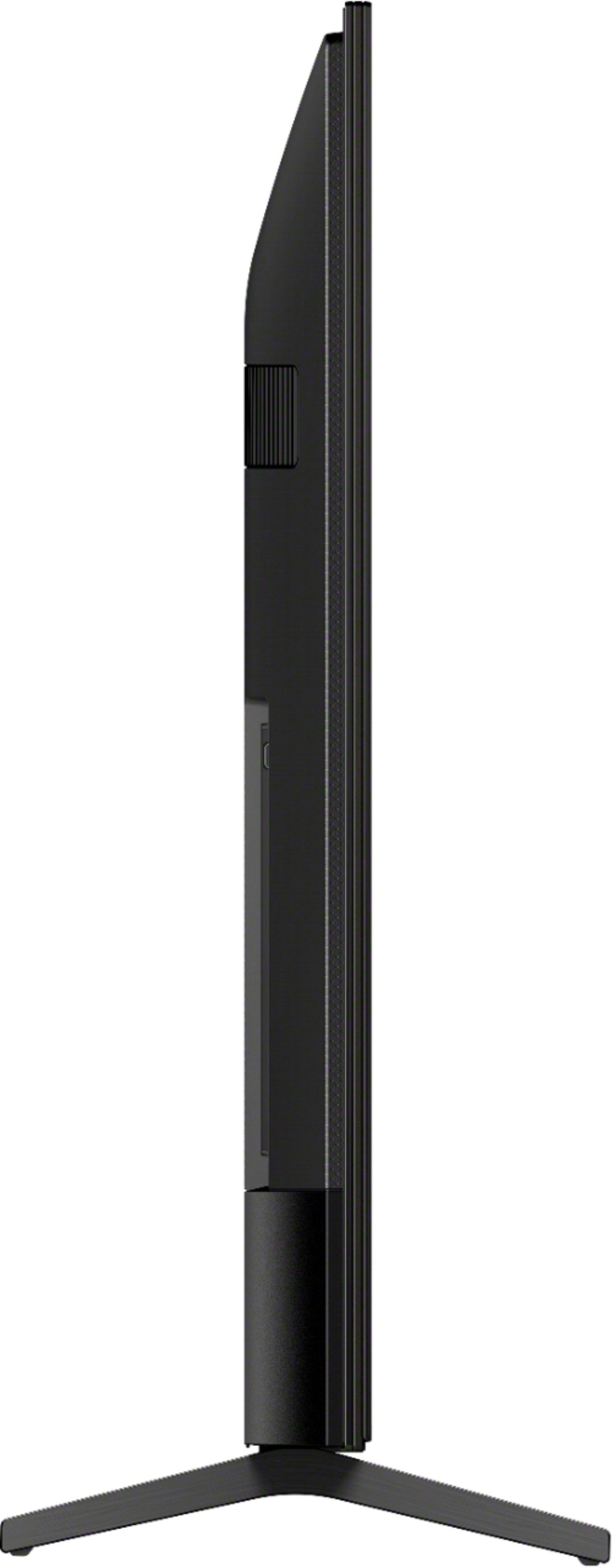
    • Answer Hi Buzz, thanks for inquiring about the XBR-75X800H. The screen size is 75 inches, 74.5 inches measured diagonally. For more details, please check the complete approximate dimensions below: Dimension of TV without Stand (W x H x D): 66 3/8 x 38 1/4 x 2 7/8 inches (1686 x 969 x 72 mm) Dimension of TV with Stand (W x H x D): 66 3/8 x 41 x 16 3/8 inches (1686 x 1042 x 414 mm) Regards, Jess

      Answered by SonyListens

  • QuestionCan you get a center stand for this tv? Stand is too wide

    Asked by gus.

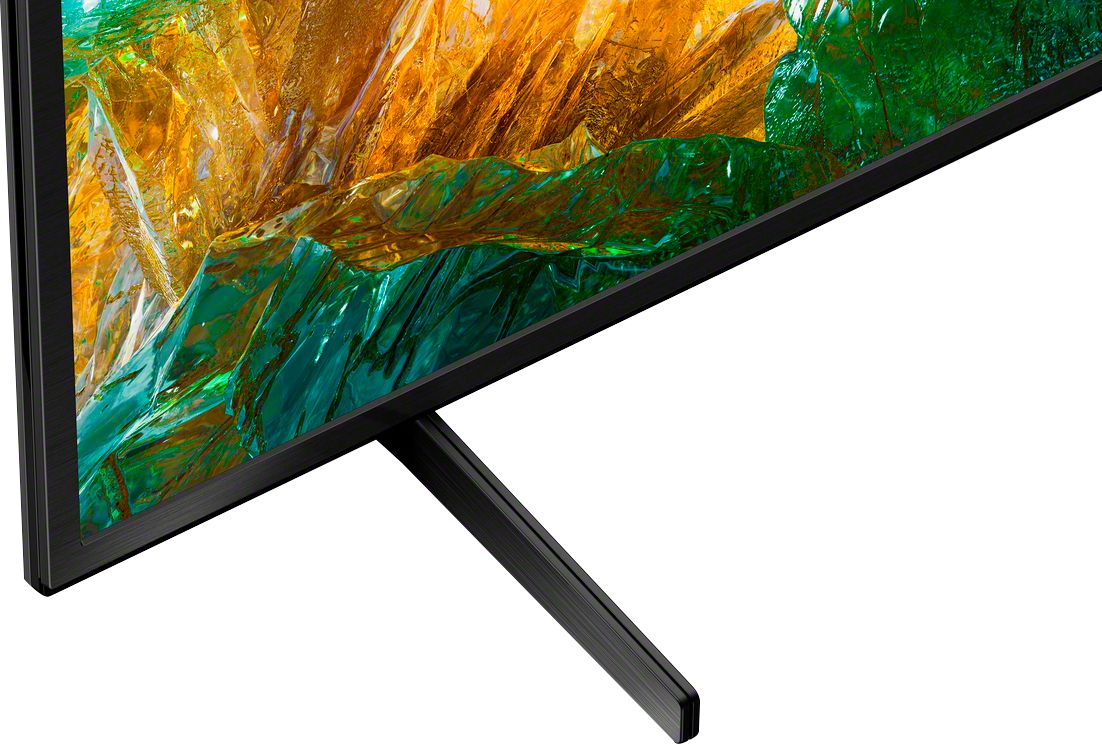
    • Answer Hi Gus, Unfortunately, we can only recommend to use the supplied Table-top stand or to install the TV with the compatible wall-mount bracket (SU-WL855). Thanks. -Jess

      Answered by SonyListens

  • Questionwhat are the dimensions of Sony - 75" Class XBR X800H Series LED 4K UHD Smart Android

    Asked by Anonymous.

    • Answer Hi there, thanks for inquiring about the XBR-75X800H. For your reference, please check the approximate dimensions of this TV below: Dimension of TV without Stand (W x H x D): 66 3/8 x 38 1/4 x 2 7/8 inches (1686 x 969 x 72 mm) Dimension of TV with Stand (W x H x D): 66 3/8 x 41 x 16 3/8 inches (1686 x 1042 x 414 mm) Regards, Jess

      Answered by SonyListens

  • QuestionCan I haul the 75 inch 800H home laying flat on its back in the box?

    Asked by JoeR.

    • Answer Hi JoeR, We recommend to keep the TV upright during transport. Large Thin TVs are very fragile. Vibrations, and lack of screen support are the main reasons why you shouldn’t ever transport your TV laying down. Most manufacturers intend for the TV to be upright which is why most are packed with supportive Styrofoam corners. The box of the TV should have a "This Side Up" with an upright arrow logo. Please follow that together with other precaution logos on the box of the TV. Thanks! -Jess

      Answered by SonyListens

  • Questioncan't get I phone to mirror to sony tv

    Asked by Tony.

    • Answer Hi Tony, Thanks for your inquiry and we are sorry for the inconvenience. You can use Apple AirPlay to mirror the display or stream content from your Apple devices to your Android TV. An internet connection is required to use AirPlay. It's also important to note, operation of a mobile device such as iPhone or iPad varies depending on the OS version. If AirPlay or screen mirroring isn’t working on your device: https://www.sony.com/electronics/support/televisions-projectors-lcd-tvs-android-/xbr-75x800h/articles/00240540 Should you need further assistance, please email us at [email protected] with the following details: Apologies if you disclosed some of this information in your review and to customer service, we just want to ensure that we have your accurate details at the time of communication. Full Name: Bestbuy Username: Telephone Number: Sony TV Model Number: Additional Information regarding your experience with the X800H Thank you for letting us help assist you. Regards, Jessie

      Answered by SonyListens

  • QuestionWhat is the weight of this TV? Sony - 75" Class XBR X800H Series LED 4K UHD Smart Android TV

    Asked by Anonymous.

    • Answer Sound is good and picture very perfect and very nice tv for the buck but its very good tv that I would recomend to anyone out there for tv. The only downside is the stand of the tv should be better and strong but it doees not matter if you plan to hang it on the wall. Overall I am sartify

      Answered by Kemzo

  • QuestionDoes this Television support Picture in Picture ???

    Asked by TommyGunz75InchX80H.

    • Answer Hi TommyGunz75InchX80H, Yes, the Picture-in-Picture function is supported by the TV but you cannot play 2 sources at once. You can minimize your main source while you use the menus or search options. Thanks! -Jess

      Answered by SonyListens

  • Questionmy t.v. never shows 4k, is that because nothing is being broadcast in 4k, it's either 480 or 1080 or am I doing something wrong.

    Asked by mytv.

    • Answer Quality is very good

      Answered by DAVID

  • Questionthis tv wirelessly compatible with my galaxy note 20?

    Asked by Carlos.

    • Answer Hi Carlos, We appreciate your interest in the X800H. If you are referring to displaying or streaming content from your Android smartphone to your Android TV, yes, this unit supports Screen mirroring for Android smartphones via Chromecast built-in. You can cast your favorite entertainment and apps from your mobile device or computer to your Android TV device. Thanks. -Jess

      Answered by SonyListens

  • QuestionI usually watch movies and soap operas from a website which is not a built-in app in this TV. I wonder if I can use the blue tooth to mirror the website to the TV. If blue tooth does not work, may I use an ipad to HDMI cable to do that?

    Asked by Anonymous.

    • Answer Hi there, Unfortunately, you cannot use Bluetooth to mirror the display or stream content from your smartphone device to the TV. This unit supports Screen mirroring for iPhone/iPad via Apple Airplay 2. With Apple AirPlay, you can stream movies, music, games, and photos to your TV right from your iPhone, iPad, or Mac without the need for an additional cable. For more information on how to display content from Apple devices on Android TV, check this link: https://www.sony.com/electronics/support/articles/00240540 Regards, Jess
      Answered by SonyListens