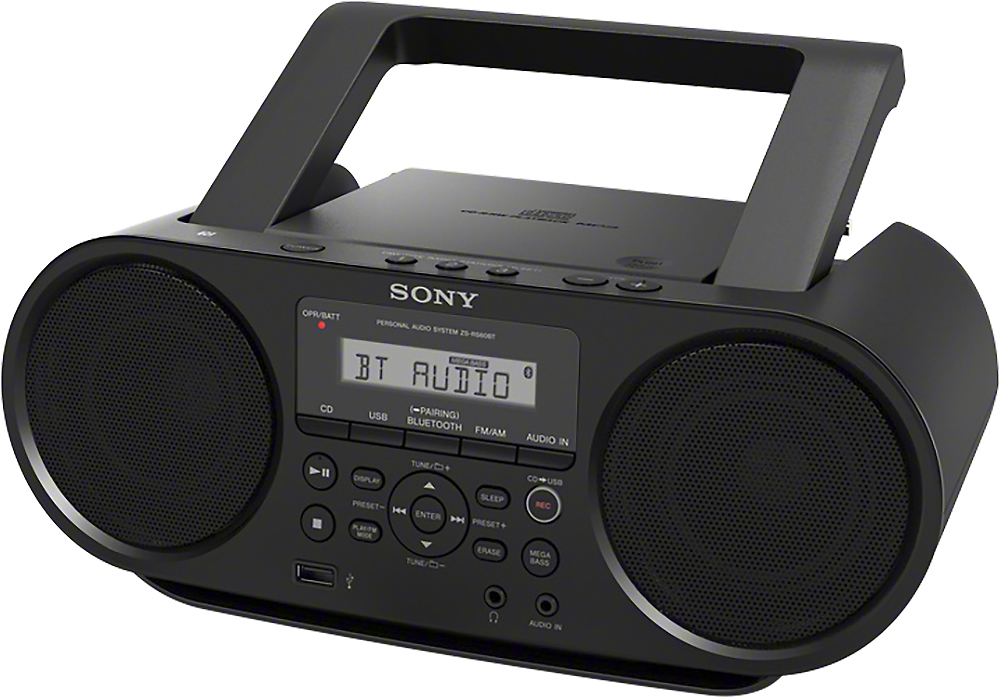
A:AnswerYes unit can play CDs while running on batteries. Unit takes 6 C batteries. Owners manual says radio can run up to nine hours on batteries playing just CDs.
A:AnswerHello kitten, the unit doesn't come with a supplied remote control. You may check all the supplied accessories for this unit on the link below:
https://docs.sony.com/release//ZSRS60BT.pdf see "Supplied Accessories".
Thanks, _Bob
A:AnswerHi Stephsjamn, yes, the AUX port on this Boombox can accommodate an iPod. The cables required to make such connection is sold separately. Additionally, you may use your iPod connected to the AUX port, and headphones connected to the headphone jack on this Boombox at the same time. Regards, -Mark
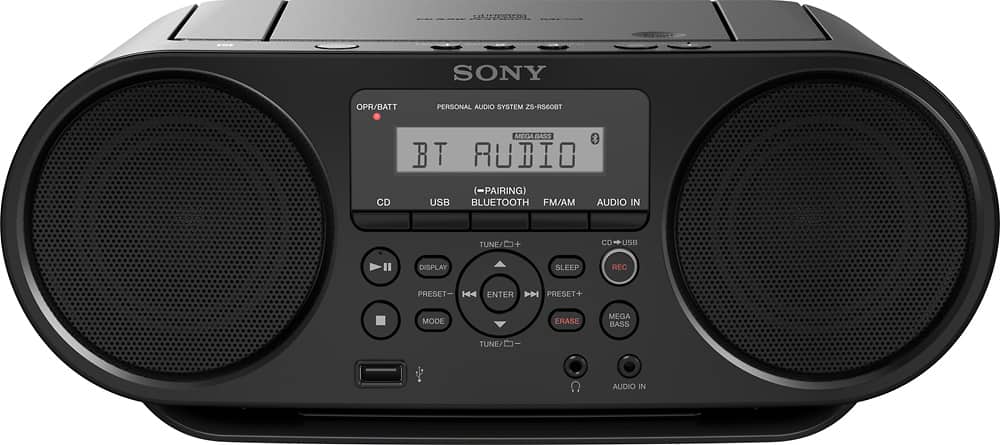
A:AnswerJust copy the channels you want, over the ones that are there. Should work easily.
Also, the 3 buttons on the top may be independently set for AM or FM for the stations you use most.
A:AnswerHi Drew, The battery life will depend on the its usage:
-Playback of CD: Approx. 9 hours
-Playback of USB device: Approx. 11 hours (at 100 mA load) / Approx. 3 hours (at 500 mA load)
FM reception: Approx. 26 hours
BLUETOOTH: Approx. 13 hours
You may refer to the link below for more information:
https://docs.sony.com/release//ZSRS60BT.pdf
~Ralph
A:AnswerI haven't tried but most up to date radios with that feature , such as cd's recorded from your computer or music down loaded to USB. All formats are supported. I have no direct answer such as yes or no, sorry.
A:AnswerIt should work on AC or batteries although I would remove all of the batteries if you’re not going to operate on batteries .
are you sure that you have the cord pressed all the way into the AC in receptacle on the back of the radio and have you confirmed that you have power at that outlet by using a lamp or other device ?
to answer your question about charging there is no charging of the batteries with this unit it should begin to operate immediately once you connect it to AC power.
I just tried it on mine and as soon as I connected it to AC power it began to work although it will say “standby” until you press the on button.