A:AnswerHi, jdo!
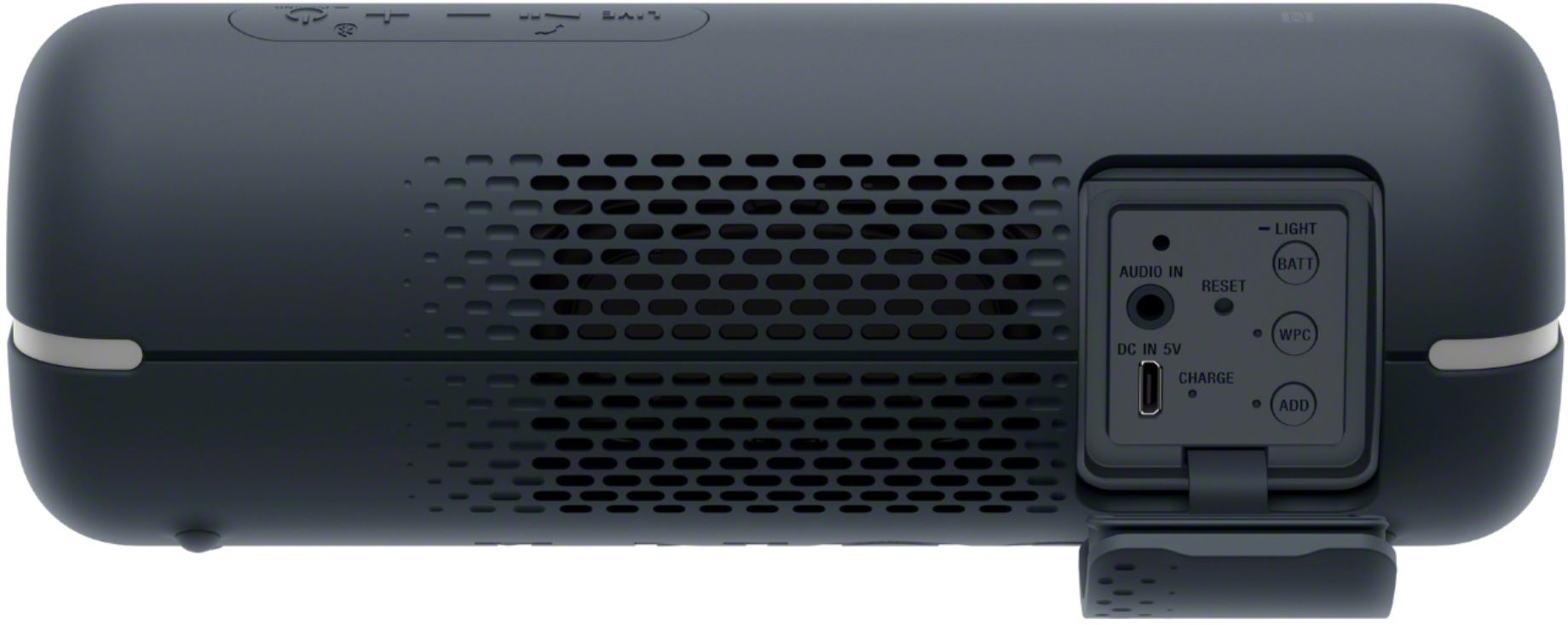
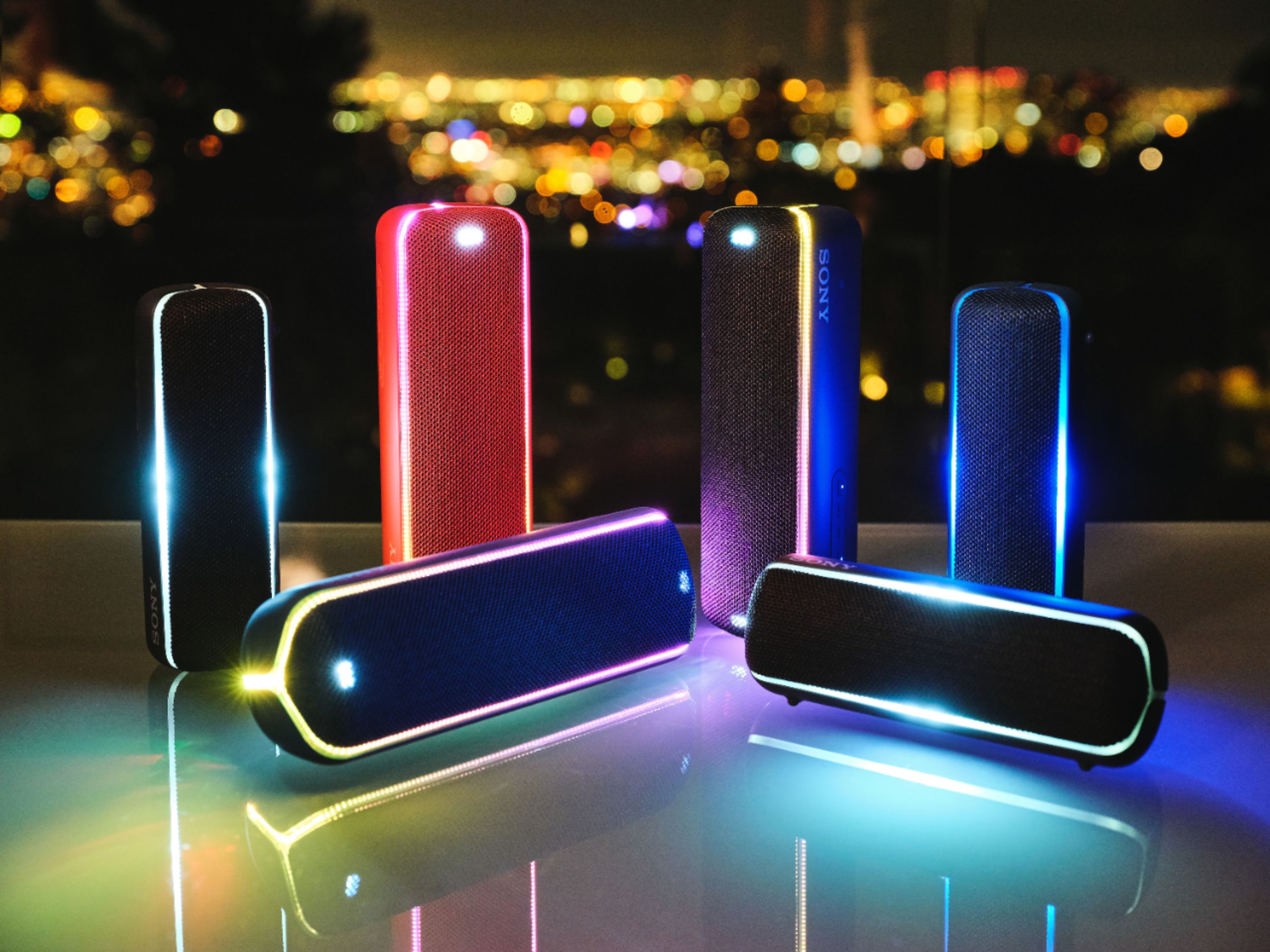
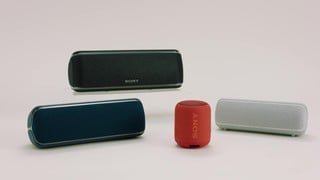
Good news! Yes, you can. Press and hold the BATT (battery)/LIGHT button inside the cap on the rear side of the speaker for about 3 seconds until the lighting function turns off. Please refer to this link for further information: https://helpguide.sony.net/speaker/srs-xb22/v1/en/contents/TP0002240457.html -Sam
A:AnswerHi! The BLUETOOTH wireless technology operates within a range of about 10 m (about 32 ft). However, maximum communication range will vary depending on obstacles (person, metal, wall, etc.) or electromagnetic environment. ~Ralph
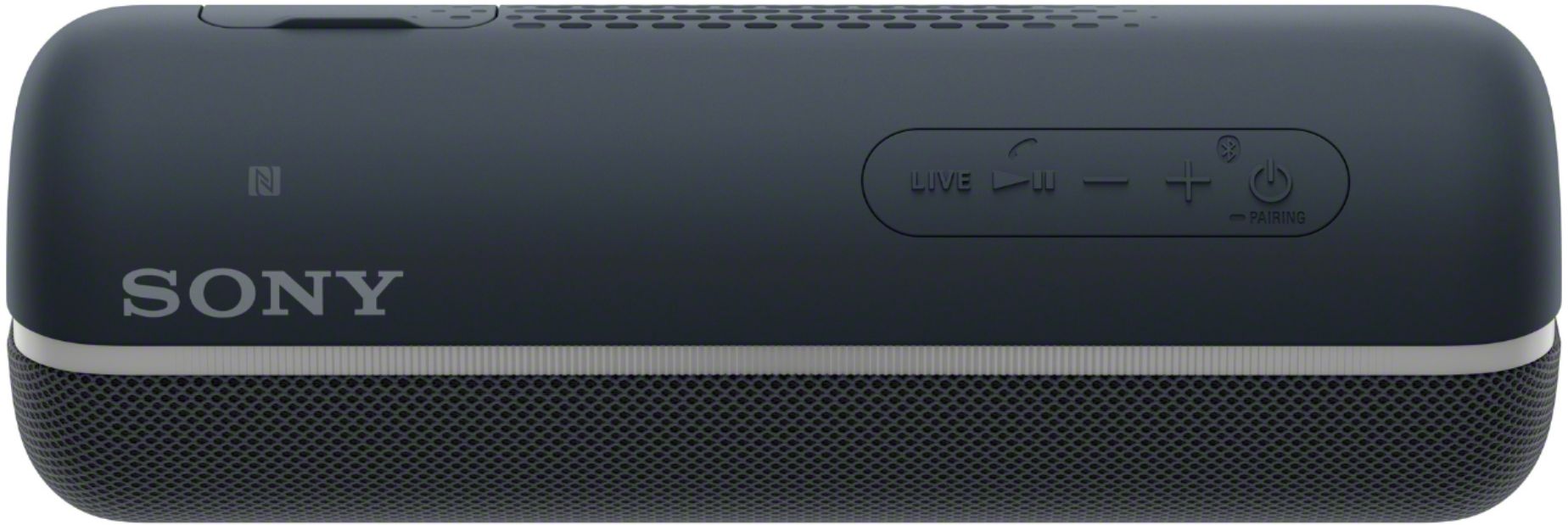
A:AnswerHi, Dylan! The live button is for the LIVE SOUND feature of the speaker. Turning this on will give you a real three-dimensional experience (realistic sound) when listening to the music. -Vincent
A:Answerinstructions are on the top of the third column of how tos in the instructions.
Essentially you set up the first, shut of the first speaker then link the second.
The source must allow that.
Not all audio to blue tooth transmitters allow two links.
A:AnswerPress and hold the power button until the indicator blinks, which lets you know it's in paring mode. Your computer should then be able to find it.
A:AnswerI love this speaker but mine will not charge unless it is turned off.
My speaker is usually left on overnight as is my laptop, the speaker is plugged into a powerbar with USB ports on it.
I have gone on my laptop int the morning, expecting it to have recharged overnight but it never does.
Still, it is a great speaker!!!
Gary