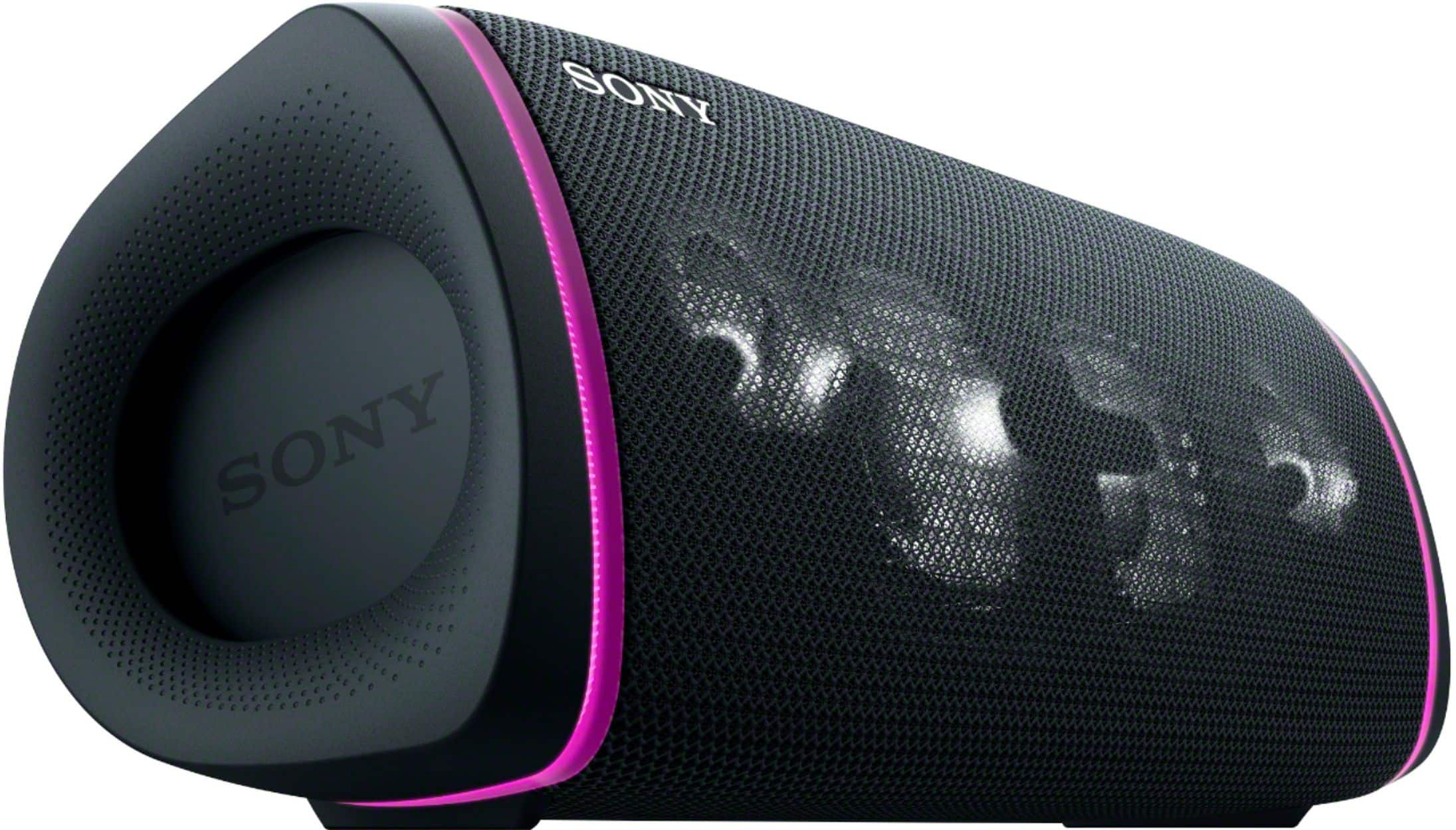
A:AnswerHi Curious, Thank you for your inquiry. Unfortunately, the XB43 Cannot connect to the MHCV71's wireless party chain. Portable speakers and audio systems that support Wireless Party Chain can be used only with other models that support Wireless Party Chain. Models that support Party Connect can be used only with other models that support Party Connect.
For more information, please check our related article link titled
Which speakers support the Wireless Party Chain or Party Connect functions?
Here is the link: https://www.sony.com/electronics/support/articles/00191840
I hope this helps.
Regards,
Carl
A:AnswerHi Curious, Great question! The XB43's can pair up to 100 devices using Party Connect. However, only 1 device will connect to your smartphone and the other speakers connect to each other using party connect feature.
For more information, please check our help guide link: https://helpguide.sony.net/speaker/srs-xb43/v1/en/contents/TP0002741521.html?search=party%20chain
I hope this helps.
Regards,
Carl
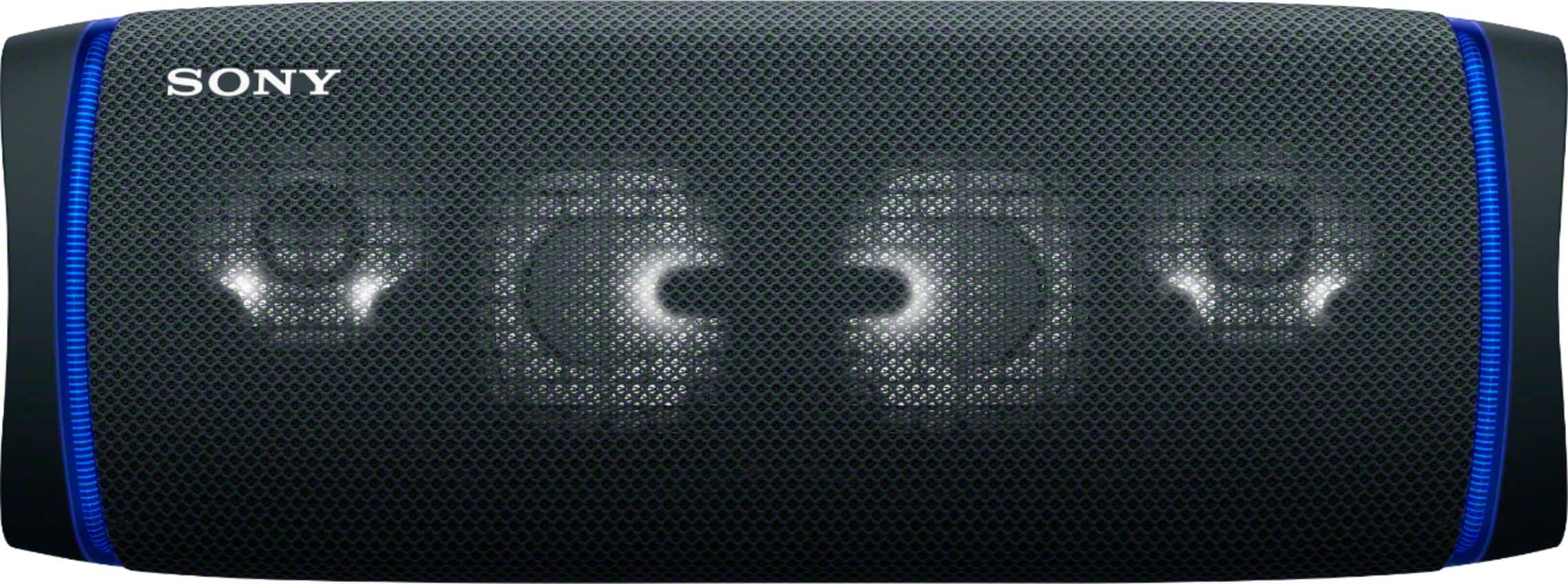
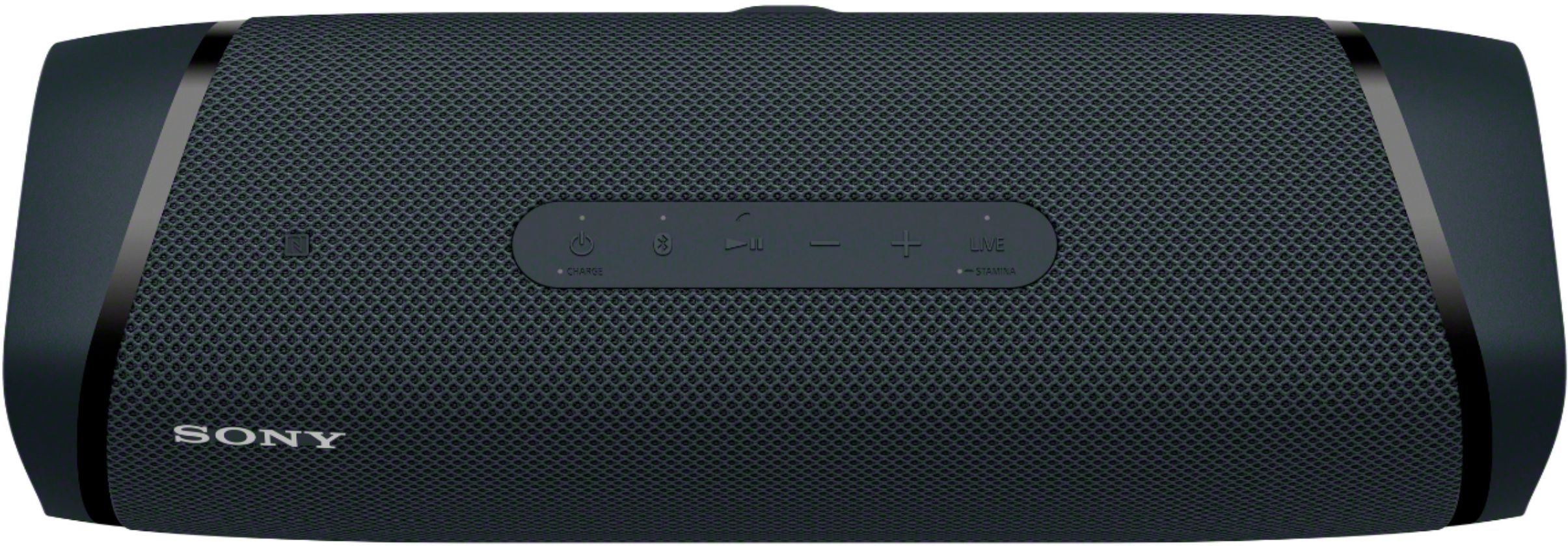
A:AnswerTo fix this problem, you need to enable bluetooth from your phone or music source first and then it will search for the speaker. Second power on the Sony speaker and press and hold bluetooth or enable bluetooth, so that your phone or music source can find the Sony speaker. Hope this help you out.
A:AnswerHi Tunaking69, thank you for your inquiry. Unfortunately, the XB43 is not Airplay compatible. But, you can easily connect this speaker to your Apple devices via Bluetooth or a 3.5mm connection. Hope this helps! -Sam
A:Answerif you go on the device you paired it to say your iphone. click on the speakers name and press disconnect and it will be fully disconnected then click forget this device after disconnecting from the speaker.
A:AnswerHi Customer, Thank you for your inquiry! Unfortunately, no. The SRSXB43's Bluetooth cannot be disabled while in use. However, the SRSXB43 has a Bluetooth Standby feature. The BLUETOOTH standby function is activated only while the speaker is connected to an AC outlet by the AC adaptor (supplied). While the speaker is running only on power from the rechargeable built-in battery, the BLUETOOTH standby function turns off.
Regards,
Carl

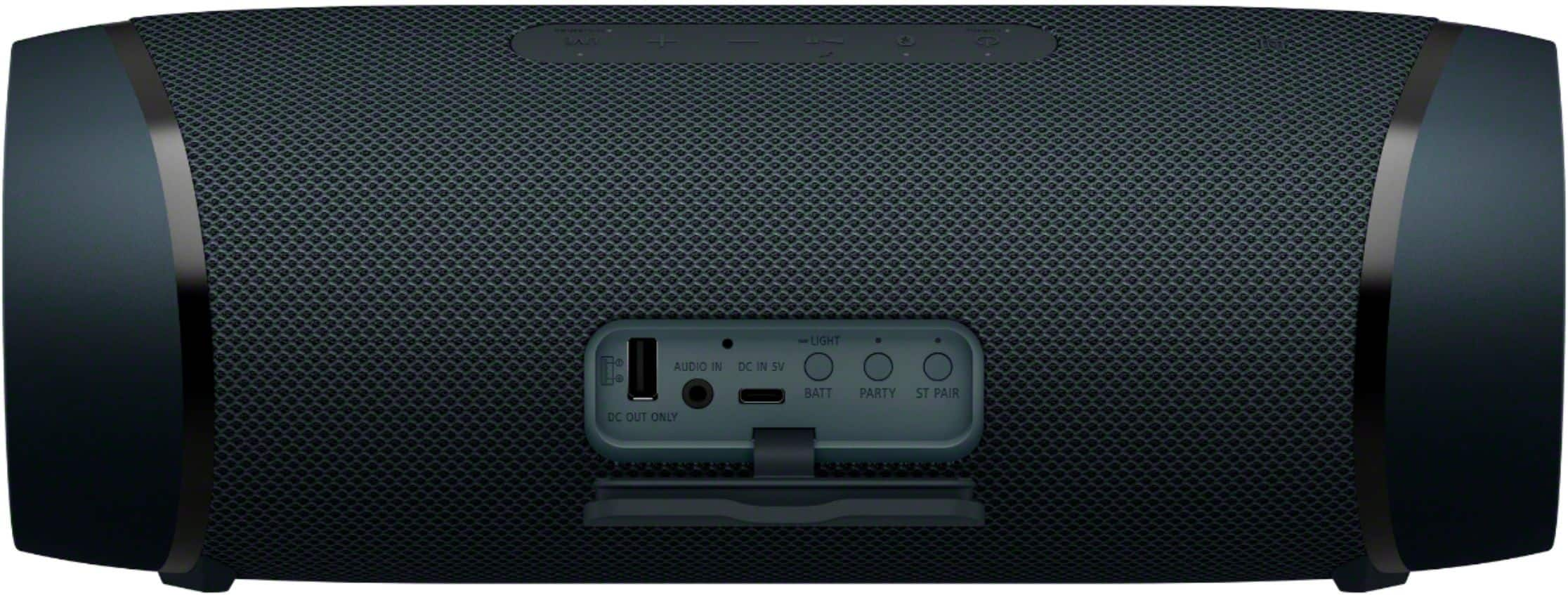
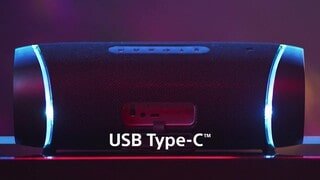
A:AnswerThe speaker has an 1/8” audio input AUX. I have used it to connect devices that do not have Bluetooth and also sometimes prefer to leave it connected I this manor to my PC.
A:AnswerHi Partyguy, thank you for your inquiry! If you are referring to Wireless Party connect function. Unfortunately, no. The SRS-XB43 is only compatible with the SRS-XB43, SRS-XB33, SRS-XB23 for party connect function. You may also check this article for our Speakers that support Wireless Party chain/Party Connect functions and compatibility. https://www.sony.com/electronics/support/articles/00191840
I hope this helps!
-Carl
A:AnswerHi mcrem, Thank you for your inquiry. Yes, the XB43 speaker is compatible to pair with the Sony PS-LX310BT record player. Hope this helps! -Sam
A:AnswerHi Grampadan, This speaker should connect and play the music from your iPhone as long as the music supported by the speaker: https://helpguide.sony.net/speaker/srs-xb43/v1/en/contents/TP0002741516.html. Thank you for your inquiry! -Vincent
A:AnswerHi XBR75X950HOwner, If you are looking for a speaker or a sound system for your Sony Bravia X950H, we highly recommend checking out our soundbars instead: https://www.sony.com/electronics/home-theater/t/sound-bars. This portable speaker is not tested to work well with TVs. Thank you. -Vincent