A:AnswerHello Ghosts,
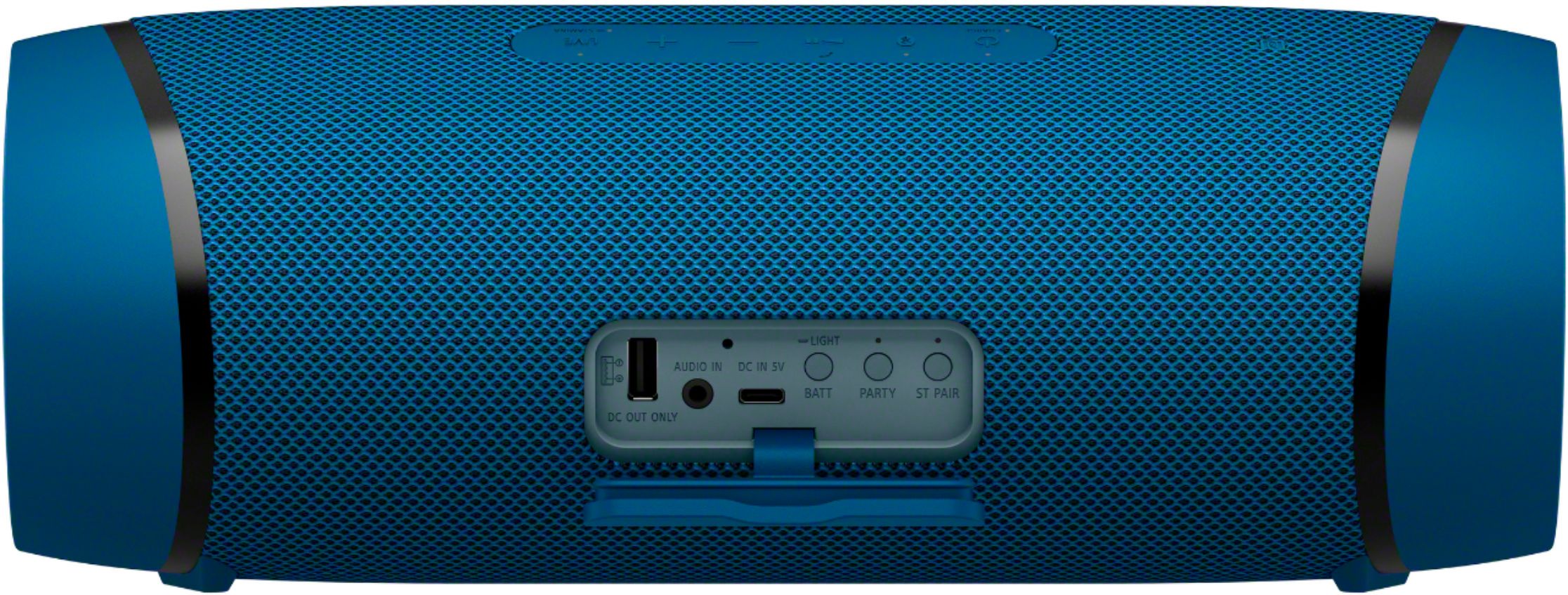
Yes, the XB43 will work with any output device that has a 3.5mm audio out jack. From what I can see the device you mentioned has one.
Remember to use the Sony Music Center app to fine tune the speaker to your liking.
Happy hunting!
- Romeo
A:AnswerHi Laughtrack,
Thanks for inquiring about the SRS-XB43. When the speaker is in the AUDIO IN mode, you cannot use the Party Connect function. Connecting a portable audio device or an equivalent to the AUDIO IN jack on the speaker automatically places the speaker in AUDIO IN mode and terminates the Party Connect function.
For more details, you may refer to this link: https://helpguide.sony.net/speaker/srs-xb43/v1/en/contents/TP0002741521.html
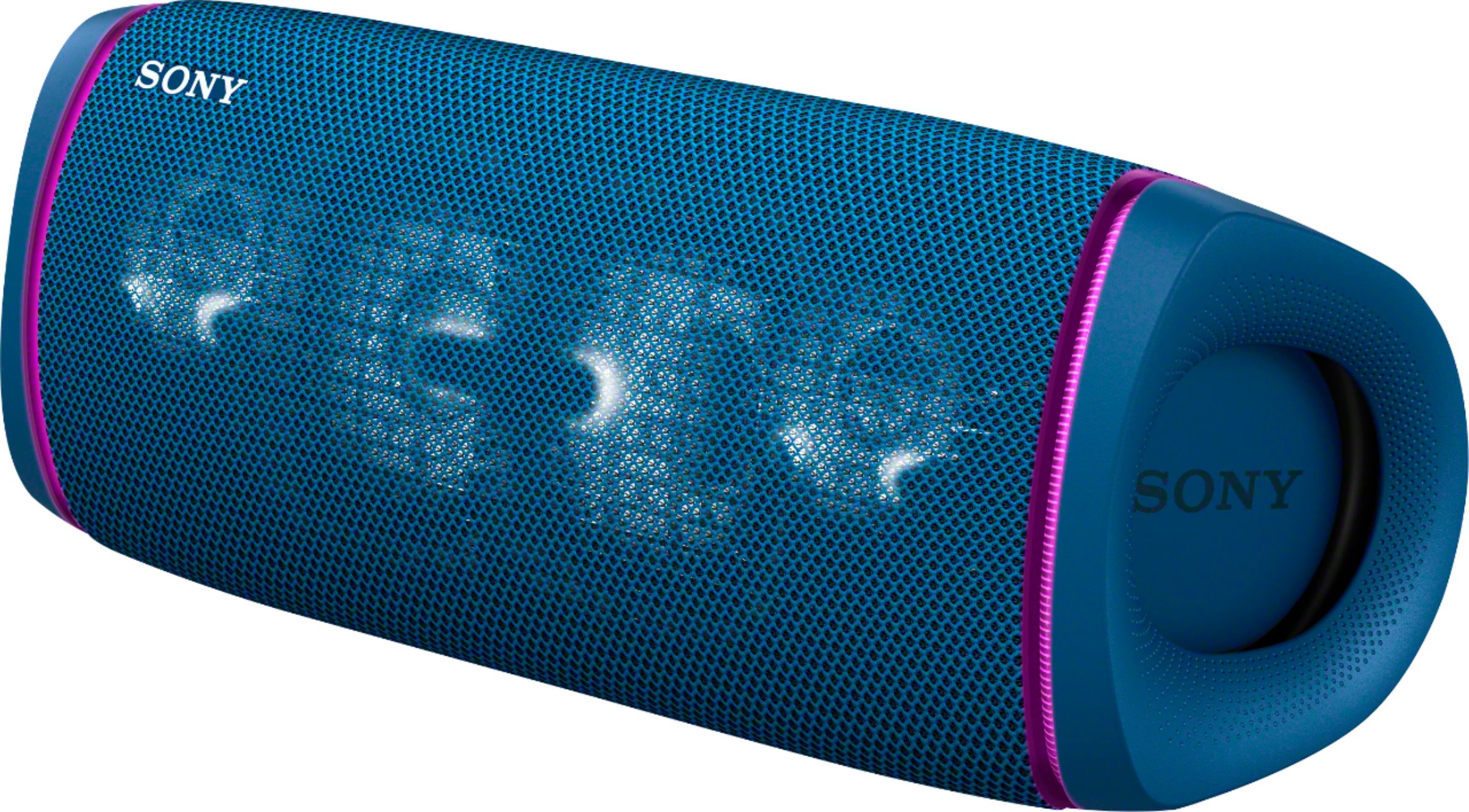
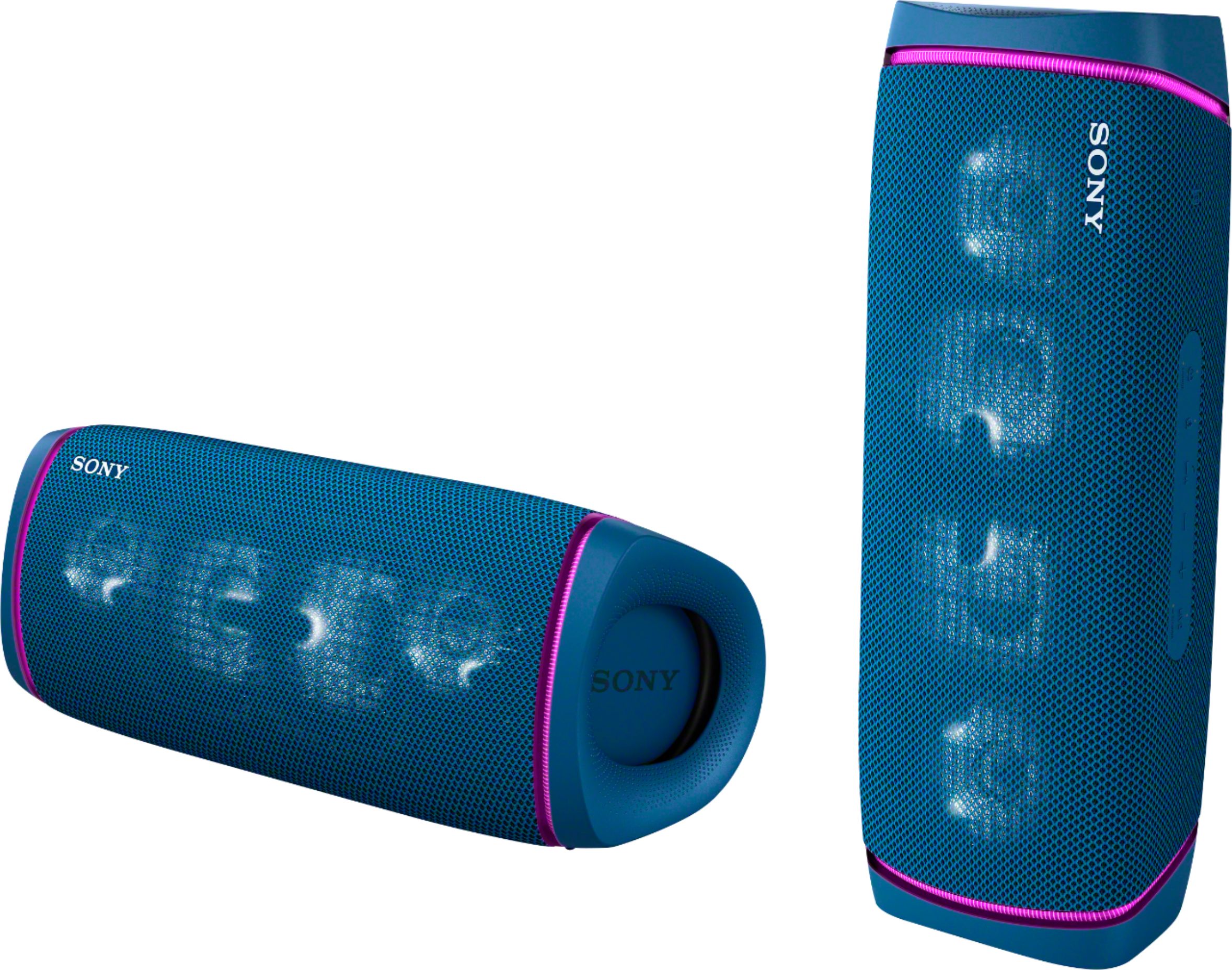
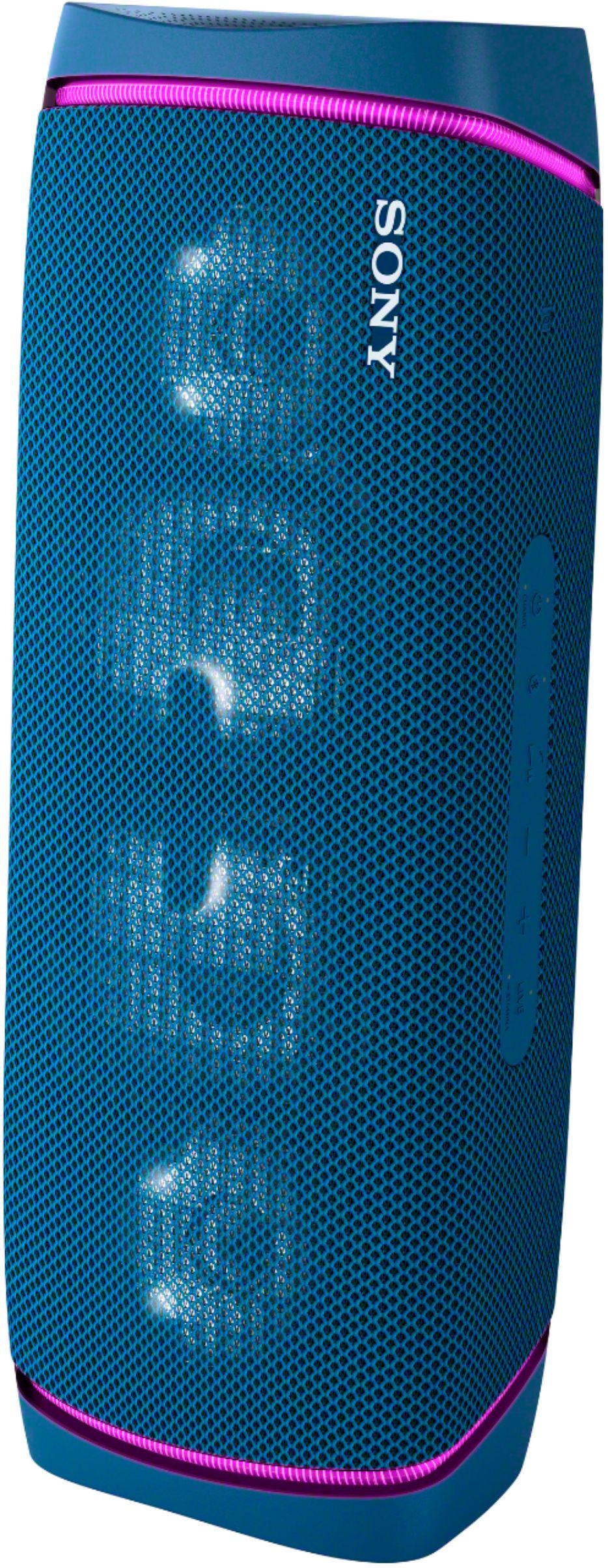
The SRS-XB43 couples deep, punchy bass with clear vocals for that music-festival sound, plus flashing lights to help get the party started.
Regards,
Jess
A:AnswerHello Big Tom, I wish I had better news, but the port on the XB43 is just for audio in. So, if you connect it to your computer you will here the sound from it, but the mic will not operate.
The mic only works during Bluetooth calls when a mobile device is connected. This does include Teams calls. You can join Teams calls with more than one device.
Hope this helps,
-Sam
A:AnswerHi Fabricdamage, We are sorry to hear about what happened to your SRSXB43. For this, we recommend having the unit sent to our Authorized Service Center for repair. Please use this link to setup service for your Bluetooth Speaker: https://us.esupport.sony.com/support/s/service?language=en_US&cpint=spt-subfooter_prodrepair
Should you need further assistance, please contact us for help.
Please email the below information to [email protected]
Apologies if you disclosed some of this information in your review and to customer service, we just want to ensure that we have your accurate details at the time of communication.
Full Name:
Best Buy Username:
Telephone Number:
Model Number:
Issue:
Regards,
Carl
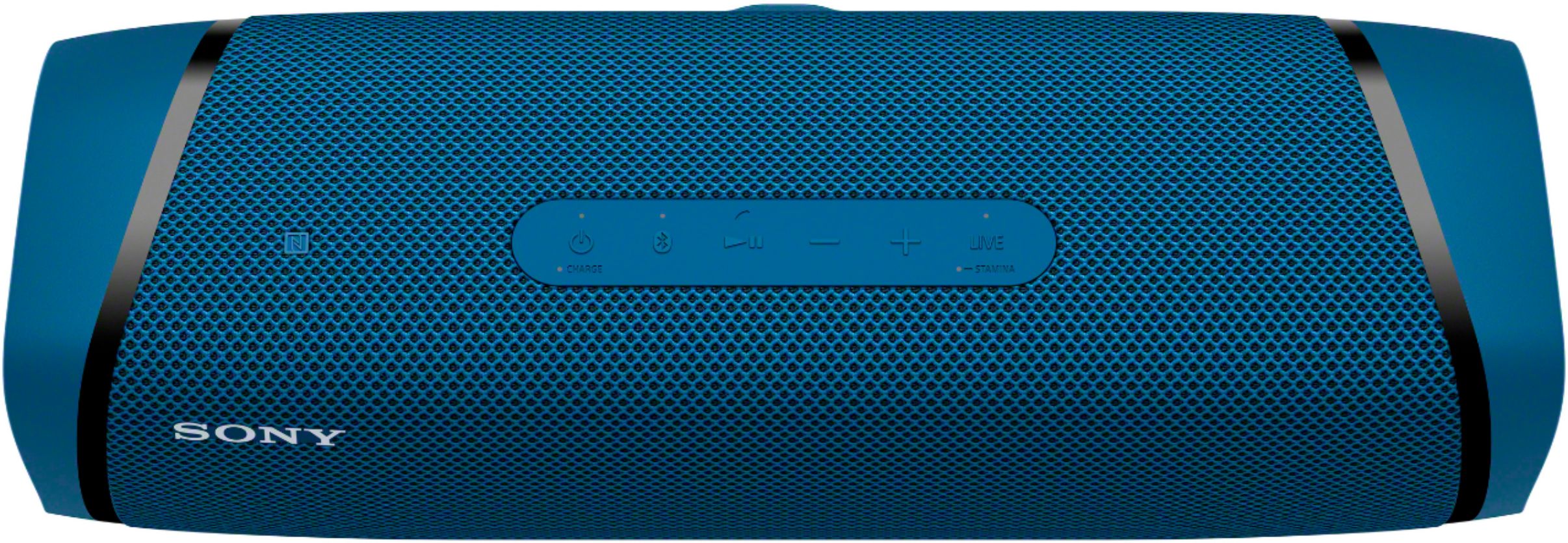
A:AnswerHello sgh, Great question. Yes, you can control the volume by using the volume controls on the Bluetooth connected device. You can also use the volume controls in the Sony Music Center app like a remote. Thanks. -Carl
A:AnswerYes it should, but depending how big also. I use it at work where there is a lot of noise an it works great. Sony is one i like cause of balance of treble an bass, an in the app you can also change those settings.
A:AnswerYour TV doesn't have Bluetooth. If it does just use that its easier and it's wireless. I see there is a plug for incoming audio so it should be able to do it , what plugs you need to adapt to your system you'll have to figure out.
A:AnswerHi there, Thank you for your inquiry! The SRSXB43 is compatible with TVs that support Bluetooth A2DP. We recommend checking if your TV supports Bluetooth A2DP (Advanced Audio Distribution Profile) profile for wireless speaker playback, the XB43 should work and sync perfectly with your TV sound. However, due to the characteristic of Bluetooth and other wireless transmissions, there may be a delay in playback due to signal interference or a slight delay.
Regards,
Carl