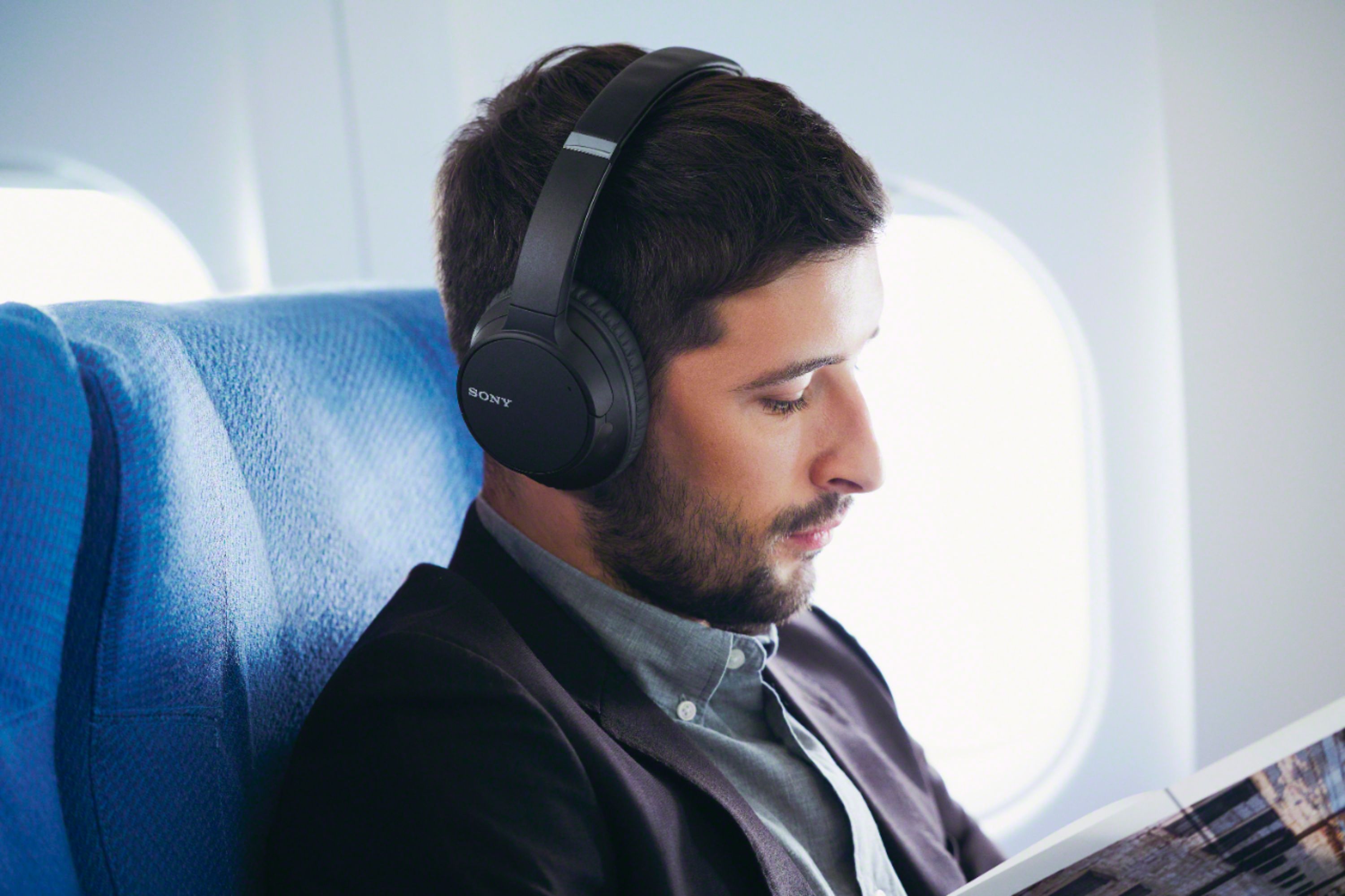
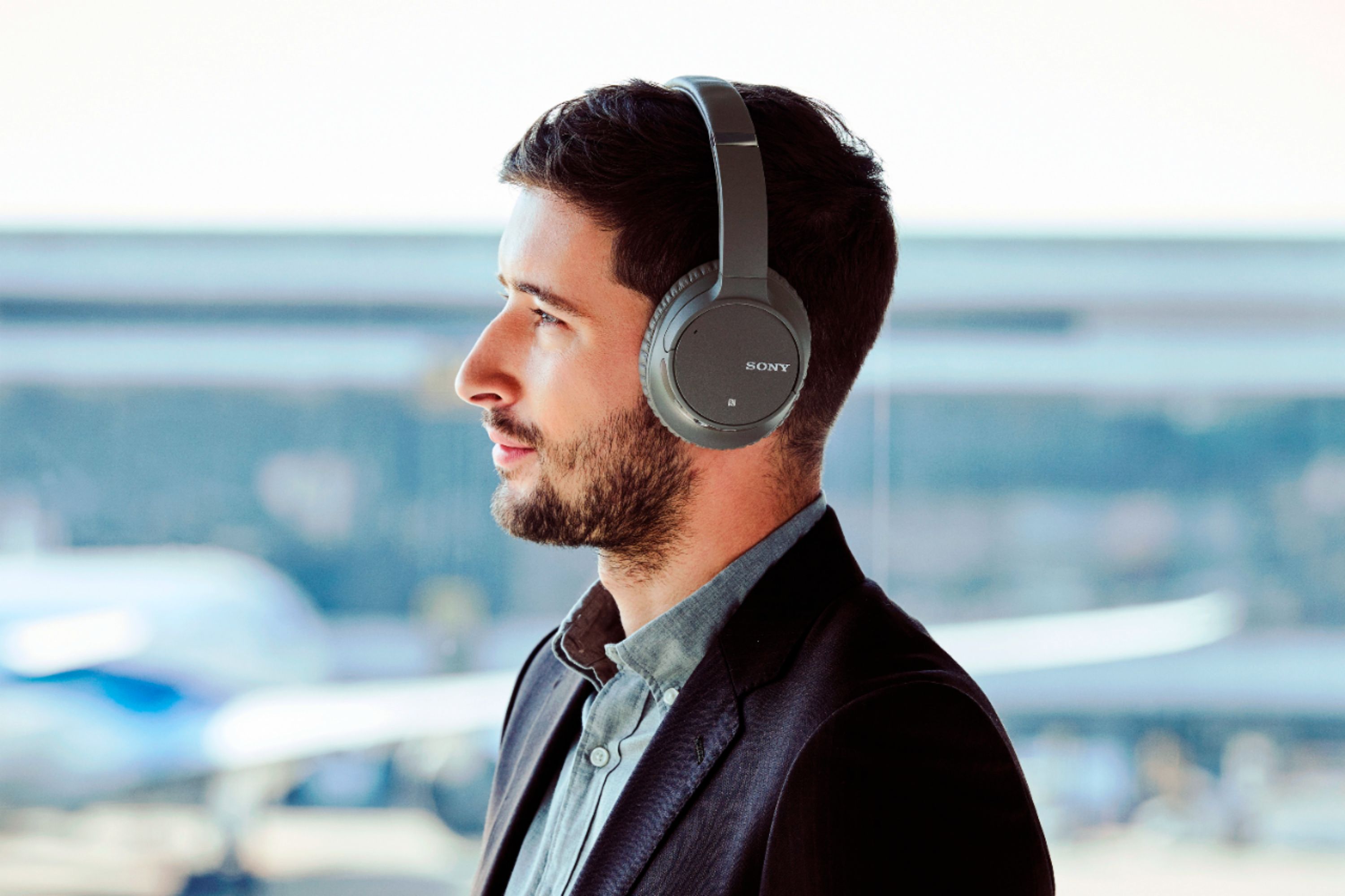
A:AnswerHi Leo, some computers that support the A2DP (Advanced Audio Distribution Profile) Bluetooth profile may work with these headphones. However, we don't guarantee its full operation. Should you need more information and assistance, please feel free to email us at [email protected]. Thanks! - Romeo
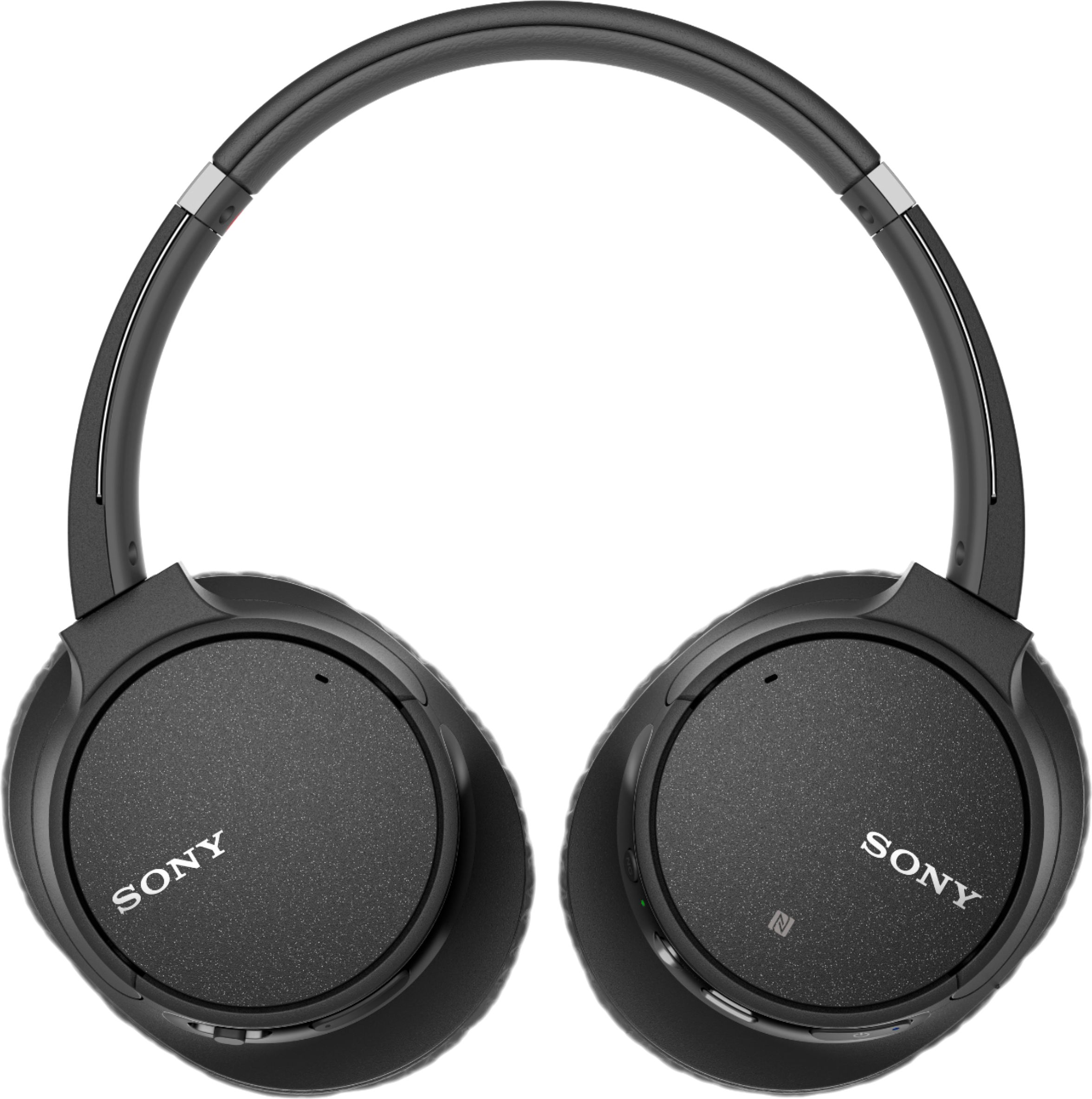
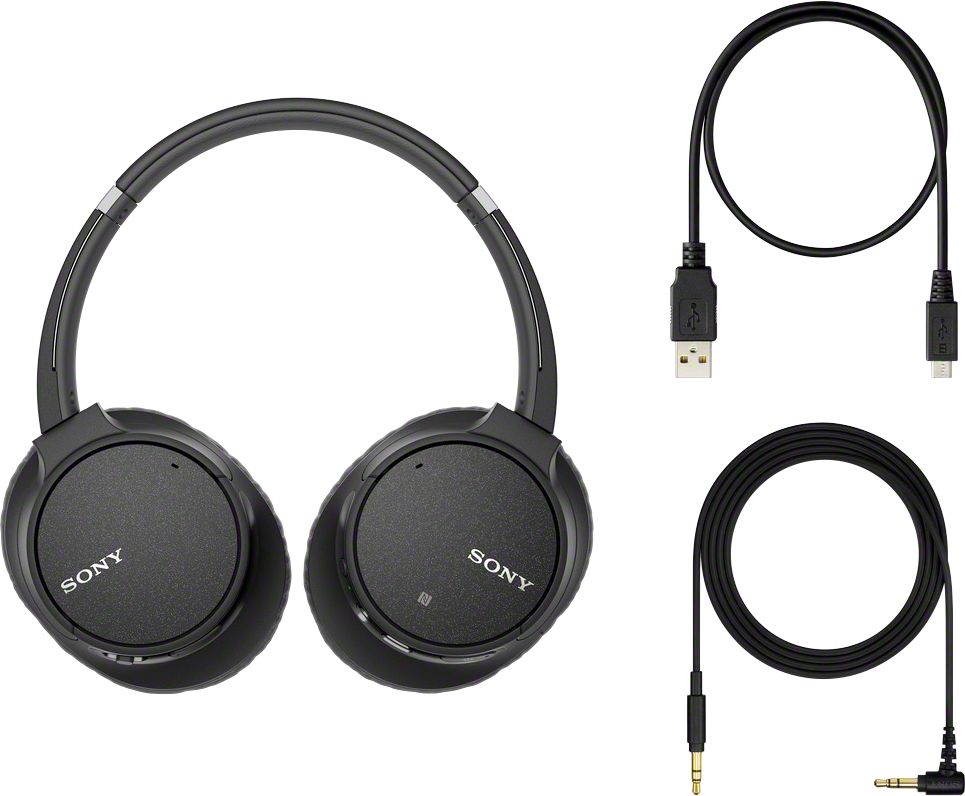
A:AnswerHi, elJefe, The supplied headphone cable of the WH-CH700N headphones is approximately 3.94 ft. You can also go wireless for up to 35 hours using the Bluetooth feature. Thanks! -Vincent
A:AnswerHi, Macy! We regret to hear about what happened. Please refer to this link for troubleshooting steps to help isolate the issue:
https://www.sony.com/electronics/support/wireless-headphones-bluetooth-headphones/wh-ch700n/articles/00008539
~Ralph
A:AnswerHi Mark, No, it doesn't have this function. Kindly refer to this link for more information:
https://helpguide.sony.net/mdr/whch700n/v1/en/contents/TP0001613500.html
~Ralph
A:AnswerHi Sam,
If your Bluetooth device supports the following profiles, you can enjoy listening to music and perform basic remote control operation of the Bluetooth device via a Bluetooth connection, such as your TV.
supported Bluetooth profiles:
-A2DP (Advanced Audio Distribution Profile)
You can enjoy high-quality music wirelessly.
-AVRCP (Audio Video Remote Control Profile)
You can adjust the volume, etc.
Regards,
Zac
Sony Social Support
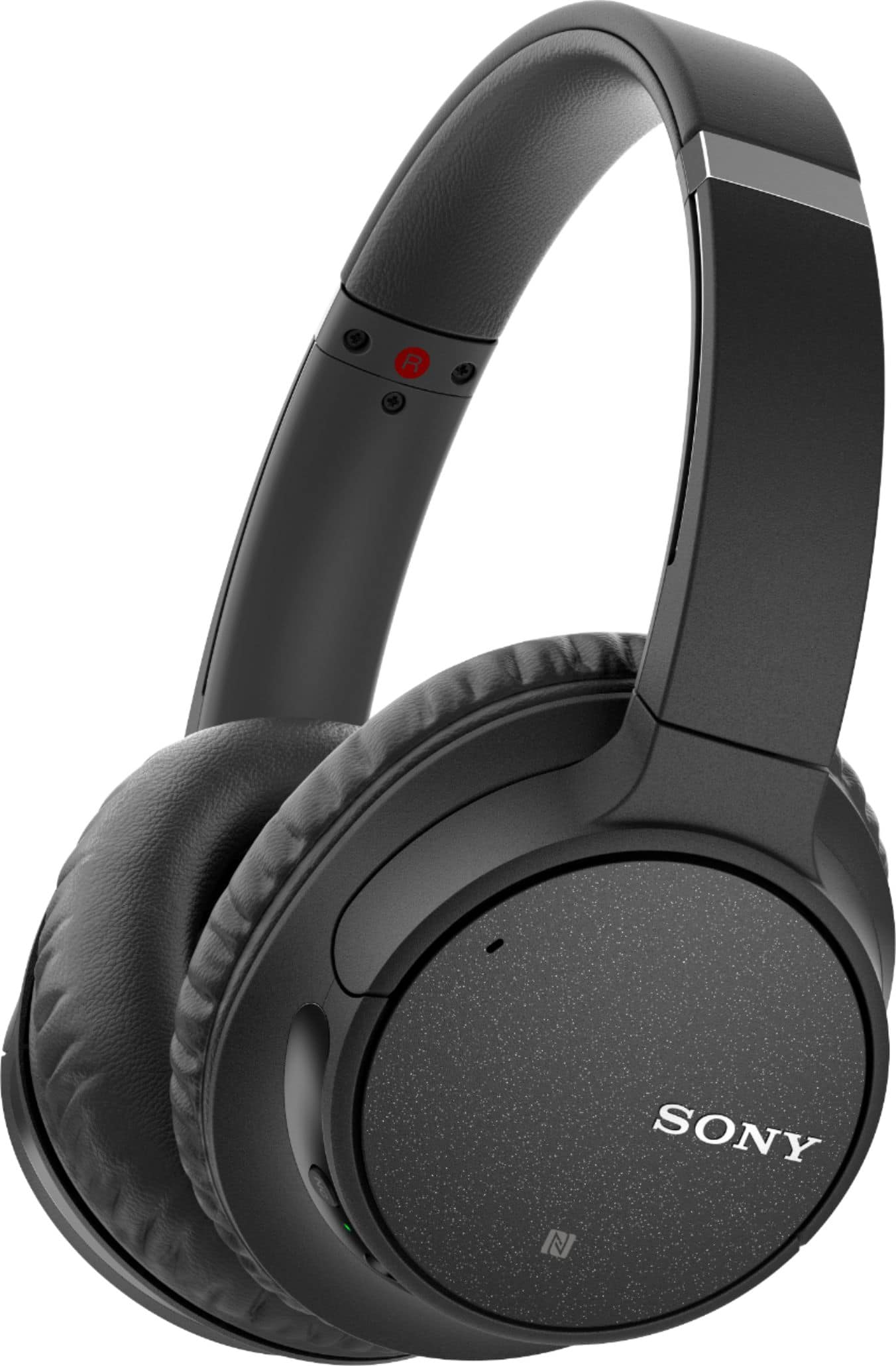
A:AnswerHi DMD, Yes, it does support multipoint connection. To know how, please refer to the link below. Thanks! ^Ron
https://helpguide.sony.net/mdr/whch700n/v1/en/contents/TP0001613464.html
A:AnswerHi Richie, we highly suggest visiting the link below for more information on how to use these headphones. Thanks! ^Ron
https://helpguide.sony.net/mdr/whch700n/v1/en/index.html
A:AnswerHi lunadoona, It will depend if the TV supports Bluetooth headphones. The headphones will support the following Bluetooth profiles:
-A2DP(Advanced Audio Distribution Profile)
-AVRCP(Audio Video Remote Control Profile)
-HFP(Hands-free Profile)
-HSP(Headset Profile)
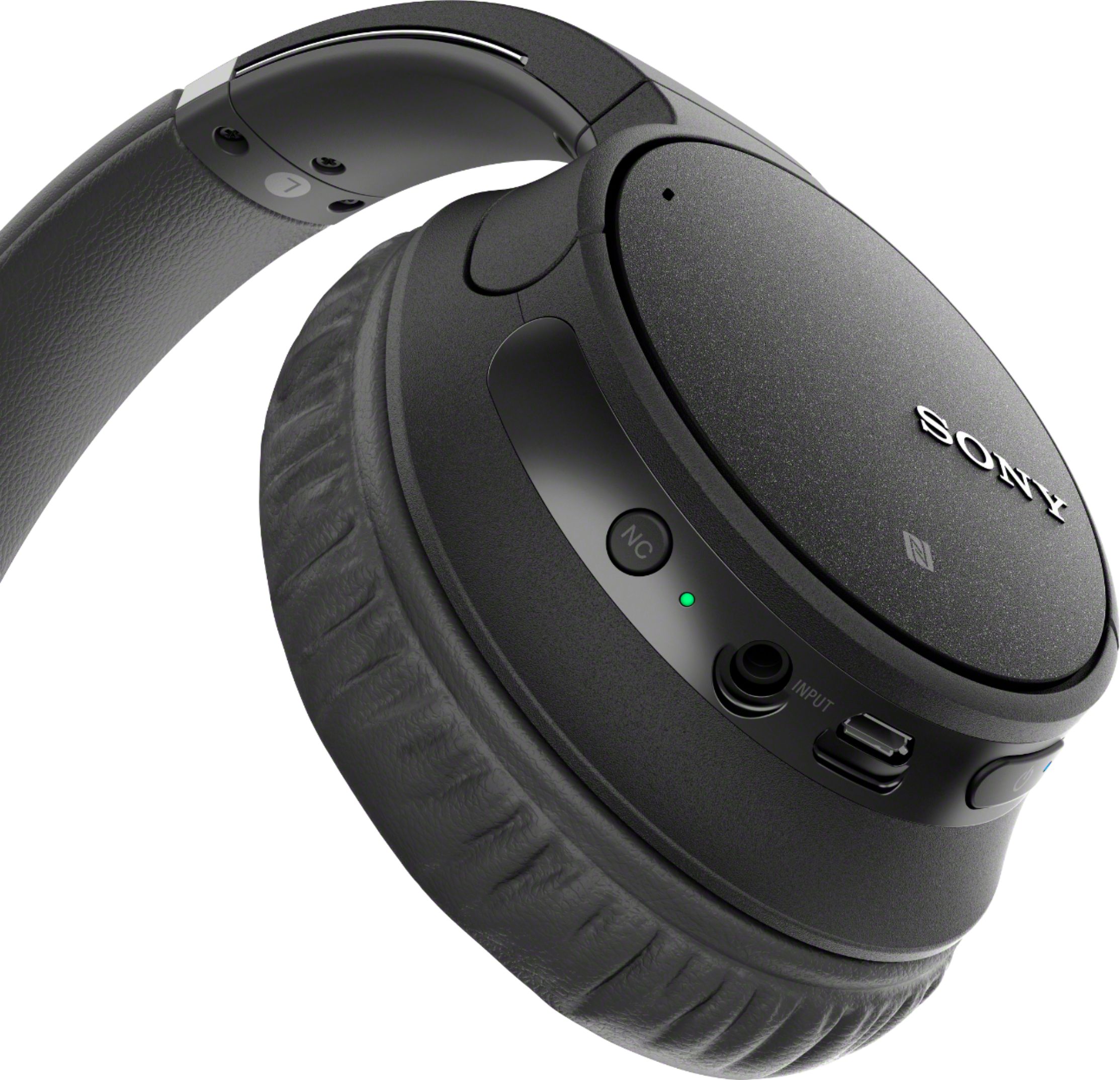
As an alternative, you may use the supplied headphone cable if the TV has a headphone jack. Kindly refer to page 63 of this link for more information:
https://docs.sony.com/release//Help_4729821112.pdf
~Ralph
A:AnswerThese headphones have a built in mic. Check your settings to make sure there enabled. But I dont see why an external mic attachment shouldn't work. As long as its compatible with your laptop should work.
A:AnswerHi Amit, this will surely cover the ear. Please check the specification here: http://docs.sony.com/release//SPECS/WHCH700NB_mksp.pdf
Regards, Erin
A:AnswerHi dlow, To assist you with this, you may send us an email at [email protected]. Please provide the exact model number and your issue.
Regards,
Vincent
A:AnswerHi Joda, These headphones support iPhone or iPod touch units that has HFP (Hands-free Profile).
http://helpguide.sony.net/mdr/whch700n/v1/en/contents/TP0001613454.html
http://helpguide.sony.net/mdr/whch700n/v1/en/contents/TP0001613493.html
Regards,
Vincent