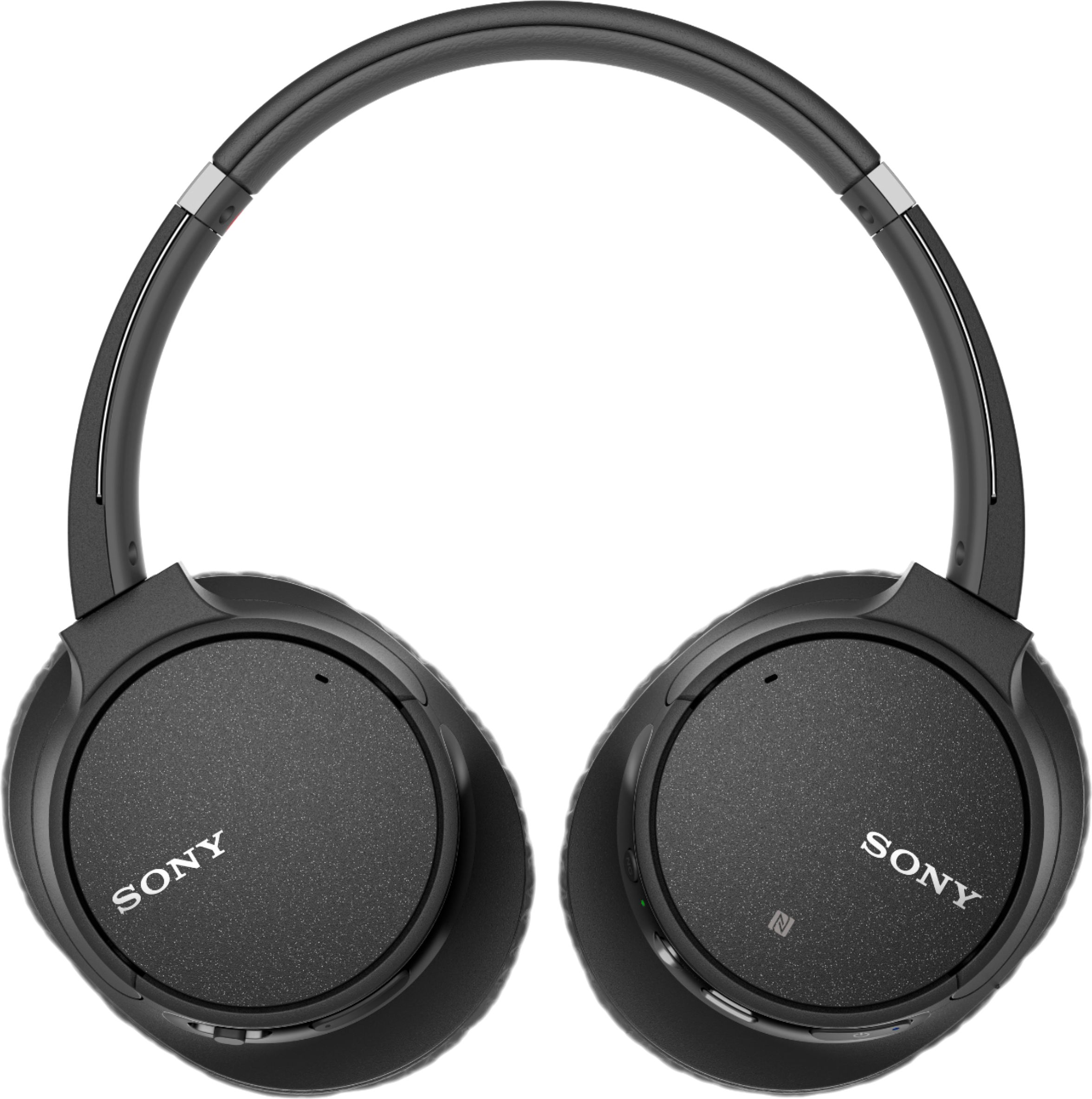
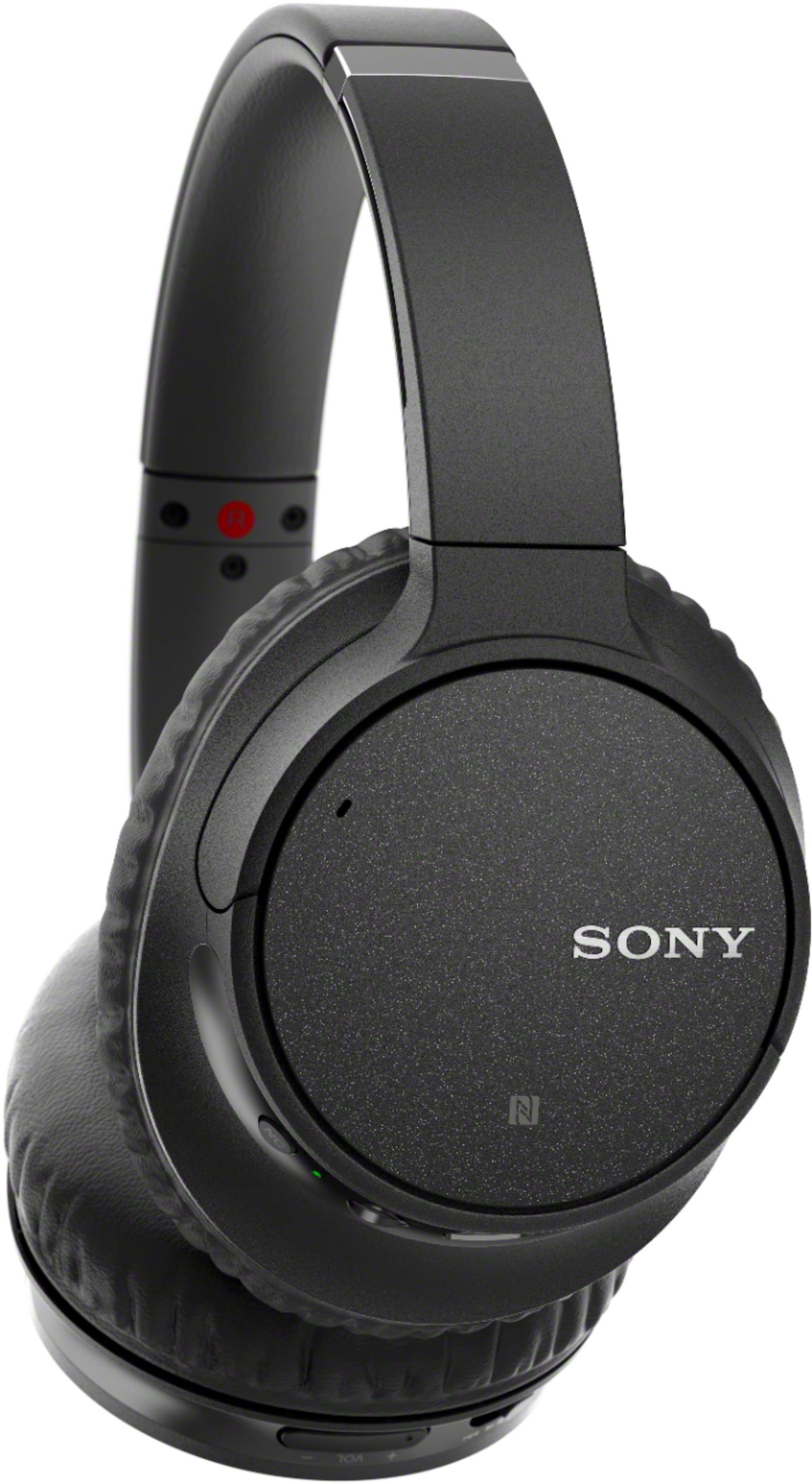
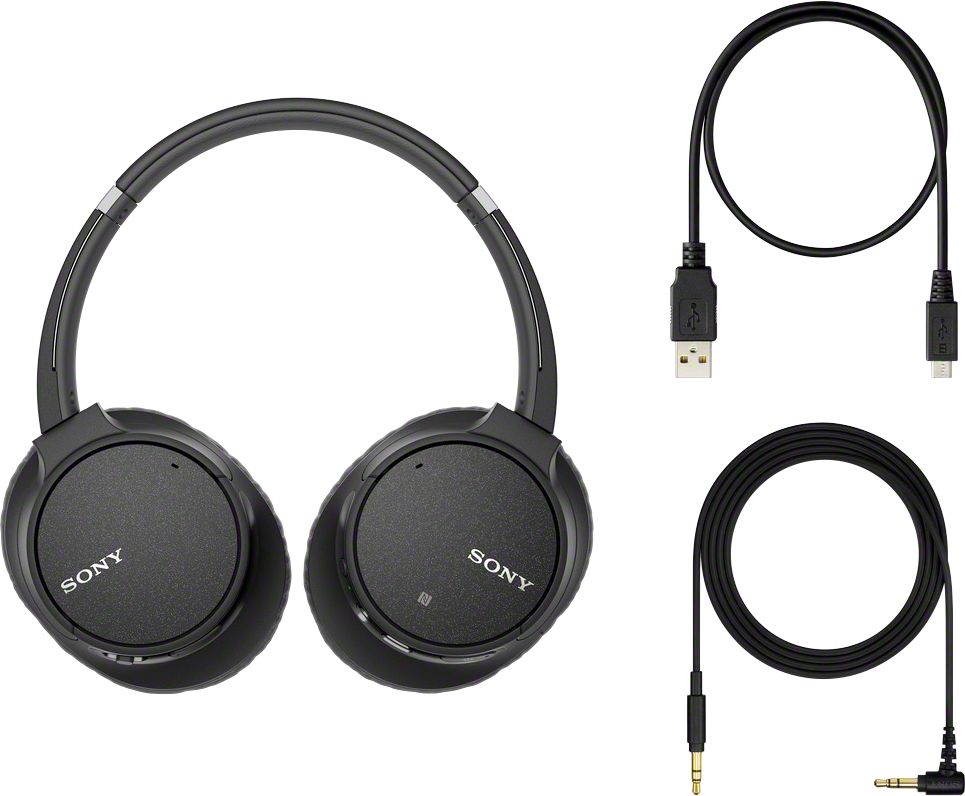
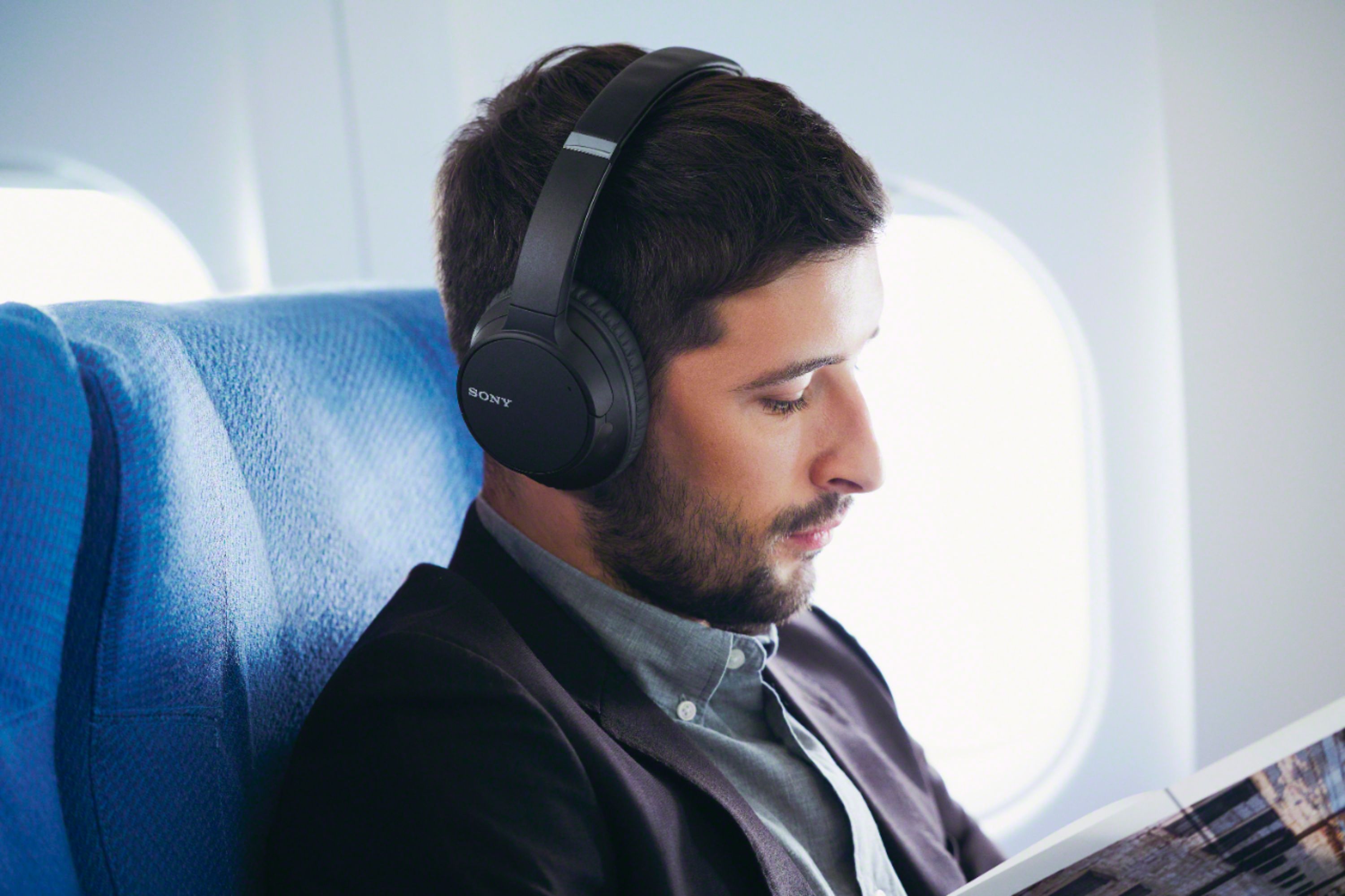
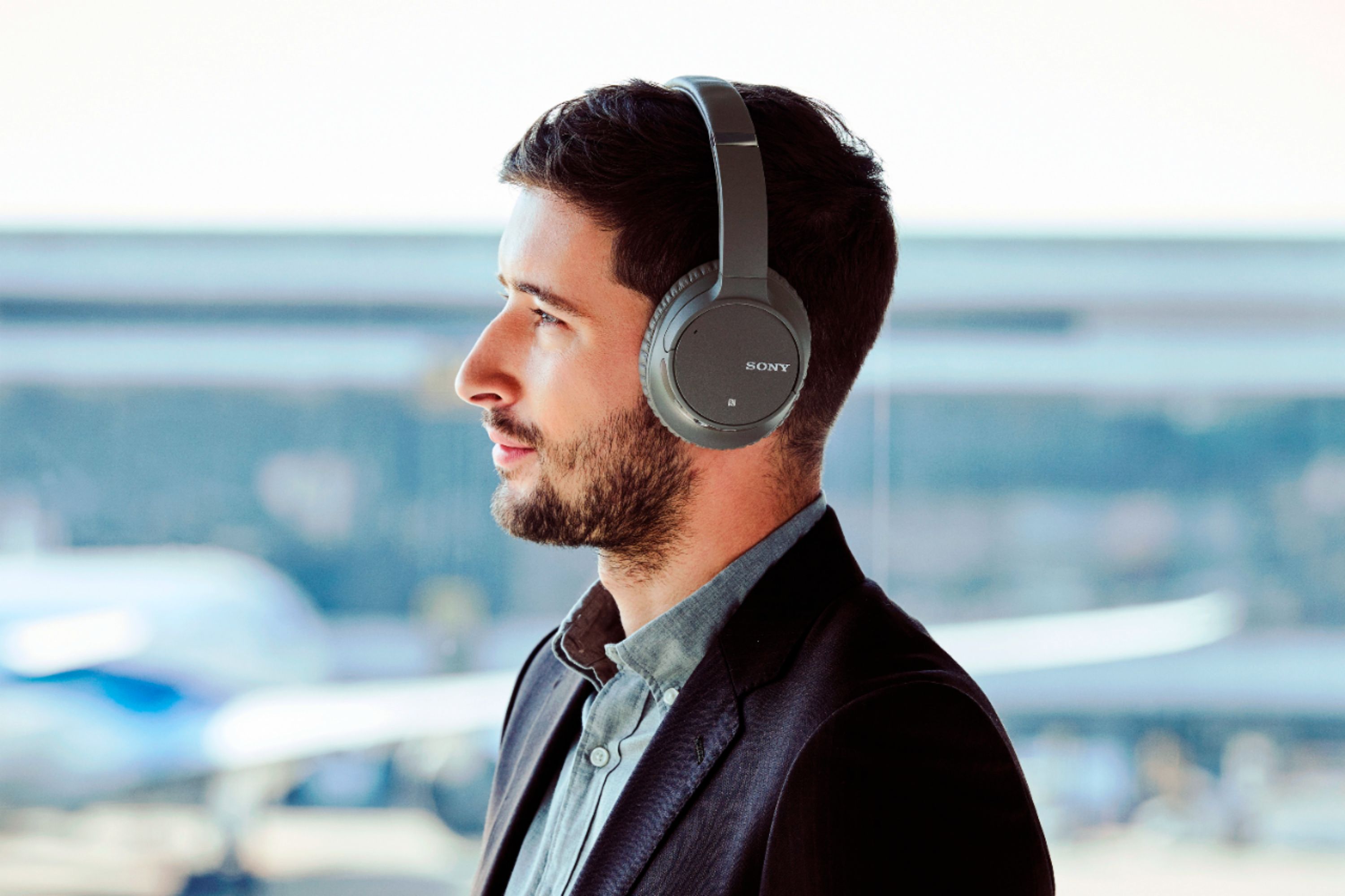
A:AnswerHi, Leah! Noise canceling headphones are designed to help reduce ambient noise and reproduce high quality sound. Using special electronic circuitry, noise canceling headphones actively reduce most of the outside noise that can't be eliminated by simply covering the ears. ~Ralph
A:AnswerHi, Leo!
Thank you for your inquiry. Technical knowledge is required to replace the built-in rechargeable battery, it is not recommended for customers to do replace the built-in rechargeable battery by themselves. We recommend contacting Authorized Dealers or Servicer to perform the battery replacement.
-Erin
A:AnswerHi JT,
Noise canceling function can be only used when using a wireless connection (Bluetooth). We strongly recommend using wireless home theater headphones that are specifically built for TV. See link for details.
https://www.sony.com/electronics/headband-headphones/wh-rf400
Regards,
David
A:AnswerYou should be able to use the headphones with your TV. You need to add the headphones on the TV when pairing it. When the TV signals ADD Bluetooth device--the name of the headphones should pop up, and you should click on it for the Pairing to begin.
A:AnswerHi Derrickbad, below are the supported Bluetooth profiles of these headphones. If the Bluetooth profile of the third-party device is one of the listed below, then it should work. Thanks! ^Ron
- A2DP (Advanced Audio Distribution Profile)
- AVRCP (Audio Video Remote Control Profile)
- HFP (Hands-free Profile)
- HSP (Headset Profile)
A:AnswerHi Suzie,
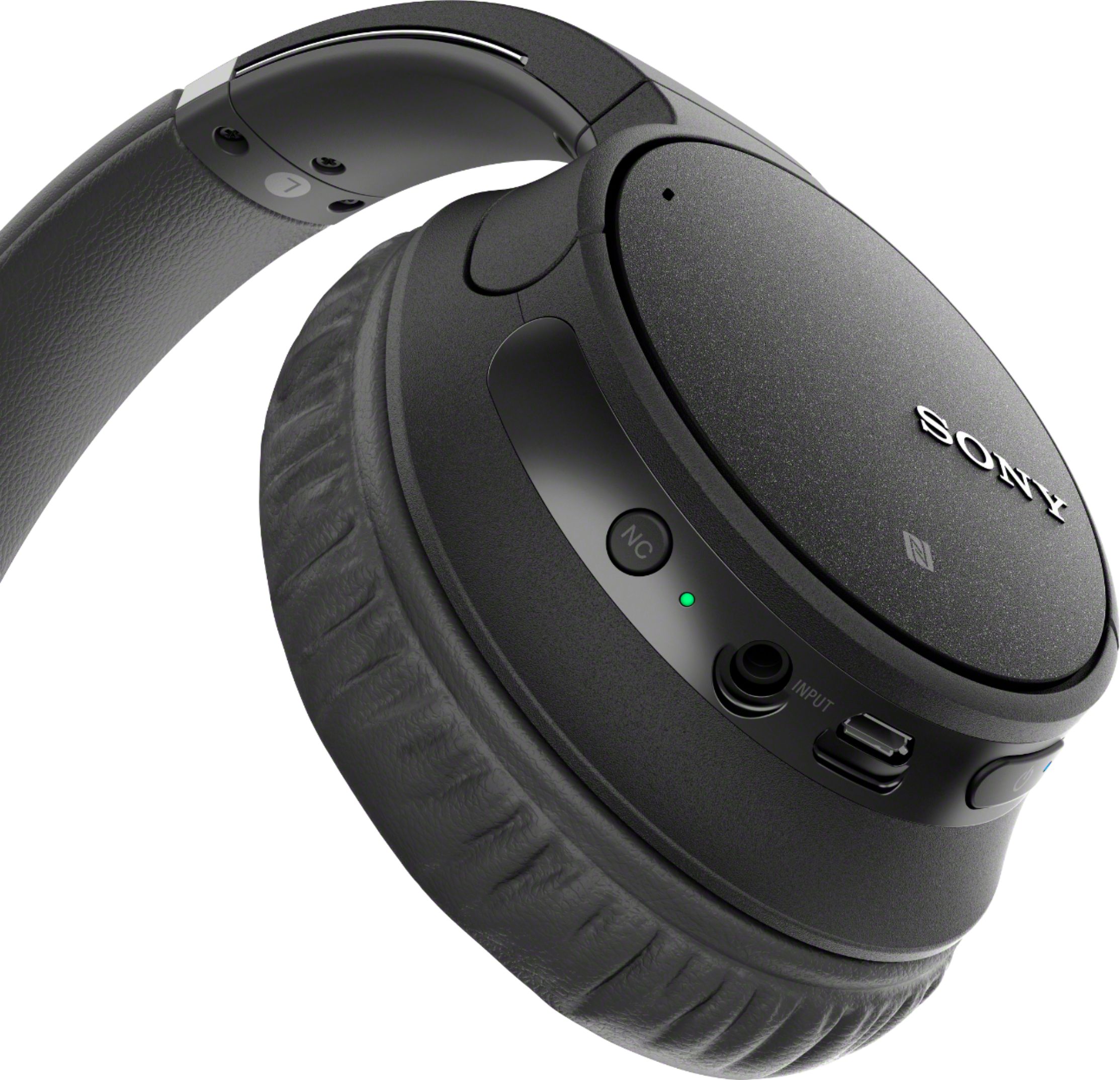
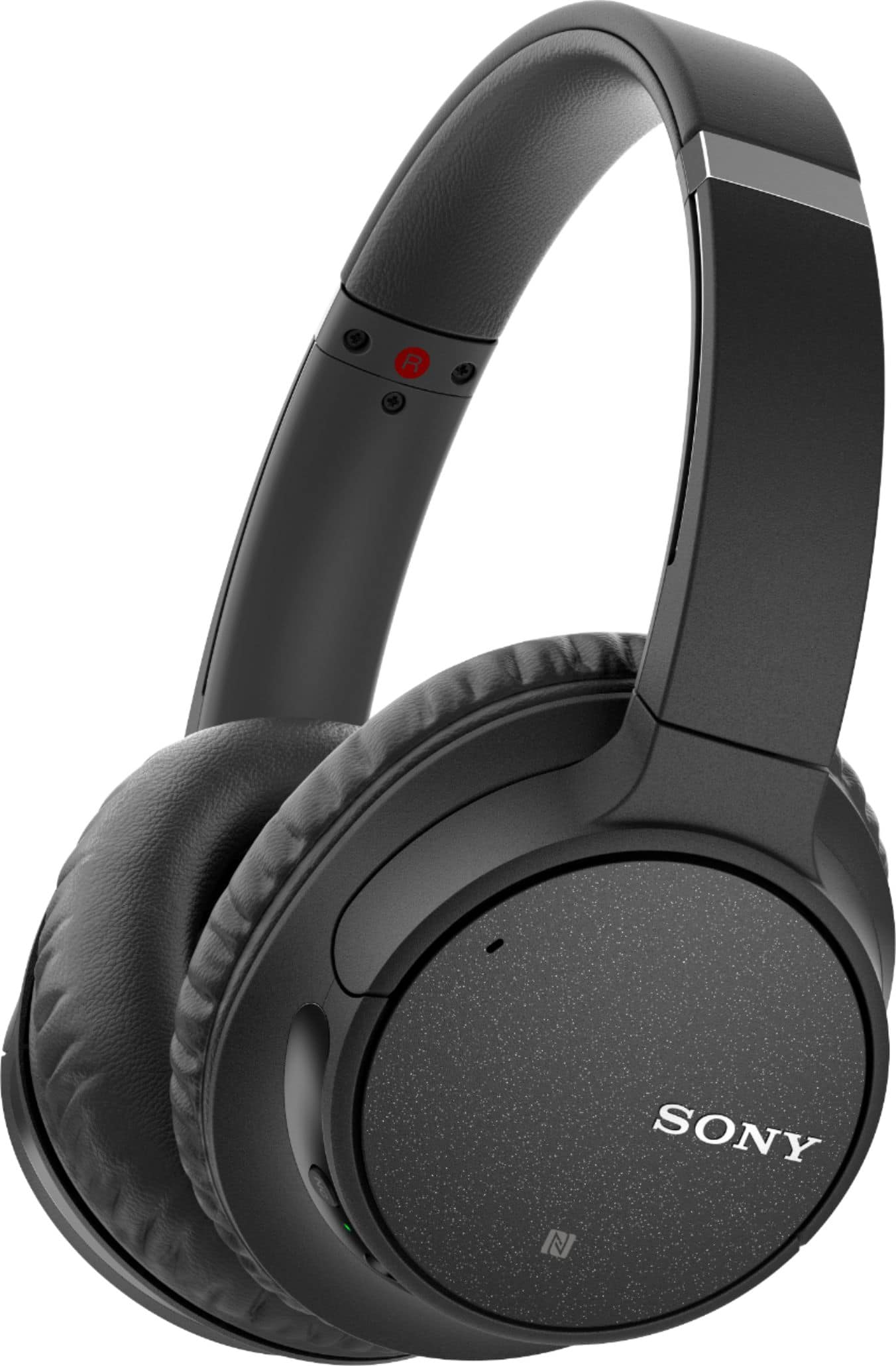
To turn off the noise canceling function Press the NC button. The indicator (green) next to the NC button flashes and the noise canceling function is turned off. You hear voice guidance which informs you of this. To turn on the function again, press the NC button again.
Regards,
David
A:AnswerHi Dave66,
No, We strongly recommend purchasing In-ear Sports Headphones when doing physical activities.
NOTE: For traffic safety, do not use while driving or cycling
Regards,
David