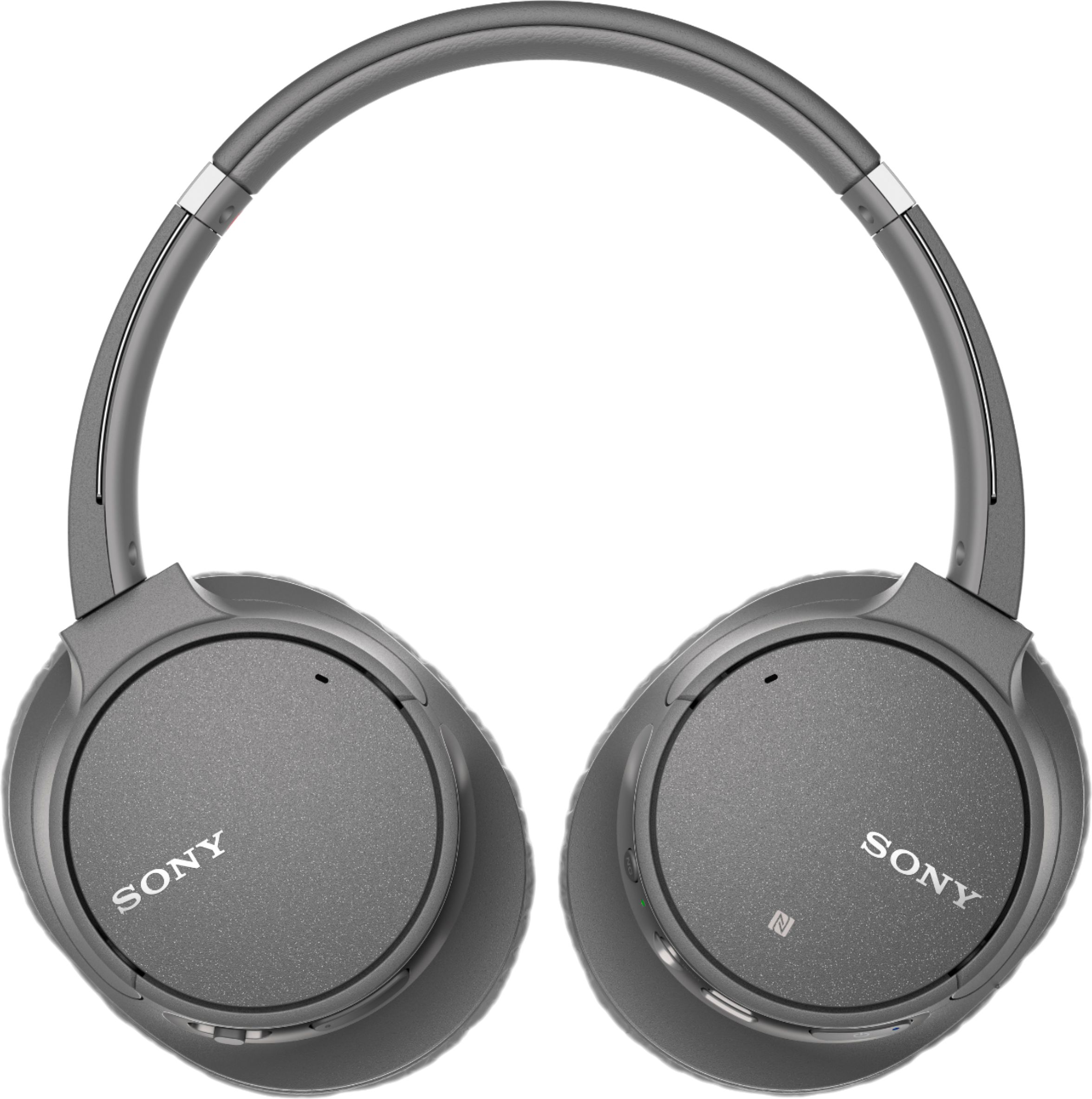
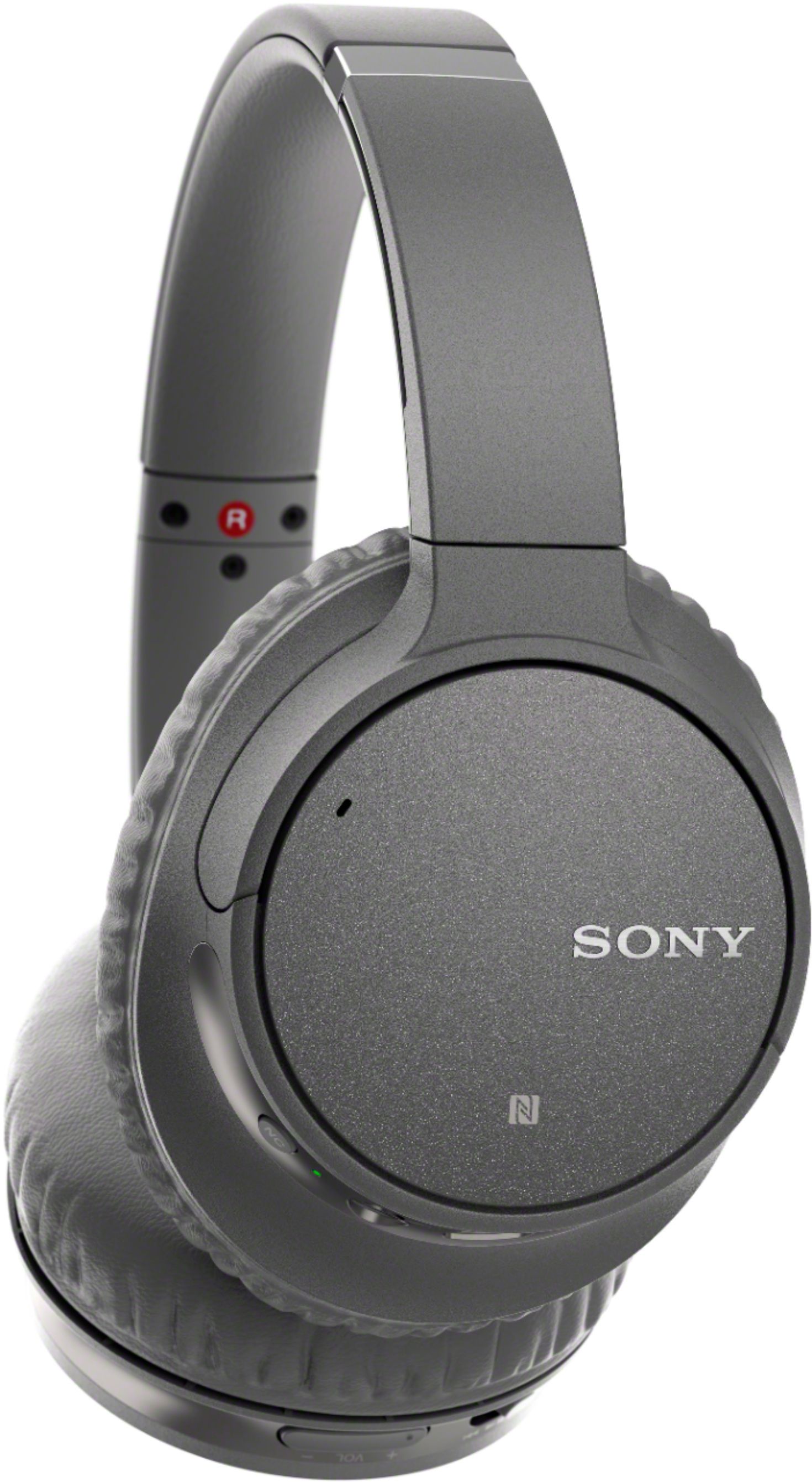
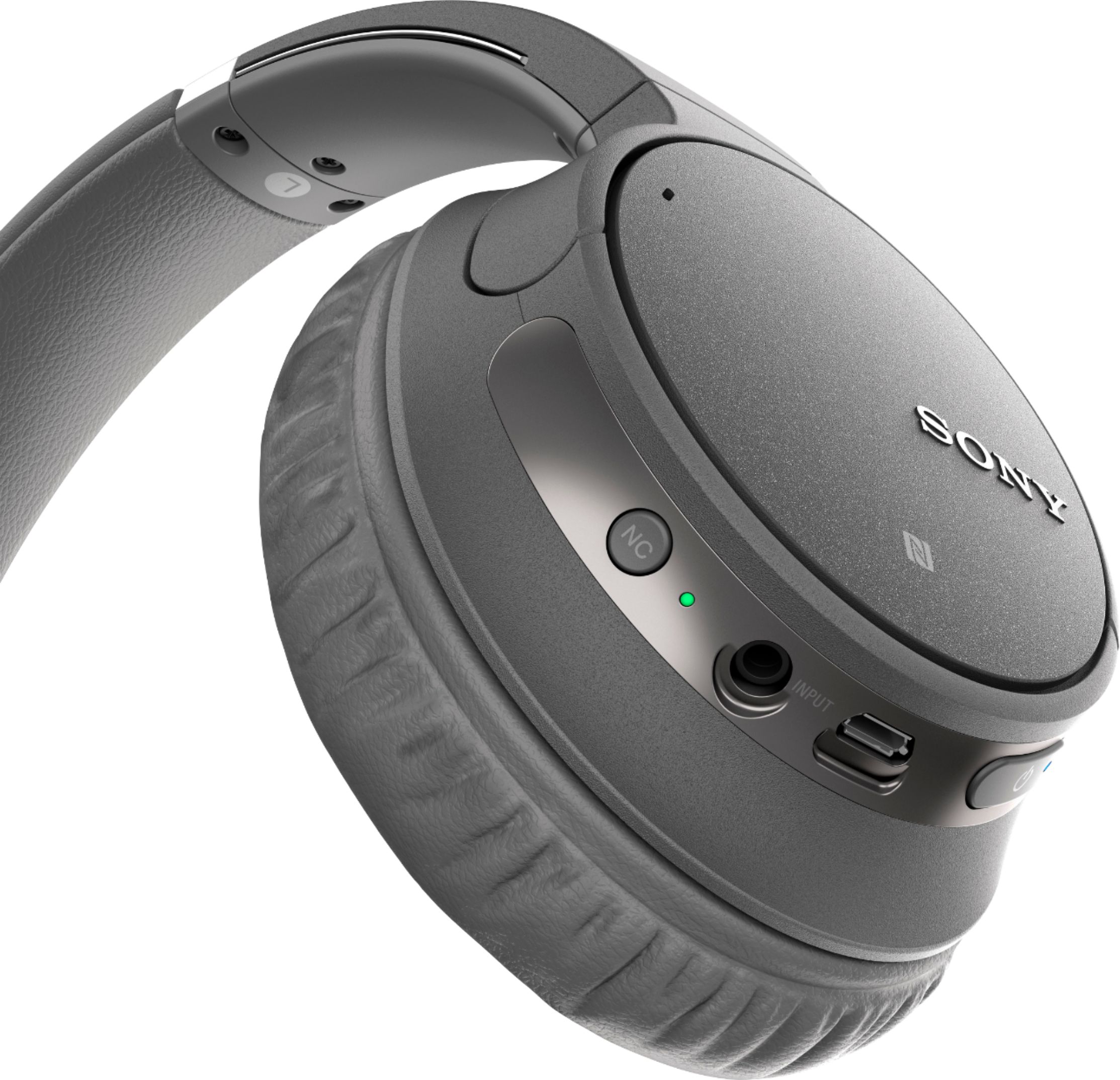
A:AnswerThe headphones DO have a 3.5mm input on them, so if your receiver can go from a large plug to a 3.5mm plug, you should be in business. Hope this helps!
A:AnswerHi, Betty!
If your PC supports Bluetooth connection, then the headphones will definitely work. However, these headphones will not be able to connect to Playstation 4 via Bluetooth, you can only use a few official and licensed options headset to your Playstation. As a suggestion, you can use a 3.5 mm headphone cable to connect the headphones to your Playstation controller. -Sam
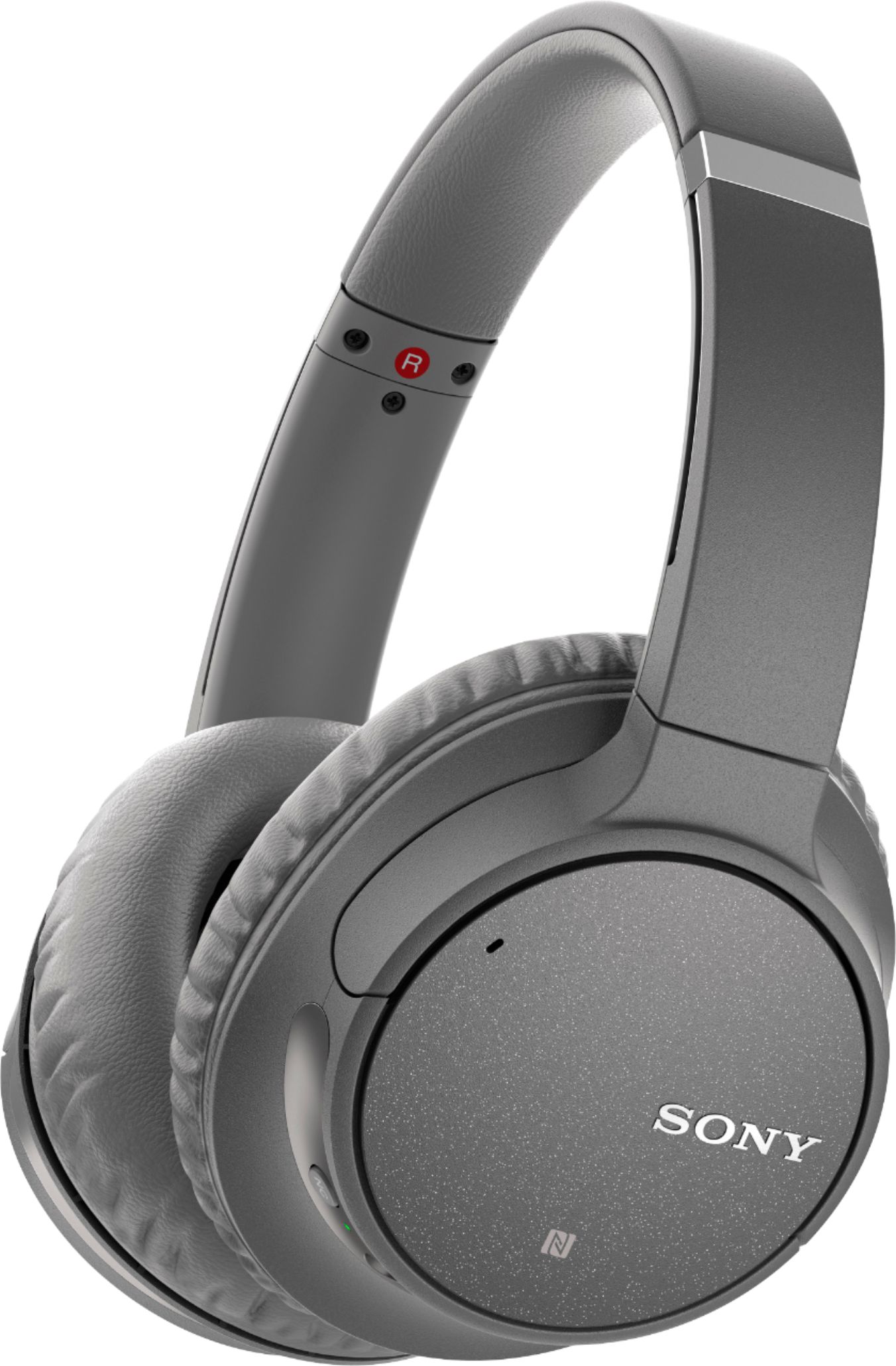
A:AnswerHi, D! It will depend if the TV supports Bluetooth headphones. We also can't guarantee full compatibility with third-party devices. You may also use the supplied headphone cable if the TV has a 3.5 mm headphone jack. ~Ralph
A:AnswerHello, GSA!
Yes, this unit supports Google assistant. However, we can't guarantee it this will also works with Pandora though, but this will connect to any Bluetooth device that supports the Bluetooth profile Version4.1. Happy to help!
~Zac
A:AnswerHi, KAS! The is no guarantee that these headphones will work with the PlayStation 4. We highly suggest using the dedicated PlayStation headphones instead. -Vincent
A:AnswerHello there!
That would depend if your TV supports the feature, some SONY TV models have options to hear the audio from the TV speakers and the Headphones at the same time. Happy to help!
~Zac
A:AnswerHi, Kathy!
It depends on your hearing aid. Please check the manufacturer of your hearing aid as it may interfere with the Bluetooth frequency of the headset. You may check the link below for the specifications of the headset:
https://www.sony.com/electronics/support/res/manuals/4729/f00f5051b2406e5cbc1b7c007a5e0634/47298201M.pdf
~Earl