A:AnswerHi Ron, If your Sonos sound system supports Bluetooth transmitter or 3.5mm headphone jack input then the WH-CH700N headphones should work. -Sam
A:AnswerHello, this unit is not waterproof. Do not get the headset wet. If you touch the headset with wet hands or put the headset in a damp article of clothing, the headset may get wet and this may cause a malfunction of the headset. ~Earl
A:AnswerHi Customer,
You may find this link helpful on how to properly connect the headphones to your iPhone.
https://helpguide.sony.net/mdr/whch700n/v1/en/contents/TP0001613455.html?search=pair
Happy to help,
David
A:AnswerHi De,
You can only pair one headphone at a time.
https://helpguide.sony.net/mdr/whch700n/v1/en/contents/TP0001613466.html?search=pair
Regards,
David
A:AnswerMake sure all other Bluetooth sources nearby are OFF, Make sure Bluetooth on your TV is on. Then press the power button on the headset for 7 seconds, and the headphones will go into pairing mode. Your Smart TV should be a source that can be connected to. Listen to the headphones - you should hear it say "Pairing" then "pairing complete". This should set you up. Hope this helps!
A:AnswerHi mark,
The TV must support Bluetooth headphones. The full operation with third-party devices is not guaranteed. You can charge the headset via USB AC adaptor or on the USB port of a booted computer.
~Ralph
A:AnswerHi Headphones,
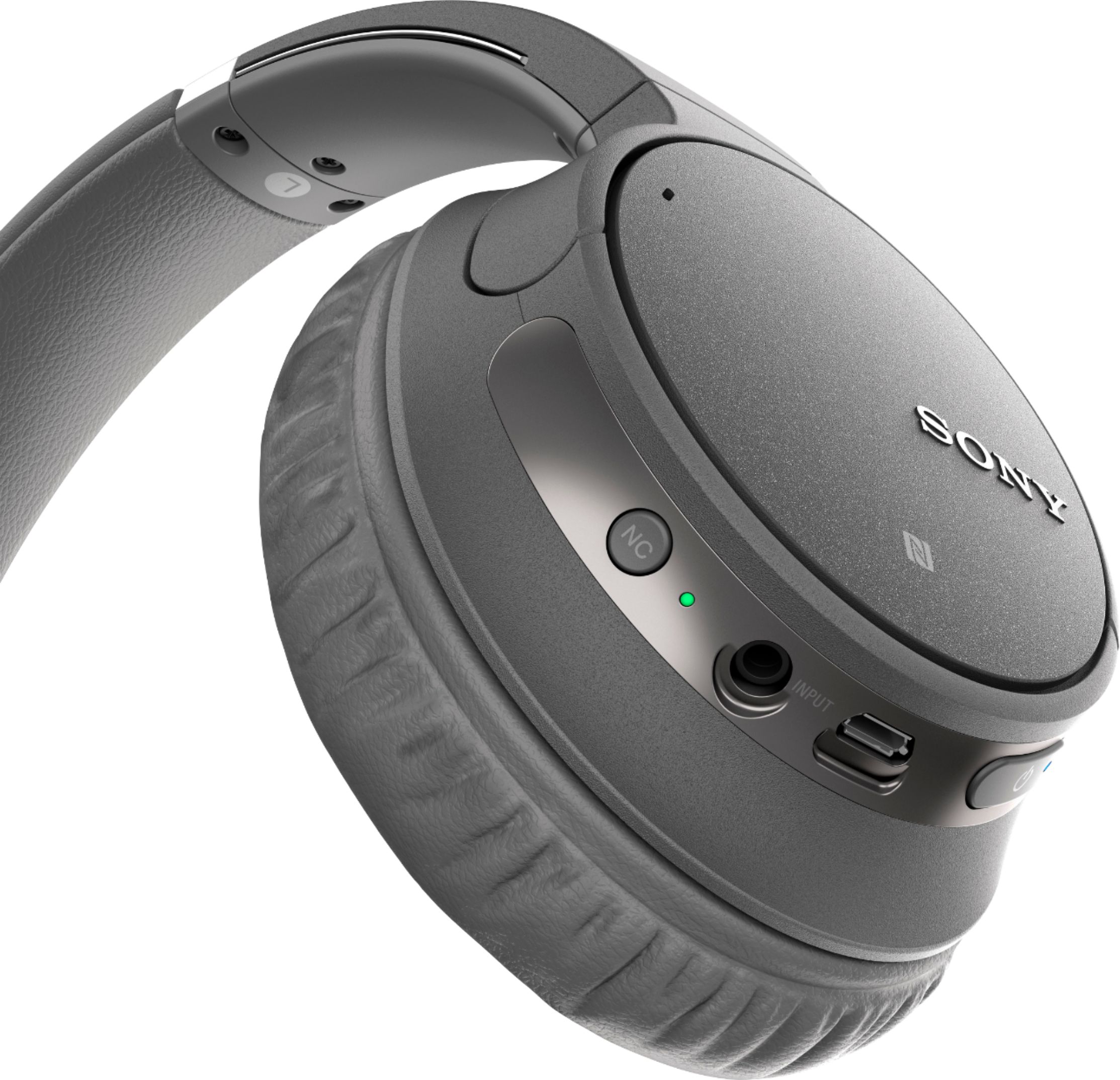
Yes, there is a light indicator when using headphones like remaining battery charge indication and Bluetooth status indication.
Reference: https://helpguide.sony.net/mdr/whch700n/v1/en/contents/TP0001613461.html?search=light
Regards,
David
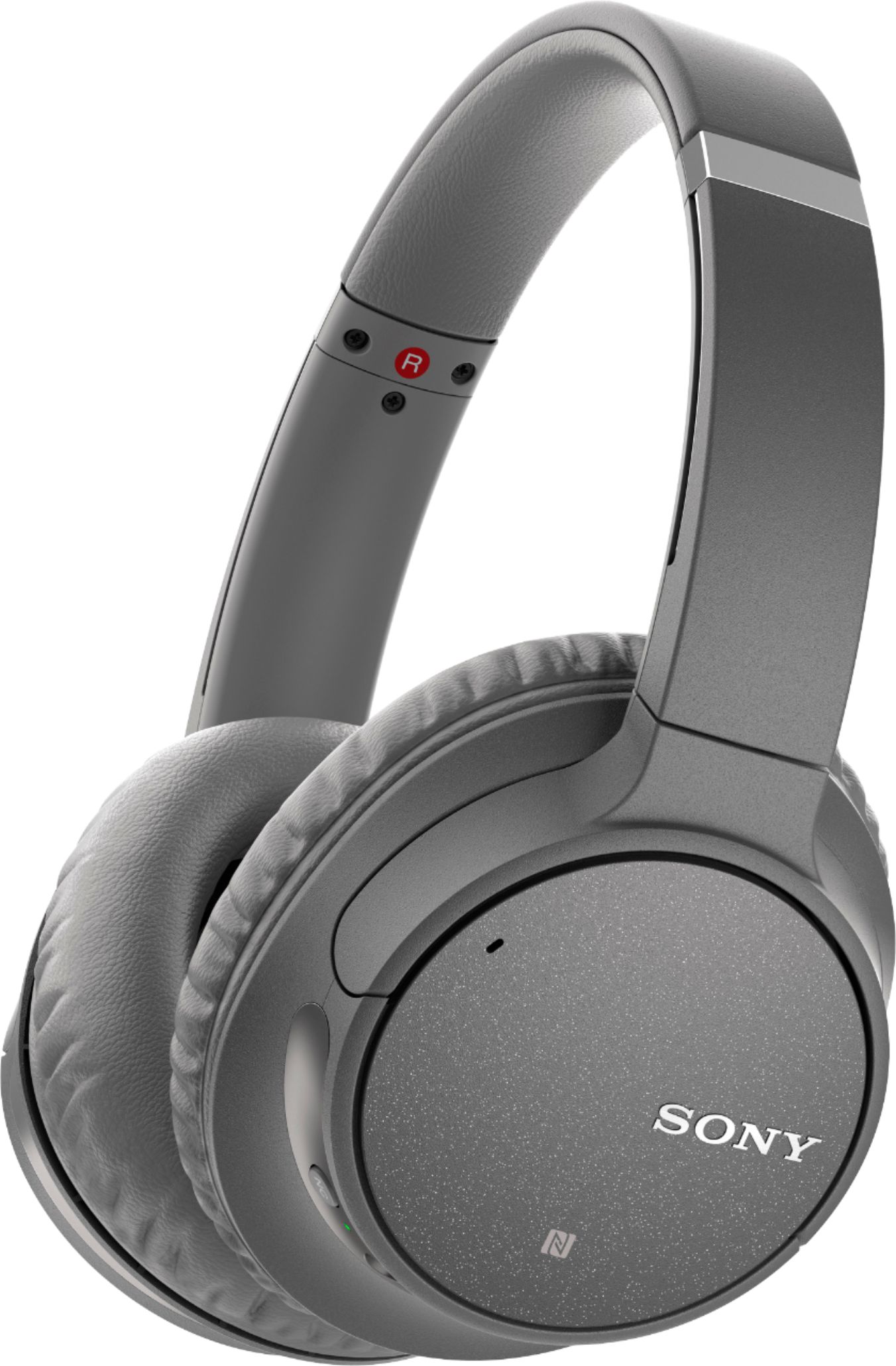
A:AnswerHi, Lhendrix917! No. These headphones do not have a touch sensor feature. You may want to check out the Sony WH-1000XM3 instead. The volume of the WH-1000XM3 headphones can be controlled by putting your hand over the housing to turn the volume down. -Vincent
A:AnswerHi, Keiona! The micro-USB cable included in the box to charge this WHCH700N. This unit can be charged using USB only. A personal computer with the USB port is required for charging. Regards. Jay
A:AnswerHi, Customer!
For us to better assist you regarding the batteries for your headphones, please email us at [email protected] with the following details:
Name:
Best BuyUsername:
Model Number:
Issue:
Telephone Number:
Sincerely,
David
A:AnswerThese will pair directly with an Apple TV and send all sounds like a iphone. Just add the device. Settings. Then make sure the loud stuff is off before tryin.
A:AnswerHi, Janet!
Yes, these headphones are compatible with your device. See the link for details.
https://helpguide.sony.net/mdr/whch700n/v1/en/contents/TP0001613454.html?search=iphone
Happy to help,
David
A:AnswerHi, Charlie!
We cannot guarantee its full operation because these headphones are specifically built for smartphones. We recommend WH-RF400. See link for details.
https://www.sony.com/electronics/headband-headphones/wh-rf400
Happy to help,
David