A:AnswerHi, dick!
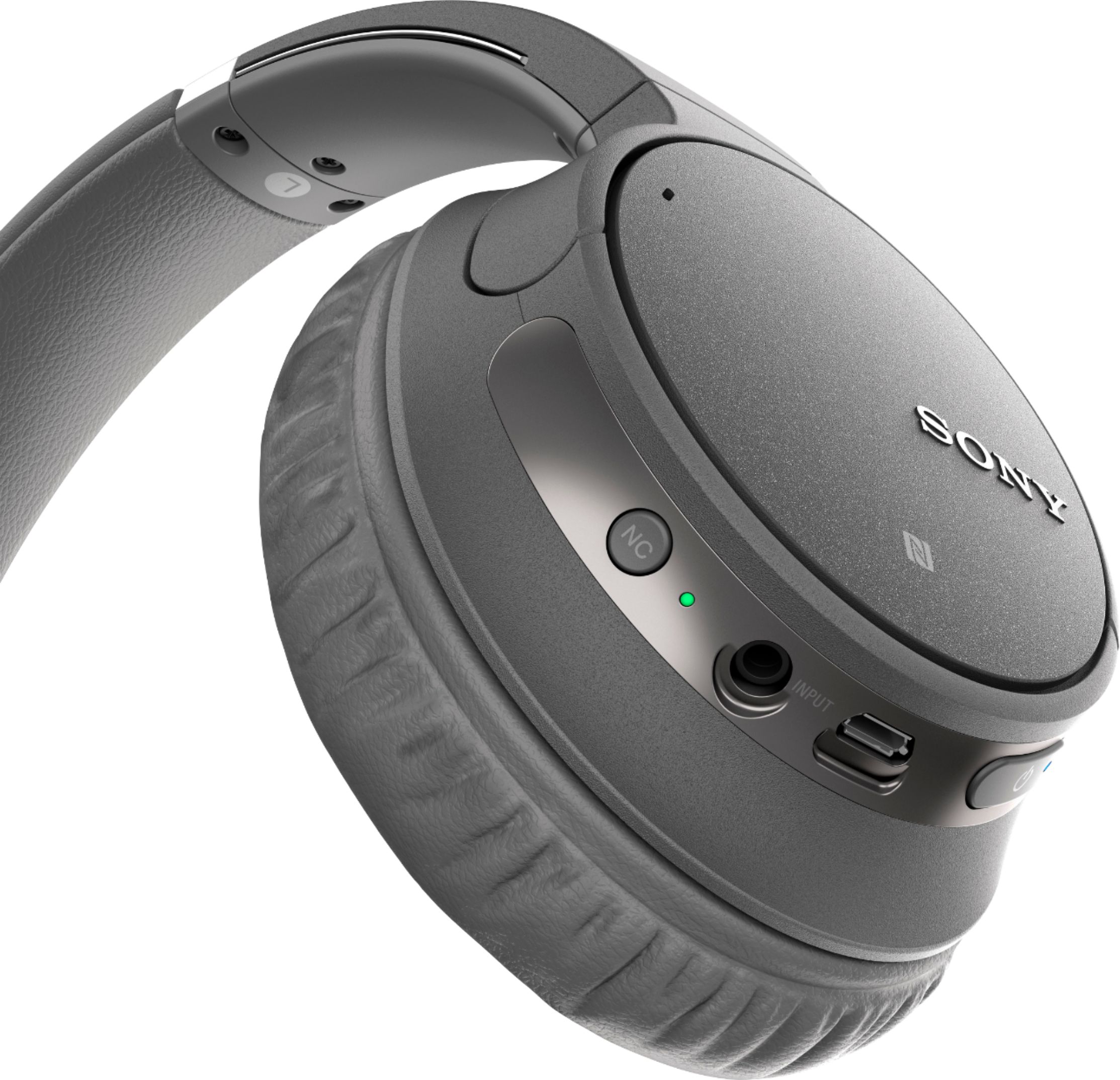
We recommend charging the headset using the supplied micro-USB cable. See the link for details.
https://helpguide.sony.net/mdr/whch700n/v1/en/contents/TP0001613489.html?search=Charging%20the%20headset
Happy to help,
David
A:AnswerHi, Sammy01! No. These headphones are not waterproof nor sweat-proof. Exposing them to too much sweat may cause a malfunction. Visit this link for more details: https://helpguide.sony.net/mdr/whch700n/v1/en/contents/TP0001613525.html. -Vincent
A:AnswerTo my knowledge, the only way to charge the headphones is through a home electrical outlet and a mini-USB cable to the headphones. You can attach an audio cord directly to audio port of your iPad mini (like old fashioned headphones), but that is not for charging. That’s nice to have if your headphone battery is dead, making Bluetooth connection inoperable...you can use these just like plain old corded headphones too. Hope that helps.
A:AnswerHi, Mary!
Thank you for reaching us! Please try to reset the headphones to factory default settings then pair it again. Here's the link on how to.
https://helpguide.sony.net/mdr/whch700n/v1/en/contents/TP0001613429.html?search=reset
Regards,
David
A:AnswerHi, Kimm! Bluetooth wireless technology operates within a range of about 10 m (30 feet). The maximum communication range may vary depending on obstacles (the human body, metal, walls, etc.) or electromagnetic environments. ~Ralph