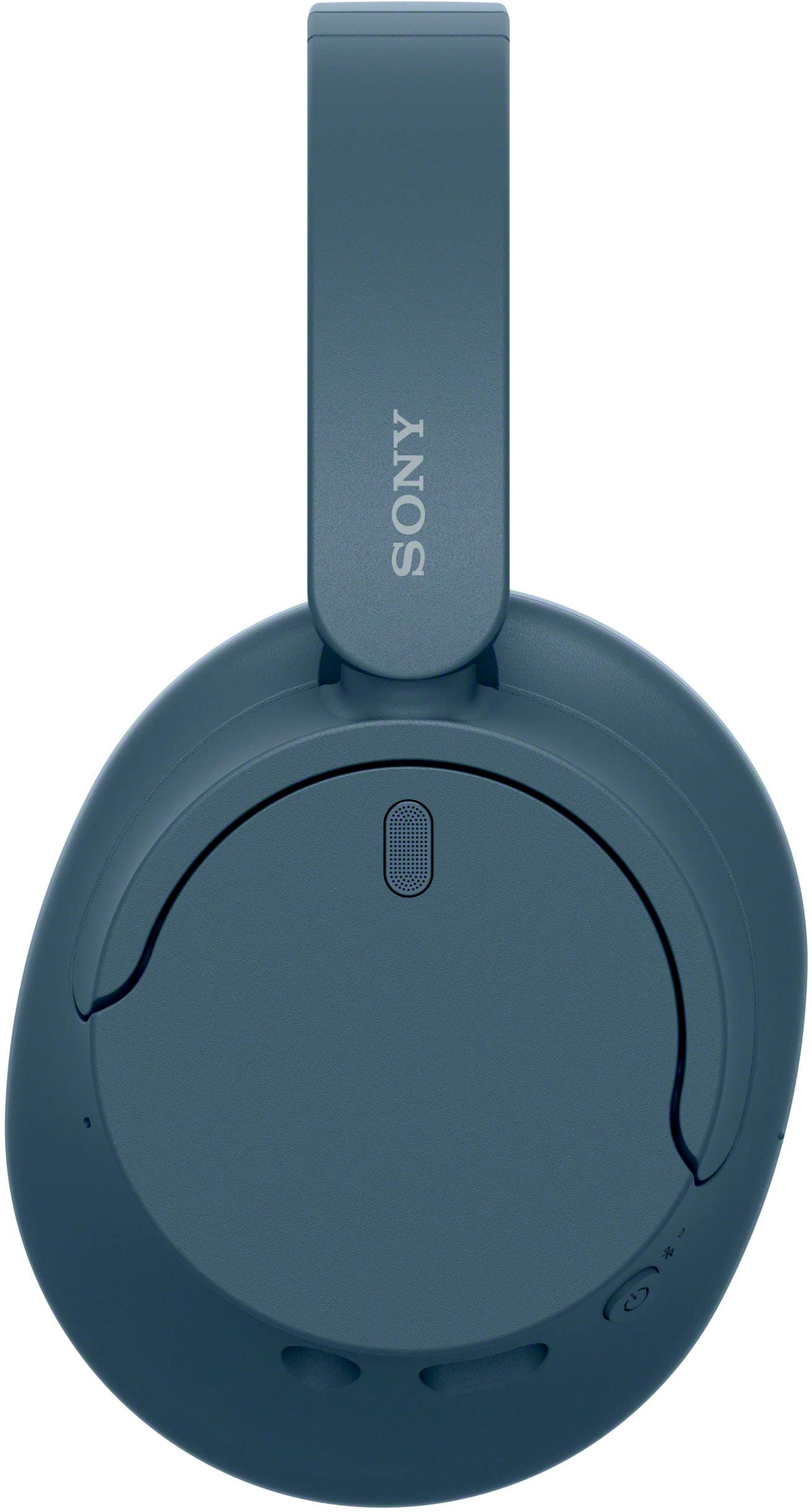
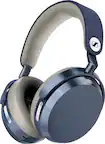
A:AnswerTo power off your Sony WH-CH720N headphones while maintaining the pairing for future use, simply hold down the power button until the headphones turn off (you’ll hear a confirmation tone or see the indicator light turn off). This will not delete the pairing; the connection with your Samsung S24 will remain saved.
The next time you turn on the headphones, they should automatically reconnect to your phone if Bluetooth is enabled. If the connection isn’t automatic, make sure your phone’s Bluetooth is on, and select the headphones from the Bluetooth list.
If you’re losing the connection frequently, try the following:
Ensure your Samsung S24’s Bluetooth is turned on before powering up the headphones.
Reset the headphones (hold the power button for 7 seconds) and re-pair them.
Check for software updates on both your phone and the headphones.
This should solve any connectivity issues!
A:AnswerHi Pacer, Thanks for reaching out. All headphones have this warning concerning pacemakers. It is important to note that the headphones contain magnets and emit radio waves, which can interfere with cardiac pacemakers and other medical devices. Therefore, it is advised not to use the headphones near medical devices or in crowded places such as trains or medical institutions. If you use a pacemaker or any other medical device, it is recommended to consult your doctor before using the WH-CH720N headphones. Regards, -Craig
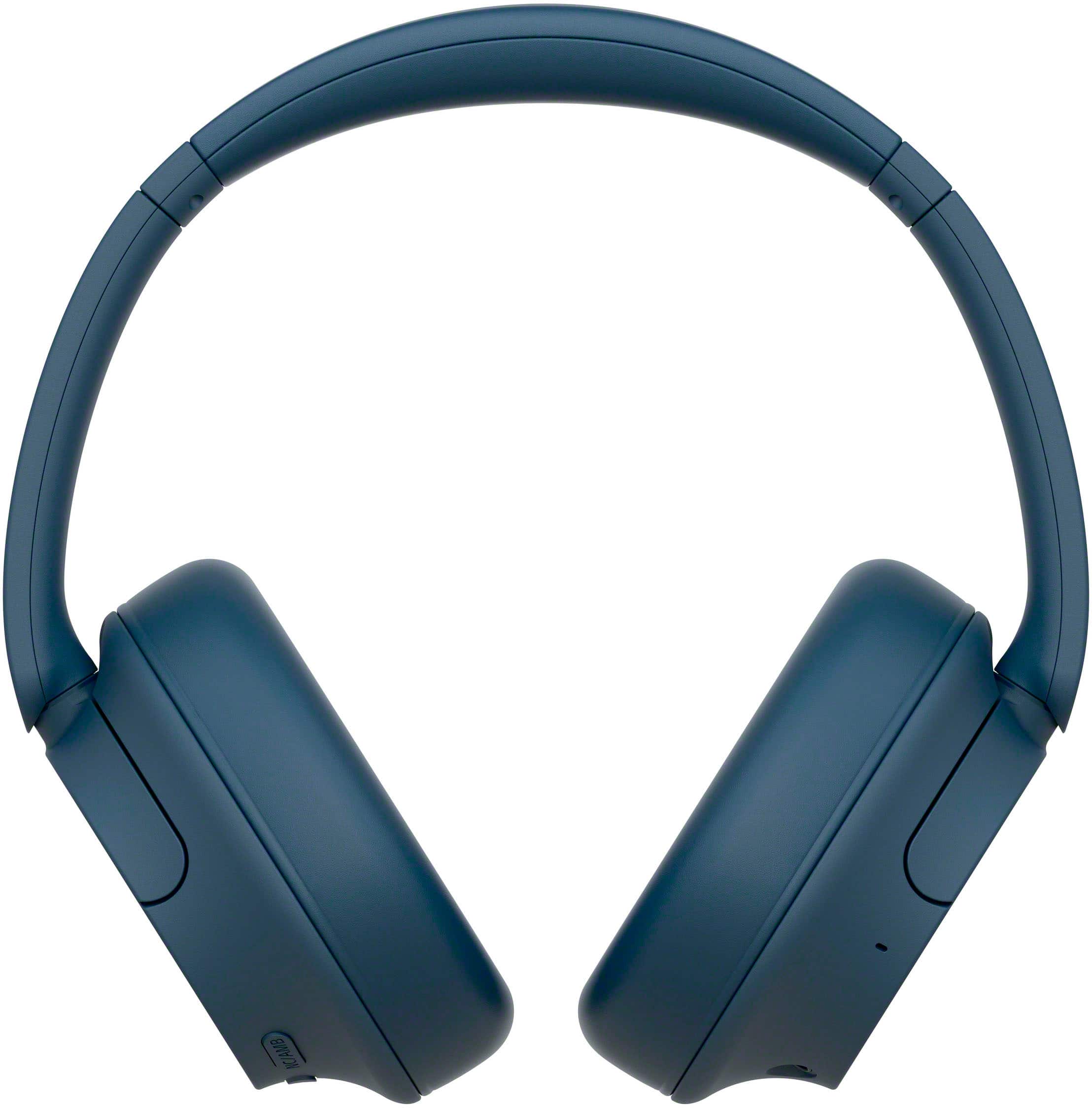
A:AnswerHi deb, Thanks for the inquiry. Yes. To ensure the headphones fit you well, adjust the slider to a length where the headband touches the top of your head then adjust the orientation of the left and right units so that the earpads fit snugly all around your ears.
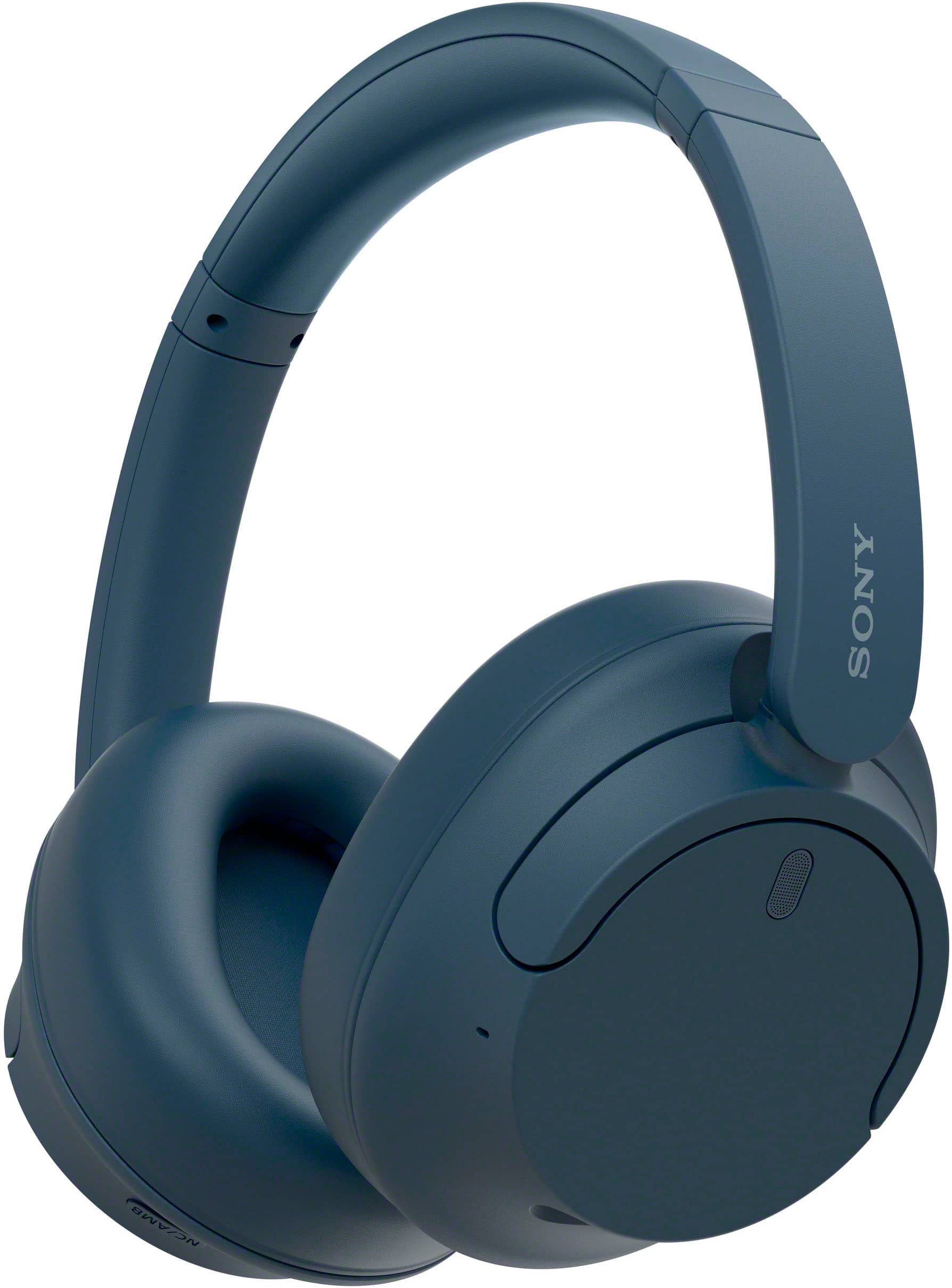
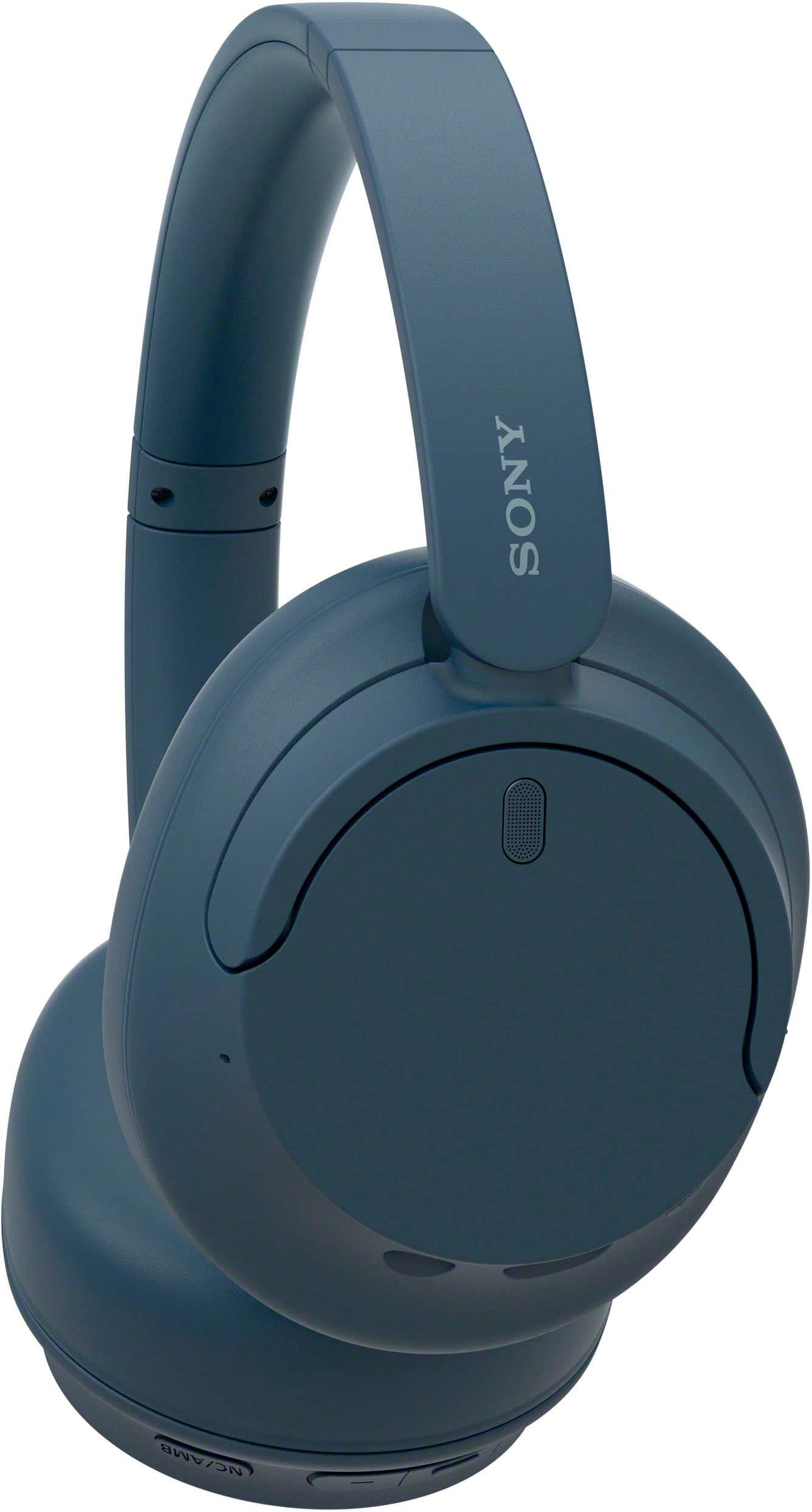
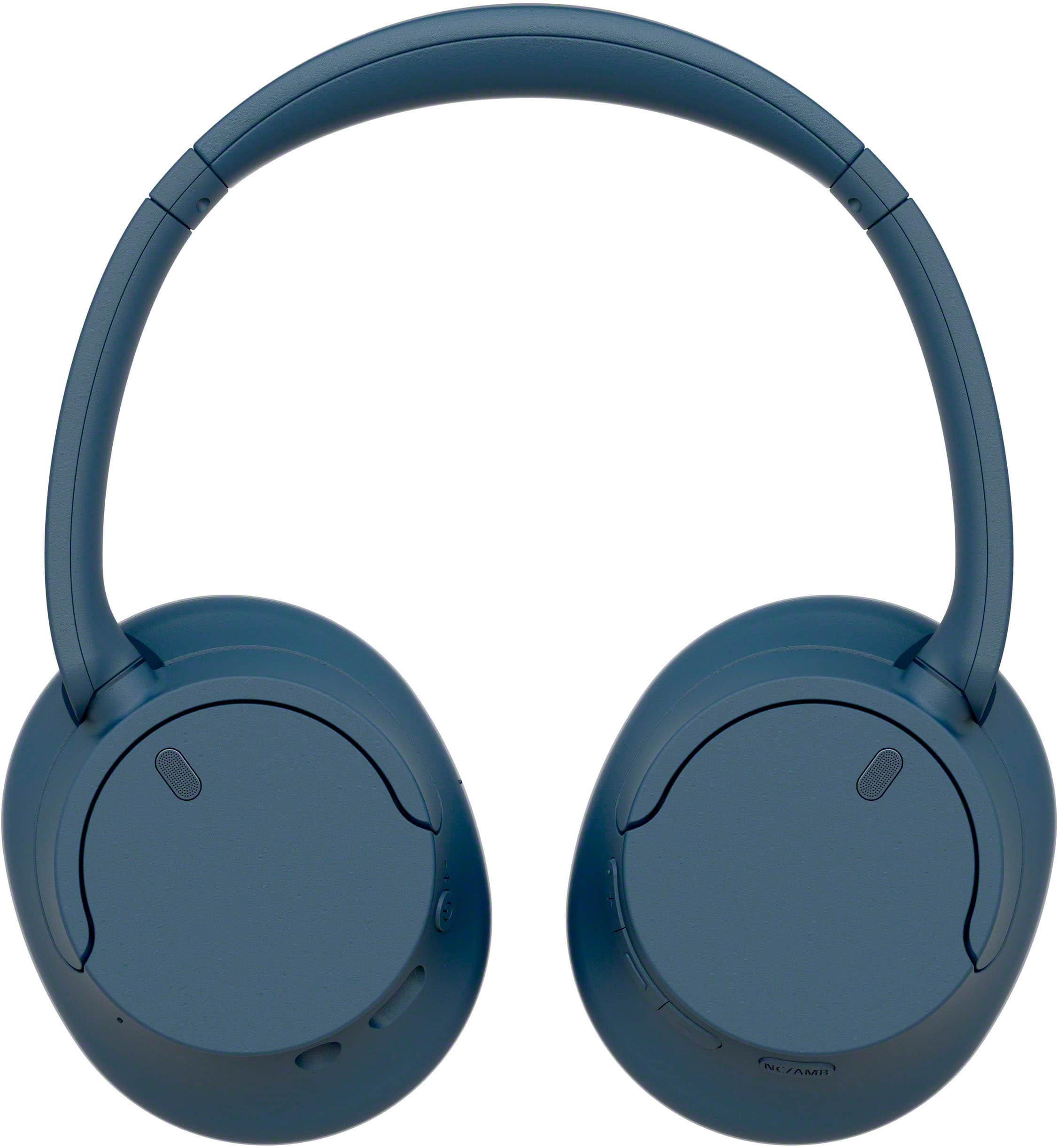
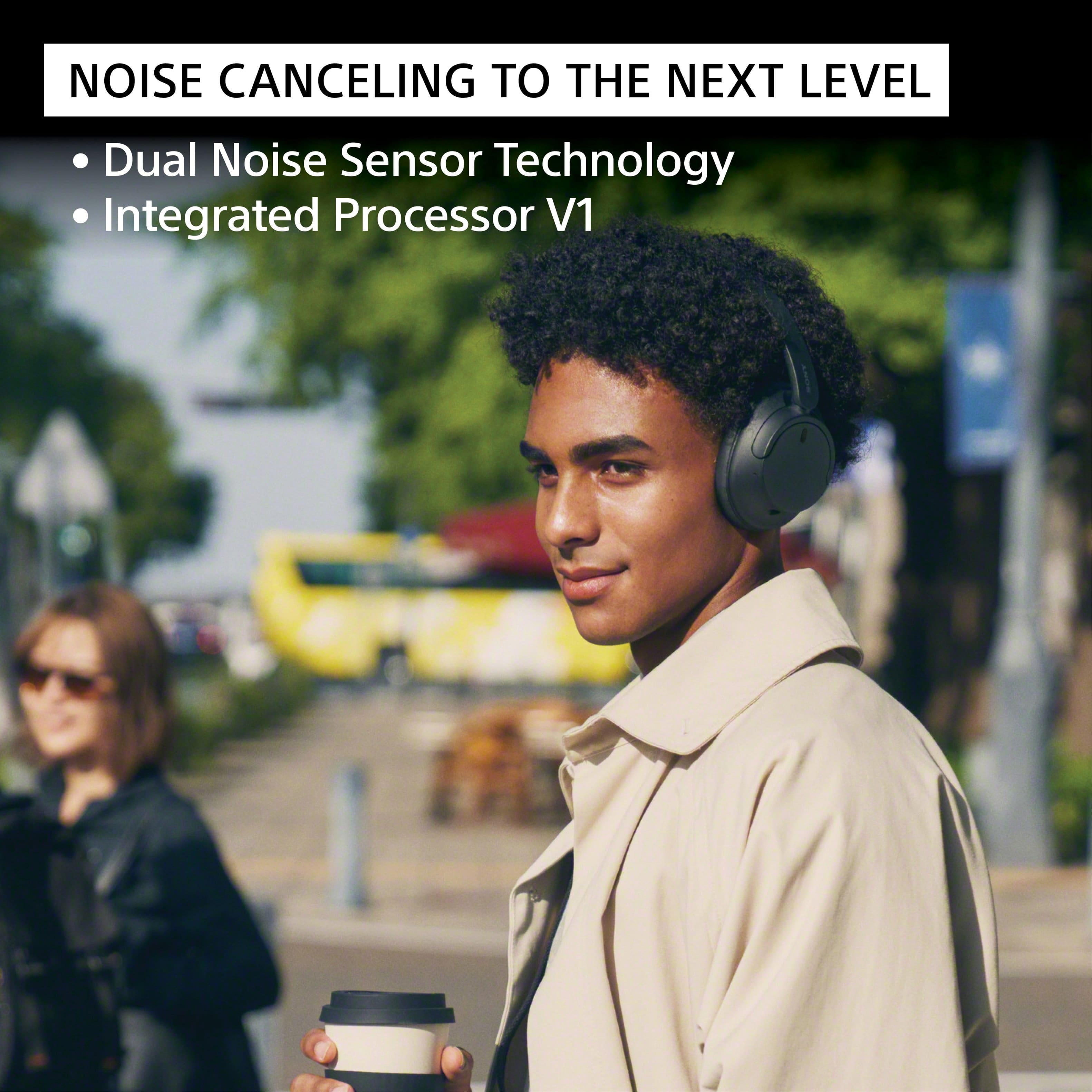
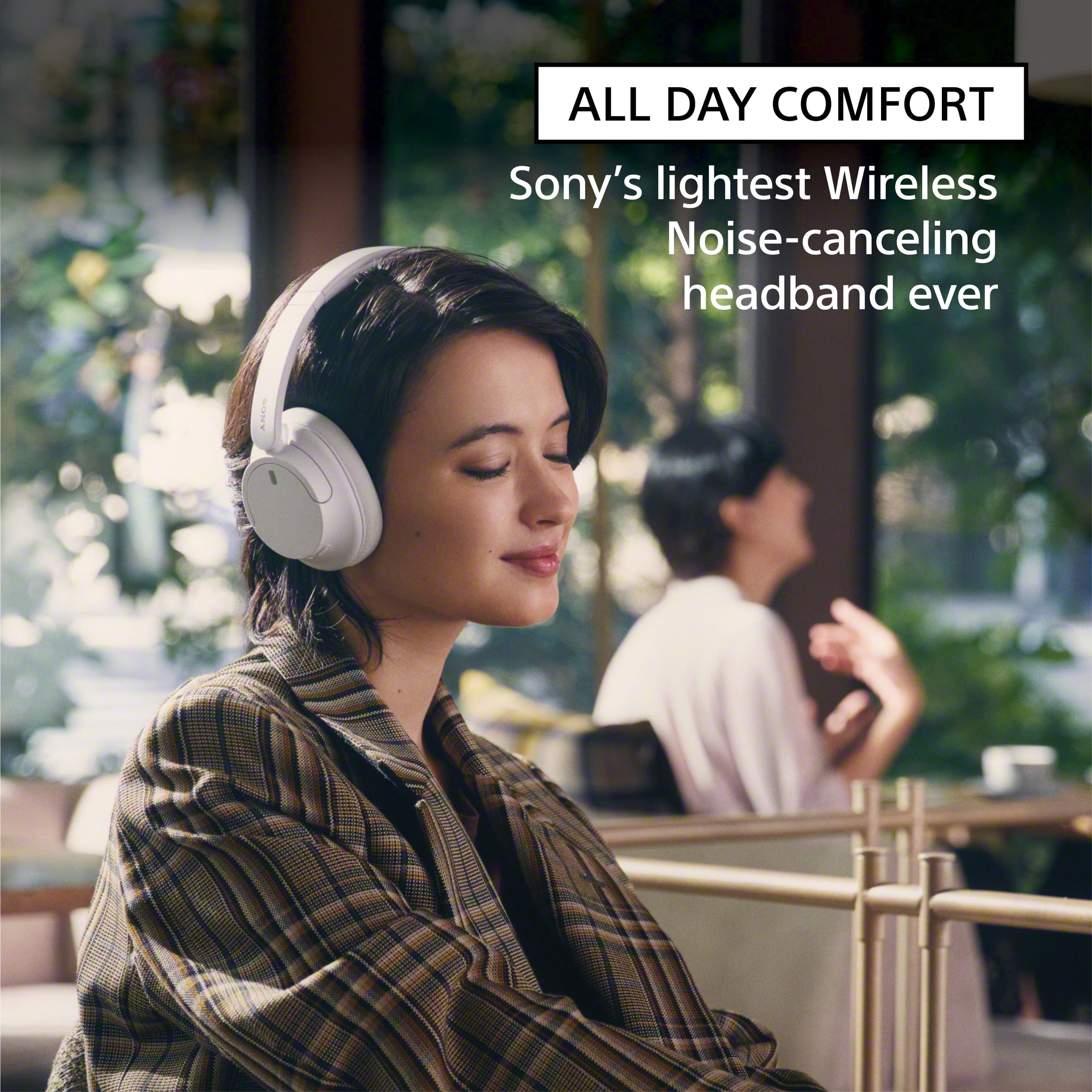
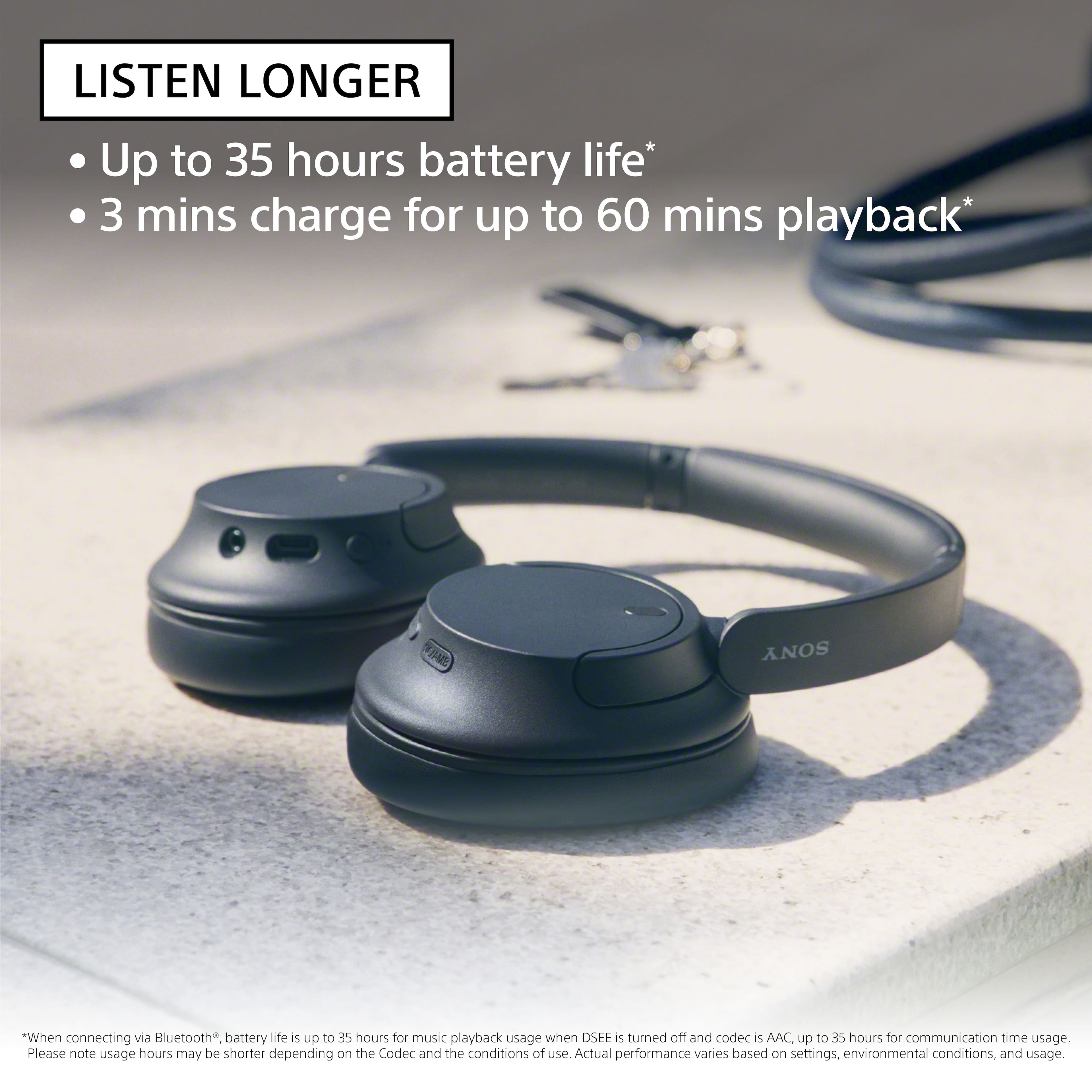
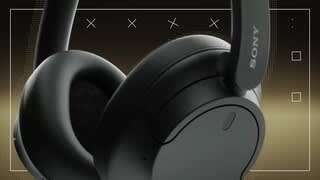
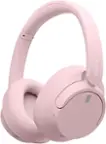
Turn down the world's noise with the long-lasting noise cancellation performance. Featuring Dual Noise Sensor technology and an Integrated Processor V1, the WH-CH720N allows you to fully immerse yourself in music without any distractions. Ergonomically designed to be lightweight, comfortable, and with up to 35 hours of battery life, you’ll almost forget you’re wearing it.
Regards, -Craig
A:AnswerHi sam,
Thank you for your inquiry!
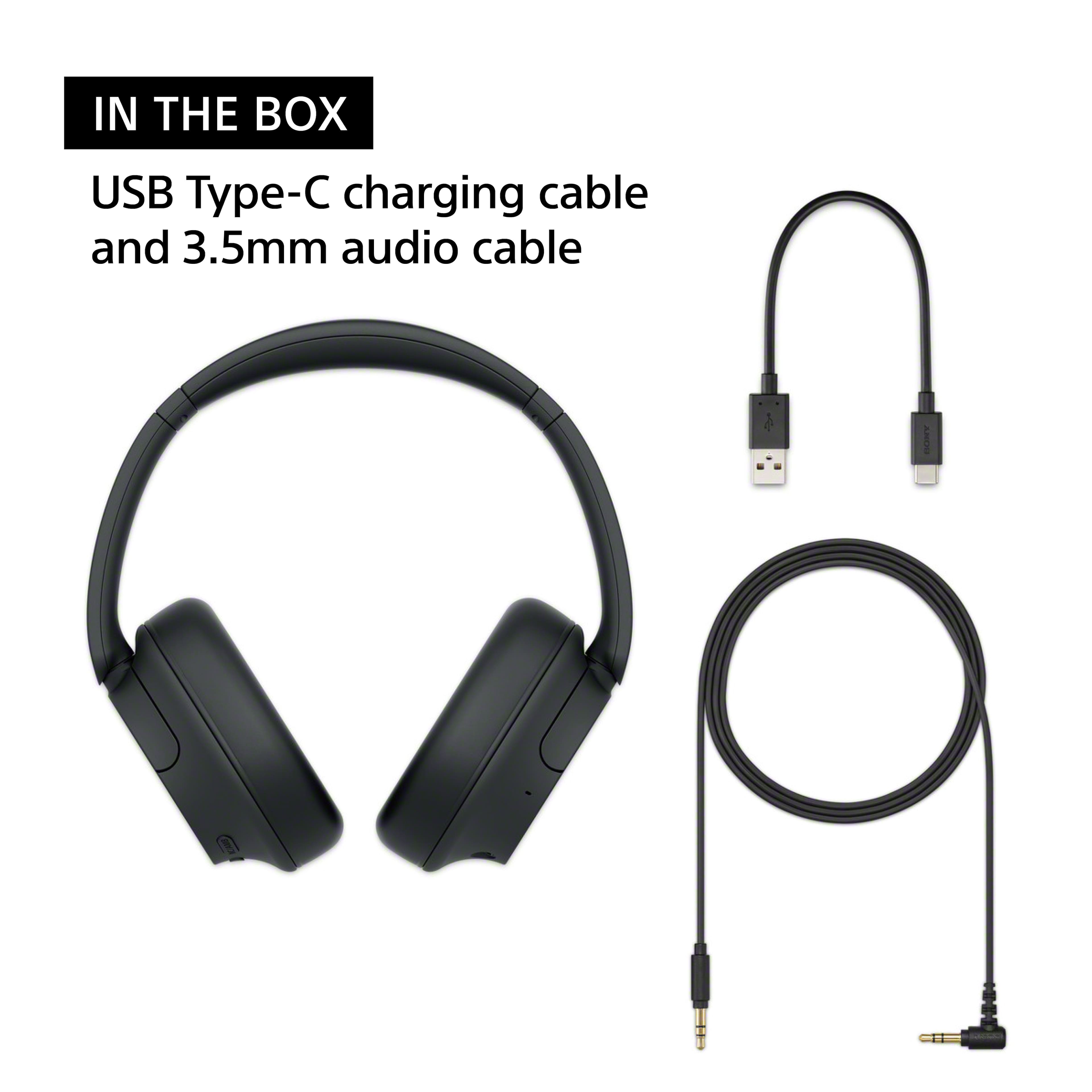
These headphones have a Bluetooth function which is built-in to them. They do not come with a USB dongle.
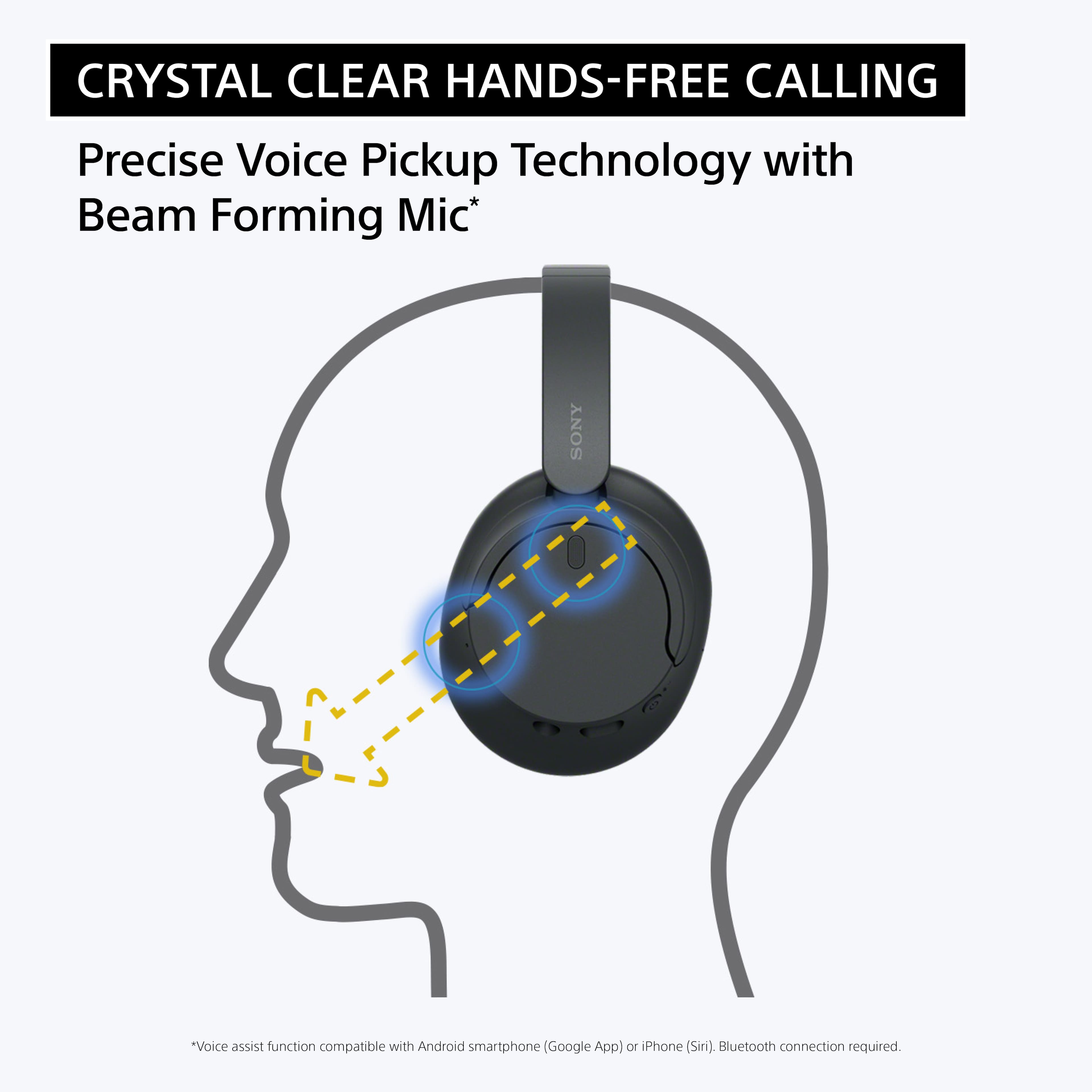
Our WH-CH720N headphones allow you to enjoy natural vocals, crystal-clear sound and balanced tuning audio, thanks to the Integrated Processor V1 and Digital Sound Enhancement Engine (DSEE), producing a high-quality sound exactly as the artists intended. The Precise Voice Pickup technology Wind Noise Reduction Structure will give you a clear and natural conversation during calls.
Hope this helps!
-Vincent
A:AnswerHi Tina,
Thank you for the question! Unfortunately, the Sony WH-CH720N headphones do not have a dedicated mute function for the microphone during phone calls. While you can use the headphones for phone calls and the built-in microphone will pick up your voice, there is no specific button or feature to mute the microphone during a call. If muting the microphone is necessary, you may need to use the mute function on the phone itself.
Turn down the world's noise with the long-lasting noise cancellation performance. Featuring Dual Noise Sensor technology and an Integrated Processor V1, the WH-CH720N allows you to fully immerse yourself in music without any distractions. Ergonomically designed to be lightweight, comfortable, and with up to 35 hours of battery life, you’ll almost forget you’re wearing it. Hope this helps! - Kris
A:AnswerHi,
Thank you for reaching out to us. We're sorry to hear if you are not getting sound from the speakers when the WHCH720N is connected to your TV. The function where you want to hear both sound from an external speaker and Headphones at the same time is a feature you need to check on your TV. With our Sony TVs, if you connect an external audio device to the TV headphone jack, the HDMI ports, or through a Bluetooth connection, the TV can't output sound from both the TV speakers and the audio device at the same time. We recommend to contact your TV manufacturer for better assistance.
In case you need our help with your new headphones, feel free to contact us by sending an email to [email protected] with the following:
Name:
Best Buy Username:
Telephone Number:
Model Number:
Issue:
Turn down the world's noise with the long-lasting noise cancellation performance. Featuring Dual Noise Sensor technology and an Integrated Processor V1, the WH-CH720N allows you to fully immerse yourself in music without any distractions. Ergonomically designed to be lightweight, comfortable, and with up to 35 hours of battery life, you’ll almost forget you’re wearing it.
We apologize for the inconvenience and thanks again for purchasing Sony. - Kris
A:AnswerThank you for contacting Sony.
The WH-CH720N does not have an official Noise Reduction Rating. This is because NRR is a specific certification for industrial hearing protection equipment, whereas these are consumer headphones designed for entertainment.
While they feature our Integrated Processor V1 to effectively cancel ambient noise for a better listening experience, they are not rated for use as safety gear in high-decibel environments.
We appreciate your interest in Sony products. Should you require any further assistance, please don't hesitate to reach out for support here:
https://us.esupport.sony.com/support/s/support-contact?language=en_US&category=headphones
Best regards,
Gus, Sony North America Customer Support
A:AnswerHi Lori,
Thank you for your question regarding the Sony WH-CH720N. Whether one person can listen through the headphones while others hear the program through the TV speakers depends entirely on the specific capabilities of your television.
The WH-CH720N headphones are designed to receive high-quality Bluetooth audio; however, many TVs automatically mute their internal speakers once a Bluetooth device is connected. To achieve your goal, your television must support simultaneous multi-audio output (the ability to output sound to Bluetooth and TV speakers at the same time).
We recommend checking your television’s user manual or contacting the TV manufacturer to confirm if 'Multi-Audio Output' is a supported feature in their settings menu. If your TV does not support this natively, you may need an external Bluetooth transmitter with a bypass mode to enable both audio sources at once.
We hope this information helps! Thank you for considering Sony.
Best regards,
Dominick
A:AnswerHello Clueless,
Thank you for considering Sony products!
We appreciate your inquiry about using the WH-CH720N headphones for TV listening with your Roku TV and are happy to assist you. The short answer is yes, you can absolutely use these headphones with your TV as long as the television supports the A2DP (Advanced Audio Distribution Profile). This profile is the industry standard for sending high-quality stereo audio over Bluetooth. To connect your headphones to your TV, please follow the pairing instructions provided here: https://helpguide.sony.net/mdr/2966/v1/en/contents/TP1000776852.html
This will guide you step-by-step to ensure a smooth connection and optimal audio experience.
Best regards,
-Fred
A:AnswerThank you for contacting Sony, Ken.
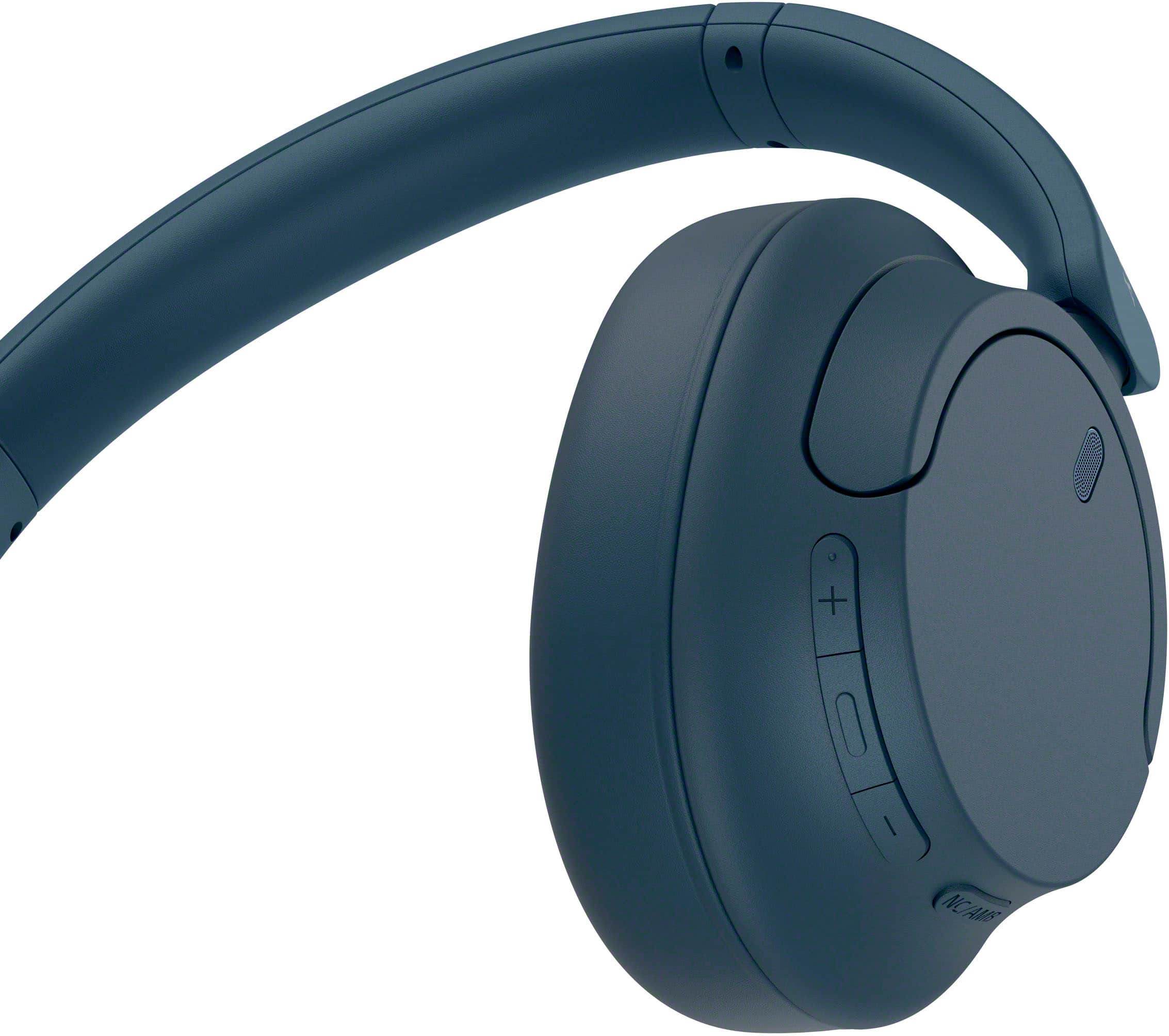
Yes, the WH-CH720N headphones do have physical volume controls. You can find the + (volume up) and - (volume down) buttons located on the edge of the right earcup. They are positioned right next to the Play/Pause button for easy access while you're wearing them.
We appreciate your interest in Sony products. Should you require any further assistance, please don't hesitate to reach out for support here:
https://us.esupport.sony.com/support/s/support-contact?language=en_US&category=headphones
Best regards,
Gus, Sony North America Customer Support
A:AnswerI think these would be great for that. The noise canceling is really good and will definitely help him to be able to only hear what is coming from the TV. These are very loud. I can hear podcasts while mowing outside.
A:AnswerHello Peanut,
Thank you for considering Sony products!
We appreciate your question and are here to assist you. Your Samsung Q7FD 55" 2025 model TV supports Bluetooth connectivity, allowing it to wirelessly transmit audio to compatible devices. The Sony WH-CH720N headphones also feature Bluetooth and support the A2DP profile, which is the standard for high-quality stereo audio streaming. This makes the WH-CH720N a suitable choice for use with your Samsung Q7FD TV.
For enhanced audio experiences, you might also consider models like the WH-1000XM6 or WH-1000XM4, which offer advanced noise cancellation and premium sound quality.
For more details and to explore other headphone options compatible with your TV, please visit:
https://electronics.sony.com/audio/headphones/c/all-headphones
Best regards,
-Fred