A:AnswerHello Jay,
Thanks for your question about the noise canceling on the WH-CH720N headphones. It's a great feature, and we're happy to provide some clarity on what you can expect.
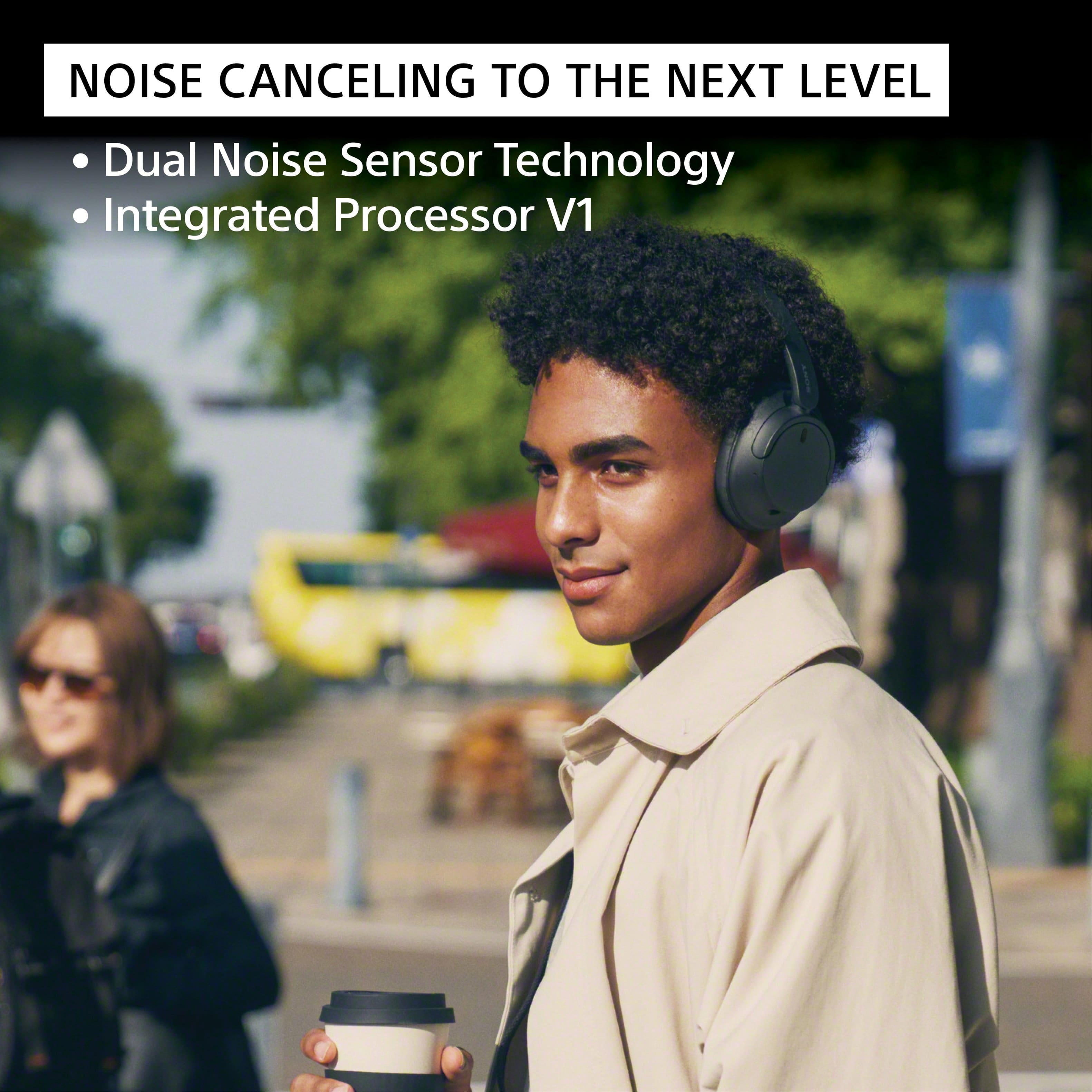
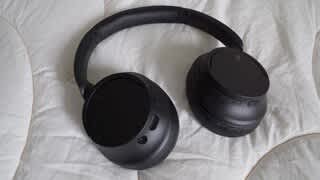
The WH-CH720N headphones are designed to effectively block out a significant amount of ambient noise,\ reducing low-frequency sounds, such as the hum of an air conditioner, the rumble of a train or bus, and airplane cabin noise. This allows you to immerse yourself more fully in your music or podcasts.
While they do an excellent job of dampening external sounds, they may be less effective at canceling out higher-frequency noises like human voices or sudden, sharp sounds.
For the best noise-canceling performance, we recommend using the Sony | Sound Connect app to ensure the noise-canceling feature is set to "ON" and not in Ambient Sound Mode. Additionally, keep your device's software up to date for a better performance.
Thanks for your interest in our Sony headphones!
Sincerely,
Jenn | Sony Social Media Team
A:AnswerHello TJ,
Thanks for your question!
You can absolutely use your Sony WH-CH720N headphones with plane entertainment systems!
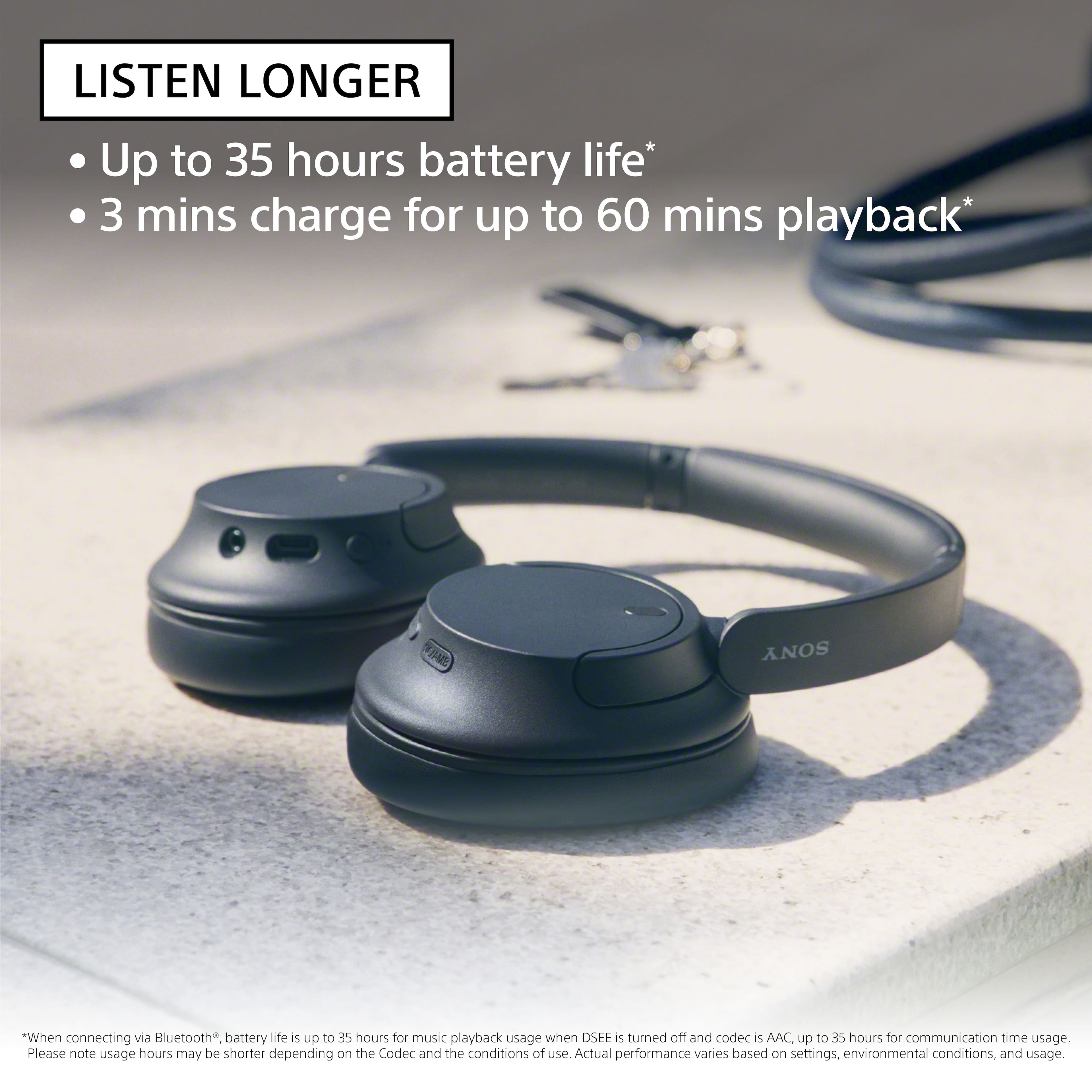
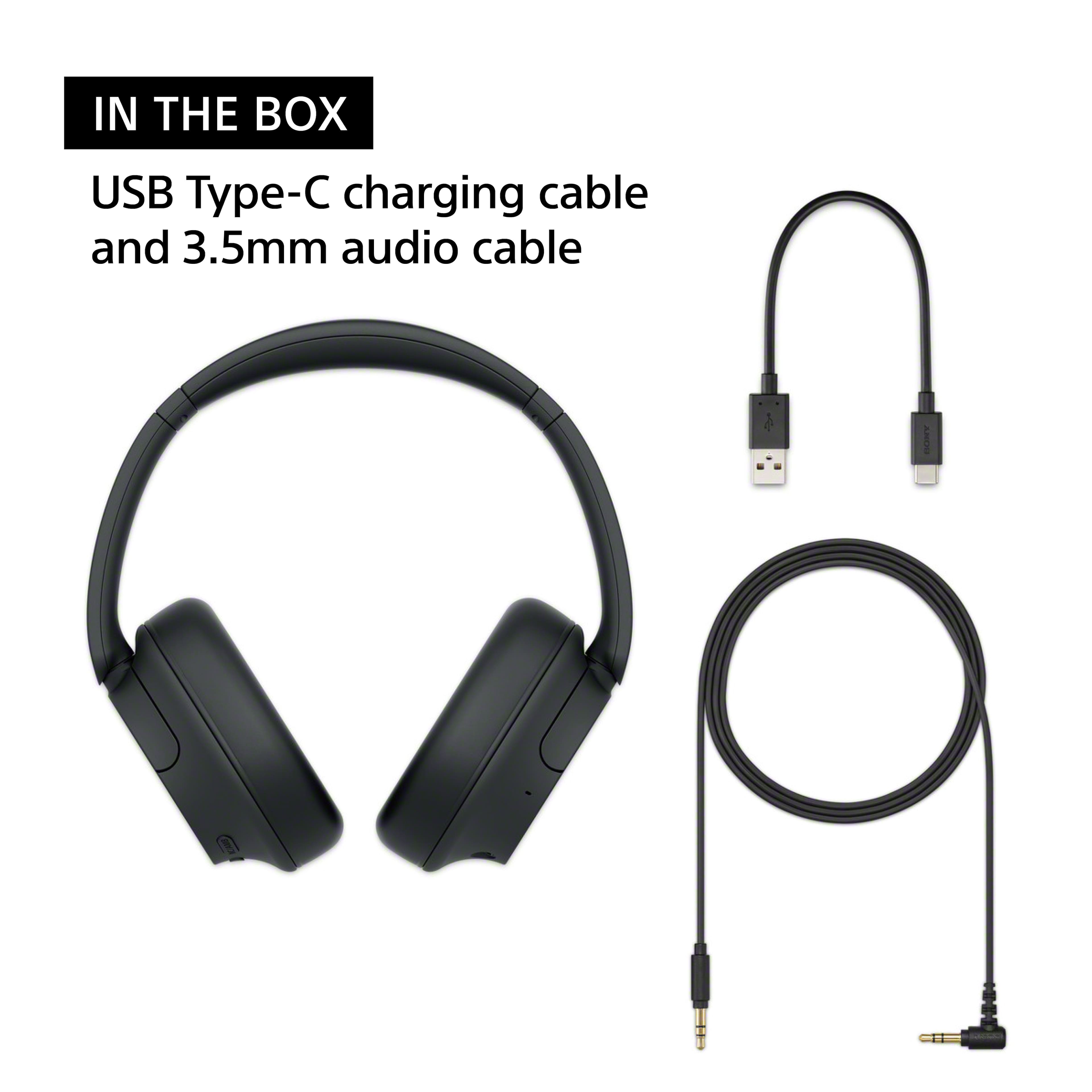
The WH-CH720N comes with a 3.5mm headphone cable. Most in-flight entertainment systems have a standard 3.5mm audio jack—and you can still use the Noise Cancelling feature when connected wired, as long as the headphones are turned on!
If you want to use your WH-CH720N wirelessly, you would need to purchase a separate Bluetooth audio transmitter as most airplane entertainment systems do not have Bluetooth capability. These transmitters plug into the plane's 3.5mm audio jack and then transmit the audio wirelessly to your Bluetooth headphones. Be aware that some older planes might have a dual-prong audio jack. If that's the case, you'll need a transmitter that either has a dual-prong connector or comes with an adapter for it.
Thanks for considering our Sony headphones!
Sincerely,
Jenn | Sony Social Media Team.
A:AnswerHi Sue! We are delighted to assist you in recommending the perfect headphones for your television.
Since your television is equipped with Bluetooth audio output, any of Sony's current or recent wireless noise-cancelling headphones should work. The WH-1000XM5 or WH-1000XM4 are highly recommended for the best overall experience, while the WH-CH720N offers a good balance of features and affordability.
We encourage you to visit our official website at https://electronics.sony.com/?srsltid=AfmBOop3LzLZ25Bn_dyUiruCxfOLDkCX3HzCgT8h5hQOjHjZgPPtr0E9 to explore the various specifications and features of each headphone model.
Thank you for considering Sony products!
Best regards,
Estefany
A:AnswerHello Trev, thanks for your question.
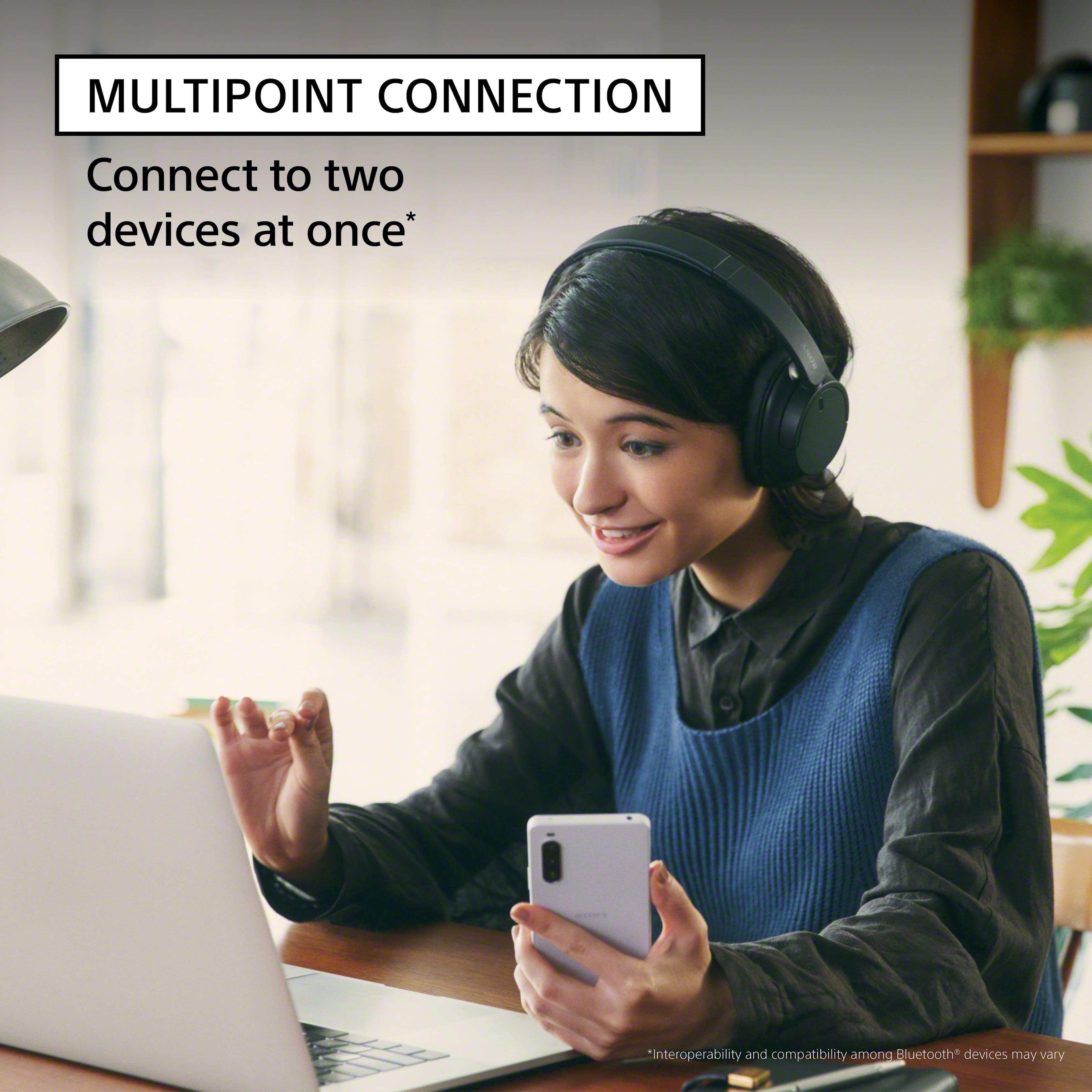
The WH-CH720N headphones can be paired and connected with an iPhone over Bluetooth for standard audio functions such as playing music and handling calls. However, If you want text messages or notifications read out loud on your iPhone while using the WH-CH720N headphones, you would need to set the iOS feature on your phone –Siri, for example, can announce (read aloud) incoming messages and notifications through compatible headphones, including the WH-CH720N headphones.
Hope this answers your concern. Thanks for choosing Sony!
Sincerely,
Jenn.
A:AnswerHi Al,
Yes, the WH-CH720N headphones can be connected to a TV via Bluetooth, provided that the TV supports the Advanced Audio Distribution Profile (A2DP).
Best regards,
Eliab
A:AnswerIf your just using them to listen I think they are a great choice the sound quality with music is 9/10
I didn’t give it a 10 because I would love for them to be just a little bit louder… Just my preference.. Definitely better than average headphones for listening only… Hope this helps
A:AnswerHello Dawood,
Thank you for your interest in the WH-CH720N headphones!
To answer your question briefly: if your TV supports the A2DP Bluetooth profile, you will be able to connect the headphones without any issues. We recommend checking the product specifications of your TV to confirm that it includes this profile.
Thank you once again for considering Sony products!
Best regards,
Gus
A:AnswerDownload the Roku app and connect the sound output to your headphones and you will be able to listen through the headphones instead of the tv speakers
A:AnswerHey Momo, that's an interesting question!
Basically, yes! You can set the automatic power off to the time you prefer, and it should be working fine!
For detailed information, you might check:
https://helpguide.sony.net/mdr/hpc/v1/en/contents/TP0002935917.html?search=auto%20power%20off
https://helpguide.sony.net/mdr/2966/v1/en/contents/TP1000776844.html
Thanks for considering Sony!
Gus
A:AnswerSet up your "sending" device (TV or phone) to recognize bluetooth first. Then just turn on the headphones. You'll hear them start up. Your sending device should now see your headphones which you can then accept/choose and everything should work.
A:AnswerHi Hmid, thanks for your question regarding the WHCH720N headphones! We are sorry to hear that the earpads of your old ones are falling part, this is a good moment to go for the upgrade. These new headphones will definitely be able to connect wirelessly to the TV as your current ones do, all you need to do is going into the TV settings and pair the new ones via Bluetooth, and they will be ready to go! Thanks for choosing Sony, regards, -Dominick
A:AnswerHey Davidk, thanks for your question!
About the connections, it will depend on your TV, the WHCH720N can be connected to your TV and if your TV can output the audio from Bluetooth and TV speakers at the same time, yes, it must work fine.
We hope this helps with your question, thanks for considering Sony!
Gus