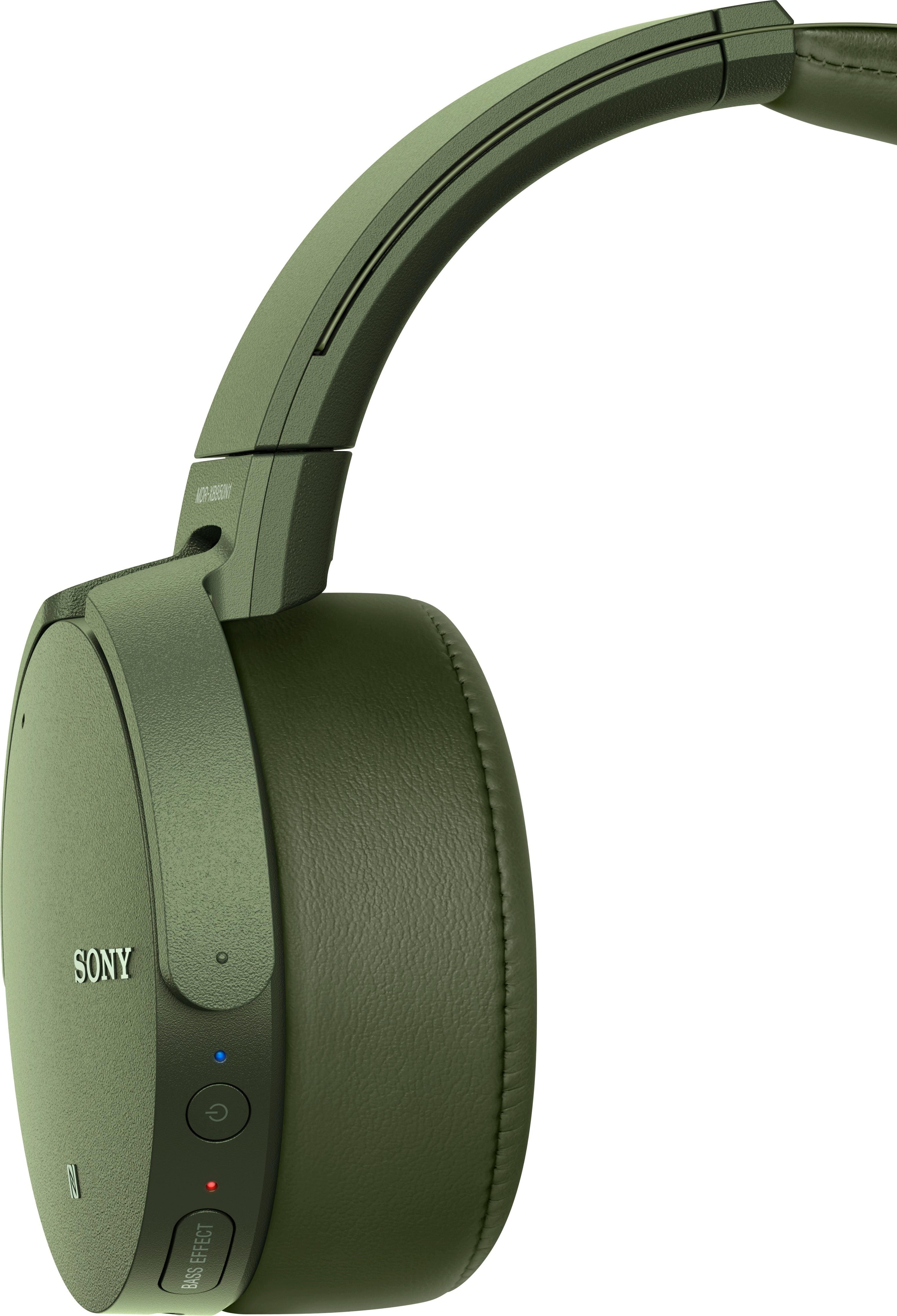
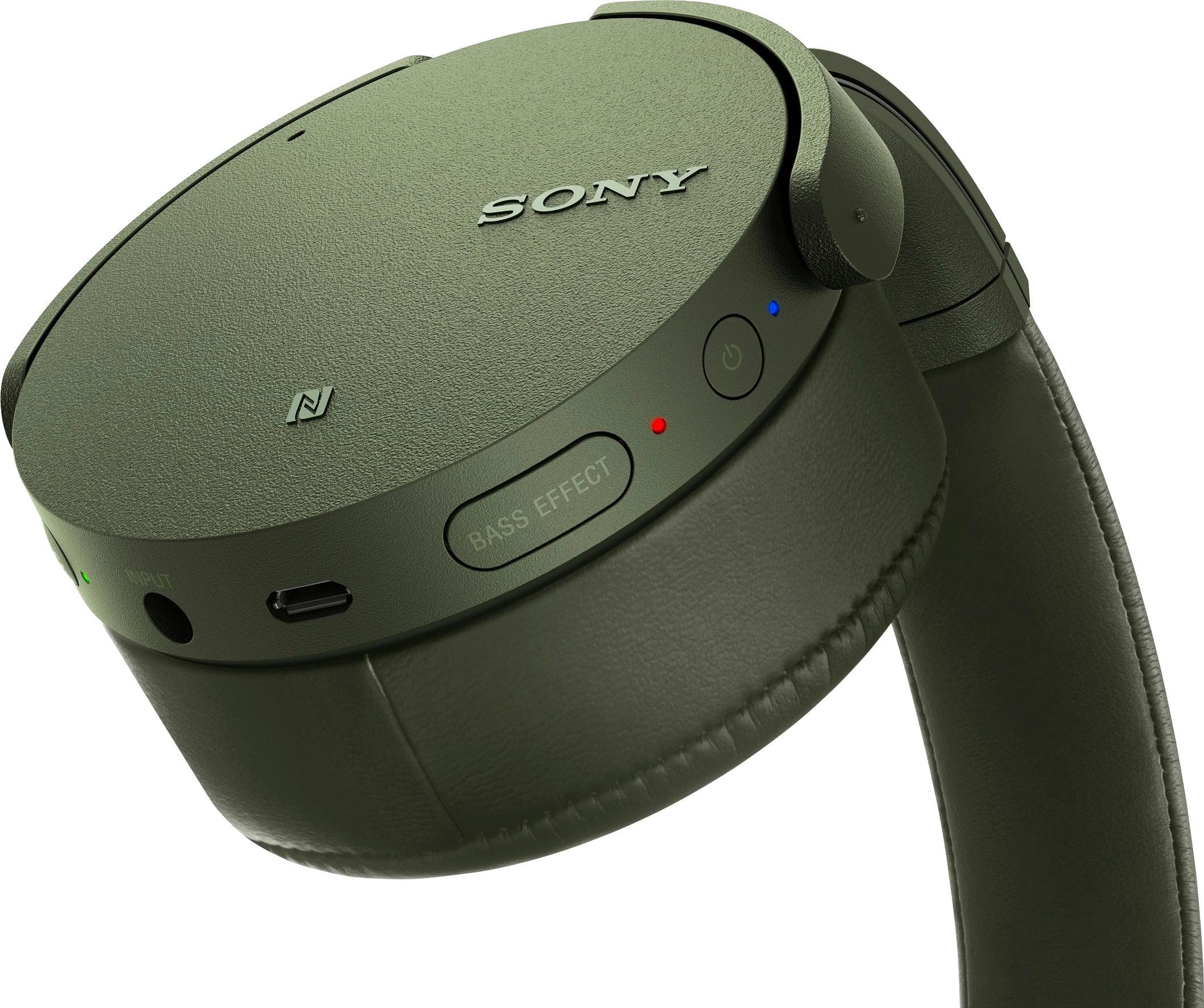
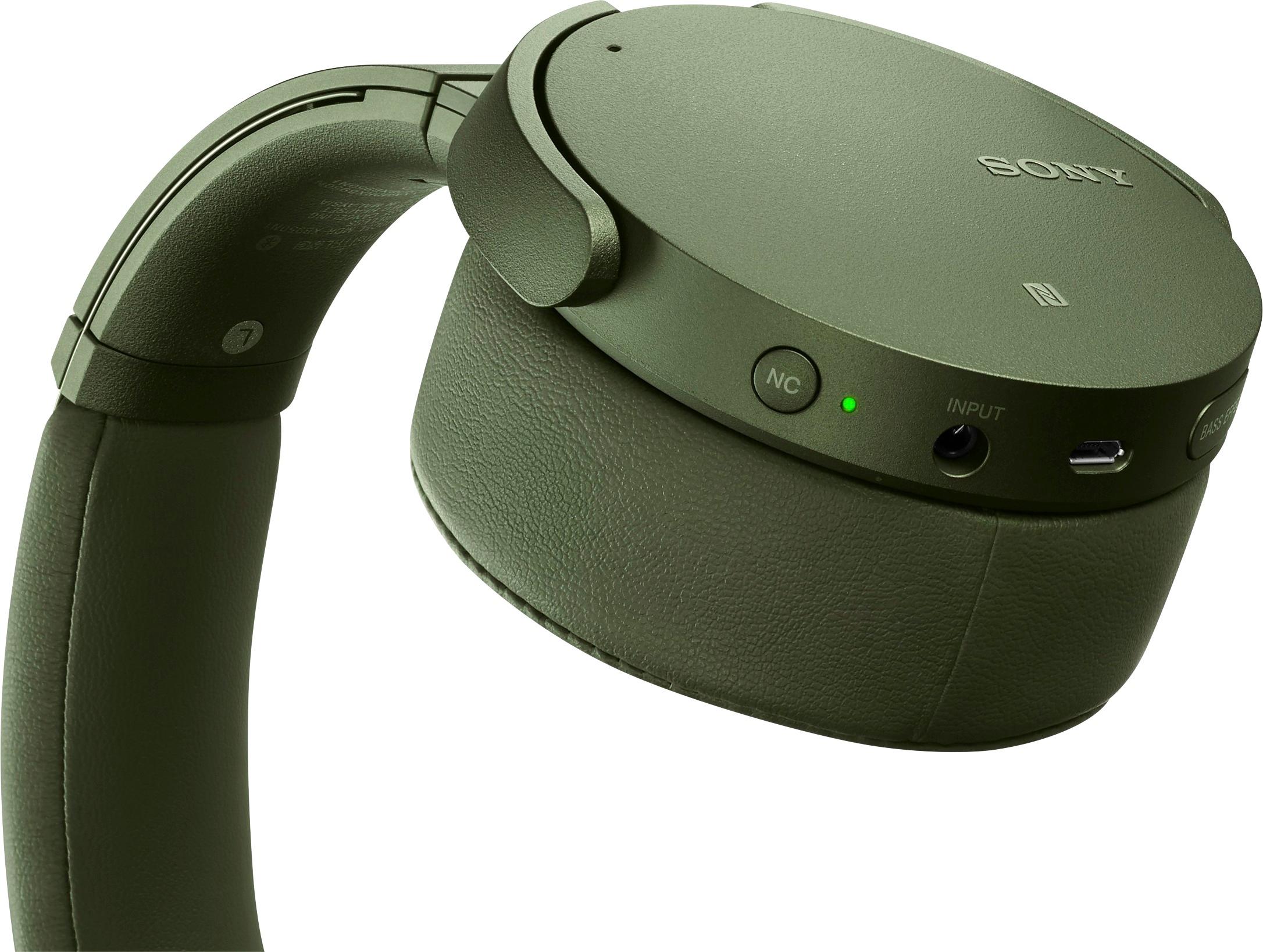
A:AnswerThis usually means that the cord that you’re using does not allow enough power to flow from the computer to the headphones or the PC is not putting out the correct power output to charge the headphones . Try using your cord and connecting it to an outlet to see if it works, if it does it usually means the PC is not putting out enough output.... if it does not then you know it’s the cord . If those two things don’t work then you know it’s the headphones .
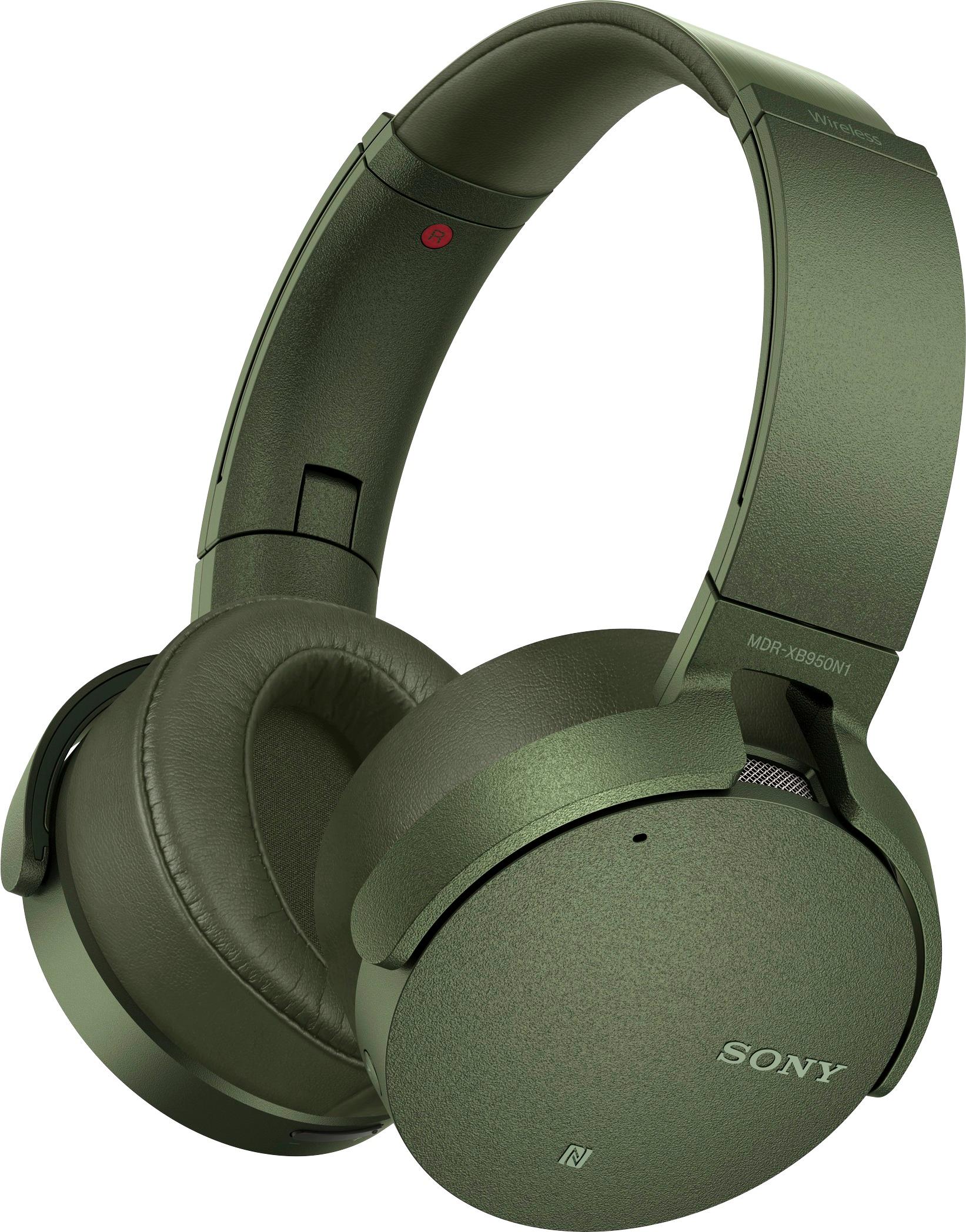
A:AnswerHi Gregg, both headphones are good. The only difference that the MDRXB950N1 is totally wireless. The connection type used is via Bluetooth, while the MDRRF995RK needs to connect the transmitter to the Audio out of the TV. We recommend choosing the headphone that will suit best to your listening preference.
Regards,
Erin
Sony Social Support
A:AnswerYes, they are very good Bluetooth headphones. Unfortunately if you connect them to the tv then all the sound goes to the headphones and would only play through the headphones. They come with a plug in headphone jack if you have a device without Bluetooth.
A:AnswerWell, we don't have a turntable but since my son can connect his to numerous blue tooth devices of his choosing, my guess that since your turntable is Bluetooth, it should work.
A:AnswerHi Tina, As a precaution, exposing the headset to water may cause malfunction to the unit. You may refer to this link for more information:
https://helpguide.sony.net/mdr/xb950n1/v1/en/contents/TP0001176149.html?search=water
~Ralph
A:AnswerMy phone is a Samsung S7 Edge, which of course, is Android but it will pair. I think the instruction brochure specifically lists the iPhones that are compatible. You might double check the brochure.
A:AnswerHello Vivian, if you are referring to the built-in microphone, then yes, it does have a microphone. For reference, please visit the link below:
http://helpguide.sony.net/mdr/xb950n1/v1/en/contents/TP0001176118.html
Regards, _Bob