A:AnswerHi JuanVato,
The speaker's power consumption is approximately 17 W when it is ON and 0.3 W when it is in standby mode. The power supply is AC 100-240V, 50/60Hz, and it is internally rechargeable.
-Aldair
A:AnswerHi Bruce, Thanks for the inquiry. Unfortunately, we do not have have that information available. Although some details regarding frequency are available below. Hope you find them useful.
FREQUENCY TRANSMISSION RANGE
20 Hz–20,000 Hz (44.1 kHz sampling)
FREQUENCY RANGE
2.4 GHz band
Regards,
-Craig
A:AnswerThe device cannot do anything more than pause or skip on the device its self everything else must be done from your phone. Even the pause and skip the button must be clicked to do so.
A:AnswerHi Kimba,
Thank you for your inquiry. Unfortunately, we cannot disclose the wattage of this speaker at this time, and here's why: wattage alone provides an incomplete picture when evaluating a speaker’s performance. To gain a more accurate understanding, you would also need to consider the dB rating and frequency range (Hz) of all the speakers within the unit. Additionally, it's essential to take into account the total harmonic distortion (THD) rate and the number of speakers being driven for the wattage rating indicated on the packaging. Unfortunately, these factors are not standardized. By performing some calculations, you can arrive at a general understanding of the speaker's loudness and range. However, to compare different brands, you would need to repeat this process for each company. Even then, speakers with similar specifications may sound different due to variations in processing. At Sony, our goal is to provide you with the highest quality sound in our speakers, incorporating the features that matter most to our customers. We hope this information is helpful.
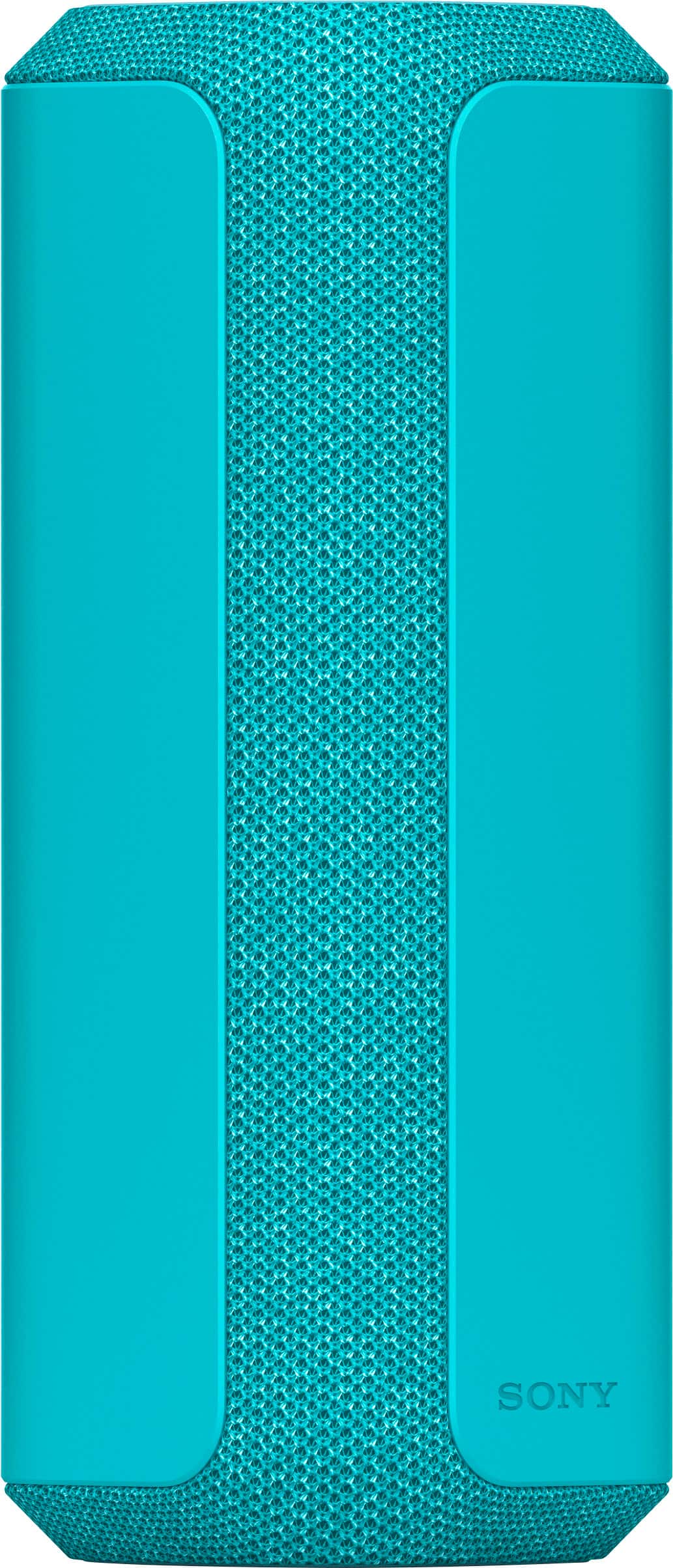
The XE300 speaker is an excellent choice for enhancing the quality of sound at your party. Its Line-Shape Diffuser technology ensures that sound is evenly distributed throughout the area without sacrificing quality. Additionally, with its long battery life, portable design, and impressive durability, this speaker is the ideal companion for your next party, wherever that might be.
I hope this helps!
Best regards,
Romeo
A:AnswerI’ve have used the device up to half a football field and still stayed connected. I am in aware if it can go further but probably since the audio was still clear even at that distance
A:AnswerHi Curt, Thank you for your inquiry! The SRS-XE300 speaker takes approximately 4 to 5 hours to fully charge when the built-in battery is completely empty. This charging time can vary depending on the ambient temperature and usage conditions. It is recommended to turn off the speaker while charging to ensure a faster charging process. Using a USB AC adaptor with an output current of 1.5 A or higher is advised for optimal charging performance.
I hope this helps!
Regards,
Carl
A:AnswerYes I used to use my speaker as a speaker for work and I had multiple devices connected to it at once, one device will take priority over the others and I believe it’s only 2 devices at one time can be connected.
A:AnswerHi Olivia,
Thank you for your question. Great news! The speaker has a built-in microphone so you can use it for phone calls.
The XE300 speaker is perfect for bringing quality sound to your party. The Line-Shape Diffuser sends a wide sound all around, without compromising on quality. Plus, with a long battery life, portable size and impressive durability, this speaker is the perfect partner for your next party, wherever that might be.
-Ralph
A:AnswerHello, we appreciate your interest in our product. Unfortunately, this Bluetooth speaker does not have a record function.
The XE300 speaker is perfect for bringing quality sound to your party. The Line-Shape Diffuser sends a wide sound all around, without compromising on quality. Plus, with a long battery life, portable size and impressive durability, this speaker is the perfect partner for your next party, wherever that might be. ~Earl
A:AnswerHi Question,
Thanks for your inquiry. Unfortunately, no. The XE300 cannot be used with XB72. The SRS-XE300 can only be connected with the following models via Party Connect function: LSPX-S3, SRS-XV900, SRS-XP700, SRS-XP500, SRS-XG500, SRS-XG300, SRS-XB43, SRS-XB33, SRS-XB23, SRS-XE200.
Note:
You can't connect Wireless Party Chain supported wireless speaker models in combination with Party Connect supported models.
If you have the XB72, you may visit our support page to see all compatible devices .
Regards,
Craig
A:AnswerHi there,
Thank you for your question. You can pair the speaker (via Bluetooth) with a TV supports the A2DP (Advanced Audio Distribution Profile) Bluetooth profile. Additionally, you can use an audio cable with a stereo mini plug (commercially available) if the TV supports the 3.5 mm headphone jack. Make sure to check the specifications of your TV.
With the 25 hours of battery life and IP67 water and dust resistance of the XG300 wireless speaker, you can enjoy a whole day of party from the beach, to the park, and to the pool. Stream anywhere and get things booming with Party Connect where you can combine up to 100 compatible X-series wireless speakers with BLUETOOTH technology and sync your music so everyone dances to the same beat. Make sure to download the Sony | Music Center app to Optimize audio settings, select playlist, and control Party Connect.
-Ralph
A:AnswerHi tom,
Thank you for reaching out to us. We really appreciate you like the voice guidance function of your XE2000 speaker, where you can hear if there is a BLUETOOTH connection established between the speaker and the devices and remaining battery power of the unit.
For charging the built-in battery of the speaker, the Battery Care mode option is available in addition to the normal charging method. Battery Care mode limits the maximum charge capacity to approximately 90% and makes the battery life last longer. The playback time available in Battery Care mode is shorter than the time available when the built-in battery is charged by the normal charging method. At the time of purchase, the speaker is not in Battery Care mode. You can place/bring the speaker into/out of Battery Care mode with “Sony | Music Center.”
Also, by using “Sony | Music Center,” you can activate/deactivate the voice guidance associated with the remaining battery power that you hear when you turn on the speaker.
For more information about Voice guidance and Built-in battery life of the speaker, please check the Help Guide of the unit found on our Sony Support Site.
Unfortunately, due to the current Best Buy phishing protocol for your protection, we cannot provide a direct email or phone number for customer support as of now. Please find Sony Electronics' Support information: Go to our support website > click on “Support” > scroll down click on “Contact Support” > click on "Audio & Video" and from there you'll see different ways to contact us.
Hope this information helps! - Kris