A:AnswerUnless you’re trying to some how record something that would save directly to the tv you shouldn’t have a problem. I’ve downloaded Netflix, Hulu, Disney+, Amazon, CBS All Access and Apple TV and haven’t had a storage issue yet
A:AnswerThe YouTubeTV streaming channel is one of the thousands of streaming channels offered through the Roku Channel Store. You can also visit www.roku.com/whats-on to see other streaming channels Roku offers. Hope this helps! Thank you, TCL Customer Support
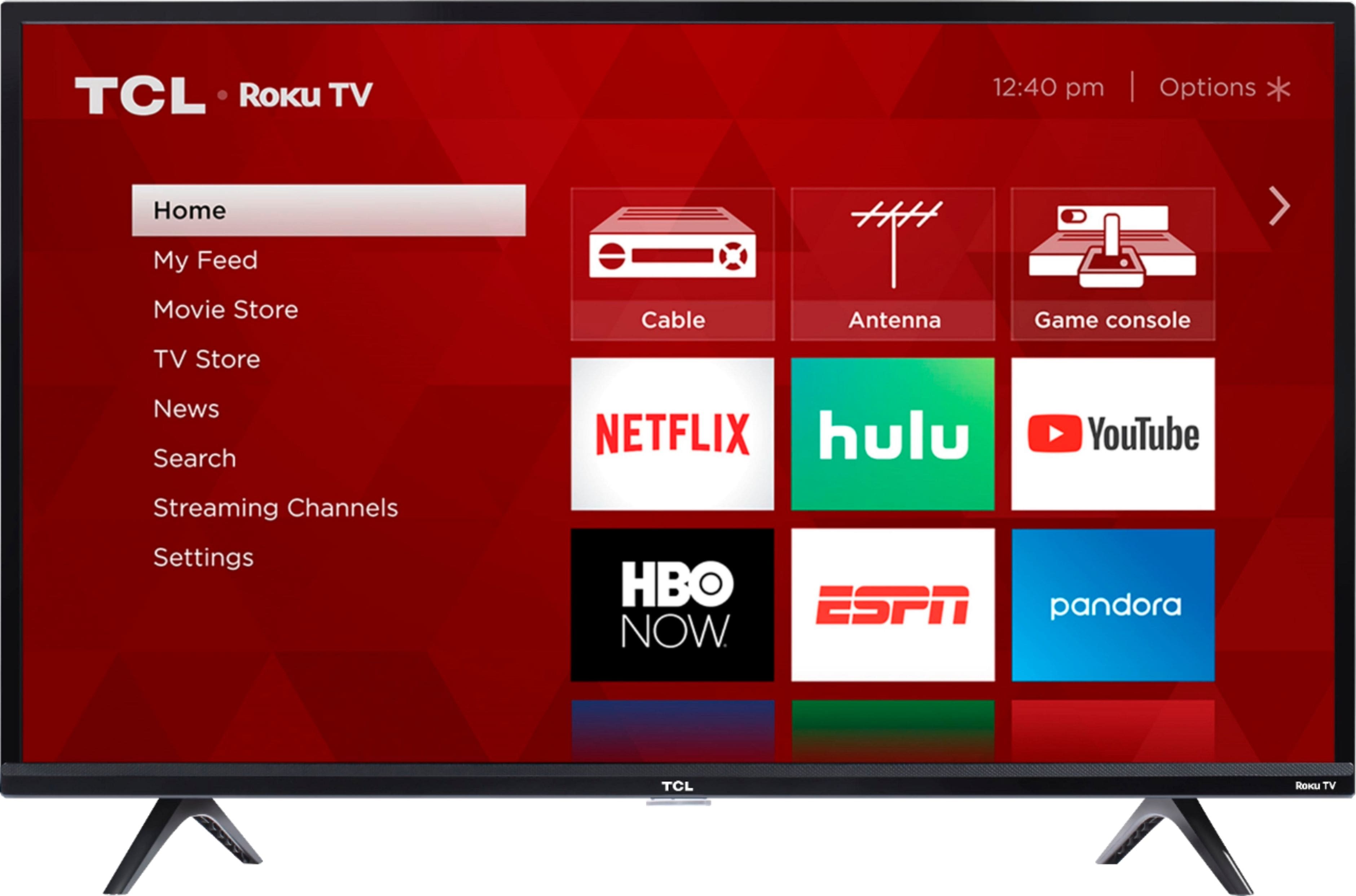
A:AnswerYou can go to www.Roku.com/whats-on to see what streaming channels and apps are offered through the Roku Channel Store. To search for a specific channel you would simply want to enter that information into the search section. Hope this helps! Thank you, TCL Customer Support
A:AnswerIn order for us to better assist, please reach out to us at [email protected] with your contact information and a description of what you need help with. Thank you, TCL Customer Support
A:AnswerThis TCL Roku TV does not currently support AirPlay. You can visit https://support.roku.com/article/360057488733 for more information on the AirPlay update. Hope this helps! Thank you, TCL Customer Support
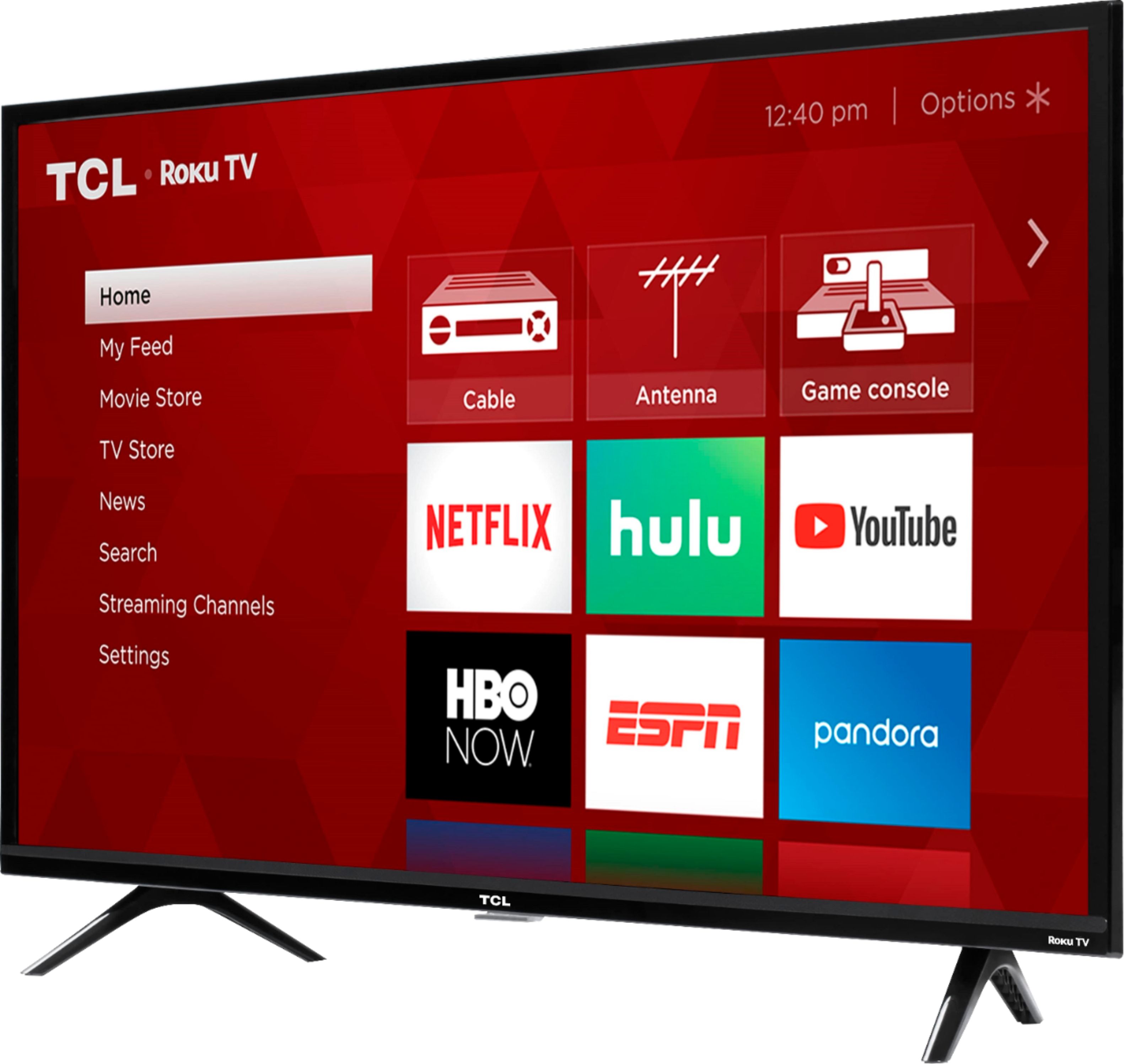
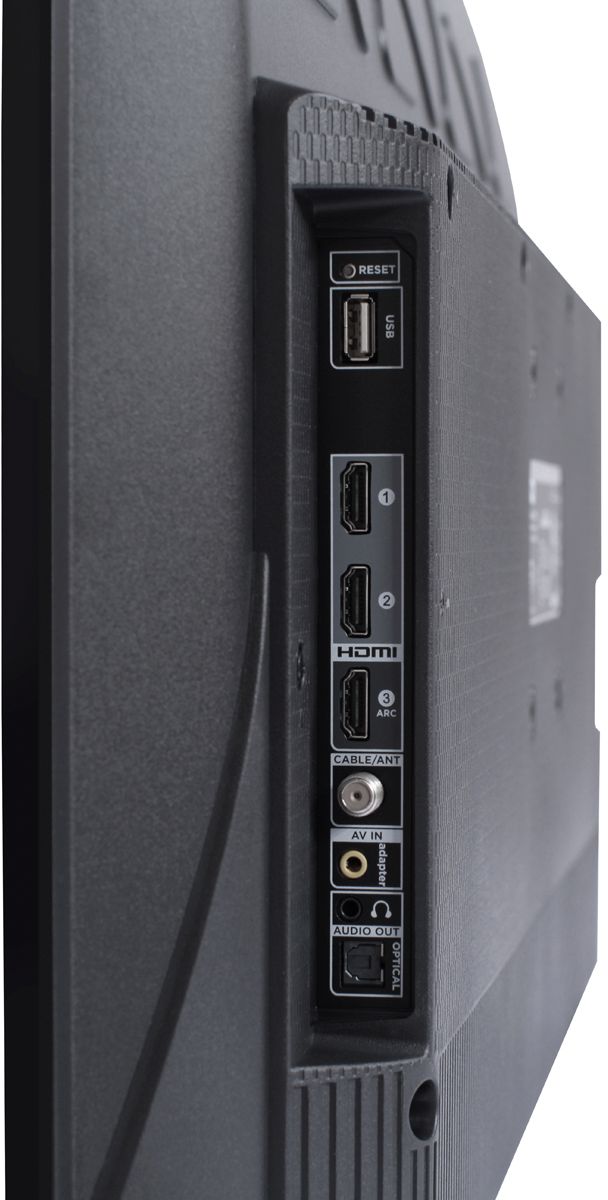
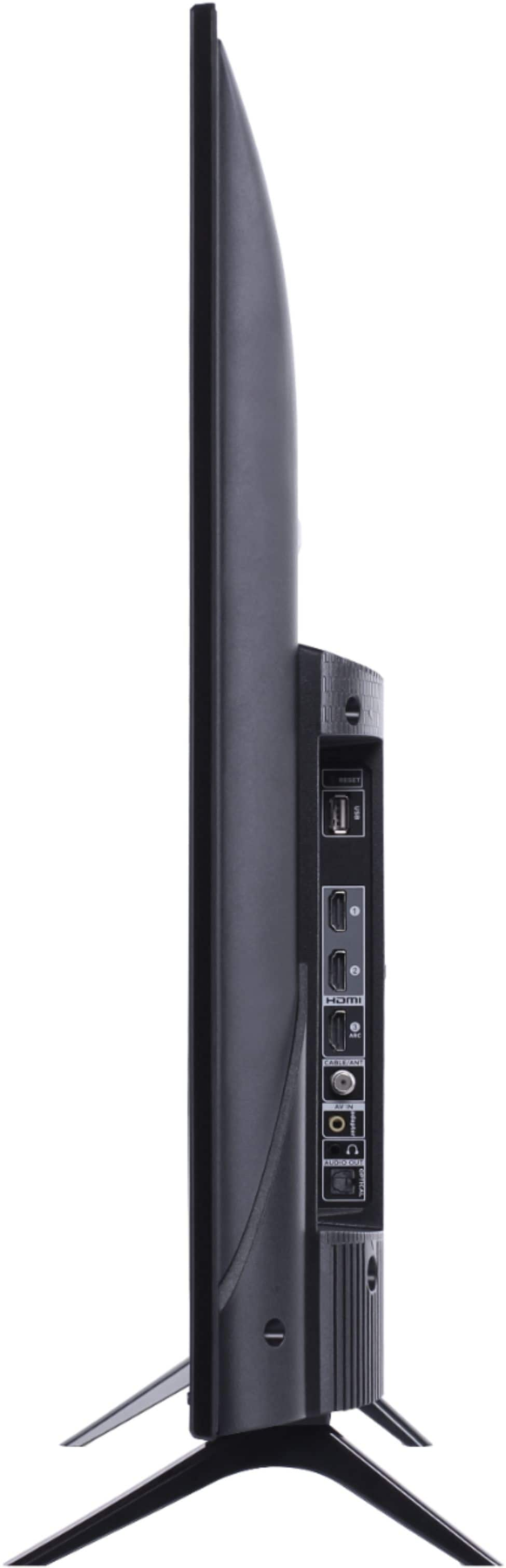
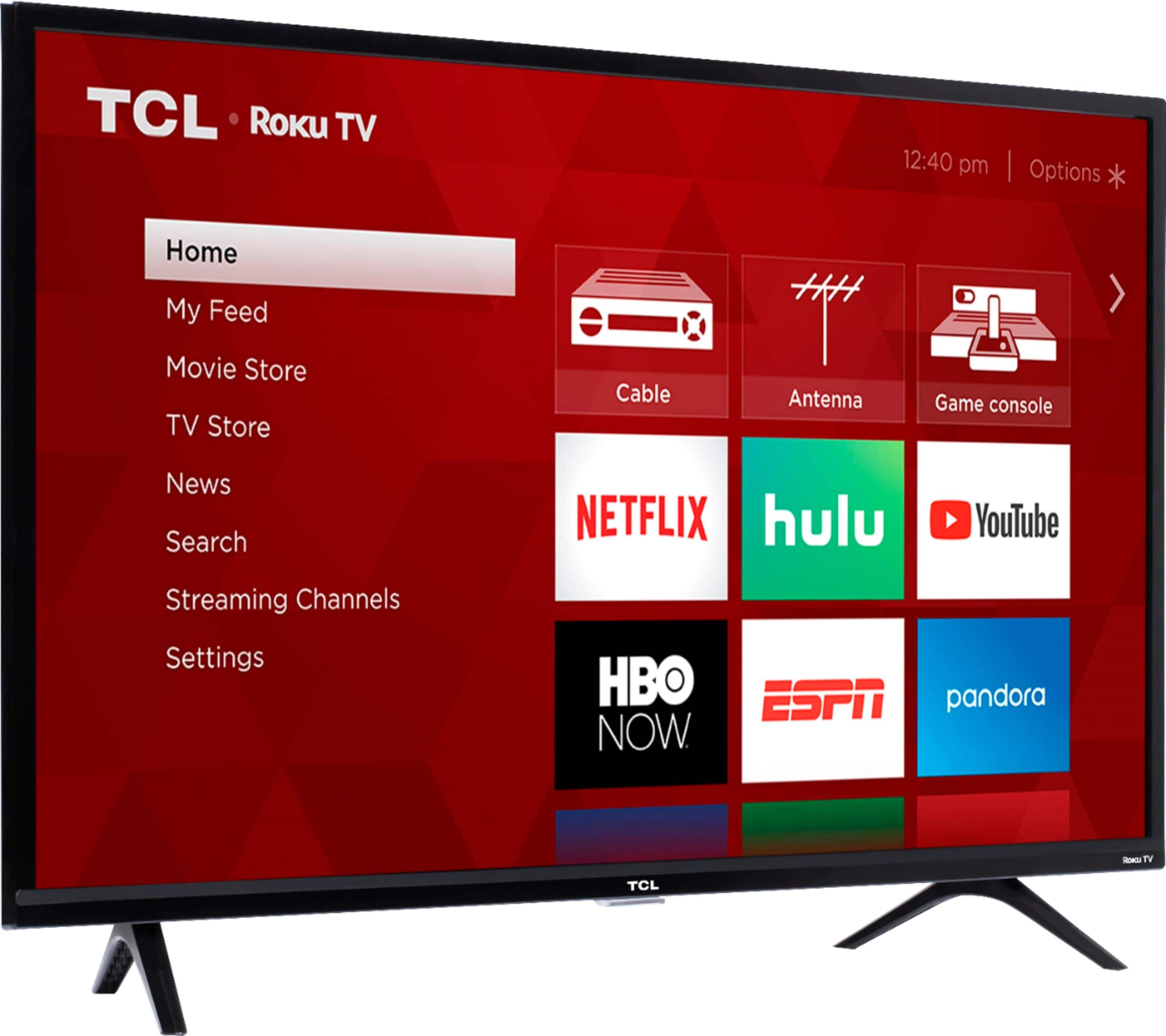
A:AnswerTCL Roku TVs have access to thousands of streaming channels, and over 500,000 movies and tv episodes to fulfill almost any streaming need. This TV also includes 3 HDMI ports to connect external devices, such as that of an AppleTV. Hope this helps! Thank you, TCL Customer Support
A:AnswerThe remote for this tv does not have number buttons.
The best way to change channels is to open up the channel list then jump to the channel desired.
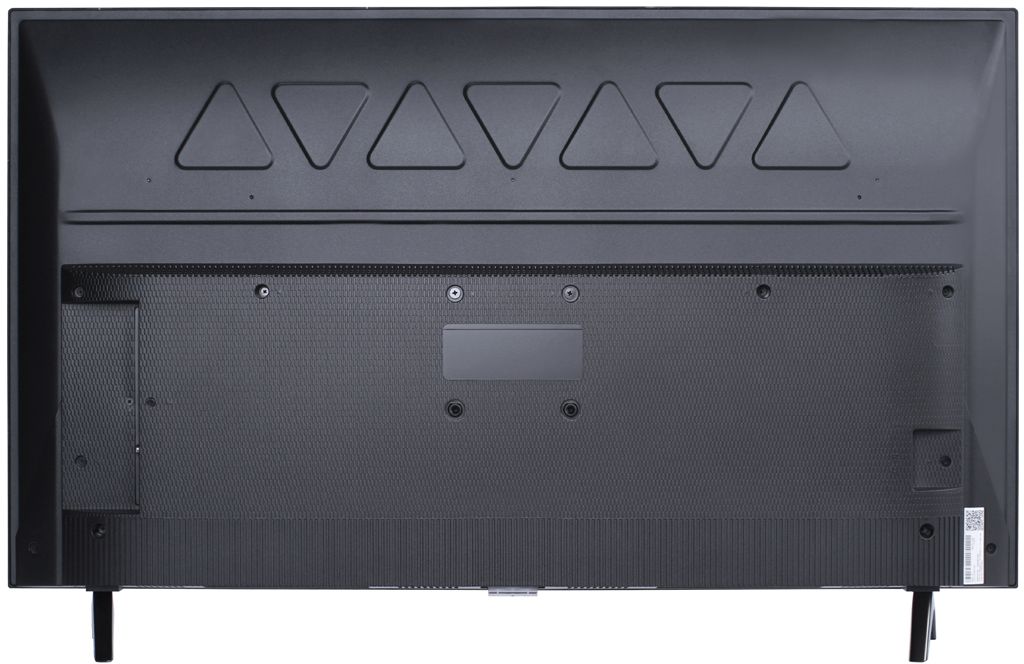
A:AnswerTCL Roku TVs support screen mirroring with compatible Android and Windows devices. Here is a great article with more details on how: https://support.roku.com/article/208754928-how-to-use-screen-mirroring-with-your-android-or-windows-device. Currently, our Roku based TVs do not support Bluetooth. If you are trying to connect a sound bar or speakers you can use the Optical port, or the HDMI ARC port. For Headphones, there is a Headphone jack on the back of the TV, or you can download the Free Roku app for private listening. Hope this helps! Thank you, TCL Customer Support