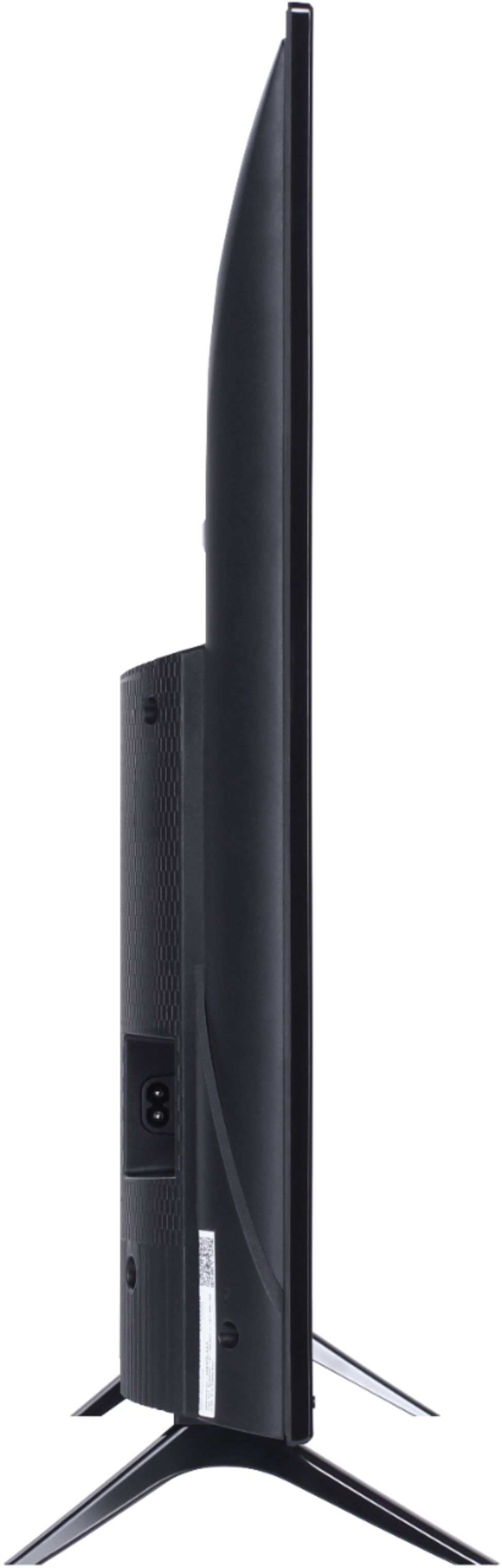
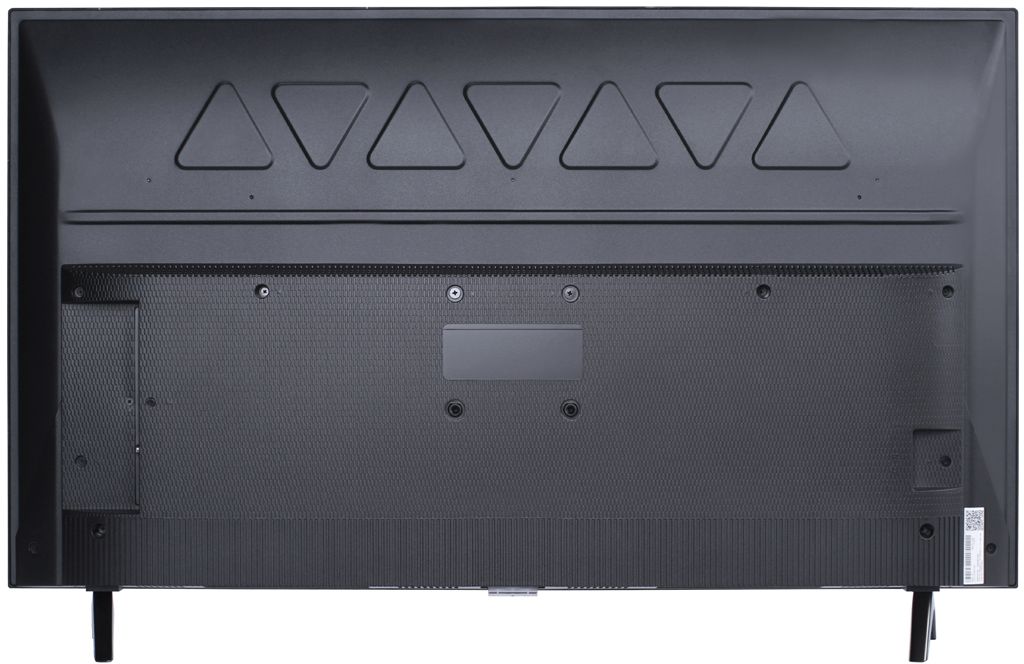
A:AnswerThis TCL Roku TV is compatible with most wall mounts that support a 100mm x 100mm VESA mounting pattern. Hope this helps! Thank you, TCL Customer Support
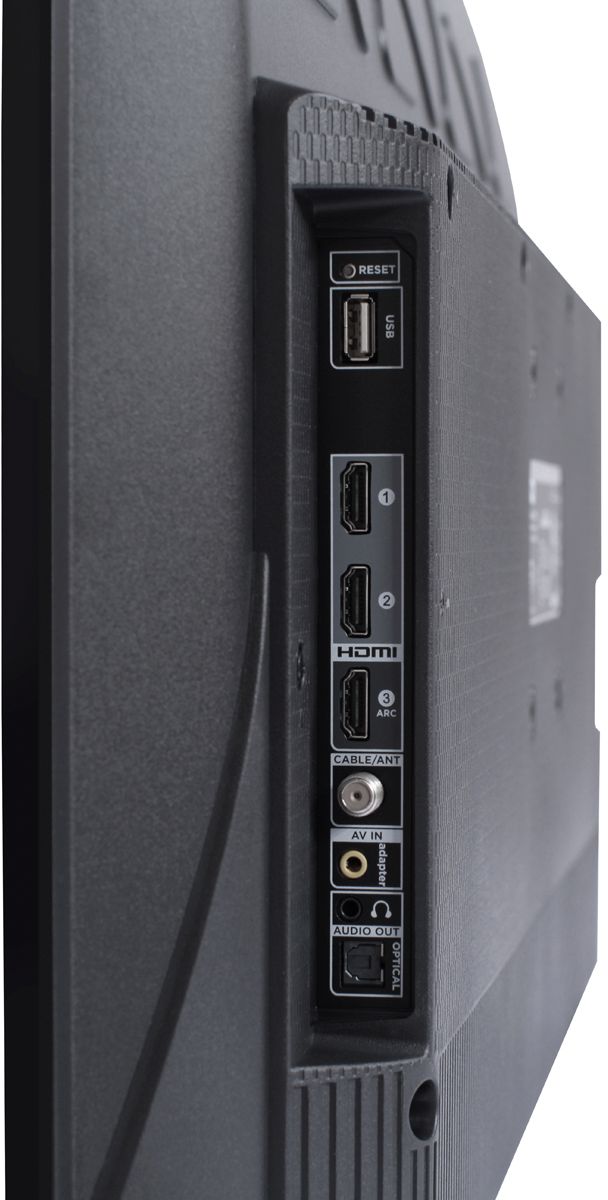
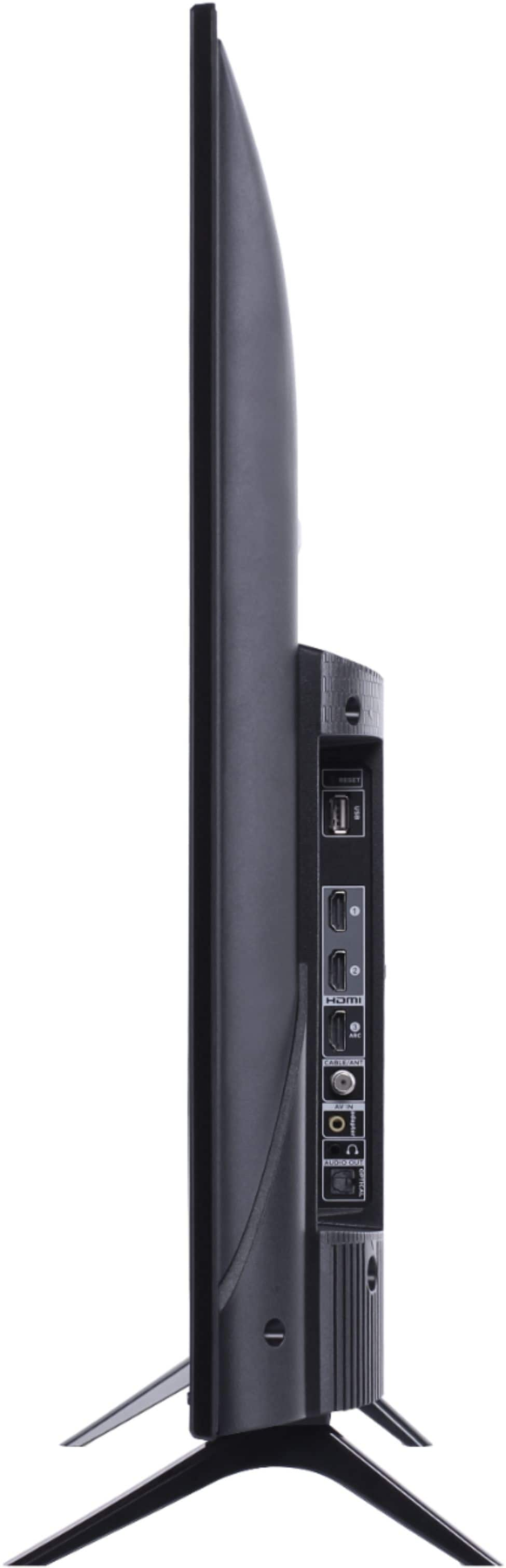
A:AnswerAbsolutely! This TCL Roku TV has a variety of different inputs that allow you to connect external devices, such as game consoles. Thank you, TCL Customer Support
A:AnswerAbsolutely! The YouTube streaming channel is one of the thousands of streaming channels offered through the Roku Channel Store. In fact of the top 25 streaming channels, TCL Roku TVs offer all 25! You can also visit www.roku.com/whats-on to see other streaming channels Roku offers. You would simply want to connect to the Internet via WiFi. Hope this helps! Thank you, TCL Customer Support
A:AnswerThis TCL Roku TV does not currently feature a web browser. However, there are thousands of streaming channels and over 500,000 different movies and TV episodes available through the Roku streaming system. Additionally, you can mirror compatible android and windows phones to the TV. So you can search on your phone, but view on the TV. Hope this helps! Thank you, TCL Customer Support
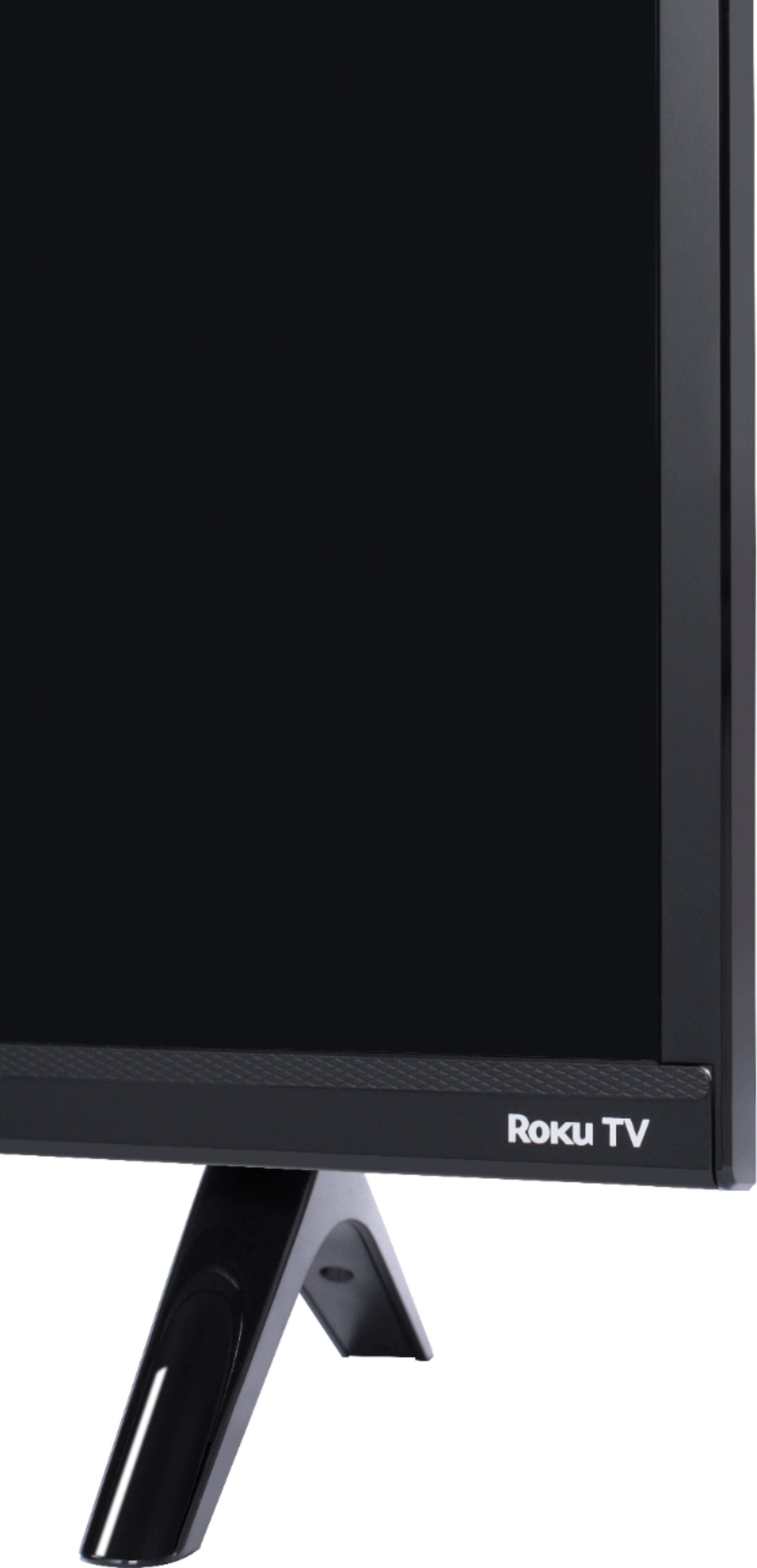
A:AnswerThe power button is located at the middle bottom of the TV under the TCL logo. Additionally, you can download the free Roku mobile app on your Smartphone or tablet to use as a remote. Through the Roku mobile app, you gain access to power toggle, volume toggle, private listening, voice search, and more. Hope this helps! Thank you, TCL Customer Support
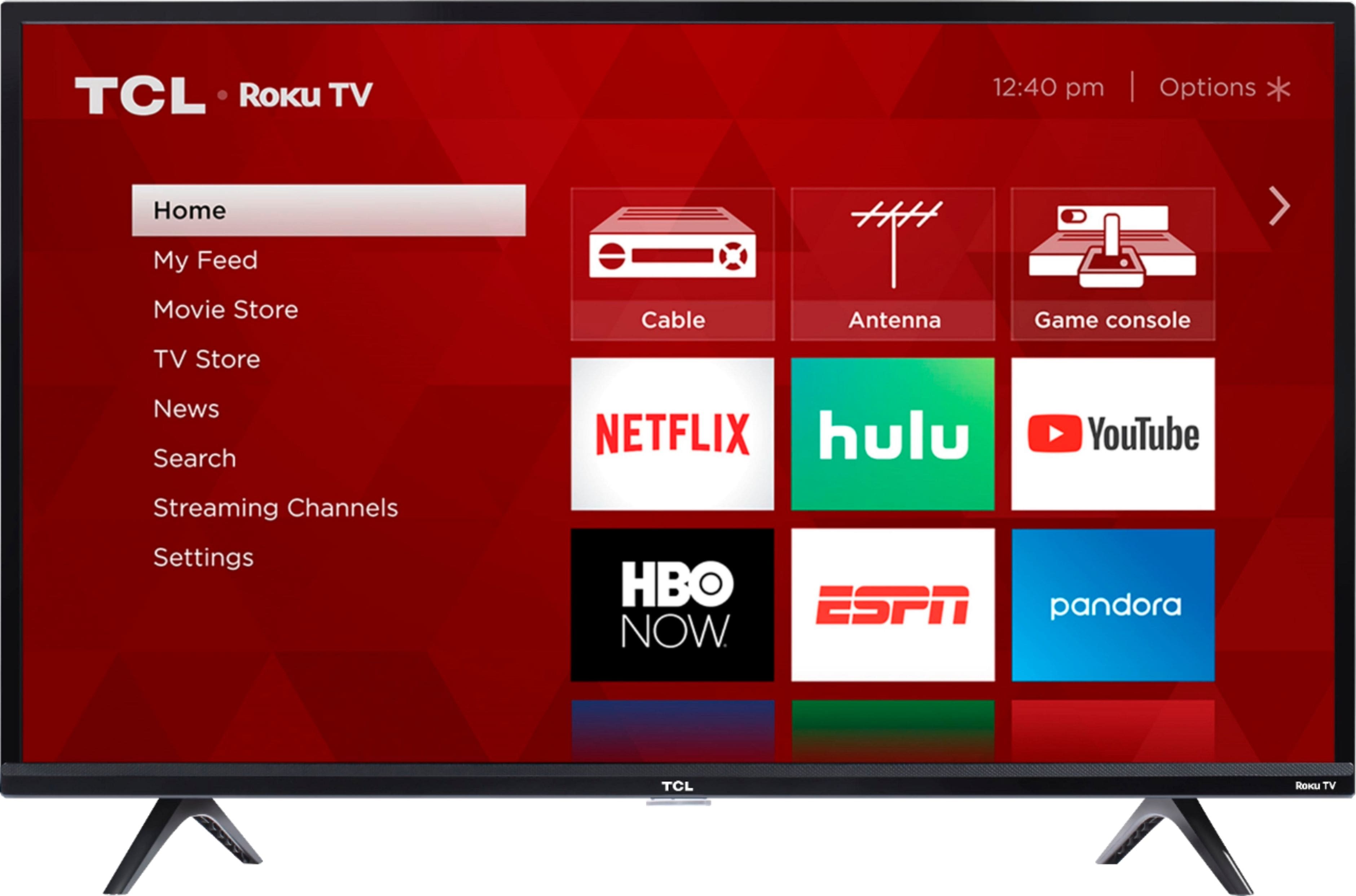
A:AnswerTCL Roku TVs have access to thousands of streaming channels, and over 500,000 movies and tv episodes to fulfill almost any streaming need. This TV also includes 3 HDMI ports to connect external devices, such as that of a Chromecast. Hope this helps! Thank you, TCL Customer Support
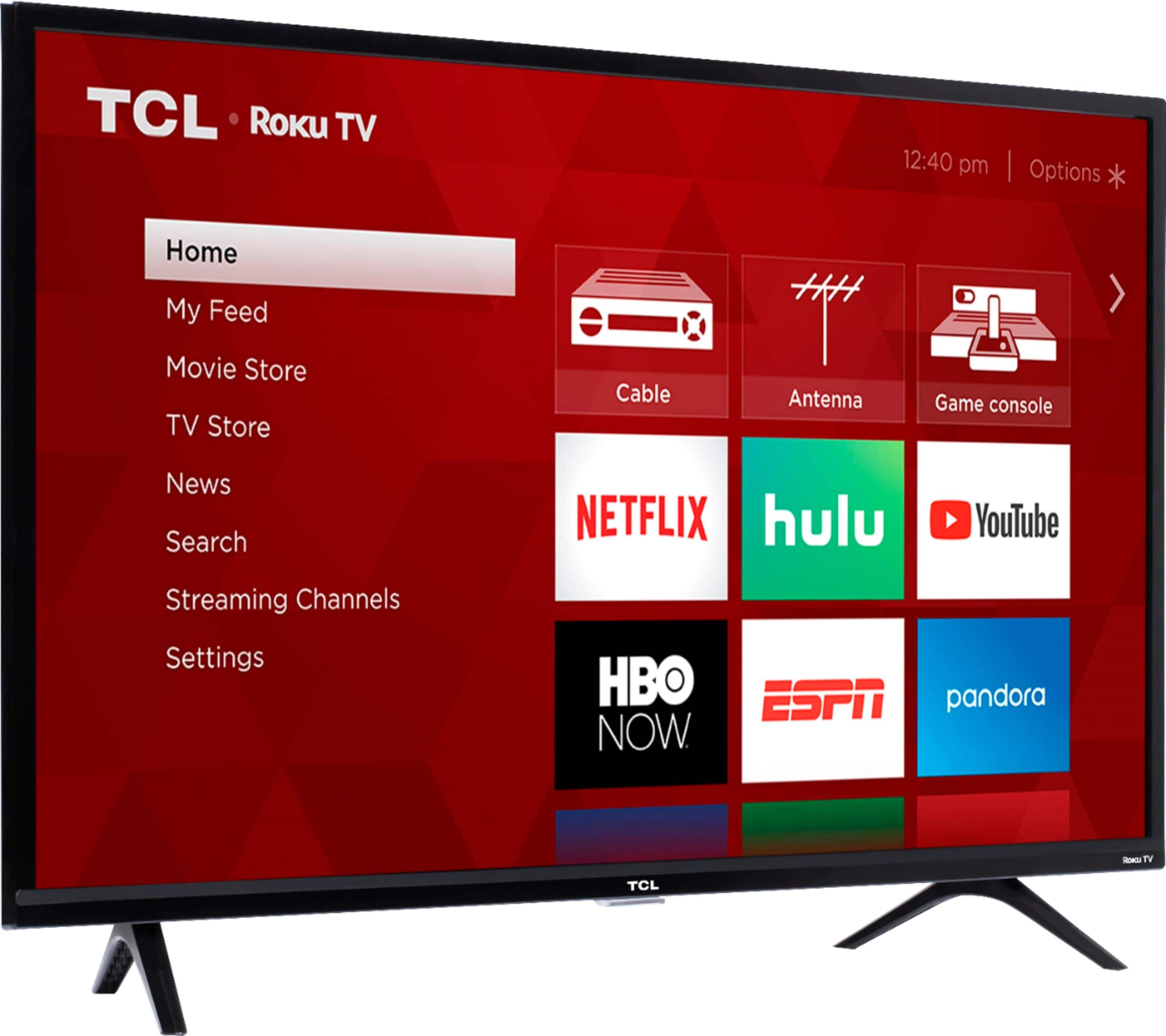
A:AnswerAbsolutely! Once your USB is connected either launch it or go to the Roku Media Player app. Go to Video and select the USB. You need to put all videos you want to loop into one folder, then highlight the folder, then hit the “circle back” button (to the left of the asterisk “*” button). It will then loop all the videos in the folder(but you can’t mix pictures/videos together). Hope this helps! Thank you, TCL Customer Support
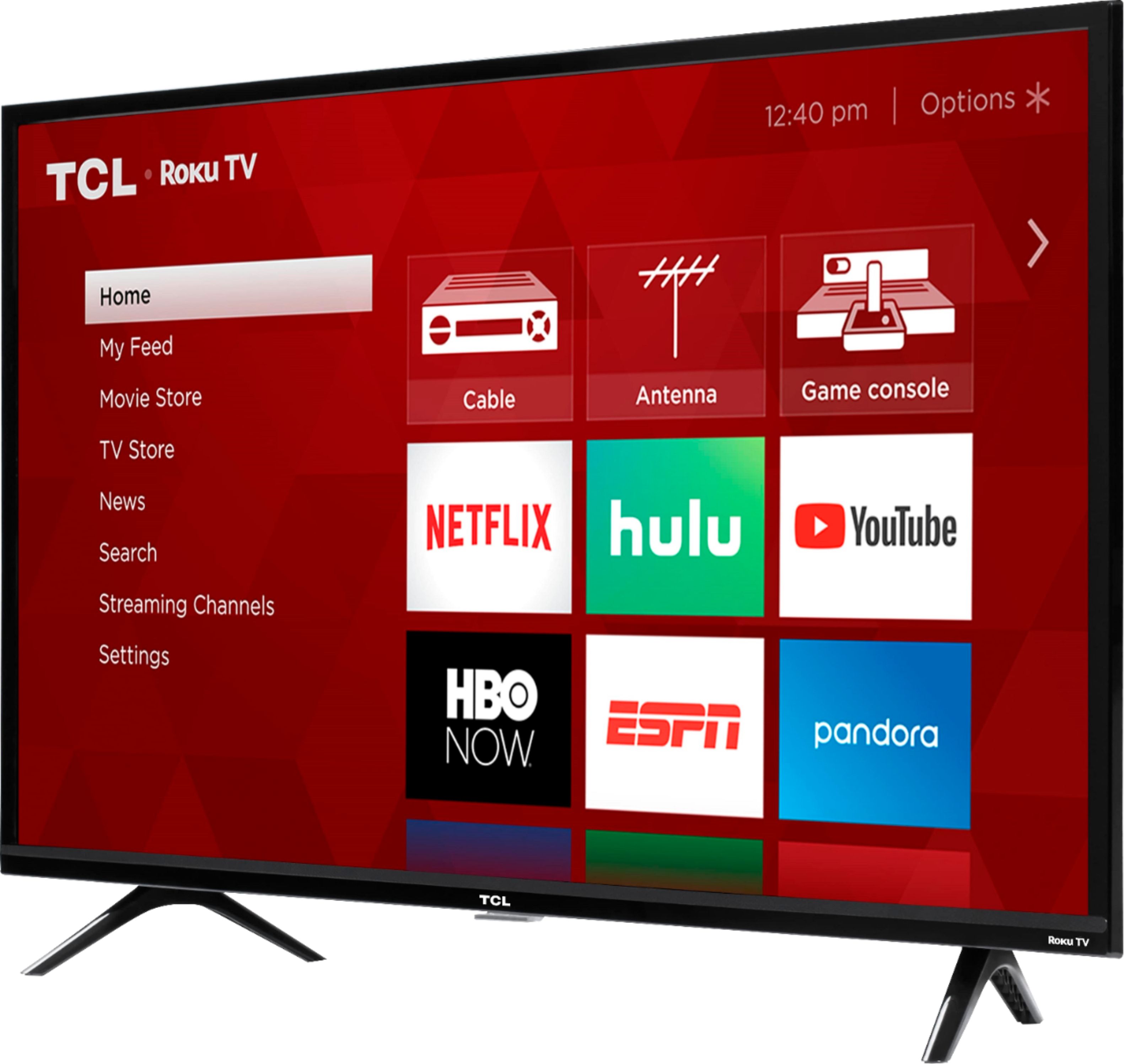
A:AnswerTCL Roku TVs have access to thousands of streaming channels, and over 500,000 movies and tv episodes to fulfill almost any streaming need. This TV also includes 3 HDMI ports to connect external devices, such as that of a FireTV Box. Hope this helps! Thank you, TCL Customer Support
A:AnswerHello Headphones,
Great question, if your Headphones use a 3.5mm Jack than you will be able to connect your headphones directly to the TV headphone port which will automatically disable your internal TV speakers for headphone audio enjoyment.
Hope this helps,
TCL Social Support
A:AnswerThere are options available to adjust the settings to better fit your personal preference. You can access the Options menu on the TV by pressing the asterisk (*) button on your remote while watching content. For more settings options and customizations, you may want to look at some of our 4K models. Hope this helps! Thank you, TCL Customer Support