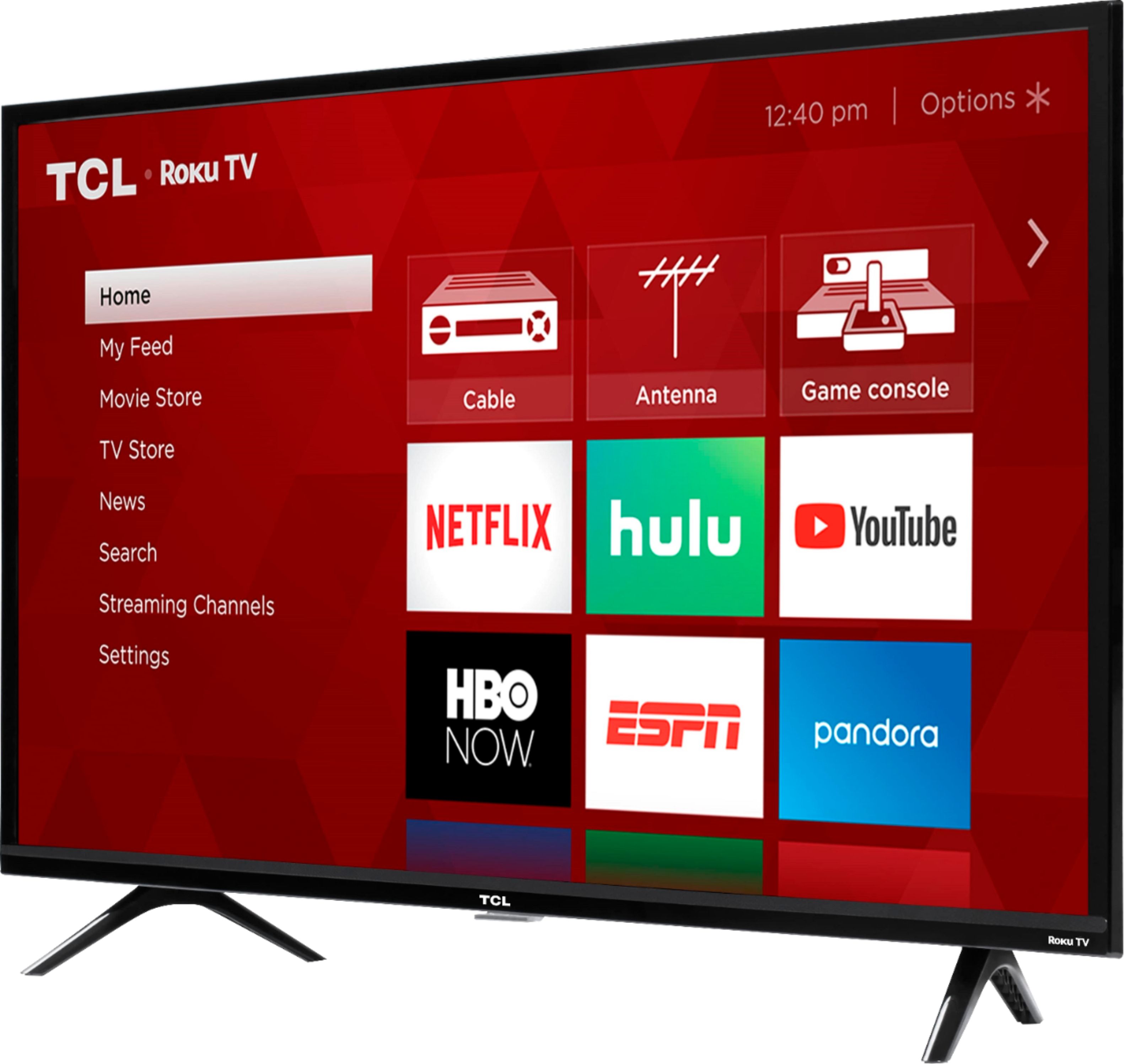
A:AnswerYou can add or delete any of the available streaming channels at any point in time. You can also use the settings to require a pin code in order to download any streaming channel. Hope this helps! Thank you, TCL Customer Support
A:AnswerTCL Roku TVs support screen mirroring with compatible Android and Windows devices. Here is a great article with more details on how: https://support.roku.com/article/208754928-how-to-use-screen-mirroring-with-your-android-or-windows-device. Hope this helps! Thank you, TCL Customer Support
A:AnswerYou can go to www.Roku.com/whats-on to see what streaming channels and apps are offered through the Roku Channel Store. To search for a specific channel you would simply want to enter that information into the search section. Hope this helps! Thank you, TCL Customer Support
A:AnswerThis TCL Roku TV comes with one Roku TV remote that controls the functions of the TV including the Roku interface. Our TVs are compatible with most Universal and cable remotes. Many Universal and cable box remotes can be programmed to control certain features on the TV. You can visit https://support.tclusa.com/tv-remote-codes for more information. Hope this helps! Thank you, TCL Customer Support
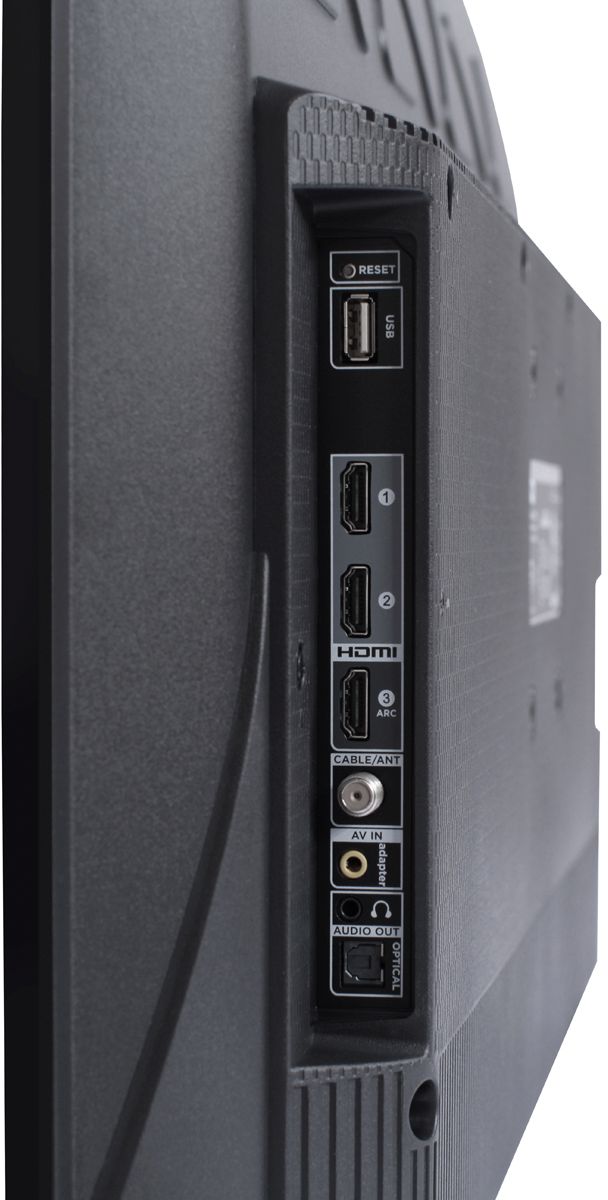
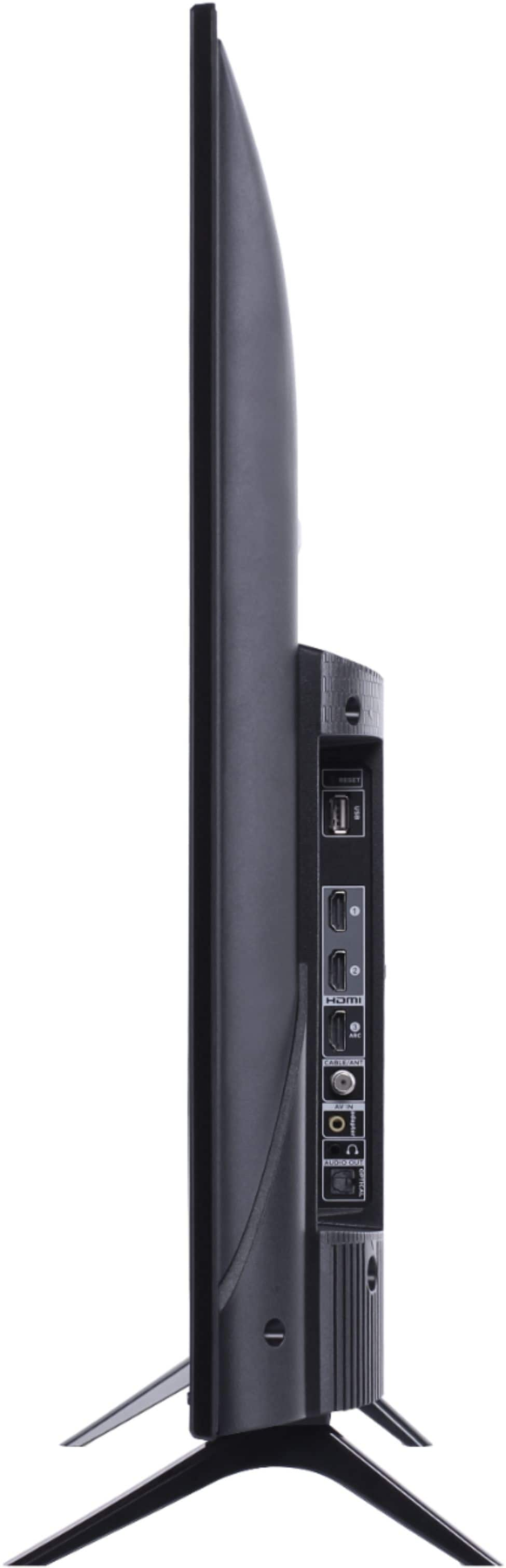
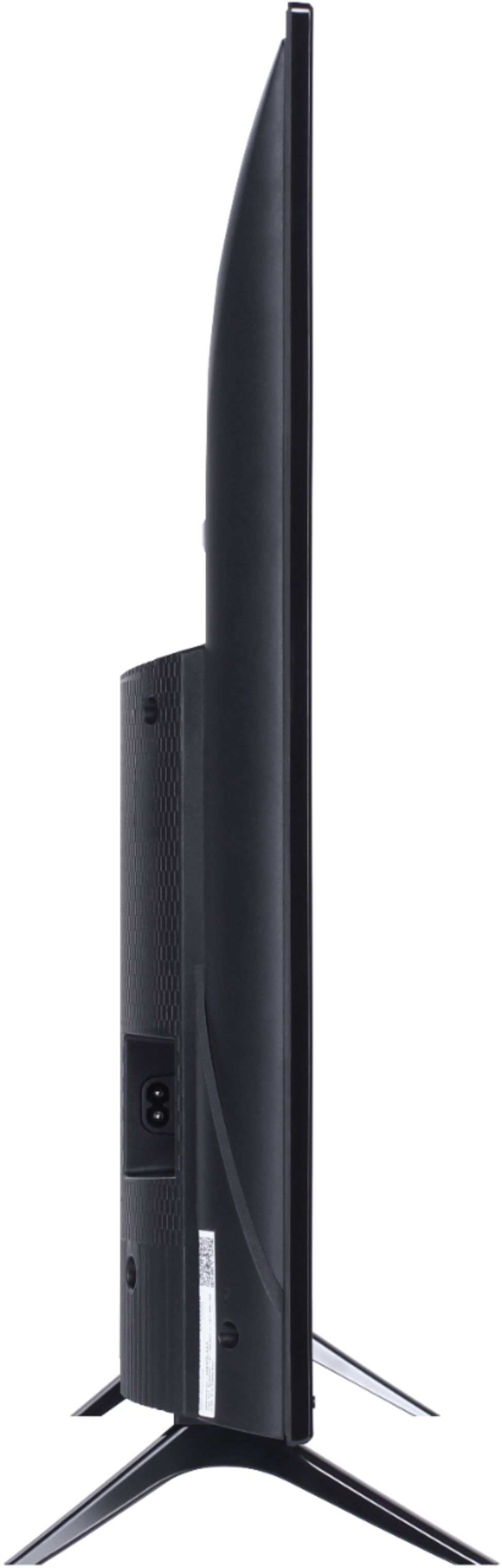
A:AnswerAlthough this TCL Roku TV is designed with the primary role of television in mind, it does come with 3 HDMI ports. Any of these ports can be used to connect the TV to external devices, such as a PC. Hope this helps! Thank you, TCL Customer Support
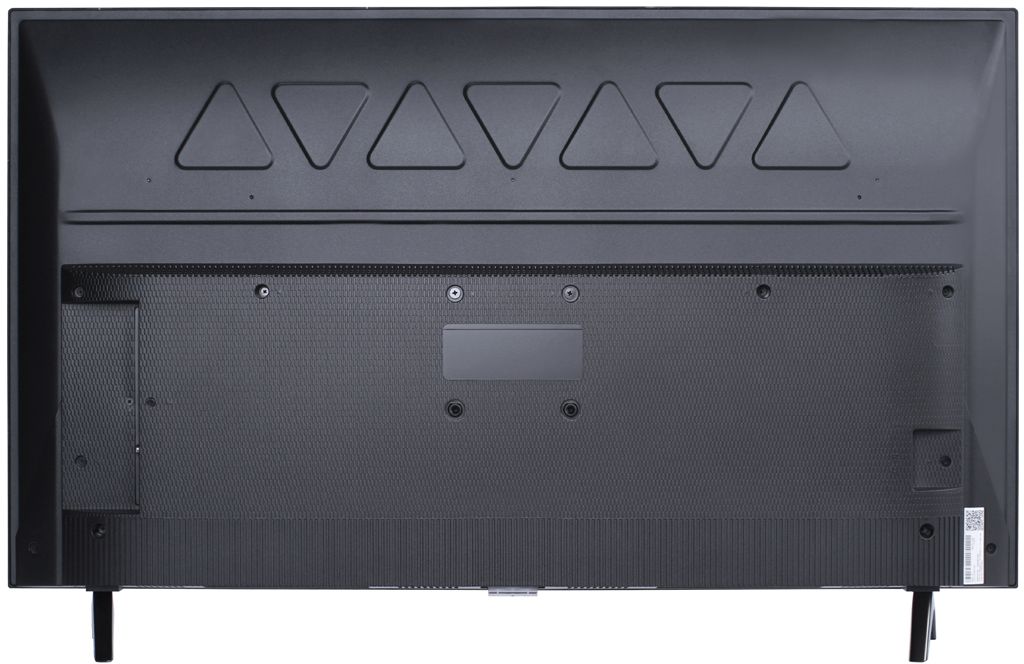
A:AnswerAbsolutely! This TCL Roku TV is compatible with most wall mounts that support a 100mm x 100mm VESA mounting pattern. Hope this helps! Thank you, TCL Customer Support
A:AnswerOur TVs are compatible with most Universal and cable remotes. Many Universal and cable box remotes can be programmed to control certain features on the TV. You can visit https://support.tclusa.com/tv-remote-codes for more information. Hope this helps! Thank you, TCL Customer Support
A:AnswerThe Disney Plus streaming channel is one of the thousands of streaming channels offered through the Roku Channel Store. You can also visit www.roku.com/whats-on to see other streaming channels Roku offers. Hope this helps! Thank you, TCL Customer Support
A:AnswerZoom Video conferencing is not currently an available streaming channel. However, this TV does come with 3 HDMI ports. Any of these ports can be used to connect the TV to external devices, such as a PC and then the TV can be used as monitor. The TV does not feature a built-in camera or mic. Hope this helps! Thank you, TCL Customer Support
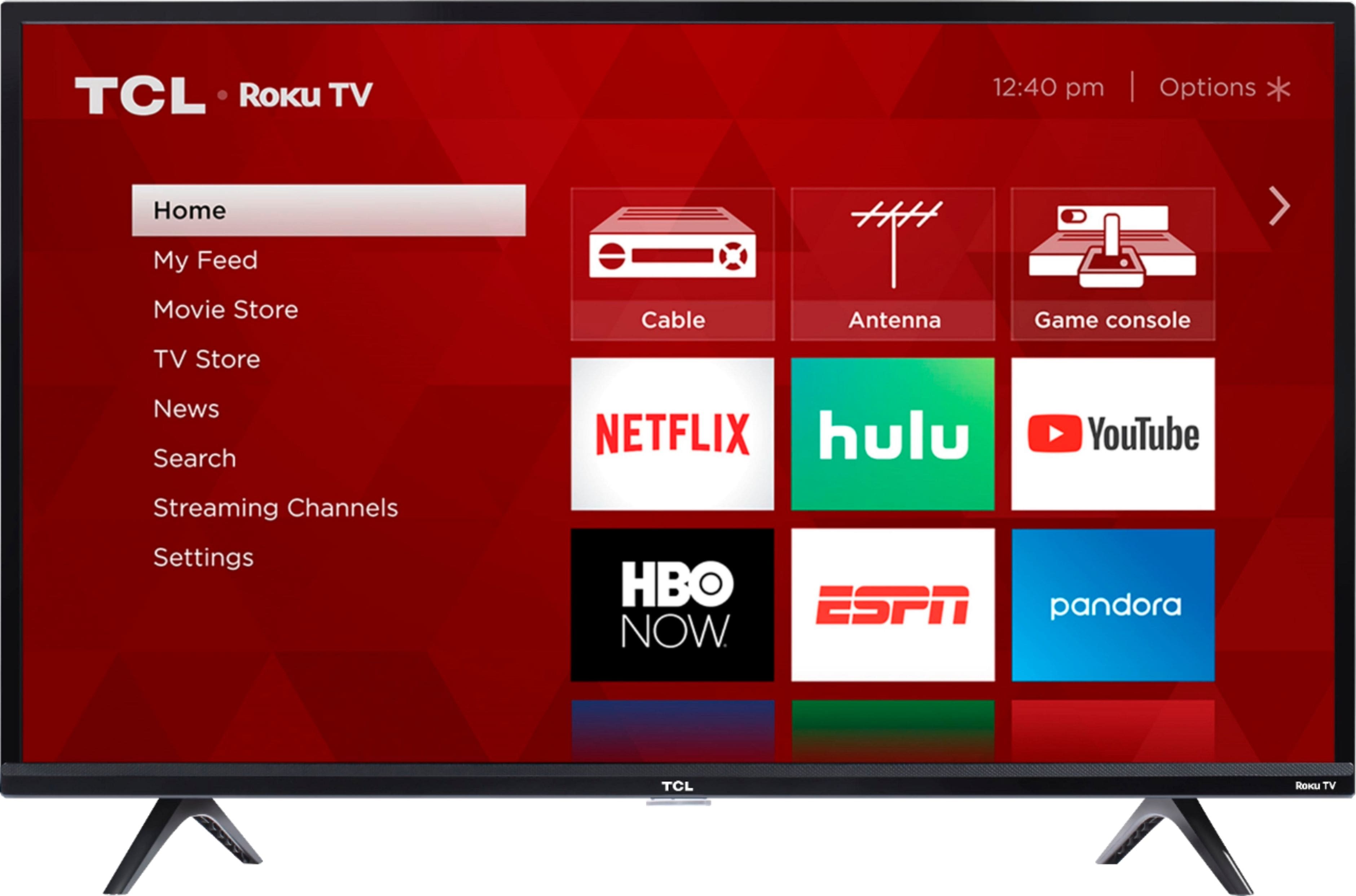
A:AnswerThe Redbox streaming channel is one of the thousands of streaming channels offered through the Roku Channel Store. You can also visit www.roku.com/whats-on to see other streaming channels Roku offers. Hope this helps! Thank you, TCL Customer Support
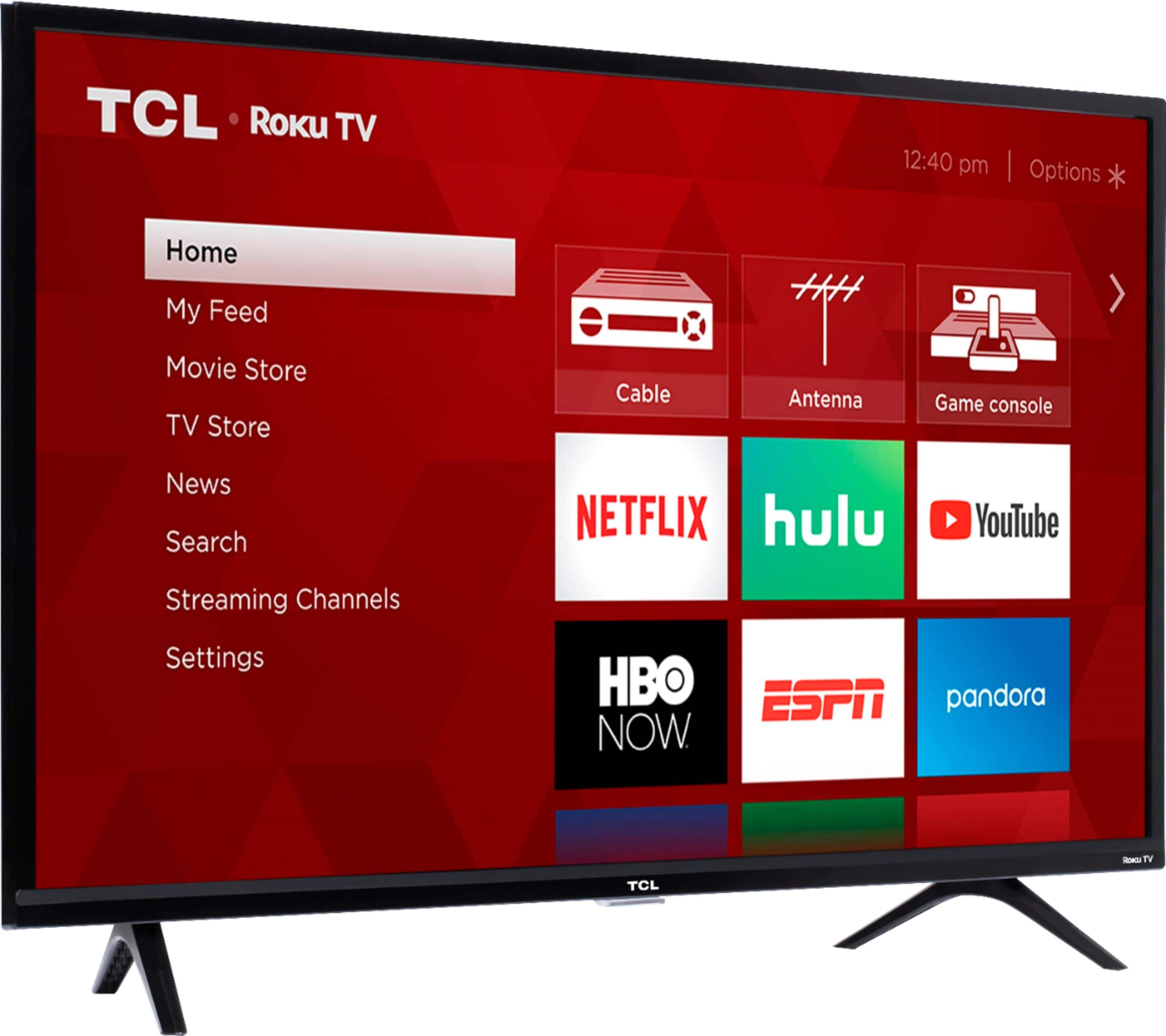
A:AnswerThe Prime Video streaming channel is one of the thousands of streaming channels offered through the Roku Channel Store. You can also visit www.roku.com/whats-on to see other streaming channels Roku offers. Hope this helps! Thank you, TCL Customer Support