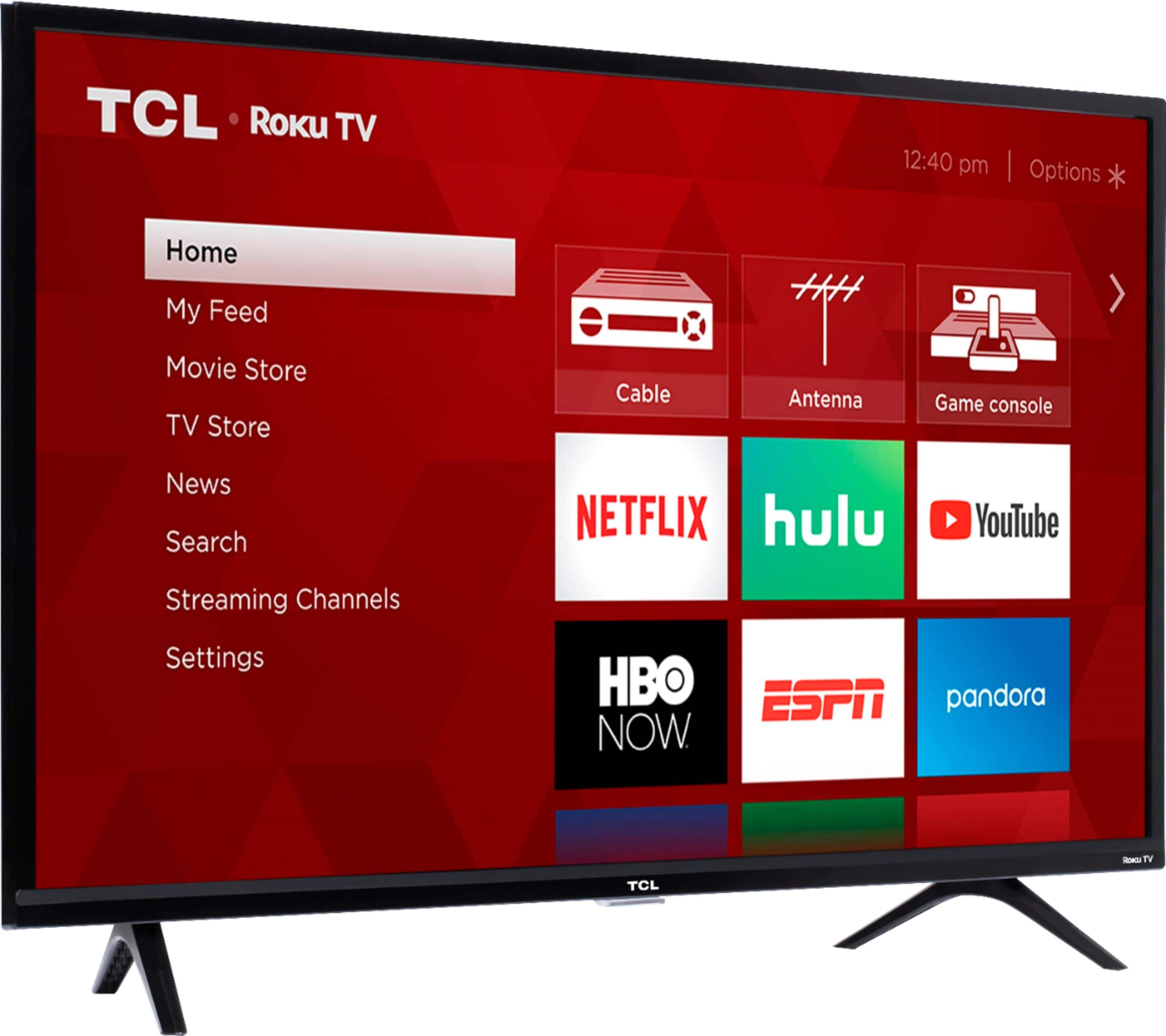
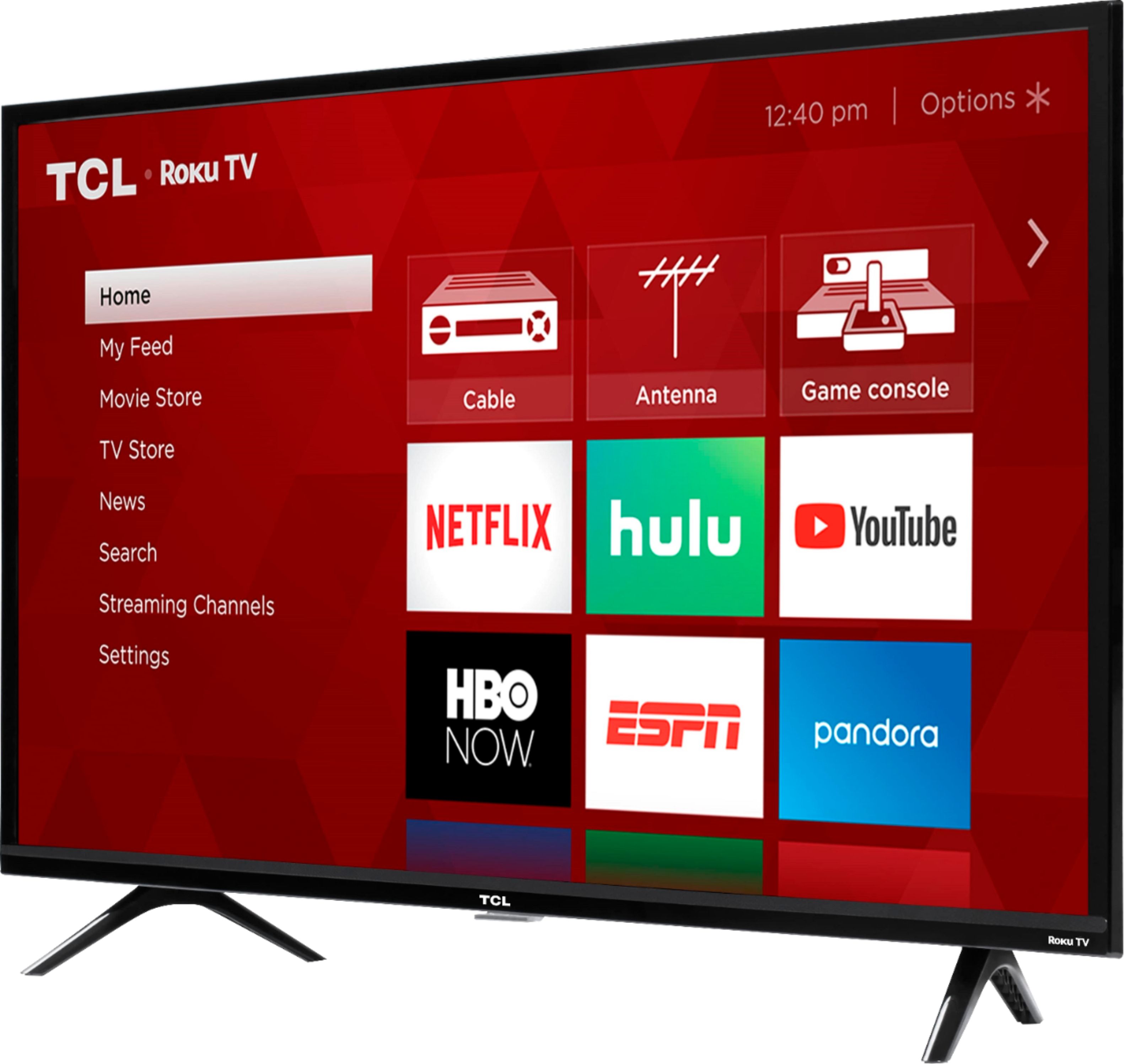
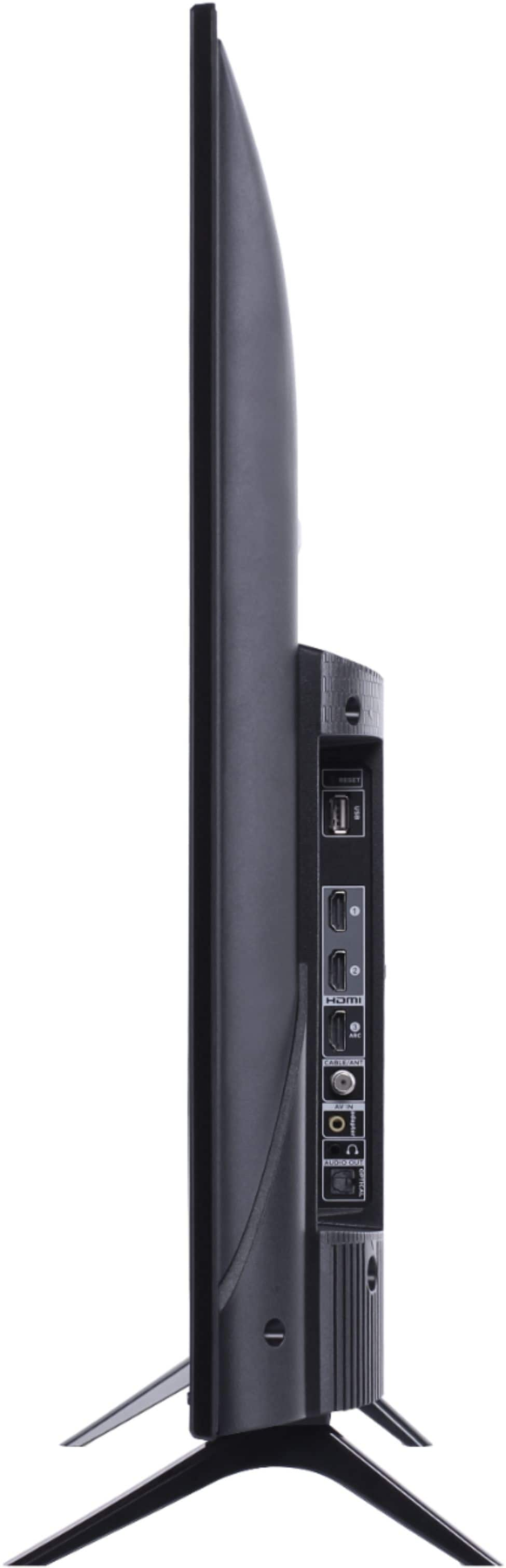
A:AnswerThis TCL Roku TV has the ability to connect to the Internet via WiFi. It does not feature an Ethernet port. Hope this helps! Thank you, TCL Customer Support
A:AnswerHello Bb,
Yes you can connect all our smart TV's to the Internet via WiFi which will give you access to all the available streaming providers on the Roku operating system. Also All our TV's come with a Digital out / Optical Port
Hope this helps,
TCL Customer Support
A:AnswerHello Ashkan,
FHD & HD refers to the amount of pixels are in the TV also know as the resolution. FHD or Full High Definition means 1080 or a resolution of 1920 x 1080. HD or High Definition means 720 or a resolution of about 1280 x 720. The colors rang is the same for all our 3 series models.
Hope this answers your questions,
TCL Customer Support
A:AnswerThe majority of our customers report a great and easy experience with the Roku remote that comes with the TV. Hope this helps! Thank you, TCL Customer Support
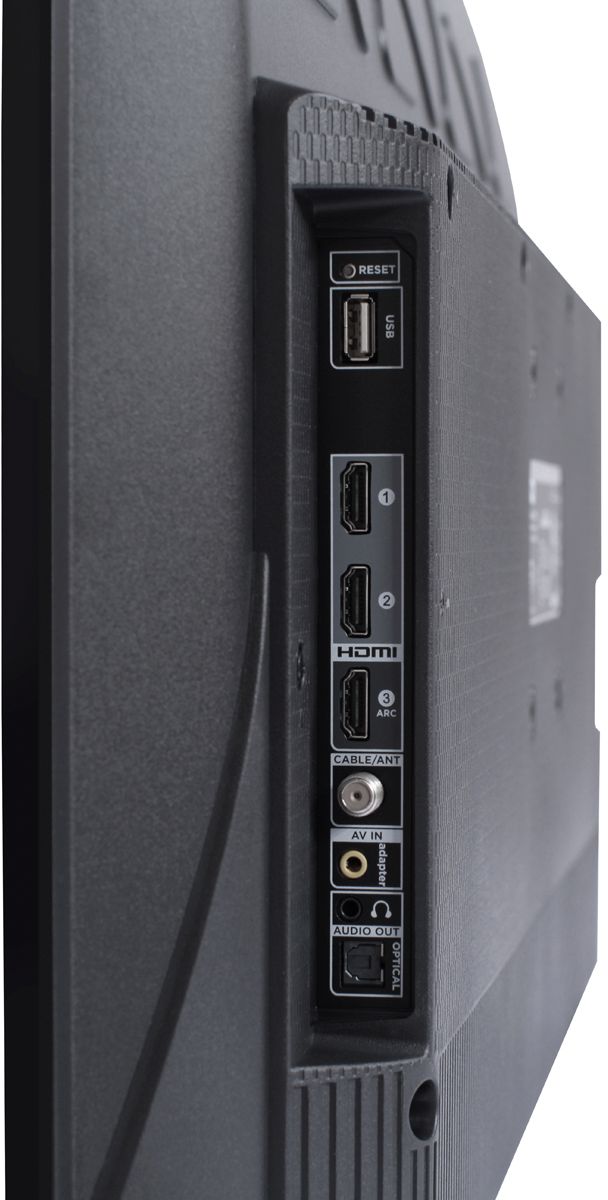
A:AnswerThis TV features a composite input. The composite connection for this TCL TV is a single input located between the coaxial input and the Headphone Jack. You would need to use an adapter to connect the traditional red/white/yellow cables you are used to seeing. Hope this helps! Thank you, TCL Customer Support
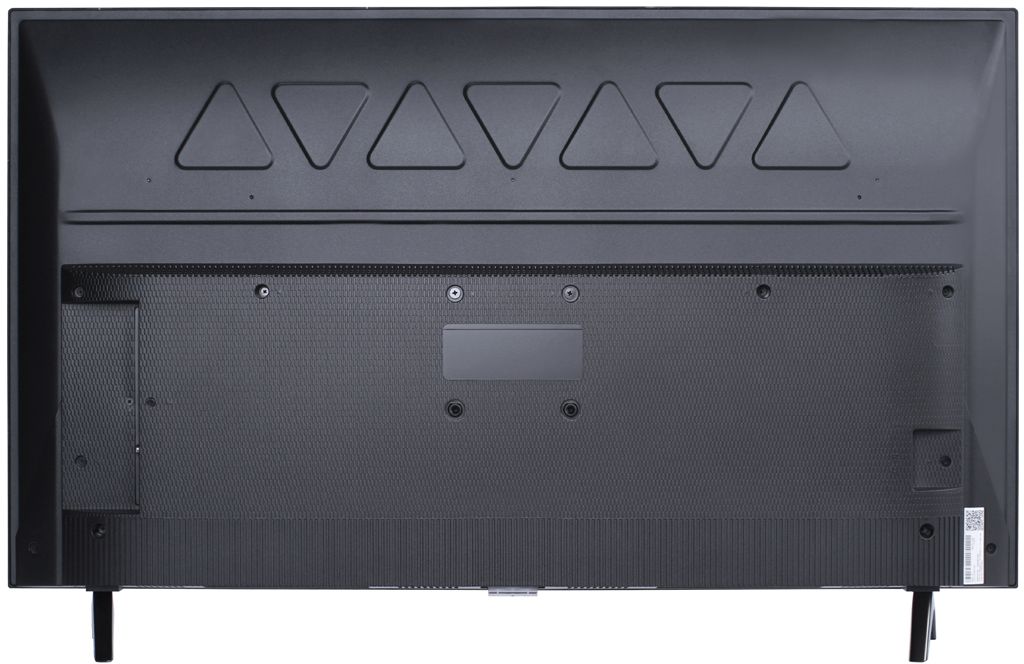
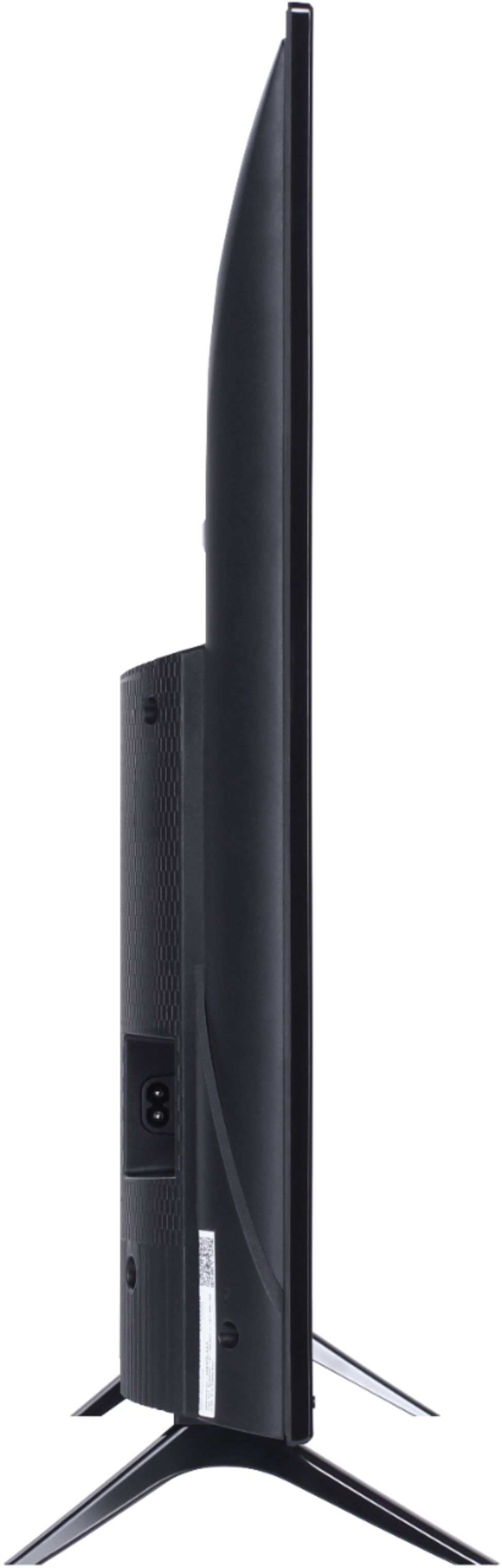
A:AnswerAbsolutely! This TCL Roku TV is compatible with most wall mounts that support a 100mm x 100mm VESA mounting pattern. Hope this helps! Thank you, TCL Customer Support
A:AnswerWithout the feet attached, the dimensions of this 40 inch TV are as follows: (W x H x D) 35.6" x 20.5" x 2.9". Hope this helps! Thank you, TCL Customer Support
A:AnswerFrom what I have learn since owning is that it just does casting. Like it will cast YouTube and other apps but I haven’t figured out if it can mirror. If it is even capable of doing so.
A:AnswerThe SpectrumTV streaming channel is one of the thousands of streaming channels offered through the Roku Channel Store. You can also visit www.roku.com/whats-on to see other streaming channels Roku offers. Hope this helps! Thank you, TCL Customer Support
A:AnswerThis TCL Roku TV has the ability to connect to the Internet via WiFi. Additionally, this TV is compatible with most stands that support a 100mm x 100mm VESA mounting pattern. Hope this helps! Thank you, TCL Customer Support
A:AnswerThis TCL Roku TV has the ability to connect to the Internet via WiFi. It does not feature an Ethernet port. Hope this helps! Thank you, TCL Customer Support
A:AnswerThis TCL Roku TV is compatible with most wall mounts that support a 100mm x 100mm VESA mounting pattern. Hope this helps! Thank you, TCL Customer Support
A:AnswerTCL Roku TVs support screen mirroring with compatible Android and Windows devices. Here is a great article with more details on how: https://support.roku.com/article/208754928-how-to-use-screen-mirroring-with-your-android-or-windows-device. Hope this helps! Thank you, TCL Customer Support
A:AnswerOur TCL Roku TVs do not currently support Bluetooth. However, you can download the free Roku app on your smart phone or tablet to use voice search, voice control, and experience private listening. To enjoy private listening you simply click private listening in the app, and attach headphones to your smart phone or tablet. Or you can use the 3.5 mm headphone jack in the back of the TV to connect standard headphones. Hope this helps! Thank you, TCL Customer Support
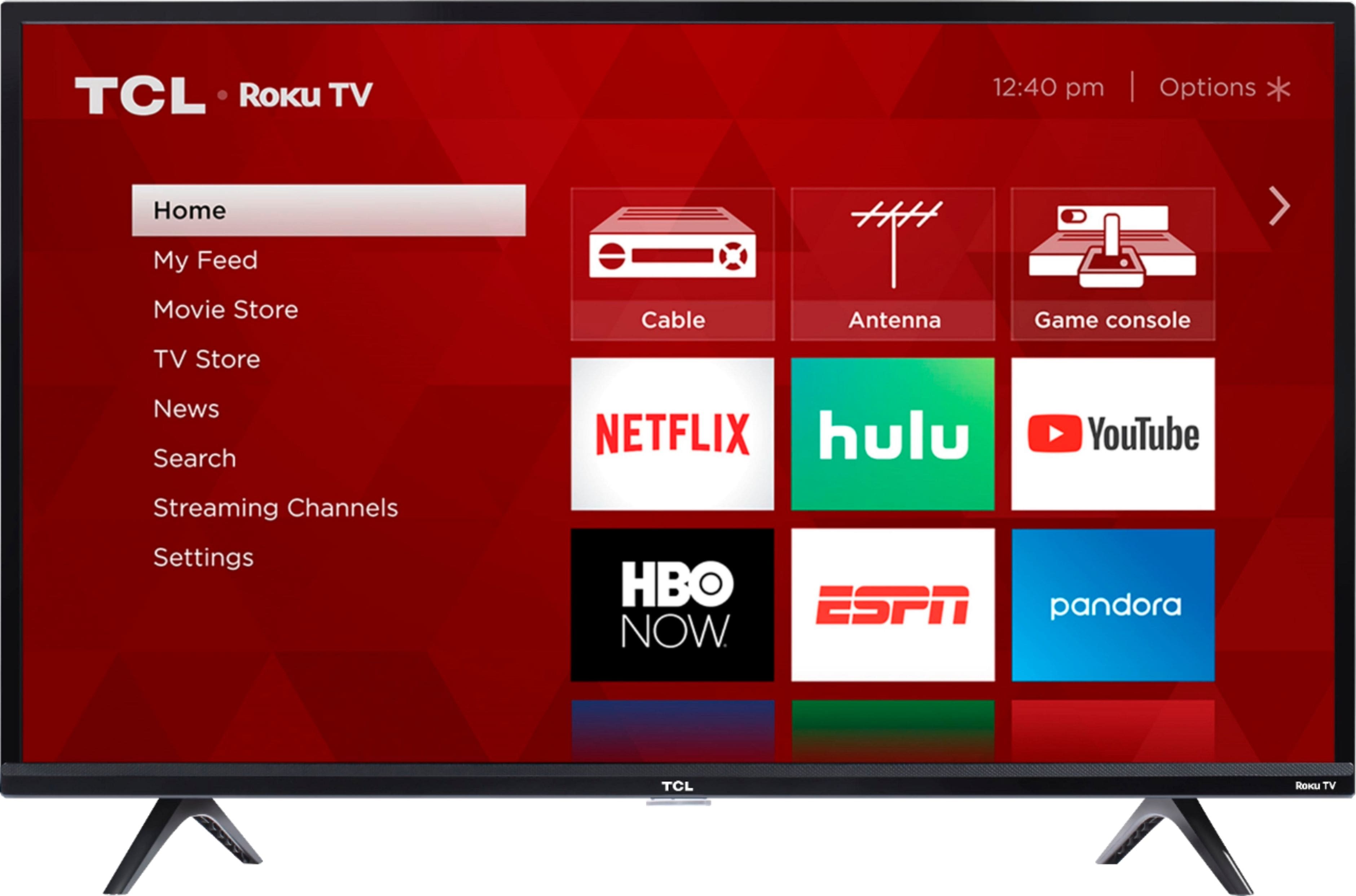
A:AnswerIn order to use the smart features of this TCL Roku TV, you would need to complete the guided setup. This includes connecting to the Internet via WiFi, creating a Roku account (completely free), and activating the TV (completely free). Hope this helps! Thank you, TCL Customer Support