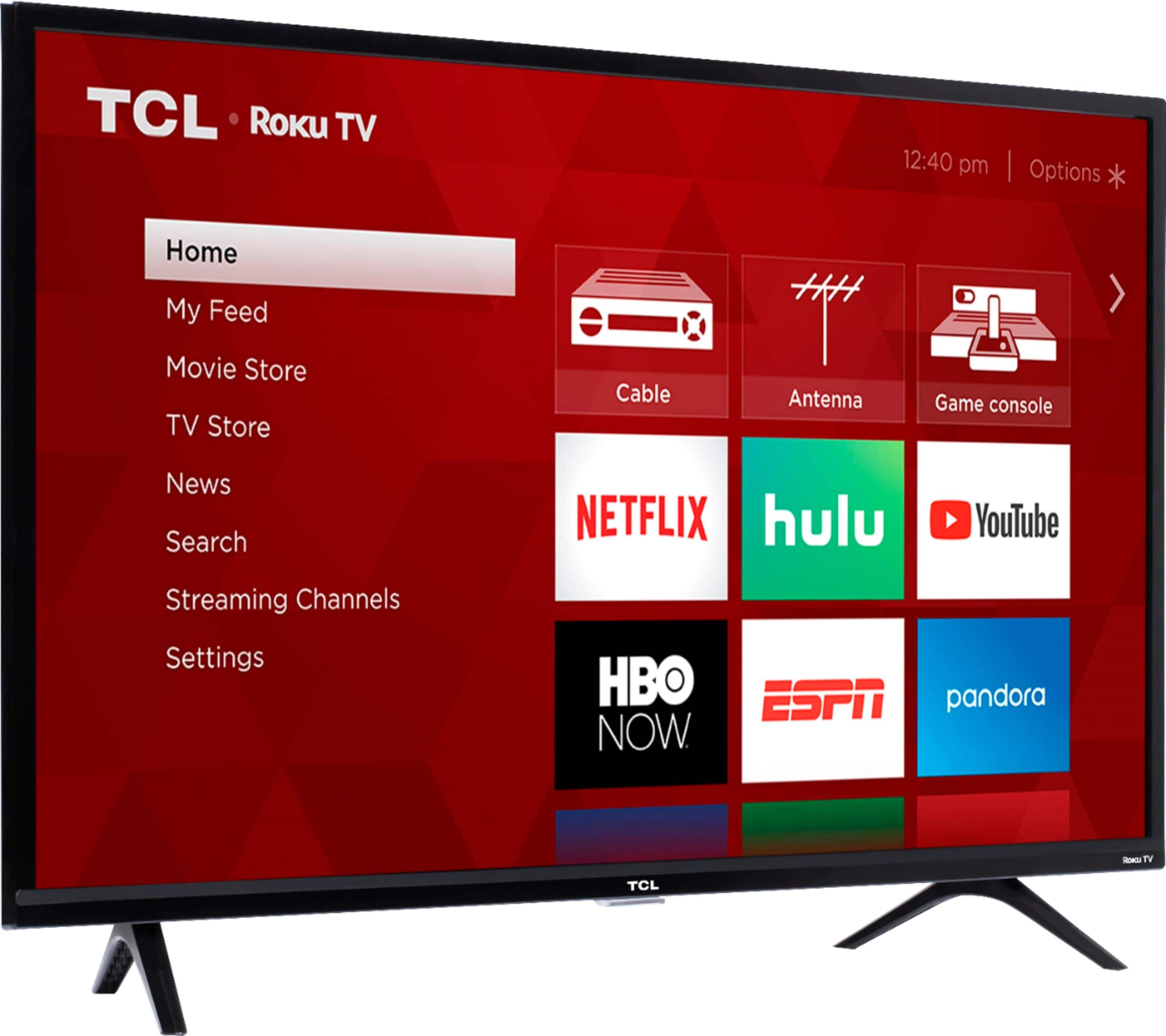
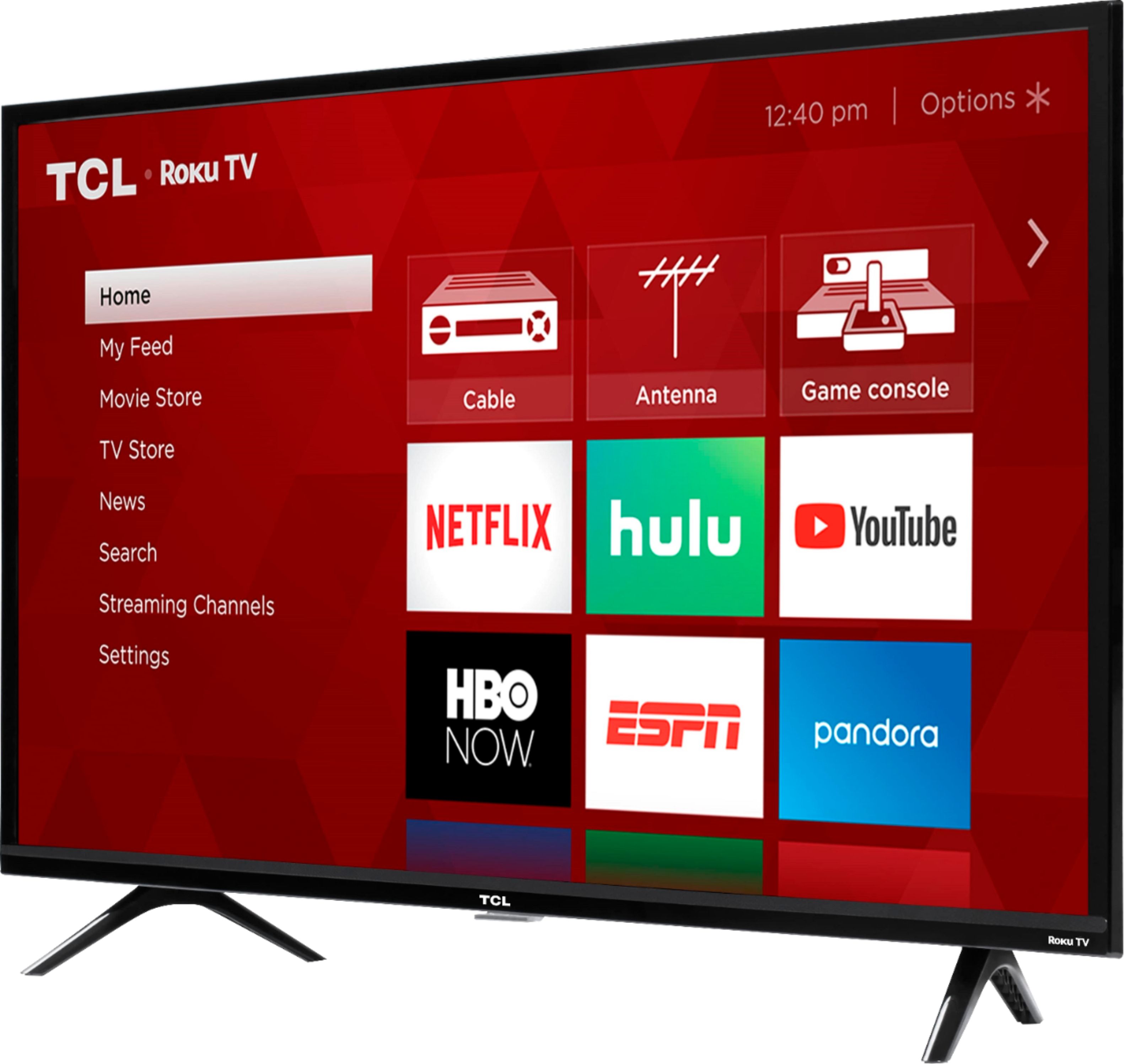
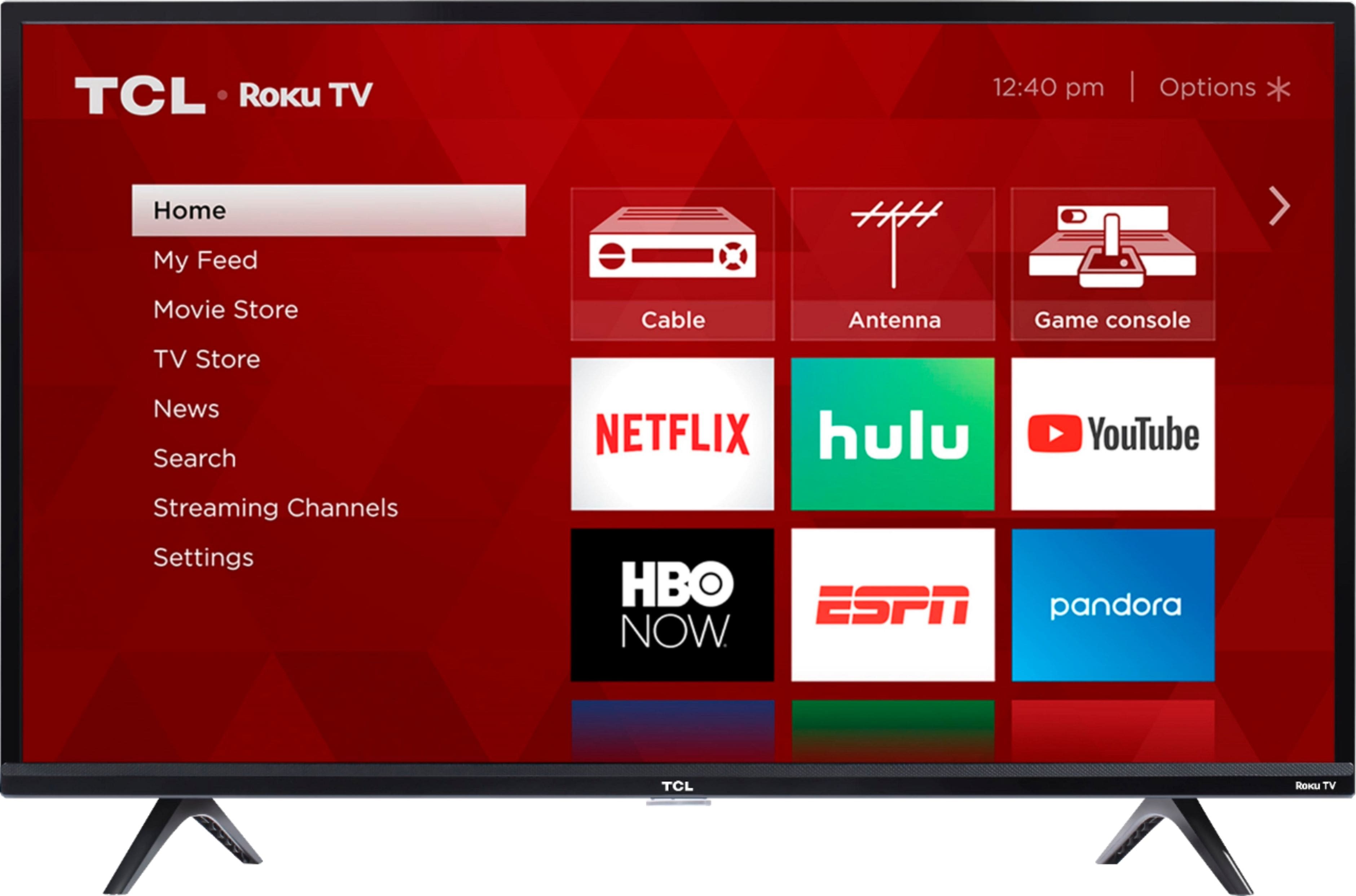
A:AnswerI'm not app-savvy, but from what I can tell, you don't use apps with the TV. Think of it more like a PC. If you, say, have an account with Prime Video, you would pull that channel up on the TV and then enter in your login information to access it. The 3 names you listed show up in a search, so it would be a matter of a) adding the channels to your home screen, then clicking on them to watch (assuming you have already entered in your account info, otherwise you would do that first).
A:AnswerThis TCL TV comes with two feet with screws to secure them, a power cord, a TCL Roku remote with batteries, and a quick start guide. Hope this helps! Thank you, TCL Customer Support
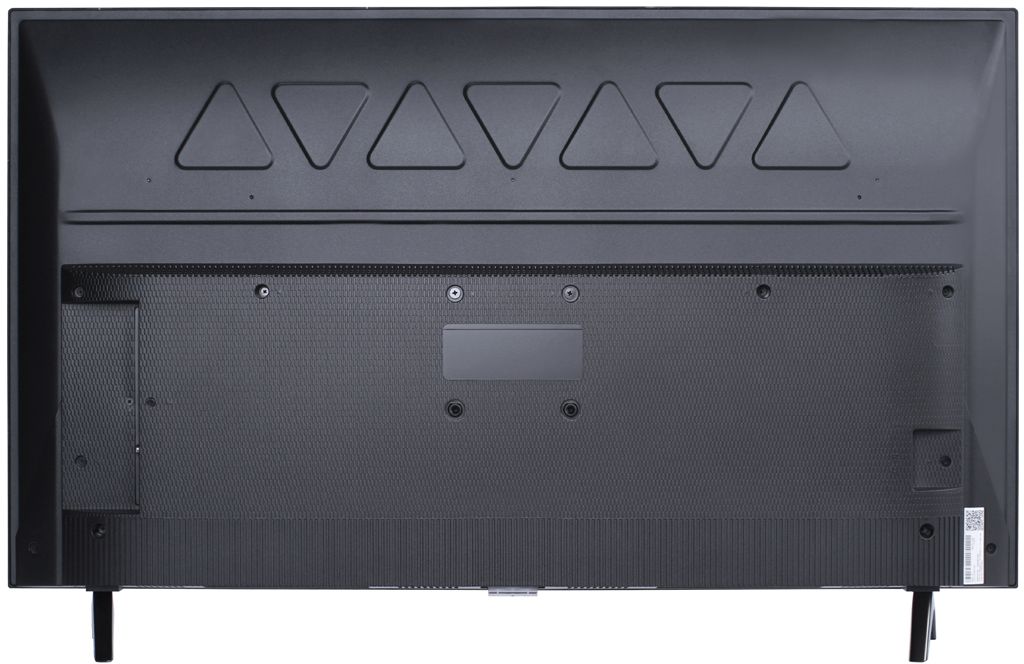
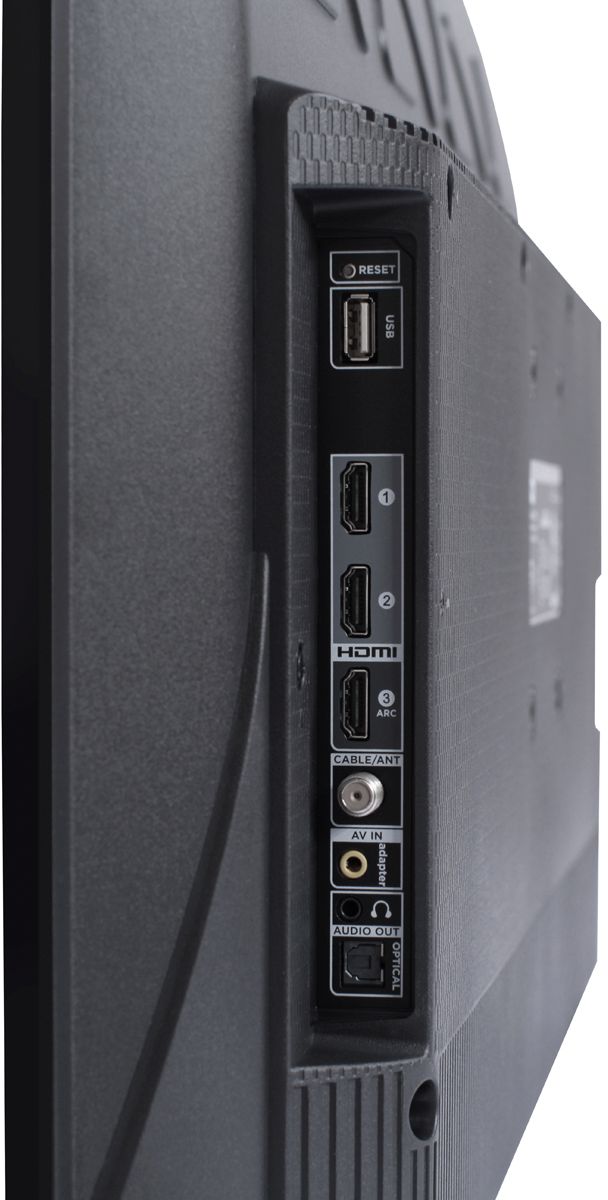
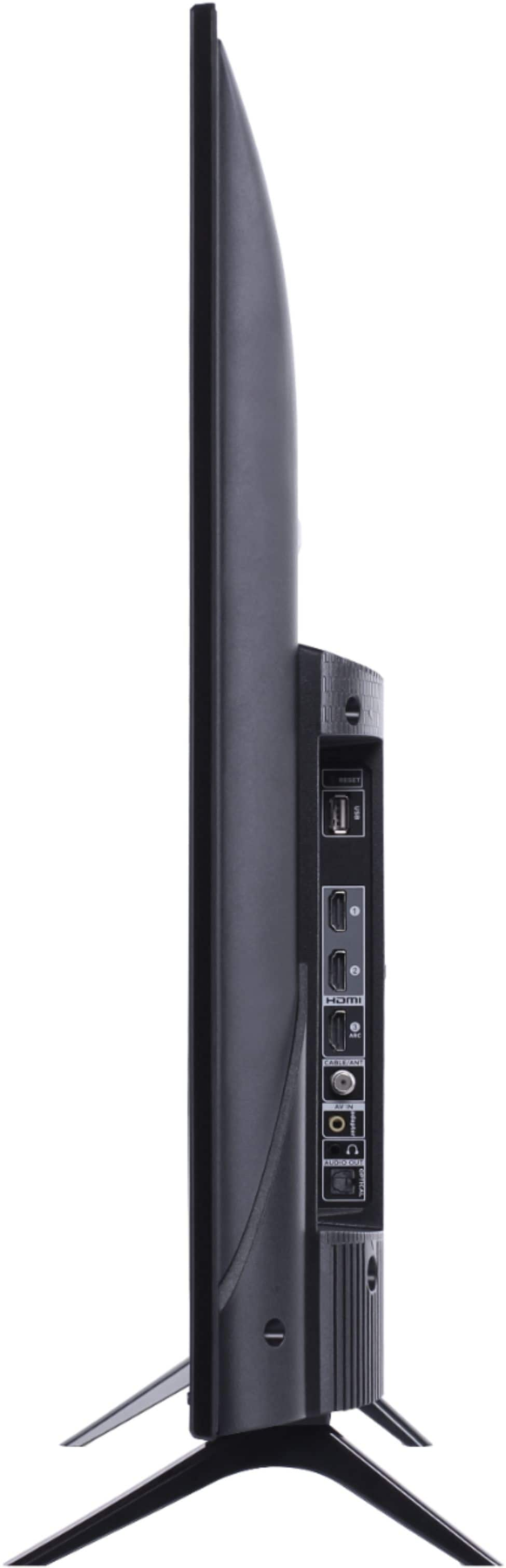
A:AnswerThe composite connection for this TCL TV is a single input located on the back of the TV near the other inputs. You would need to use an adapter to connect the traditional red/white/yellow cables you are used to seeing. The adapter would need to be purchased separately. Hope this helps! Thank you, TCL Customer Support
A:AnswerYou can go to channelstore.roku.com/browse to see what streaming channels and apps are offered through the Roku Channel Store. To search for a specific channel you would simply want to enter that information into the search section. Hope this helps! Thank you, TCL Customer Support
A:Answermy new TCL TV has a great quality picture! It must be your equipment supplying your connection. If it's not high HD capable, the picture will not be good. Its not the TV.