A:AnswerThis TCL Roku TV does not contain settings to rotate the image to a portrait orientation, nor does it support split screen. Hope this helps! Thank you, TCL Customer Support
A:AnswerThis TCL Roku TV is considered a 2018 model. We currently do not have any information regarding release dates of 2020 models. You can visit www.TCLUSA.com or follow us on social media for the last product information and updates. Hope this helps! Thank you, TCL Customer Support
A:AnswerAbsolutely! All TCL Roku TVs have access to Hulu. You would simply want to log in with your subscription in order to access Hulu Live. Hope this helps! Thank you, TCL Customer Support
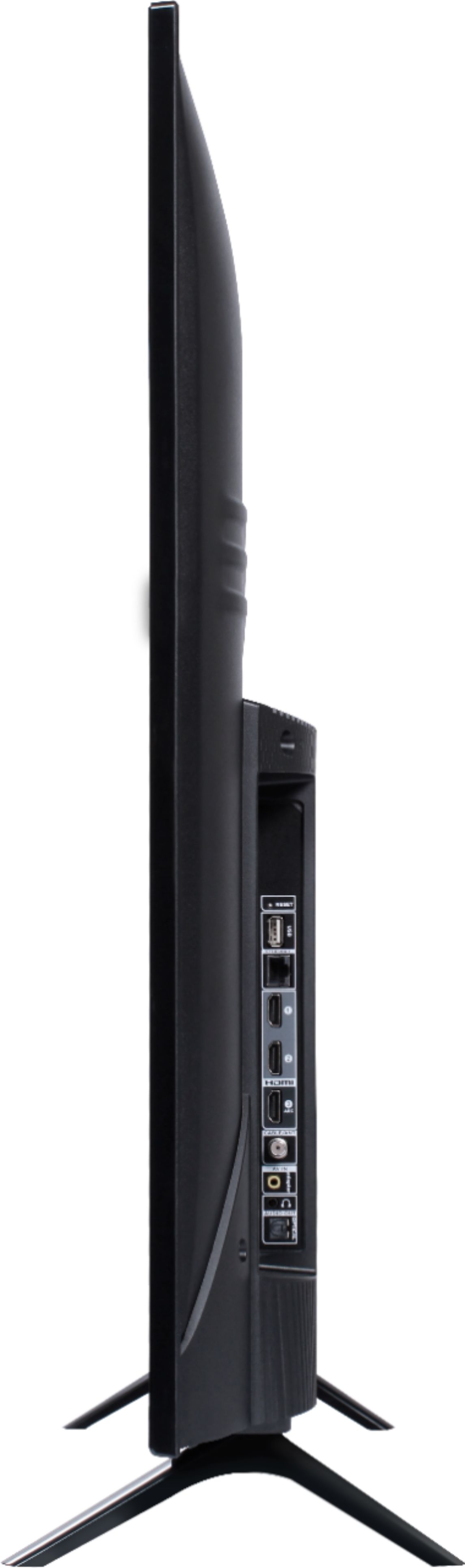
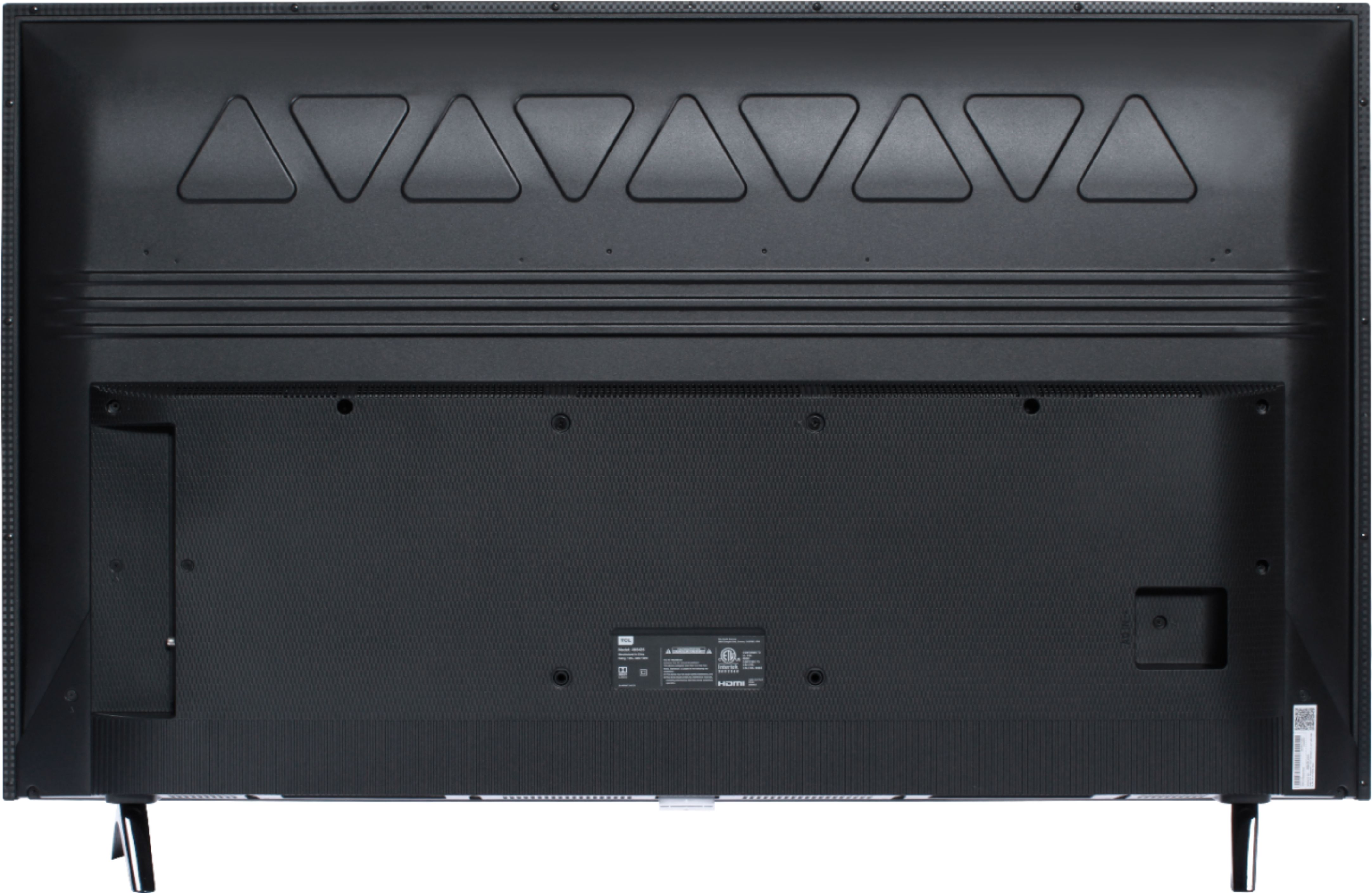
A:AnswerThe feet that come with the TCL Roku TV are designed and engineered to provide enough stability for the TV to safely sit on them. The other option would be to wall mount it using a standard 200mm by 200mm VESA pattern wall mount. Hope this helps! Thank you, TCL Customer Support
A:AnswerThere are no subscriptions or fees to simply use the Roku Operating System. You can go to www.Roku.com/whats-on to see what streaming channels and apps are offered through the Roku Channel Store. To search for a specific channel you would simply want to enter that information into the search section. Hope this helps! Thank you, TCL Customer Support
A:AnswerThis TCL Roku TV does not currently feature a web browser. However, there are thousands of streaming channels and over 500,000 different movies and TV episodes available through the Roku streaming system. Additionally, you can screen mirror compatible Android and Windows phones to the TV. This way you can search on your phone, but view on the TV. Hope this helps! Thank you, TCL Customer Support
A:AnswerThe dimensions for this TV without the feet attached are as follows: (W x H x D) 44.1" x 25.7" x 3.2". Hope this helps! Thank you, TCL Customer Support
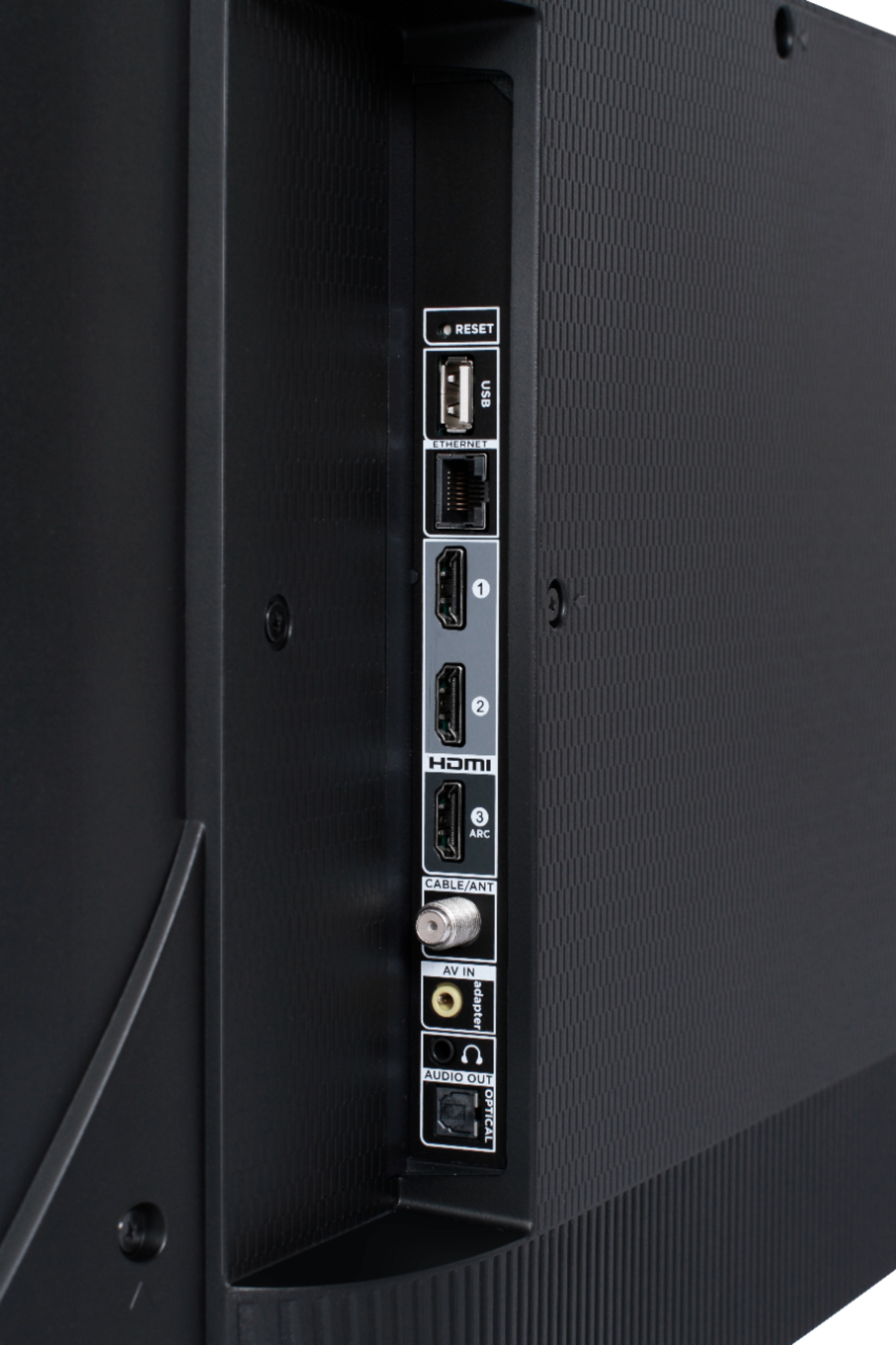
A:AnswerSeries indicates different model lines of our TVs. Each Series builds on features and capabilities. Our 4-Series has a Roku operating system, a 4K resolution, supports HDR10, etc. Roku is a streaming platform that is free to use (no subscription or fees to simply use the TV) offers many features, including thousands of streaming channels (apps) and over 500,000 movies and TV episodes. Some content is free while other content is subscription based or pay-per-view. You can go to www.Roku.com/whats-on to see what streaming channels and apps are offered through the Roku Channel Store. To search for a specific channel you would simply want to enter that information into the search section. This TV has the ability to connect to the Internet via WiFi or Ethernet. However, you would have to provide the Internet for it to connect to. This TV also has various inputs, including 3 HDMI ports, that can be used to connect external devices like a Blu-ray/DVD player. Hope this helps! Thank you. TCL Customer Support
A:AnswerTo use your Firestick with this system, you will have to use the TCL remote anyway to switch functions - it is pretty simple, a lot like the Amazon remote.
You cannot use the Firestick remote to control the Roku on the TV, if that's what you're asking. But, you can still use your Amazon Firestick and remote with this system.
Keep in mind-if you are using your Firestick, you are not using the Roku on the TCL.
To use your Firestick remote, you would have to plug your Firestick to one of the HDMI ports on the TV. Use the direction buttons on the TCL remote to switch to the Firestick input, like you would on any other TV. You should then be able to use your Firestick remote with the Fire TV service.
I love this tv for what it cost me and everything that it offers, it's great. You get a lot of bang for your buck. I hope you enjoy it.
A:AnswerHere it is on the bestbuy website!
“ The person picking up the order needs to either be the person named on the purchasing credit card, or the person you've told us will pick up the order. Store pickup is not available in Puerto Rico, Canada, Mexico or China. Tax manifestos and sales tax refunds are not available for these orders.”
A:AnswerScreen mirroring with a Roku device is not supported with iOS® or Apple devices. However, you can download the free Roku mobile app on your smartphone to use as a remote, cast personal photos and videos to the TV, experience private listening, etc. You can also cast select channels (Such as YouTube) from your Apple device. You can visit https://support.roku.com/article/208754928-how-to-use-screen-mirroring-with-your-android-or-windows-device for more information. Thank you, TCL Customer Support
A:AnswerEach series builds on each other. Both of these series are 4K UHD, have HDR support, and have a Roku operating system. The new 5-Series additionally has Dolby Vision Support, wide color gamut, auto-game mode, an edge-to-edge glass display, etc. You can also visit www.tclusa.com/products/home-theater/5-series and scroll down to "Compare All Models" to see all models compared. Hope this helps! Thank you, TCL Customer Support

A:AnswerThis TCL Roku TV is designed and engineered to be used within the US. As such, it supports 120V. Hope this helps! Thank you, TCL Customer Support

A:AnswerOur TCL Roku TVs do not currently support Bluetooth. However, you can download the free Roku app on your smart phone or tablet to use voice search, voice control, and experience private listening. To enjoy private listening you simply click private listening in the app, and attach headphones to your smart phone or tablet. Or you can use the 3.5 mm headphone jack in the back of the TV to connect standard headphones. Hope this helps! Thank you, TCL Customer Support