A:AnswerIf you plan to use this tv to watch tv apps like Netflix, Sling, Hulu, etc, you can easily watch them on this TV with just your internet connection. That is how we watch shows on this tv.
So, no, you don’t need anything else.
A:AnswerTCL Roku TVs support screen mirroring with compatible Android and Windows devices. Here is a great article with more details on how: https://support.roku.com/article/208754928-how-to-use-screen-mirroring-with-your-android-or-windows-device. Hope this helps! Thank you, TCL Customer Support
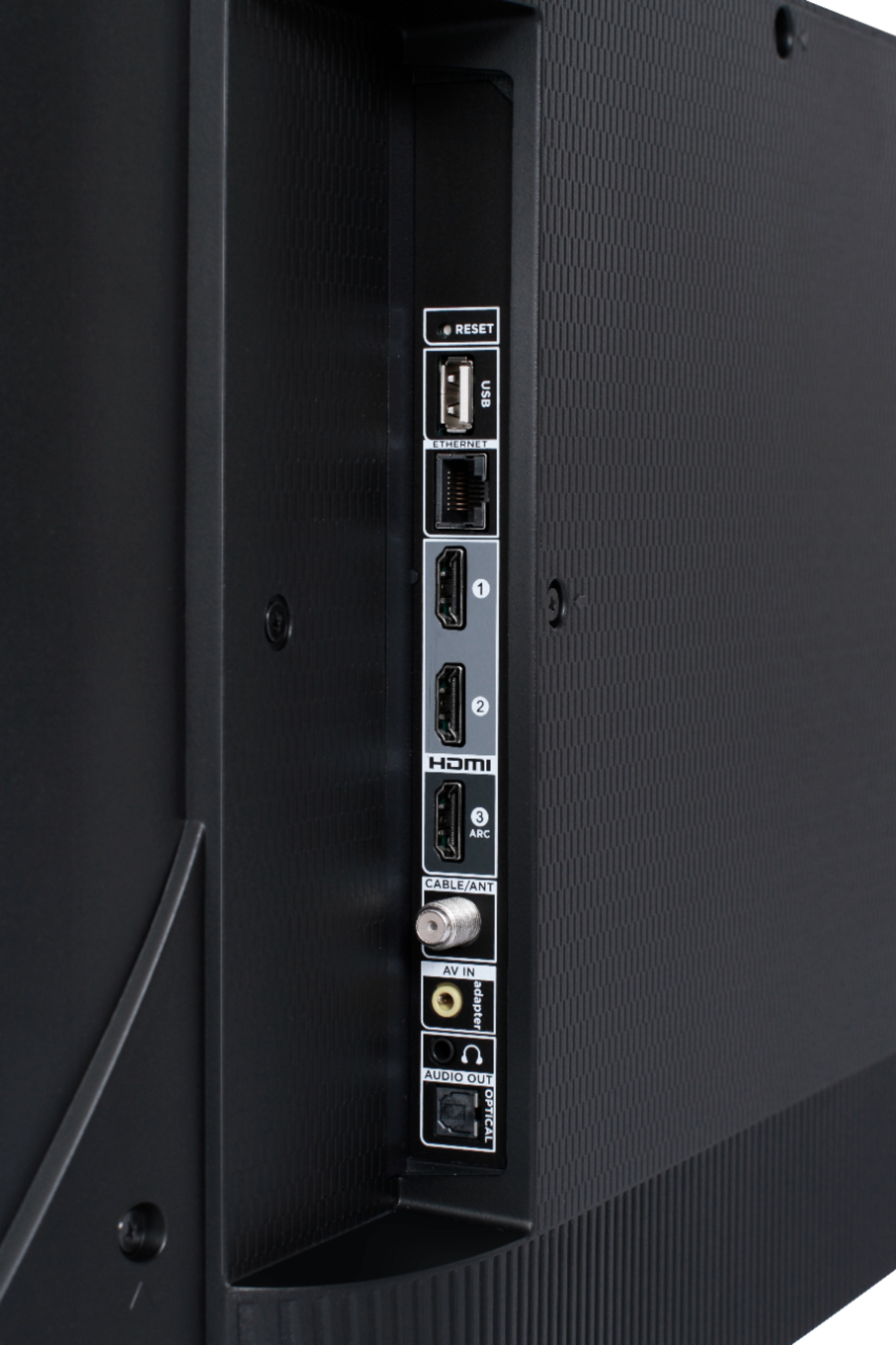
A:AnswerAbsolutely! This TCL Roku TV has the ability to connect to the Internet either via WiFi or through Ethernet. Hope this helps! Thank you, TCL Customer Support
A:AnswerThis TCL Roku TV supports both CEC and Google Voice Assistant. You can visit https://support.tclusa.com/tcl-roku-tvs-now-work-with-google-assistant for more information about how to setup Google Voice Assistant. Hope this helps! Thank you, TCL Customer Support
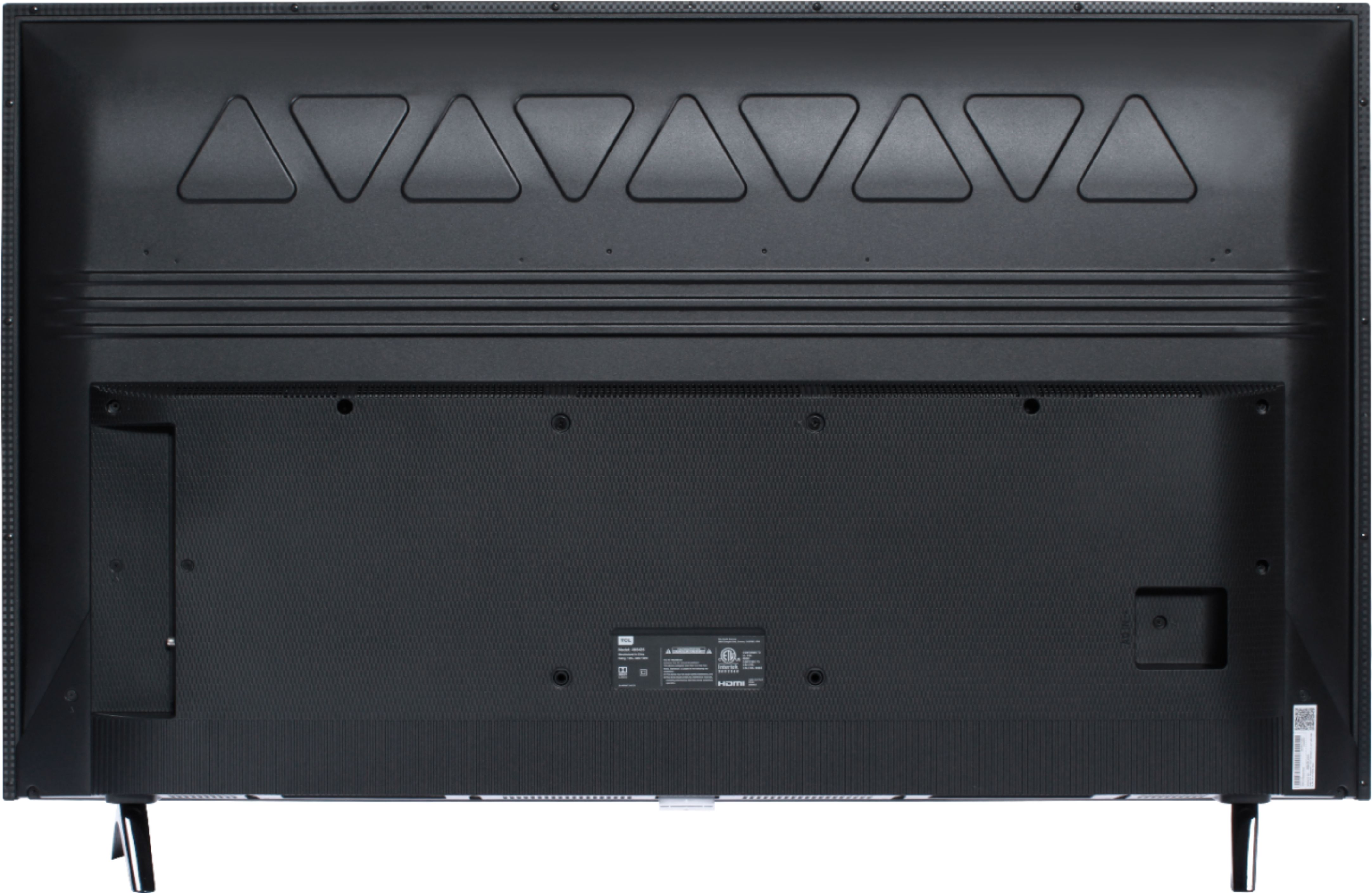
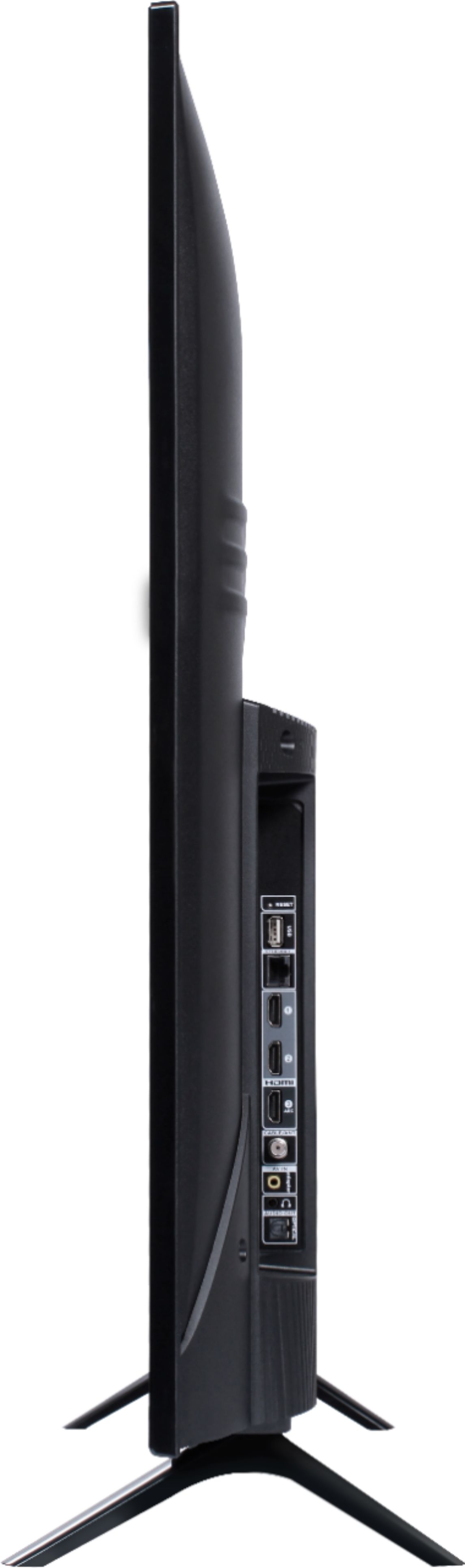
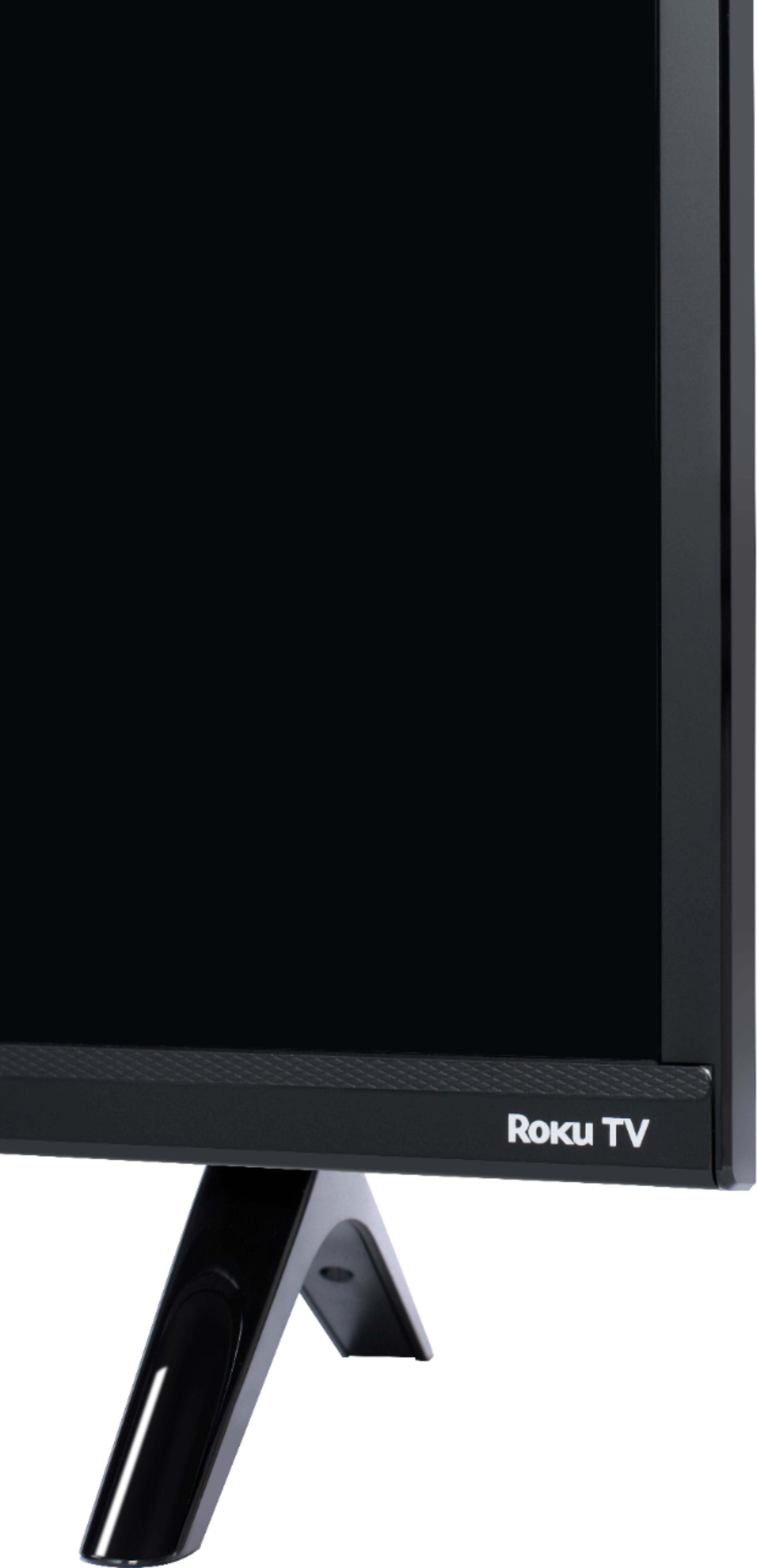
A:AnswerThe stand that’s on it measures about 8 1/2 inches The tv itself measures just over 3” deep so maybe you could figure out using something other than the stand it comes with.
A:AnswerThe remote that comes with this TV does not feature a headphone jack. However, there is a Headphone jack on the back of the TV, or you can download the Free Roku app for private listening. Hope this helps! Thank you, TCL Customer Support
A:AnswerAbsolutely! All TCL Roku TVs have access to Hulu. You would simply want to log in with your subscription in order to access Hulu Live. Hope this helps! Thank you, TCL Customer Support
A:AnswerWhile we have not tested this, we do have customers that have had success in doing this. Here are some resources that may help you with this. https://support.onepeloton.com/hc/en-us/articles/215775103-Can-I-stream-from-my-bike-s-touchscreen-to-my-television and https://www.youtube.com/watch?v=rU0ZNFFBOj4. Hope this helps! Thank you, TCL Customer Support
A:AnswerIn order to use the smart features of this TCL Roku TV, you would need to complete the guided setup. This includes connecting to the Internet via WiFi, creating a Roku account (completely free), and activating the TV (completely free). DirecTV has recently changed the name of their streaming channel to AT&T TV, so you would want to make sure that you look for the right app on the Roku Channel Store. Hope this helps! Thank you, TCL Customer Support
A:AnswerIf you disconnect the power, the TV will still save all of your settings and setup. The only way the TV will erase these settings is if you factory reset the TV. Hope this helps! Thank you, TCL Customer Support
A:AnswerThis TCL Roku TV is compatible with most soundbars and can be connected via HDMI ARC, Optical, or the headphone jack. Hope this helps! Thank you, TCL Customer Support