A:AnswerThe YouTube TV streaming channel is one of the thousands of streaming channels offered through the Roku Channel Store. You can also visit www.roku.com/whats-on to see other streaming channels Roku offers. Hope this helps! Thank you, TCL Customer Support
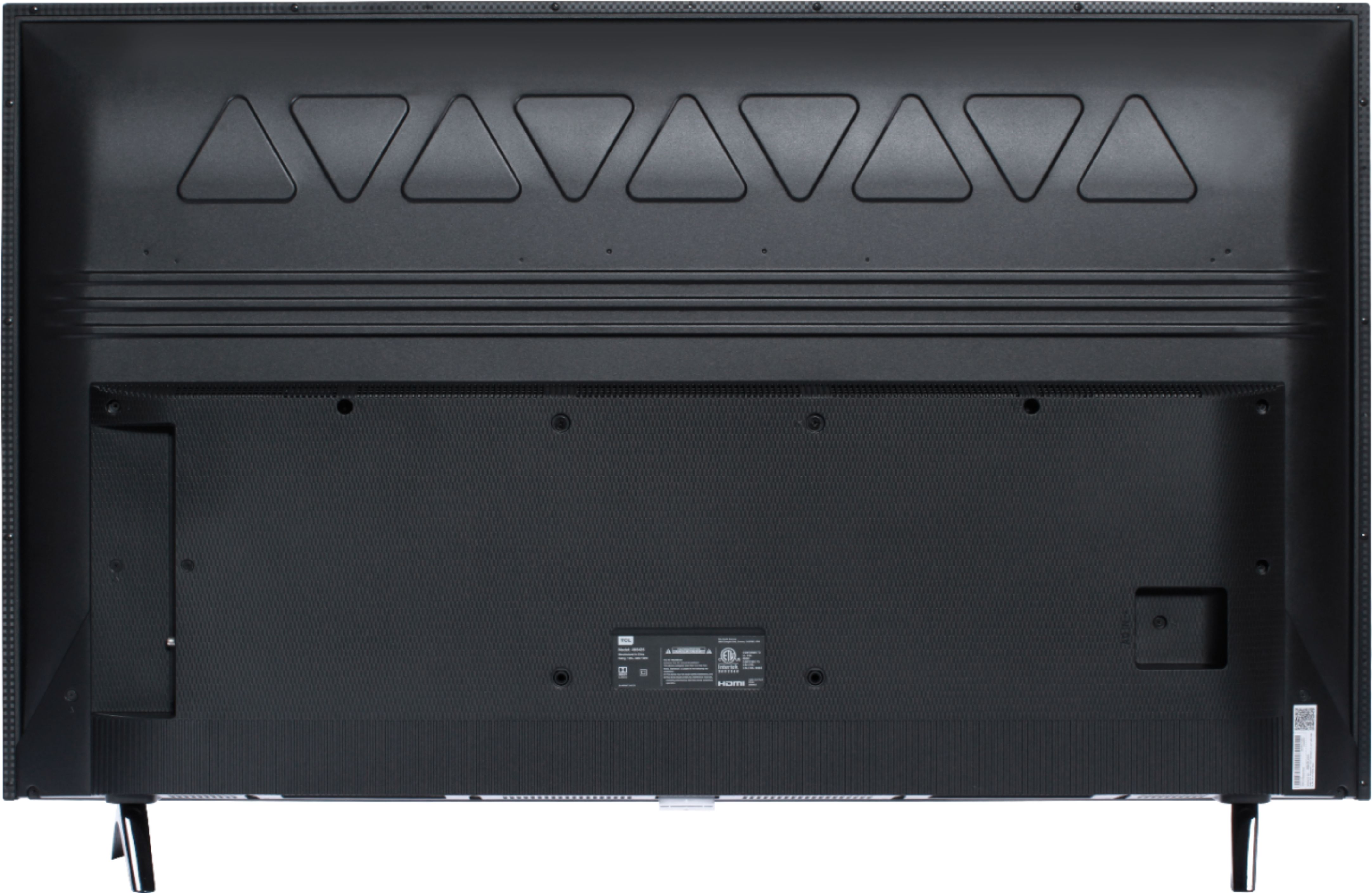
A:AnswerYou will have to use a tape measure to measure the width from one leg stand of the tv to the other. I don’t have that answer off the tip of my mind since I have mine on a wall mount bracket. Legs on tv are not adjustable since they have preset mounting slots built in. Hope this helps.
A:AnswerMy 14 year old has about 30 apps on it including YouTube, Netflix, Vudu, Disney plus etc.. he also hooked up his PS4 to it which is brand new and it was a great tv to play off of. Definitely worth the purchase.
A:AnswerI haven't noticed any issues. I haven't done a ton of gaming on it since I purchased it a month ago, so someone who has put in more hours and played a few different games might have a different opinion. Graphics look good on this set. I have a PS4 connected to the tv
A:AnswerYou have to sign up for a Roku account online (free). You'll get a code to enter that will synch your tv with your online account. From there, you can add apps via the website, which will then appear on your tv. There are a ton of apps, many of them provide free content. Roku also has its own app on the tv, which has a bunch of different content to watch.
I'm pretty sure that all of the popular apps are available, including the Apple TV app. If you use an HD antenna for local channels, as I do, you can watch local channels as well. You have to do an initial setup where it captures your local channel info.
Another nice feature is the "search" function. If you're looking for a movie or a program, but don't know which apps might have it available, all you do is type in the program and it will show a list of apps where it is streaming. You just click on one of the choices and assuming you have the app downloaded already, the program will start. If it's a pay-per-view, it will even show you the cost to rent on each of the apps from which it's available.
A:AnswerAbsolutely! All TCL Roku TVs have access to Hulu. You would simply want to log in with your subscription in order to access Hulu Live. Hope this helps! Thank you, TCL Customer Support
A:AnswerIf you put two of these TVs next to each other, you would want to utilize the free Roku mobile app to control individually. The free Roku mobile app can be used as a remote. Through the Roku mobile app, you gain access to power toggle, volume toggle, private listening, voice search, and more. Hope this helps! Thank you, TCL Customer Support
A:AnswerThe majority of our customers report a good experience with the internal TV speakers. However, some people elect to add a soundbar to further enhance their viewing experience. Hope this helps! Thank you, TCL Customer Support
A:AnswerTCL Roku TVs support screen mirroring with compatible Android and Windows devices. Here is a great article with more details on how: https://support.roku.com/article/208754928-how-to-use-screen-mirroring-with-your-android-or-windows-device. Hope this helps! Thank you, TCL Customer Support