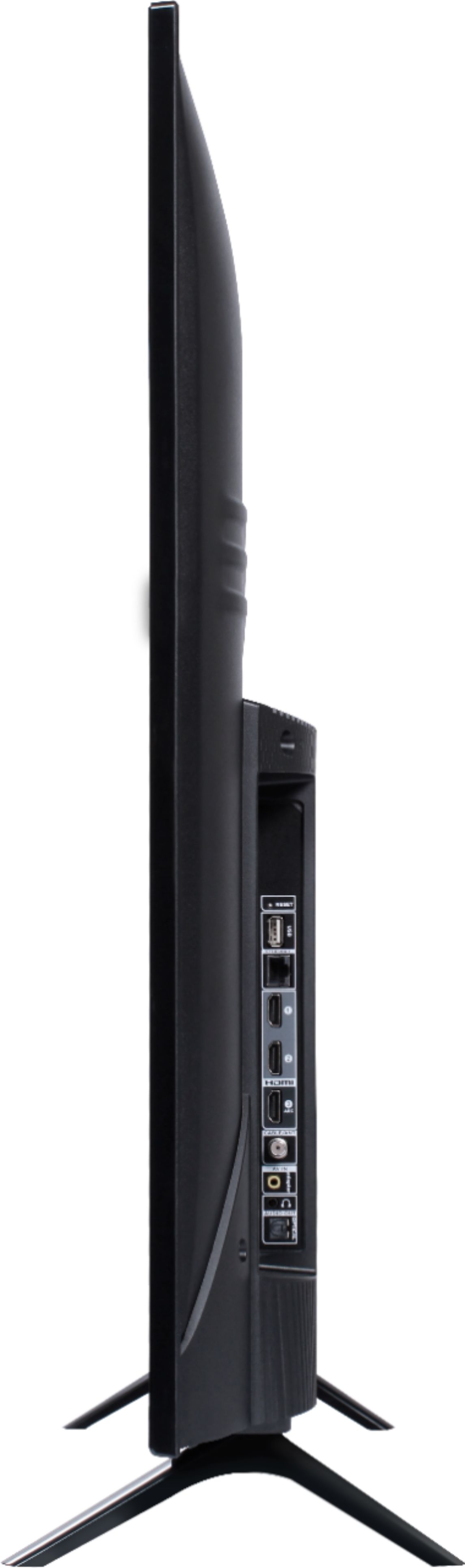
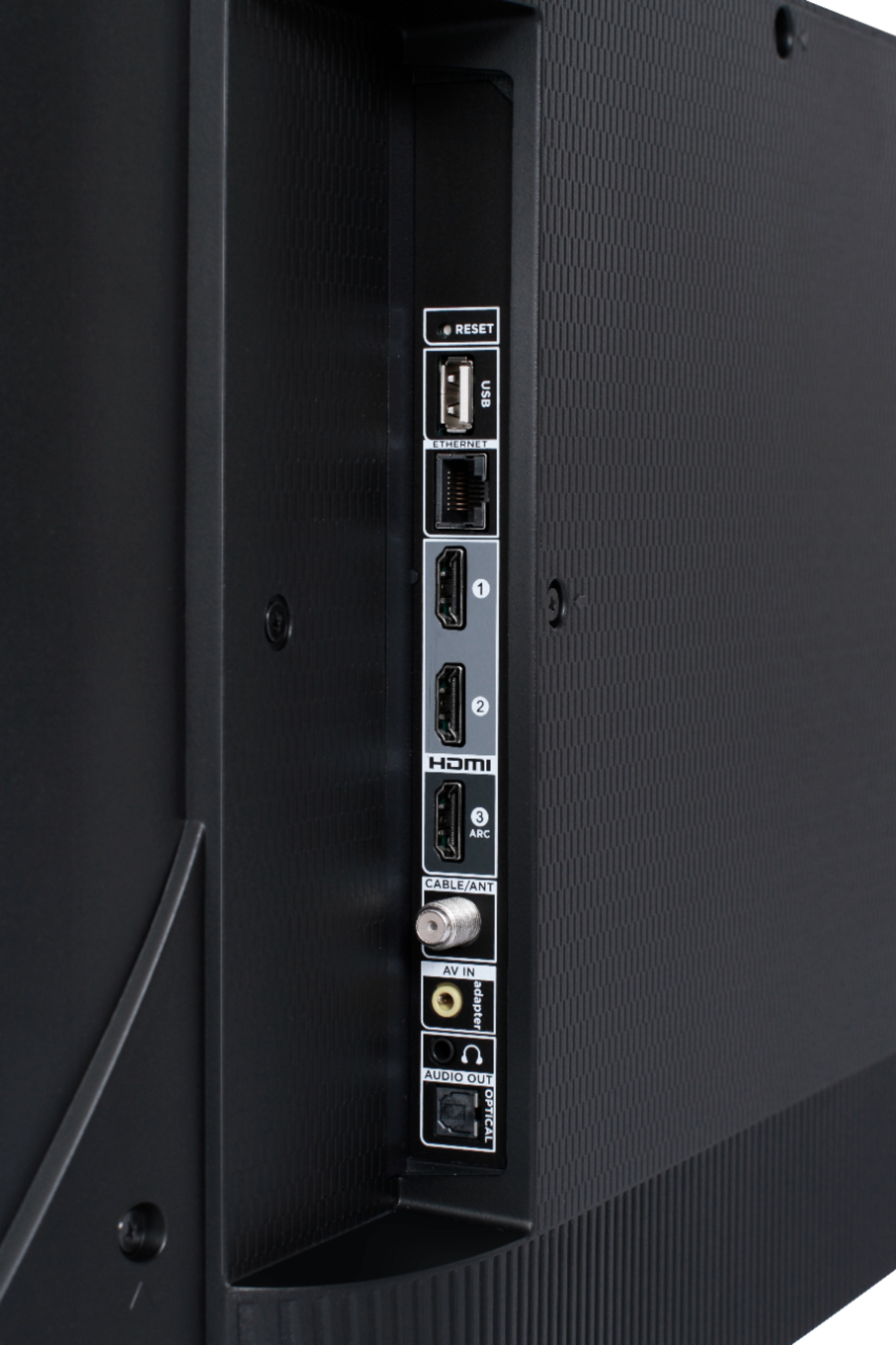
A:AnswerThis TCL Roku TV has a coaxial located on the back of the TV near the other inputs. By connecting an antenna you can receive over-the-air channels. However, the reception depends on the signal strength. Hope this helps! Thank you, TCL Customer Support
A:AnswerThere is not a physical button for it, but there is an option for it. Simply press the asterisk (*) button on your TCL Roku TV remote while watching content, highlight the sleep time option, and choose how long you want to set it for (30minutes-3hours). Hope this helps! Thank you, TCL Customer Support
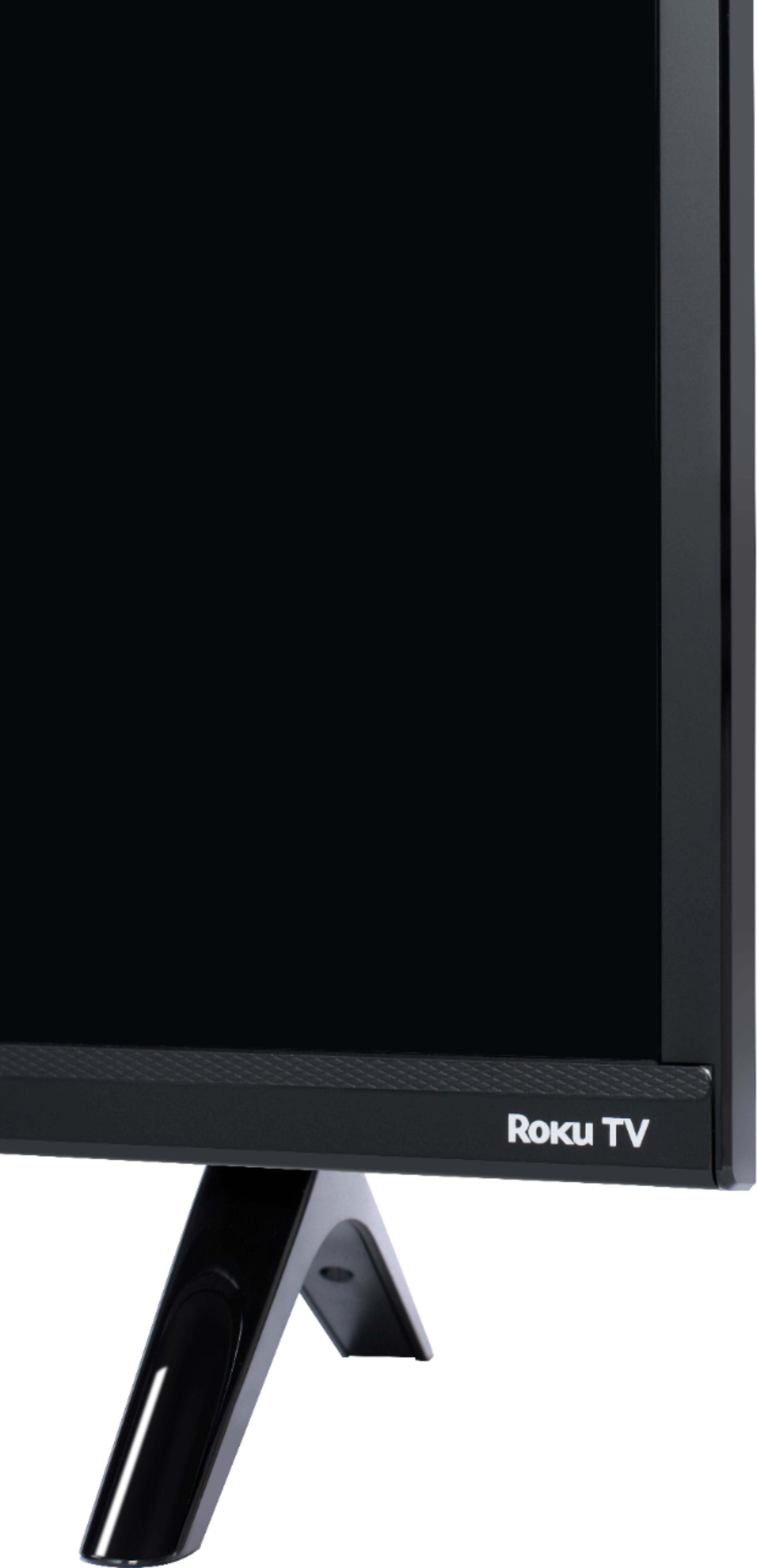
A:AnswerI measured my 51” Tcl for you and found that you go diagonally but include the casing - spot on 51”. Screen was not. I added a picture of the edge (corner) to give you an idea of what I mean.
A:AnswerCurrently, our TVs do not support Bluetooth. If you are trying to connect a sound bar or speakers you can use the Optical port, or the HDMI ARC port. For Headphones, there is a Headphone jack on the back of the TV, or you can download the Free Roku app for private listening. Additionally, this TV has the ability to connect to the Internet via WiFi or Ethernet. It supports both 2.4 and 5GHz WiFi. Hope this helps! Thank you, TCL Customer Support
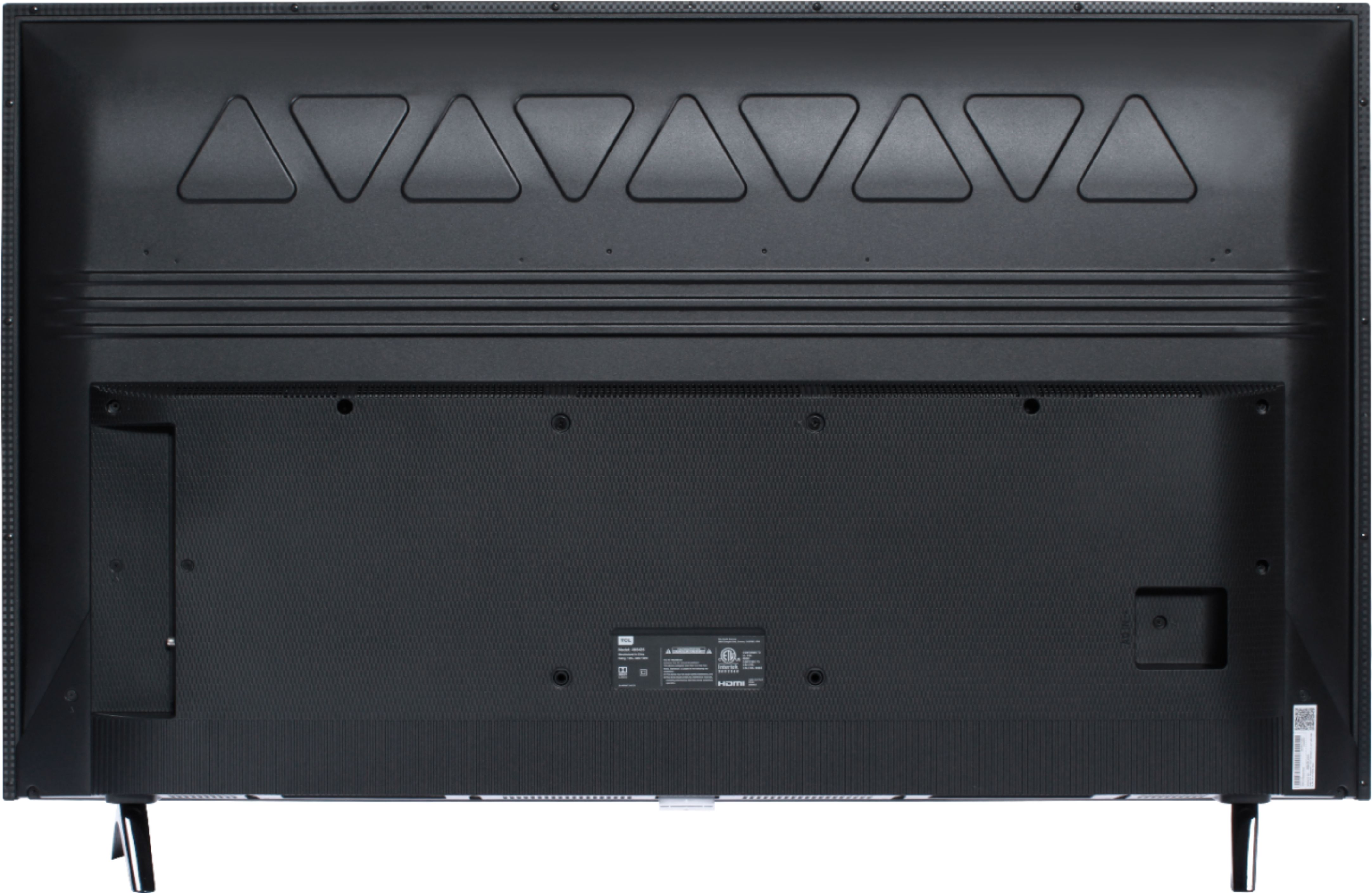
A:AnswerTCL Roku TVs have access to thousands of streaming channels, and over 500,000 movies and tv episodes to fulfill almost any streaming need. This TV also includes 3 HDMI ports to connect external devices, such as that of an AppleTV. Hope this helps! Thank you, TCL Customer Support
A:AnswerThis TCL Roku TV comes with two feet with screws to secure them, a power cord, a TCL Roku remote with batteries, and a quick start guide. Any sort of additional cables would need to be purchased separately. Hope this helps! Thank you, TCL Customer Support