A:AnswerIn order for us to better assist, please reach out to us at tclsocial@tcl.com with your contact information and a description of what you are experiencing. Thank you, TCL Customer Support
A:AnswerWithout more information, it is difficult to understand the question. In order for us to better assist, please reach out to us at tclsocial@tcl.com with your contact information and a description of what you need assistance with. Thank you, TCL Customer Support
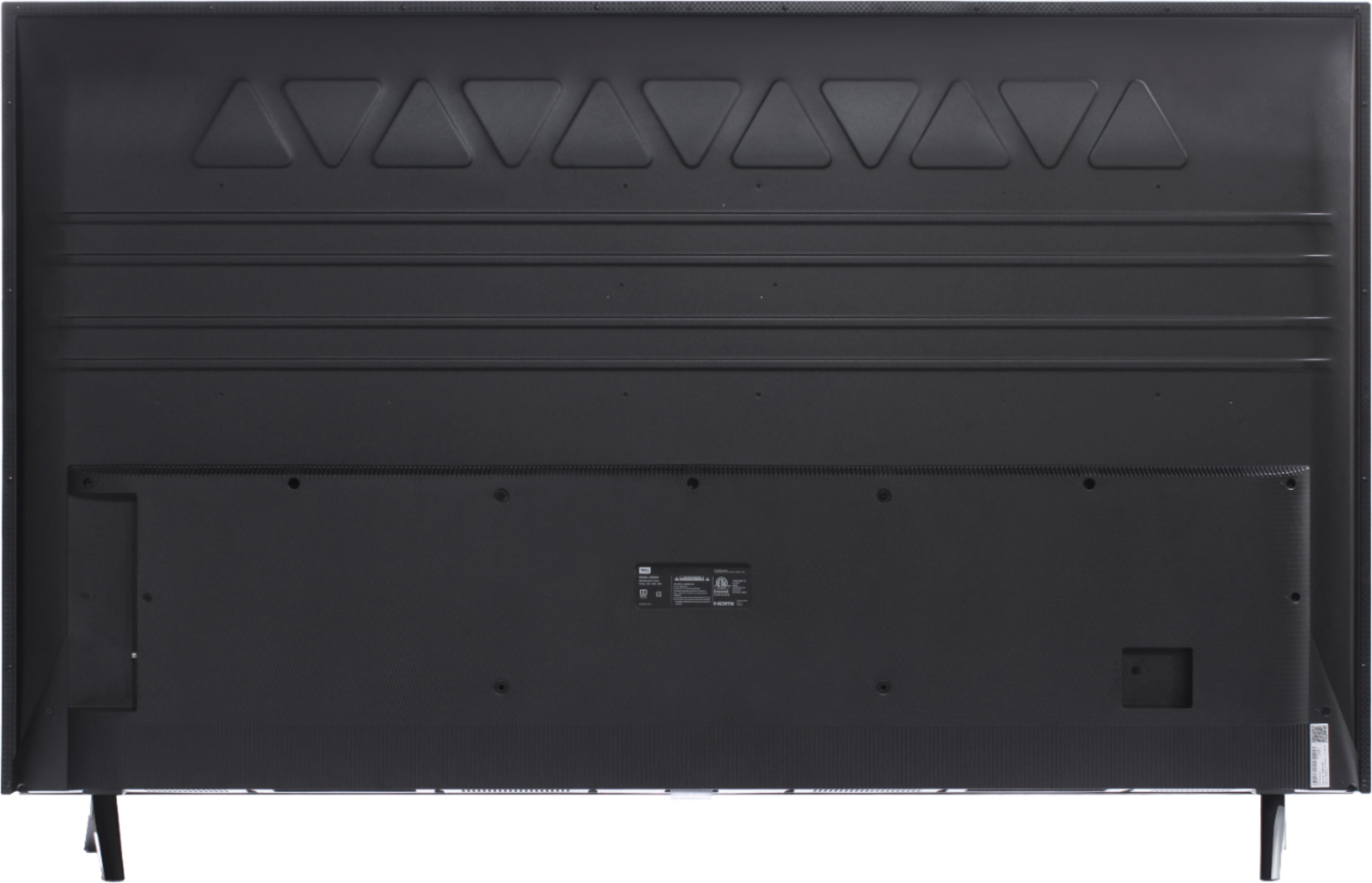
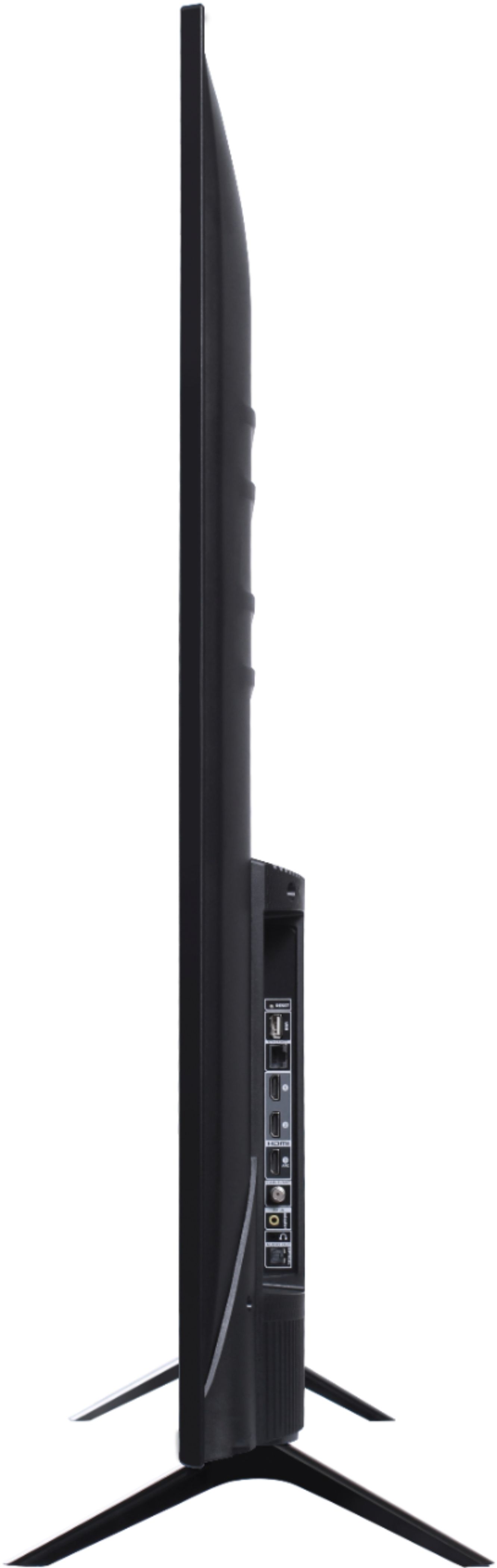
A:AnswerThe dimensions of this TV with the feet attached are as follows: (W x H x D) 49.0" x 30.6" x 8.0". Hope this helps! Thank you, TCL Customer Support
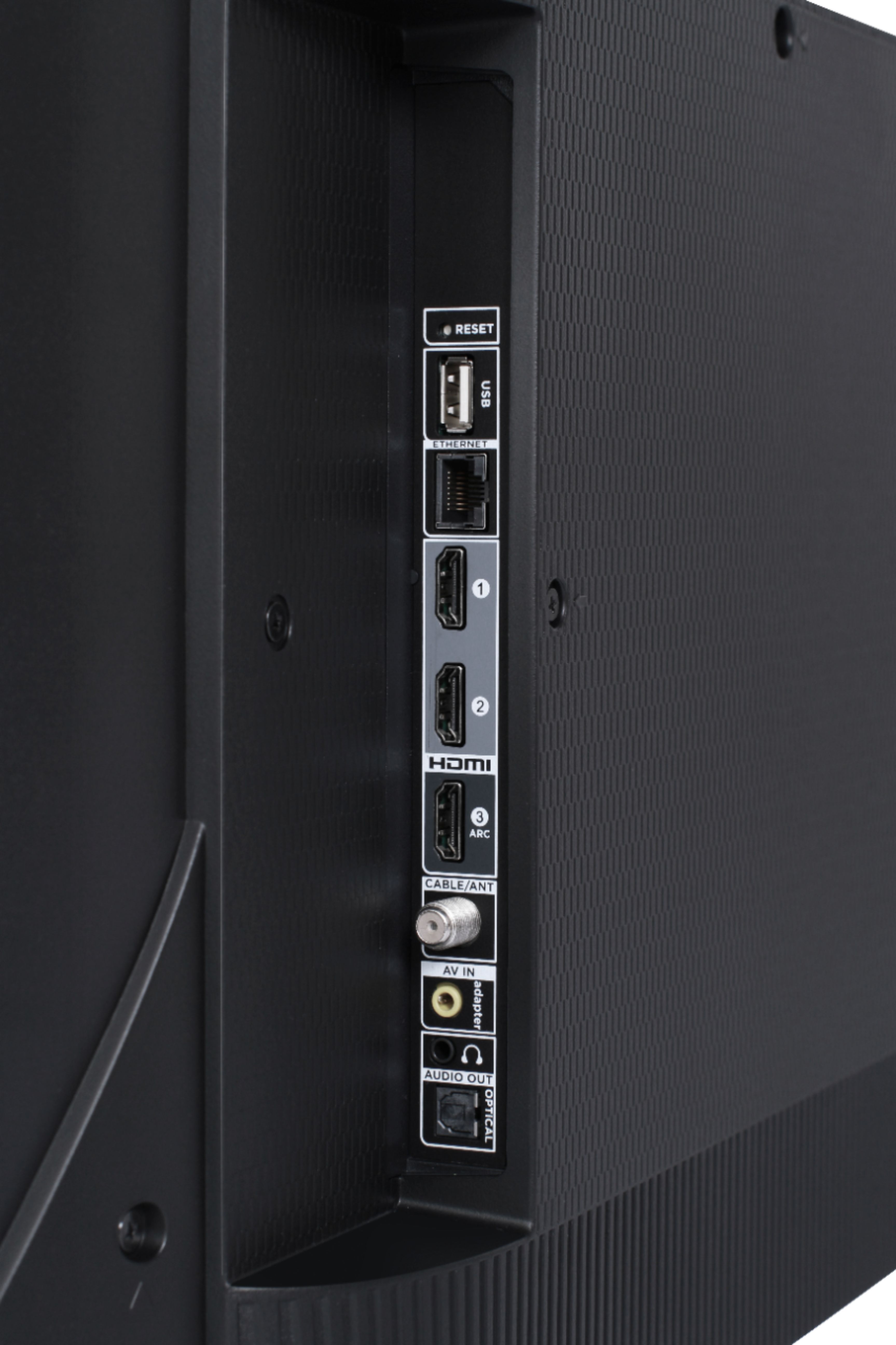
A:AnswerAbsolutely! This TCL Roku TV has the ability to connect to the Internet either via WiFi or through Ethernet. Hope this helps! Thank you, TCL Customer Support
A:AnswerThis TCL Roku TV has internal speakers that can be used for audio. This TV is also compatible with most soundbars and can be connected via HDMI ARC, Optical Audio Out, or the Headphone Jack. Hope this helps! Thank you, TCL Customer Support
A:AnswerAbsolutely! This TCL Roku TV is compatible with most mounts that support a 200mm x 200mm VESA mounting pattern. Hope this helps! Thank you, TCL Customer Support
A:AnswerThis TCL Roku TV is compatible with most soundbars and can be connected via HDMI ARC, Optical Audio Out, or the Headphone Jack. Hope this helps! Thank you, TCL Customer Support
A:AnswerHD can look better on UHD but largely depends on the scaling processor of the TV and the device you play it on. Playing a 1080P bluray on a UHD player and TV can benefit the picture quality greatly. If using a 1080P player on a UHD TV then this may not be as noticeable an upgrade, again depending on the processor. I would say there is improvement regardless.
To answer your second question, you can use the same Roku accound to log in to your Roku TV. No need to create a second. You would be redundant to plug in your external Roku device to this tv.
A:AnswerYou can & it might last a little while, but it's not meant for outdoors. Even under a covered deck you will be exposing the TV to extreme humidity during periods of rain, which promotes corrosion, & extreme heat/cold which can cause tiny solder points to fail.
A:AnswerThis TCL Roku TV is indeed compatible with Alexa Voice Assistant. You can visit https://support.tclusa.com/televisions-setup-configurations/using-amazon-alexa-to-control-your-tcl-roku-tv for more information. Hope this helps! Thank you, TCL Customer Support
A:AnswerThere should be a prompt message when you set up your TV asking what room this TV is located in ,that should fix the problem with the remote . May have to reset your TV to reprogram remote as well.
A:AnswerThis TCL Roku TV does not feature RVU. However, if you connect a USB Drive to your TV you can access Live TV Pause. You can visit https://support.tclusa.com/20272-roku/209528-what-is-live-tv-pause?from_search=29855470 for more information about this. Hope this helps! Thank you, TCL Customer Support