A:AnswerAbsolutely! All TCL Roku TVs have access to Hulu. You would simply want to log in with your subscription in order to access Hulu Live. Hope this helps! Thank you, TCL Customer Support
A:AnswerThe YouTube TV streaming channel is one of the thousands of streaming channels offered through the Roku Channel Store. You can also visit www.roku.com/whats-on to see other streaming channels Roku offers. Hope this helps! Thank you, TCL Customer Support
A:AnswerThis TCL Roku TV does not feature a setting to manually manipulate the resolution. This TV features a 4K resolution, and will upscale non-4K content. Hope this helps! Thank you, TCL Customer Support
A:AnswerOur TCL Roku TVs support screen mirroring with compatible Android and Windows devices. Here is a great article with more details on how: https://support.roku.com/article/208754928-how-to-use-screen-mirroring-with-your-android-or-windows-device. Hope this helps! Thank you, TCL Customer Support
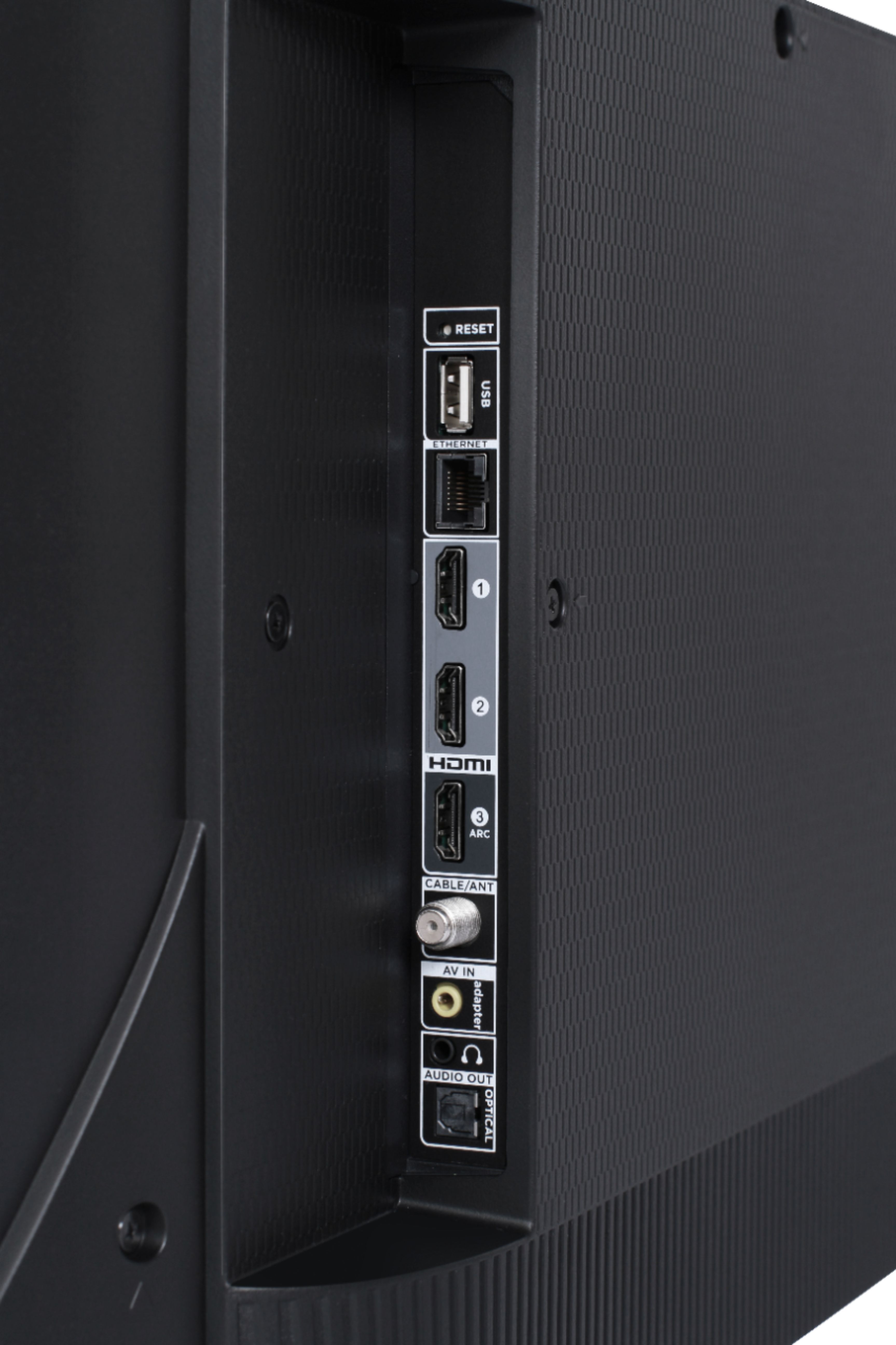
A:AnswerOur TCL Roku TVs do not currently support Bluetooth. However, you can download the free Roku app on your smart phone or tablet to use voice search, voice control, and experience private listening. To enjoy private listening you simply click private listening in the app, and attach headphones to your smart phone or tablet. Or you can use the 3.5 mm headphone jack in the back of the TV to connect standard headphones. Hope this helps! Thank you, TCL Customer Support
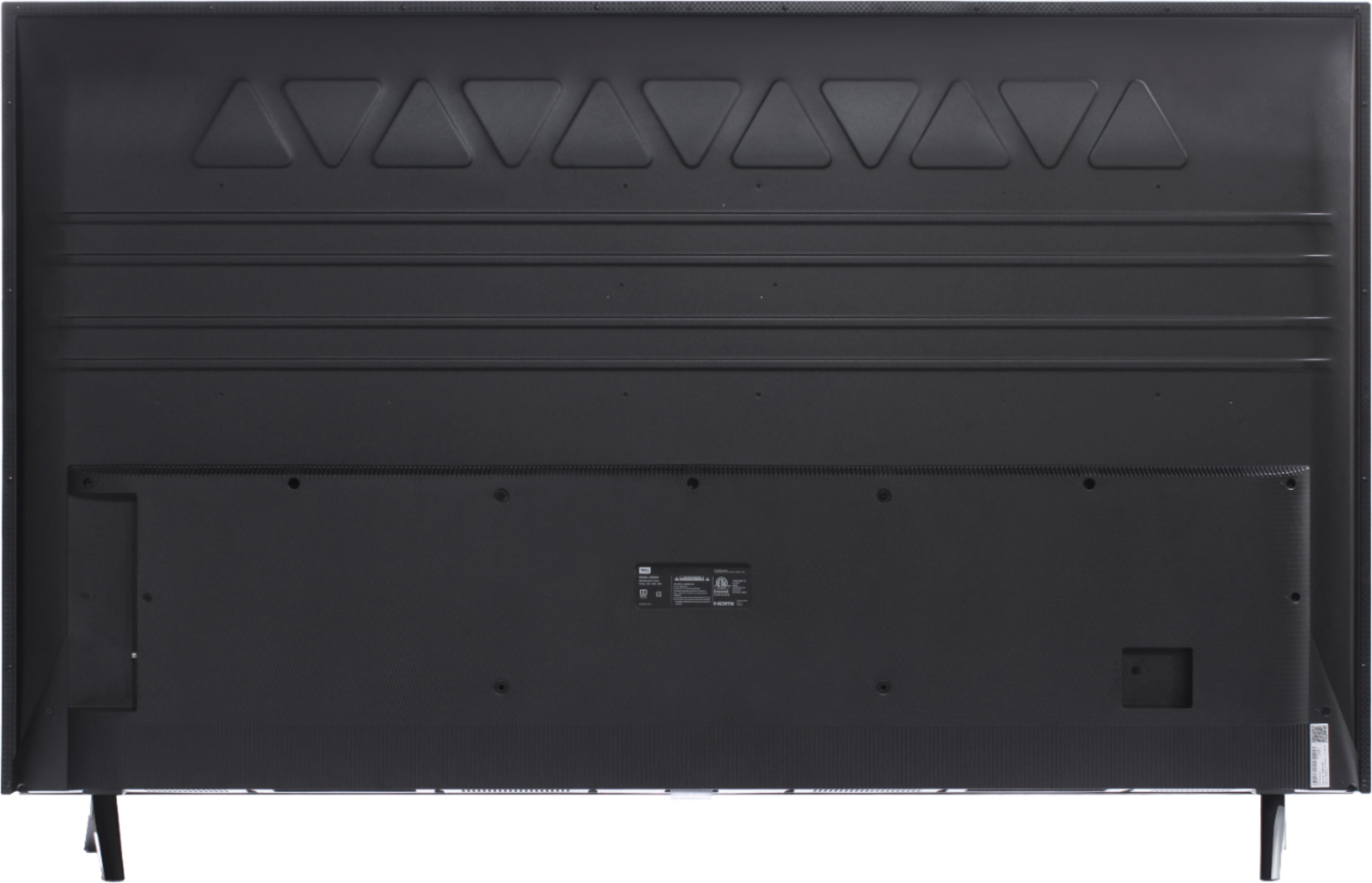
A:AnswerThis TCL Roku TV has a physical power button located at the middle bottom of the TV under the TCL logo. Additionally, you can download the free Roku mobile app on your Smartphone or tablet to use as a remote. Through the Roku mobile app, you gain access to power toggle, volume toggle, private listening, voice search, and more. Hope this helps! Thank you, TCL Customer Support
A:AnswerNo, this tv has roku, which is a different platform. In my opinion, roku has more features, and it is quite simple to use. Also, probably more apps are available for roku.
A:AnswerAll of our TCL Roku TVs have a Roku operating system built-in. Roku is a streaming platform that offers many features, including thousands of streaming channels (apps) and over 500,000 movies and TV episodes. Some content is free while other content is subscription based or pay-per-view. You can go to www.Roku.com/whats-on to see what streaming channels and apps are offered through the Roku Channel Store. To search for a specific channel you would simply want to enter that information into the search section. Hope this helps! Thank you, TCL Customer Support
A:AnswerWithin each TV series there are different sizes and models available. These models can have differences in their physical/cosmetic design or remote controls. However, the features and capabilities remain the same. Hope this helps! Thank you, TCL Customer Support