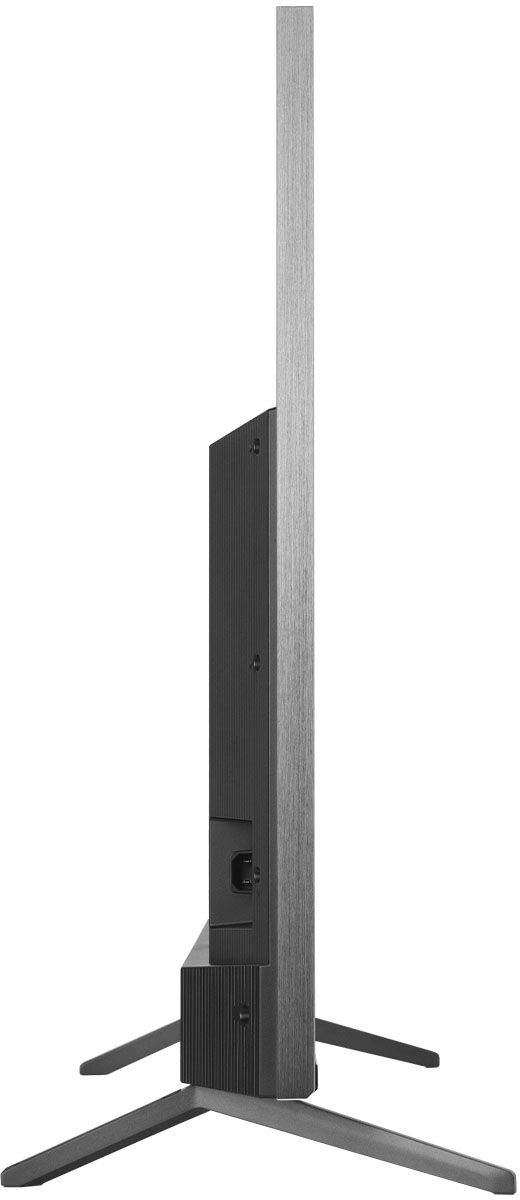
A:AnswerThis is rather unusual. In order for us to better assist, please reach out to us at tclsocial@tcl.com with your contact information and a description of what you need help with. Thank you, TCL Customer Support
A:AnswerThis TCL Roku TV is designed and engineered to be used within the US. As such, it supports 120V. Hope this helps! Thank you, TCL Customer Support
A:AnswerYou can go to www.Roku.com/whats-on to see what streaming channels and apps are offered through the Roku Channel Store. To search for a specific channel you would simply want to enter that information into the search section. Hope this helps! Thank you, TCL Customer Support
A:AnswerDon't know about the app store, but the operating system is updated automatically, assuming you are connected to the web either through wifi or LAN. You can also go into the system section of the menu and drill down to manually update.
A:AnswerI have not noticed any so far but I have had mine for a week. but it does have mini led for full array back light so it might not be as noticeable like it might be on a direct or edge back lightning
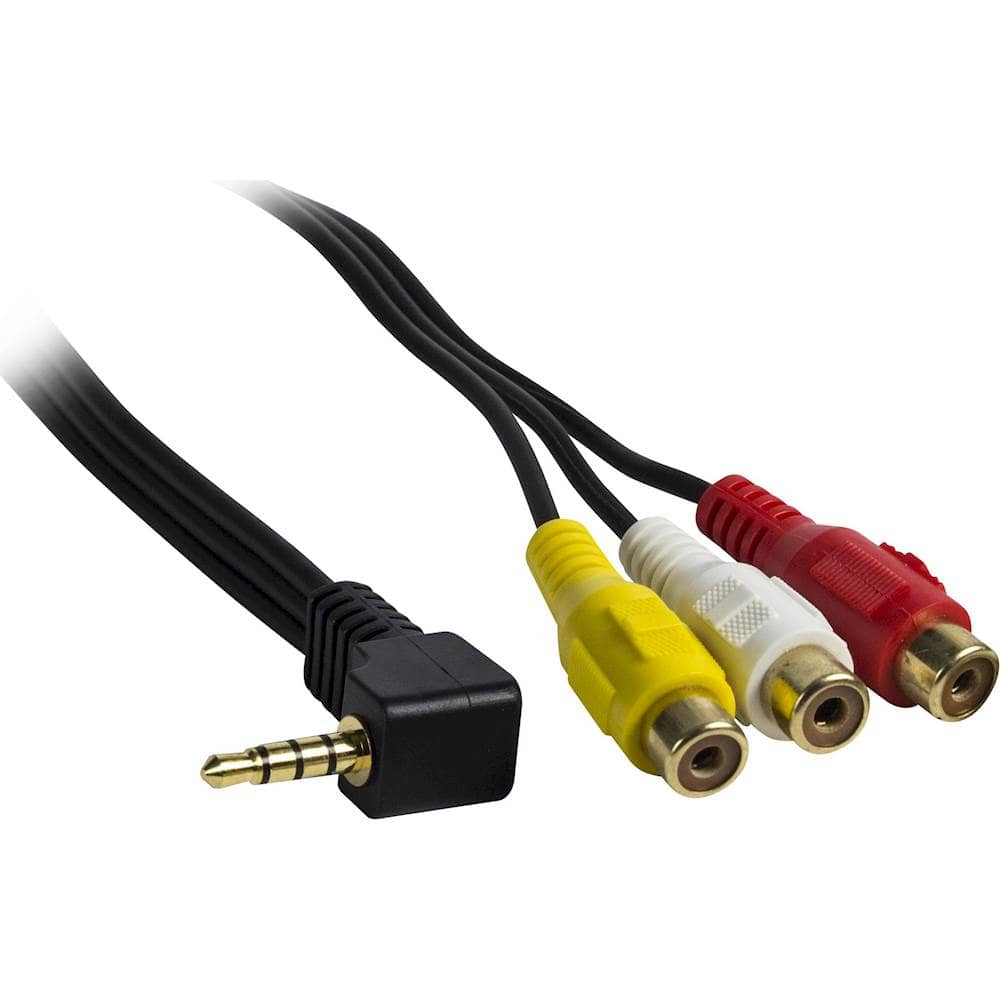
A:AnswerYou really did not provide enough information to answer this question properly. Exactly what device are you trying to connect to your TV with this cable?
Here are 2 suggestions outside of Best Buy.
HDE 3.5 mm to Triple RCA Audio/Video AV Female Composite Stereo Splitter Cable Adapter
or
Onvian 3.5mm to 3 RCA Male Plug to RCA Stereo Audio Video Male AUX Cable
Included is a Best Buy product that can be used also.
A:AnswerNo blue tooth. It does have Apple airplay and you can listen via headphones via the phone app (you connect you headphones to the phone via Bluetooth or wire) or there is a headphone jack on the TV.