A:AnswerCurrently, our TCL TVs do not feature a blue light filter. However, it does have brightness settings that can be adjusted. Hope this helps! Thank you, TCL Customer Support
A:AnswerHello,
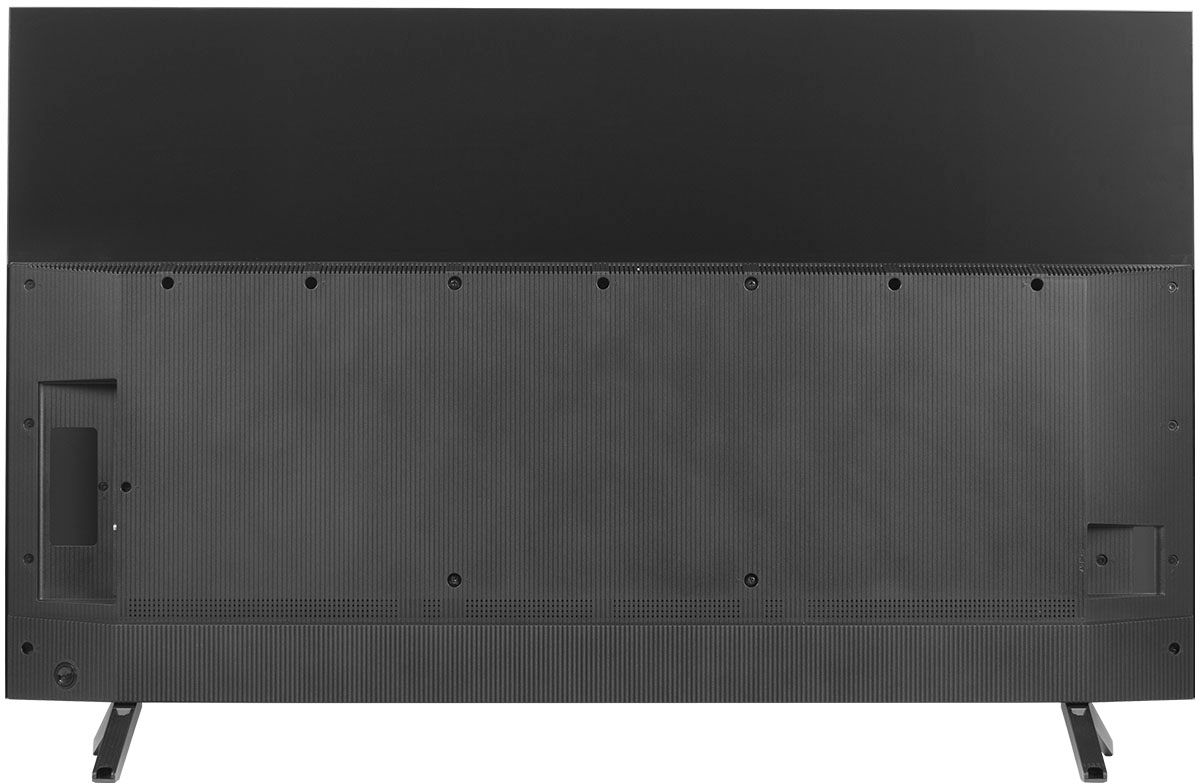
Great question, our 6 series TVs currently don't come with a center stand. However, if a center stand is needed there are many VESA mountable center stands that can be purchased from 3rd party vendors. You just need to match up the VESA pattern of your TV to find a compatible Center Stand. Hope this helps.
Thank you,
TCL Customer Support
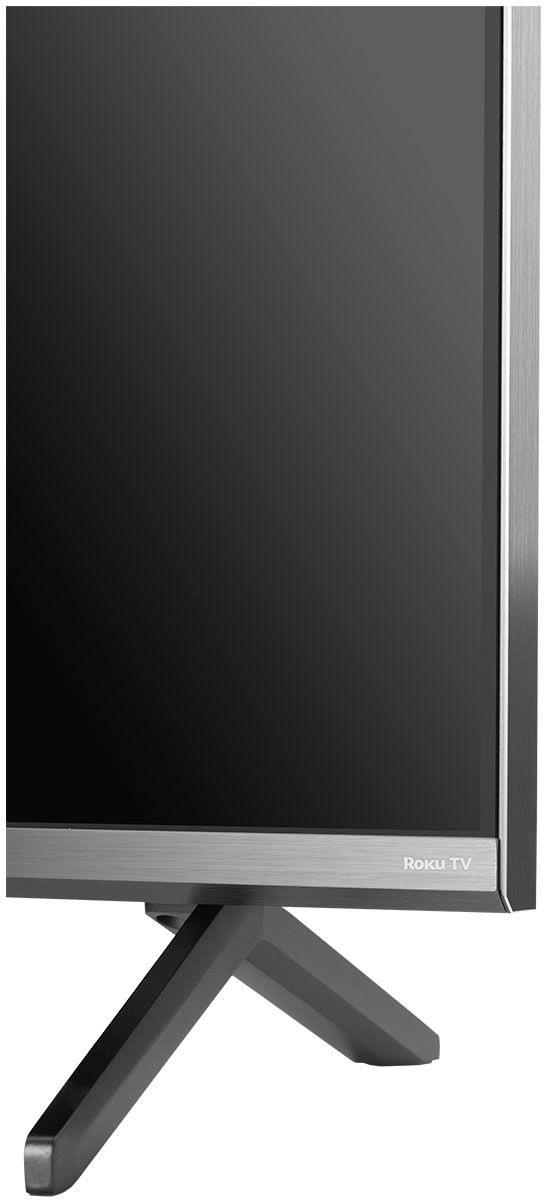
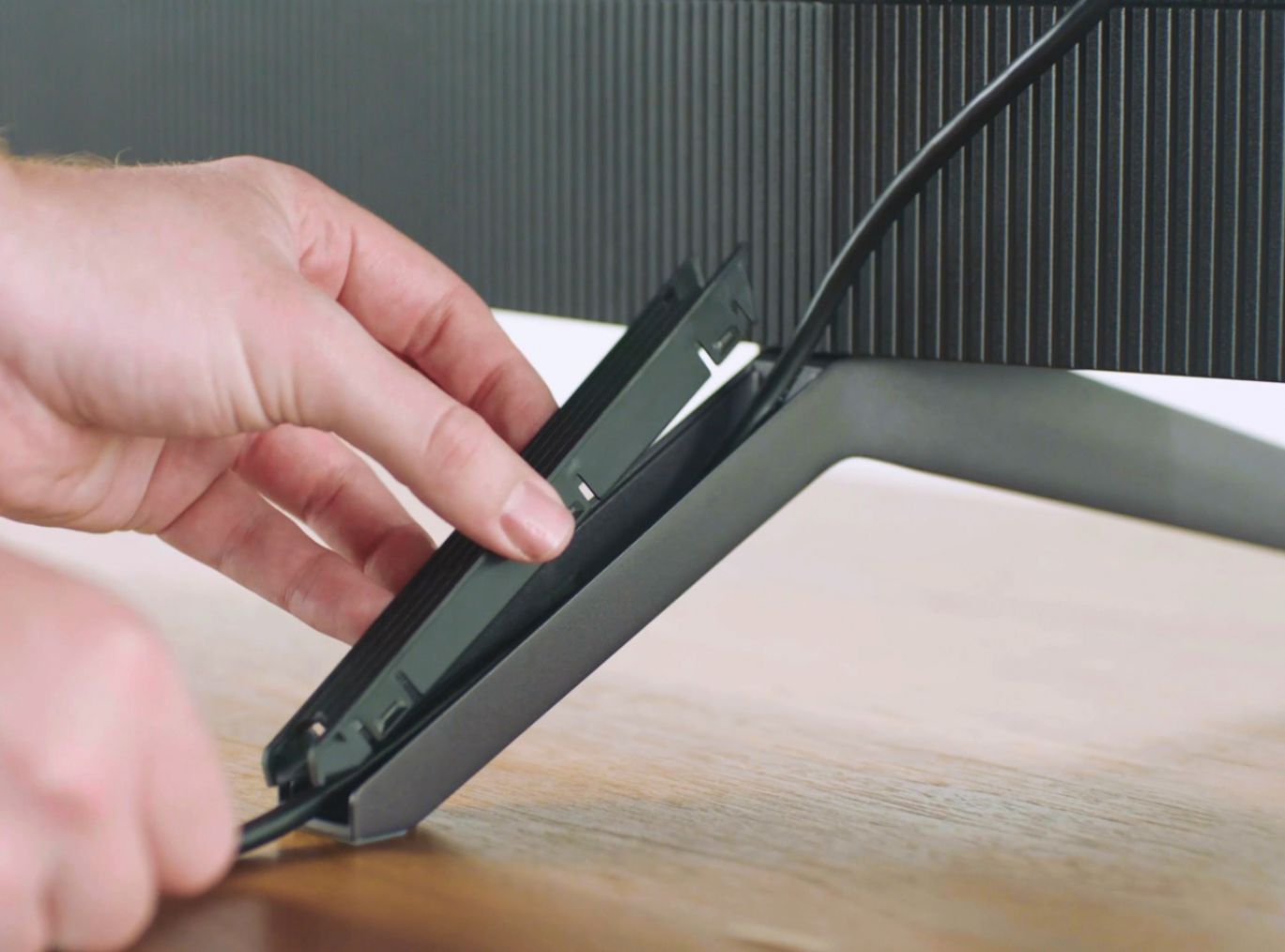
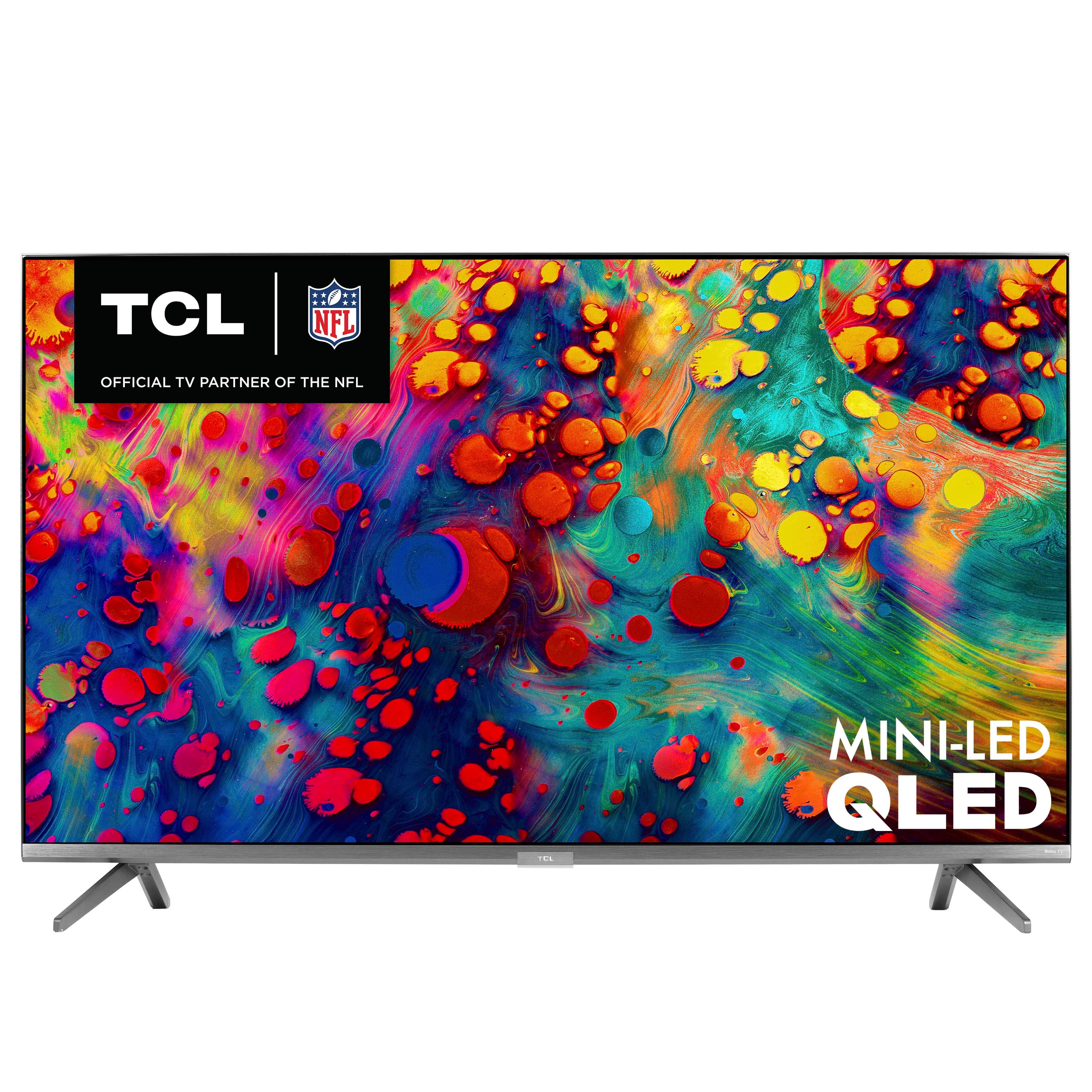
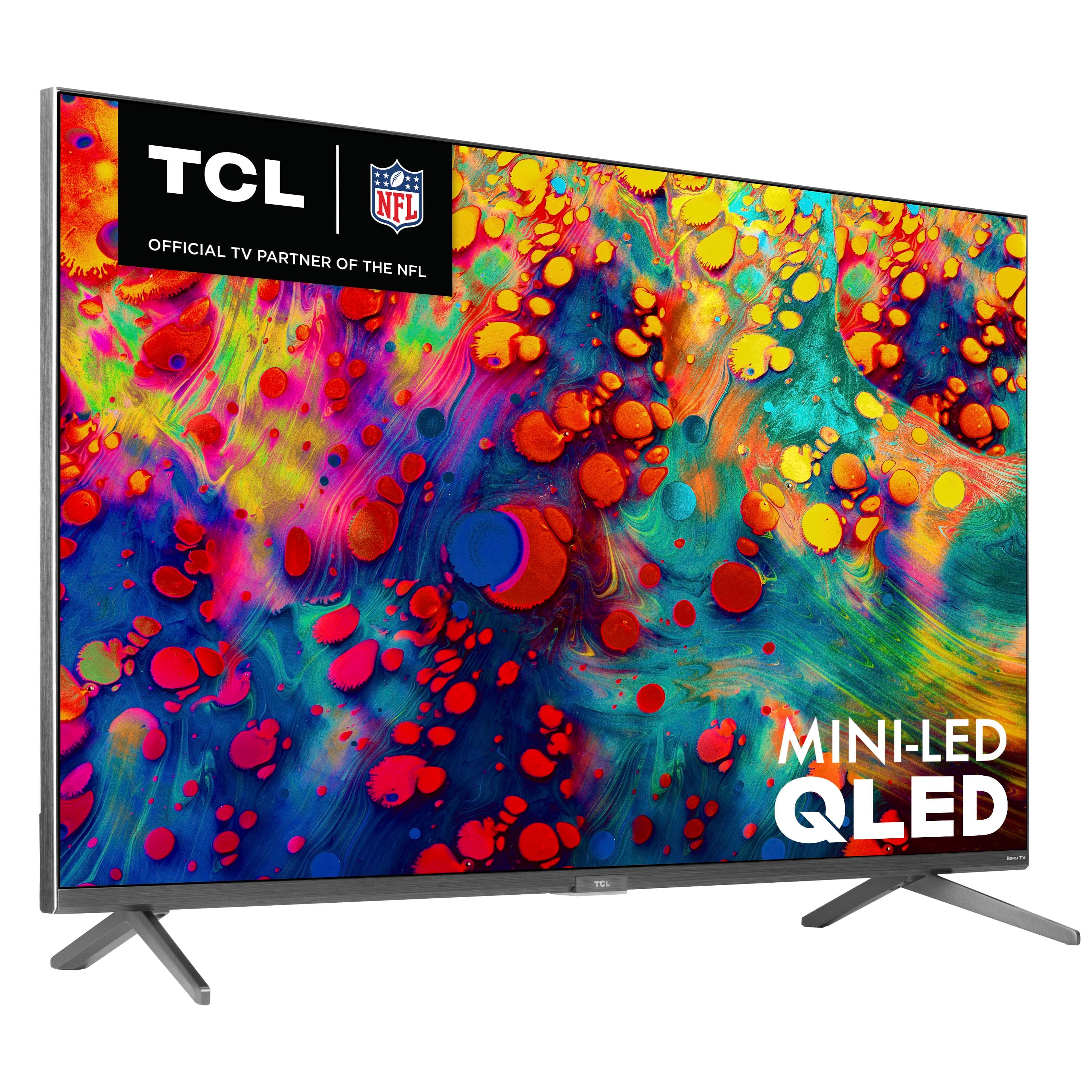
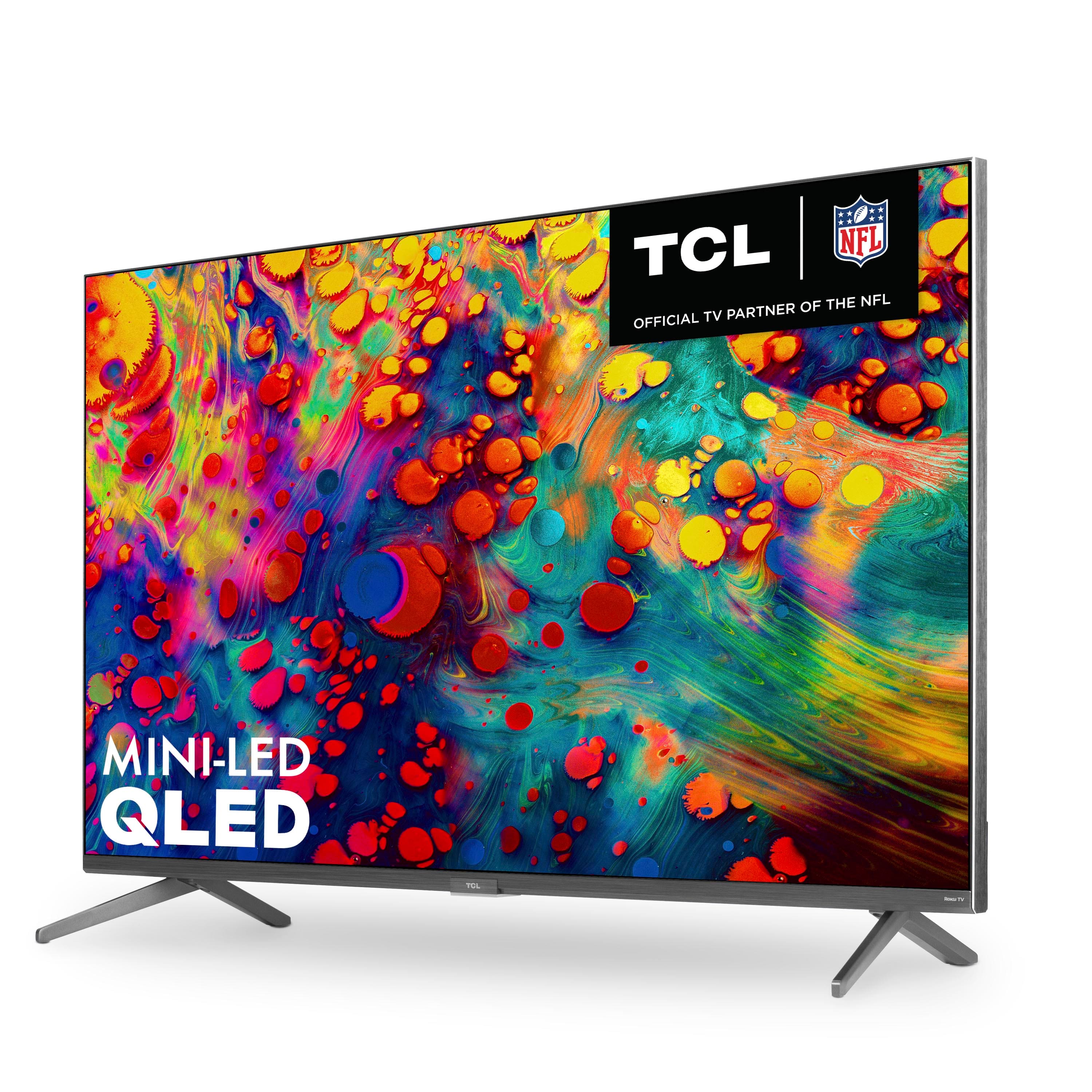
A:AnswerThis TCL Roku TV comes with two feet with screws to secure them, a power cord, a TCL Roku remote with batteries, and a quick start guide. Any sort of mounting brackets or hardware would need to be purchased separately. Hope this helps! Thank you, TCL Customer Support
A:AnswerThis TCL Roku TV has the ability to connect to the Internet via WiFi or through Ethernet. It supports both 2.4GHz and 5GHz WiFi. Hope this helps! Thank you, TCL Customer Support
A:AnswerIn order to use the smart features of this TCL Roku TV, you would need to complete the guided setup. This includes connecting to the Internet via WiFi, creating a Roku account (completely free), and activating the TV (completely free). However, if you just want to use this TV as a traditional TV by connecting external devices through the various inputs and not use the smart features, you can elect to not connect this TV to the Internet at startup. You will still have access to all of the inputs and features of a traditional TV. Hope this helps! Thank you, TCL Customer Support
A:AnswerThis TCL Roku TV is designed and engineered to be used within the US. As such, it supports 120V/60Hz. Hope this helps! Thank you, TCL Customer Support
A:AnswerThe subtitles on individual streaming apps are controlled by those apps. This would be a limitation of streaming channel and content you are watching. Hope this helps! Thank you, TCL Customer Support
A:AnswerThis TCL Roku TV has the ability to connect to the Internet via WiFi or through Ethernet. It supports both 2.4Ghz and 5Ghz WiFi. Hope this helps! Thank you, TCL Customer Support
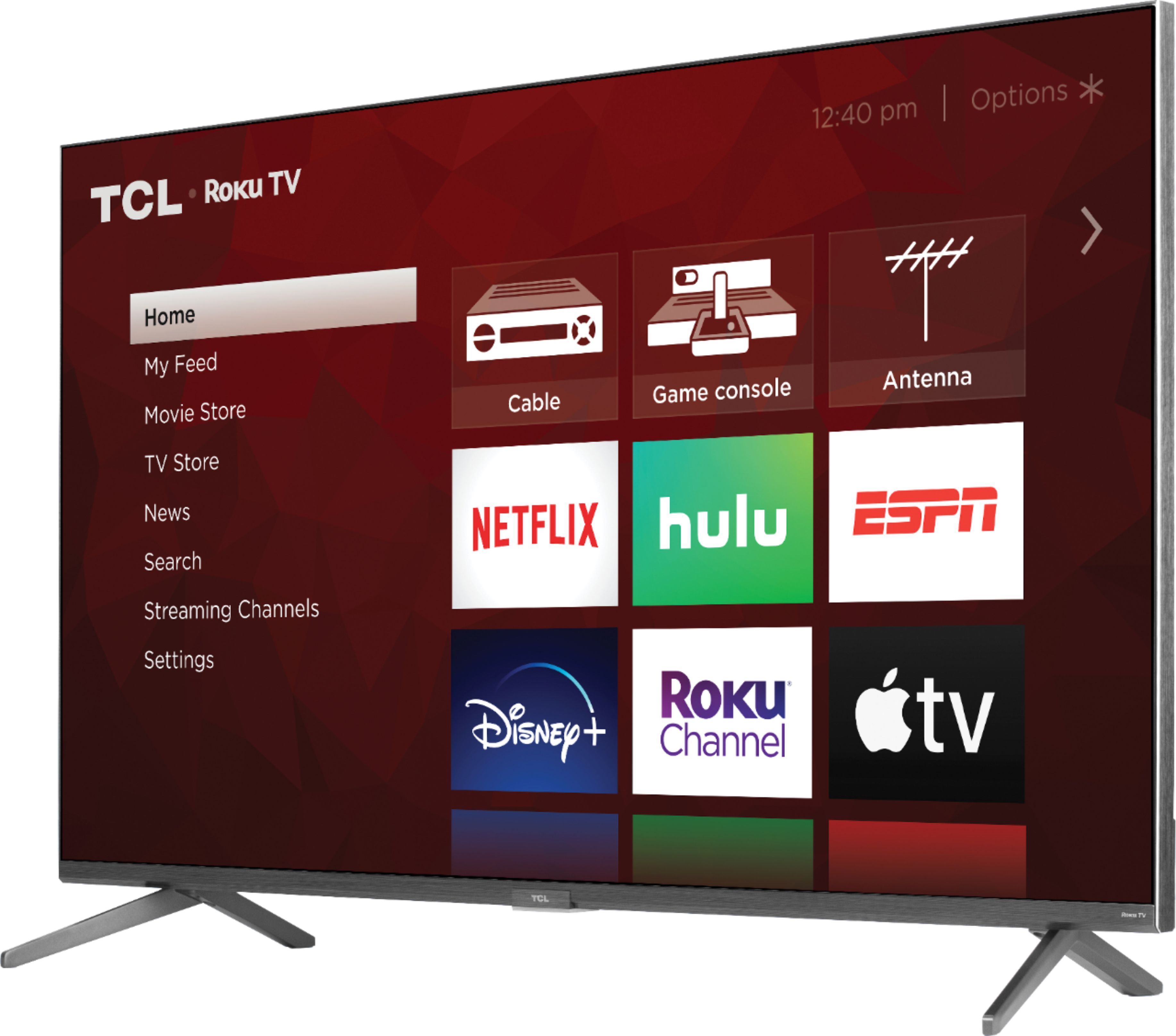
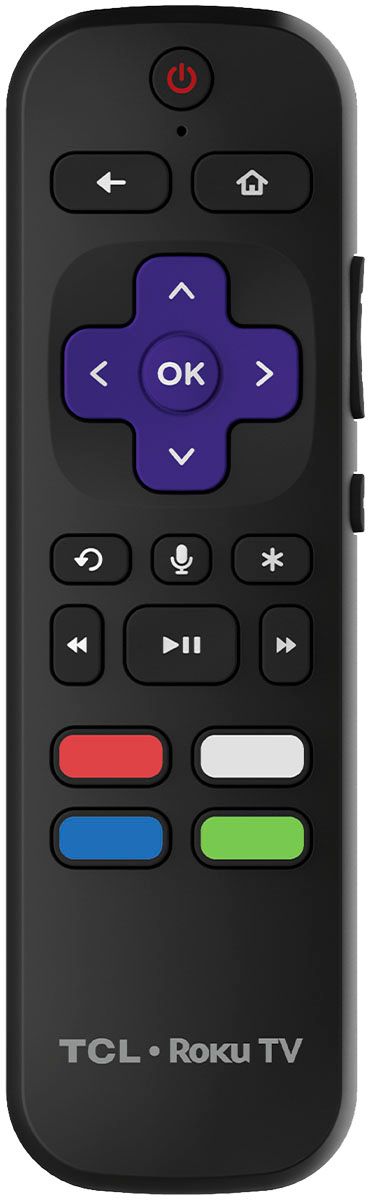
A:AnswerThere are options available to adjust the picture settings to better fit your personal preference. You can access the Options menu on the TV by pressing the asterisk (*) button on your remote while watching content. Additionally, you can access expert picture settings by downloading the free Roku mobile app on a smartphone or tablet. The Roku mobile app works as a remote and allows you to access additional features like voice search, private listening, expert picture settings, and more. Hope this helps & happy viewing! Thank you, TCL Customer Support
A:AnswerThe remote that comes with the TV is a network remote. However, the TV has an IR sensor and is compatible with most Universal remotes. Hope this helps! Thank you, TCL Customer Support
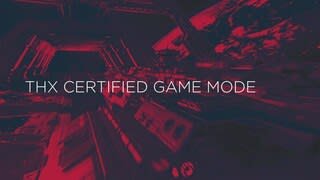
A:AnswerTCLs 6 Series supports powerful new HDMI features, including eARC, Variable Refresh Rate (up to 120Hz), an Auto Game Mode and 120Hz HDMI Input decoding and is the world’s first TV with a THX Certified Game Mode, ensuring not only amazingly fast gaming response, but also a great cinematic picture that gamers demand! Hope this helps! Thank you, TCL Customer Support
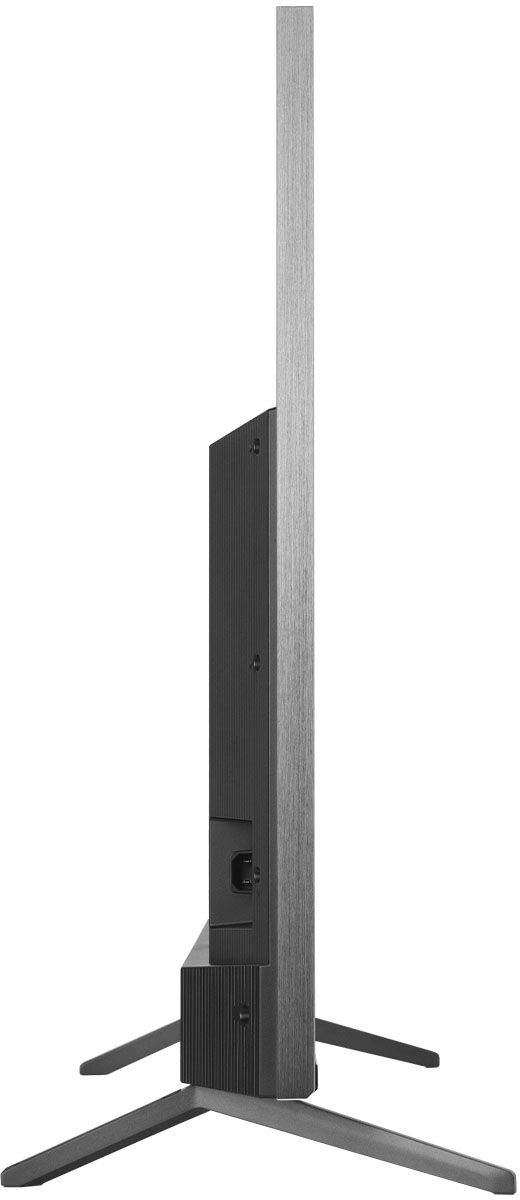
A:AnswerThis TCL Roku TV is compatible with most wall mounts that support a 300mm x 200mm VESA mounting pattern. Hope this helps! Thank you, TCL Customer Support
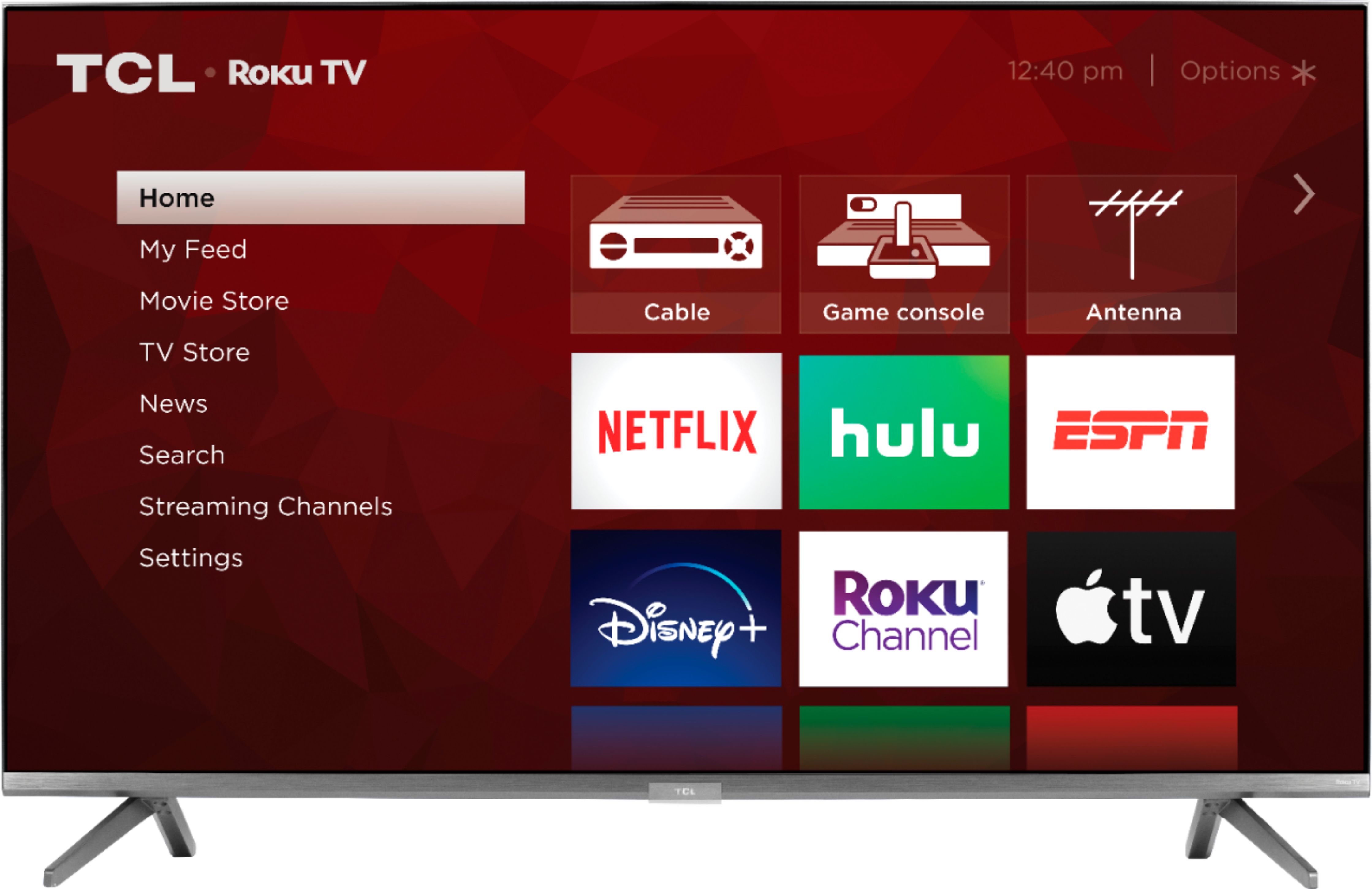
A:AnswerFor this 55 inch TCL Roku TV, the feet spacing to fit on a stand is 43.3 inches wide and 13.7 inches deep. Hope this helps! Thank you, TCL Customer Support
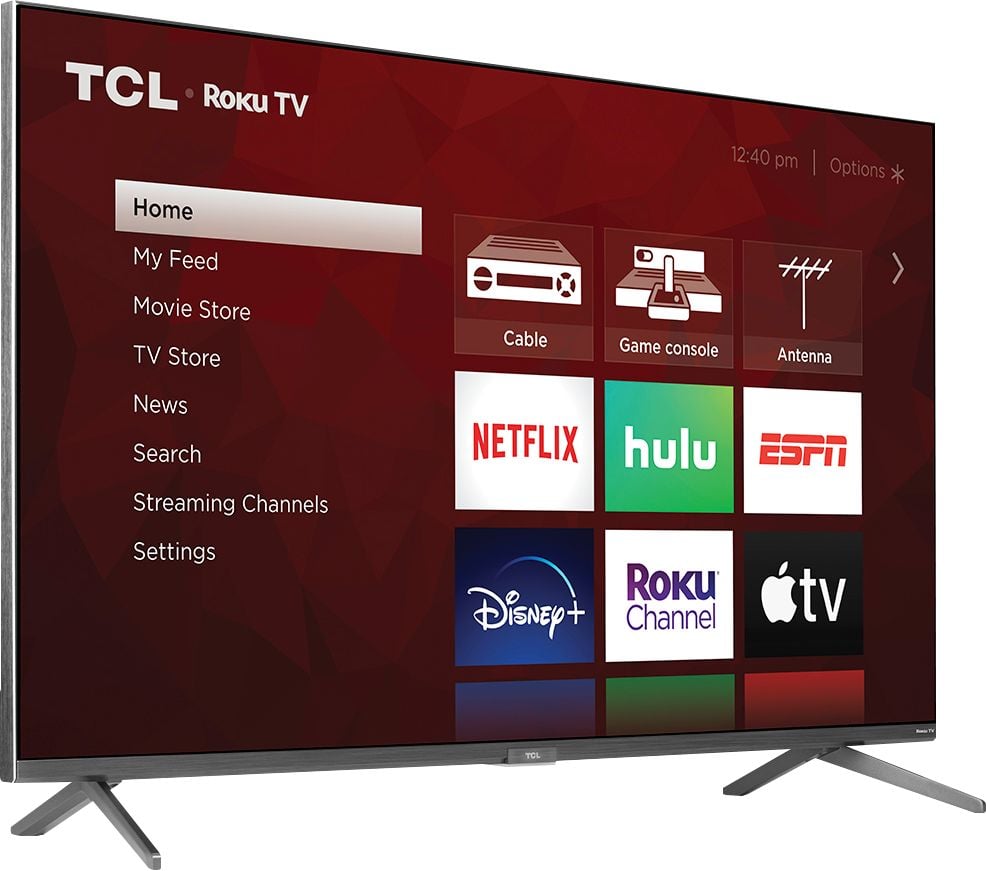
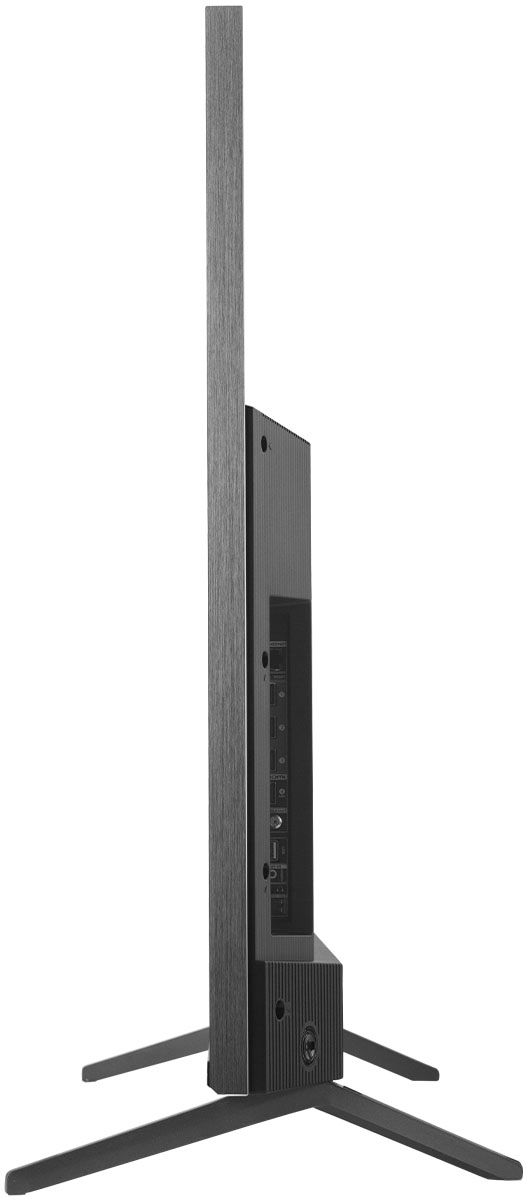
A:AnswerWithout the feet attached, the dimensions of this TV are as follows: (W x H x D) 48.3" x 28.1" x 2.8". Hope this helps! Thank you, TCL Customer Support