A:AnswerThe majority of our customers report a good experience with the internal speakers. However, some customers elect to add a soundbar to further enhance their viewing experience. Hope this helps! Thank you, TCL Customer Support
A:AnswerThis TCL Roku TV is indeed the latest model version of our 4-Series and just recently launched this month. Hope this helps! Thank you, TCL Customer Support
A:AnswerAll new TCL Roku TVs come with a standard one-year part and labor warranty. You can visit https://support.tcl.com/us/03-tcl-tv-warranty-information for more specific warranty questions. Hope this helps! Thank you, TCL Customer Support
A:AnswerWithin each TV series there are different sizes and models available. These models can have differences in their physical/cosmetic design or remote controls. However, the features and capabilities remain the same. Hope this helps! Thank you, TCL Customer Support
A:AnswerYou can visit www.tcl.com/us/en/products/home-theater/4-series/65-class-4-series-4k-uhd-led-smart-roku-tv-65s435 for all currently published information on this TV. Hope this helps! Thank you, TCL Customer Support
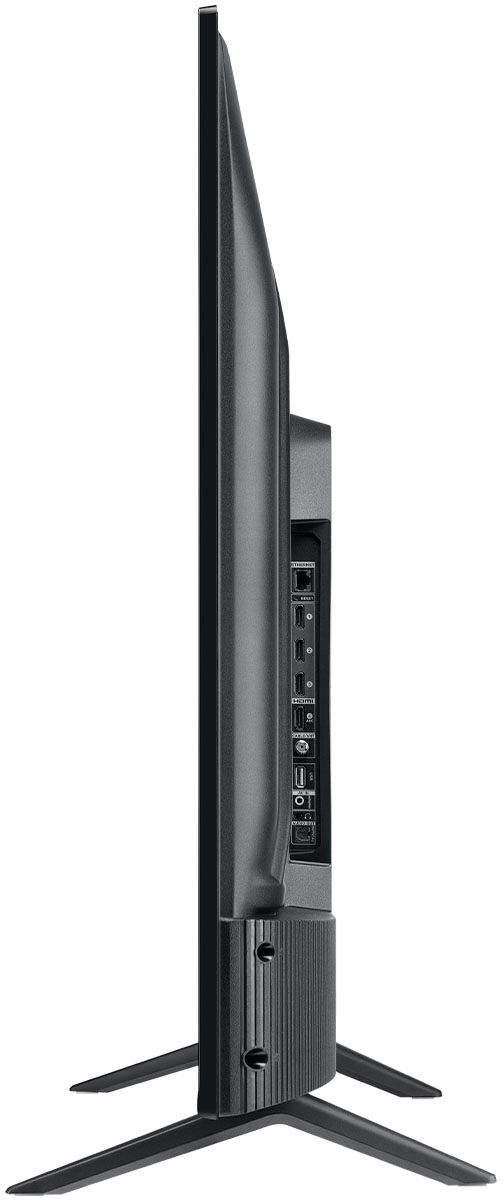
A:AnswerOur TCL Roku TVs do not currently support Bluetooth. However, you can download the free Roku app on your smart phone or tablet to use voice search, voice control, and experience private listening. To enjoy private listening you simply click private listening in the app, and attach headphones to your smart phone or tablet. Or you can use the 3.5 mm headphone jack in the back of the TV to connect standard headphones. Hope this helps! Thank you, TCL Customer Support
A:AnswerThis is currently how the TV is designed to operate. There is not a setting to adjust for this. We are always looking for ways to improve, and your feedback is greatly appreciated! Hope this helps! Thank you, TCL Customer Support
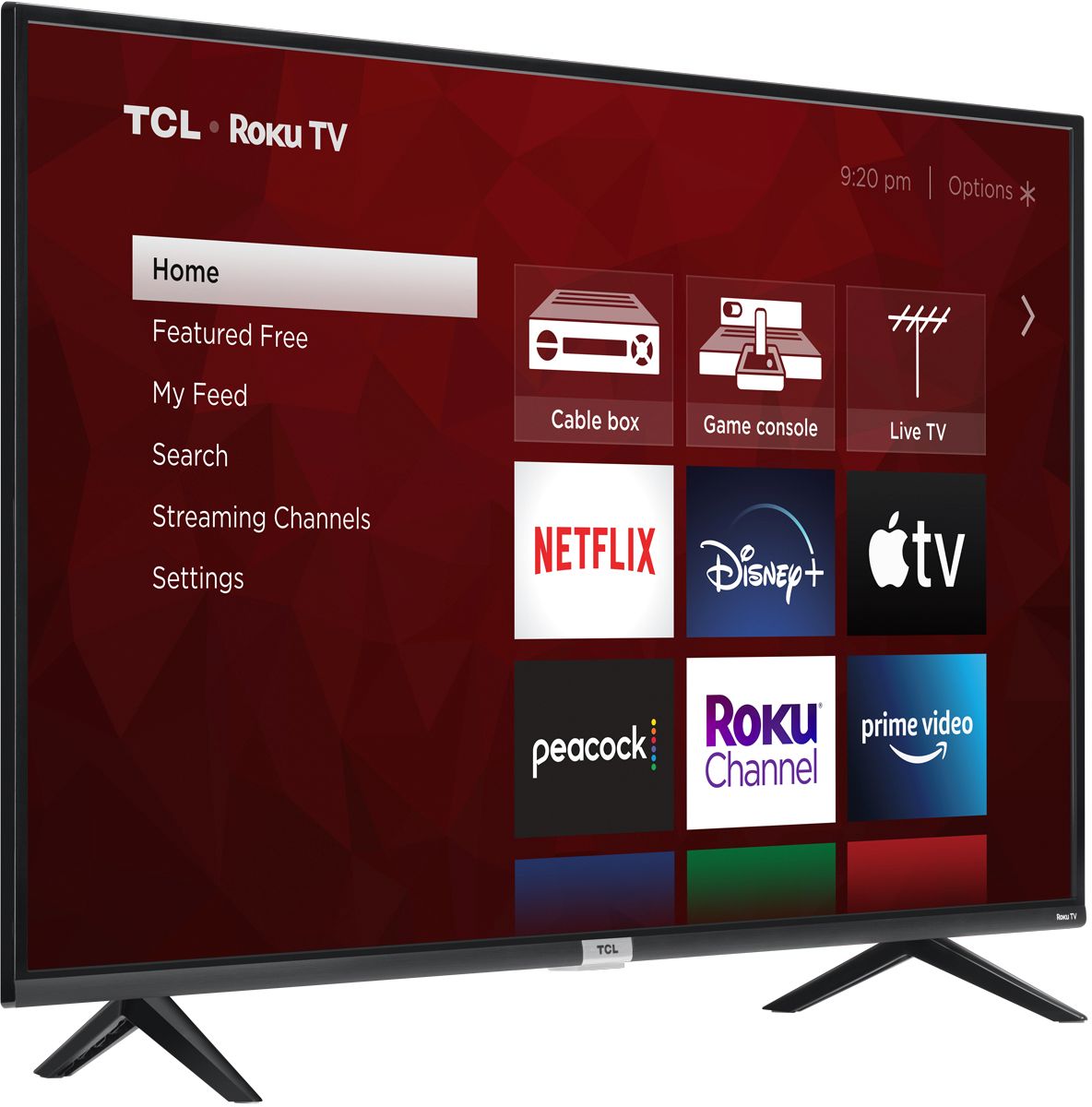
A:AnswerCurrently, our Roku based TVs do not support Bluetooth. If you are trying to connect a sound bar or speakers you can use the Optical port, or the HDMI ARC port. For Headphones, there is a Headphone jack on the back of the TV, or you can download the Free Roku app for private listening. Hope this helps! Thank you, TCL Customer Support
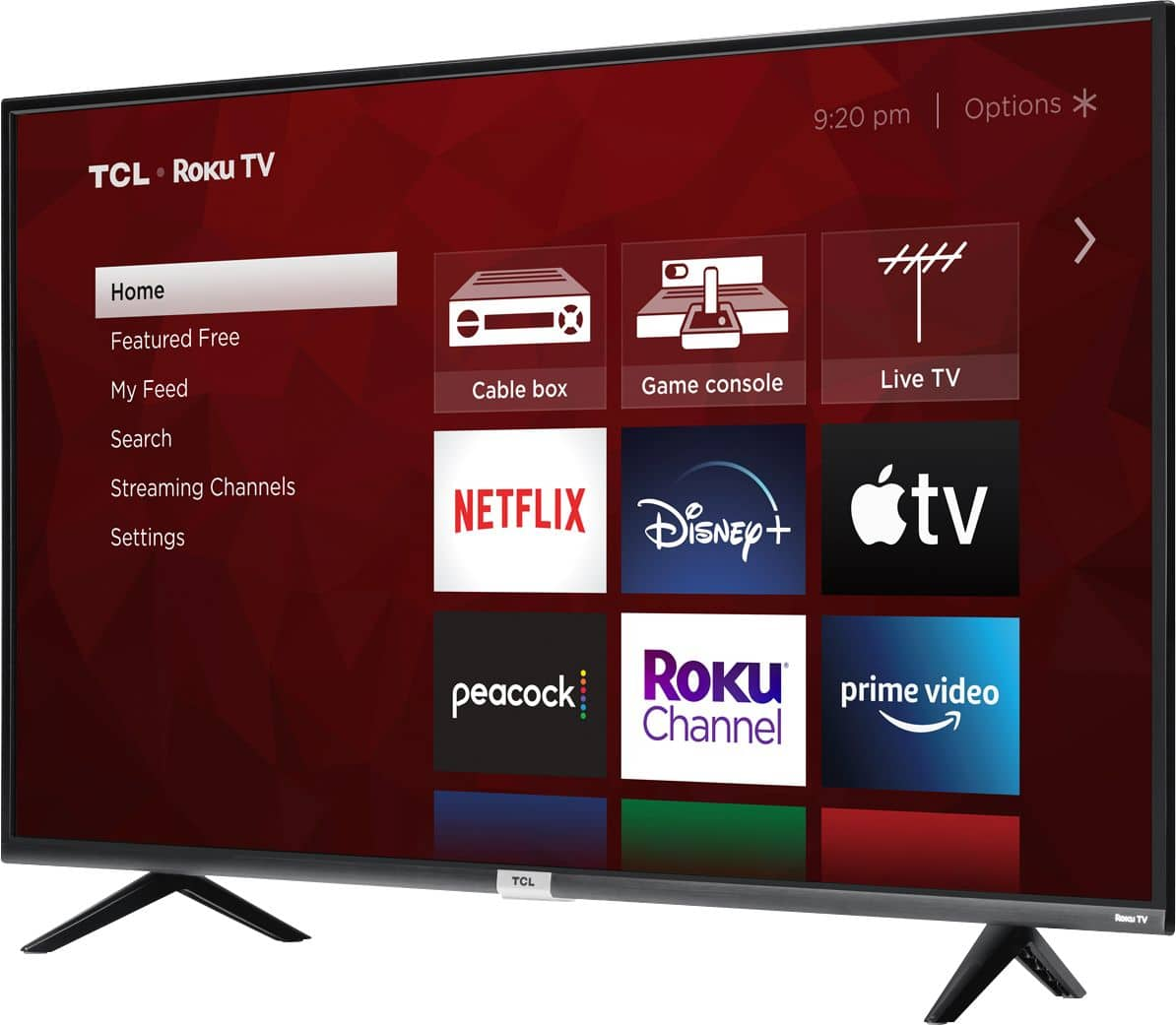
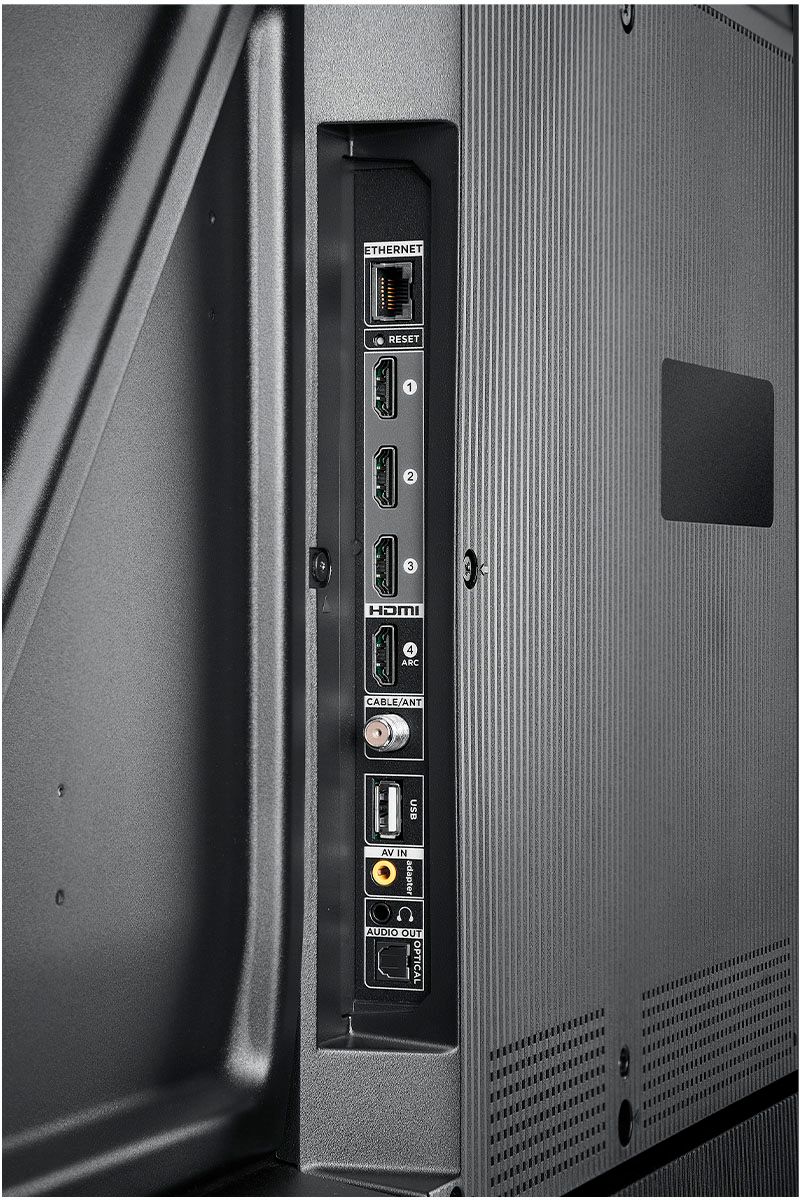
A:AnswerThis TCL Roku TV features various inputs, including 3 HDMI ports, that can be used to connect external devices like a game console. Hope this helps! Thank you, TCL Customer Support
A:AnswerI could not find any differences in the specs when I was shopping. As far as I could tell, the 431 was just specific to Walmart. Because of my uncertainty, I chose Best Buy instead of Walmart. Plus, I trusted Best Buy to safely deliver it from the store more than I trusted Walmart to safely ship it from a warehouse.

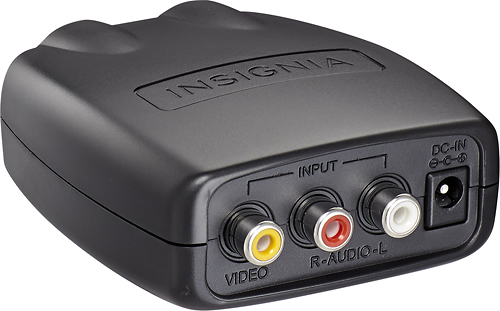
A:AnswerInsignia™ - RF Modulator - Black
Model:NS-HZ308SKU:4947028
This turns A/V red,white and yellow to HDMI for your TV. I've used it before. I'm pretty sure it is only the basic signal no real 4k or Atmos.
A:AnswerThese labels are being placed on consumer products to comply with a California law more widely known as Proposition 65 or “Prop 65” that was updated by the State of California this year. For additional information on Prop 65, please visit the www.p65warnings.ca.gov website. Thank you, TCL Customer Support