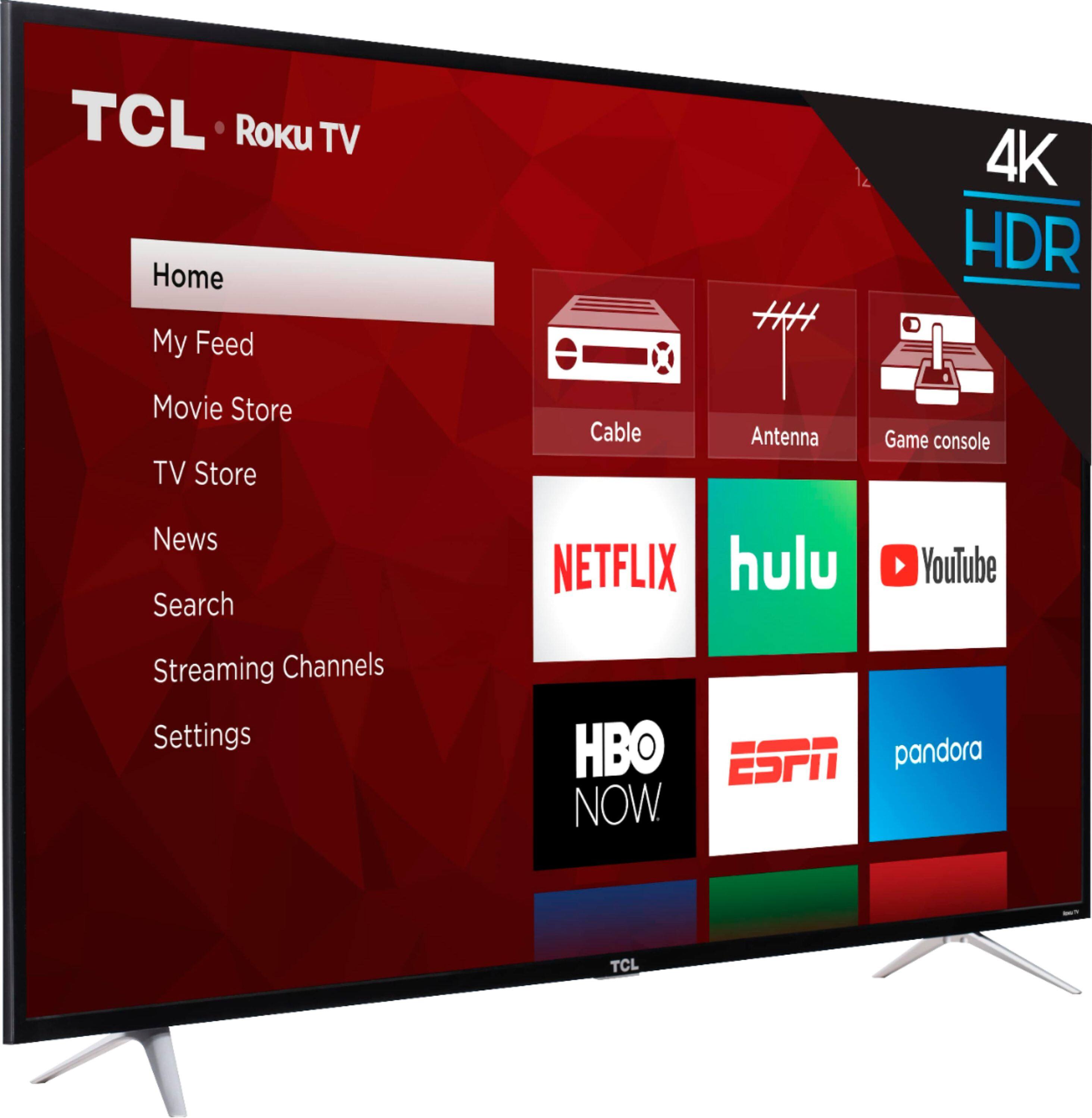
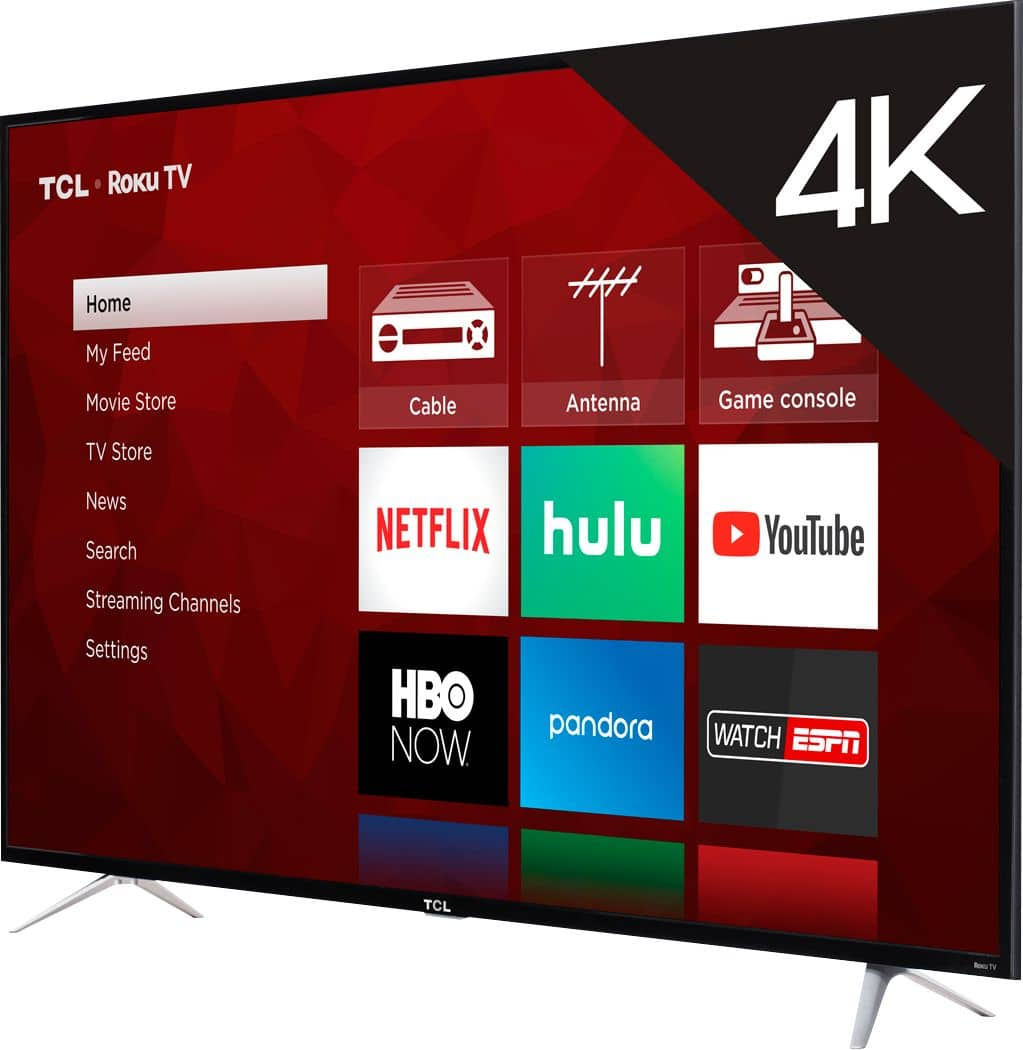
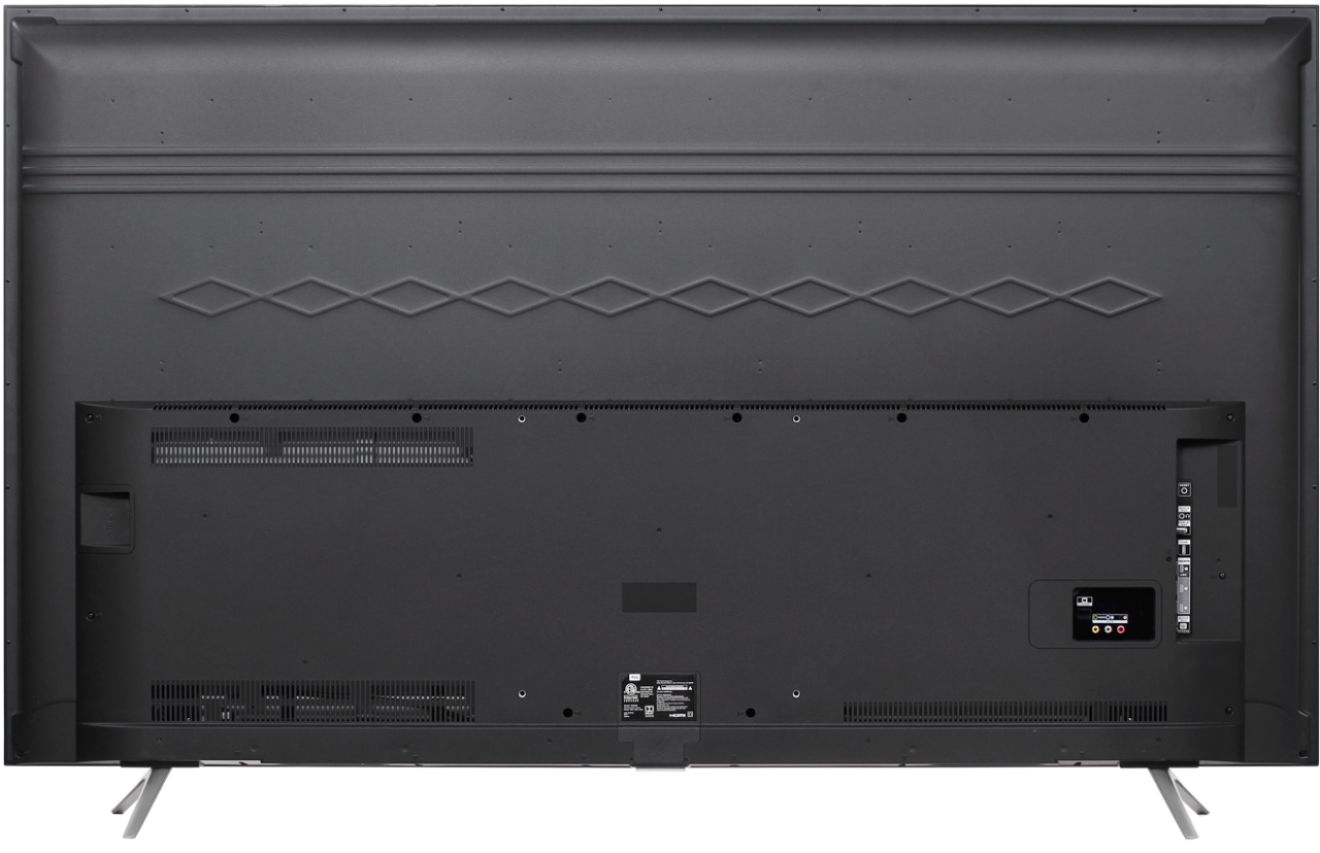
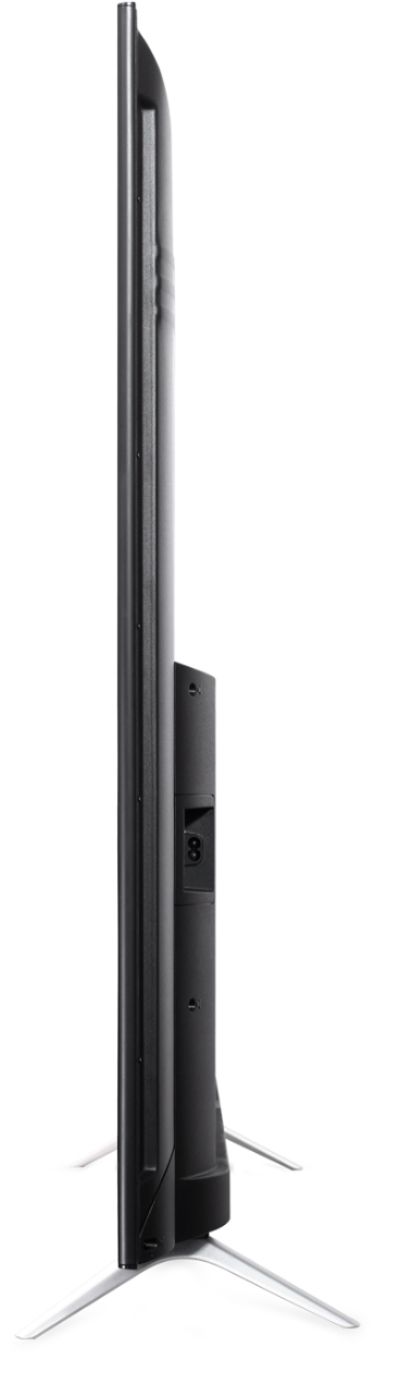
A:AnswerI dont have a tape measure but it dont think it will fit, the ends of the legs are very close to the edge of the tv. Im guessing like 3-4 inches away on each side. 65 inches is the screen size diagonally.. so the tv is about 57 inches wide. It would be about a half inch away from the edge of your stand or less on each side..could easily fall off if it did fit..
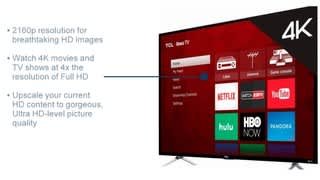
A:AnswerBoth series include a built in Roku operating system, 4K UHD, and HDR Support. The 6-Series builds on this and has additional features such as Dolby Vision, wide color gamut, HDR Dynamic Contrast, CCZ technology and a brushed metal cabinet. You can also visit www.tclusa.com/products/home-theater/6-series and scroll down to "Compare All Models" to see all models compared. Hope this helps! Thank you, TCL Customer Support
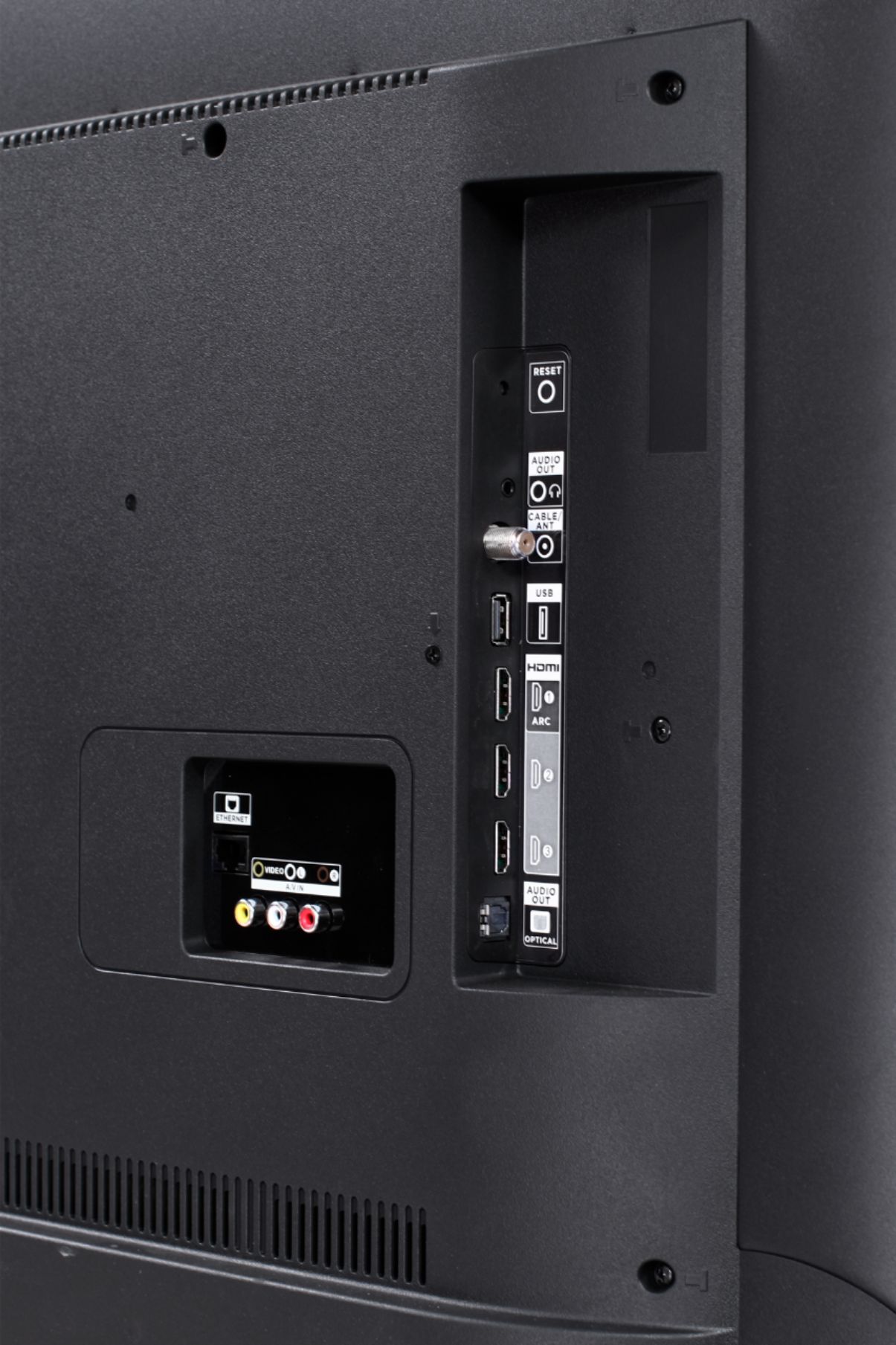
A:AnswerThis TCL Roku TV is compatible with most cable boxes, and can be connected through HDMI, composite, or coaxial. Thank you, TCL Customer Support
A:AnswerCurrently, our TVs do not support Bluetooth. If you are trying to connect a sound bar or speakers you can use the Optical port, or the HDMI ARC port. For Headphones, there is a Headphone jack on the back of the TV, or you can download the Free Roku app for private listening. Hope this helps! Thank you, TCL Customer Support
A:AnswerI've always heard you shouldn't lay one down, and was told that by a salesman from another store when I bought the last tv. But this time the Best Buy salesman told me it was okay to do that with this one. It wouldn't fit inside my crewcab so we ended up putting it on its back in the bed of the truck. Drove 25 miles home and so far after week it's working fine. Note in the setup instructions it recommends you to lay it down on a soft surface to install the legs.
A:AnswerCurrently, our TVs do not support Bluetooth. If you are trying to connect a sound bar or speakers you can use the Optical port, or the HDMI ARC port. For Headphones, there is a Headphone jack on the back of the TV, or you can download the Free Roku app for private listening. Hope this helps! Thank you, TCL Customer Support
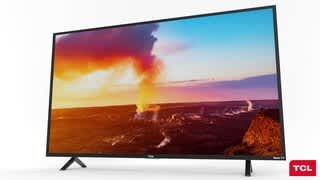
A:AnswerAll of our TCL Roku TVs have a Roku operating system built in. Roku is a streaming platform that offers many features, including thousands of streaming channels (apps) and over 500,000 movies and tv episodes. Thank you, TCL Customer Support
A:AnswerAbsolutely! You can go to www.Roku.com/whats-on to see what streaming channels and apps are offered through the Roku Channel Store. To search for a specific channel you would simply want to enter that information into the search section. Hope this helps! Thank you, TCL Customer Support
A:AnswerCurrently, our TVs do not support Bluetooth. If you are trying to connect a sound bar or speakers you can use the Optical port, or the HDMI ARC port. For Headphones, there is a Headphone jack on the back of the TV, or you can download the Free Roku app for private listening. Hope this helps! Thank you, TCL Customer Support
A:AnswerNot native. There used to be an app called Appestry and another called Quick Remote for Alexa & Roku that would be the "middle man" to make Alexa work with Roku. I have never tried it but have heard it can be possible.
A:AnswerYou can go to www.Roku.com/whats-on to see what streaming channels and apps are offered through the Roku Channel Store. To search for a specific channel you would simply want to enter that information into the search section. Hope this helps! Thank you, TCL Customer Support
A:AnswerYou can visit https://www.tclusa.com/blog/mouting-your-tcl-tv for information regarding mounting. This particular model uses a 300mm x 300mm VESA mounting pattern. Hope this helps! Thank you, TCL Customer Support
A:AnswerCurrently, our TVs do not support Bluetooth. If you are trying to connect a sound bar or speakers you can use the Optical port, or the HDMI ARC port. For Headphones, there is a Headphone jack on the back of the TV, or you can download the Free Roku app for private listening. Hope this helps! Thank you, TCL Customer Support