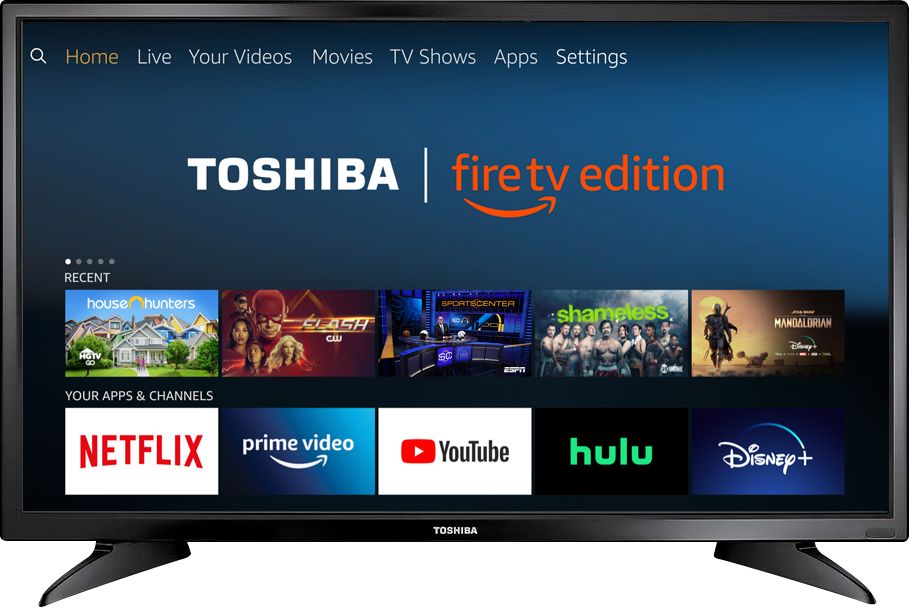
A:AnswerTry the Power On feature, when enabled, the TV turns on displaying the last used input.
To activate it, go Home > Settings > Display & Sounds > Power On and select Last Input.
David M. - Toshiba Support
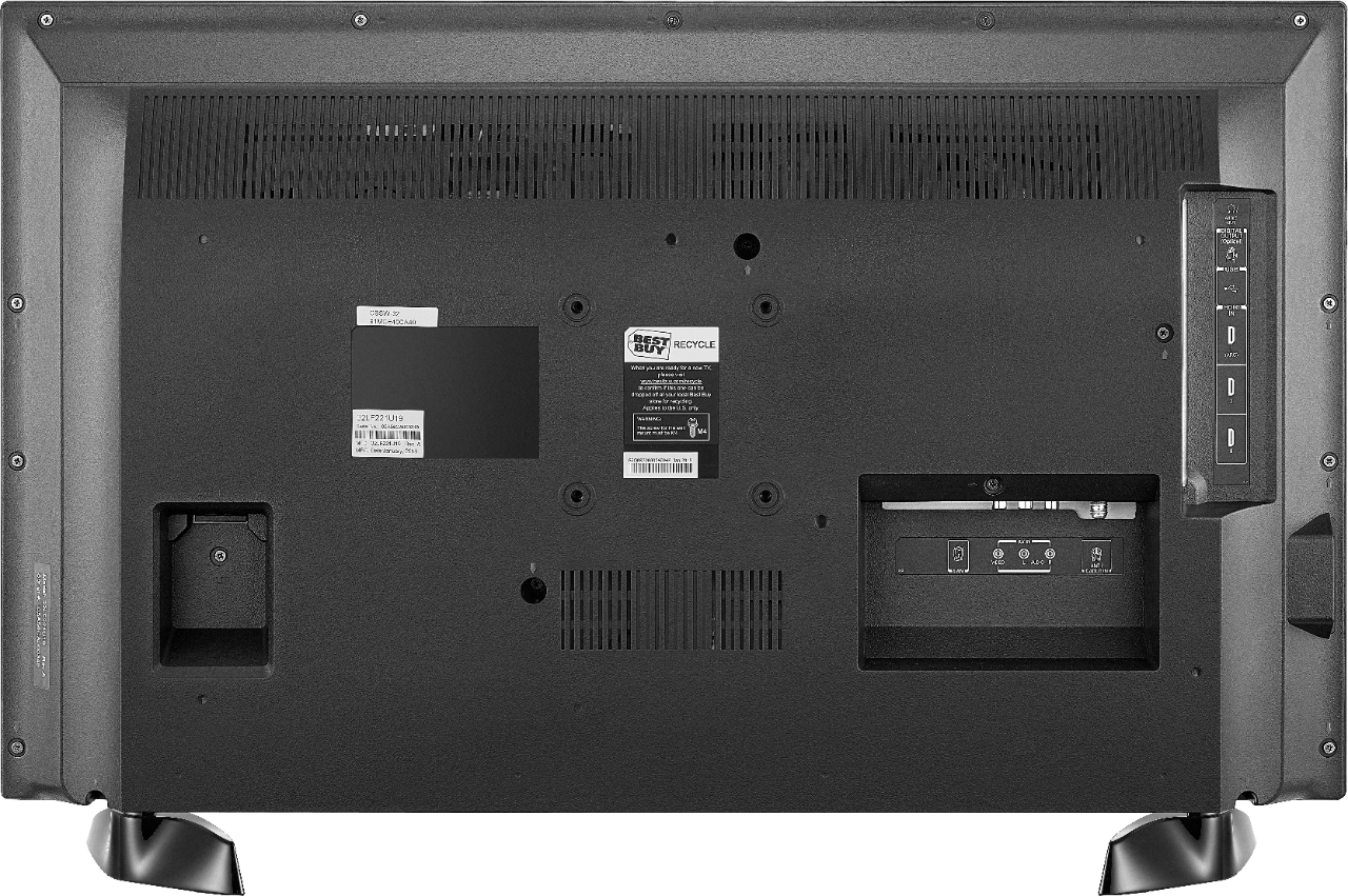
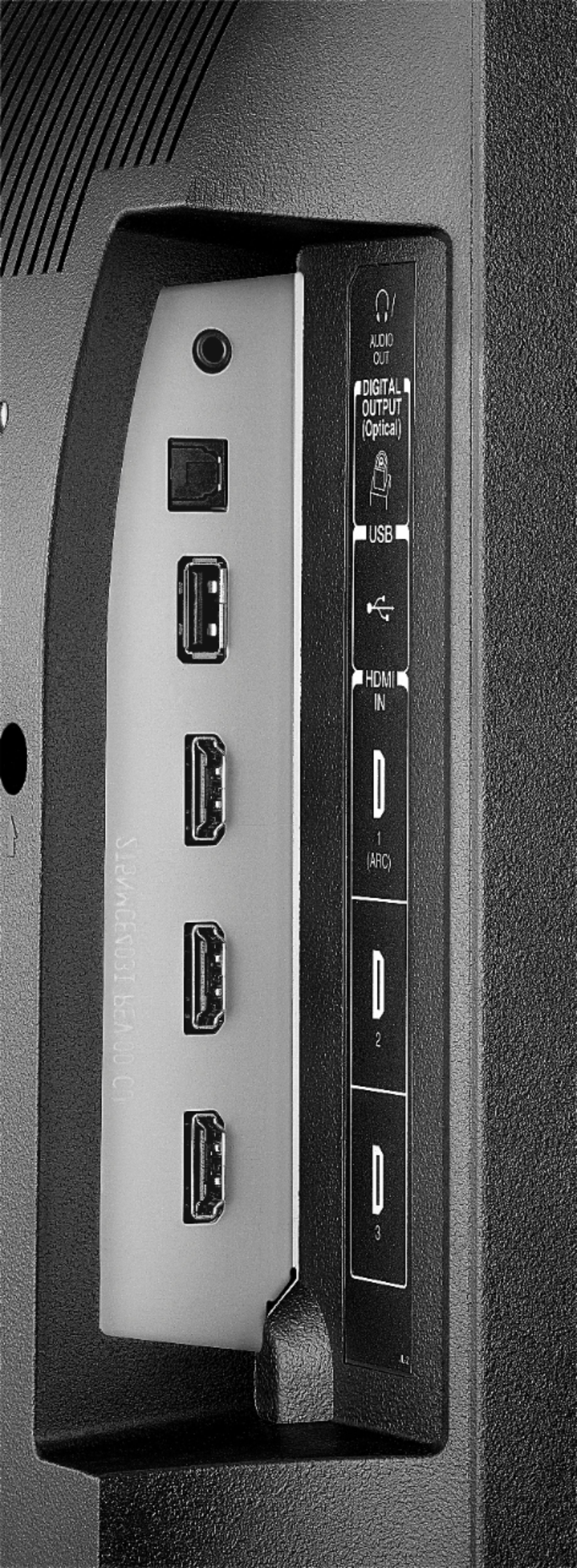
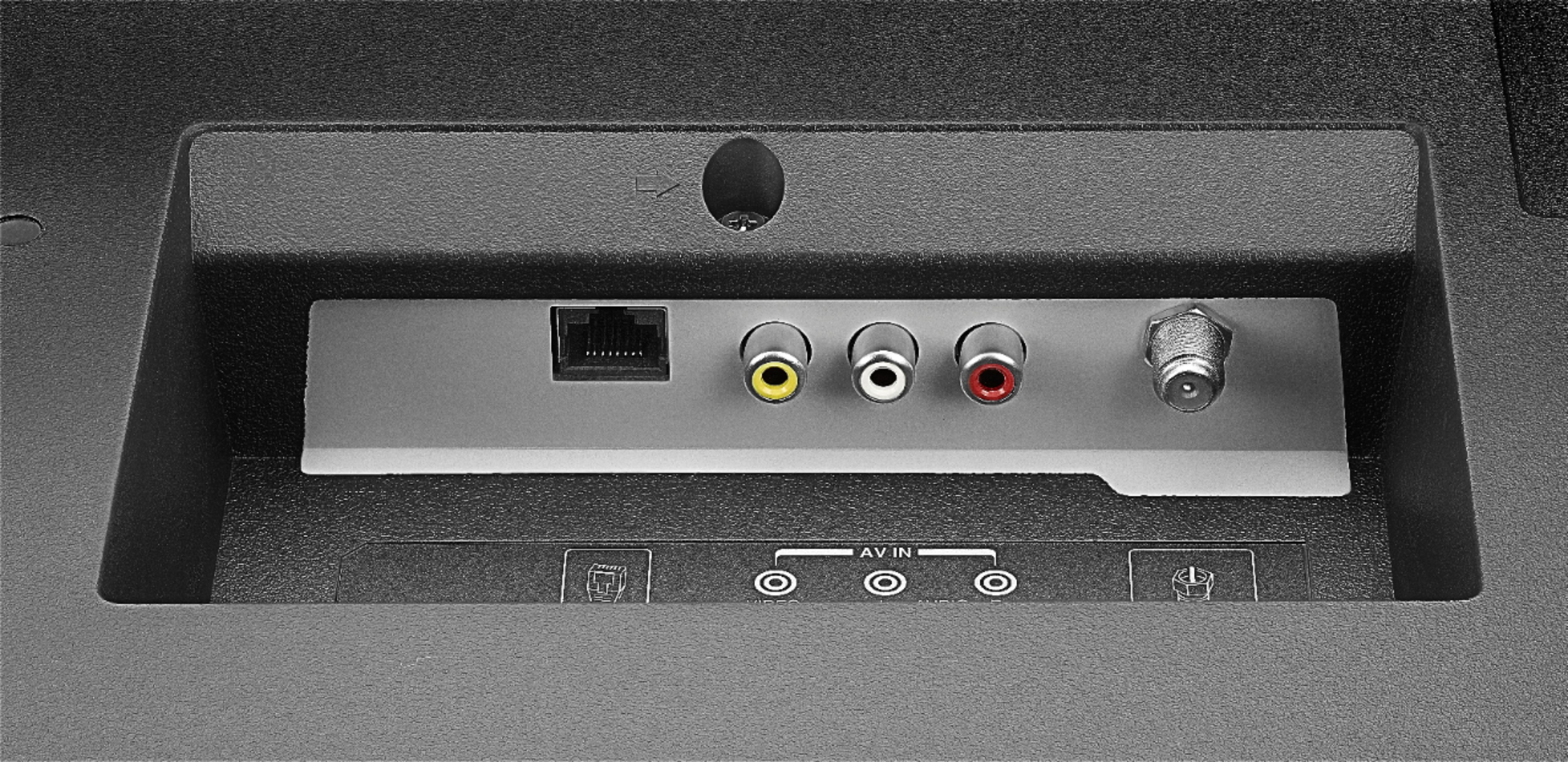
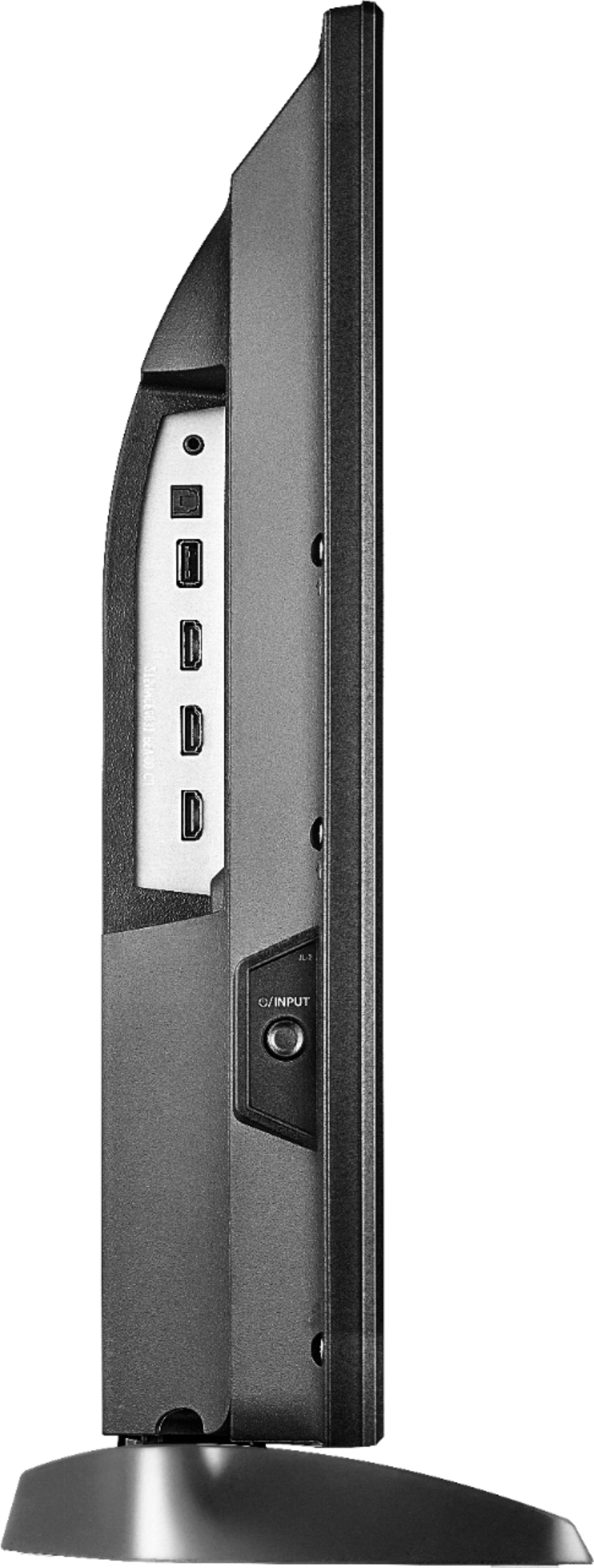
A:AnswerYes absulutley all the plugs are their for hook ups. I was worried about it because I have direct TV for 17 years Didn't have a problem hooking up has all the ports.
A:AnswerAn antenna is required to watch free over-the-air broadcasts from your local channels.
For more information about signals available in your location, please visit:
fcc.gov/media/engineering/dtvmaps
Also, you can connect a Cable Box to the TV using an HDMI cable.
David M. - Toshiba Support
A:AnswerYou could try to use a different HDMI cable. If the issue persists, for personalized assistance, please call 1 (855) 527-2411 available from 8 am to 9 pm CT everyday.
David M. - Toshiba Support
A:AnswerThe replacement remote Model: NS-RCFNA-19 is available at Best Buy.
Also you can download the Amazon Fire TV app on your Smartphone to control the TV over Wi-Fi.
David M. - Toshiba Support