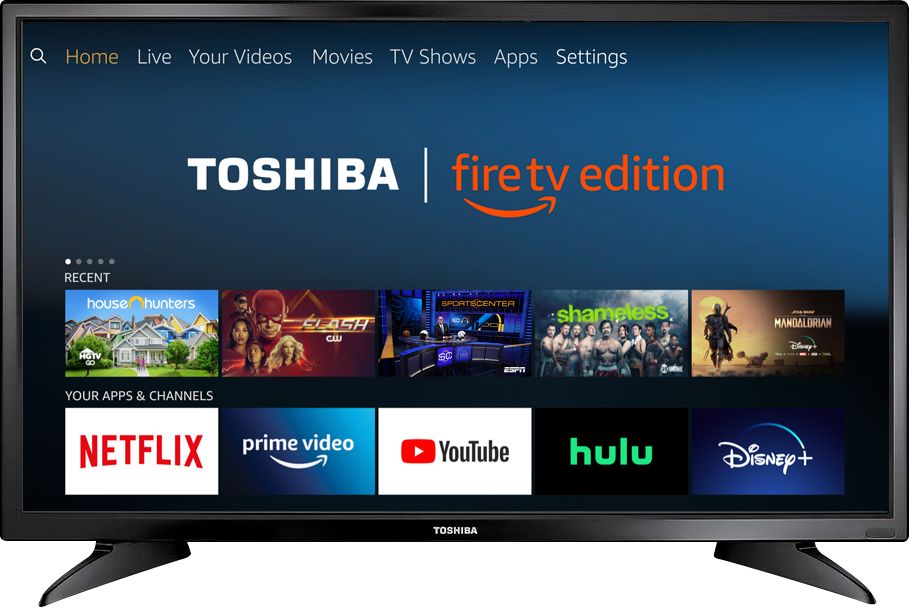
A:AnswerThe app Hulu: Live and On Demand TV, Movies, Originals, More by Hulu, shows as available for the Fire TV Edition experience.
For more information about HULU, please visit: help.hulu.com
David M. - Toshiba Support
A:AnswerThis TV does not have feature to turn it on at a specific time.
This TV features a sleep timer. While watching TV long press the Home Button to launch the Quick Access Menu and select Sleep Timer.
Also, you can try the Power On feature, when enabled, the TV turns on displaying the last used input.
Go Home > Settings > Display & Sounds > Power On and select Last Input.
David M. - Toshiba Support
A:AnswerTry to disconnect the TV from the power and remove the batteries for the remote.
If you need personalized assistance, please call 1 (855) 527-2411 available from 8 am to 9 pm CT everyday.
David M. - Toshiba Support
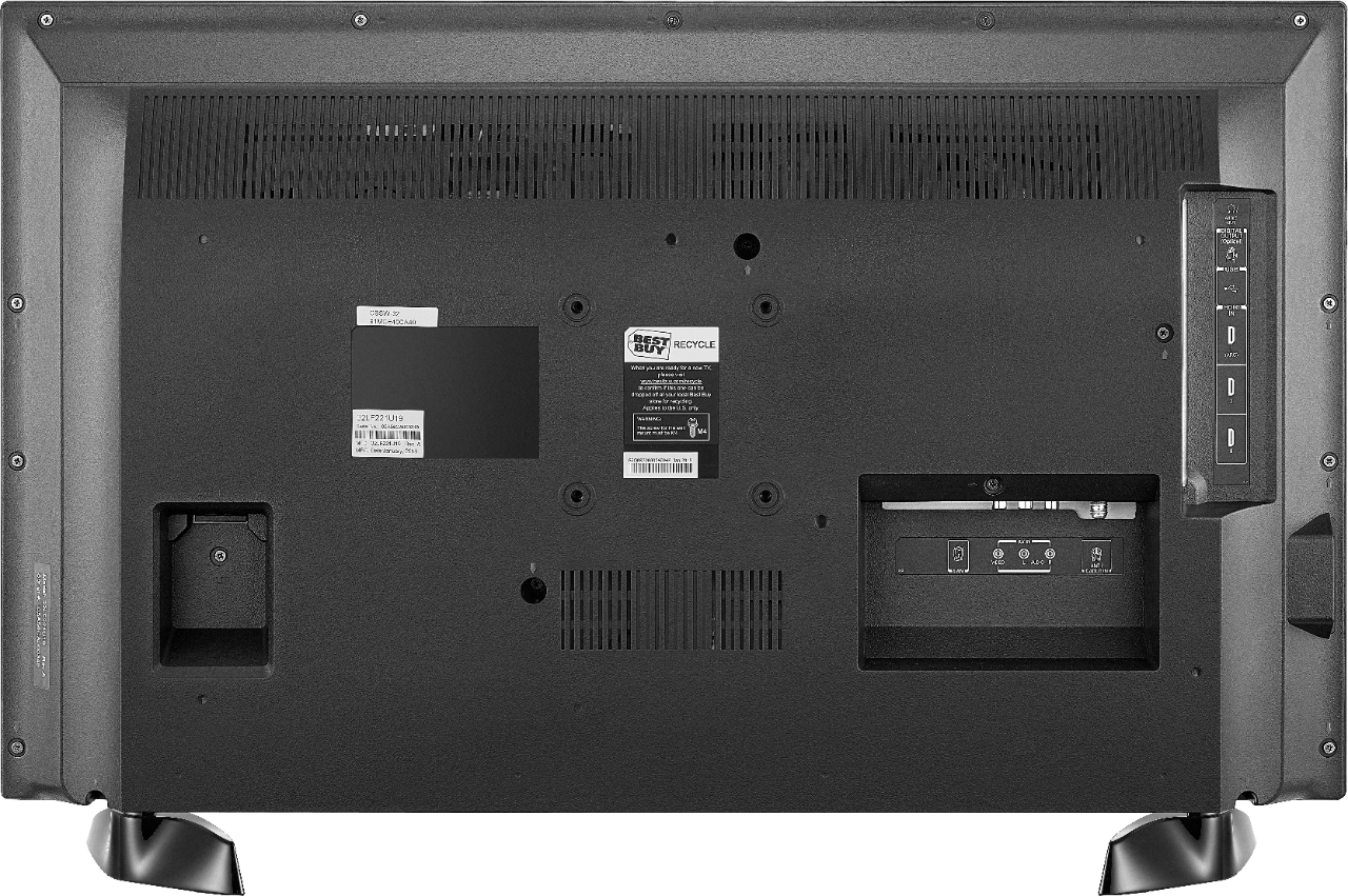
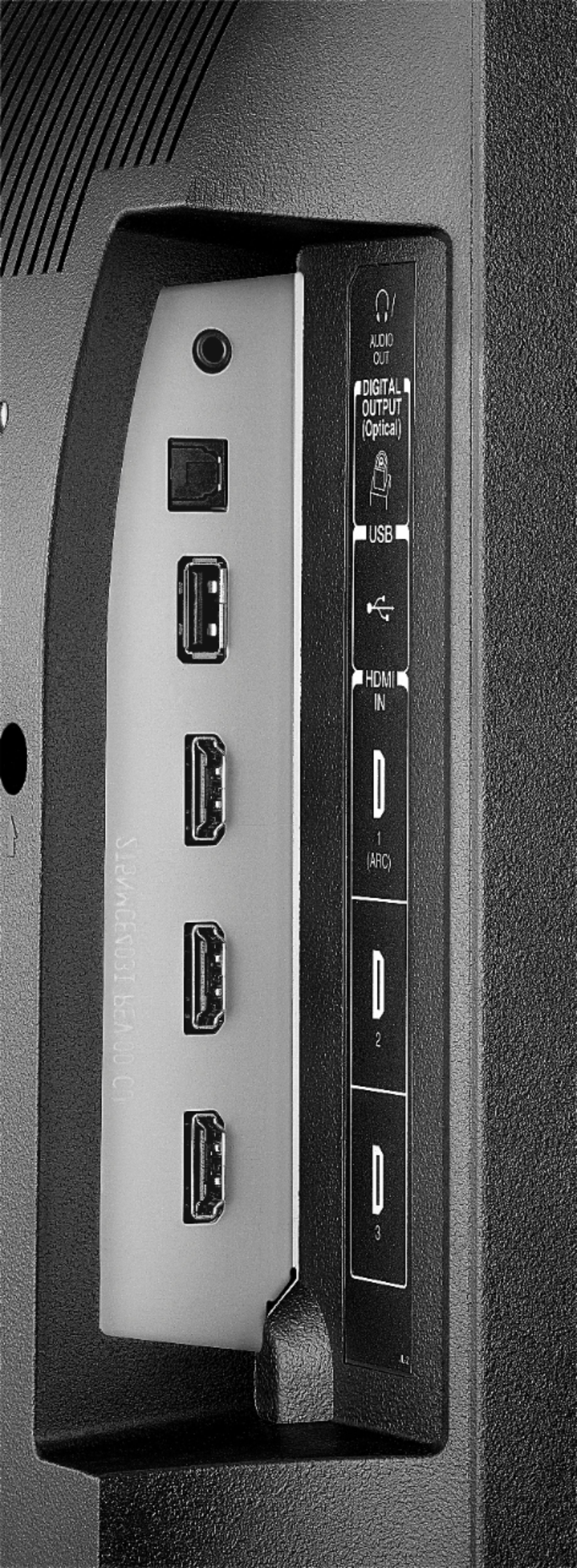
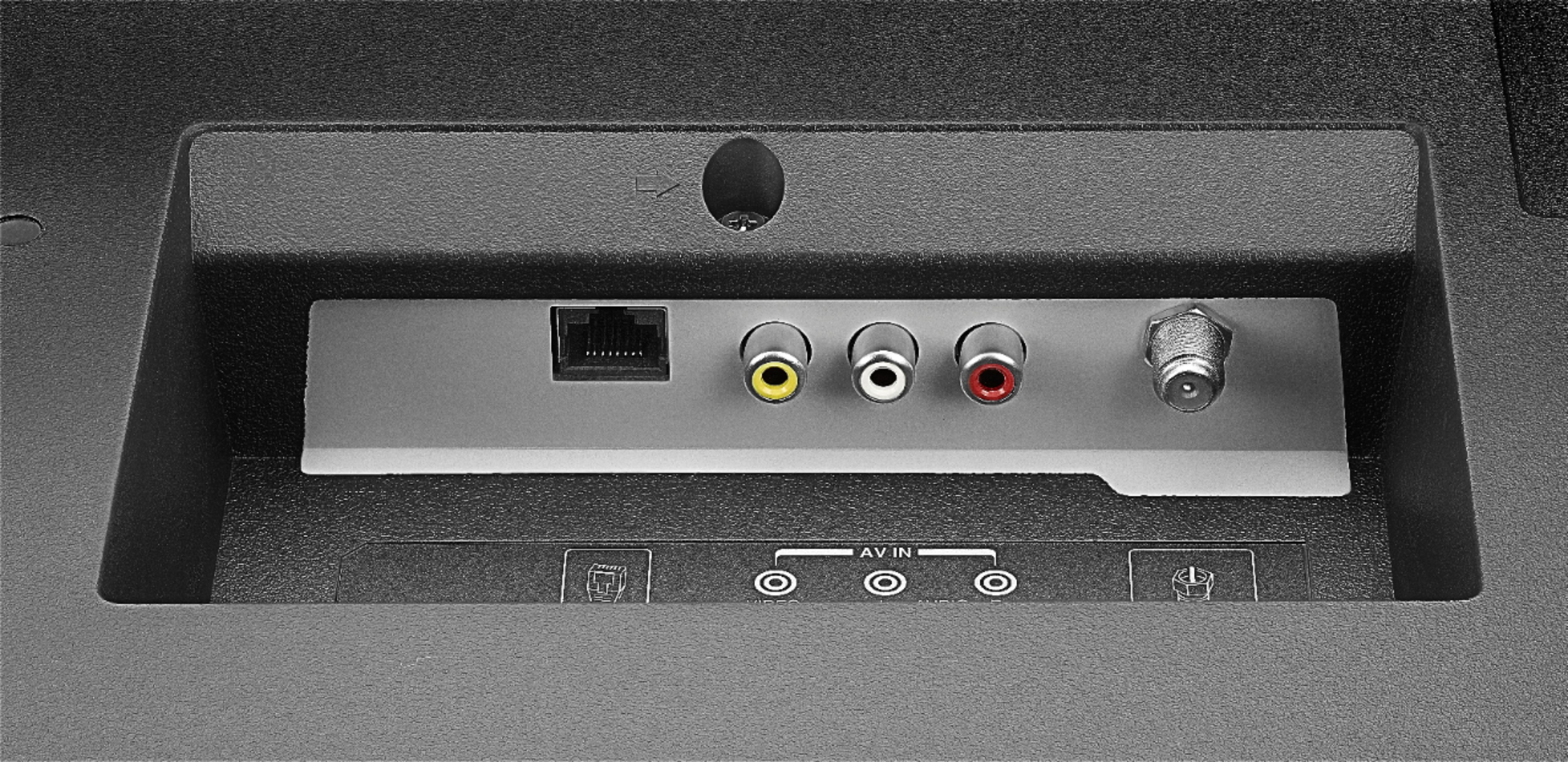
A:AnswerFor best picture quality connect your Cable Box using an HDMI cable.
The apps Netflix, Prime Video, HBO NOW and HBO GO are available for the Fire TV Edition experience.
For more information about your entertainment package, please contact your service provider.
David M. - Toshiba Support
A:AnswerYou can look online for the replacement remote, the model number is CT-RC1US-19.
Also, you can download the Amazon Fire TV app on your smartphone to control the TV using Wi-Fi.
David M. - Toshiba Support
A:AnswerThis TV is compatible with most Gaming Consoles using an HDMI cable.
For more information, please visit en-americas-support.nintendo.com
David M. - Toshiba Support
A:AnswerTry this, while watching TV, long press Home button for 3 seconds to launch the Quick Access menu and select different Picture or Display settings.
David M. - Toshiba Support