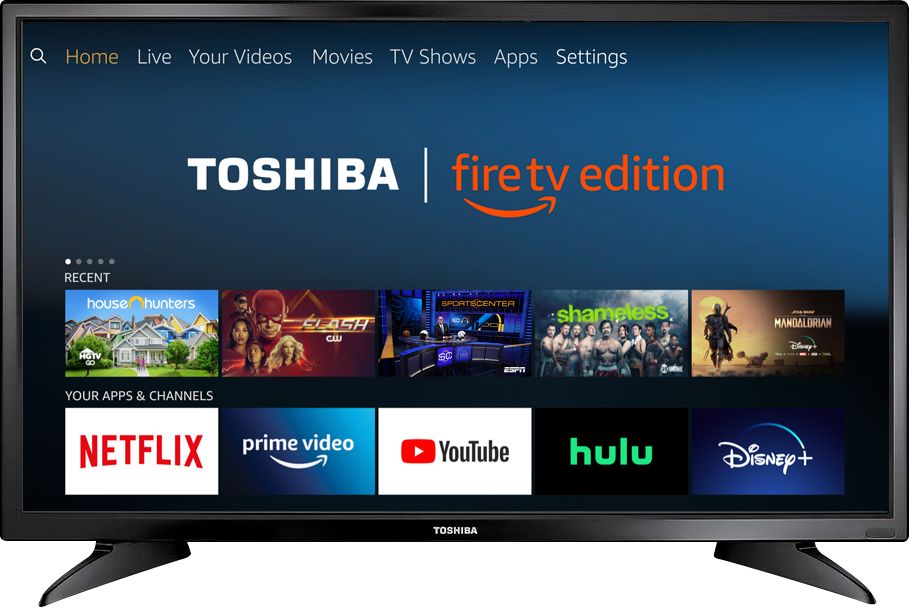
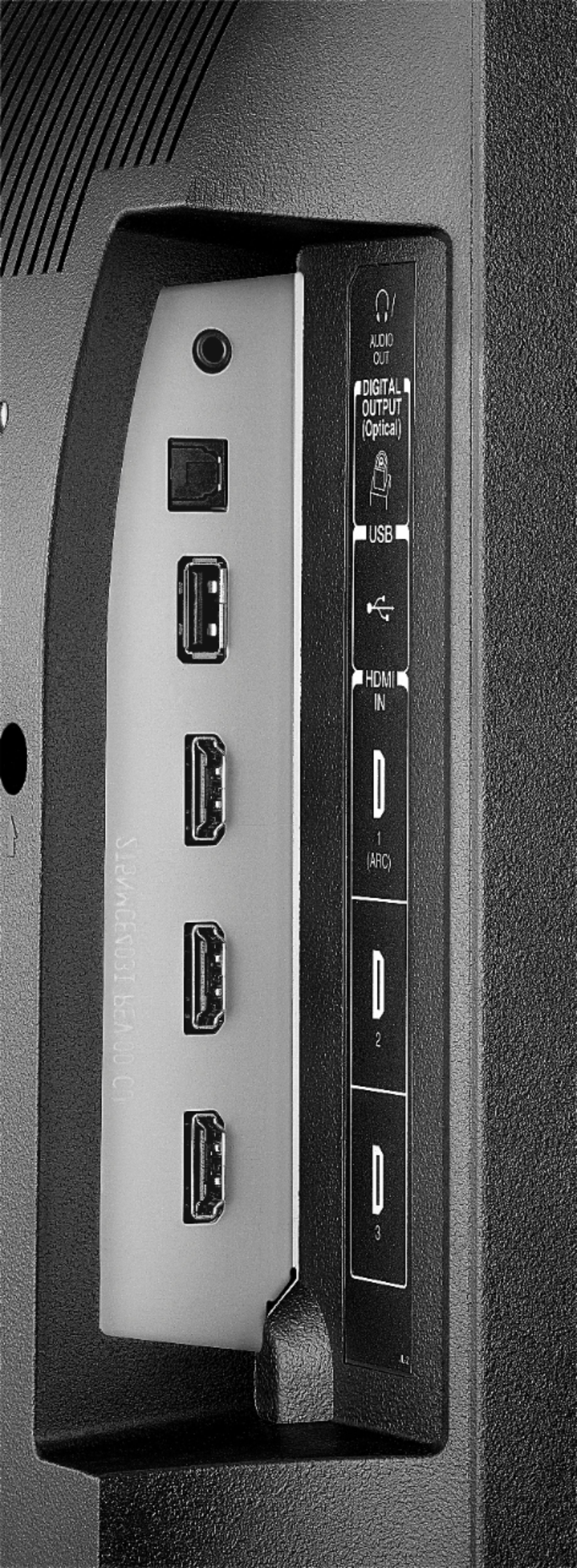
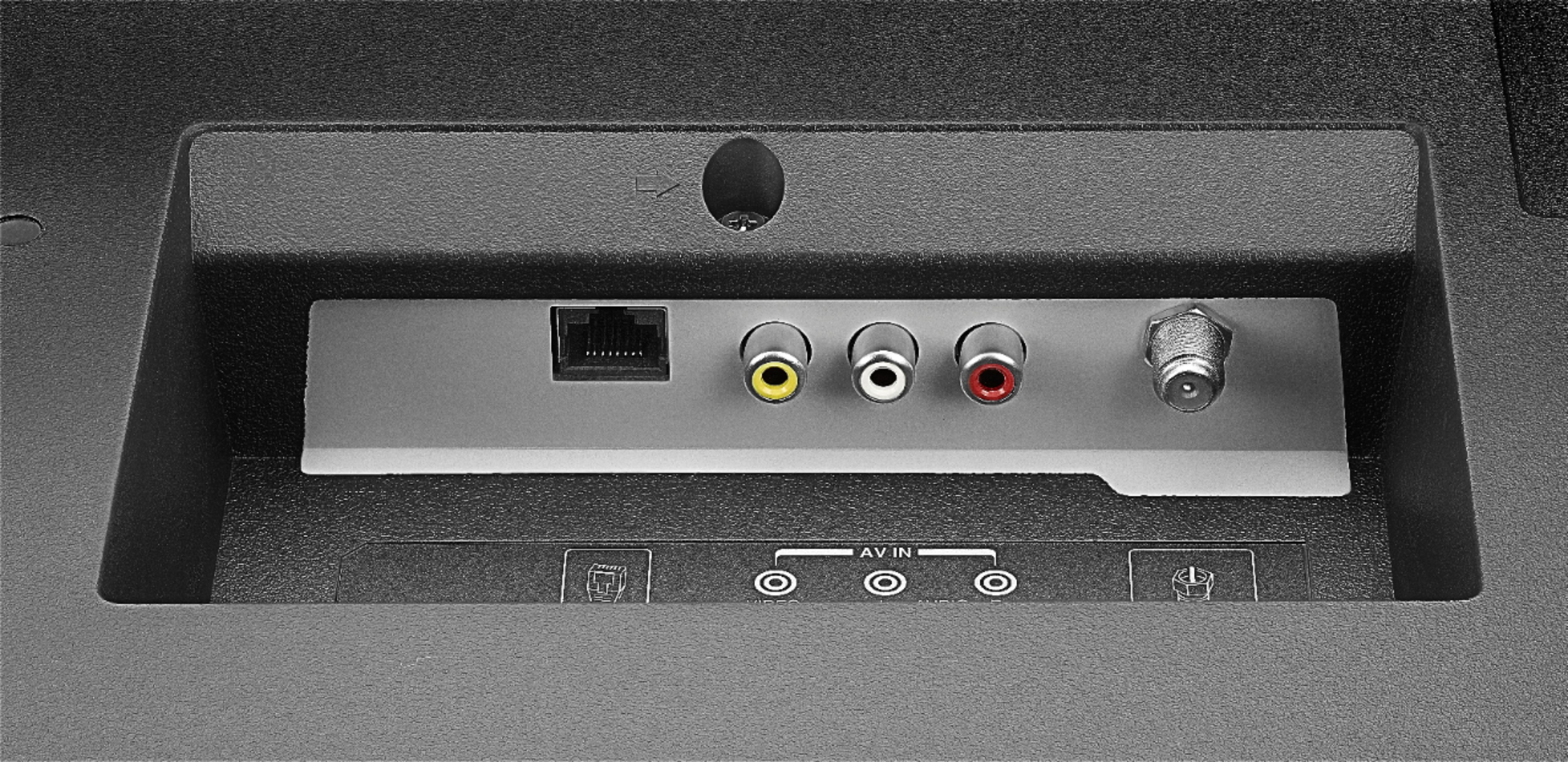
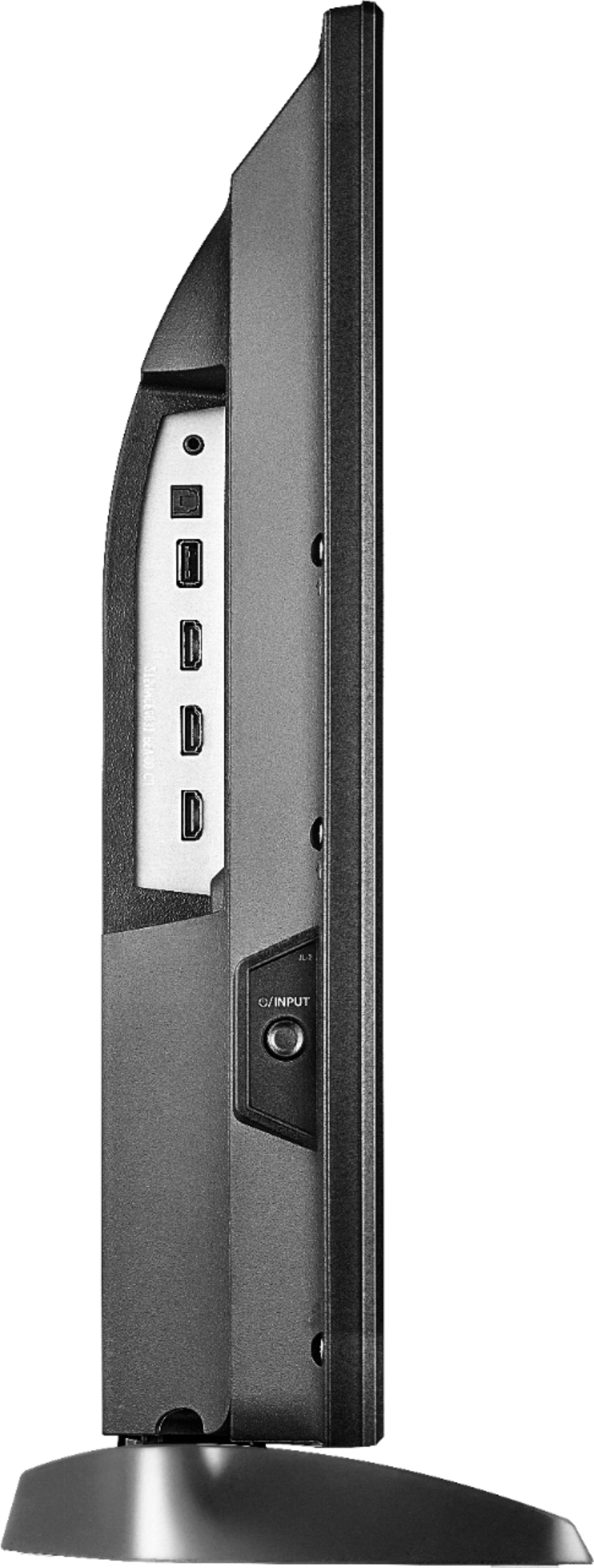
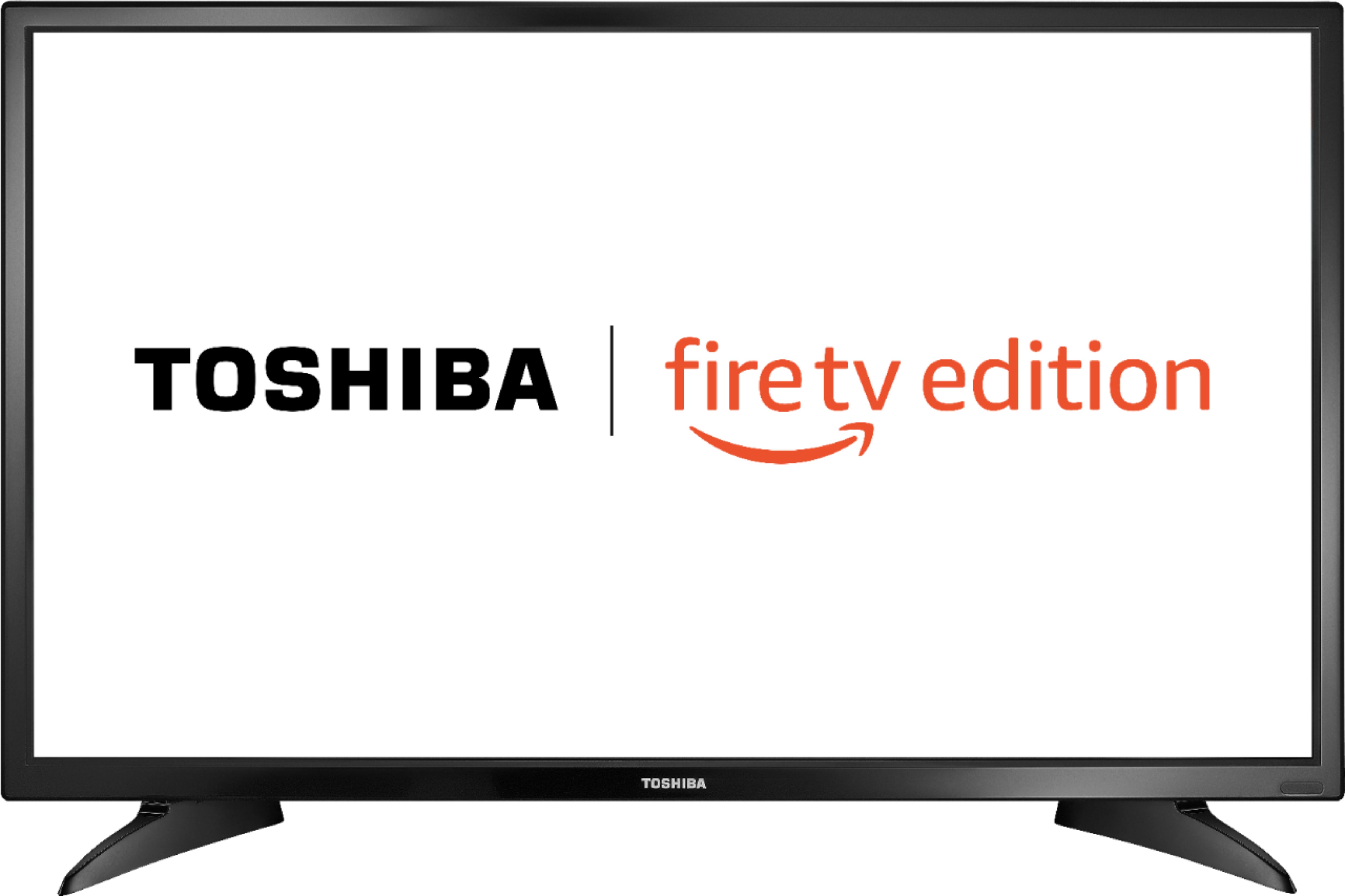
A:AnswerIf you buy this tv and you want cable tv stations, then you will need the internet to make your fire tv apps work. Or you can stay with direct tv. Or you can hook up a old fashioned OTA (Over -The -Air) antenna to your tv and get the major networks plus others depending where you live.
A:AnswerTry the Power On feature, when enabled, the TV turns on displaying the last used input. To activate it, go Home > Settings > Display & Sounds > Power On and select Last Input.
For personalized assistance, please call 1 (855) 527-2411 available from 8 am to 9 pm CT everyday.
A:AnswerHi,
It seems that you need personalized assistance from us, please call 1 (855) 527-2411 available from 8 am to 9 pm CT everyday.
Alan O. - Toshiba Support
A:AnswerTo set the sleep timer long press the Home Button and select Sleep Timer.
You can select between 5, 10, 15, 30, 60, 90, 120, 150, 180 and 240 minutes.
David M. - Toshiba Support
A:AnswerUsing the included Voice Remote press and hold for 3 seconds the Home button to launch the Quick Access menu, then go to: Sound > Advanced Settings > TruVolume : Select ON.
David M. - Toshiba Support
A:AnswerNo. A "SMART TV mean's that you have different & more APPT's ( Application's) to Choose from some cost money some Appilication's Don't Just Get Famiiar With the new Television and Use Your Local & Favorite Channels and JUST"STAY" away from the Smart App's until you are More Familiar with your New Television YOU will be just Fine
A:AnswerGo to Settings from the Home screen. Go to Display and Sounds menu. Go to Display Options. Look for the input you want to adjust. There should be an option to set aspect ratio. I turned Auto Aspect off and changed picture mode to Full. I have a cable box set on HDMI one, and off and on the picture was displaying 4:3 even though it is set to 16:9. I would reselect the HDMI 1 input again and the picture would go back to 16:9. I think this was because of the auto aspect feature so I turned it off.