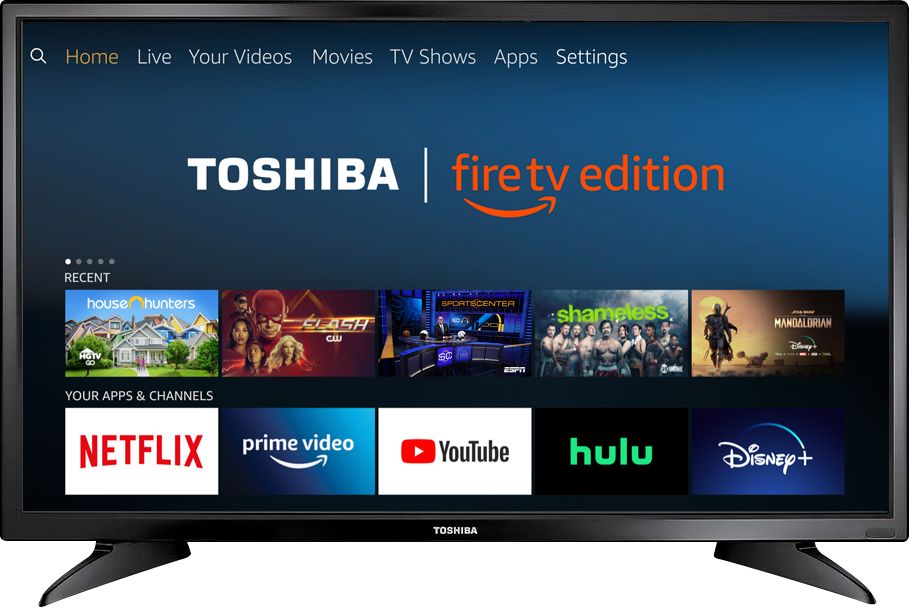
A:AnswerThe app Hulu: Live and On Demand TV, Movies, Originals, More by Hulu, is available for the Fire TV Edition experience.
For more information about HULU, please visit:
https://help.hulu.com/en-us/supported-devices
David M. - Toshiba Support
A:AnswerYes, the YouTube TV app shows as available for the Fire TV Edition television.
For more information, please visit: support.google.com/youtubetv
David M. - Toshiba Support
A:AnswerThe replacement remote for the Fire TV Edition television is available at Best Buy;
Model: NS-RCFNA-19
Also you can download the Amazon Fire TV app on your smartphone to control your Fire TV Edition television.
David M. - Toshiba Support

A:AnswerUse the Fire TV Edition remote to control the TV.
Use the Cable Box remote to control your Cable Box.
For product support please call 1 (855) 527-2411 available from 8 am to 9 pm CT everyday.
David M. - Toshiba Support
A:AnswerThe Fire TV Edition television does not feature AirPlay nor Cast.
You can connect your Apple TV box or Chromecast device to the TV using HDMI.
Download the Amazon Fire TV app on your smartphone to control your Fire TV Edition television.
David M. - Toshiba Support

A:AnswerThe app Hulu: Live and On Demand TV, Movies, Originals, More by Hulu, is available for the Fire TV Edition experience. For more information about HULU, please visit:
https://help.hulu.com/en-us/supported-devices
To search for more available apps to download, please visit:
amazon.com > Menu - Shop By Category > Fire TV > Fire TV Apps & Channels > Refine by Device Type select Fire TV Edition TV and search.
David M. - Toshiba Support