A:AnswerThe included remote fully controls the television.
Universal controls might not fully control the TV.
For product support please call 1 (855) 527-2411 available from 8 am to 9 pm CT everyday.
David M. - Toshiba Support
A:AnswerThe Live TV channels are listed alphabetically.
To hide the Live TV channels you don't watch for faster navigation use the included Voice Remote, press the Home button, then select Settings > Live TV > Channel Management > All ; scroll to highlight the channel you do not want to watch and Press the Play /Pause button to Hide the Channel.
David M. - Toshiba Support
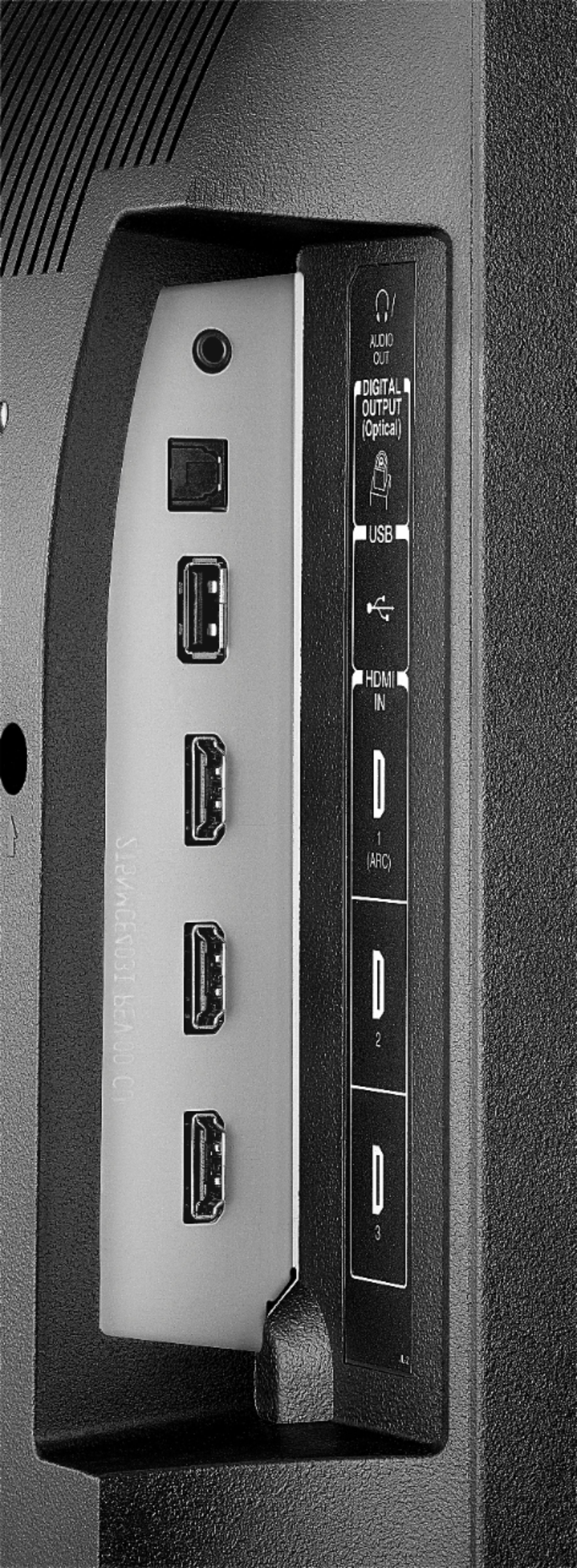
A:AnswerFor the screen size issue, see your DirecTV remote. There should be a button near the bottom that says ZOOM, push that sucker until it fills your screen then you are good to go. If you use an HDMI cable to connect your TV to your DirecTV both the TV and the DirecTV box should have an HDMI output marked ARC. If you plug the it into the TV slot marked ARC, your TV remote will control your power to the DirecTV box (when you activate the ARC feature in the menu of the DirecTV box), if your DirecTV box has one labeled ARC, plug it in there, and plug the TV into one not marked ARC. Activate the feature in the TV menu and in the DirecTV menu. If the satellite box does not have this feature, and you cannot find a code in the TV codes of your remote then also try finding a code in the MISC codes listing (may have to use AUX or MISC button to program instead of the TV button) to find one for an Amazon FIRE box or stick. If no luck there, the remote also has a manual learning feature. Check that out. If all else fails, tell the person who got the commission on selling your DirecTV system to come set up your remote for you. Hope this helps!
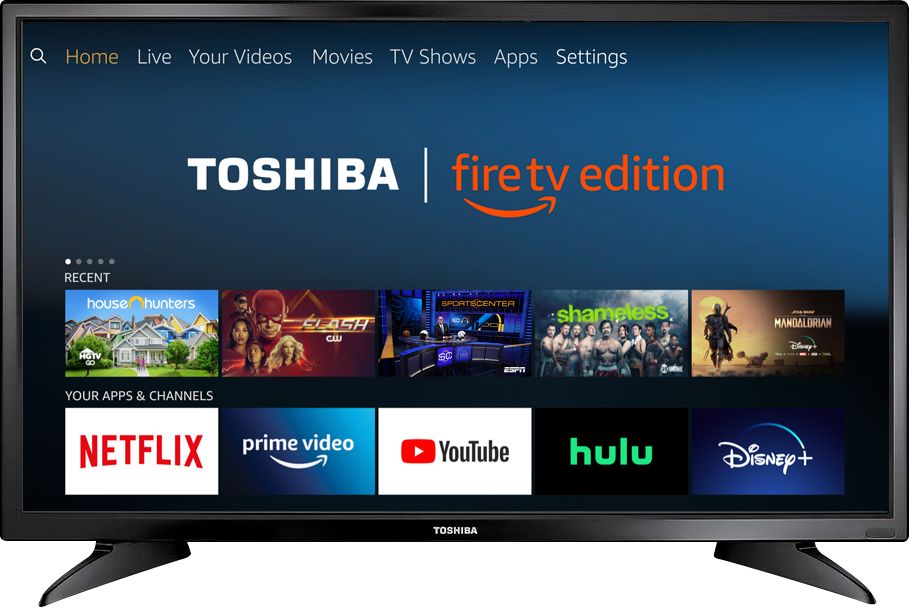
A:AnswerGo Home > Settings > Live TV > Channel Management > All ; when you select a channel it will give you the Signal Strength.
David M. - Toshiba Support
A:AnswerFound this on the internet going to try it when I get home. It’s really annoying using twocontrollers when I turn on the TV with my directv controller.
A:AnswerI used TV for my parents it connects to everything streaming and allows to watch television from regular antenna all with one remote. Should also work well with cable. Pretty simple to use television
A:AnswerYes, it has a lot of apps to choose from, However, it Does NOT have the Spectrum App available for this TV. So, if you are a Spectrum Customer, and you think this would be a good TV for bedrooms that you don’t have cable boxes in.....but you have WiFi ....No , you can’t use your Spectrum. There is a lot of other programming though, just not Spectrum..