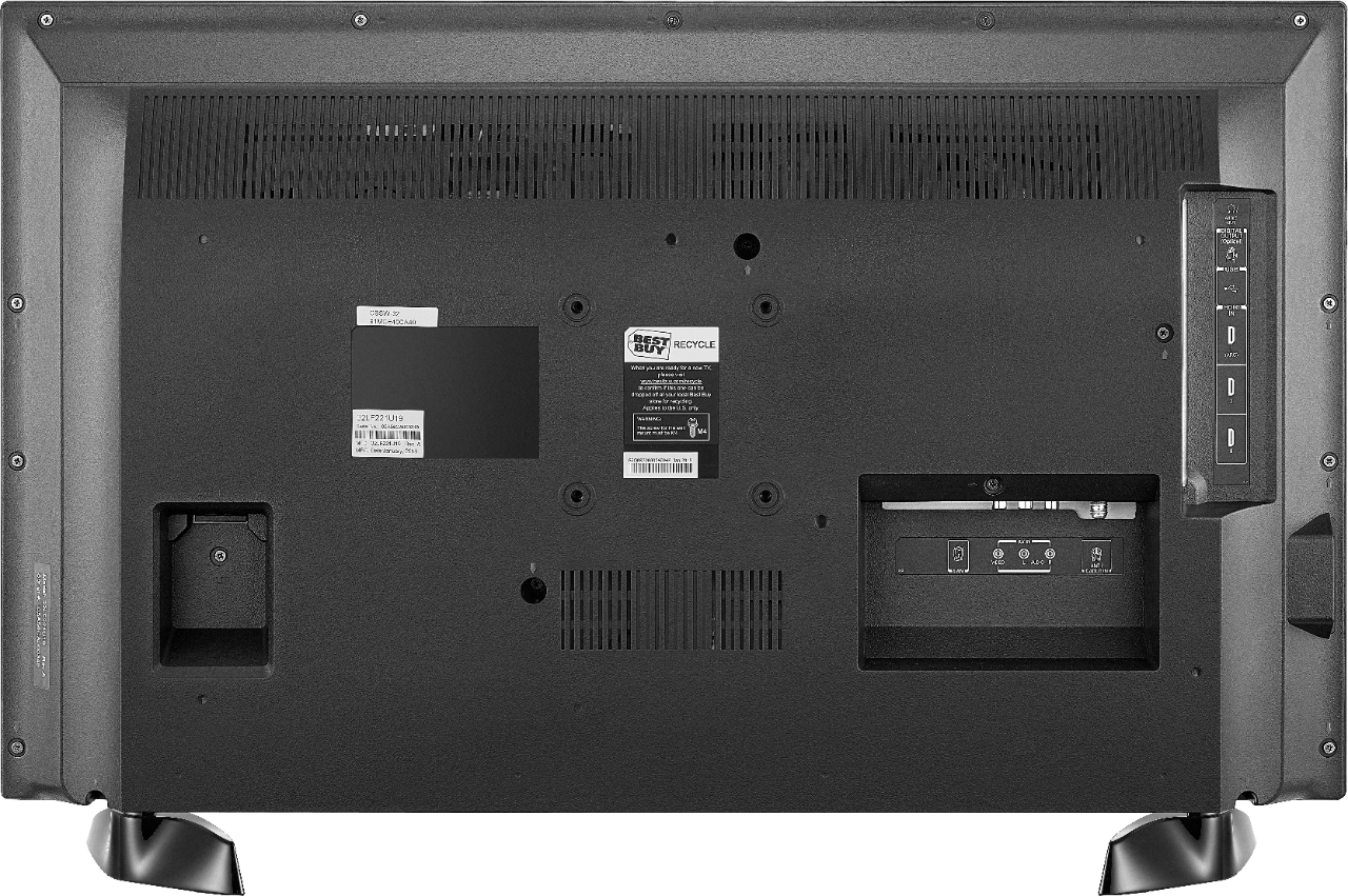
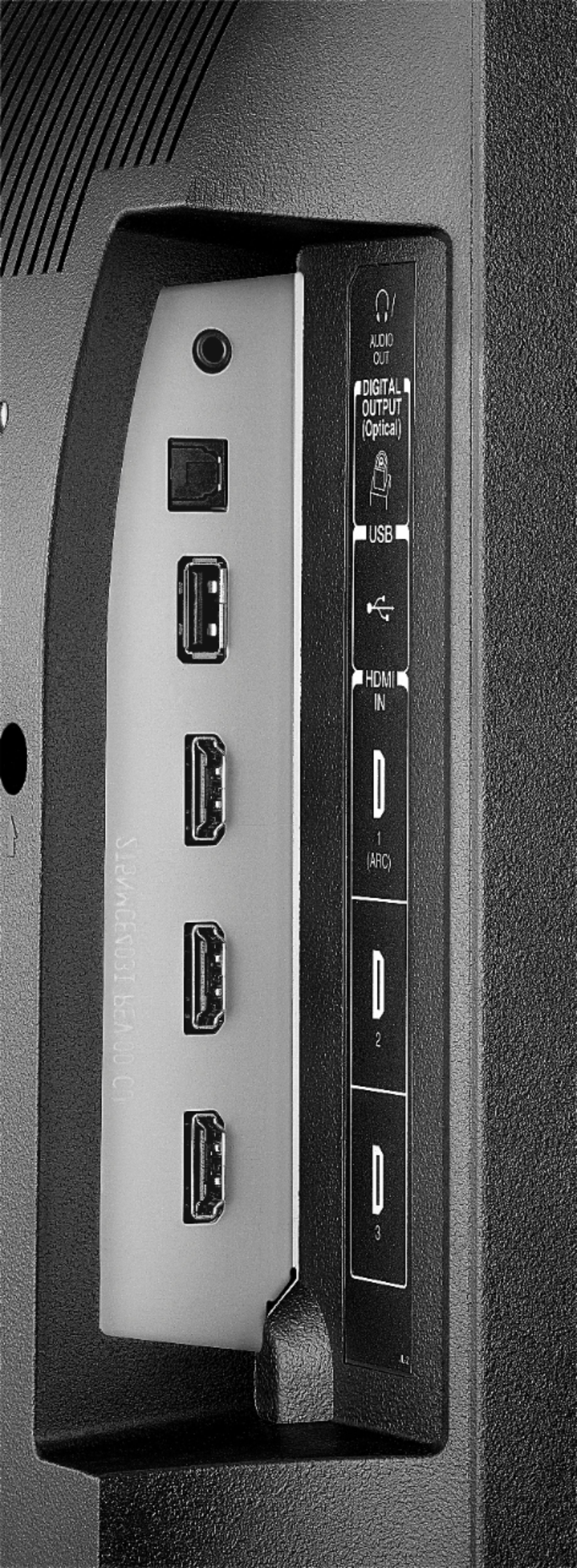
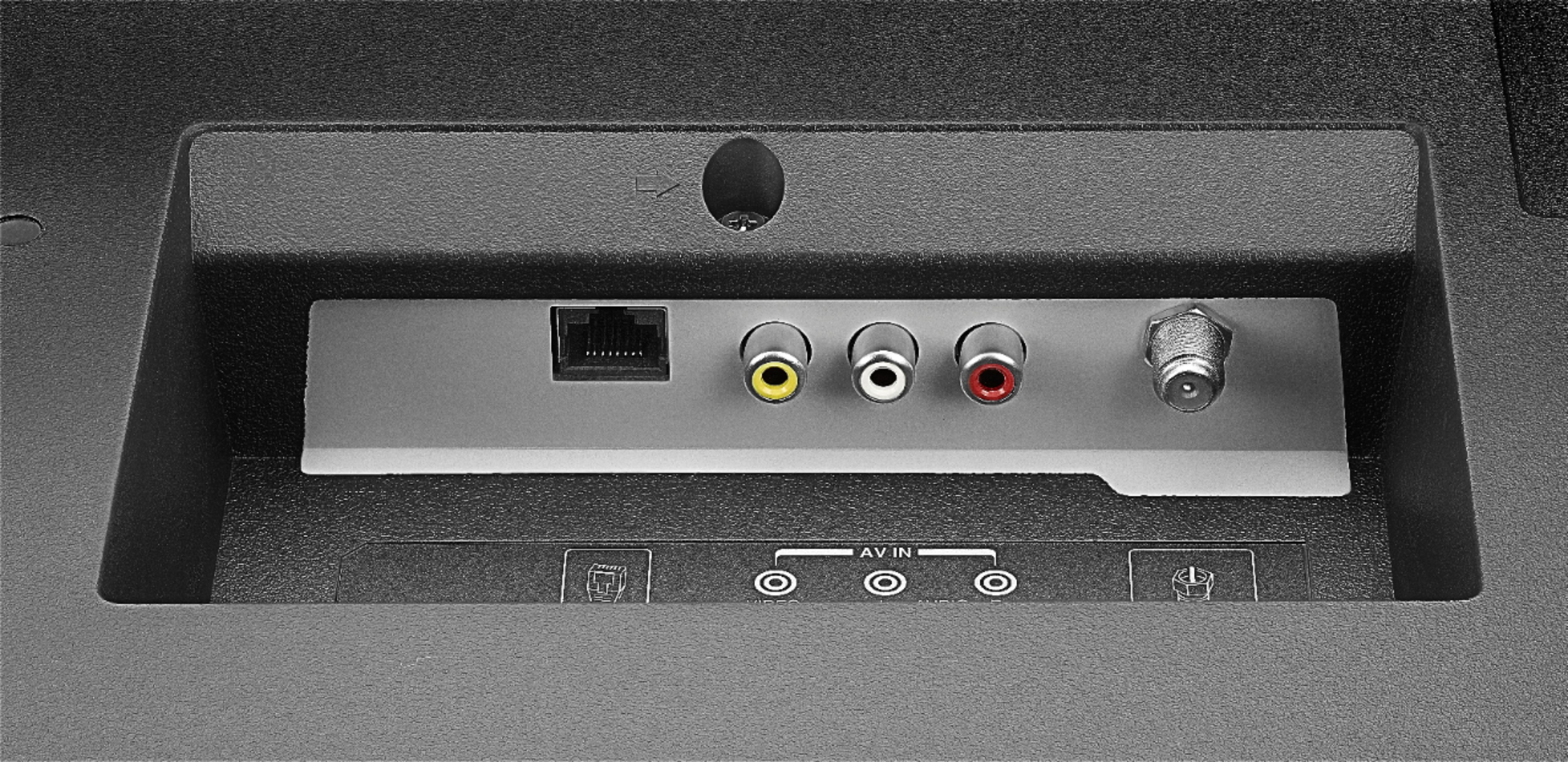
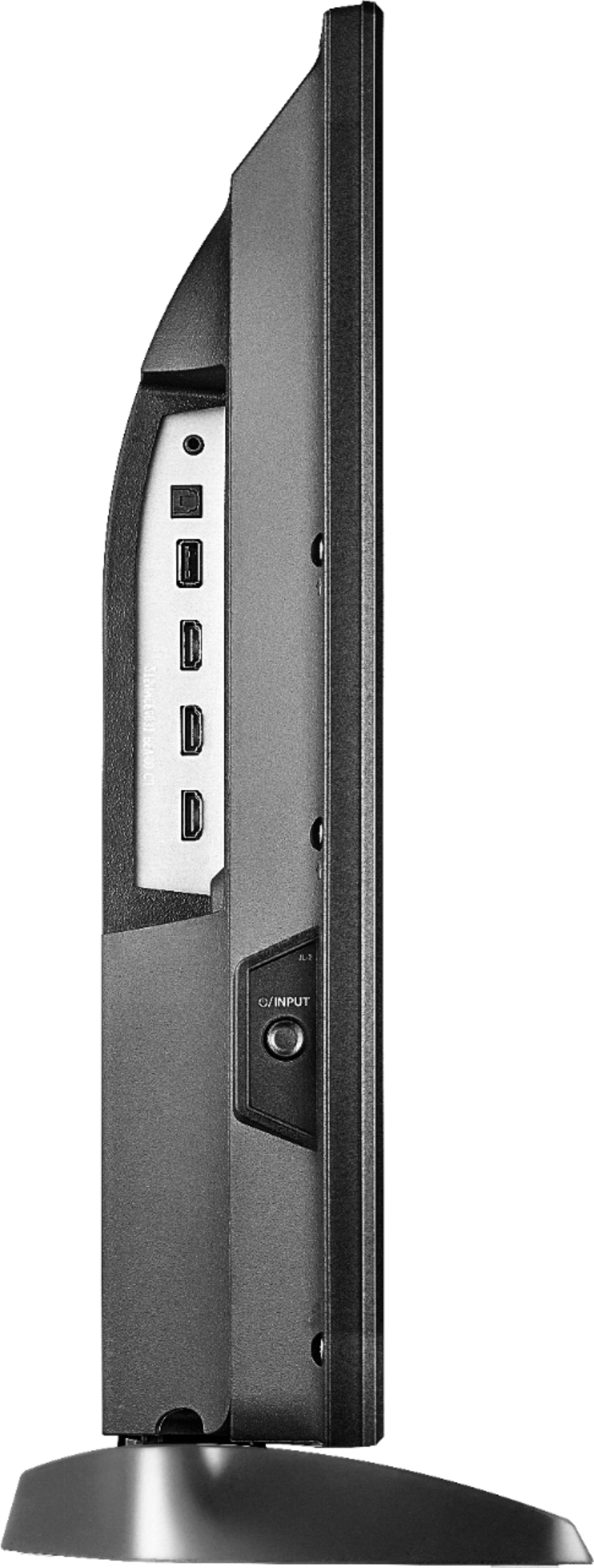
A:AnswerThe Fire TV Edition television does not feature a built-in DVD player. You can connect a DVD player to the TV using HDMI or AV.
David M. - Toshiba Support
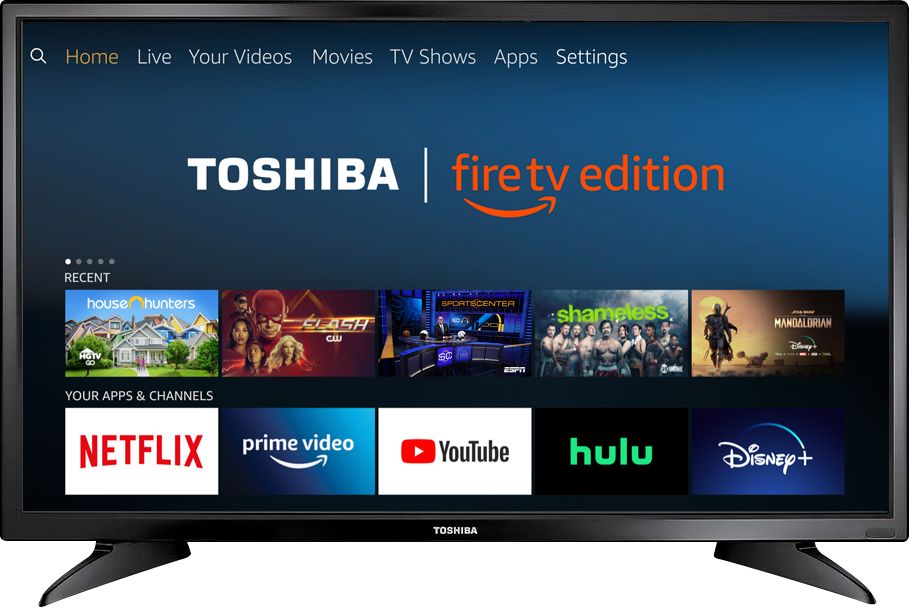
A:AnswerYes, the Fire TV Edition television has built-in Wi-Fi so you can connect it to your wireless home network to stream Netflix.
David M. - Toshiba Support
A:AnswerTo pair a Bluetooth device, go Home > Settings > Controllers & Bluetooth Devices.
For more information, please visit:
https://www.amazon.com/gp/help/customer/display.html?nodeId=GSBSBL44Y4QM59FV
David M. - Toshiba Support
A:AnswerYes, the Fire TV Edition television has built-in Bluetooth so you can use your wireless ear buds. To pair a Device, go Home > Settings > Controllers & Bluetooth Devices.
David M. - Toshiba Support
A:AnswerThe Pandora Music for TV app by Pandora Media is available for the Fire TV Edition television.
To search for more available apps, go to:
amazon.com > Menu - Shop By Category > Fire TV > Fire TV Apps & Channels > Refine by Device Type select Fire TV Edition TV and search.
David M. - Toshiba Support
A:AnswerYou can watch local channels with your antenna, but to access the SMART features (apps like Netflix, Hulu, etc) you must have an internet connection.