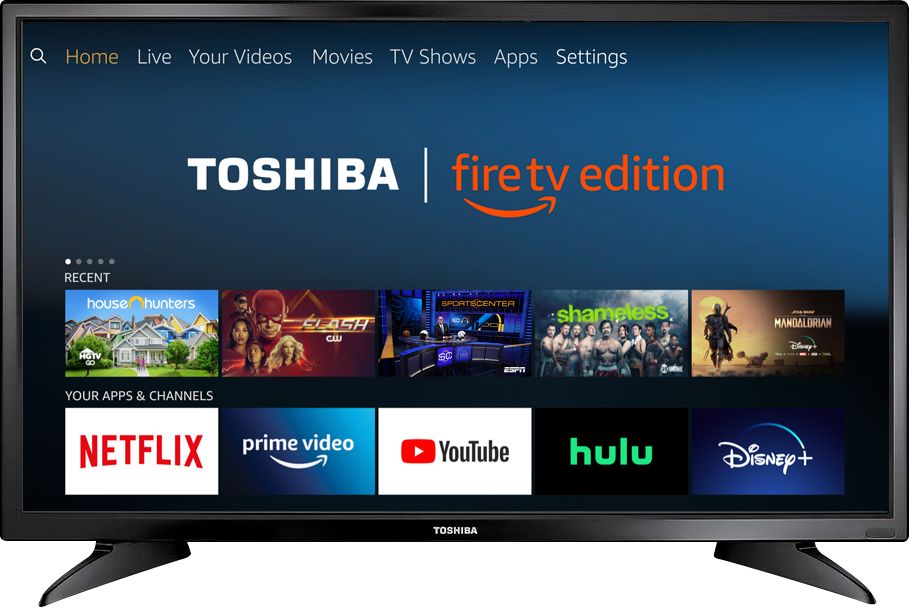
A:AnswerYes, you can link an Echo device to the Fire TV Edition television.
Use the smartphone Alexa app, go Home > Menu > Settings > Video and TV > Fire TV and follow the on-screen instructions.
David M. - Toshiba Support
A:AnswerHi,
The Fire TV Edition television does not support screen mirroring.
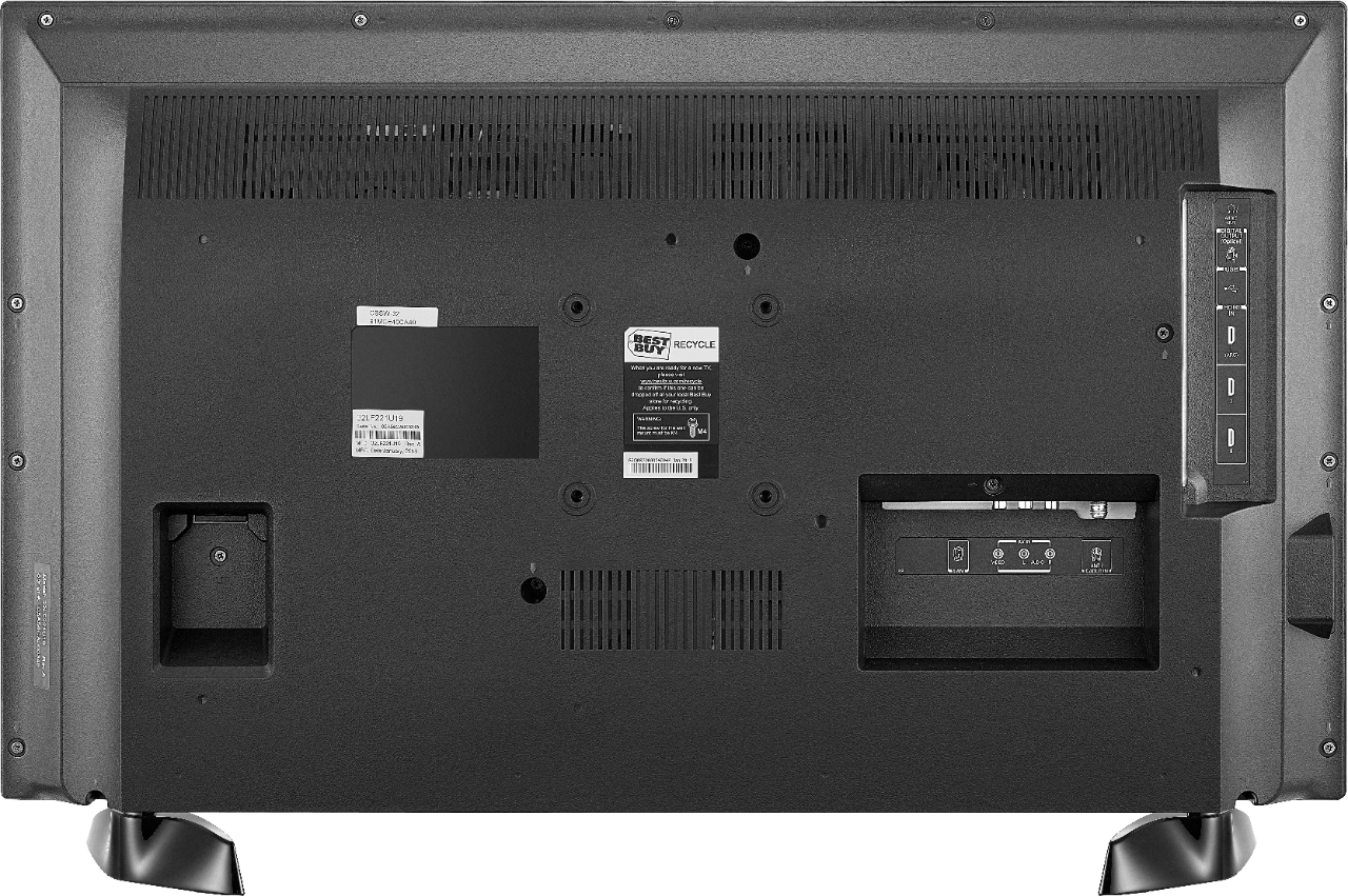
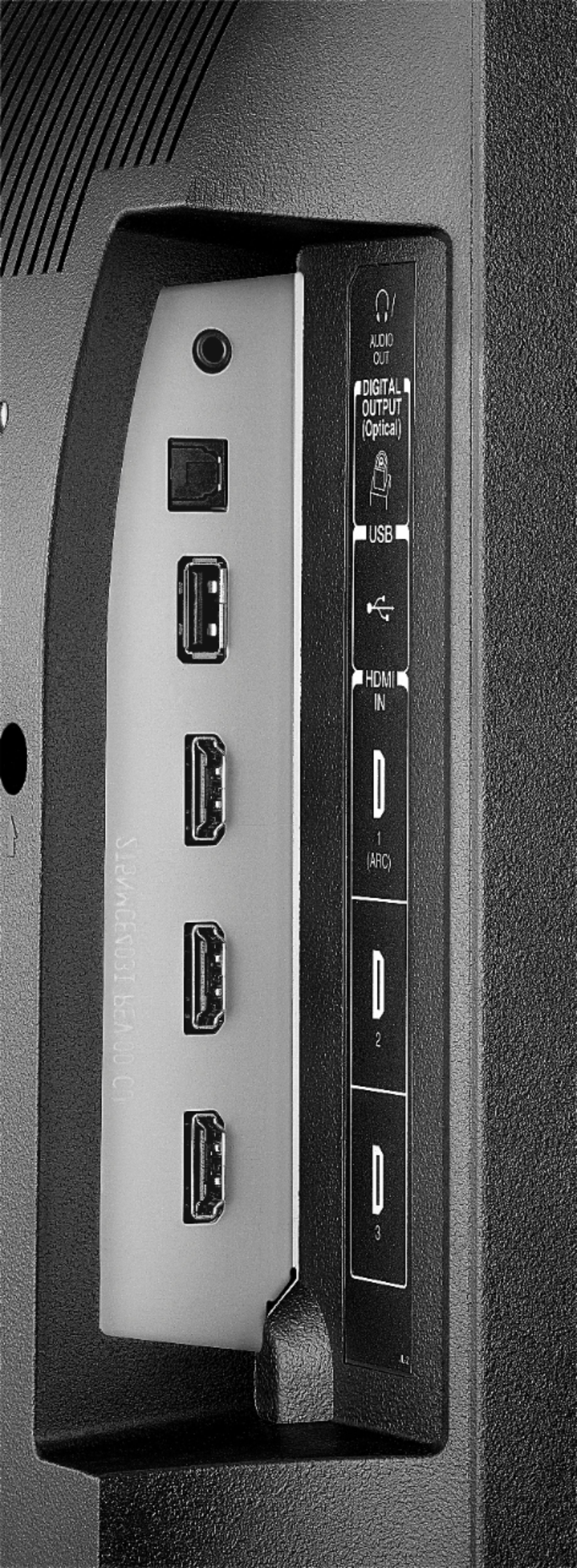
You can connect a streaming device (Chromecast) or adapter ( Microsoft - Wireless Display Adapter) using HDMI.
Alan O. - Toshiba Support
A:AnswerHi,
To do a Channel Scan go: Home > Settings > Live TV > Channel Scan. Then, you can press the TV button on the remote to launch the Live TV guide to choose the channel you want to watch.
Alan O. - Toshiba Support
A:AnswerHi,
Unfortunately the Xfinity Stream app is not available for the Fire TV Edition experience. However, you can to connect a Cable Box using an HDMI cord to watch cable channels.
Alan O. - Toshiba Support
A:AnswerHi,
Yes, this TV has 1 year of warranty, for more information, please visit http://tvna.compal-toshiba.com/us/en/models/32LF221u19/
Alan O. - Toshiba Support
A:AnswerHi,
Yes, each remote controls only one Fire TV due both are paired using Bluetooth technology. You can also try to download the Amazon Fire TV app in your smartphone to select which TV you want to control with it.
Alan O. - Toshiba Support