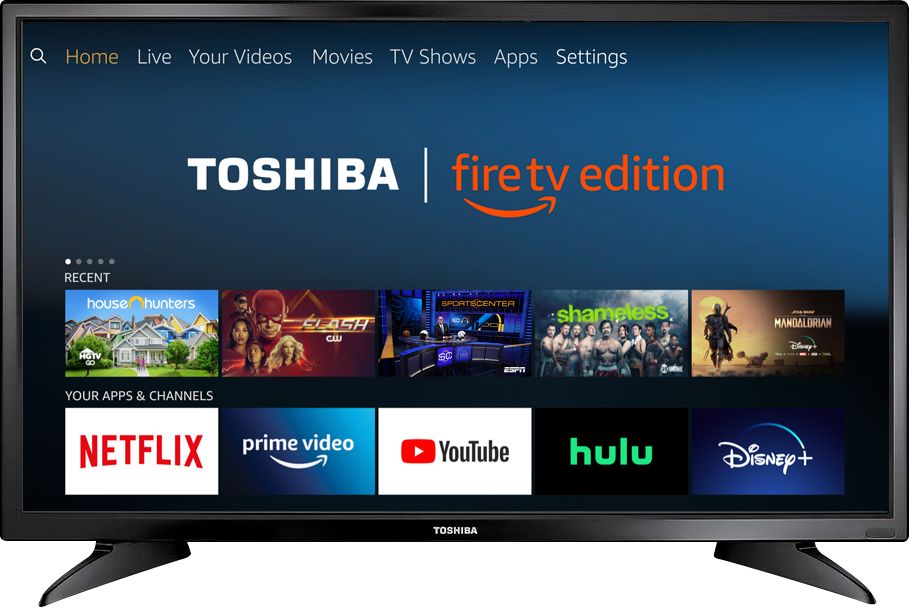
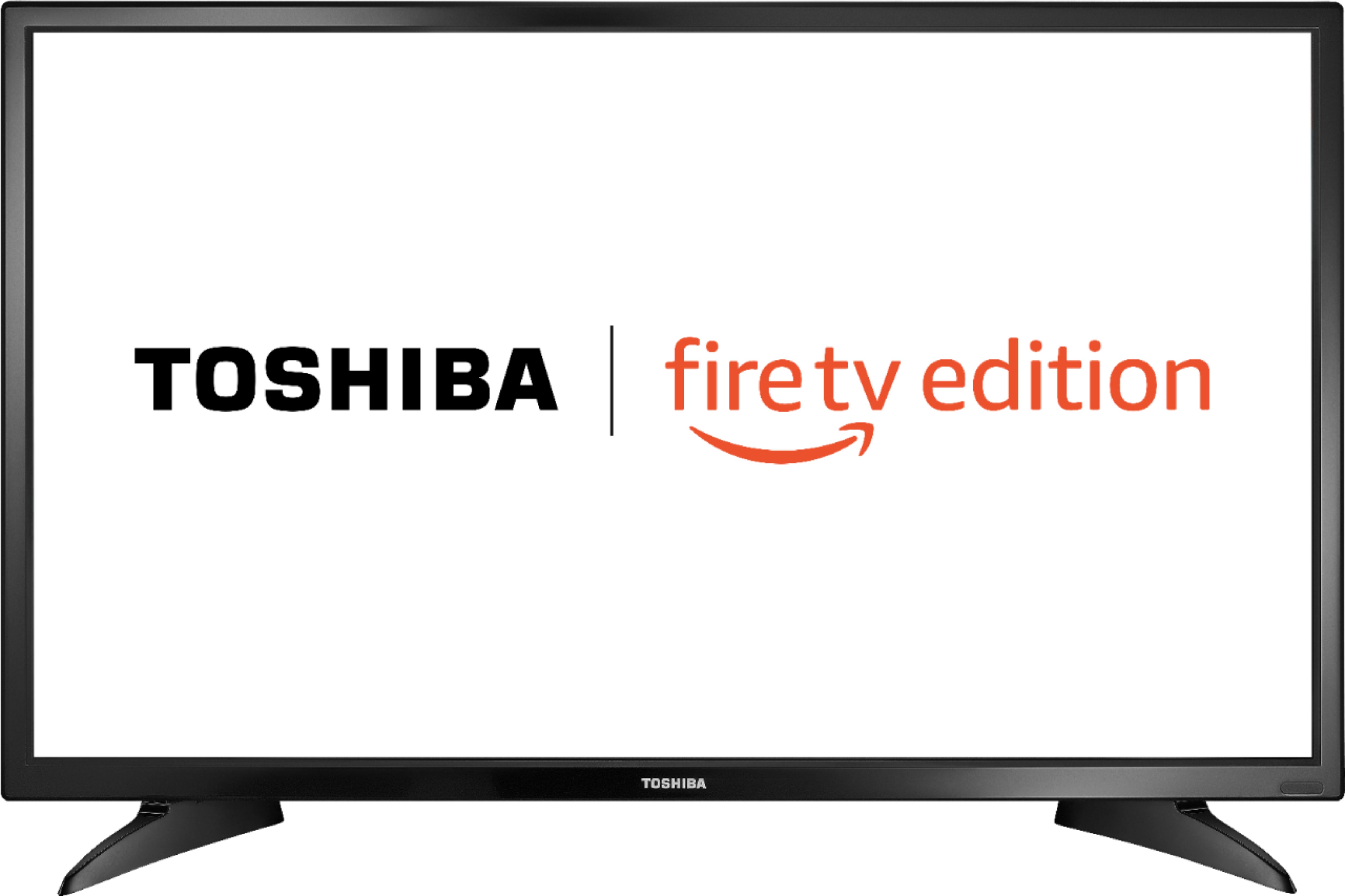
A:AnswerAmazon Prime is not required to use this Fire TV Edition television.
The Fire TV experience is free to use.
To watch Fire TV Edition TV Help Videos, please visit:
https://www.amazon.com/gp/help/customer/display.html?nodeId=202162190
David M. - Toshiba Support
A:AnswerThe app DisneyNOW - Episodes & Live TV by Disney shows as available for the Fire TV Edition television experience.
To search for more apps, go to:
amazon.com > Menu - Shop By Category > Fire TV > Fire TV Apps & Channels > Refine by Device Type select Fire TV Edition TV and search.
David M. - Toshiba Support
A:AnswerFor the Fire TV Edition television Model: 32LF221U19
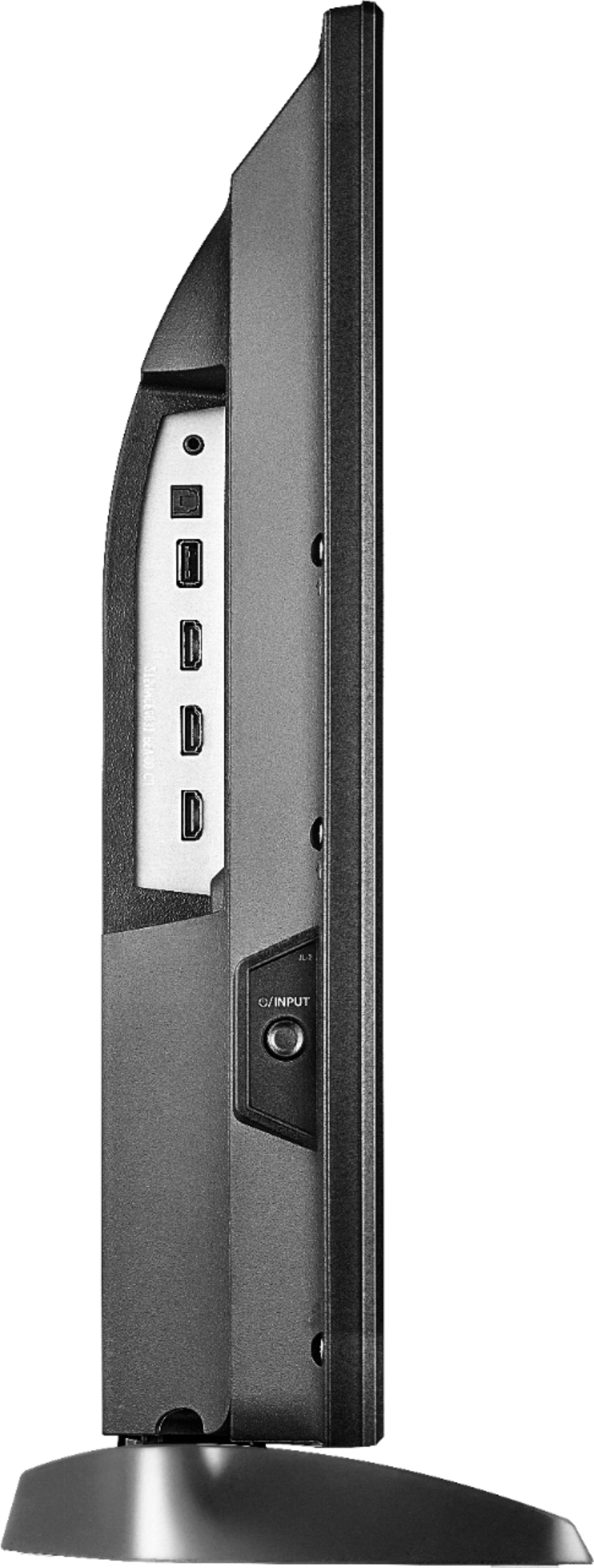
The stand width from left to right at the widest part 26 in (66 cm)
The stand depth from front to back 7.1 in (18.1 cm)
David M. - Toshiba Support
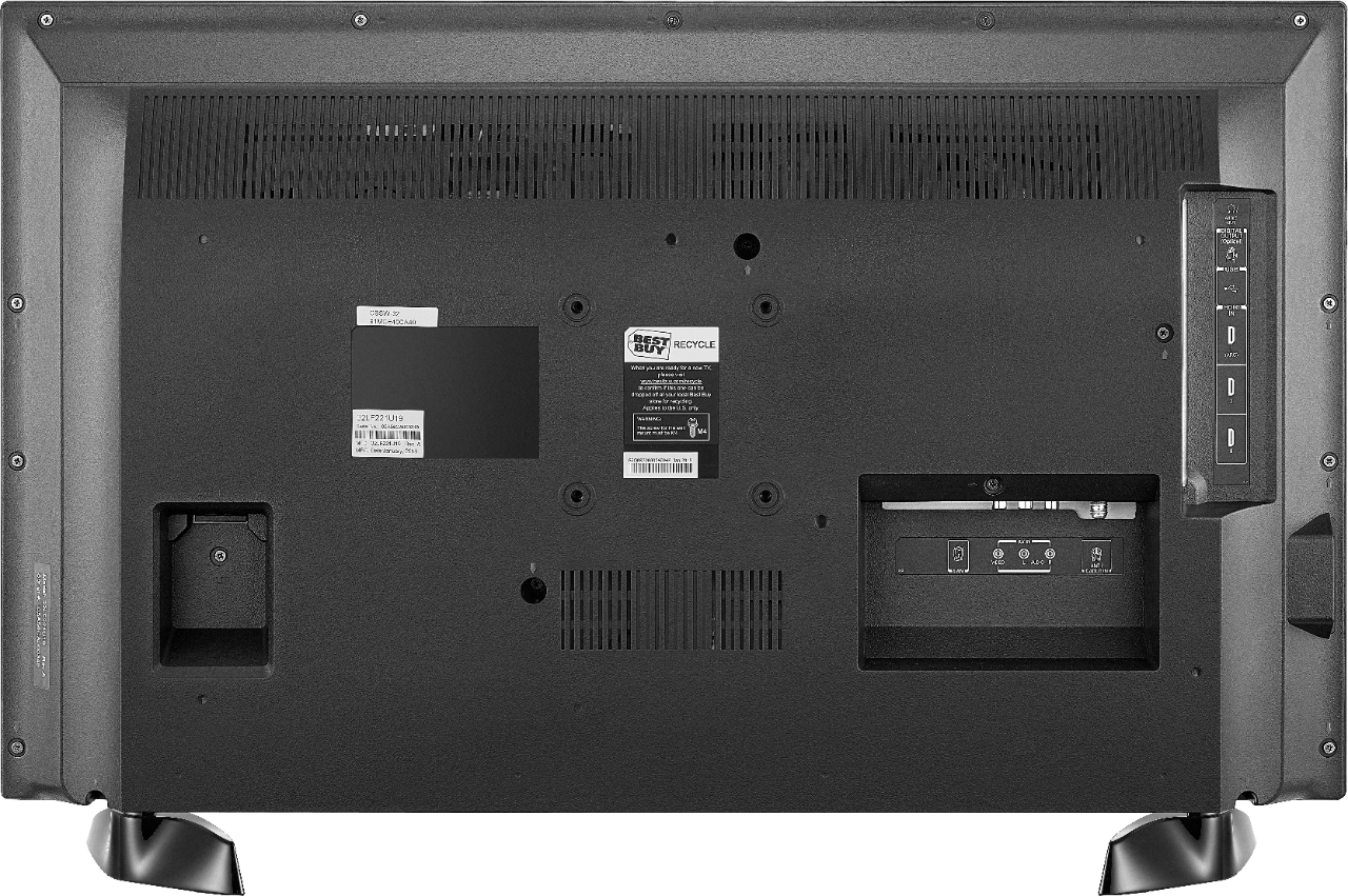
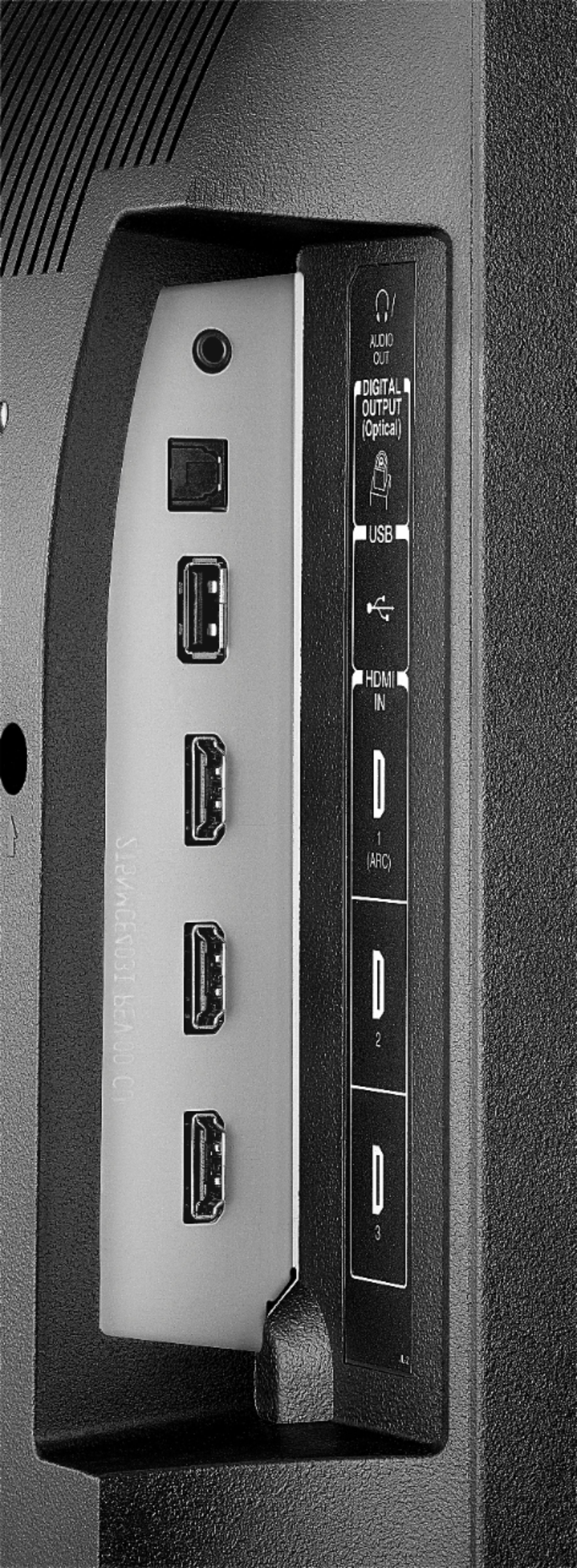
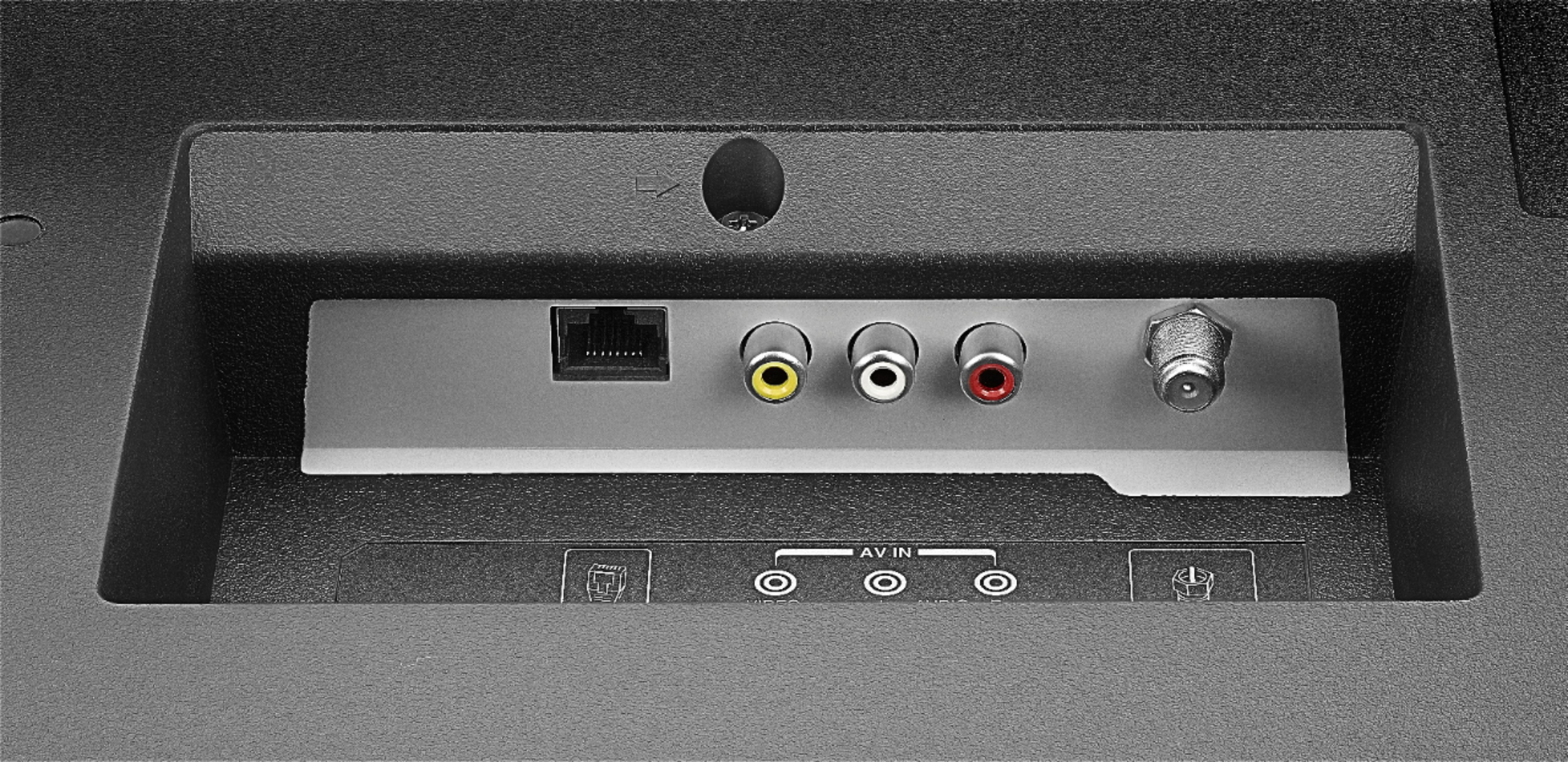
A:AnswerYes, you can use a digital optical toslink or an analog connection. The manual for the tv is at https://tvna.compal-toshiba.com/us/wp-content/uploads/sites/2/2018/07/20181203022143_toshiba_firetvedition_web_18-0644_v3_en_final_lr.pdf.
A:AnswerThis TV does not support Bluetooth and as such wireless headphones will not work. If the wireless headphones have a base that can be connected to the 3.5mm headphone jack then it could work.
A:AnswerToshiba knows this is an issue and will not do anything. Tried 2 different switches and spent a hour on a support call just to be told that there is an issue with my 2 different switch systems