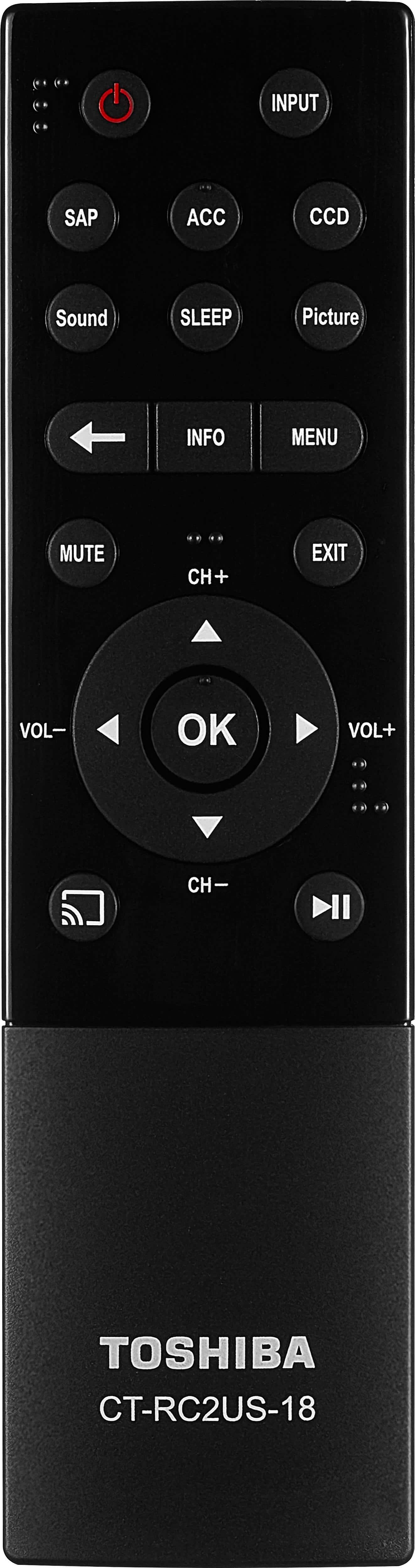
A:AnswerFrom the main menu, select "options". On the options sub menu select "channel options". Once on the "channel options" menu, use the arrow buttons on the remote control to navigate the channels list. Choose the first box (icon above looks like a line going over a circle) on all the channels you want to delete.
A:Answer"Open Box" usually refers to an item that has been purchased by someone and they returned it for some reason. It may not be big enough for them, loud enough, or they may not like the quality. It does work and has all parts included unless otherwise noted.