A:AnswerIf you do not have a HDMI cord that has 4k functionality, then yes, I would recommend buying a cord for 4k TVs. I wouldn't waste money on a $30-50 one though. My $15 cord works great!
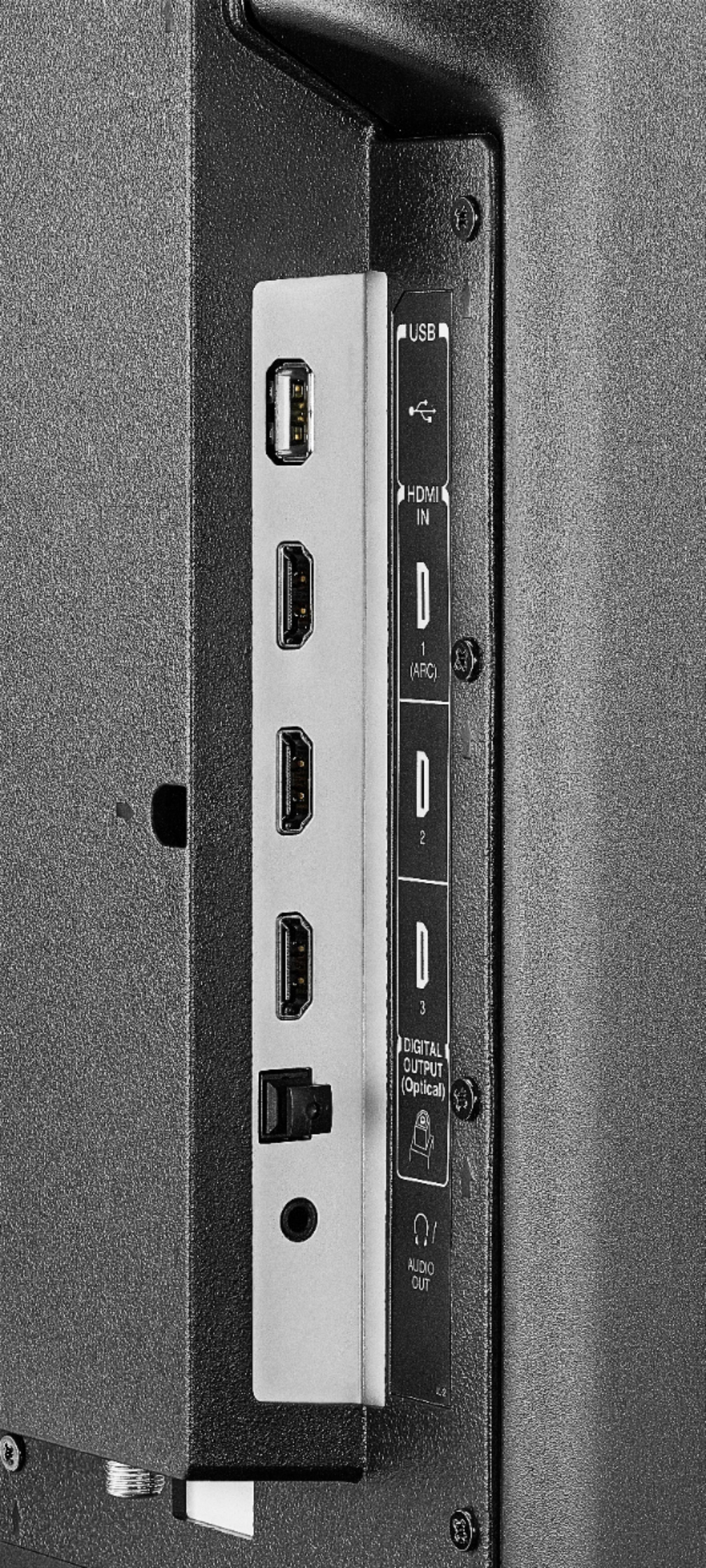
A:AnswerI had to use the optical cable to hook up my surroundsound. And the only way I can listen to it with surroundsound is to disable The TV speakers in the Settings section of the TV. And when I am done with surroundsound I have to go back in and re-enable the speakers in the TV. It’s a pain in the rear. I would rather just be able to turn the TV down. I hope this helps. I’m probably doing something wrong too but at least I was able to hear it.
A:AnswerIf you are using a streaming service then your connection can affect your quality of the streaming, you may notice buffering or freezing on occasion, but that will happen with any tv or device if your internet connection is not that good. If you have regular cable tv then you wouldn’t notice any issue with any tv, it would only affect streaming content.
A:AnswerI don’t see why not but I think most of the services you would use that for are built in to this TV or can be added as apps. There are 3 HDMI ports to plug into but using the onboard apps allows for the 4K content even over WiFi.
A:AnswerDirectly from this web site:
"1 USB input
Connect a USB to extend the duration of live TV pause from 2 minutes up to 60 minutes. Easily connect your digital camera or other USB device to view compatible photo and video files."
A:AnswerThere is not a way to mirror with Chrome or Safari. Amazon says you can cast to anything that supports MIRACAST, which Chrome and Safari do not support.
According to Amazon Android devices support this feature. Here is the Amazon link that walks you through it https://amzn.to/2D62cC3
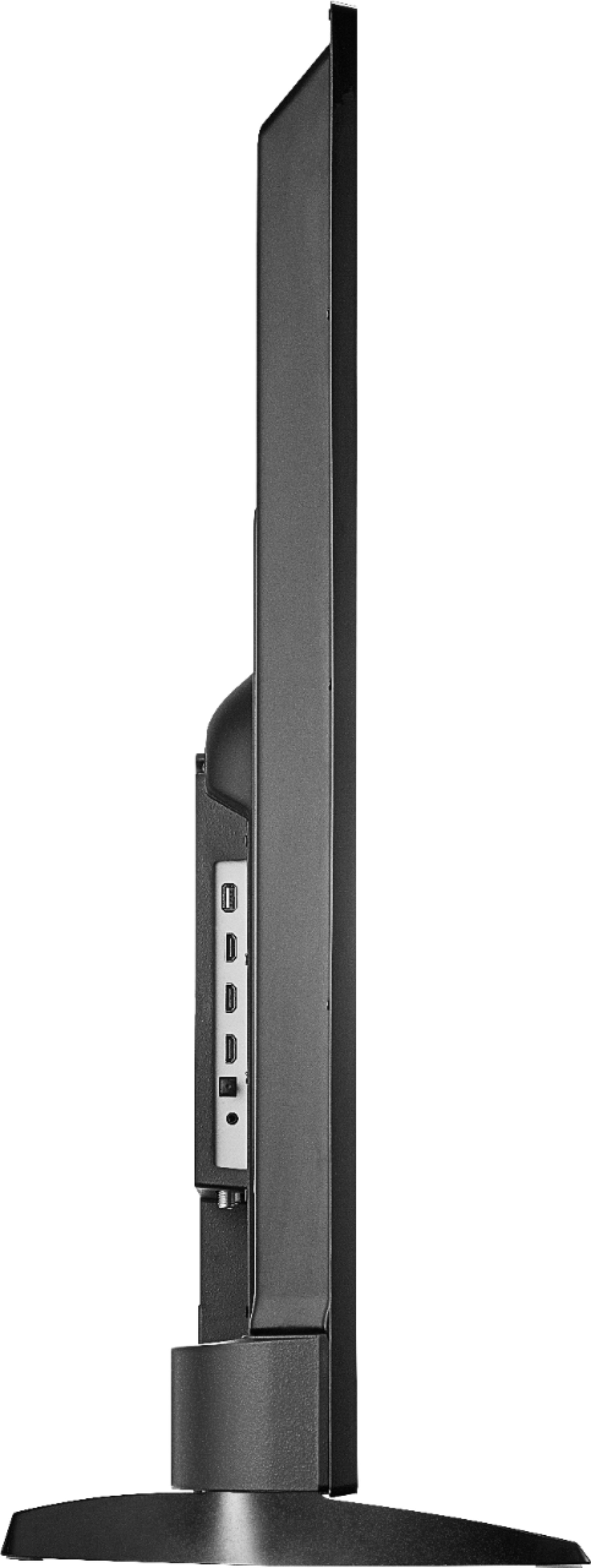
A:AnswerThis product's height with stand is 30.2 inches, width is 49.1 inches, depth with stand is 12 inches, height without stand is 28.7 inches, depth without stand is 3.7 inches and screen size is 54.6 inches.
A:AnswerCannot find #'s for CPU/GPU. Is 4 core CPU and not certain about GPU cores. I would like to know myself the specs. If you find out please post. Thank you.
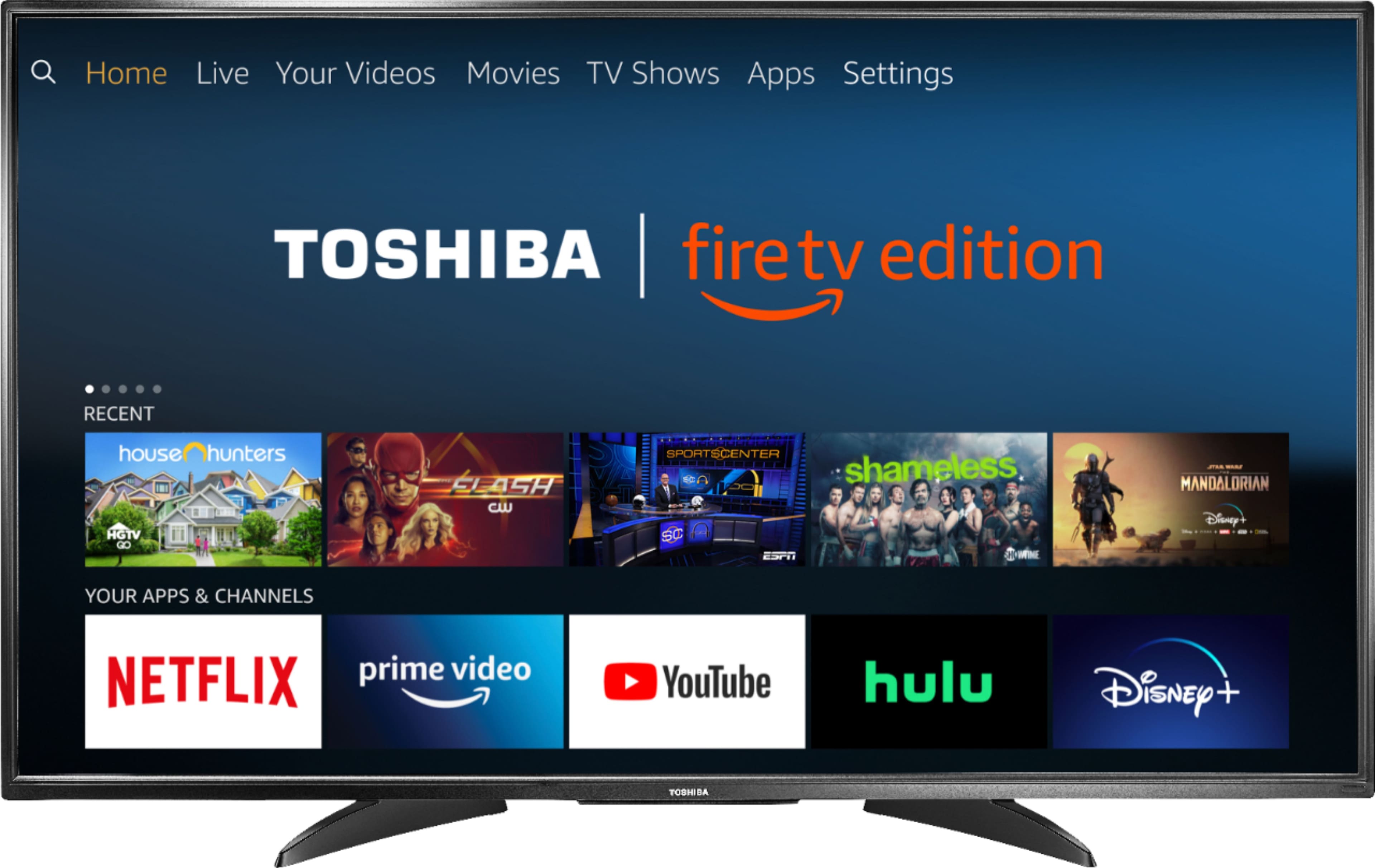
A:AnswerThe fire TV edition uses the amazon fire TV software for your 'smart' Tv features like apps to stream online content.
HDR stands for High Dynamic Range. Basically, it means better contrast, greater brightness levels and a wider colour palette.
A:AnswerYes it up scales. I own last year's model before Fire edition. On the cheap picked up a refurbed 4K Sony upscaling blue ray from Best buy. Has all the latest apps on it also. Get 4K cables. Comcast just released a 4K box, but there hard to get right now. Upscaling works well. Certain shows I watch, detail was fantastic, noticed the difference. This is an entry level TV for those on a budjet, but nice pic, upscaled. Lightning took out my Samsung 2017.