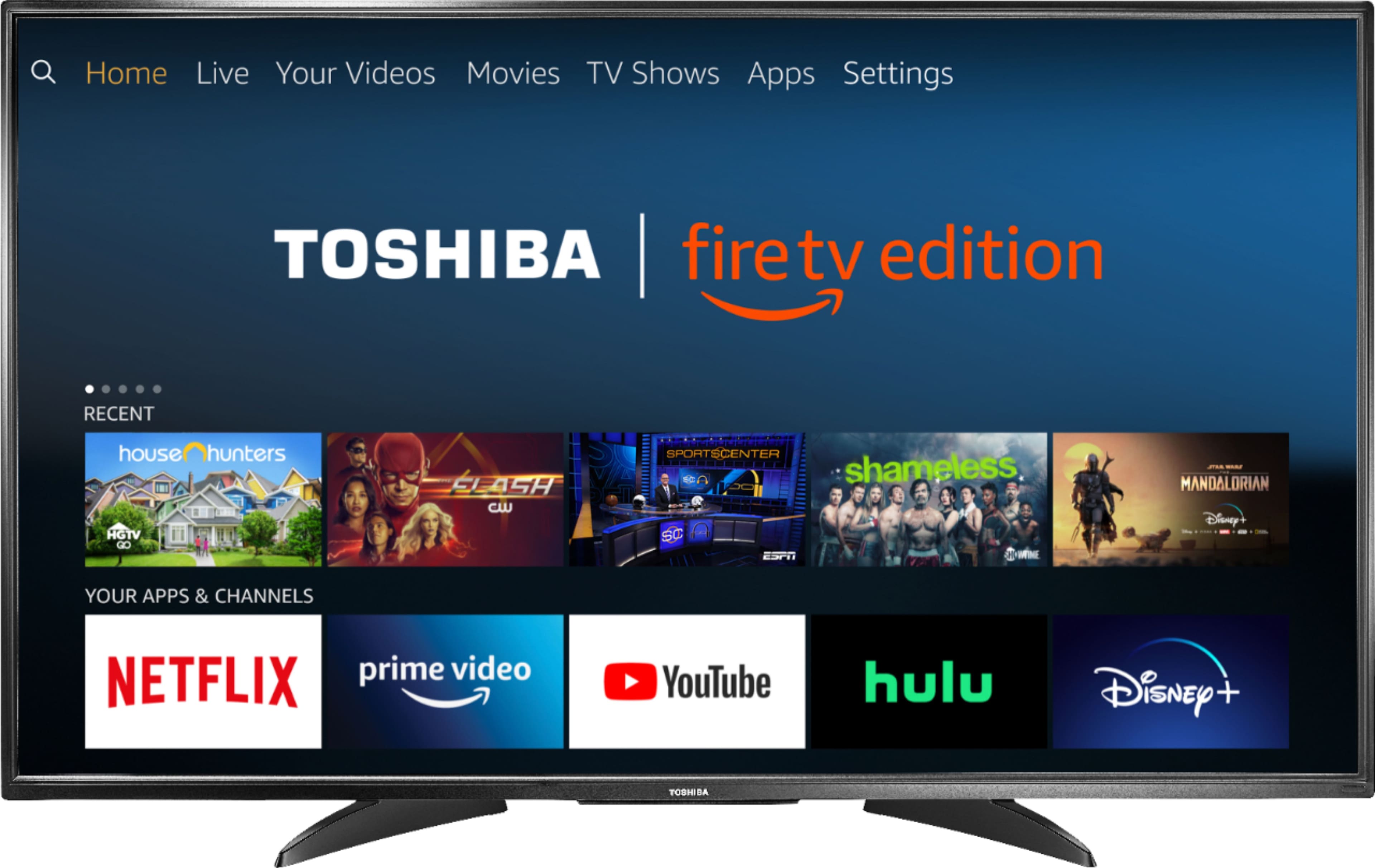
A:AnswerMine was taped to the inside of the box. Toshiba has lots of information online. Additionally I believe the tv walks you through the set up after you plug it in.
A:AnswerYou can try to do a Channel Scan on the Fire TV Edition television go: Home > Settings > Live TV > Channel Scan > Advanced Options and try them all.
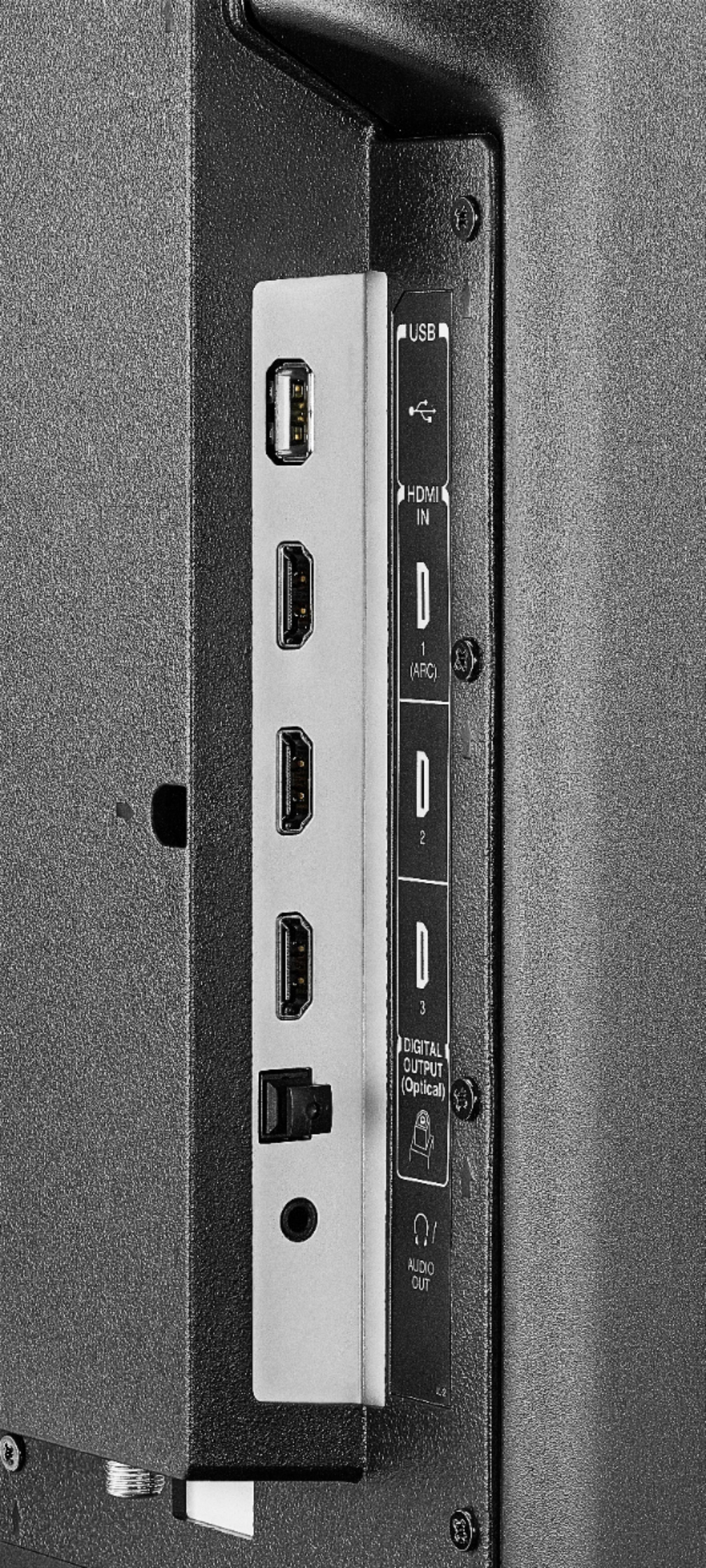
Also you can connect your gaming console using AV (yellow, red and white)
David M. - Toshiba Support
A:AnswerFor anyone searching for help when the "plug in the flash drive and format to FAT32 doesn't work":
FAT32 is Windows limited to 32gb and under. So you will never get the option to format your 64 or 128gb flash drives on the Toshiba TV. And the TV will never acknowledge the flash drive.
Instead, you need to download the free version of MiniTool Partition Wizard onto your computer. Plug in the flash drive and open the wizard. Right click on the flash drive name and select Format. Select FAT32 and click OK. Then click Apply at the lower left of the screen. It will format the flash drive to FAT32 so your TV can read it. After repeatedly trying to do all the other "fixes" for the low memory on my Toshiba TVs and never getting them to recognize the flash drives, I did the above and it worked immediately. Frustration over and I have 119gb of memory on my Toshiba TVs.