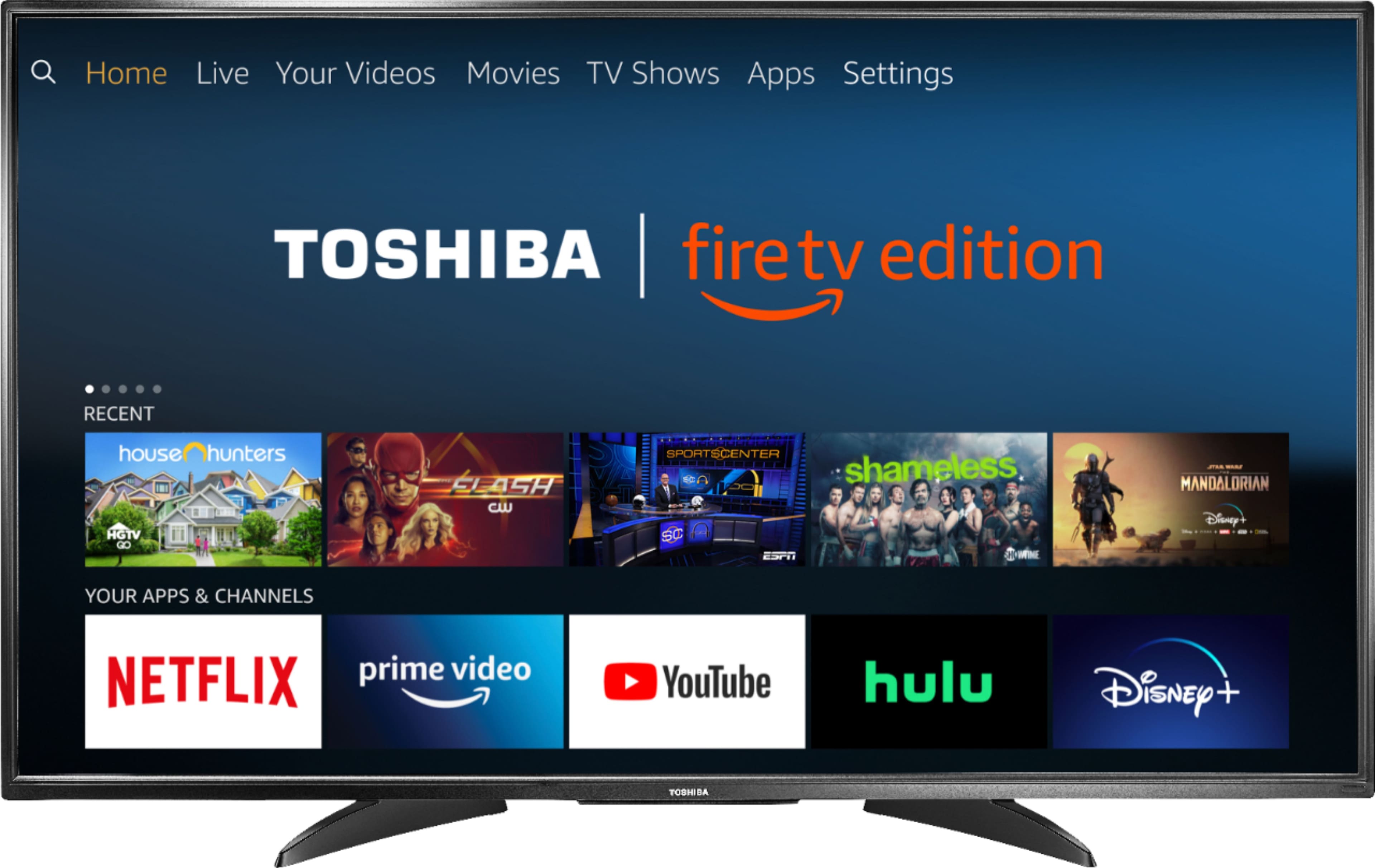
A:AnswerThe Fire TV Edition television does not support Miracast. You can connect an adapter or streaming device that supports it using HDMI.
David M. - Toshiba Support
A:AnswerWhat's up dog how you doing I measured two and a half feet I recommend a hard line hook up for internet access to your modem best signal and Picture quality.... you won't be disappointed with this purchase..... Godspeed
A:AnswerTo pair a Bluetooth device, go Home > Settings > Controllers & Bluetooth Devices.
For more information, please visit:
https://www.amazon.com/gp/help/customer/display.html?nodeId=GSBSBL44Y4QM59FV
David M. - Toshiba Support
A:AnswerTo pair a Bluetooth device, go Home > Settings > Controllers & Bluetooth Devices.
For more information, please visit:
https://www.amazon.com/gp/help/customer/display.html?nodeId=GSBSBL44Y4QM59FV
David M. - Toshiba Support
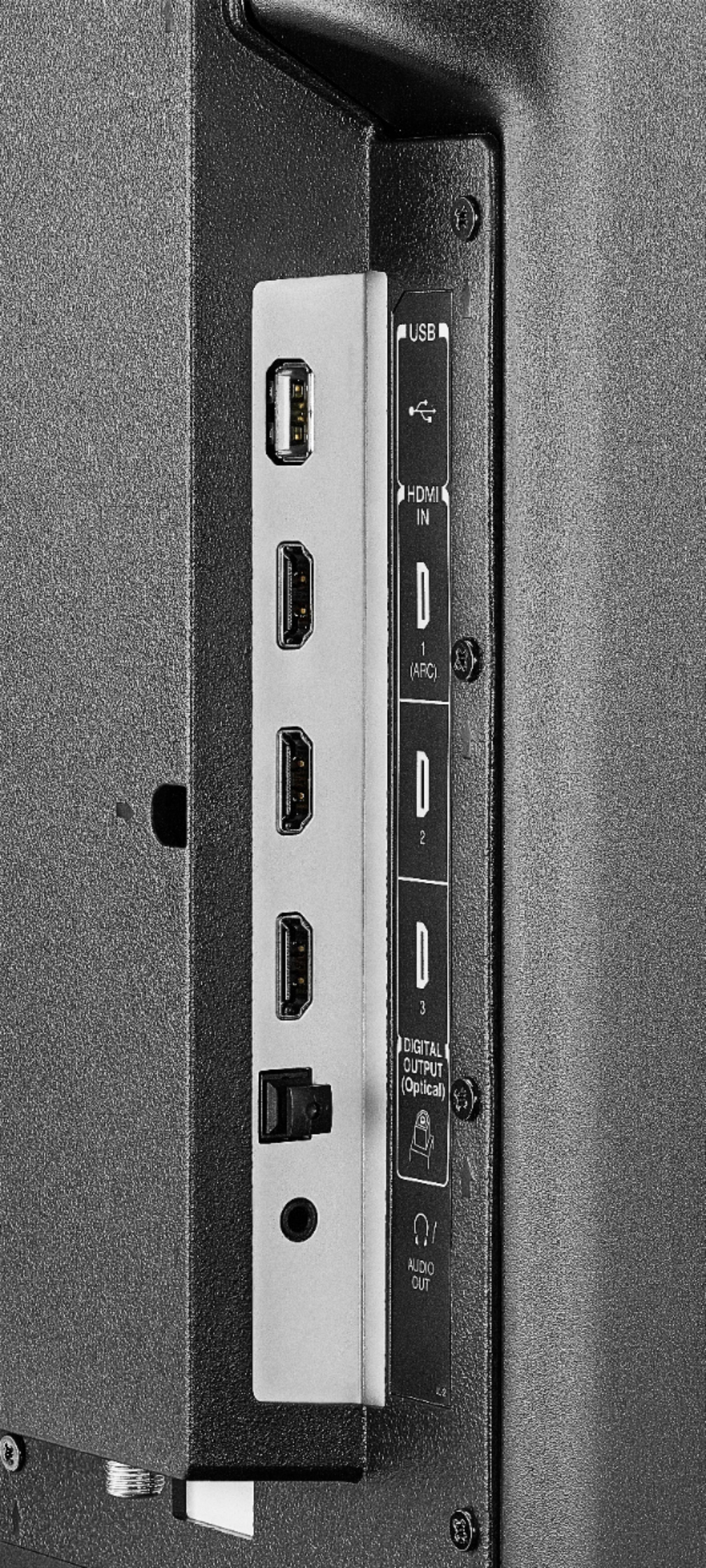
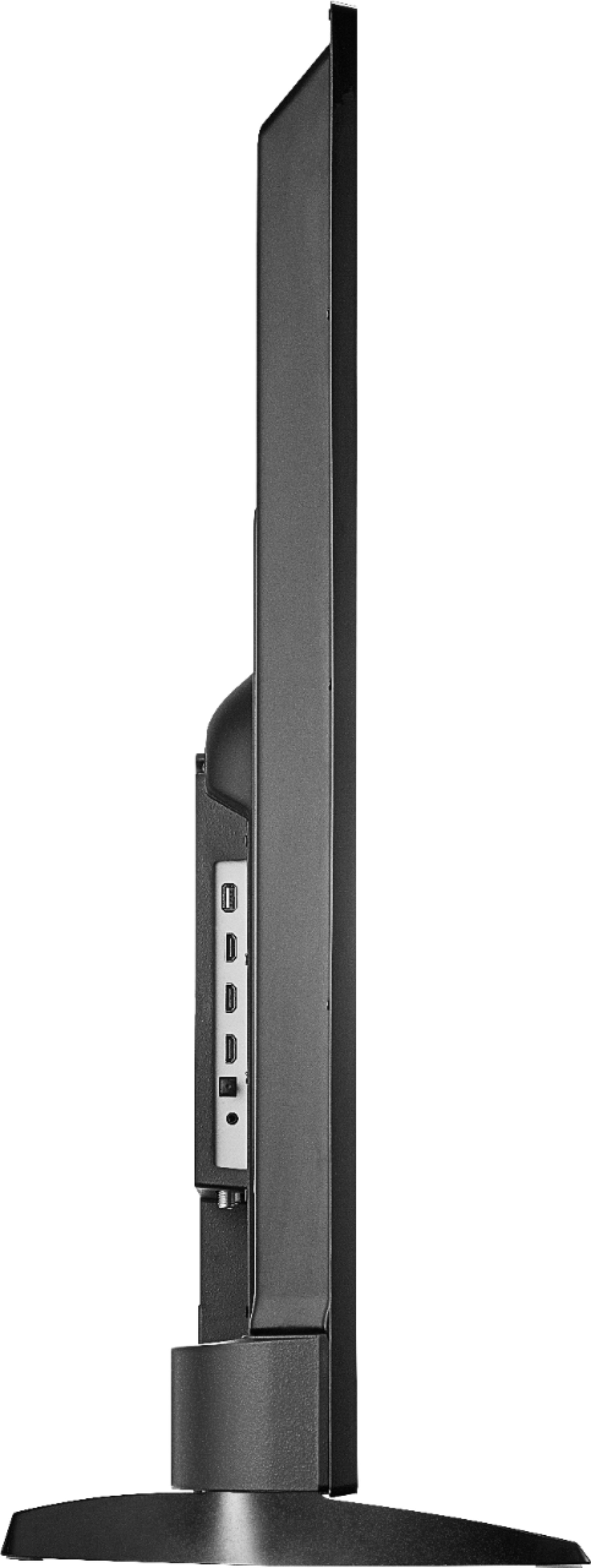
A:AnswerTo pair a Bluetooth device, go Home > Settings > Controllers & Bluetooth Devices. The Fire TV Edition television features the following Audio Outputs:
3.5 mm (Headphone Jack) and Digital Optical Output.
David M. - Toshiba Support
A:Answergo to the Alexa app go to your
Settings button go down to video and TV next you’ll click on Fire TV and link your Fire TV with your Alexa device. That’s how you connect the two also for music wise you can Bluetooth connect the tv with Your echo device also in the echo settings or Alexa settings you will go to Fire TV and link the two devices only one echo
Can be linked together per TV
A:AnswerThe replacement remote for the Fire TV Edition television is available at Best Buy; Model: NS-RCFNA-19
Also, you can download the Amazon Fire TV app on your Smartphone to control your Fire TV Edition television.
David M. - Toshiba Support
A:AnswerThe Fire TV Edition television features the following Audio Outputs:
Bluetooth (for wireless audio devices), 3.5 mm (Headphone Jack) and Digital Optical Output. Try to connect your headphones using the 3.5 mm headphone jack.
David M. - Toshiba Support
A:AnswerWhile watching a movie, press and hold the Home button for 3 seconds to launch the Quick Access menu, select Display settings to adjust the Picture Size and Aspect Ratio.
David M. - Toshiba Support
A:AnswerIF YOU HAVE A FIRE EDITION TV YOU ALREADY HAVE A FIRE STICK IN THE TV, FOR LOCAL CHANNELS YOU HAVE TWO CHOICES 1. AN ANTENNA, 2. IPTV SUBSCRIPTION SERVICE... YOU CAN ALSO INSTALL TEAM VIEWER ON YOUR TV AND OTHERS LIKE MYSELF CAN QUICK SUPPORT INTO AND WALK YOU THROUGH THE SET UP. OR YOU CAN SIMPLY GOOGLE SEARCH FOR VIDEOS ON SETTING THOSE THINGS UP.
A:AnswerThe app Twitch: Livestream Multiplayer Games & Esports by Twitch Interactive, Inc. is available for the Fire TV Edition television experience.
To search for more available apps, go to:
amazon.com > Menu - Shop By Category > Fire TV > Fire TV Apps & Channels > Refine by Device Type select Fire TV Edition TV and search.
David M. - Toshiba Support
A:AnswerThe Fire TV Edition television features Wi-Fi: 802.11 a/b/g/n/ac; 2x2 MIMO (2.4 GHz and 5.0 GHz dual band) and Ethernet 10/100Mbs.
For example Netflix and YouTube recommend an internet speed of 25 Mbps.
David M. - Toshiba Support