A:AnswerHi, Unplug power cord and plug it back in again. This is like a hard reboot. Same thing I do with my printer when it won't communicate with the computer.
A:AnswerHi,
It seems that you need personalized assistance from us, please call 1 (855) 527-2411 available from 8 am to 9 pm CT everyday.
Alan O. - Toshiba Support
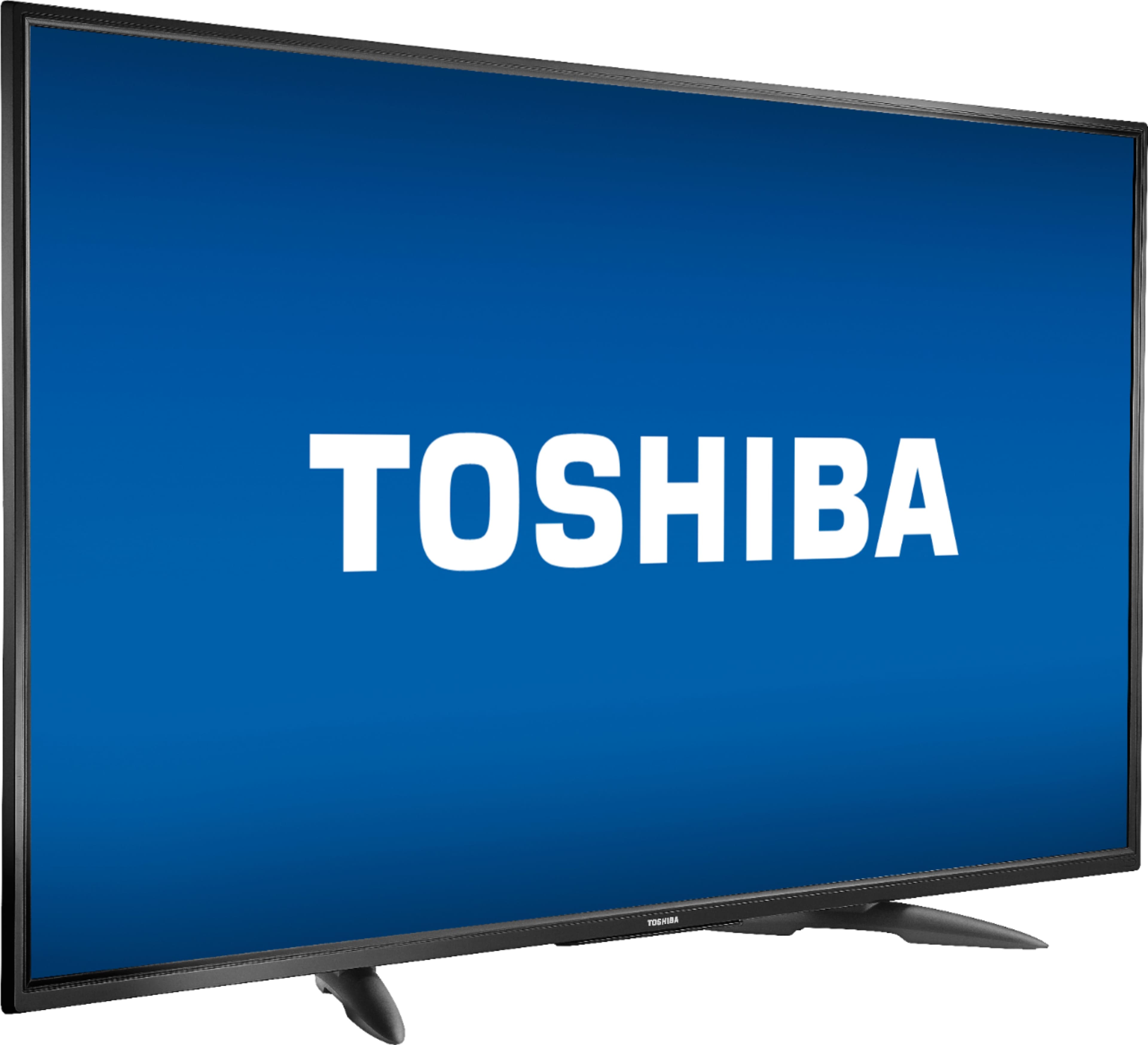
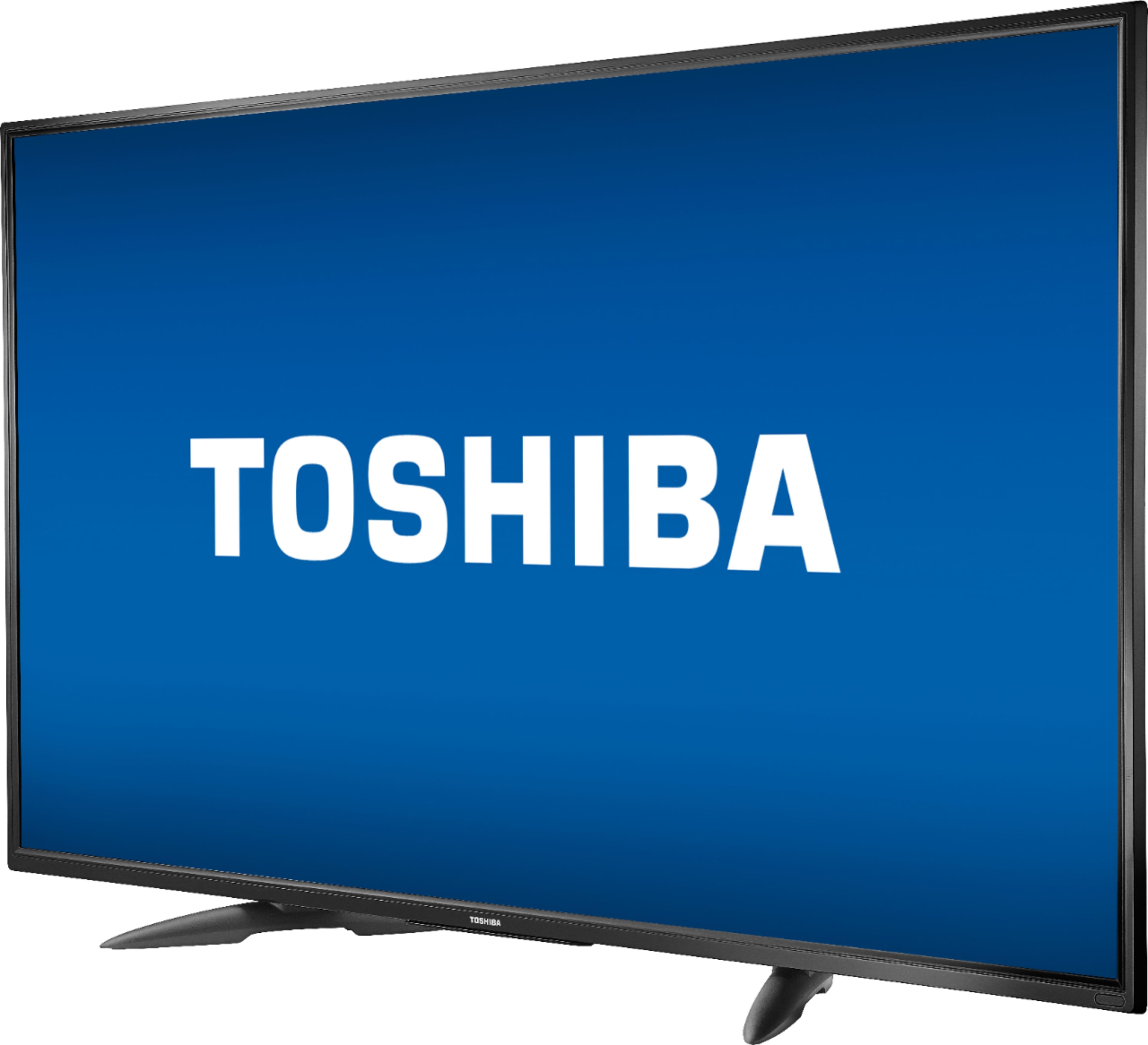
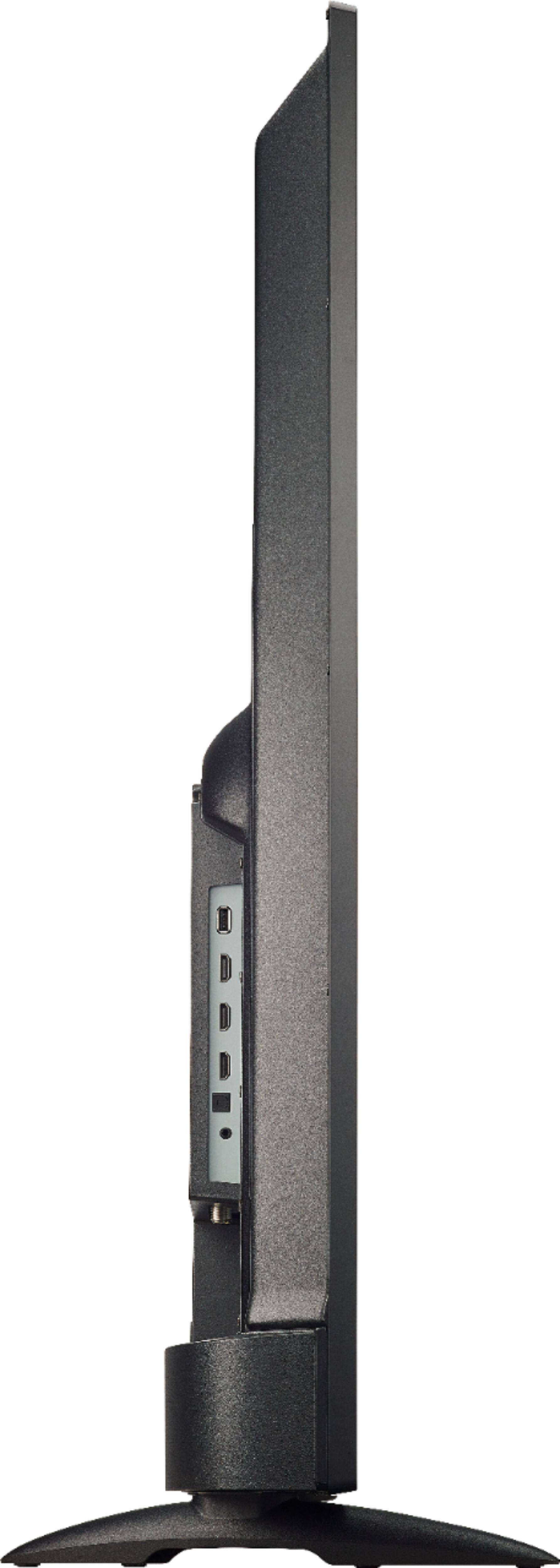
A:AnswerThe feet connected are at an angle. I had to measure the width between them at the store when I picked it up. The widest, from tip to tip, is 2 ft (around 24").
A:AnswerI picked my up in my Husbands Truck BUT!!! If I had my Car it Would have Fit Just Find In A Regular Car!!! Believe Me I Wouldn’t let u Down on This Specially Picking Up A New TV!!!! A Regular Car Can Take This TV Home For U with NO PROBLEMS AT ALL!!! So Don’t Worry About That Just Bring Your Car To BEST BUY & BUY YOUR NEW TV!!! And Enjoy it. The Box it self with the TV is will pick & no extras so don’t worry.
A:AnswerHi,
The TV will be able to display a 4K picture as long as the content is available on that resolution.
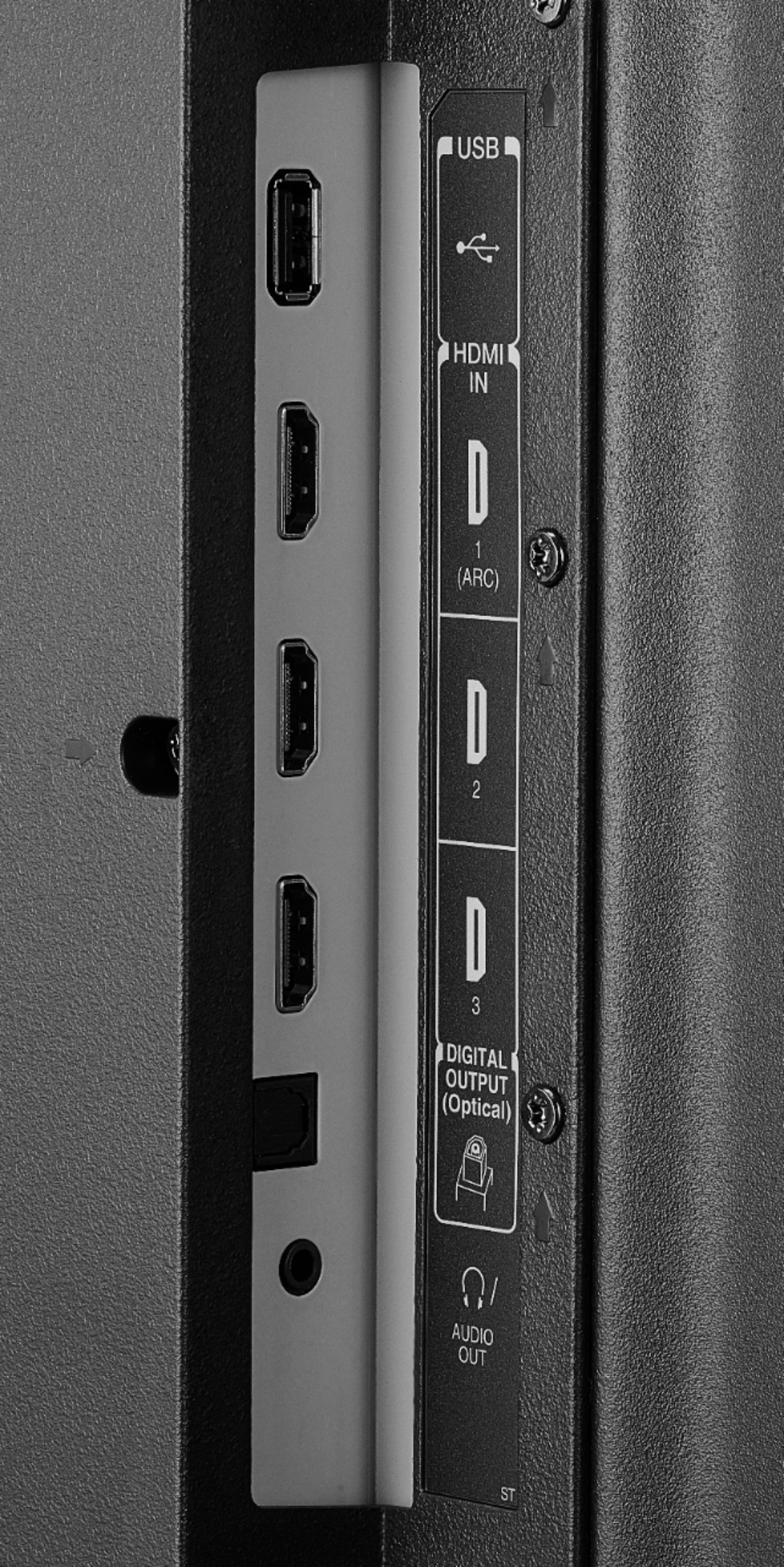
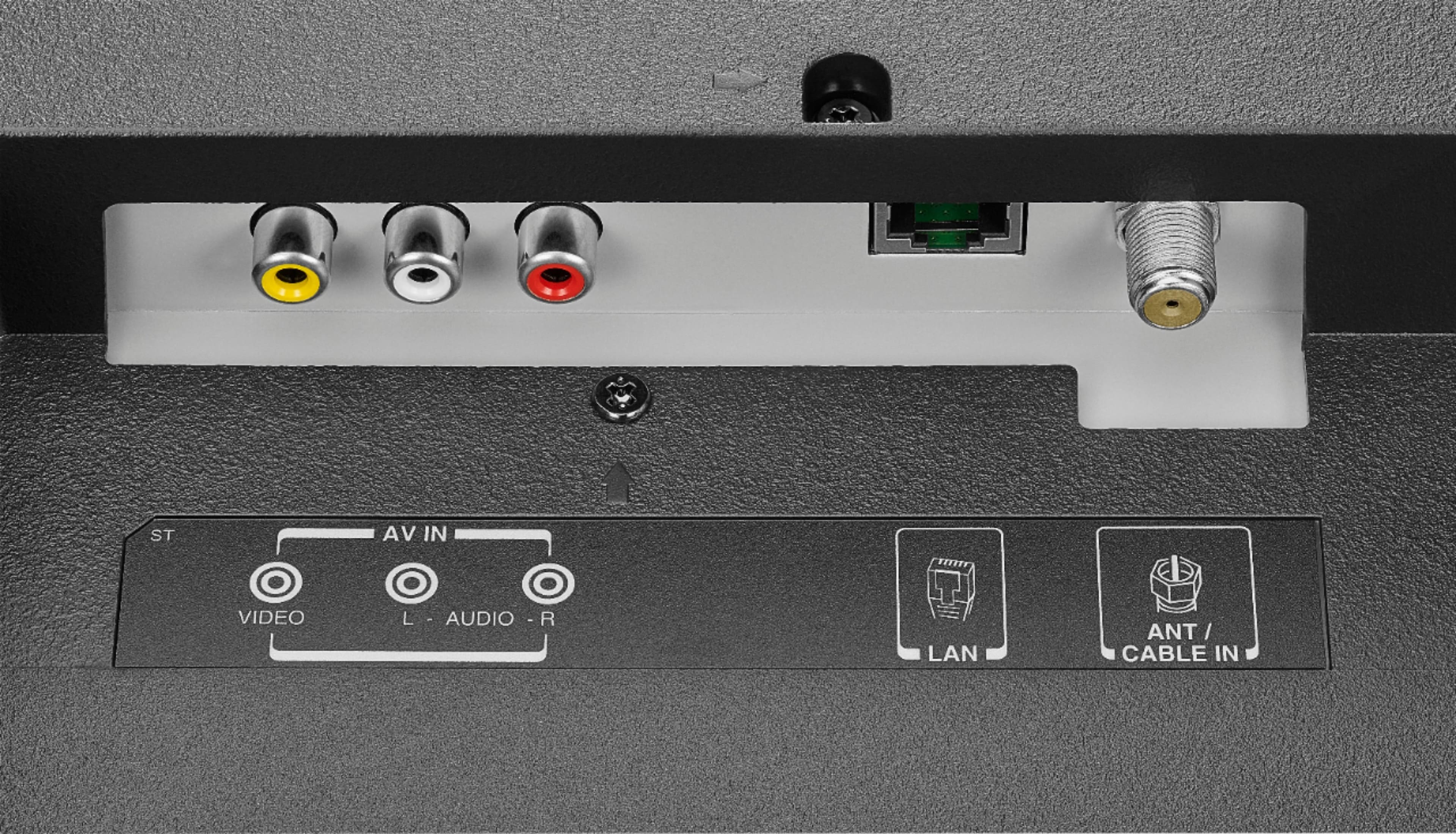
You can connect your external speakers using one of the following outputs: 3.5mm (headphones jack) or Digital Optical Cable.
Alan O. - Toshiba Support.
A:AnswerTo pair your wireless keyboard to the Fire TV Edition television using Bluetooth go Home > Settings > Controllers & Bluetooth Devices.
For more information, please visit:
https://www.amazon.com/gp/help/customer/display.html?nodeId=GSBSBL44Y4QM59FV
*Mouse devices and keyboards can only be used with supported games and apps.
David M. - Toshiba Support
A:AnswerYou can try this link: https://www.amazon.com/Insignia-Replacement-Remote-Toshiba-Televisions/dp/B07TDNJMQ3/ref=sr_1_7?keywords=fire+tv+remote&qid=1575661208&sr=8-7
That remote is compatible with all Toshiba Fire TV editions.
Alan O. - Toshiba Support
A:AnswerHi,
When the TV is on the Home Screen, scroll over to the left and on the search bar type "HULU". If you need more assistance, call us at 1 (855) 527-2411 available from 8 am to 9 pm CT everyday.
Alan O. - Toshiba Support