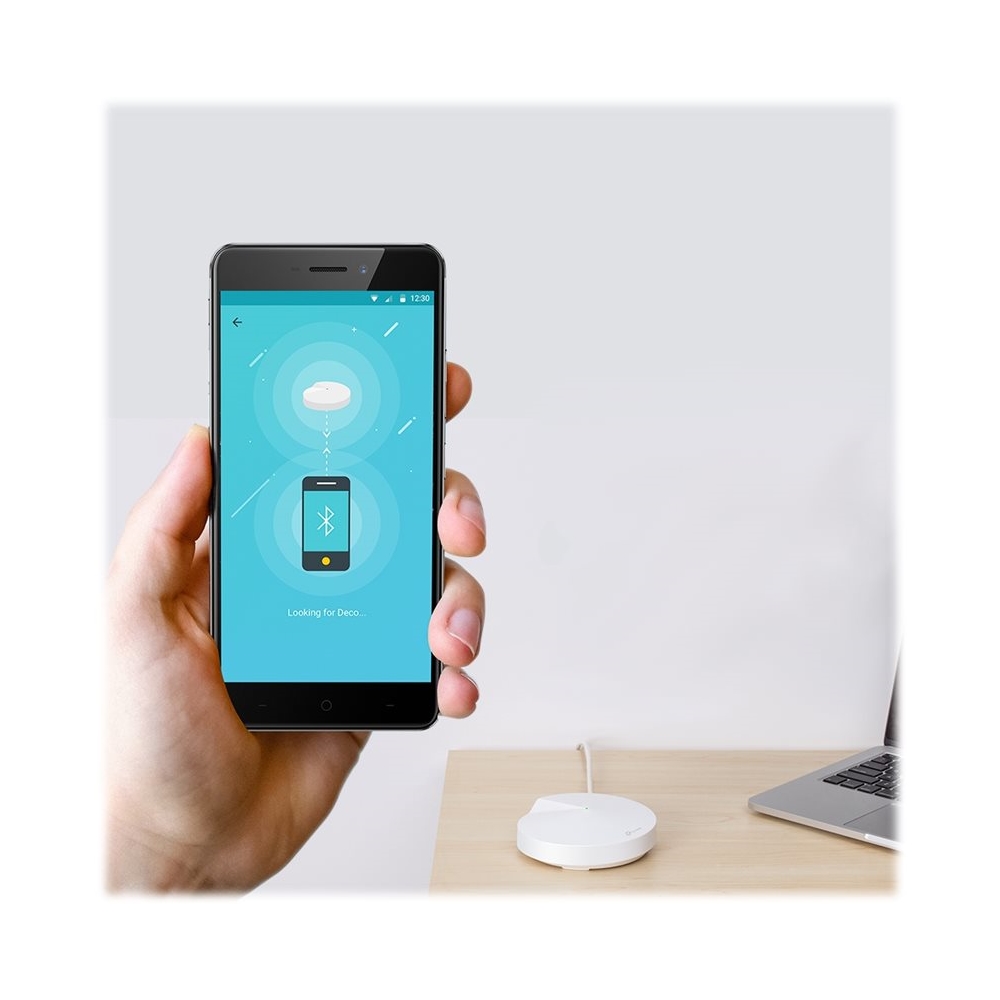
A:Answer Yes there is built in parental controls that let you make "profiles" for members of your family then set an age range (Kid, pre-teen, teen, etc) with suggested content blocking (you can customize this and add specific websites etc as well) then you can set total internet usage time (ie 6 hours a day) with weekdays and weekends separated so you can allow different times on school nights vs weekends. It also allows you to set a bedtime (again for weekdays and weekends). Then you choose which connected devices you want to include in this profile. So, for example, your kid "Joe" may have a cell phone, a tablet and a computer, you can add all of these devices under the profile "Joe" and set what time of day he can be on the internet (weekdays and/or weekends) as well as total hours used and designate a bedtime when they are no longer allowed online. Then if you have more kids, your other children can have a completely different profile with rules that fit their specific needs. I don't have kids and don't use this but did just make a test profile to double check and it's actually pretty cool feature. And I do not see anything that requires a subscription or add on cost to use it. Hope that helps.