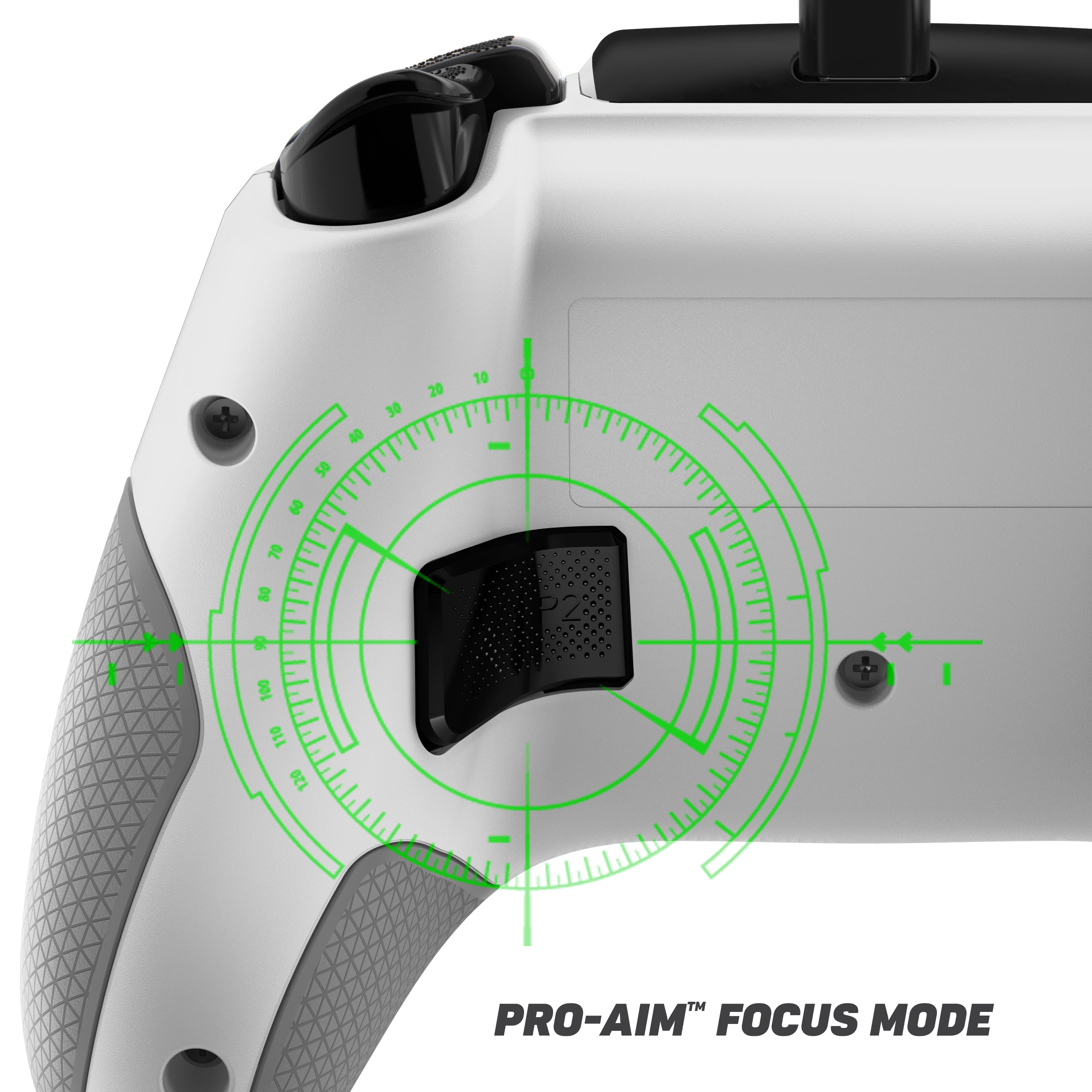
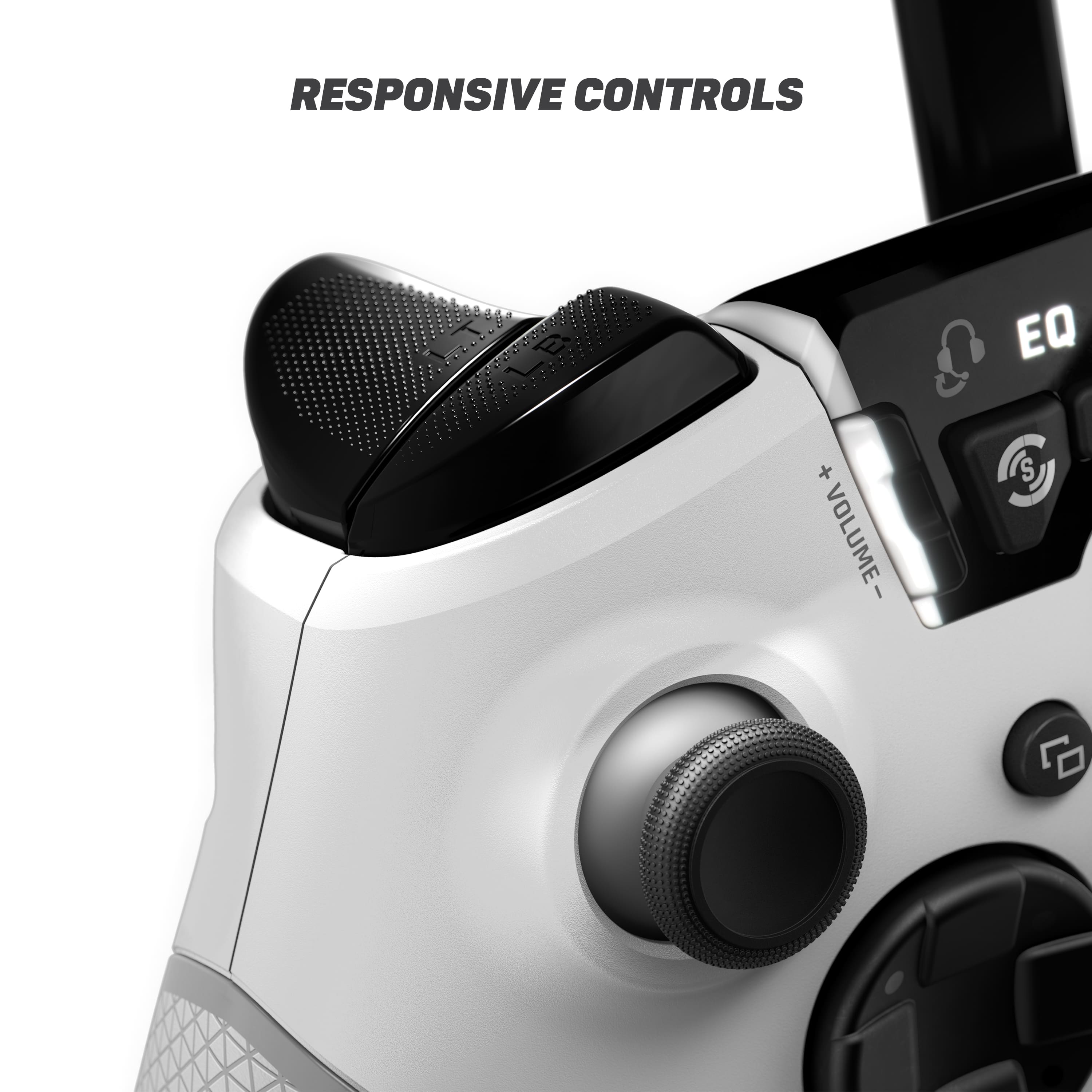
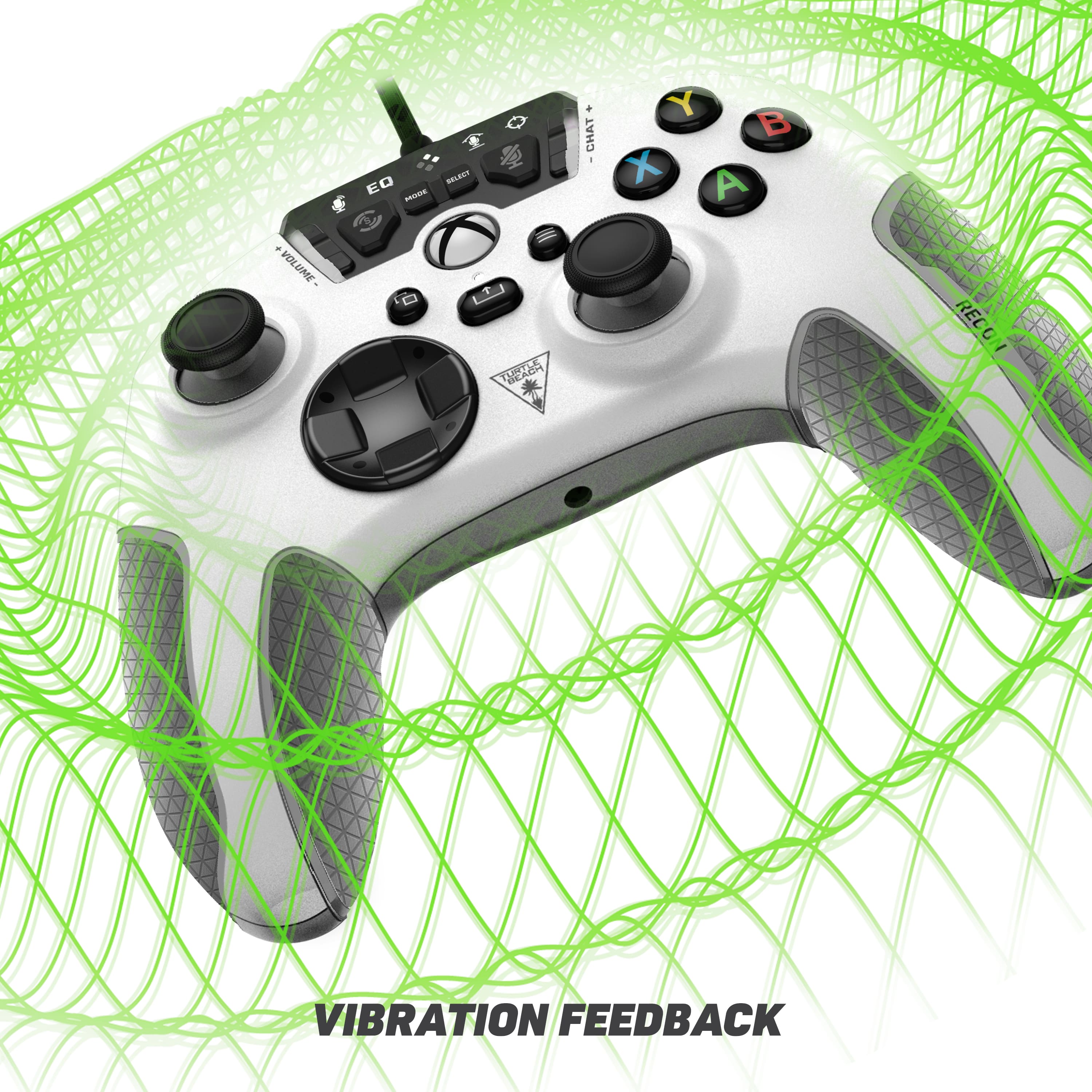
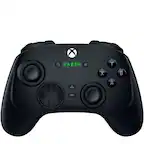
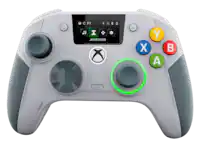
A:AnswerIts not aimbot lol but depends on the person using it how good they are with aim. From personal experience aim maps help not just the controller. But the controller when it works give decent feedback.
A:AnswerThanks for your inquiry, Niecy!
If you haven't done so already, we would suggest performing the recalibration for the Recon Controller found in the support section of the Turtle Beach website.
If recalibration did not help or you require further assistance, please reach out directly to our dedicated Support Team so they can lend a hand.
They’re always happy to help and can be reached right from the support section of the Turtle Beach website too.
Thank you and have a great day!
A:AnswerThanks for your inquiry!
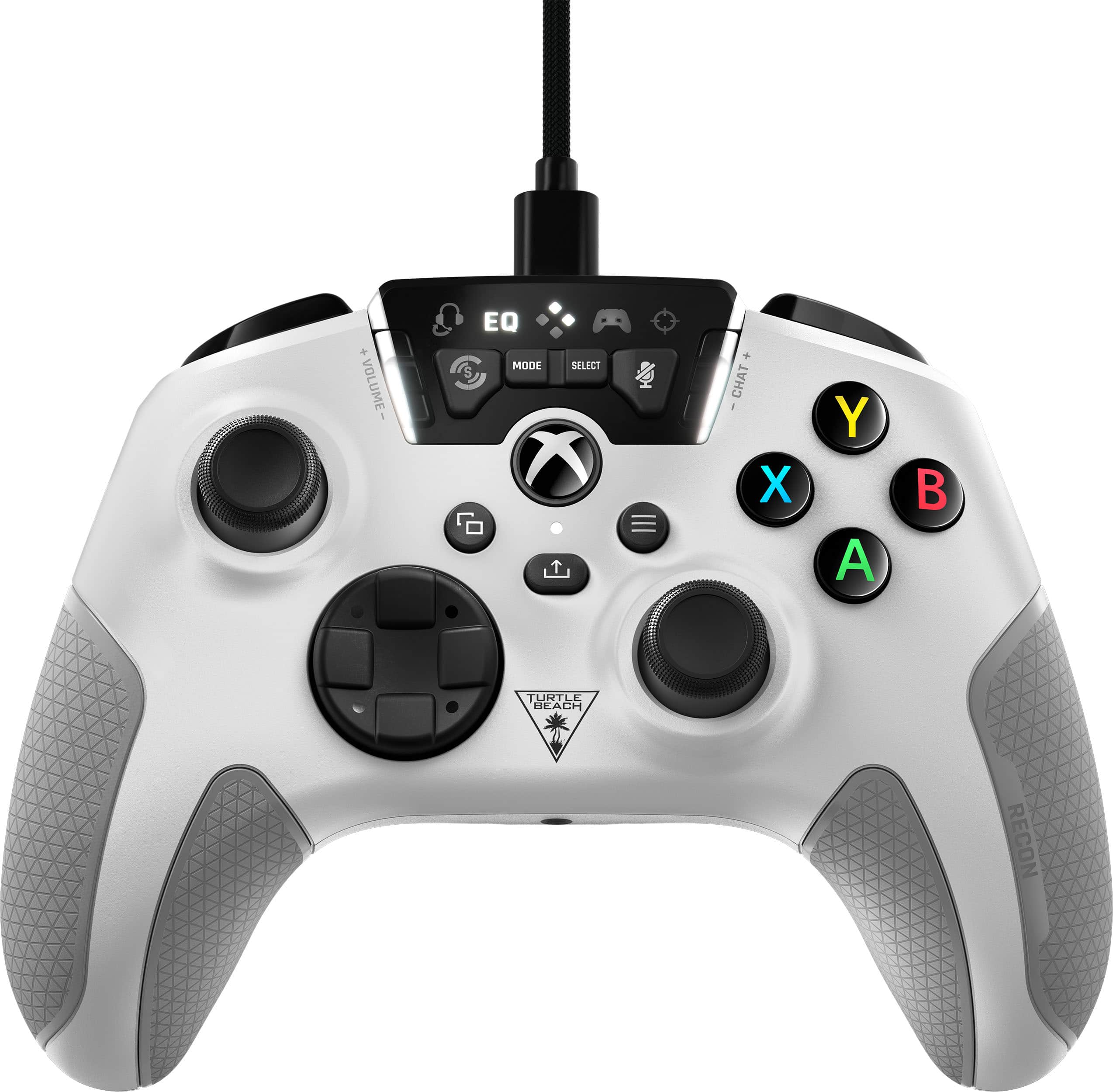
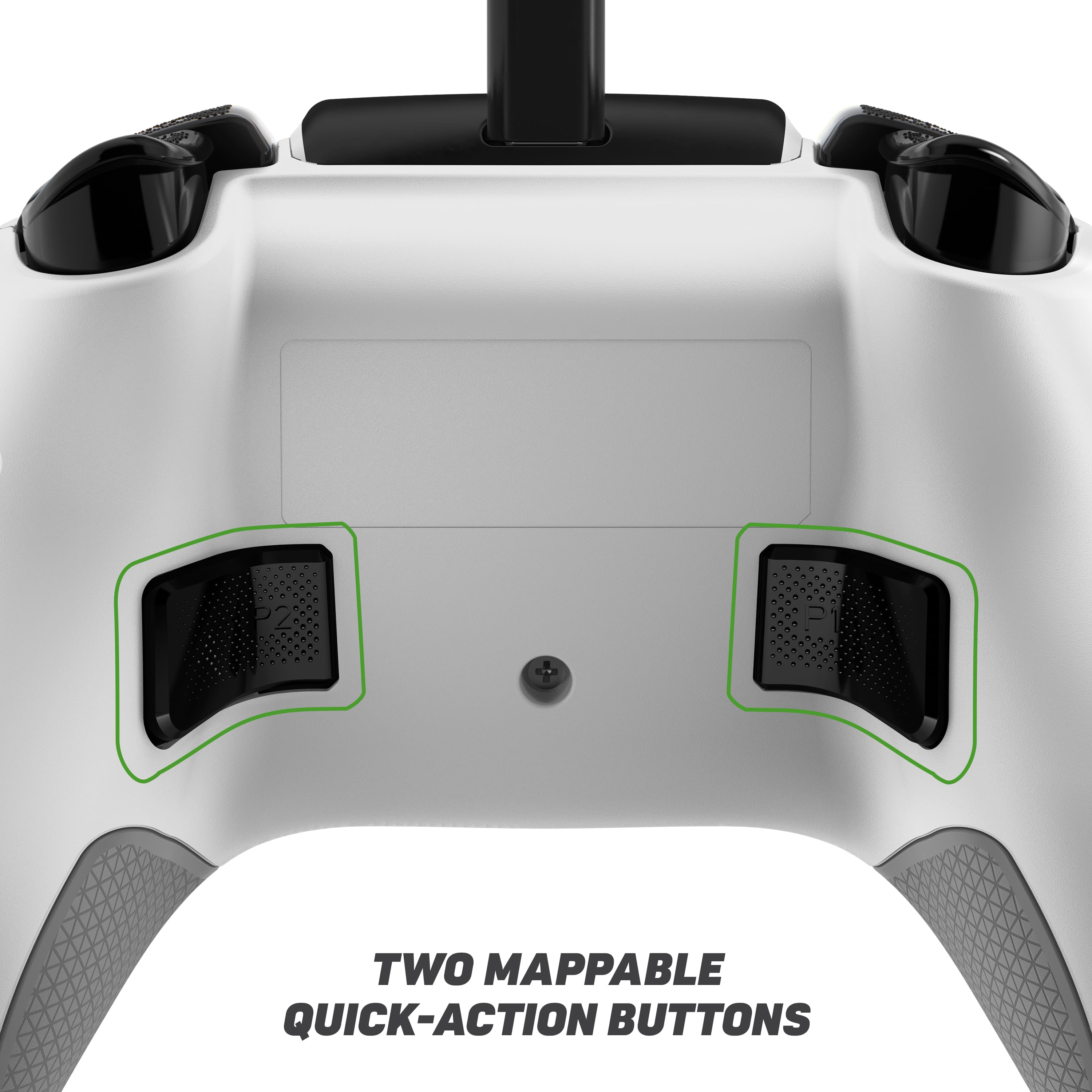
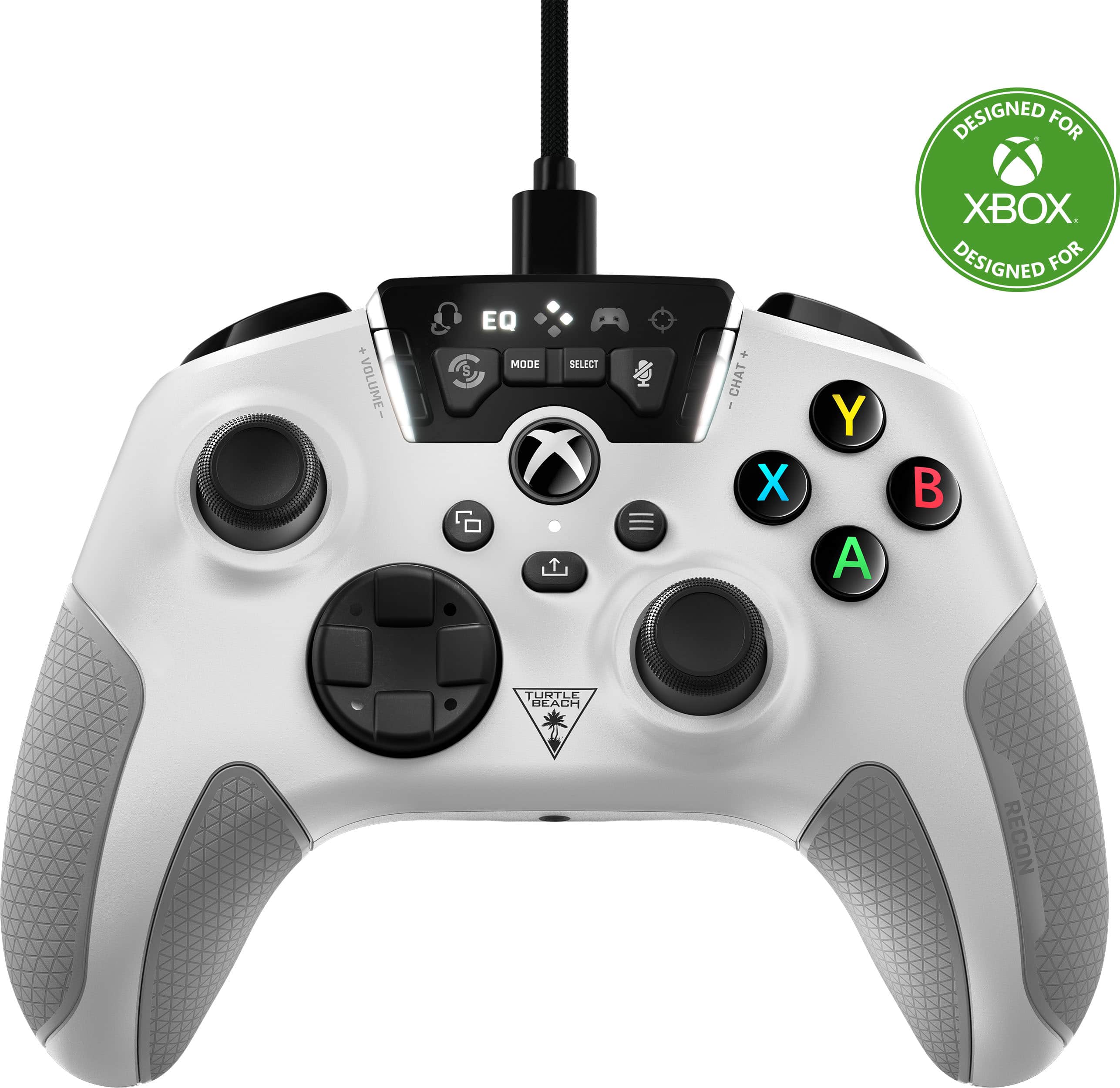
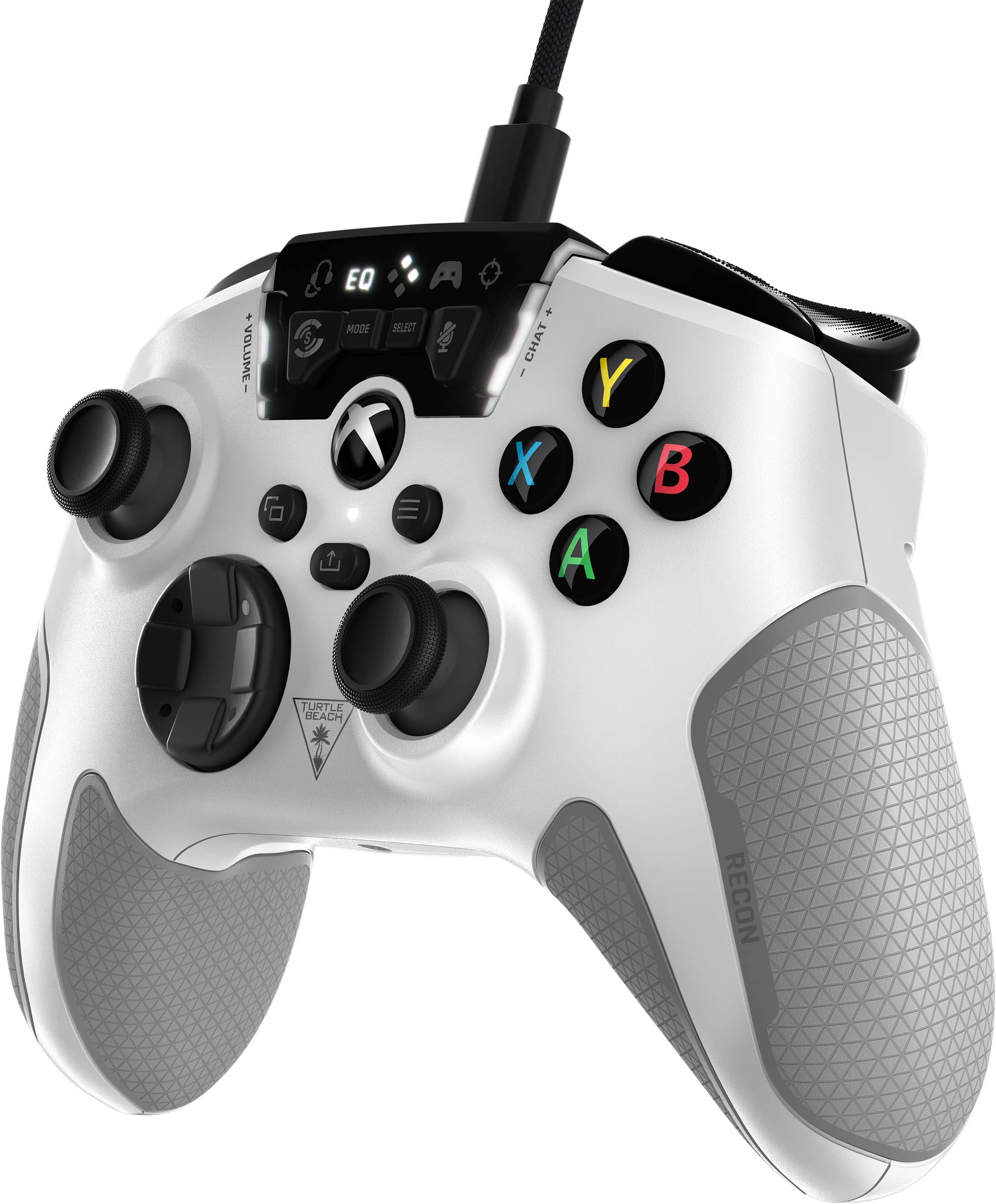
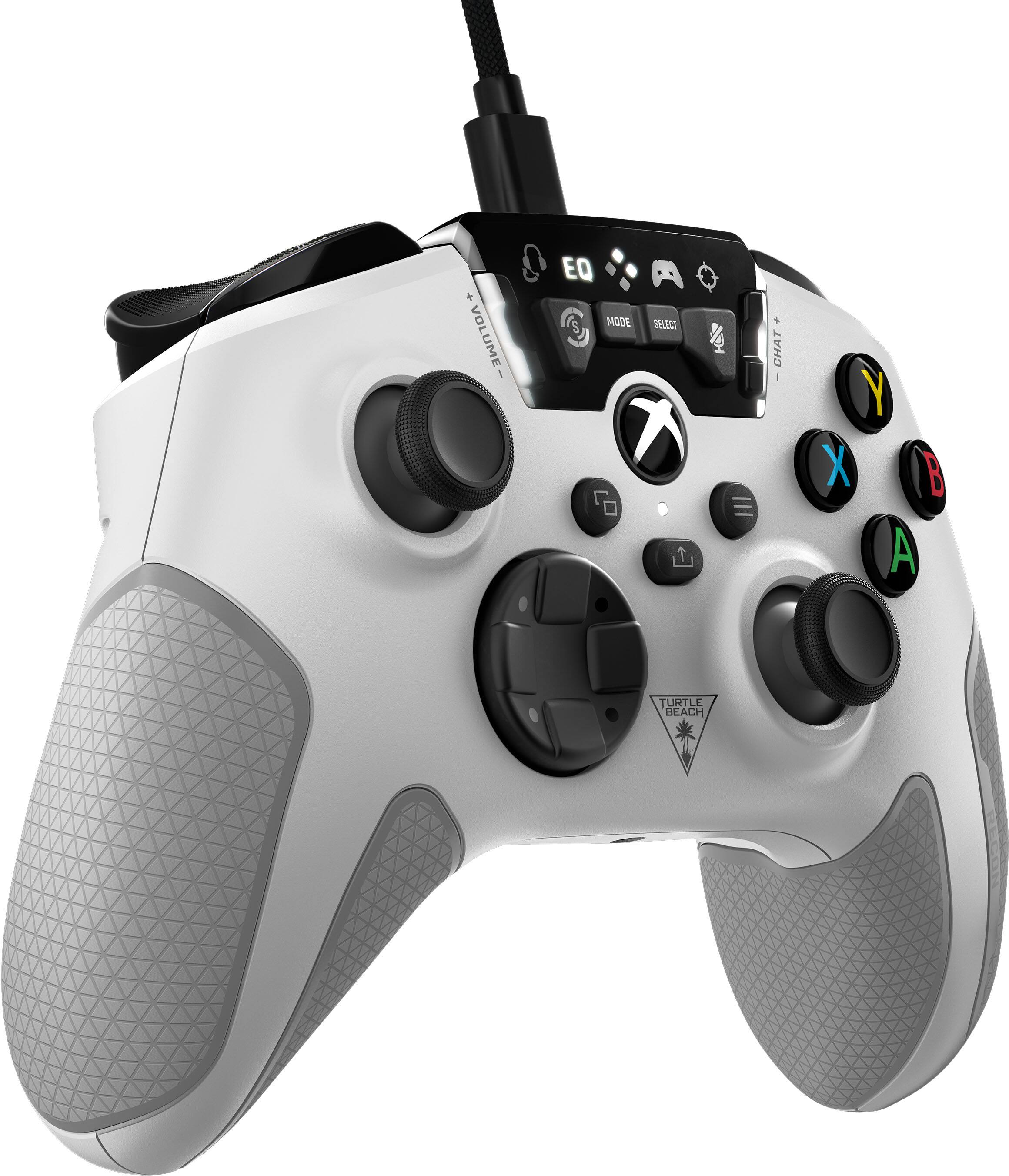
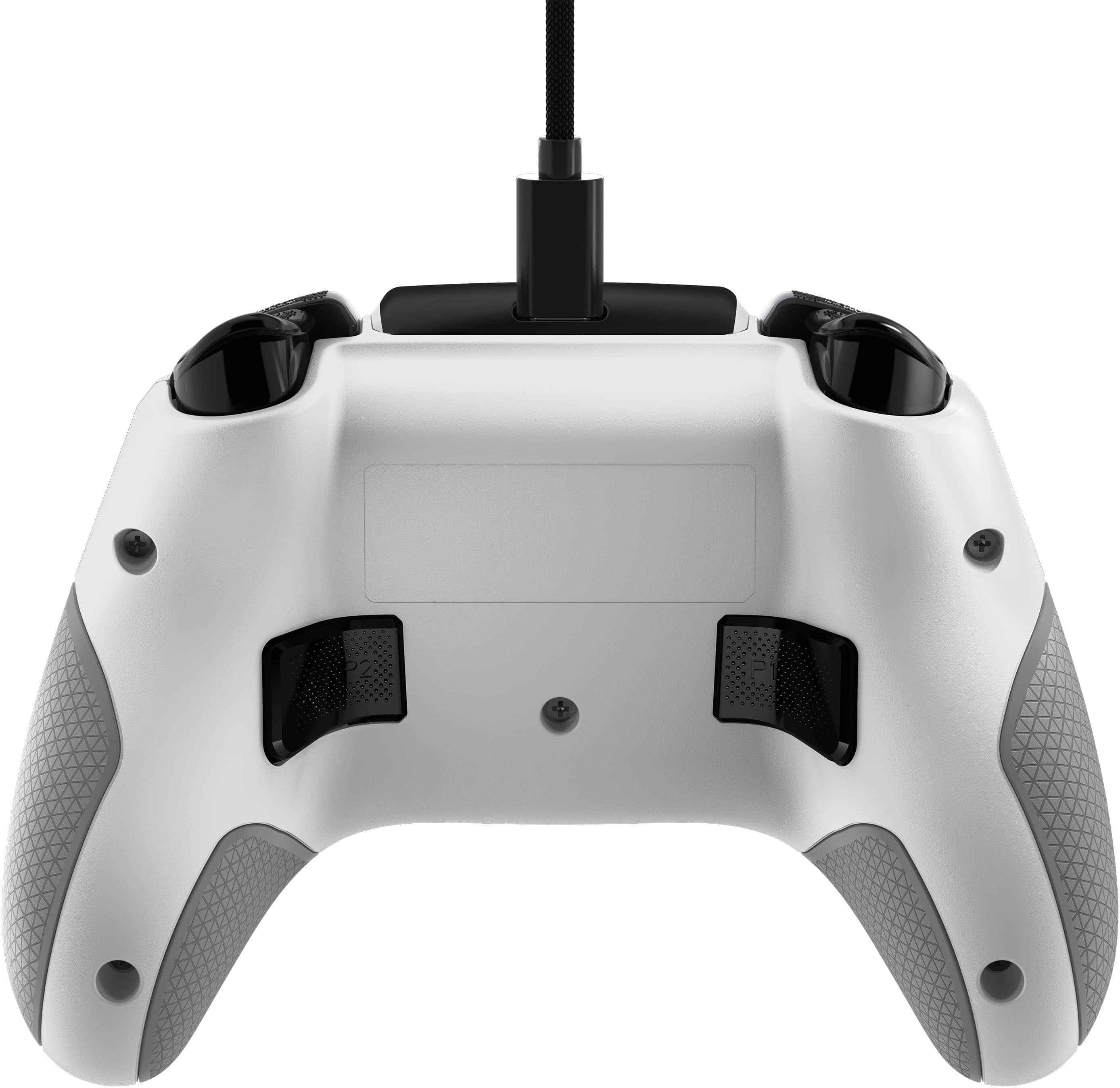
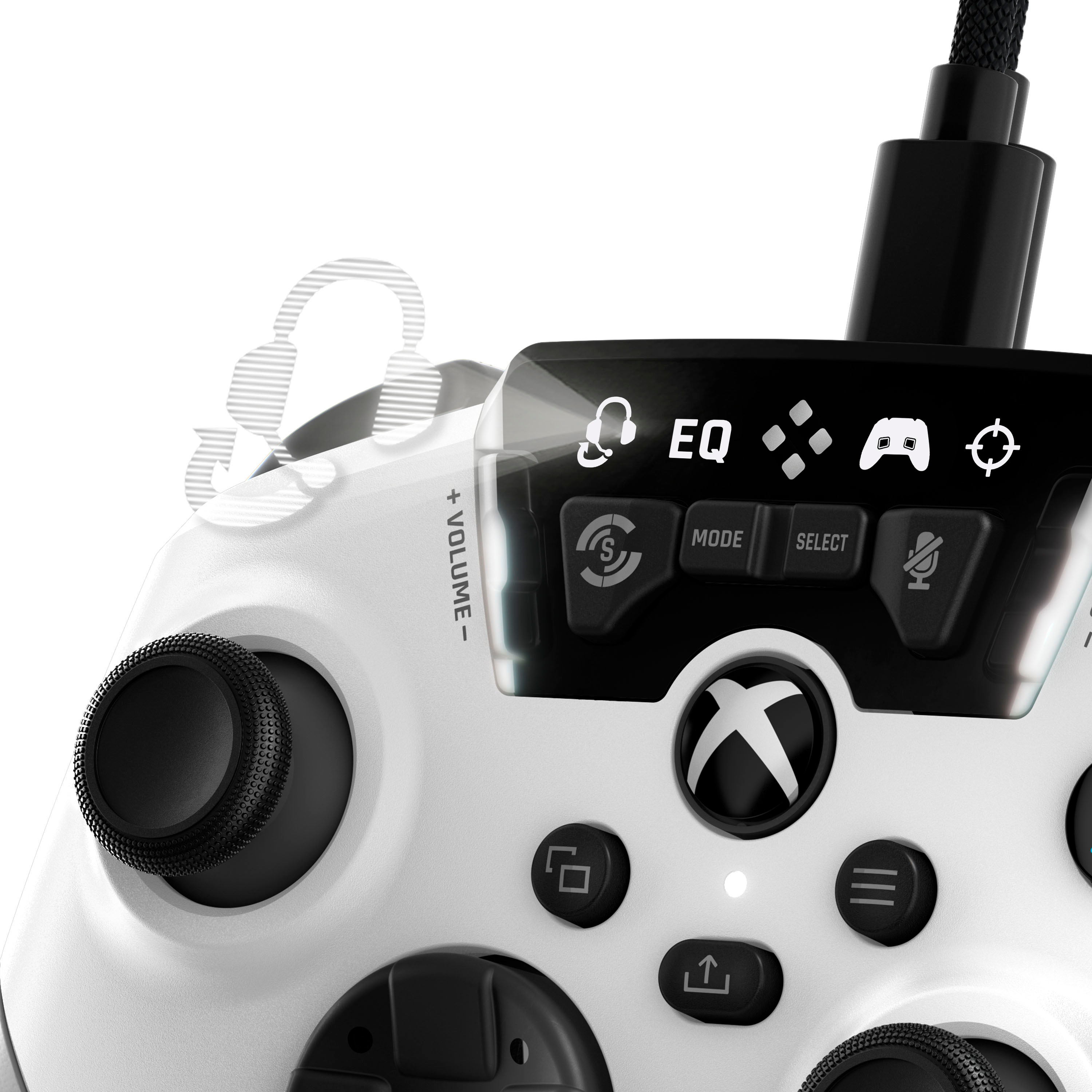
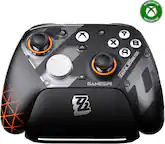
You are not able to un-map or shut off any of the button inputs on the Turtle Beach Recon Controller aside from the rear Quick-Action buttons.
A:AnswerThanks for your inquiry!
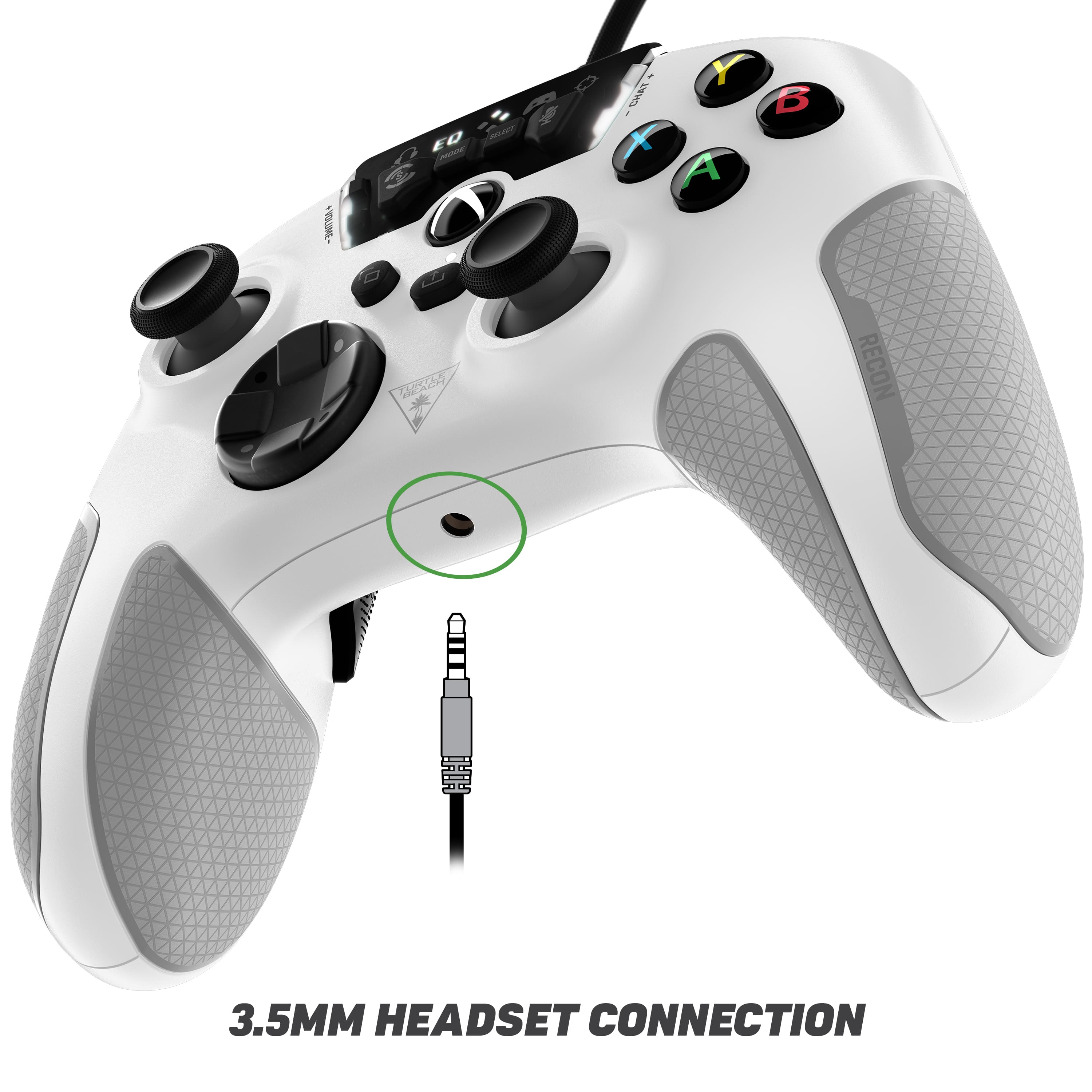
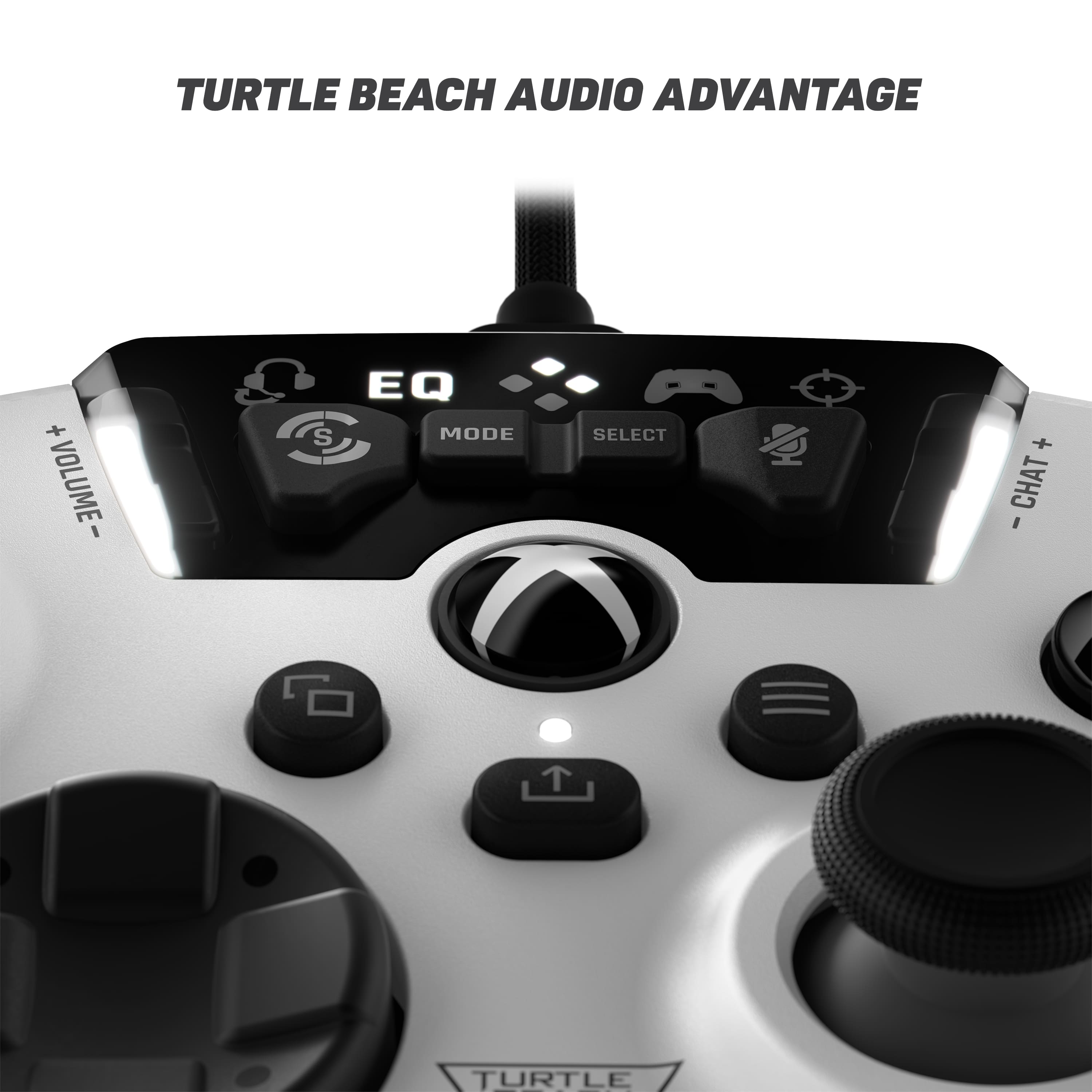
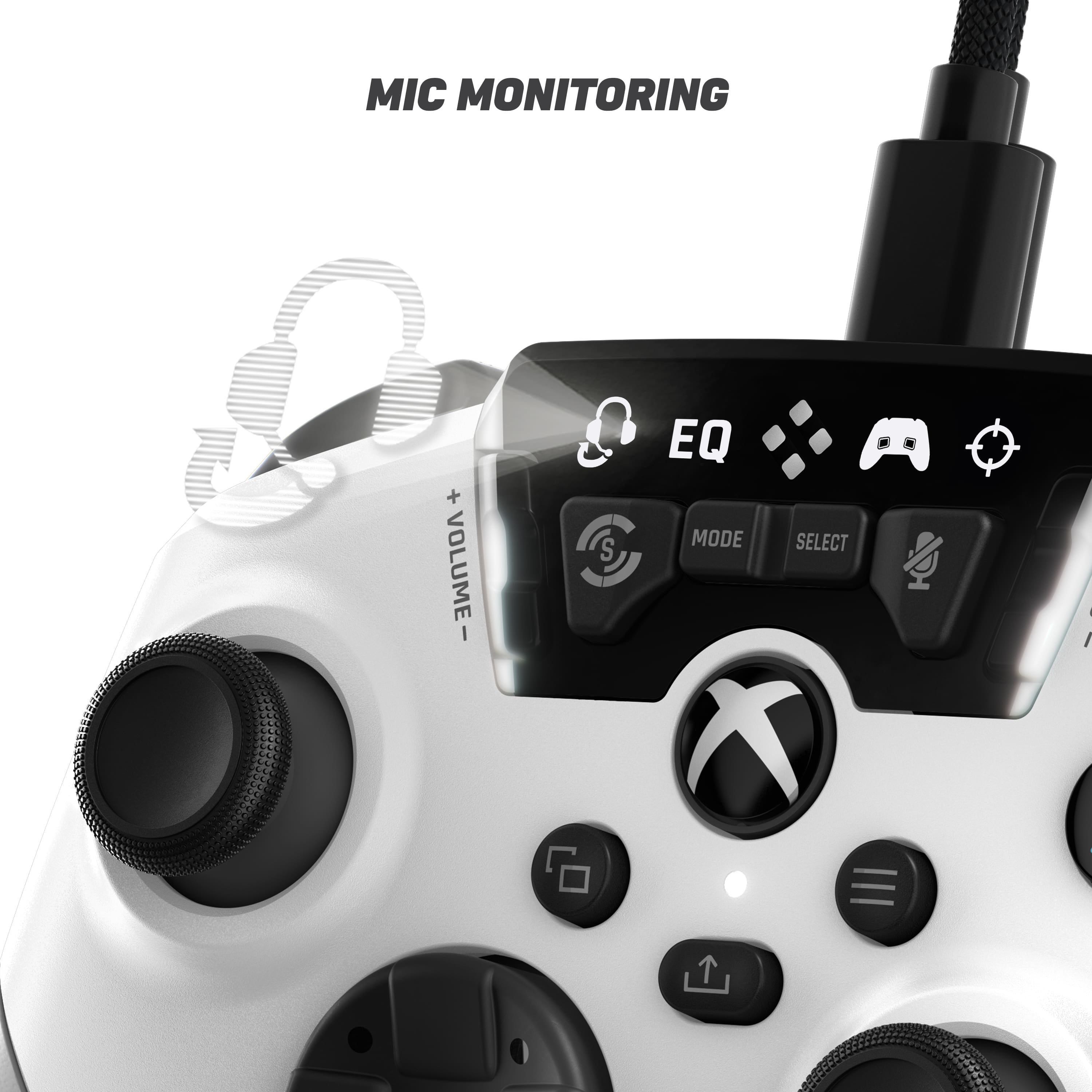
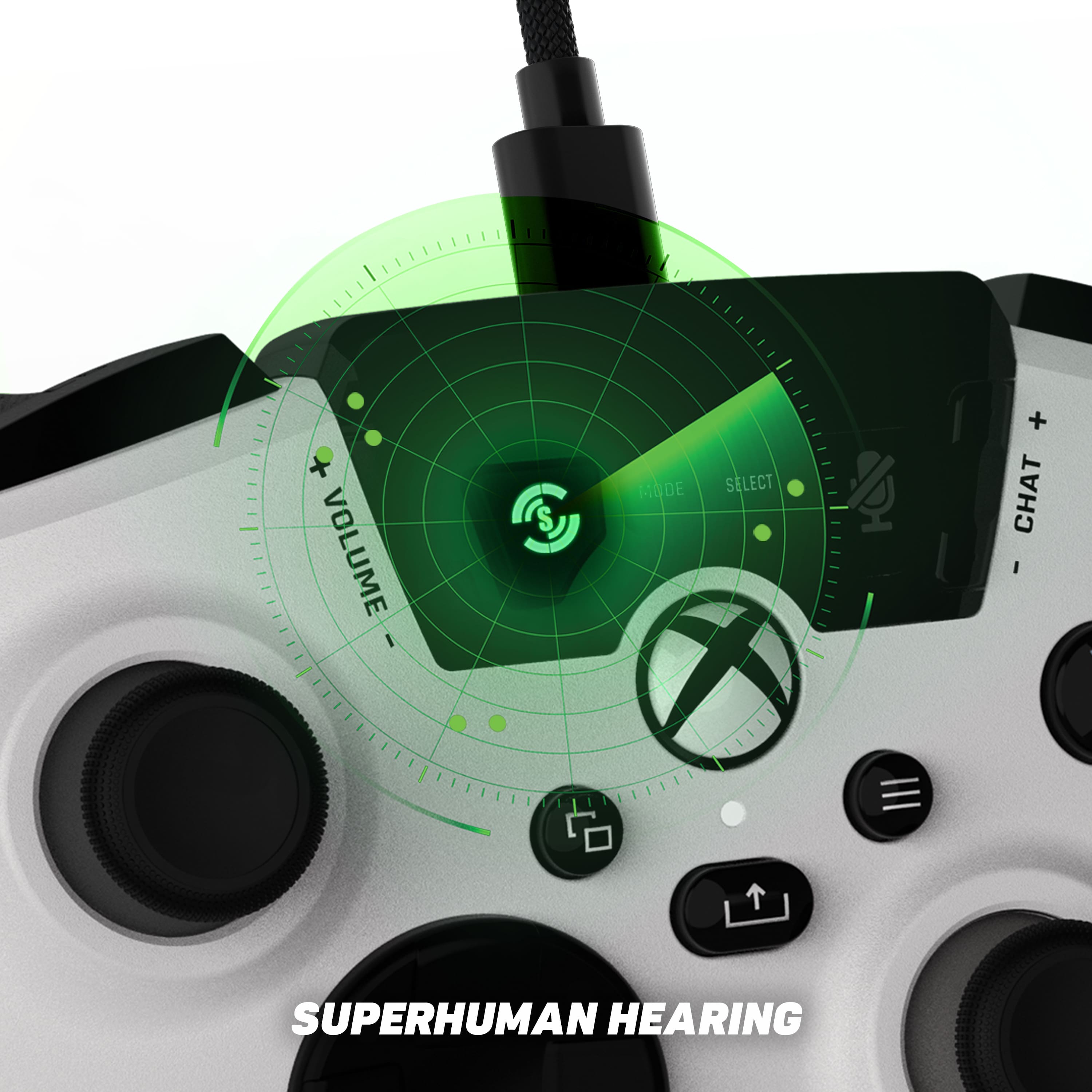
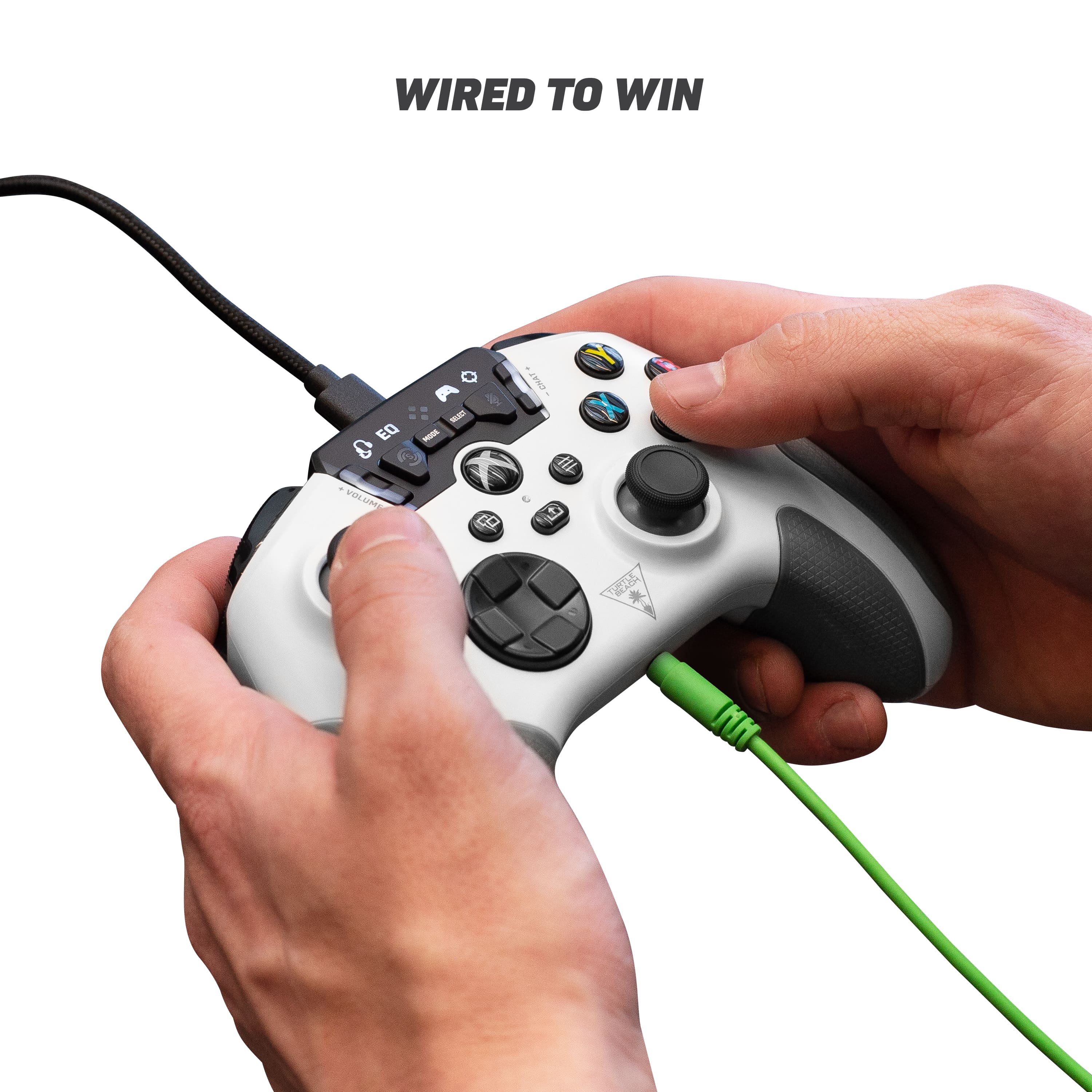
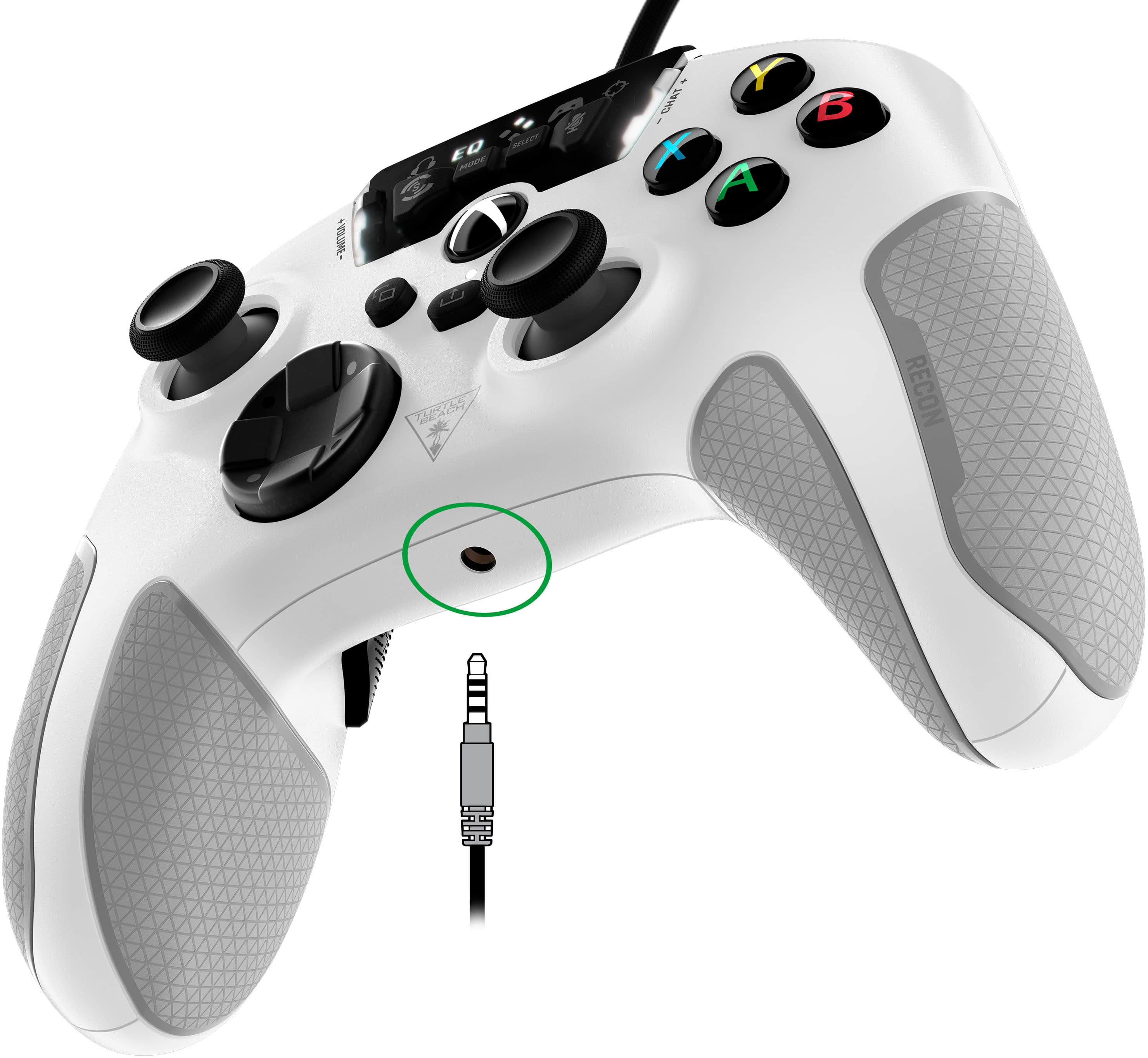
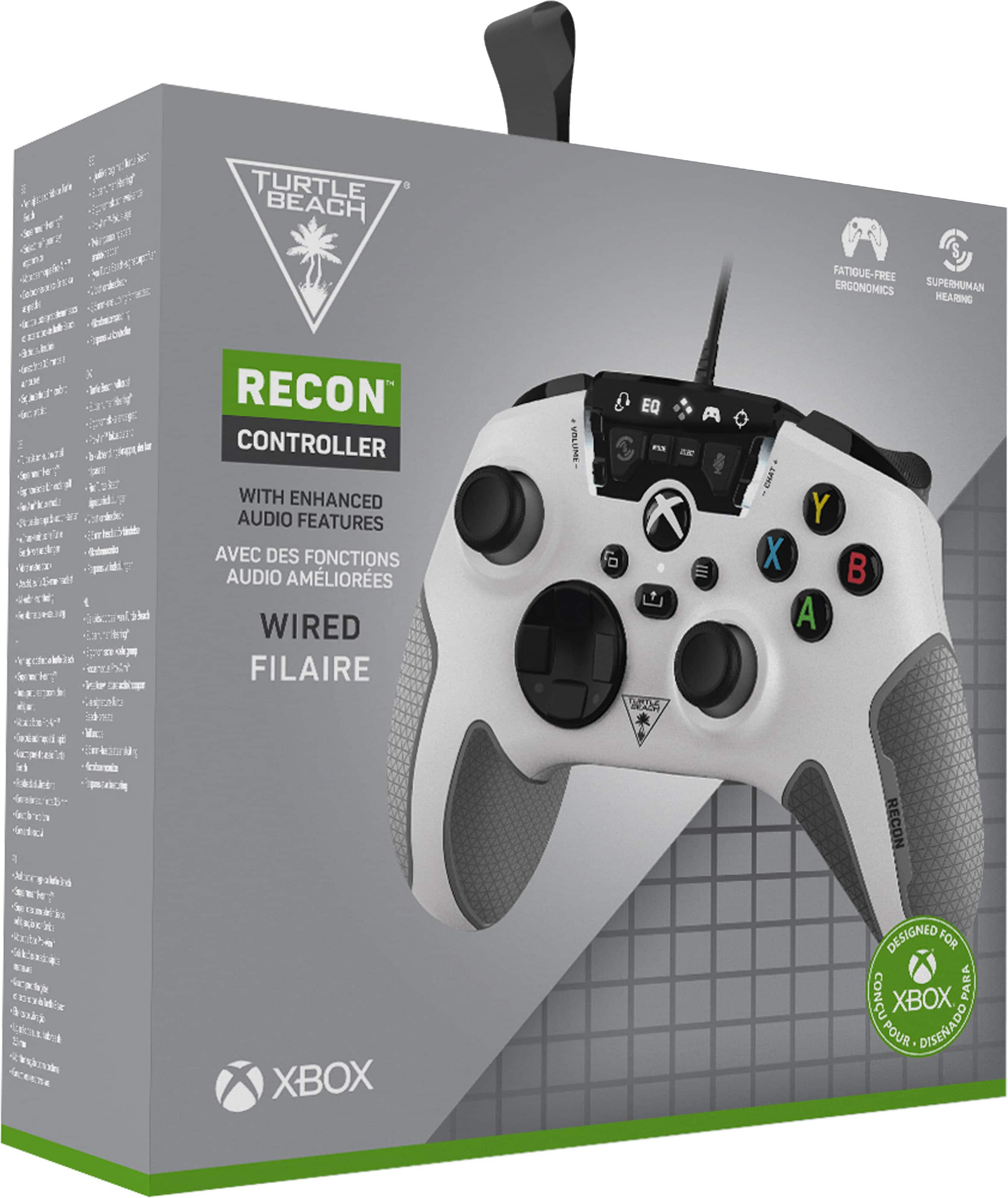
The Turtle Beach Recon Controller will work alongside any wireless headset, however, the audio features will only be available for 3.5mm headsets plugged directly into the controller.
If you have any other questions, please reach out directly to our dedicated Support Team so they can assist. They’re always happy to help and can be reached right from the support section of the Turtle Beach website.
Thank you and have a great day!
A:AnswerThanks for your inquiry!
The Turtle Beach Recon Controller does NOT have a built-in microphone.
If you have any other questions, please reach out directly to our dedicated Support Team so they can assist. They’re always happy to help and can be reached right from the support section of the Turtle Beach website.
Thank you and have a great day!
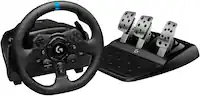
A:AnswerI’m not sure about Mac book, you can still try plugging it up with the USB, and Yes it works for driving games, I played the crew, NFS, and for a horizon